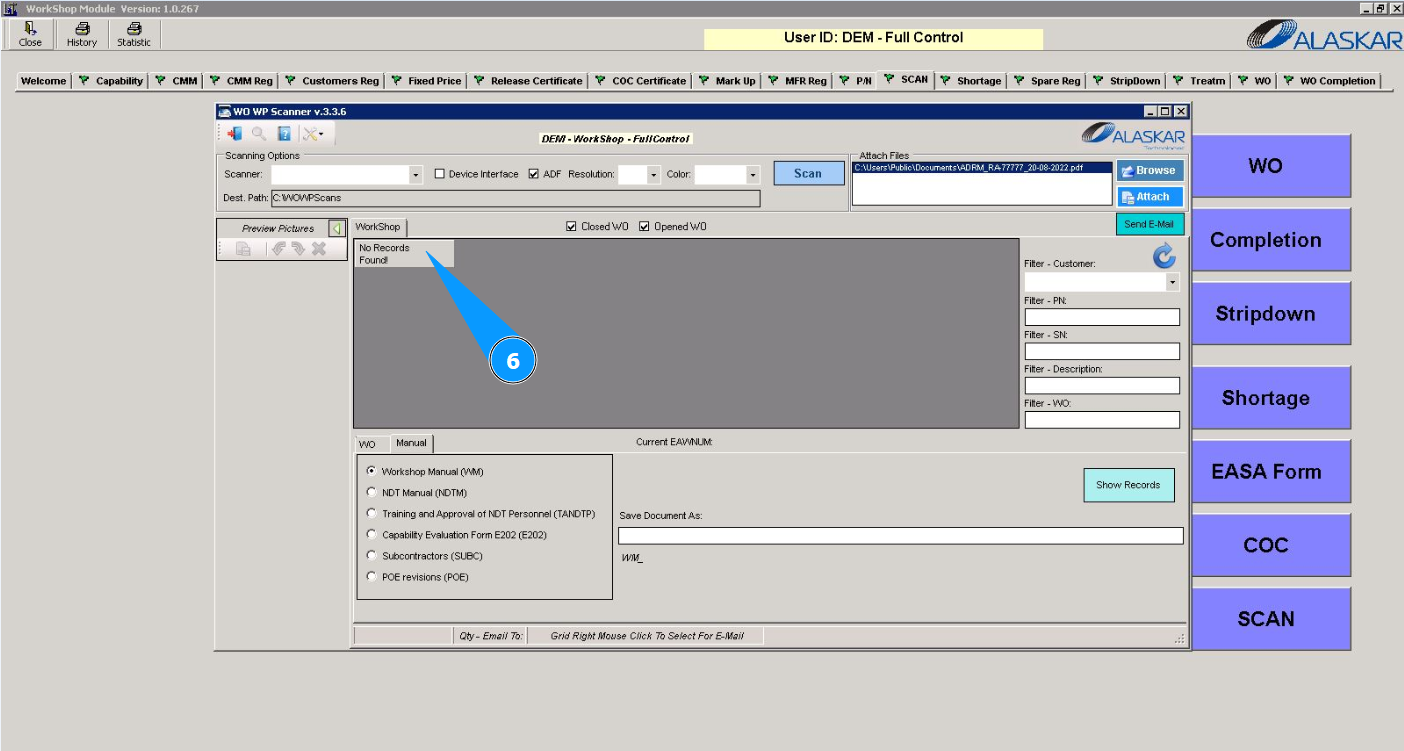
How to scan documents
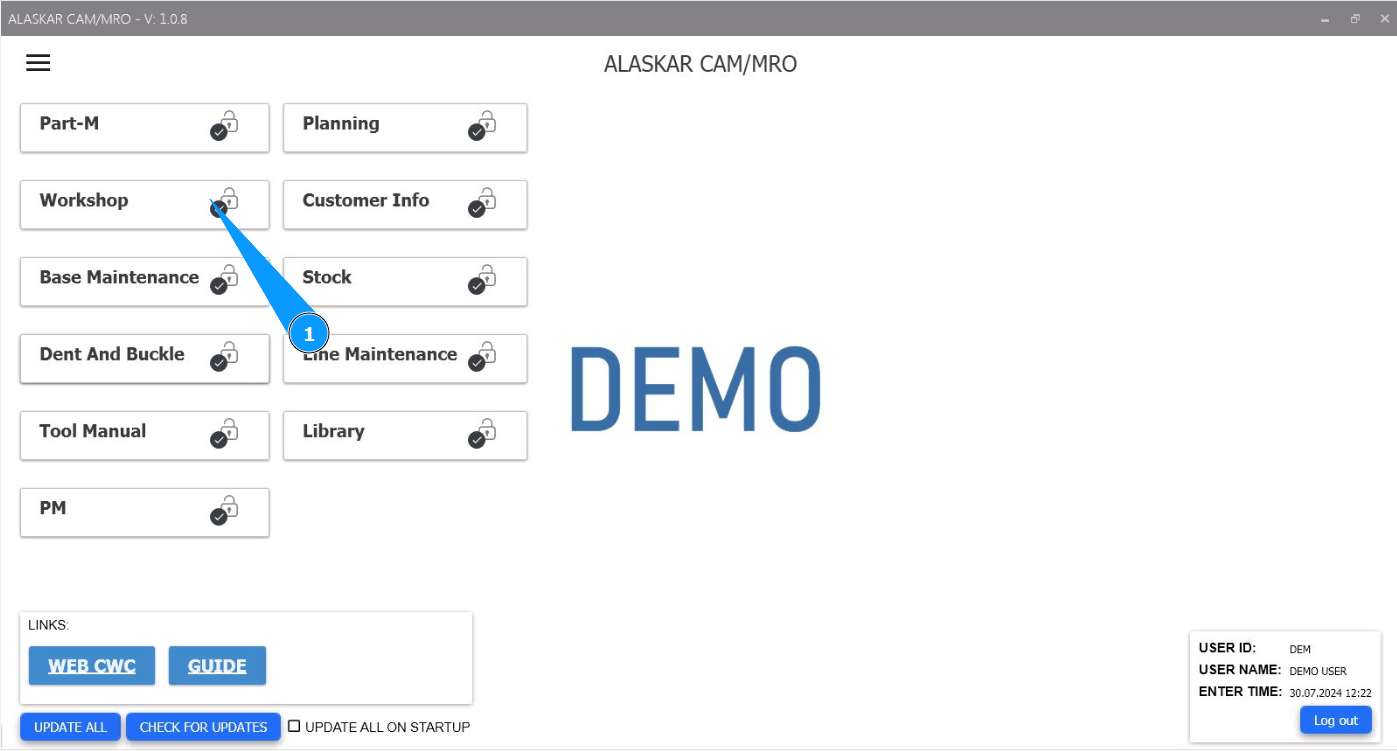
1. In order to scan documents, go to the module "Workshop".
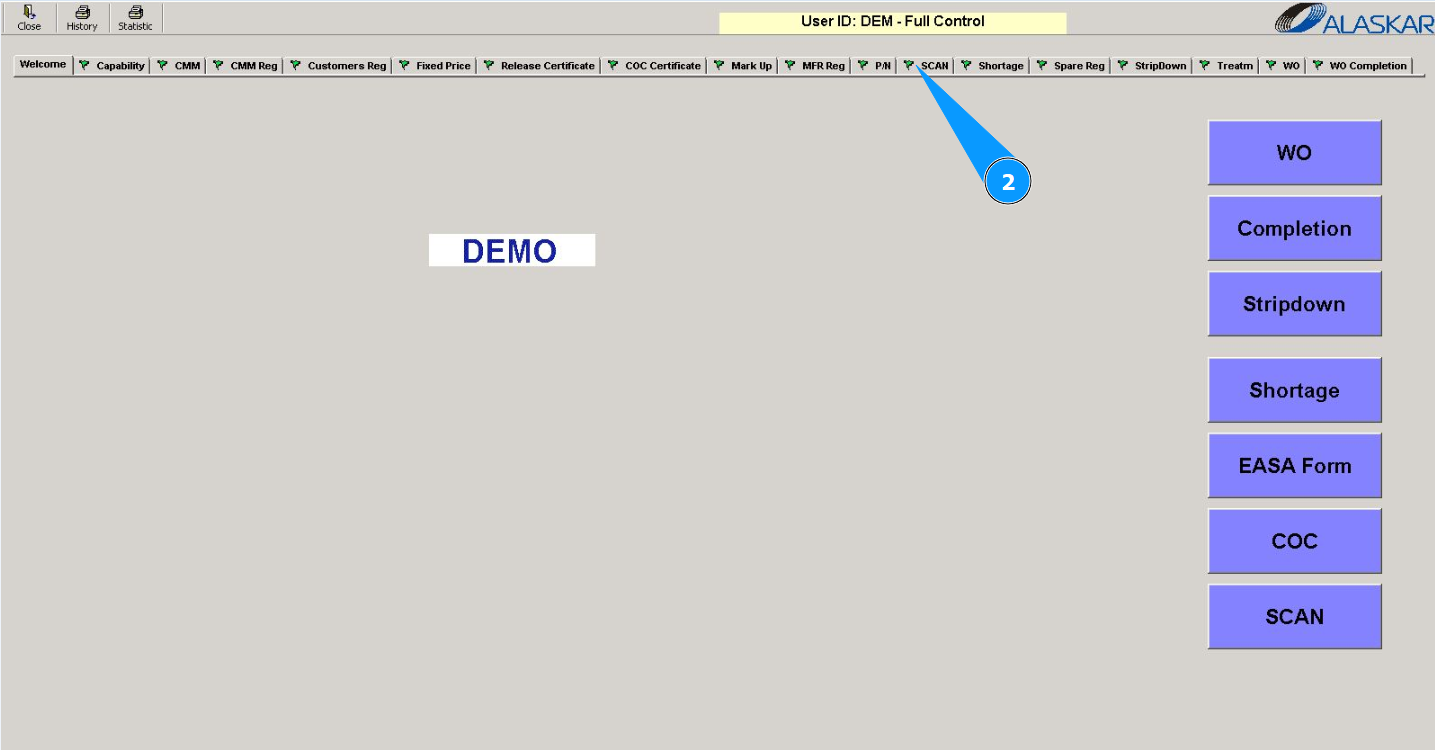
2. Then go to the tab "Scan".
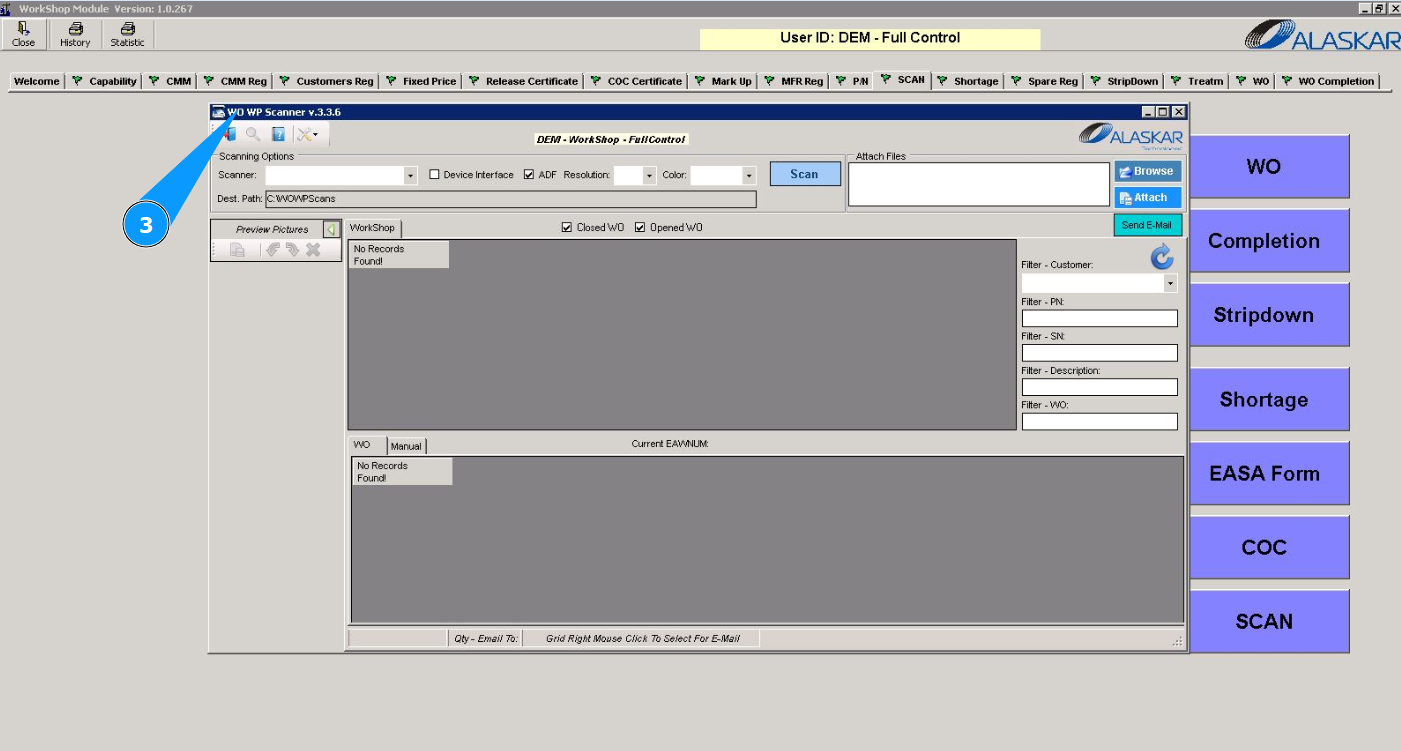
Note: Scanning documents is possible from the tab "Scan" or when entering the submodule "Scan".
3. Make sure that the scan editor is open and accessible in the window "WO WP Scanner".
4. Select a scanner from the dropdown list in the field "Scanner".
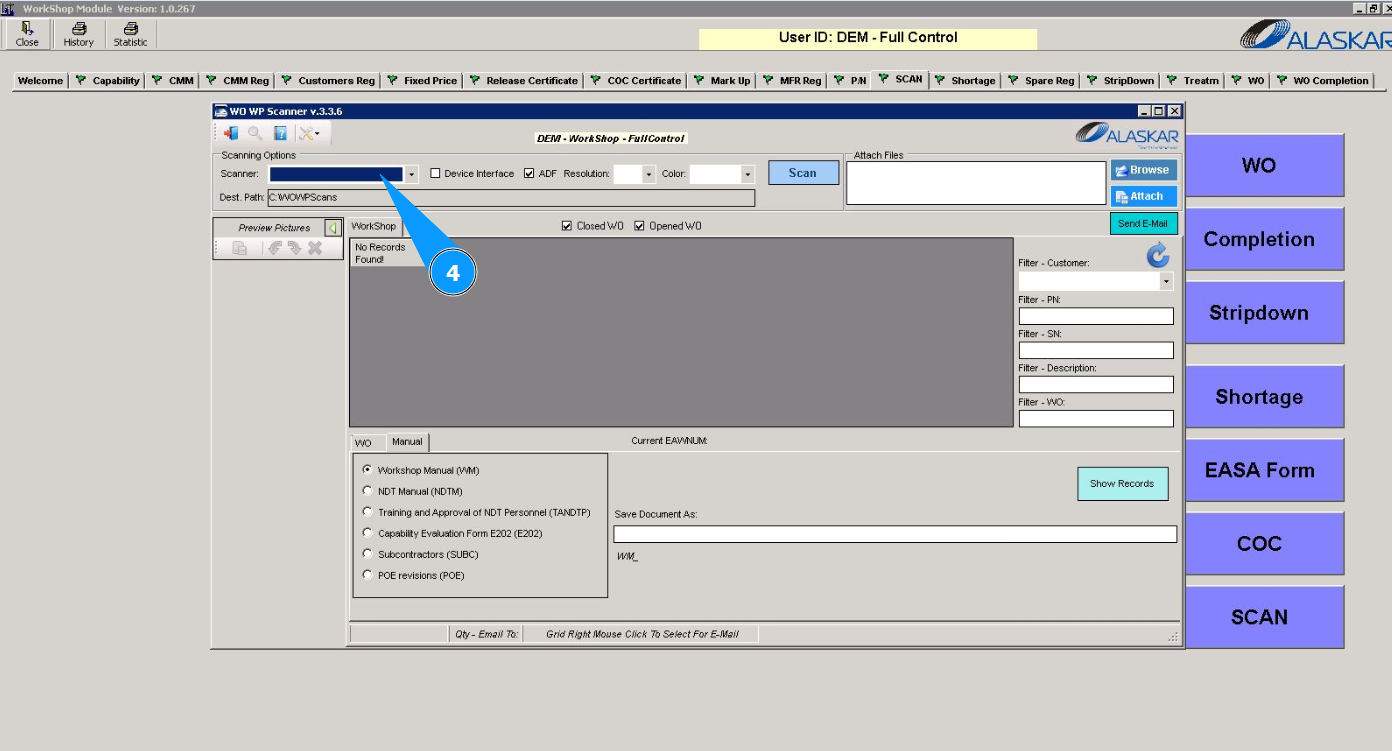
Attention: To configure the scanning module with your scan equipment, contact the Alaskar admin.
5. Click on the button "Scan" to scan the document.
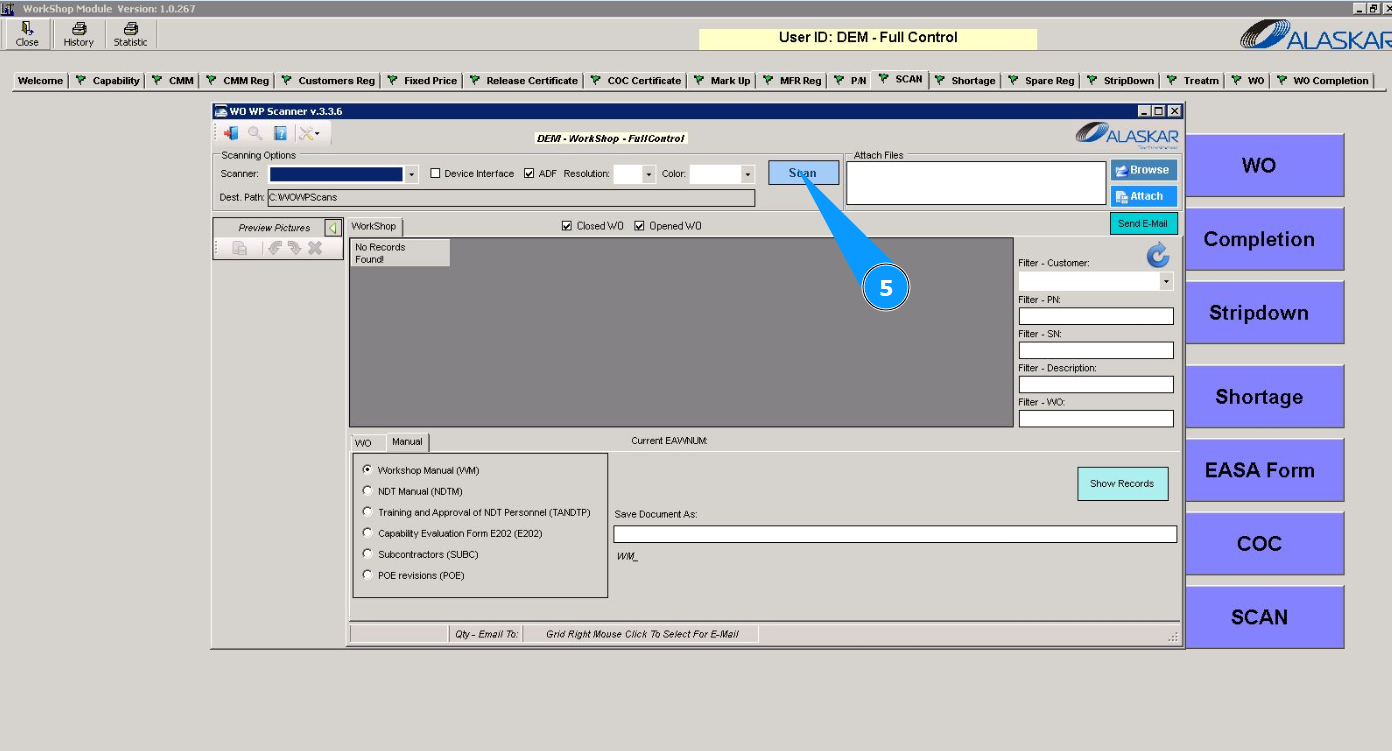
6. Make sure that the scanned document is displayed in the window "Workshop".