How to update a tool card
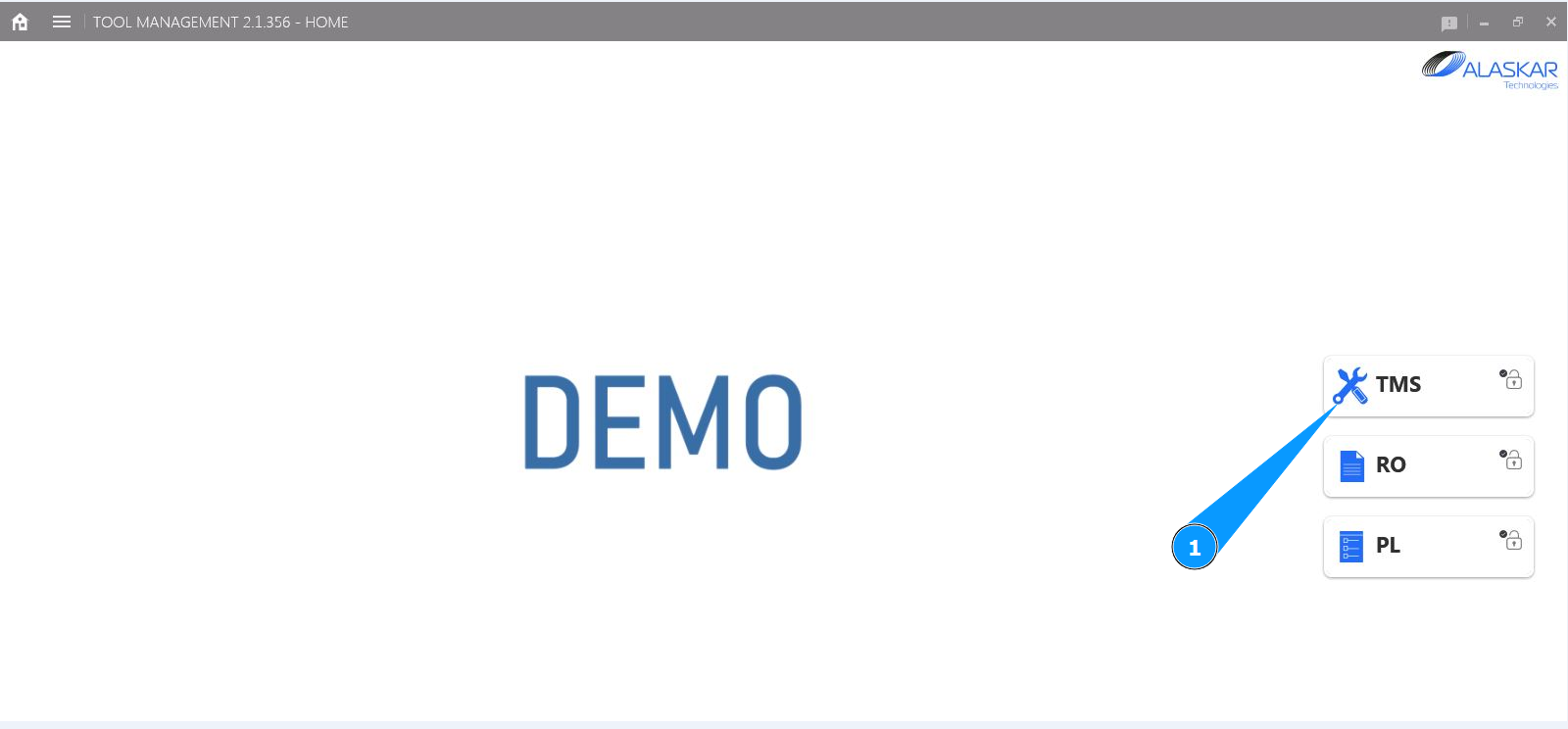
1. In order to update a tool card, go to the submodule "TMS".
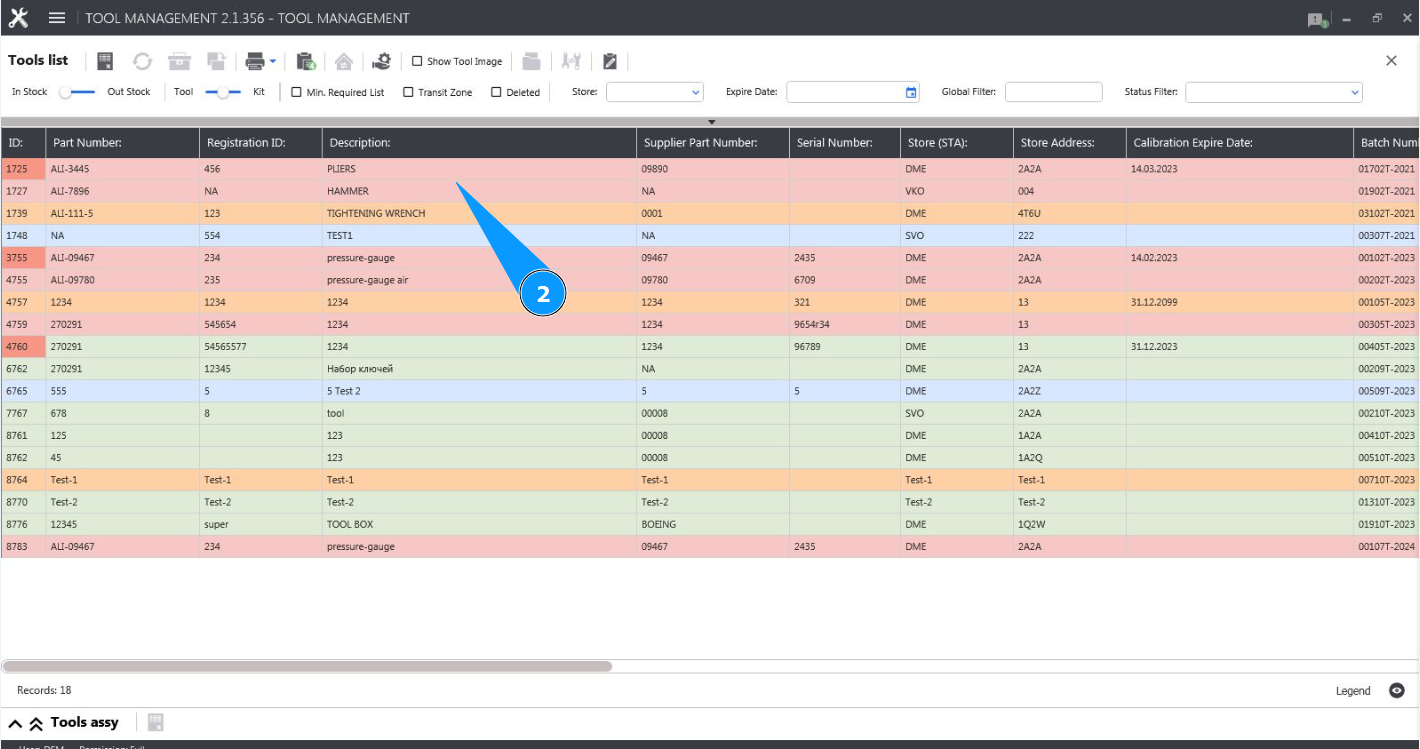
2. Select the required line with the tool in the window and click on it in the window "Tool List".
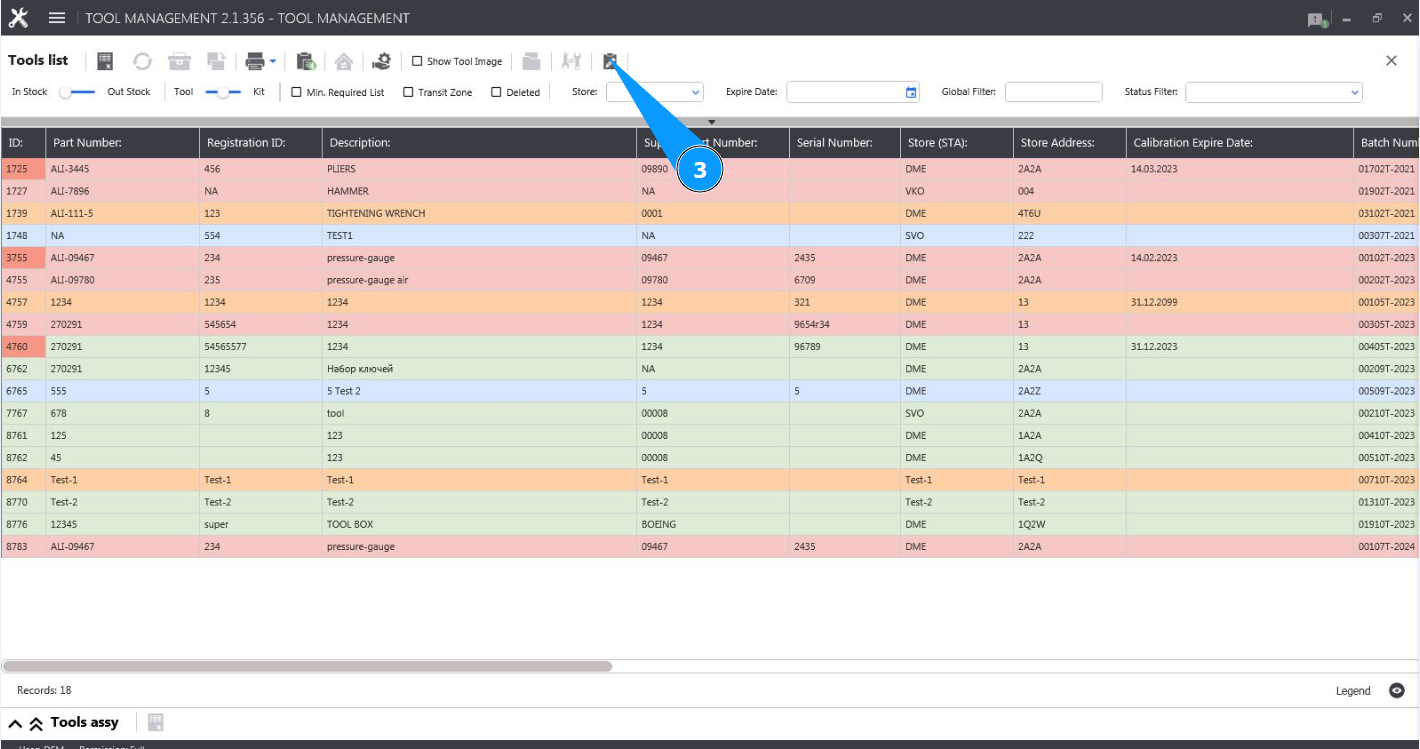
3. Click on the button "Show Editor" to open the tool editor.
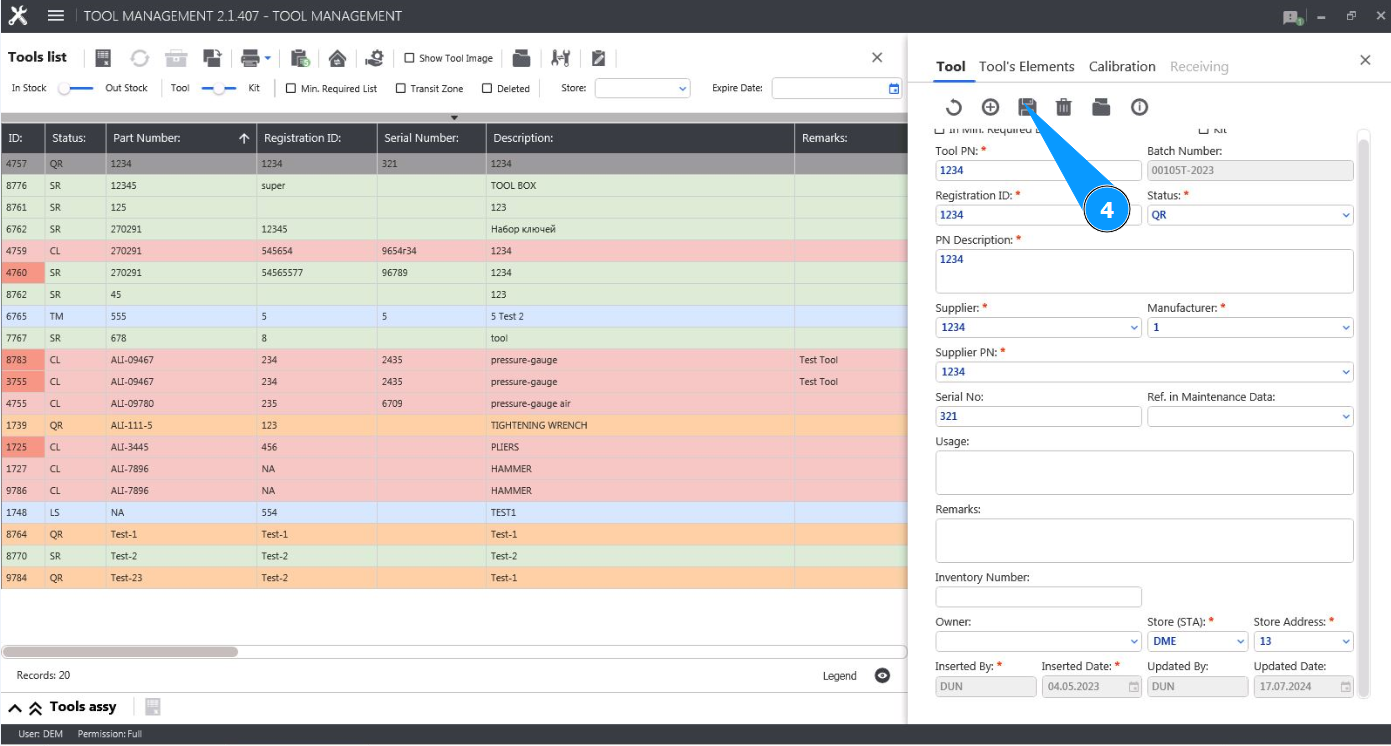
4. Make the necessary changes to the tool card and click on the button "Update".
5. Click on the button "Yes" to confirm updating the data in the tool card.

6. Check that the necessary changes have been successfully made in the window "Attachment List".
