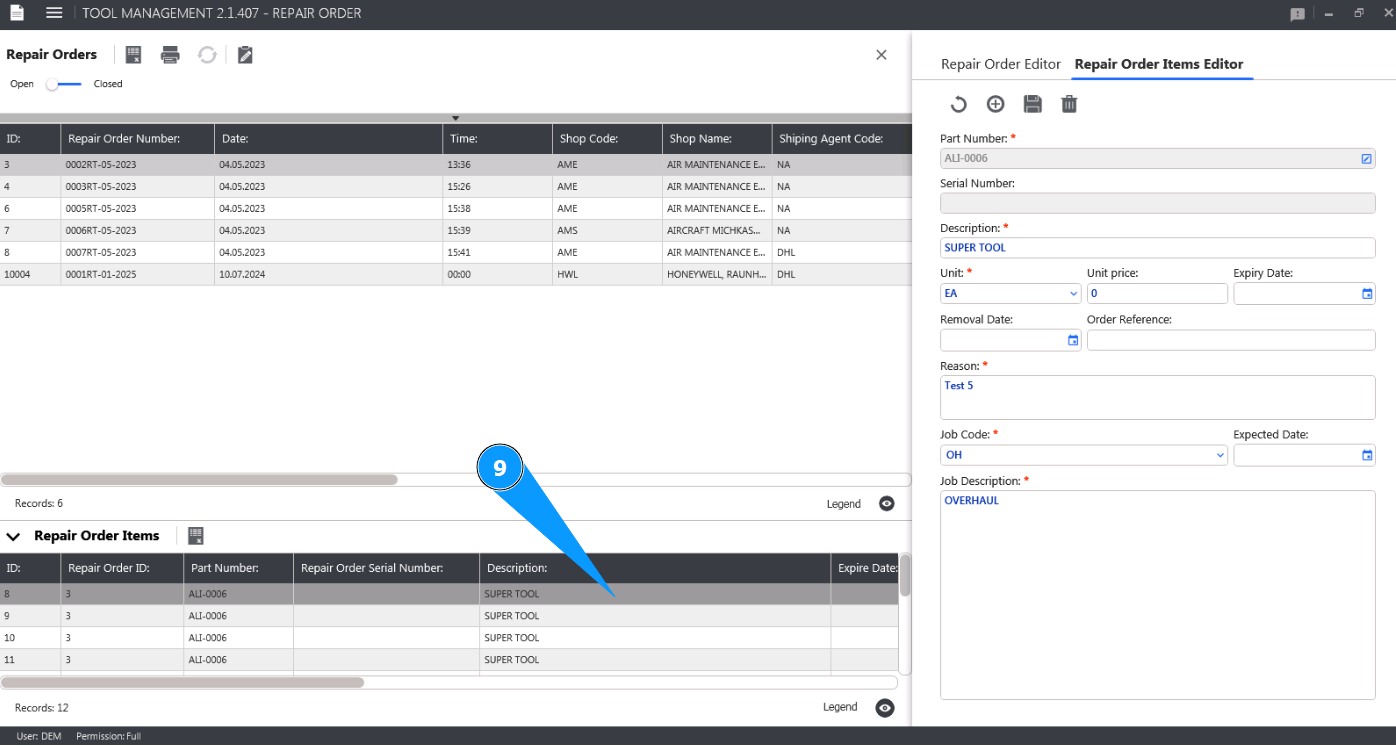
How to update tool item in Repair order
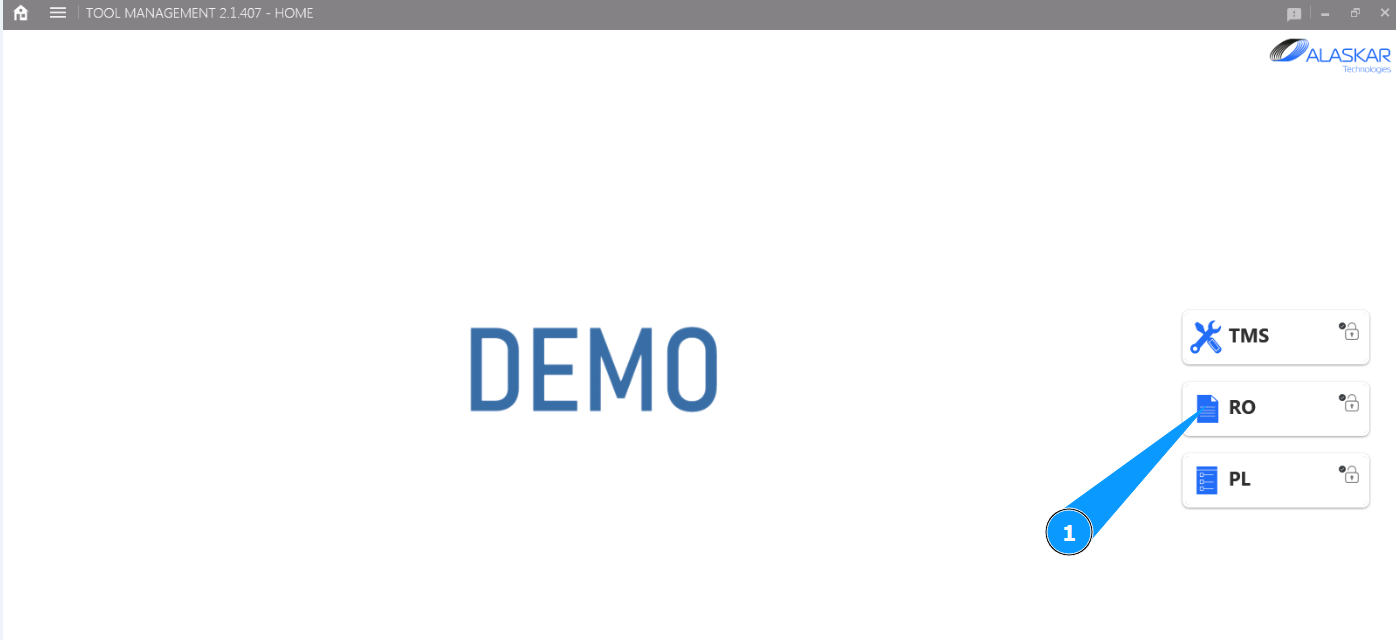
1. In order to update the tool item in Repair order, go to the submodule "RO".
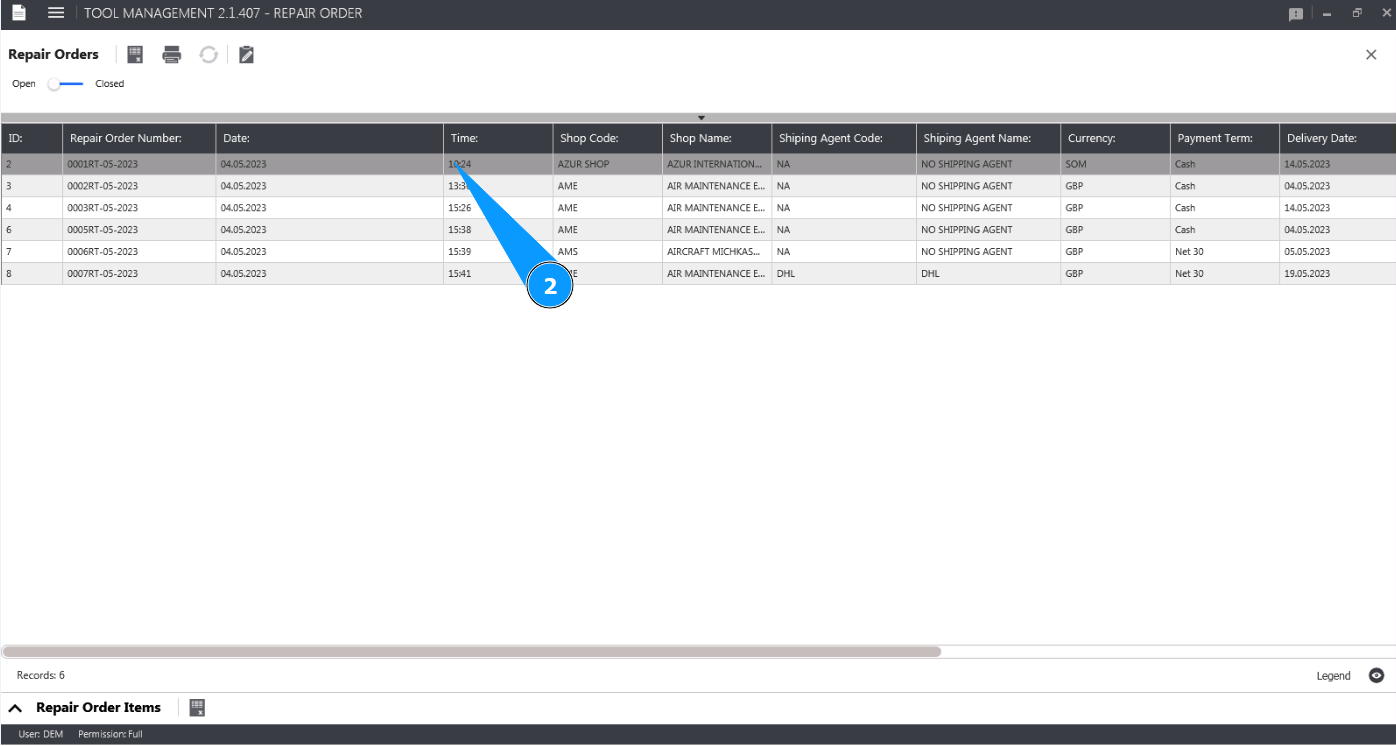
2. Select the Repair order you want to update item from the list, click on the corresponding line in the window "Repair Orders".
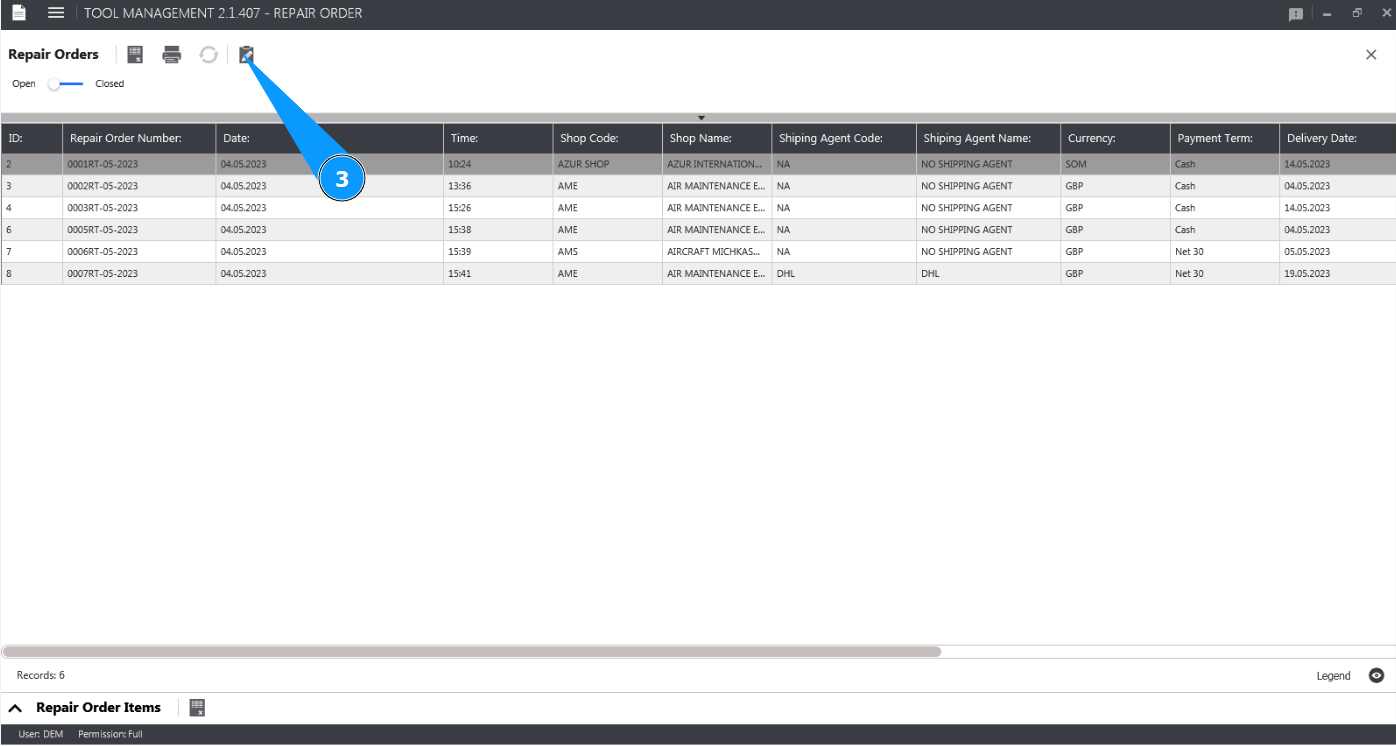
3. Click on the button "Show Editor" to open the Repair order editor.
4. Check that the window "Repair Order Editor" opens.
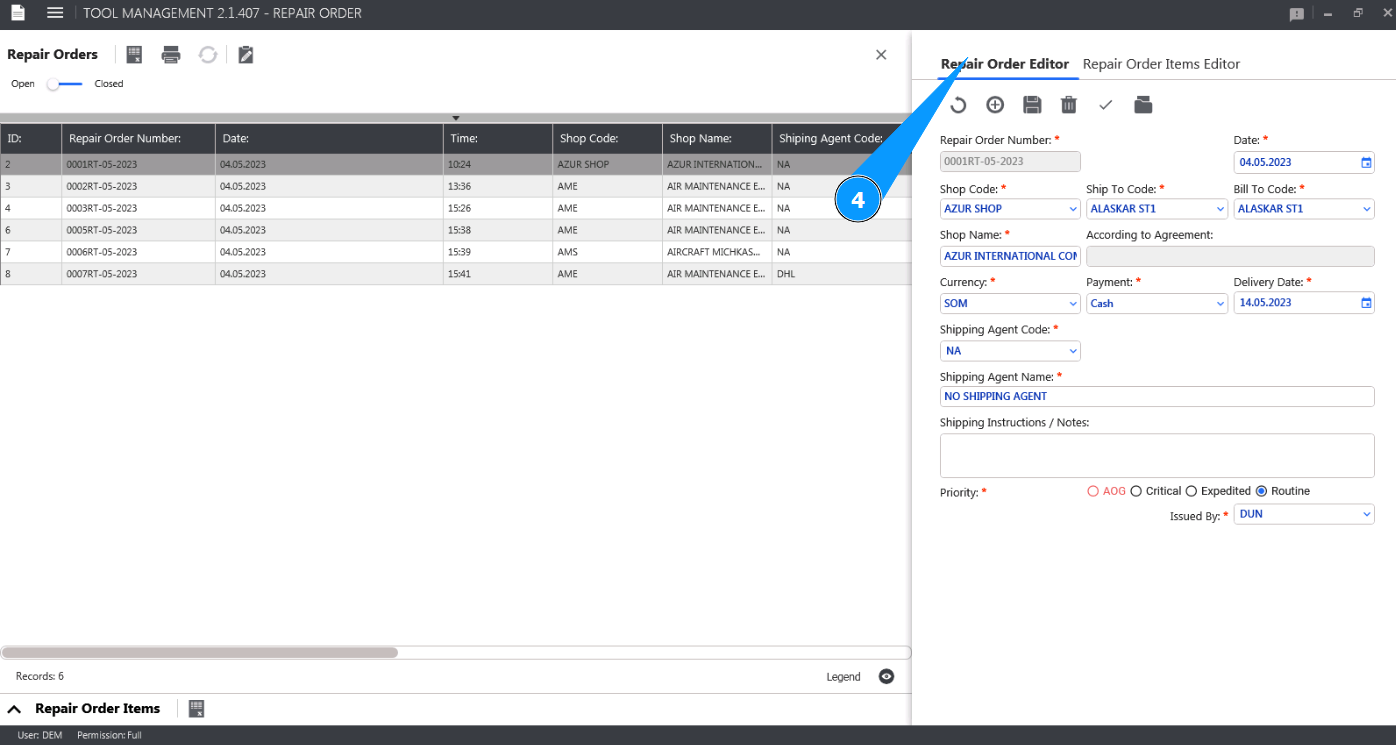
5. Go to the tab "Repair Order Items Editor".
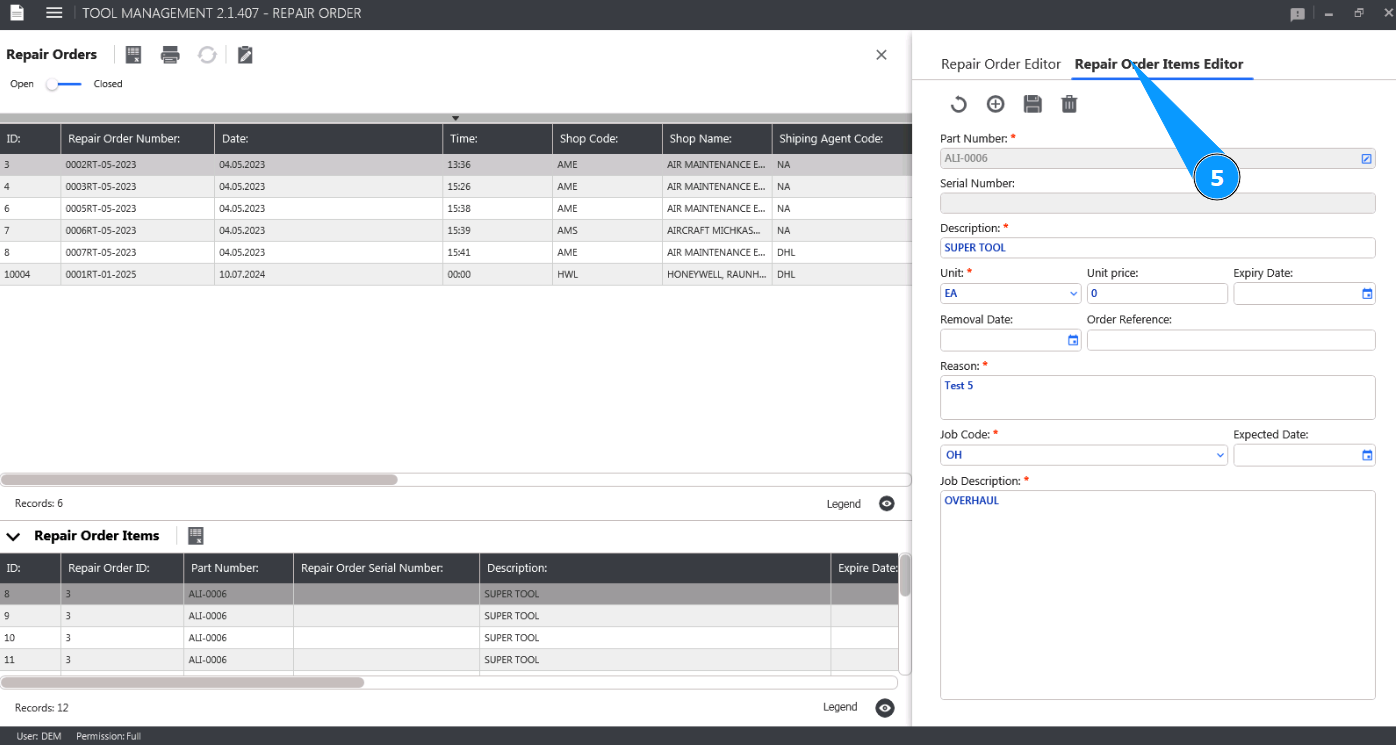
6. Make the necessary changes to the Repair order item in the window "Repair Order Items Editor".
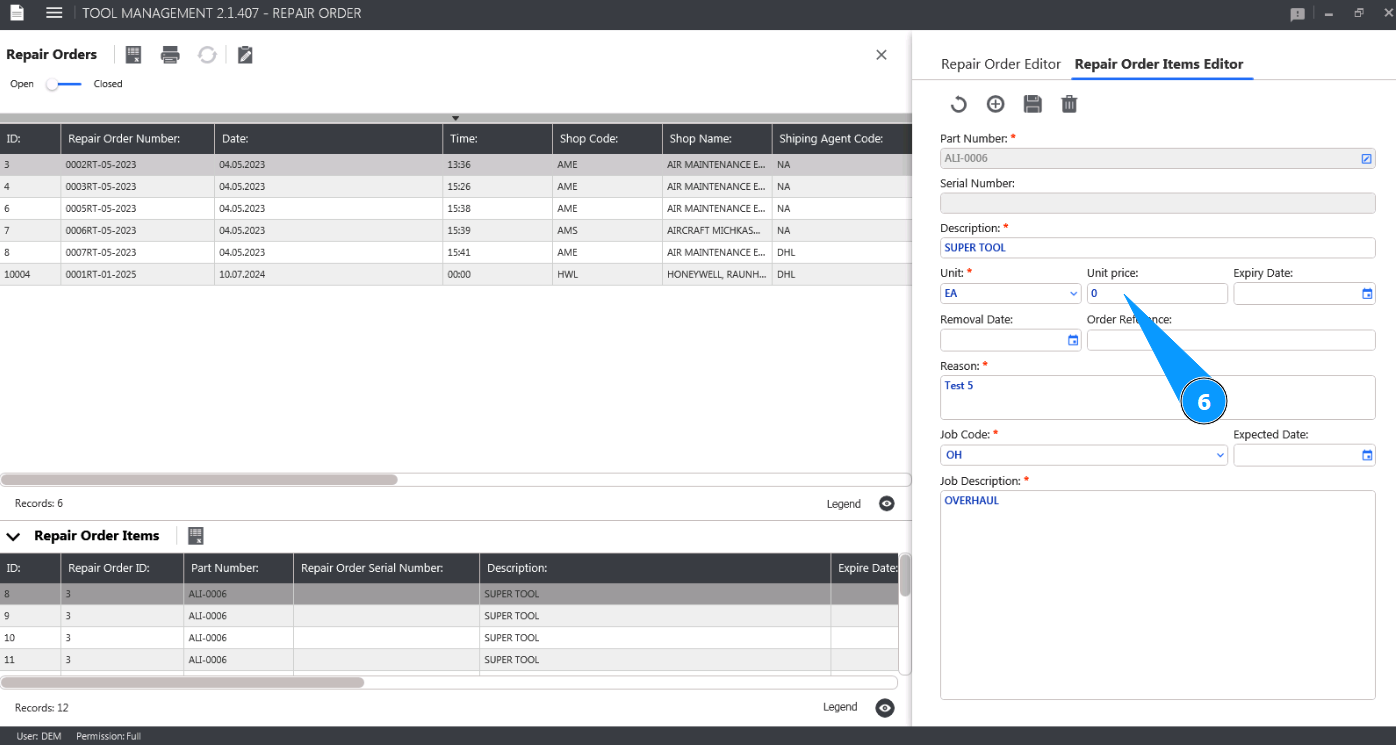
7. Click on the button "Update" to upload the corrected item to the Alaskar.
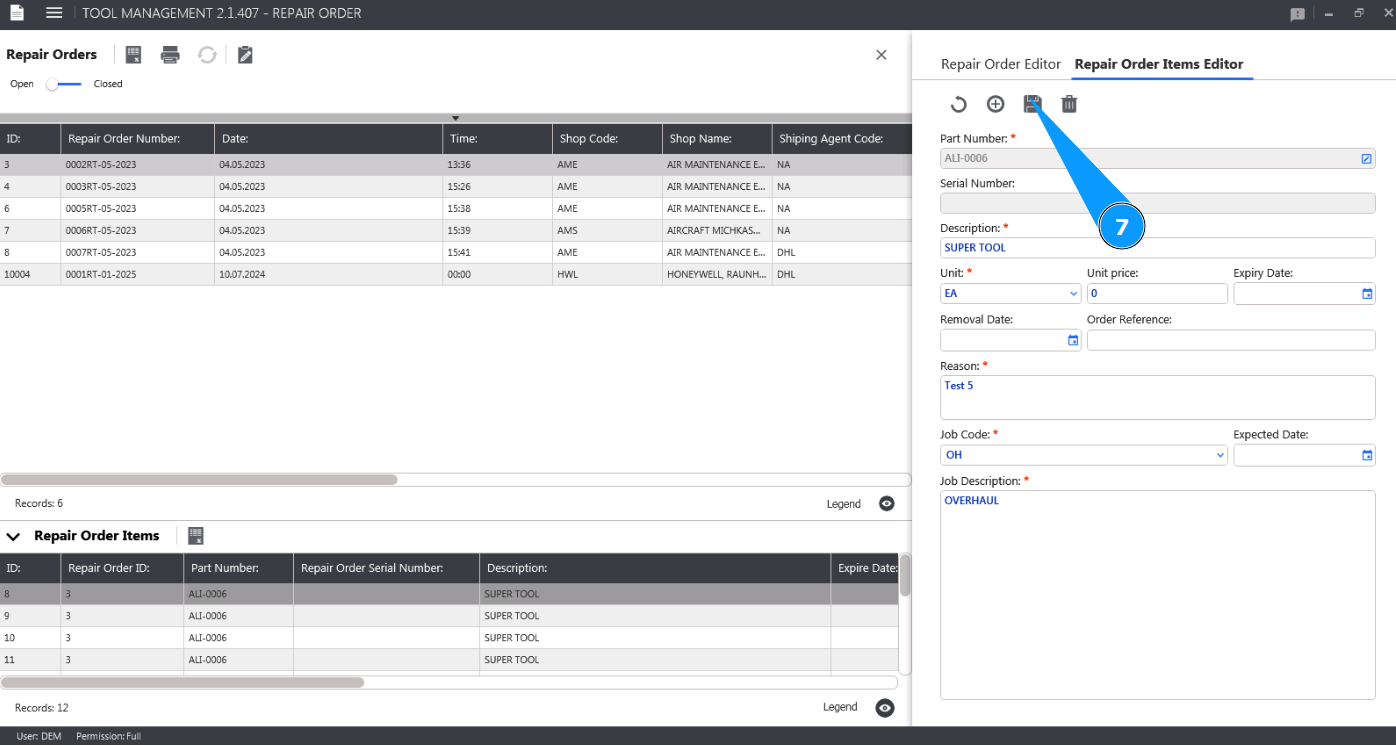
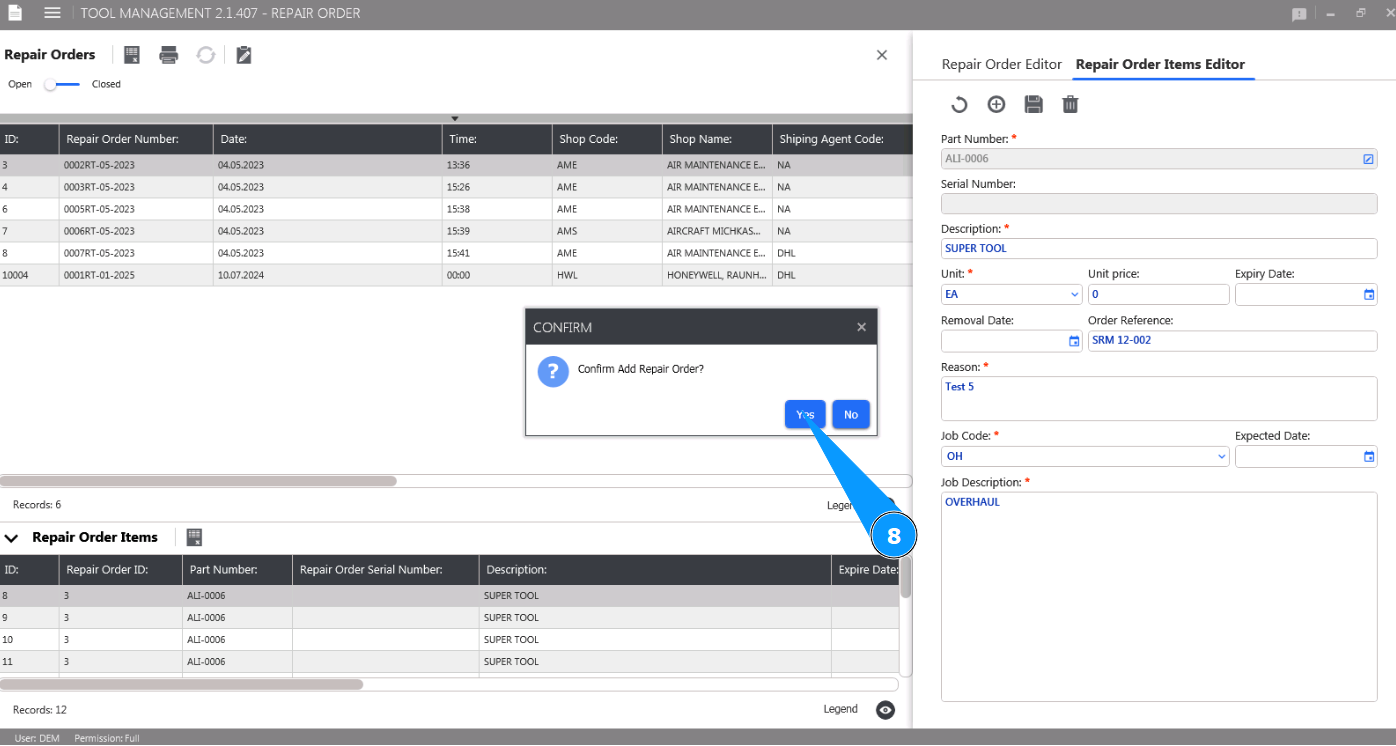
8. Click on the button "Yes" to confirm adding new data to the Repair Order item.
9. Check the change of tool item in the Repair Order item in the window "Repair Order Items".