How to download the entire list of tools in Excel
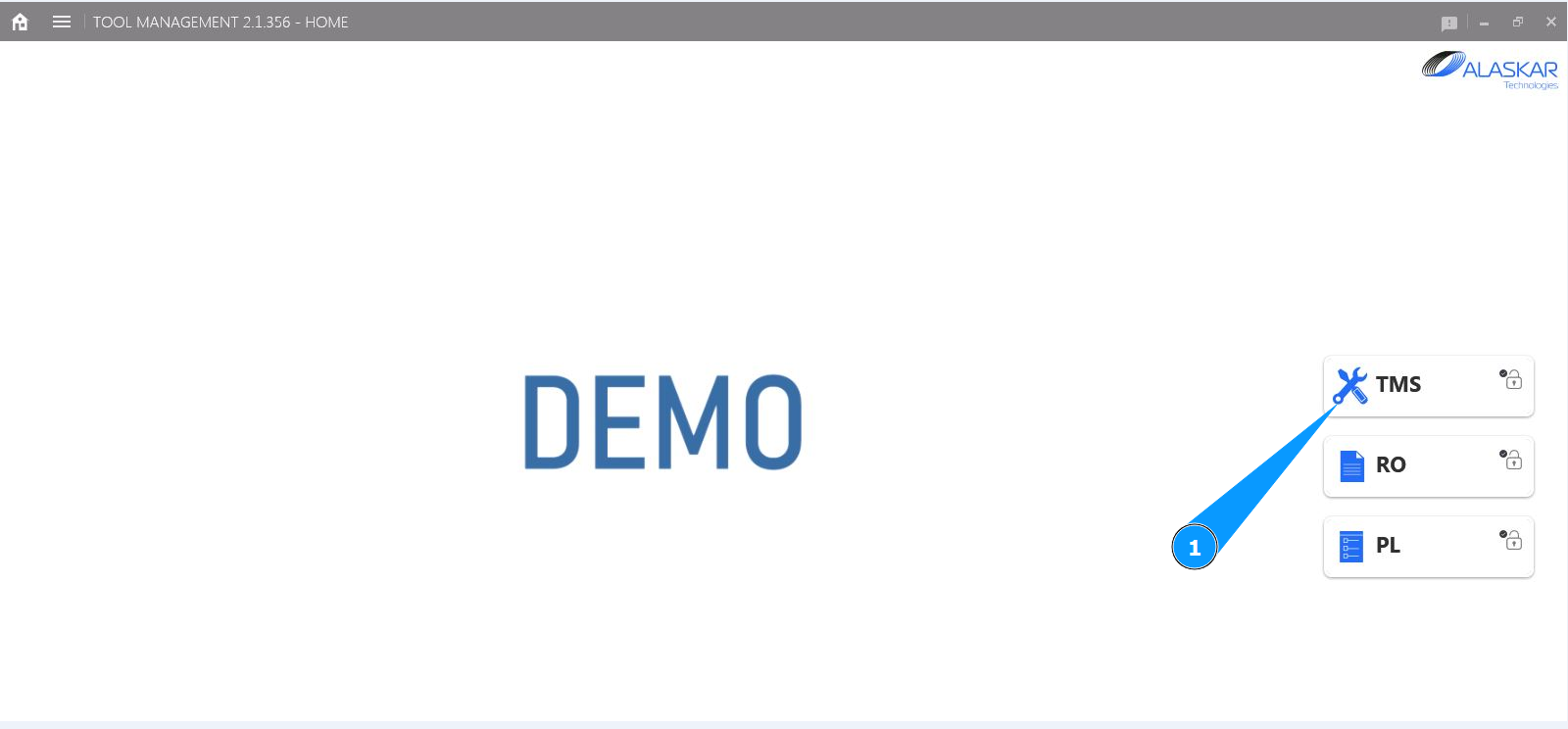
1. In order to download the entire list of tools in Excel, go to the submodule "TMS".
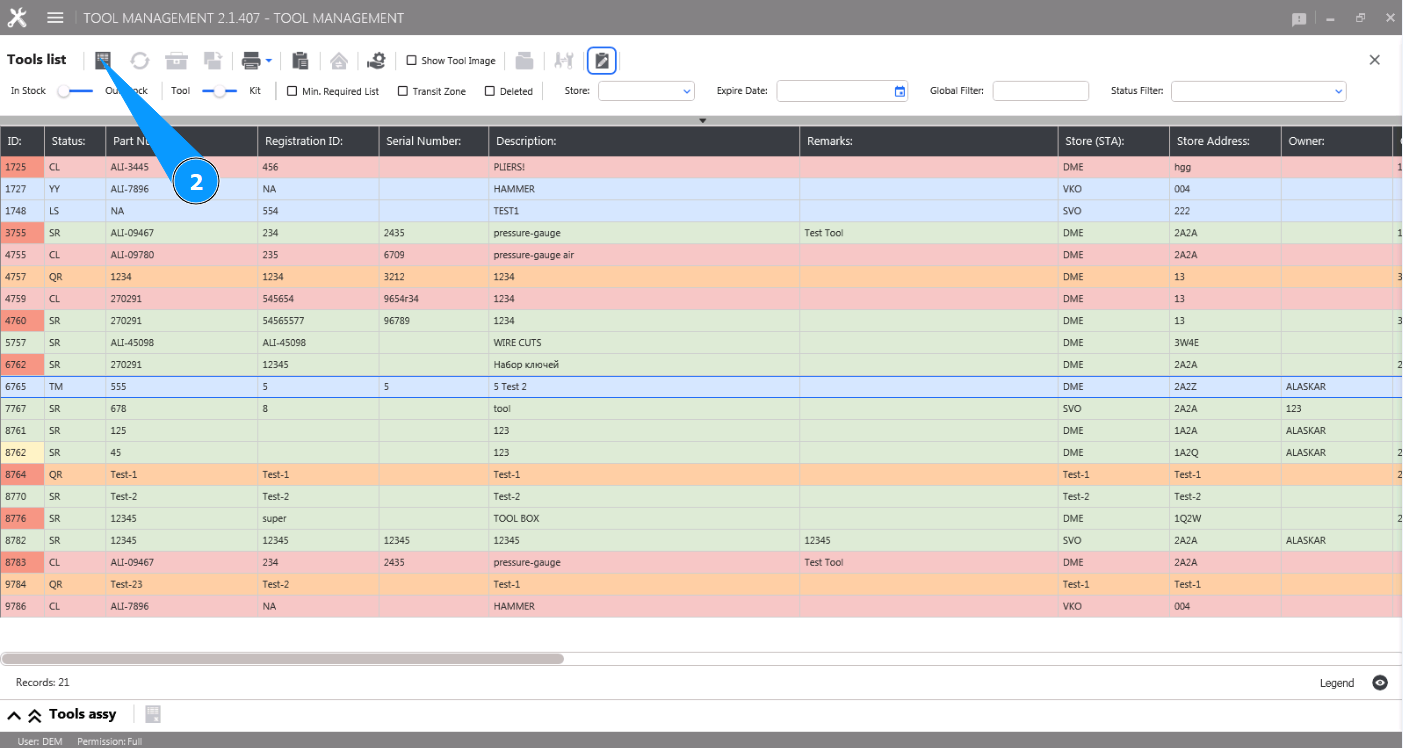
2. Click on the button "Excel" to generate the entire list of tools in Excel.
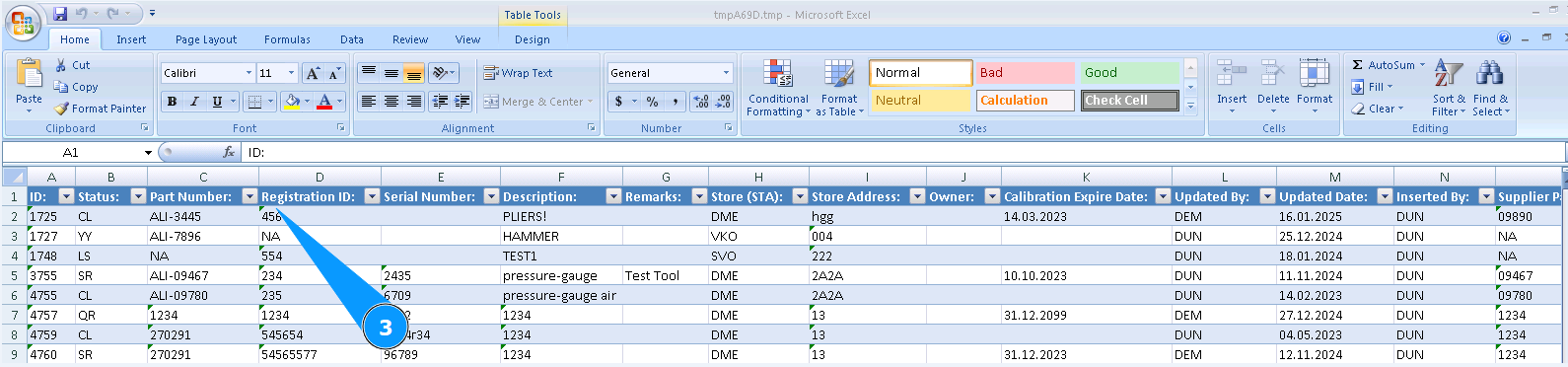
3. Check that the data is received in Excel format. Save it if necessary.