How to download all completed tool checks in Excel format
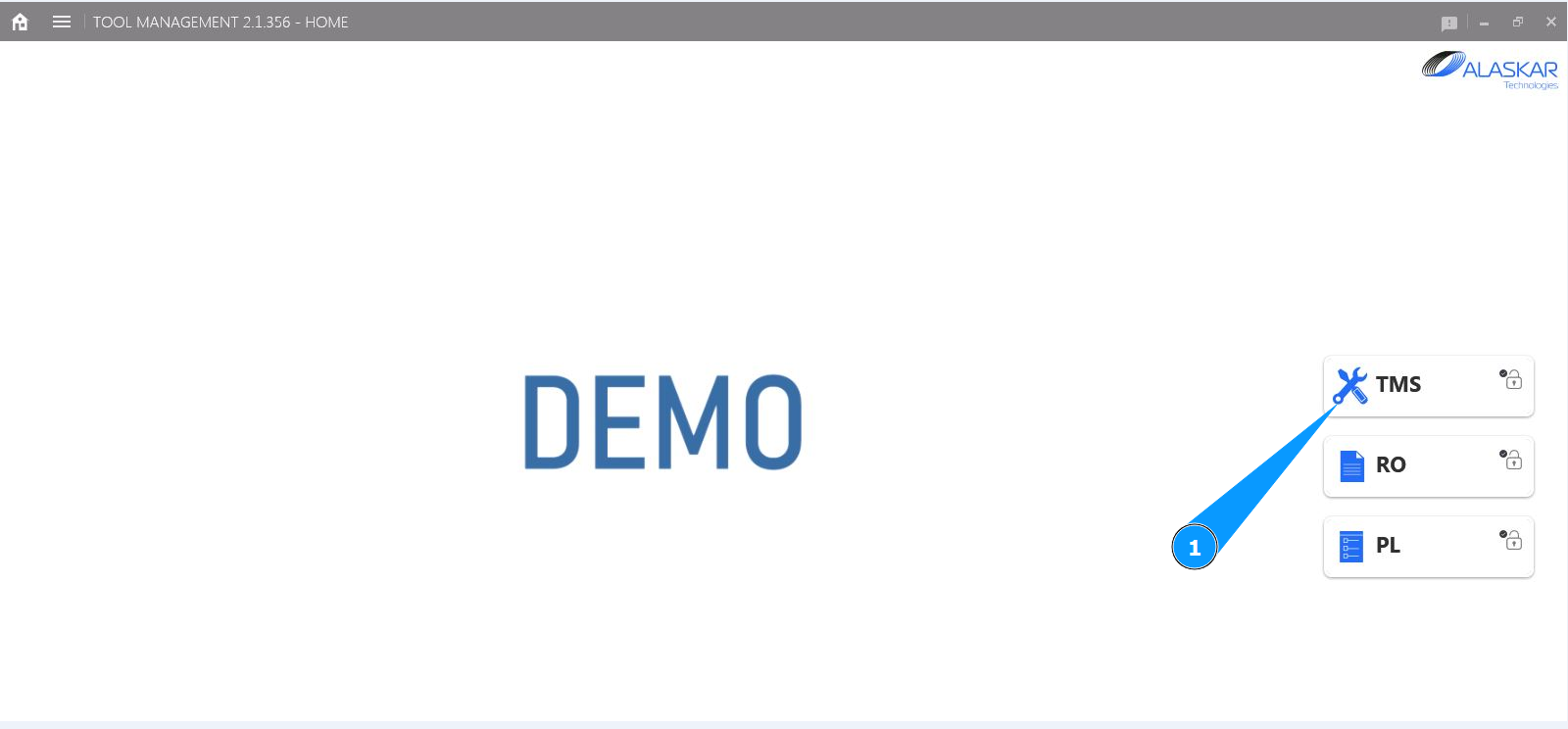
1. In order to download all completed tool checks in Excel format, go to the submodule "TMS".
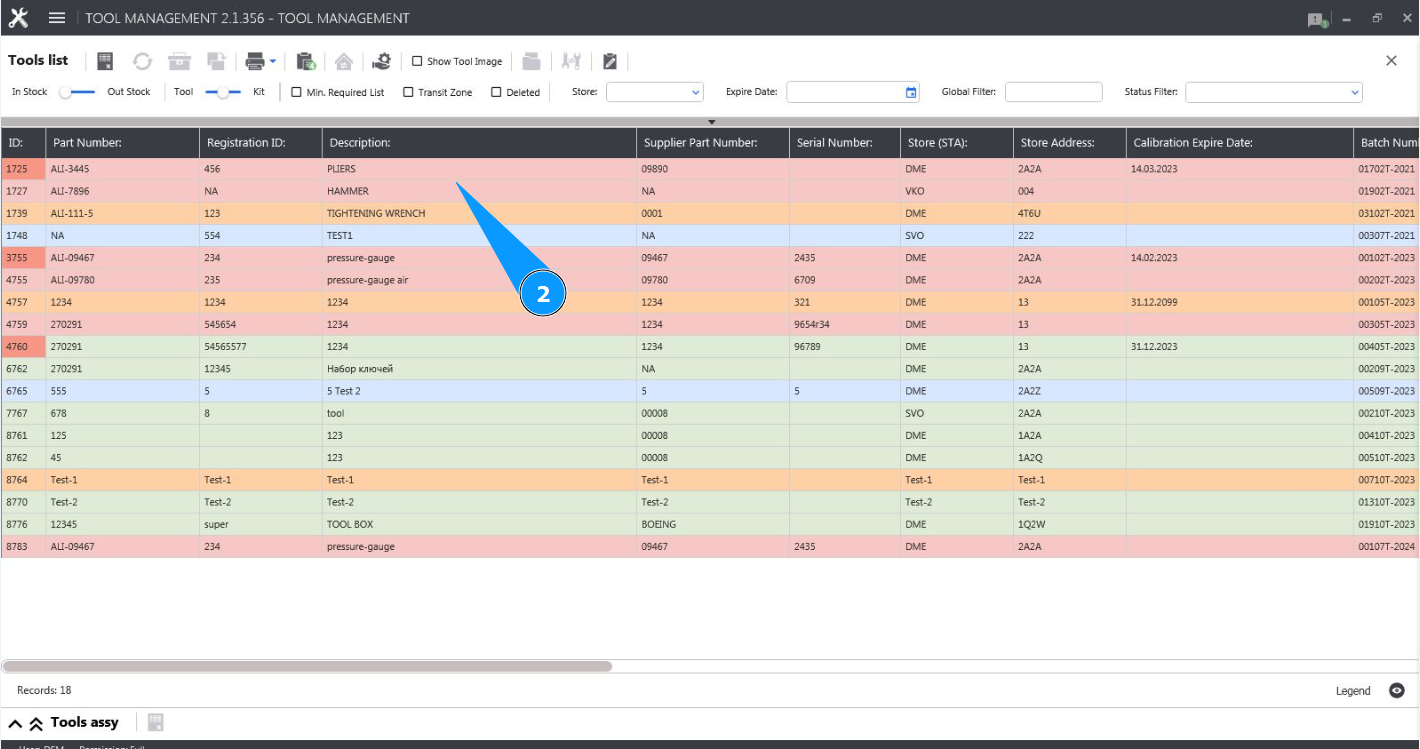
2. Select the required line with the tool and click on it in the window "Tool List".
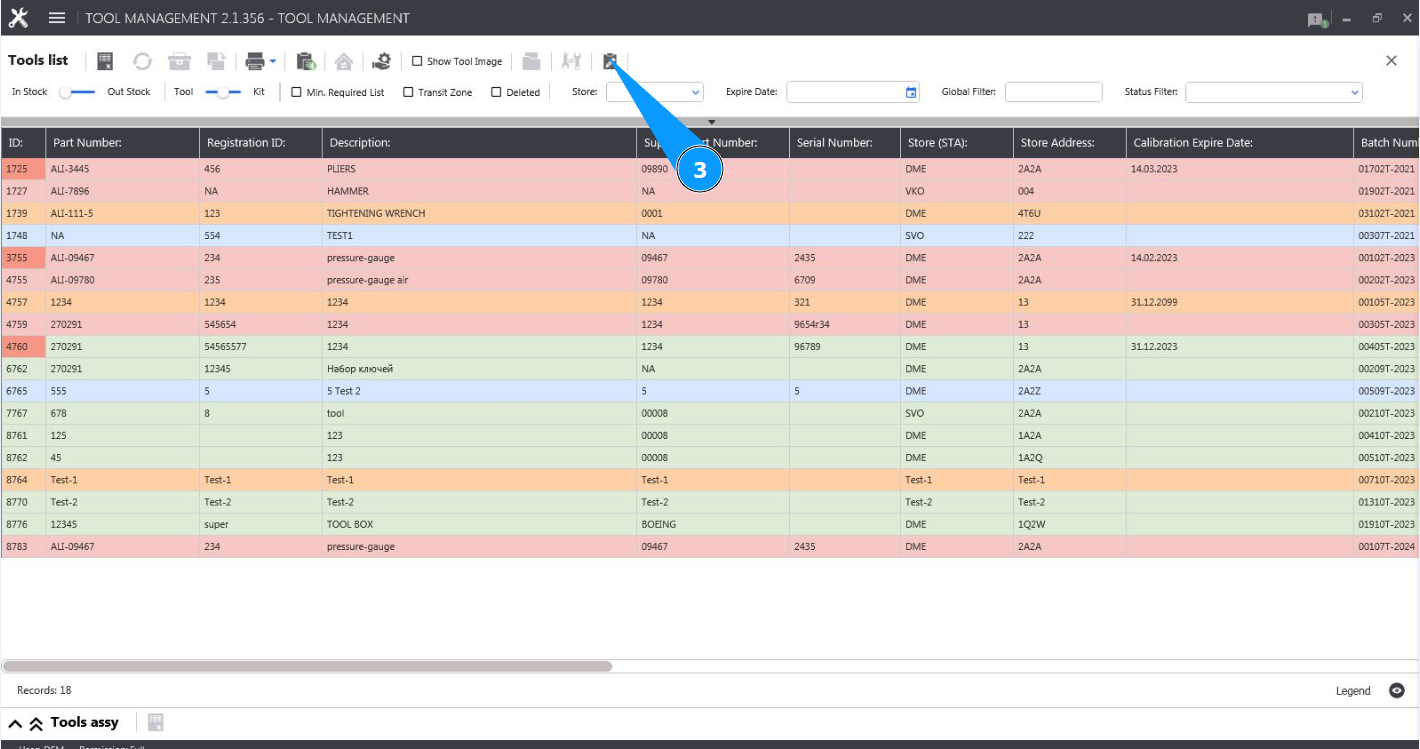
3. Click on the button "Show Editor" to open the tool editor.
4. Make sure the editor is open and accessible on the tab "Tool".
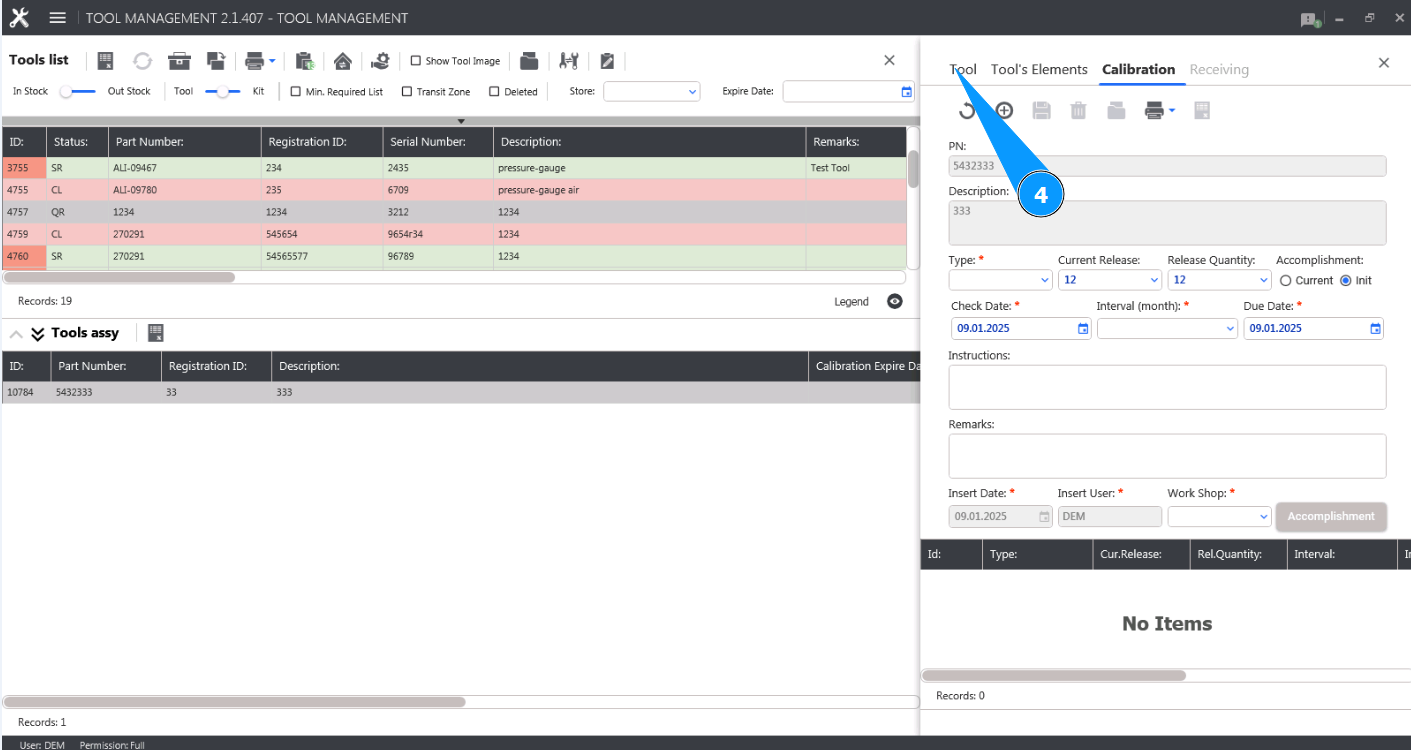
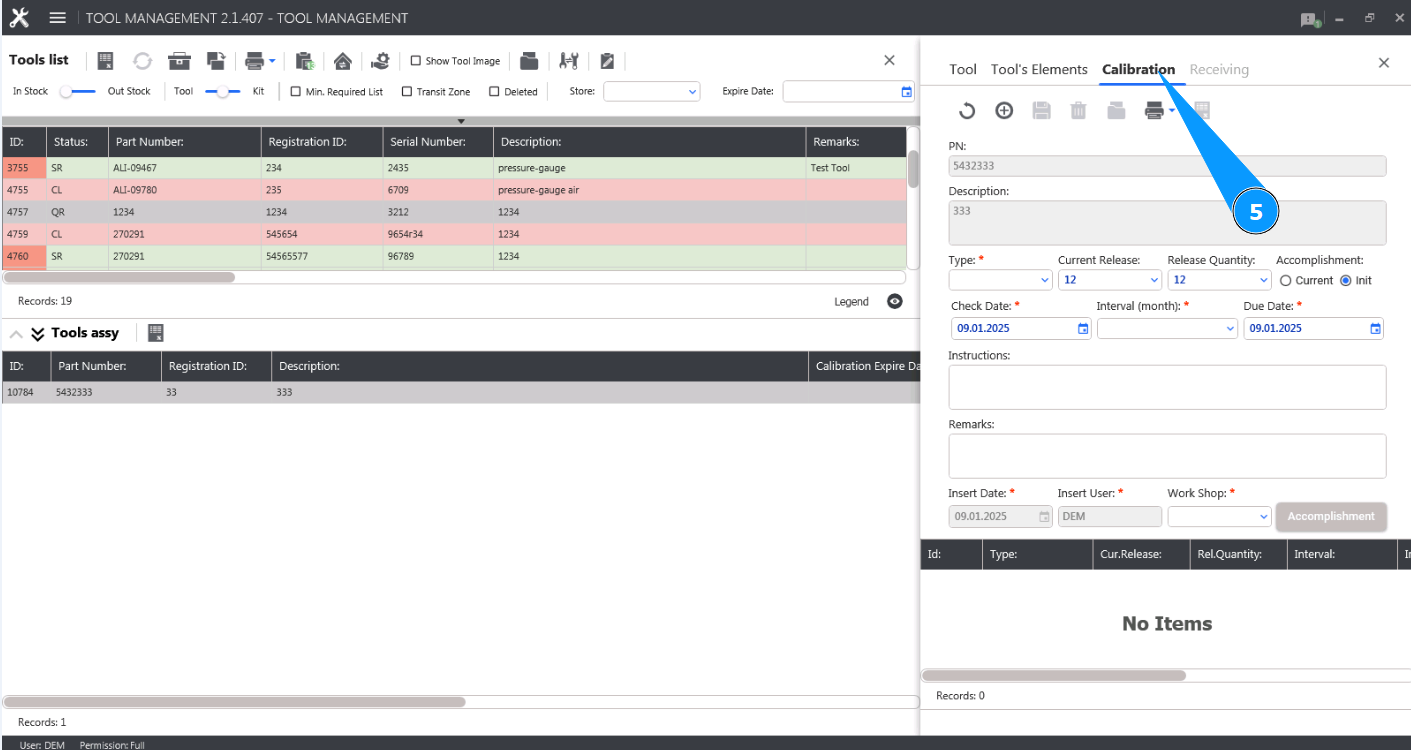
5. Go to on the button tab "Calibration".
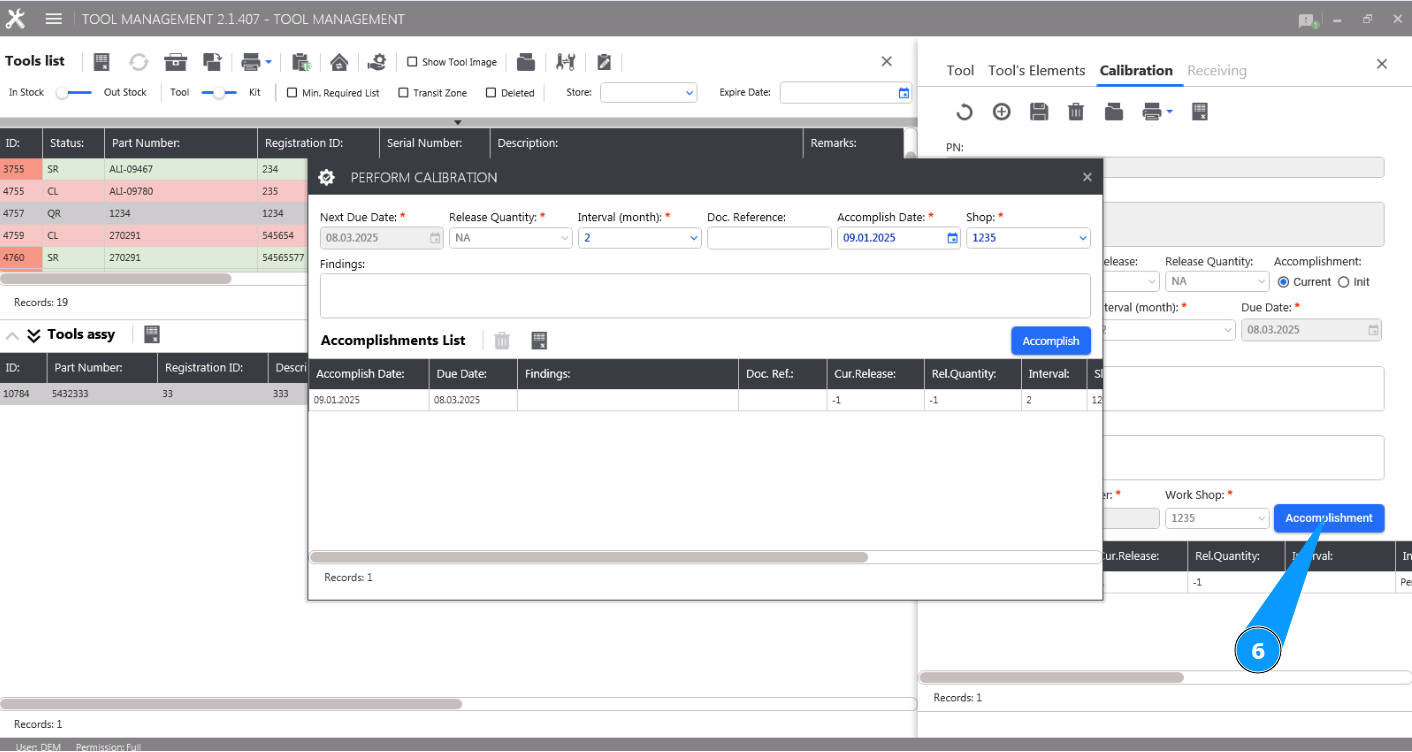
6. Click on the button "Accomplishment" to open the tool check editor.
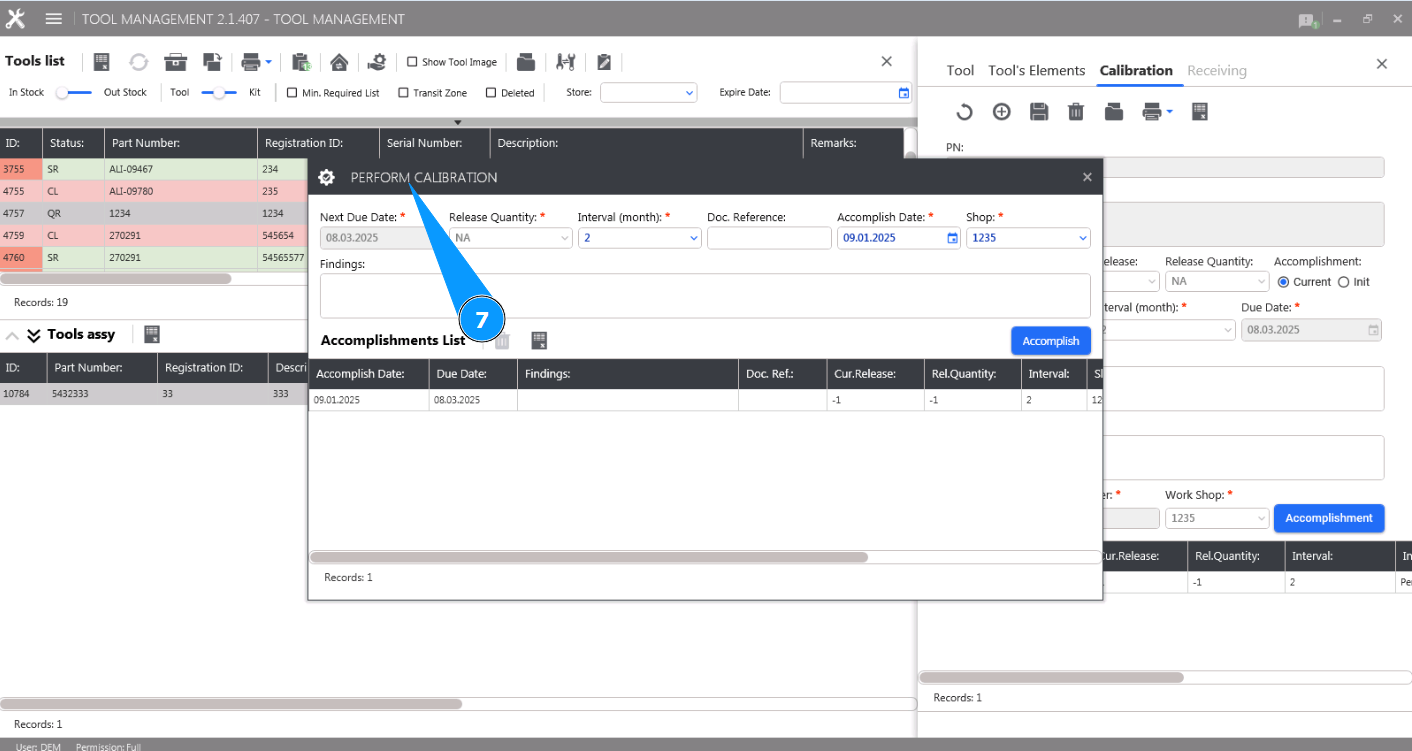
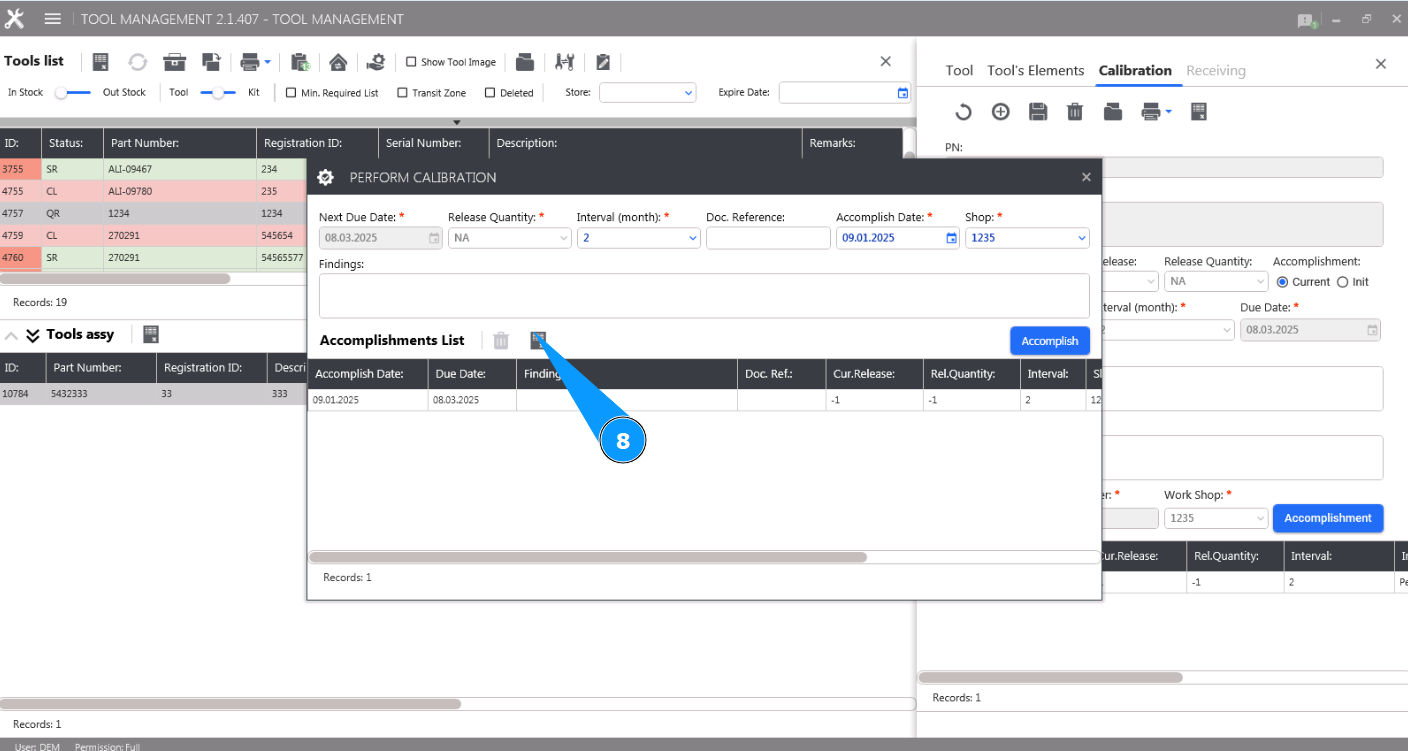
7. Check that the editor is open and available in the window "Perform calibration".
8. Click on the button "Export to Excel" to download the tool check data in Excel format.
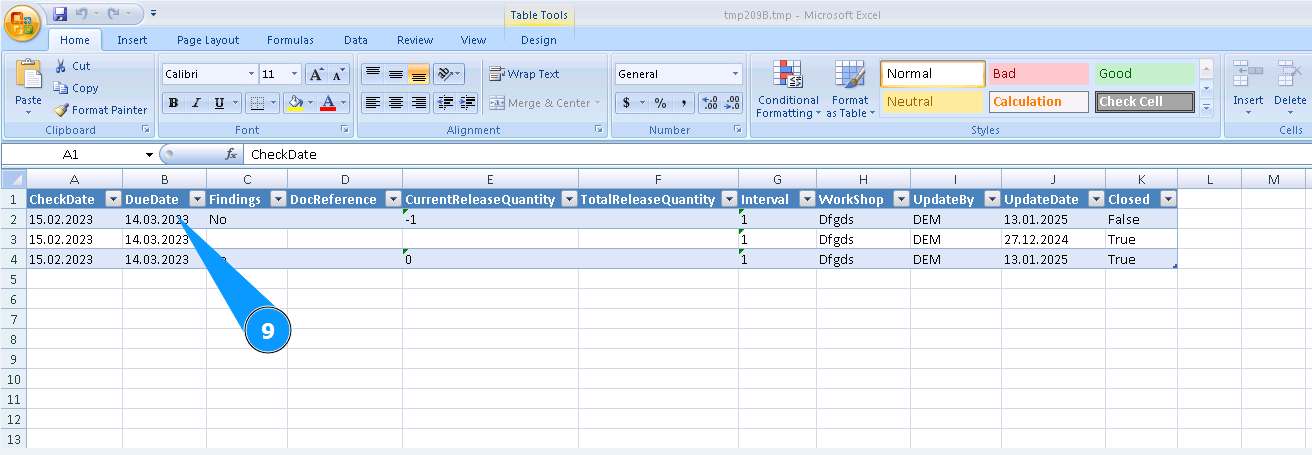
9. Check that the check data is received in Excel format. Save it if necessary.