How to delete a record of a required tool check
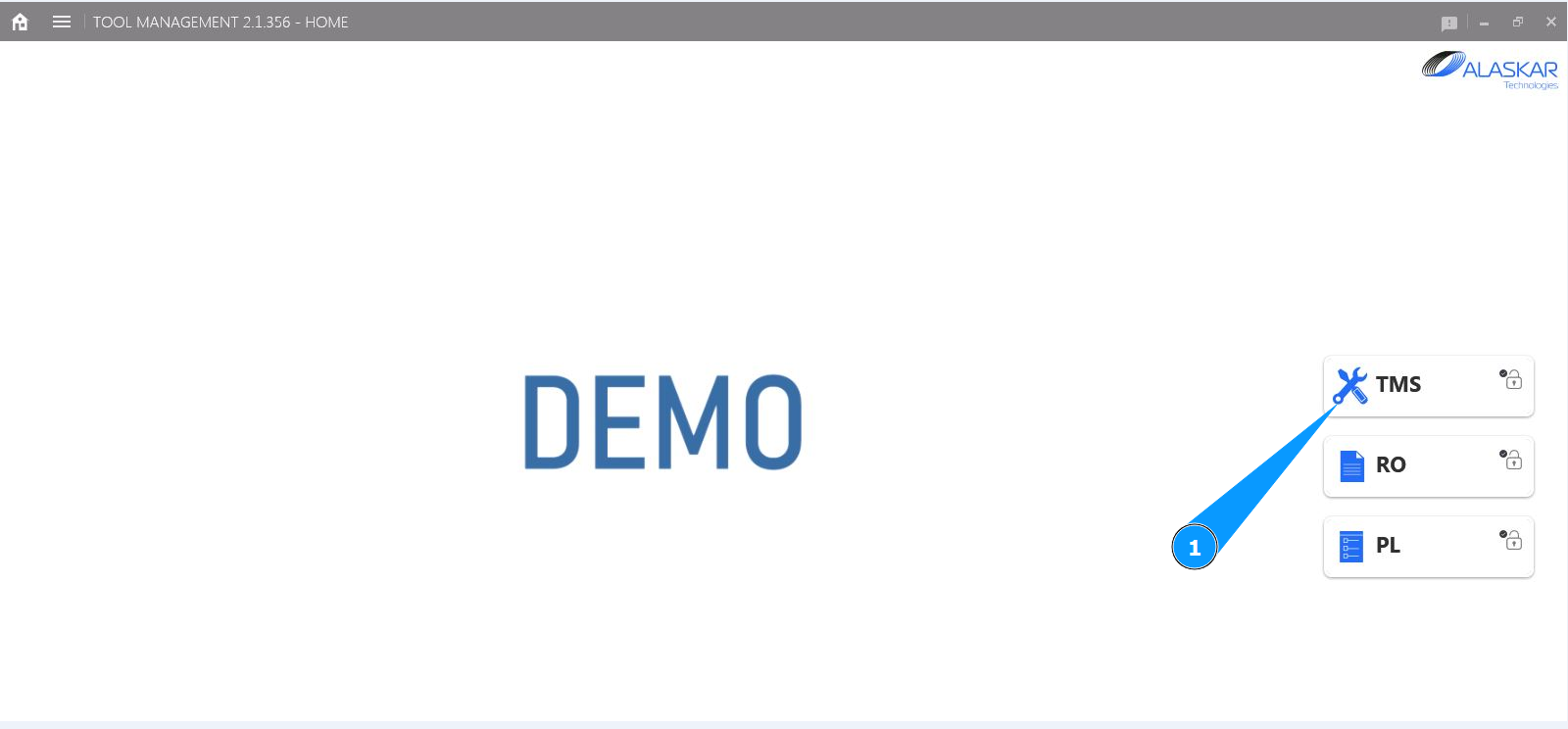
1. In order to delete a record of a required tool check, go to the submodule "TMS".
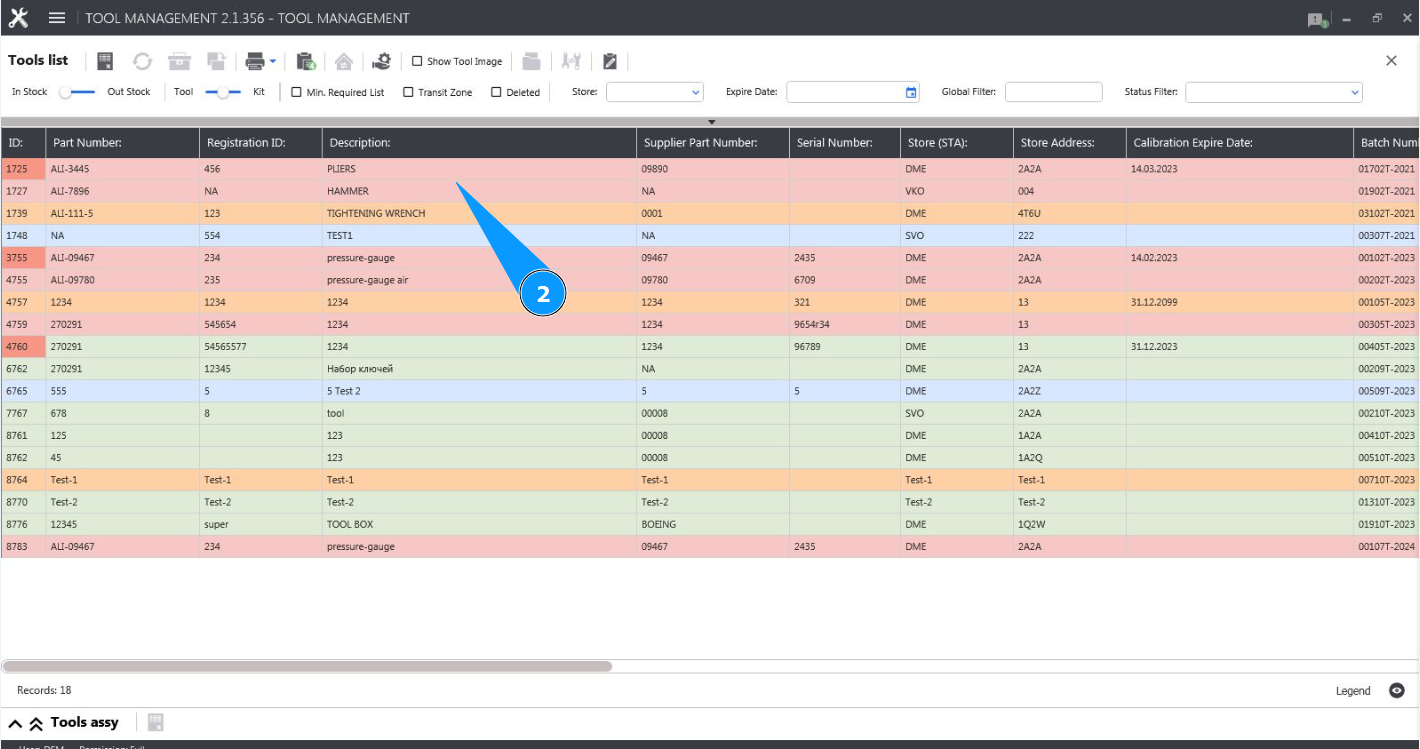
2. Select the required line with the tool and click on it in the window "Tool List".
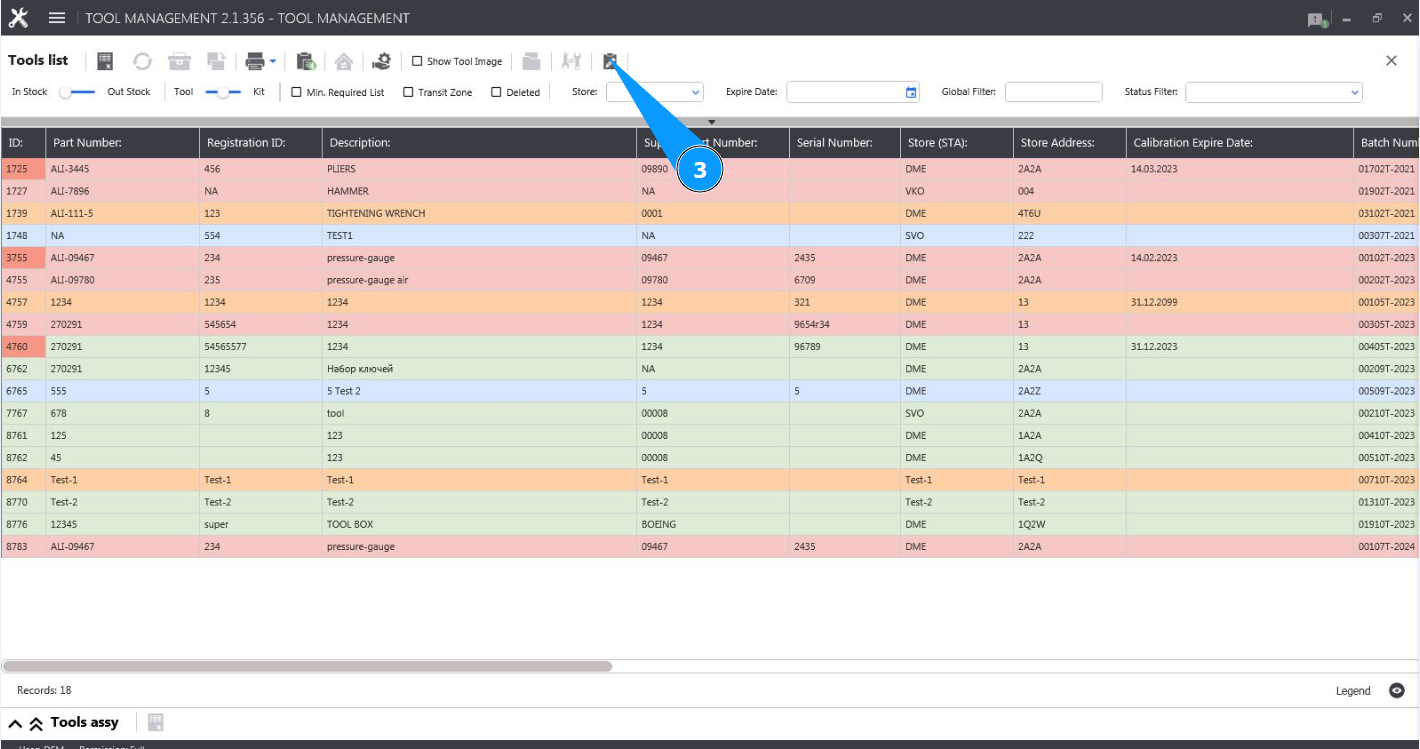
3. Click on the button "Show Editor" to open the tool editor.
4. Check that the editor is open and accessible in the tab "Tool".
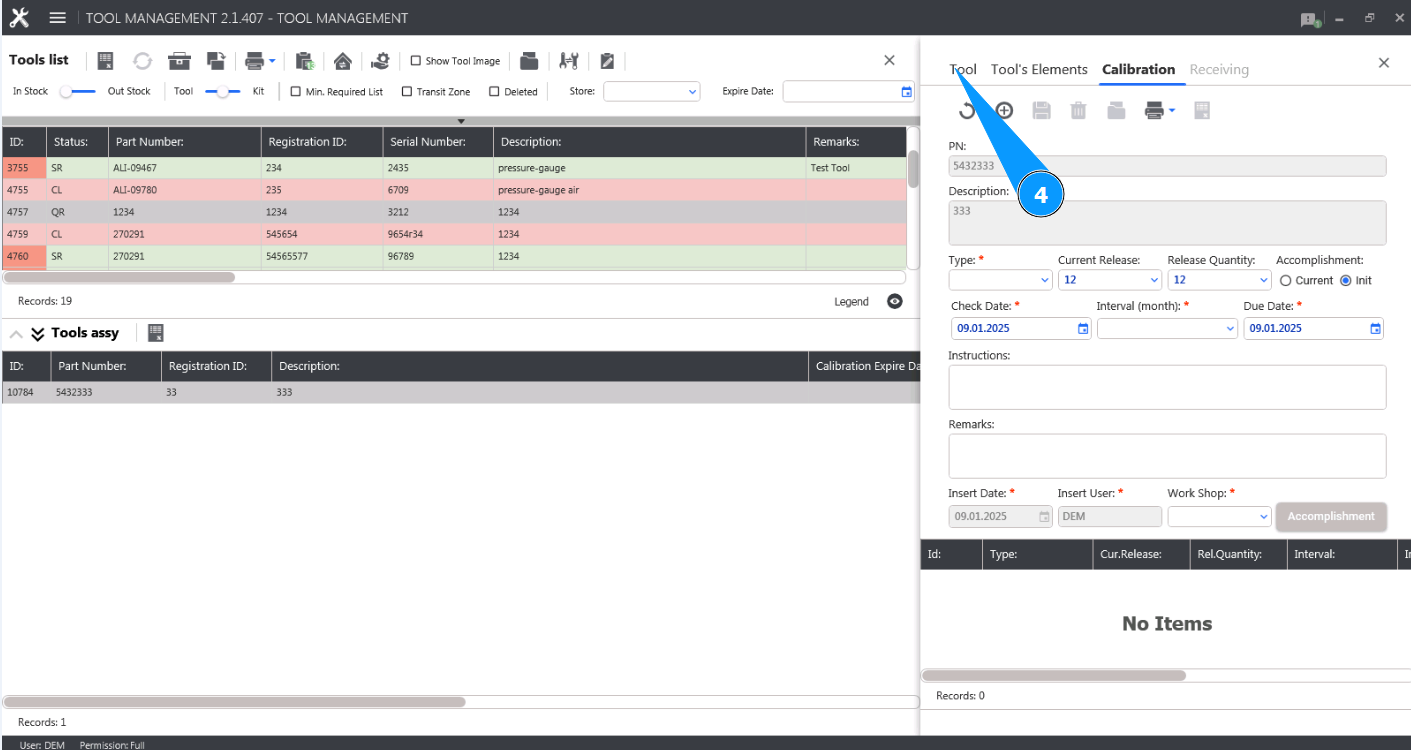
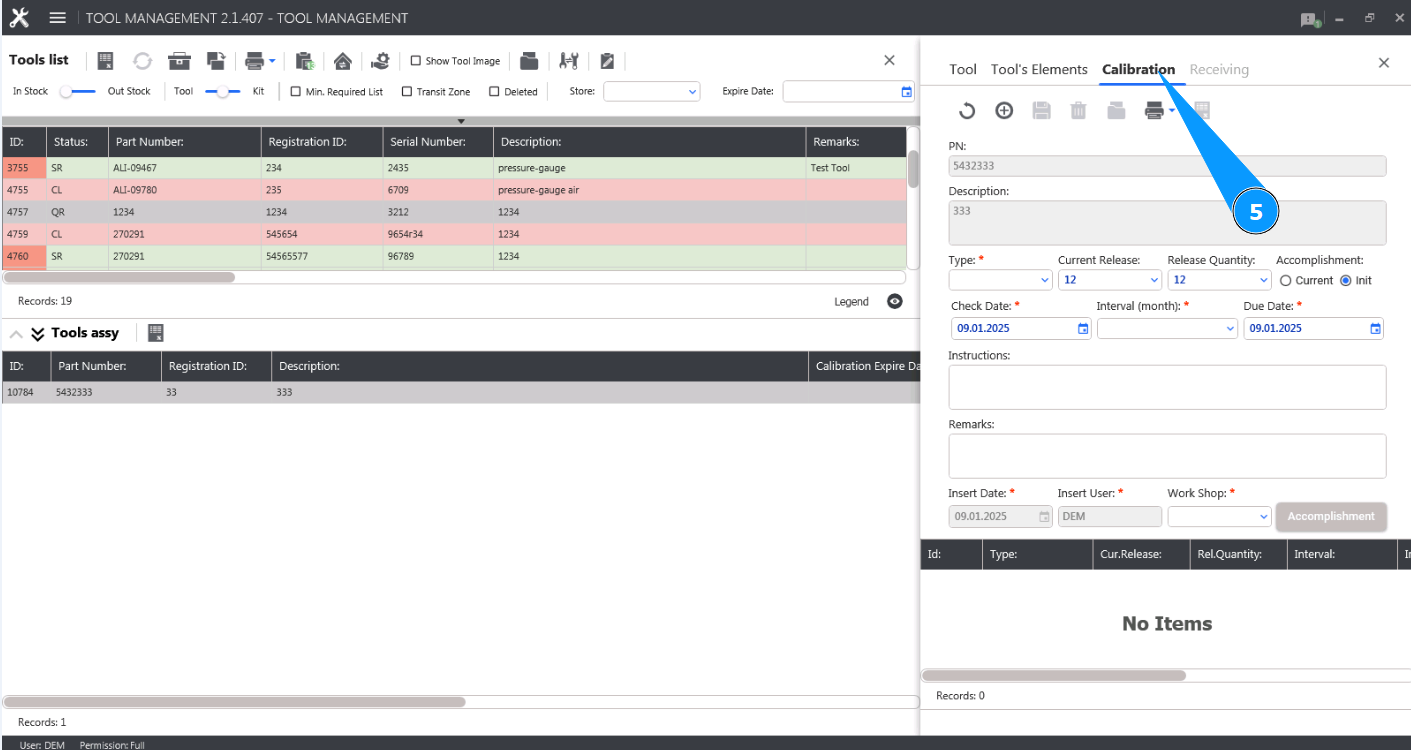
5. Go to the tab "Calibration".
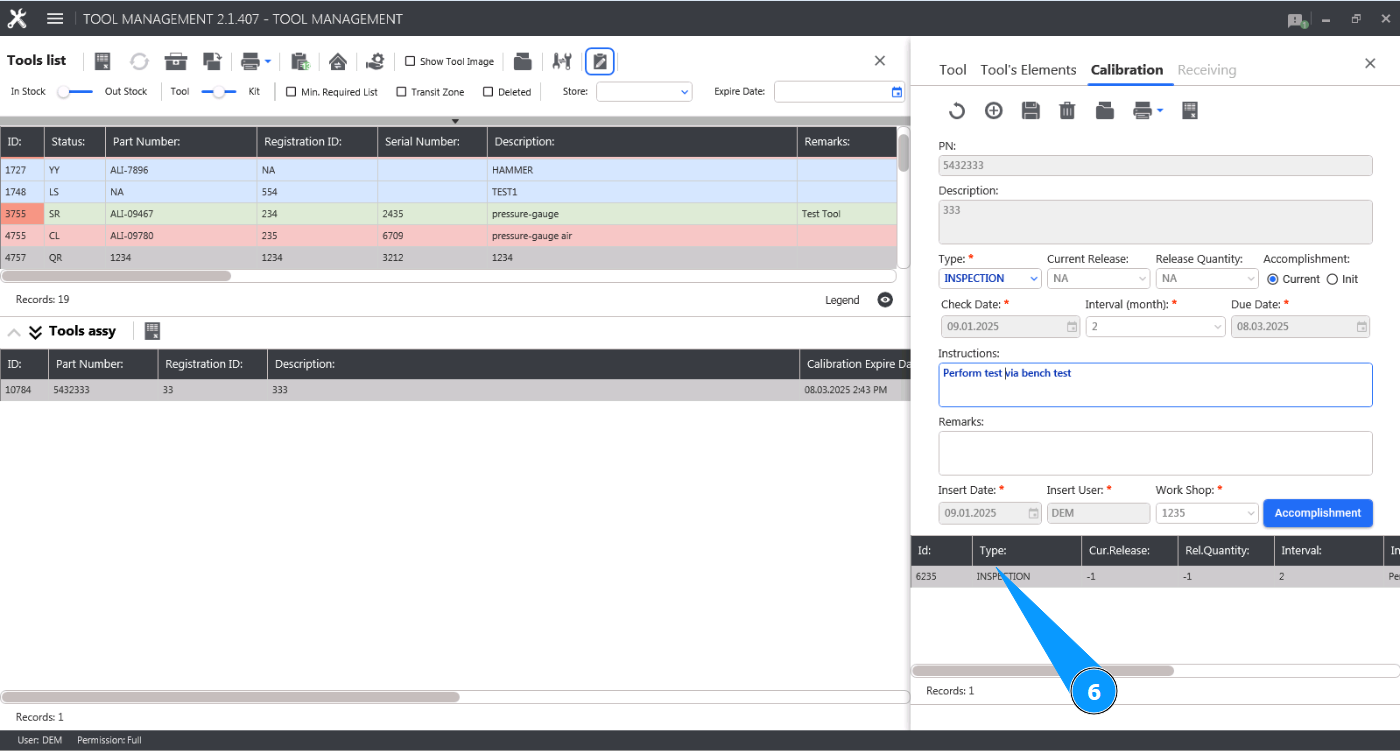
6. Select the entry about the required check at the bottom of the editor that you want to delete, click on the corresponding line.
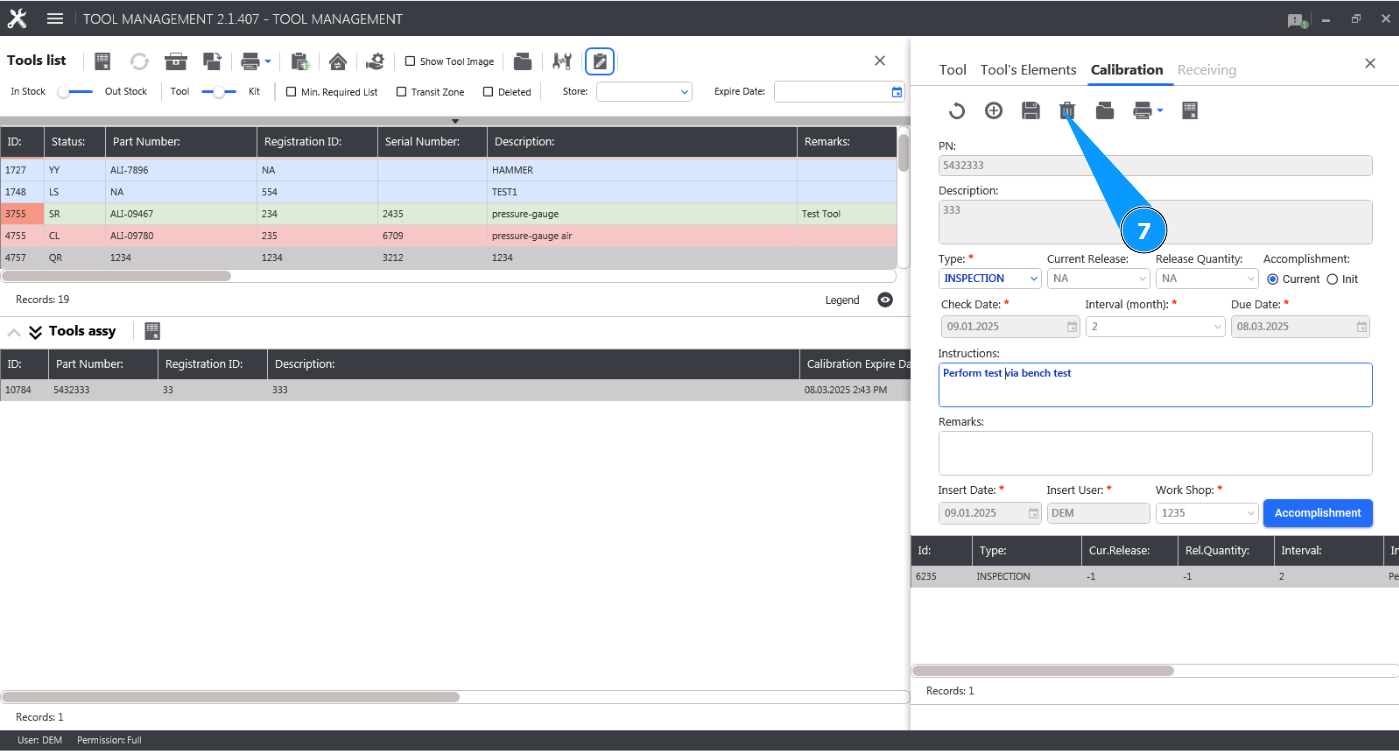
7. Click on the button "Delete" to delete the record of the required tool check.
8. Click on the button "Yes" to confirm deletion of the record of the required tool check.
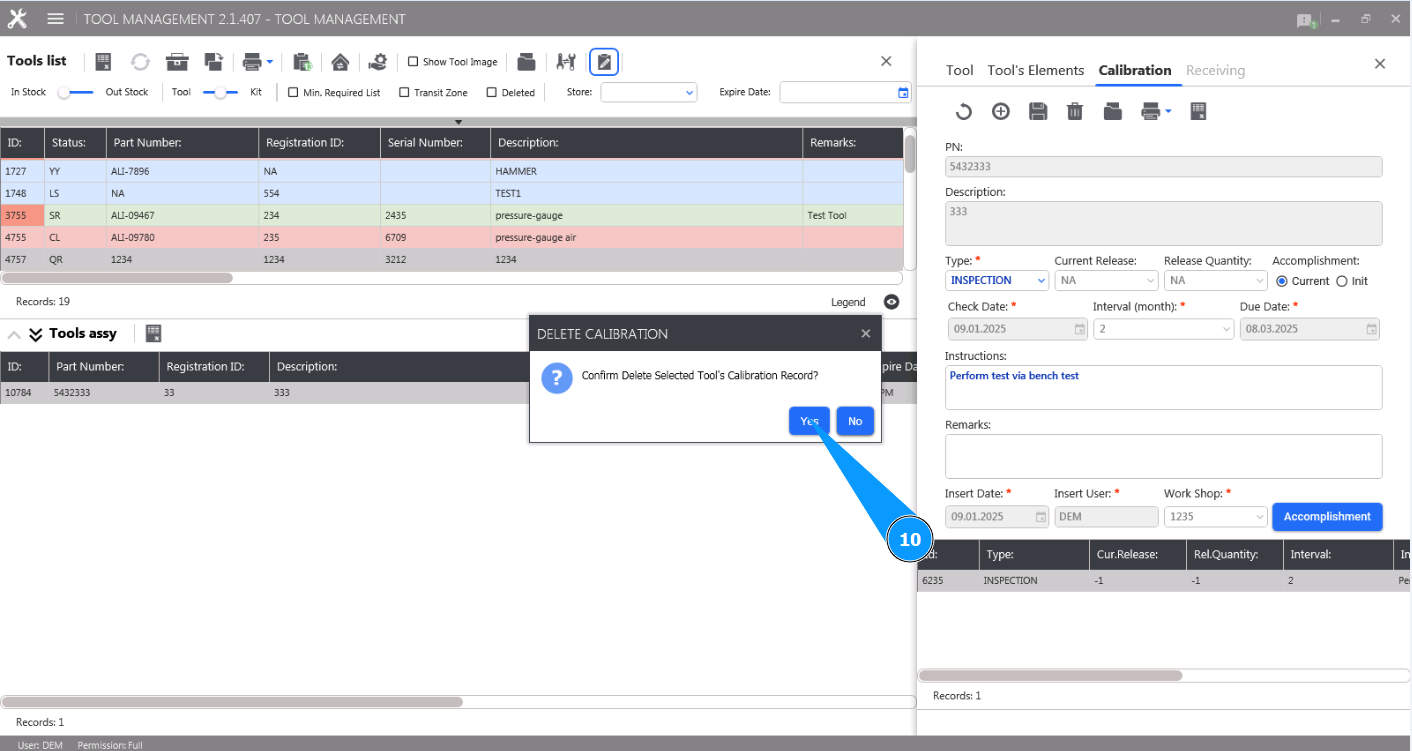
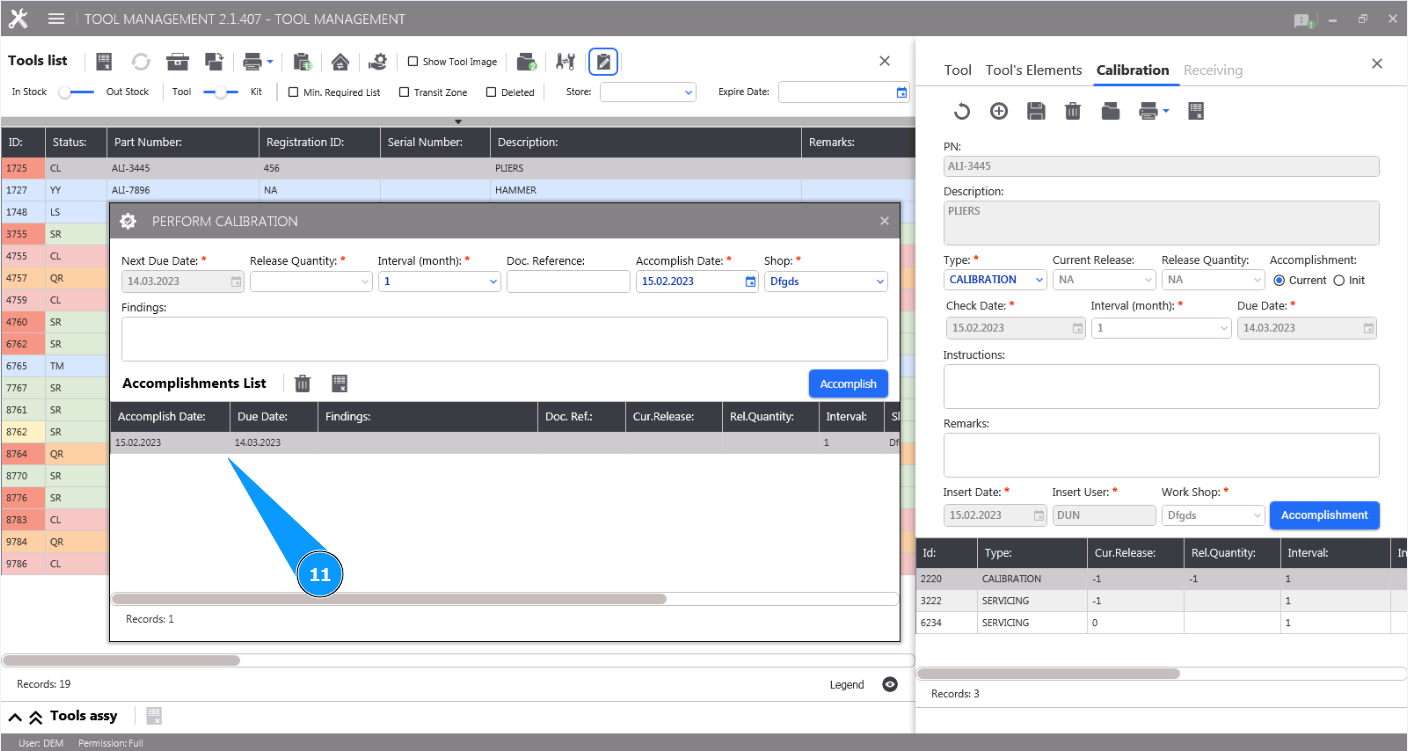
11. Check that the record of the required tool check has disappeared at the bottom of the editor.