How to view the the tool set (kit)
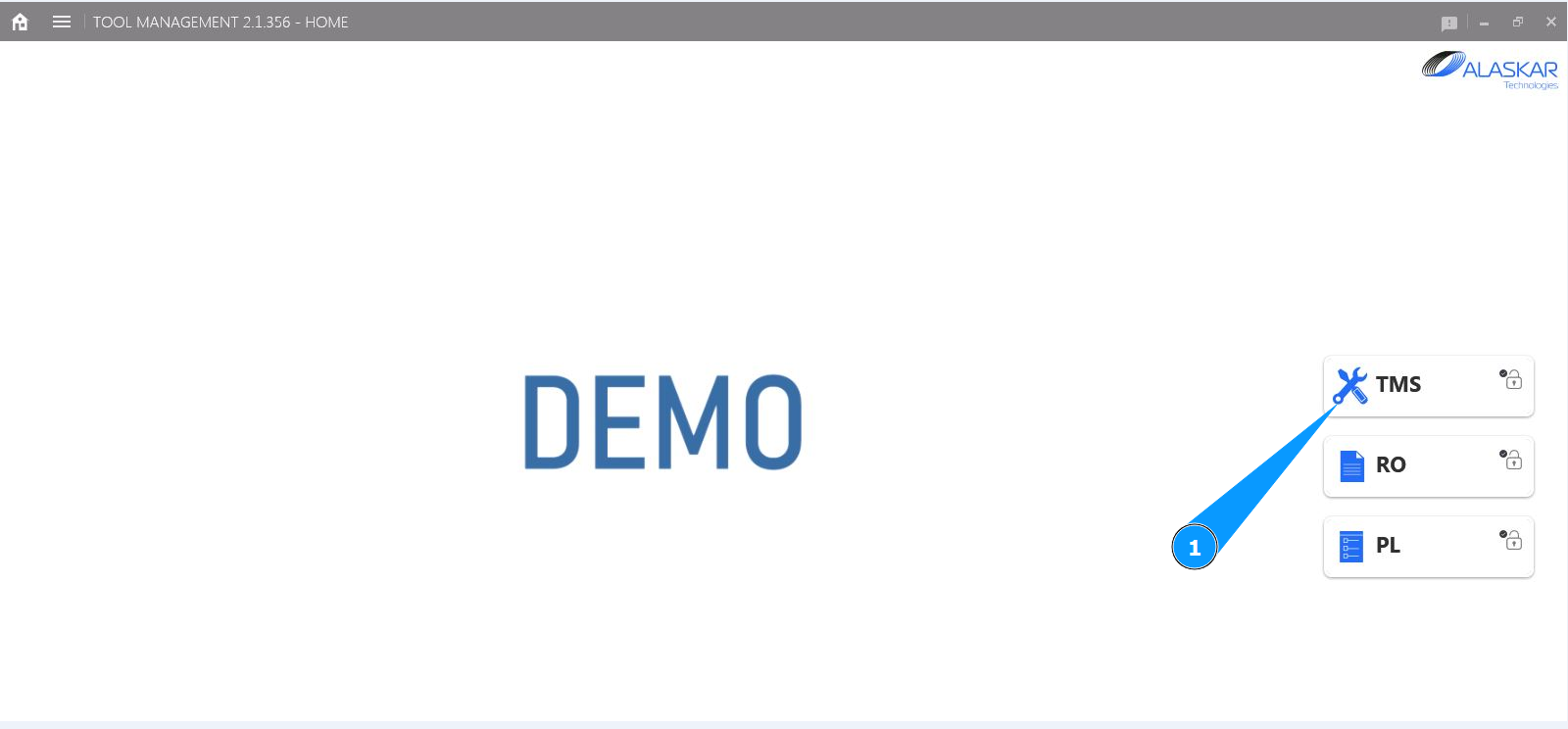
1. In order to view the the tool set (kit), go to the submodule "TMS".
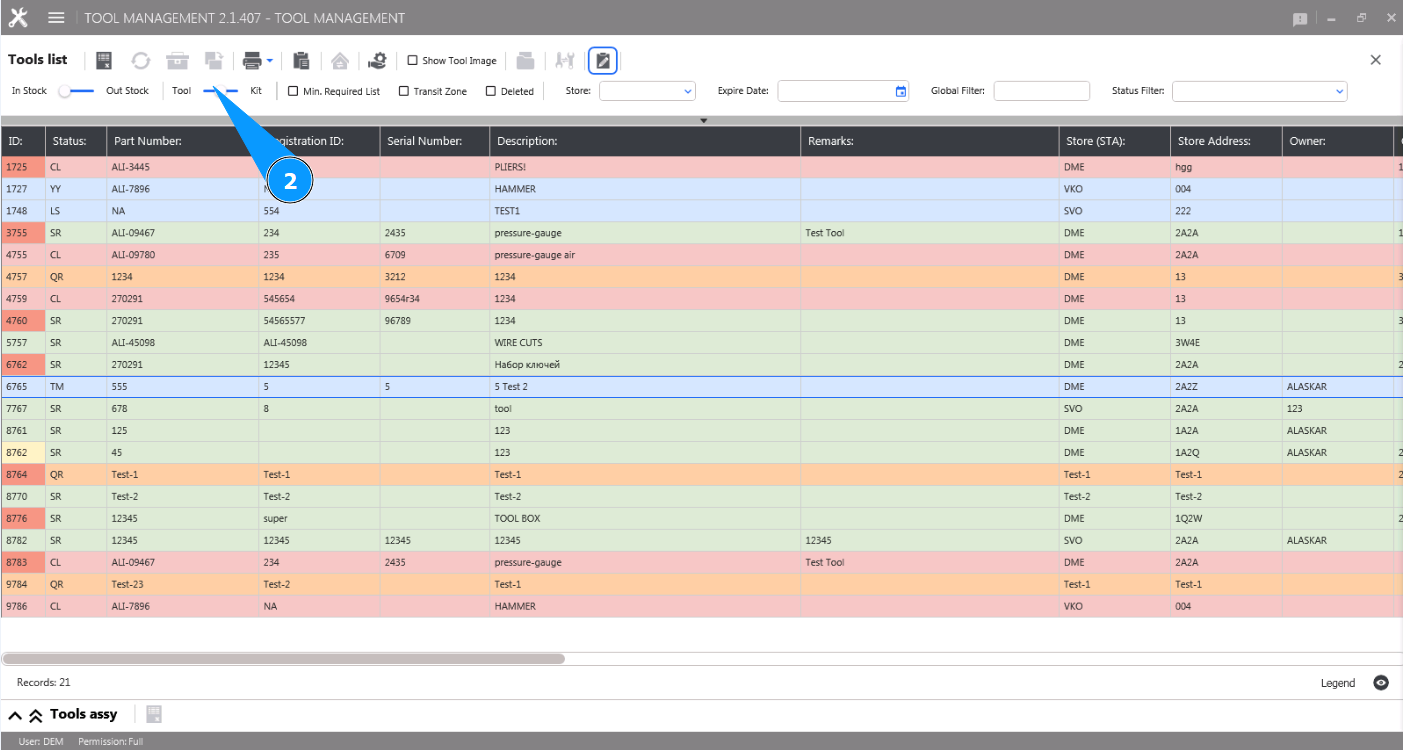
2. Move the filter slider to the right, set the filter "Kit".
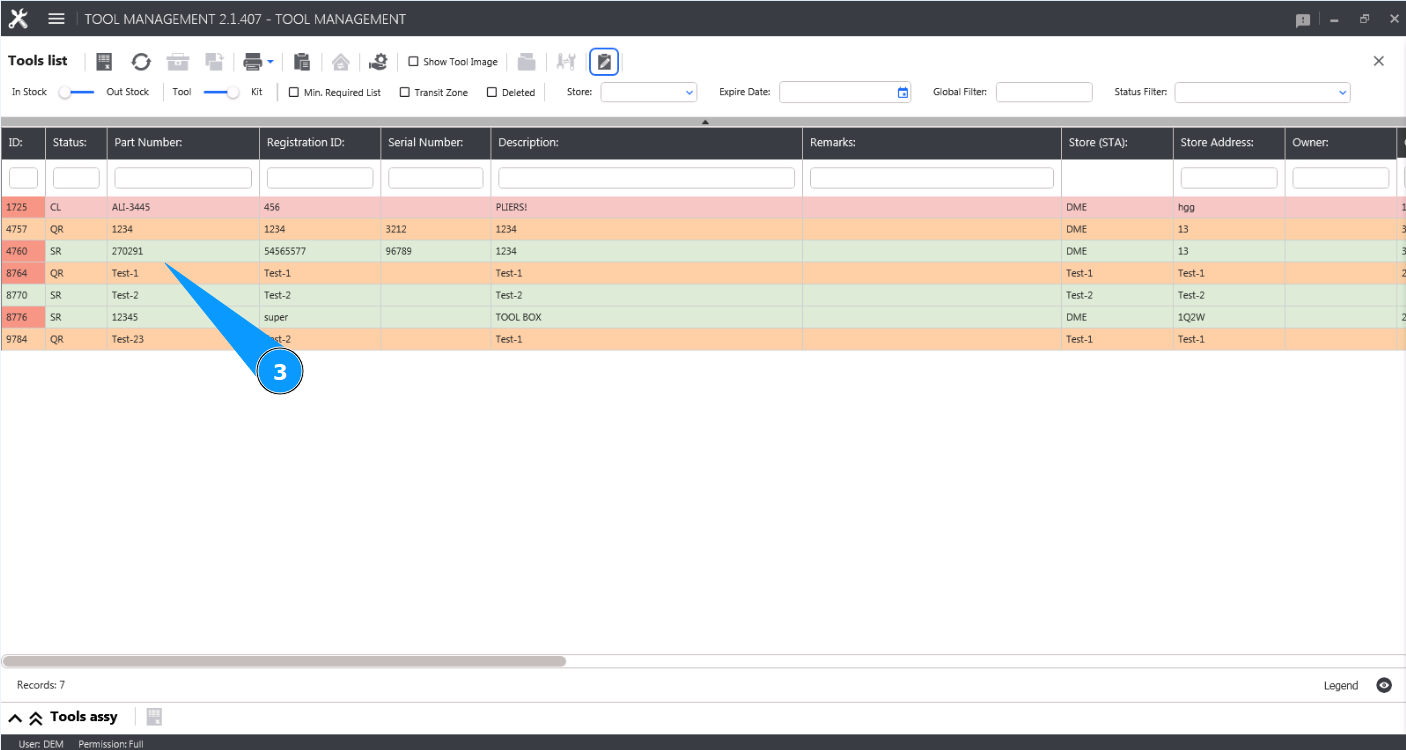
3. Select the required line with the tool kit and click on it in the window "Tool List".
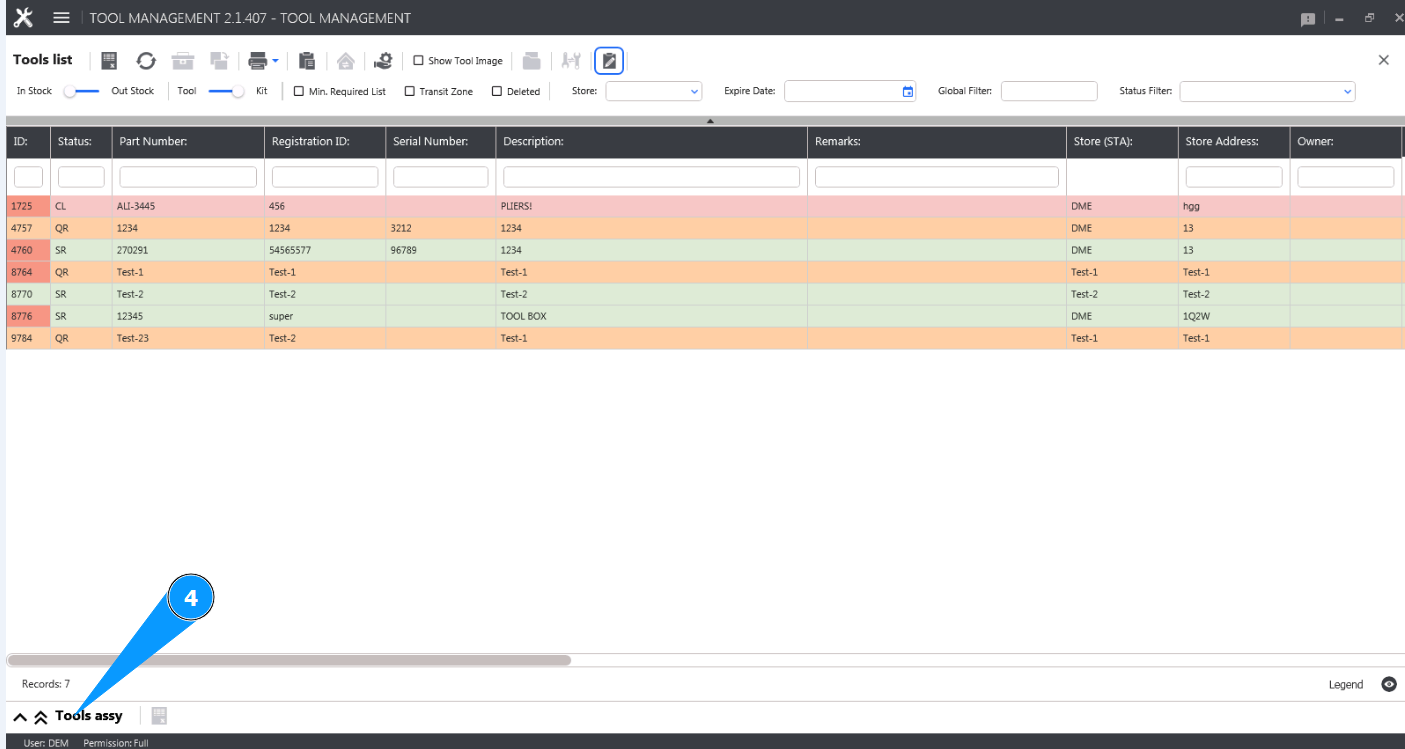
4. Click on the button "Tool Assy" to open the list of tools from the set (kit).
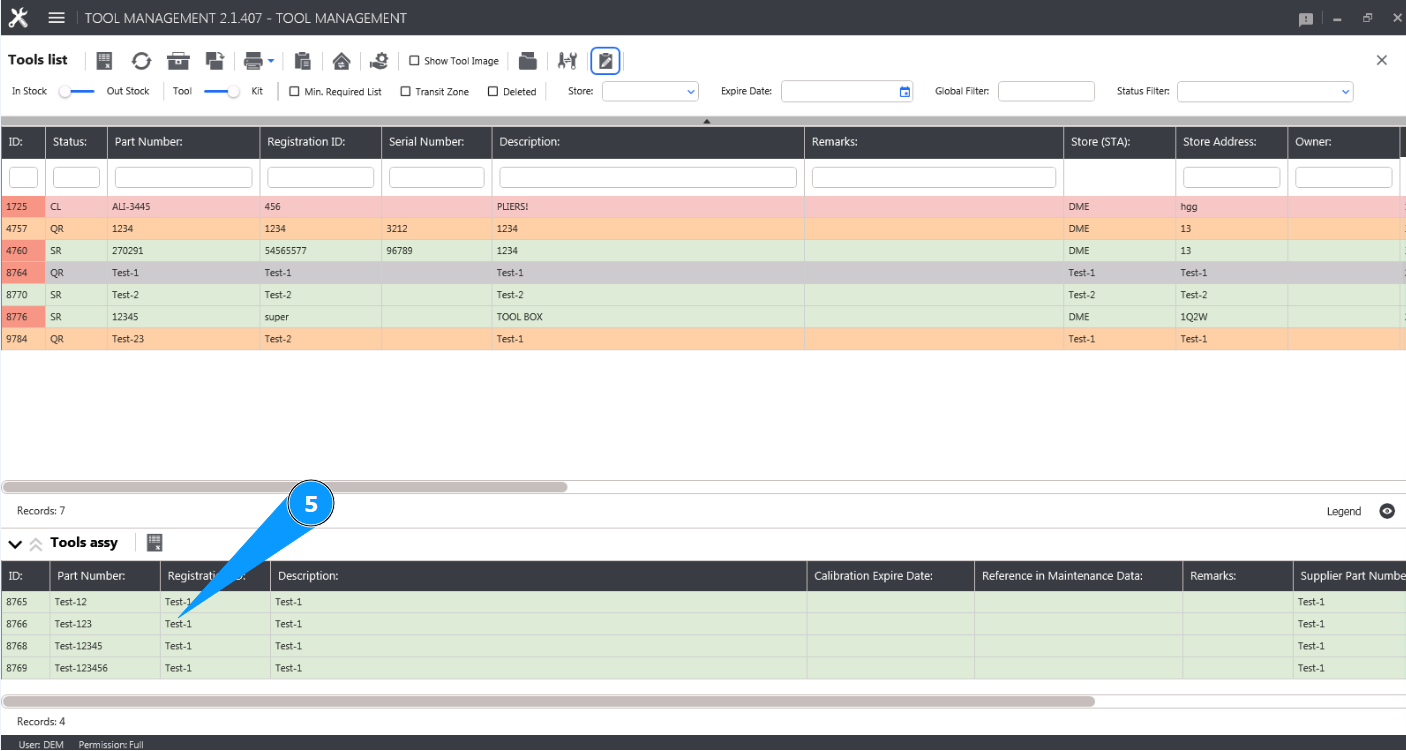
5. Check that the list is displayed and available for review in the window "Tool Assy".
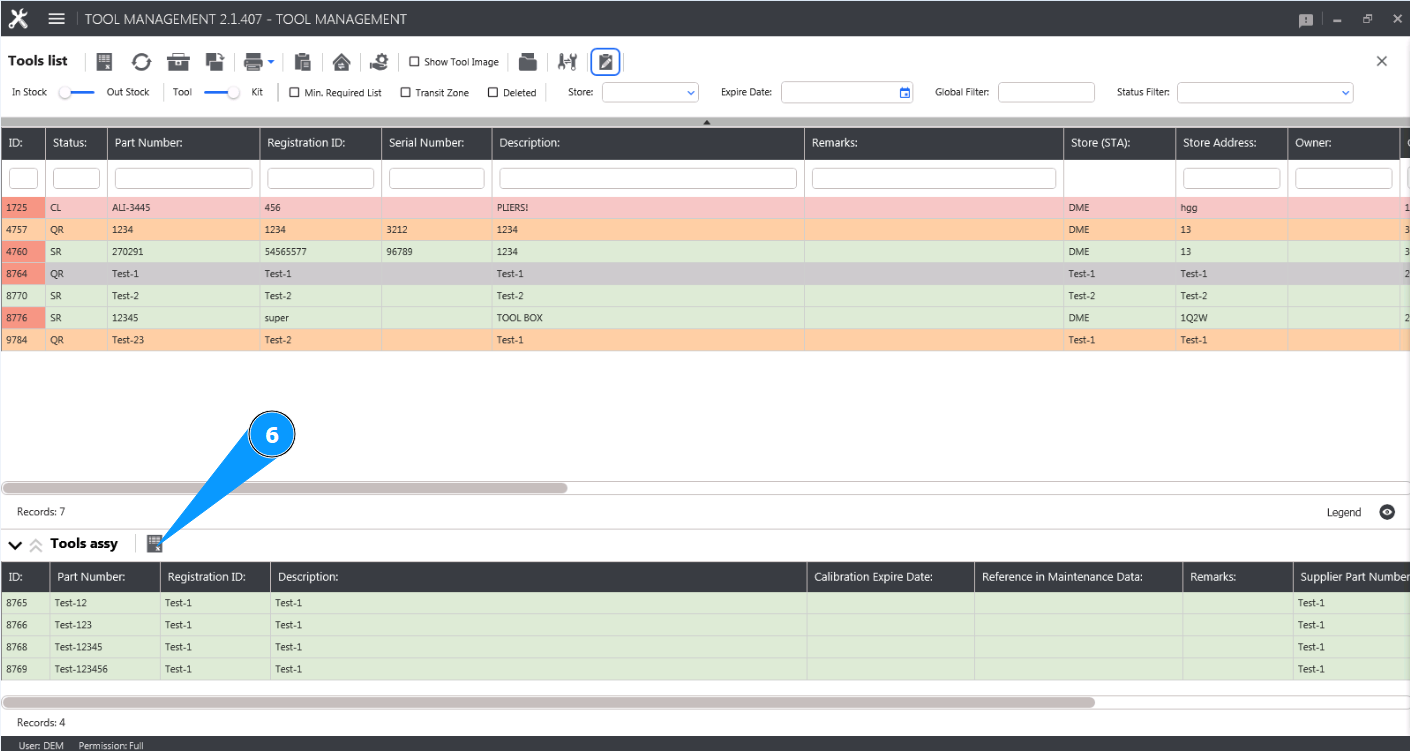
6. If necessary, you can download the list of tools from the kit in Excel format, click on the button "Excel".
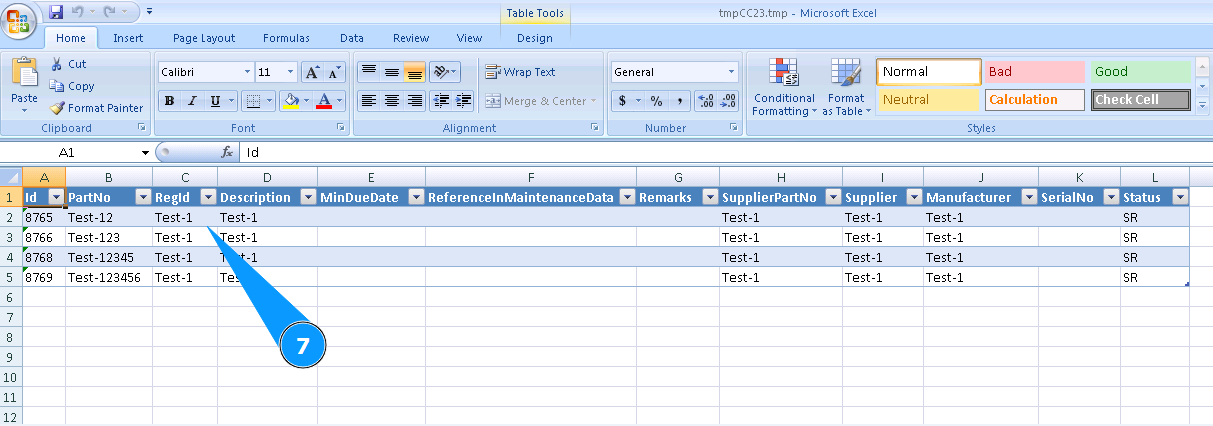
7. Check that the report is displayed and available for review.