How to return component from quarantine
Note: There are two ways to return component from quarantine. The first is when a component is placed in quarantine before being placed in store (for example, during an incoming inspection, some problems are raised.), and the second is when a component is to be returned to store.
А. Returning component from quarantine, which was not received to store before.
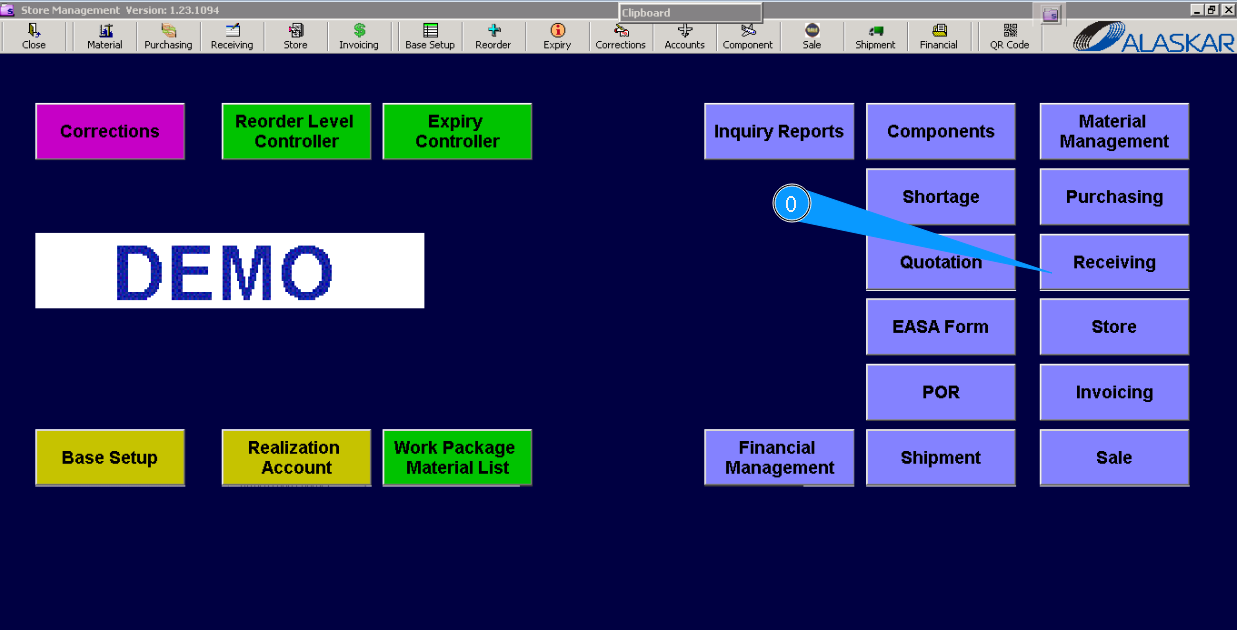
0. For returning component from quarantine, please go to submodule "Receiving".
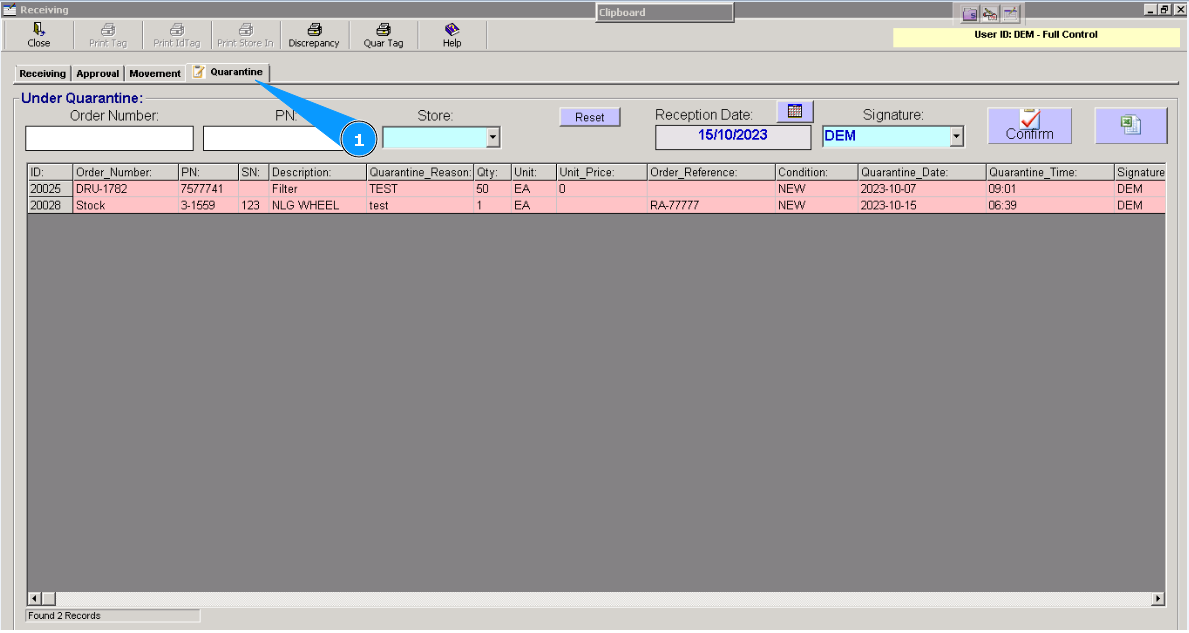
1. Then, go to the tab "Quarantine".
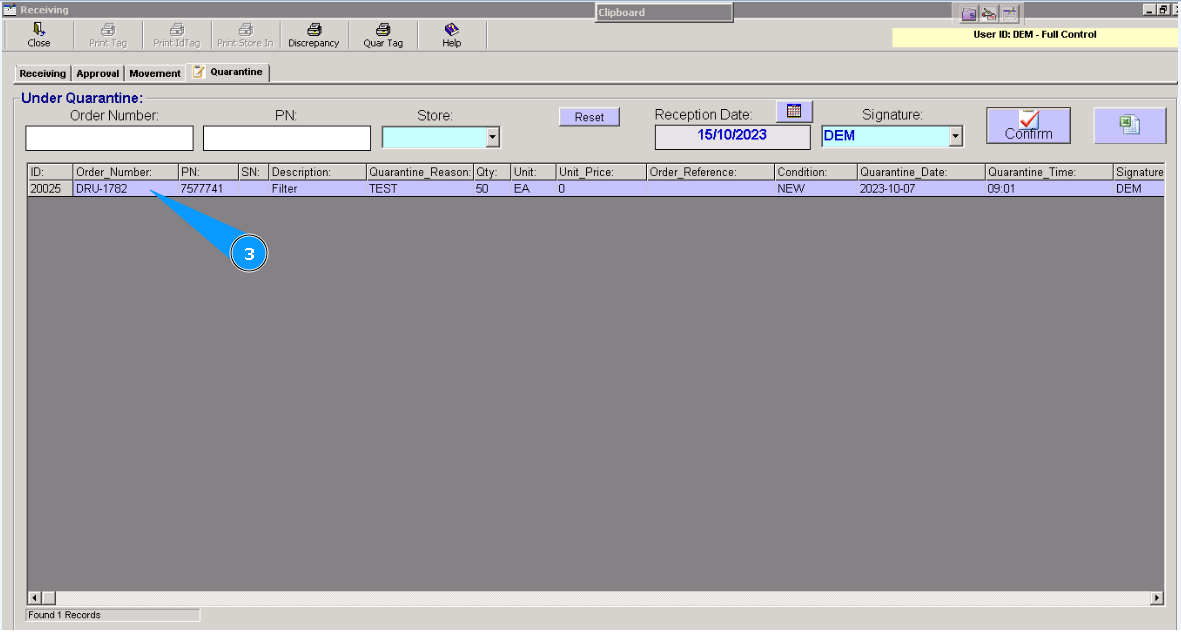
2. Highlight the applicable line with components that should be returned from quarantine.
3. Click on the button "Confirm".
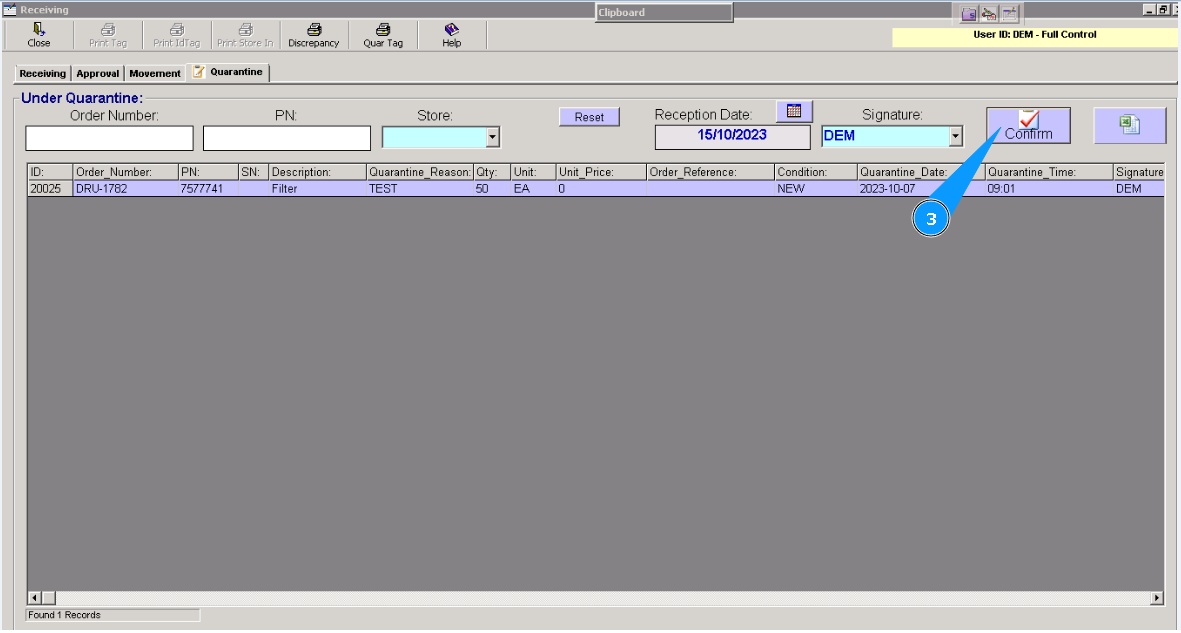
4. Click on the button "Yes", to confirm that the returning process is to be continued.
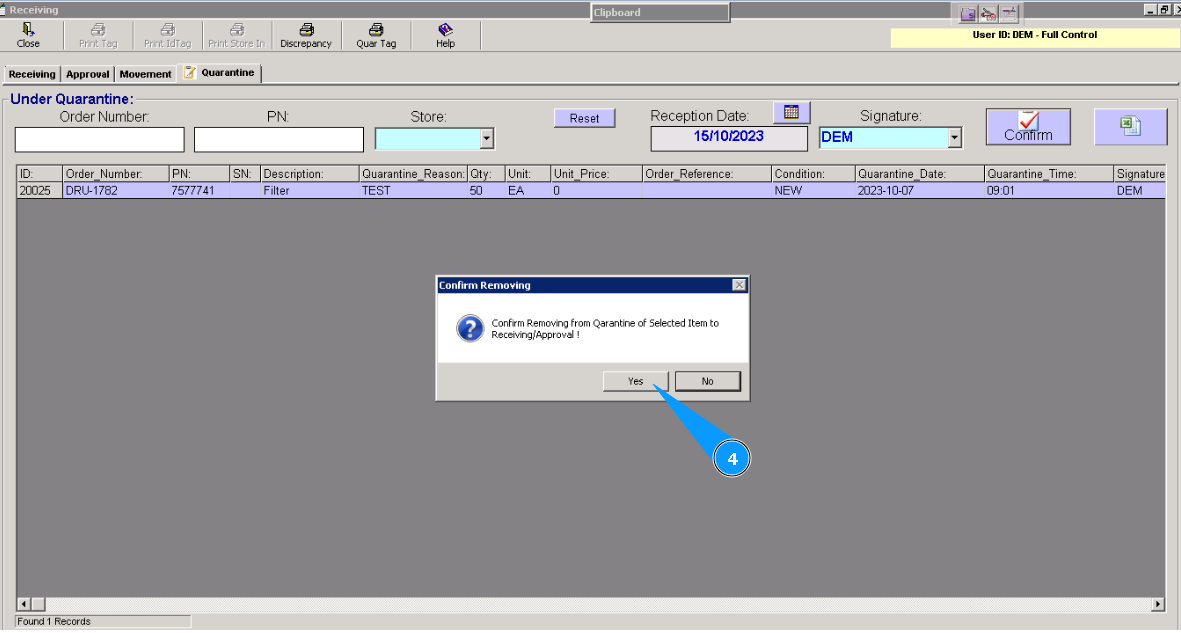
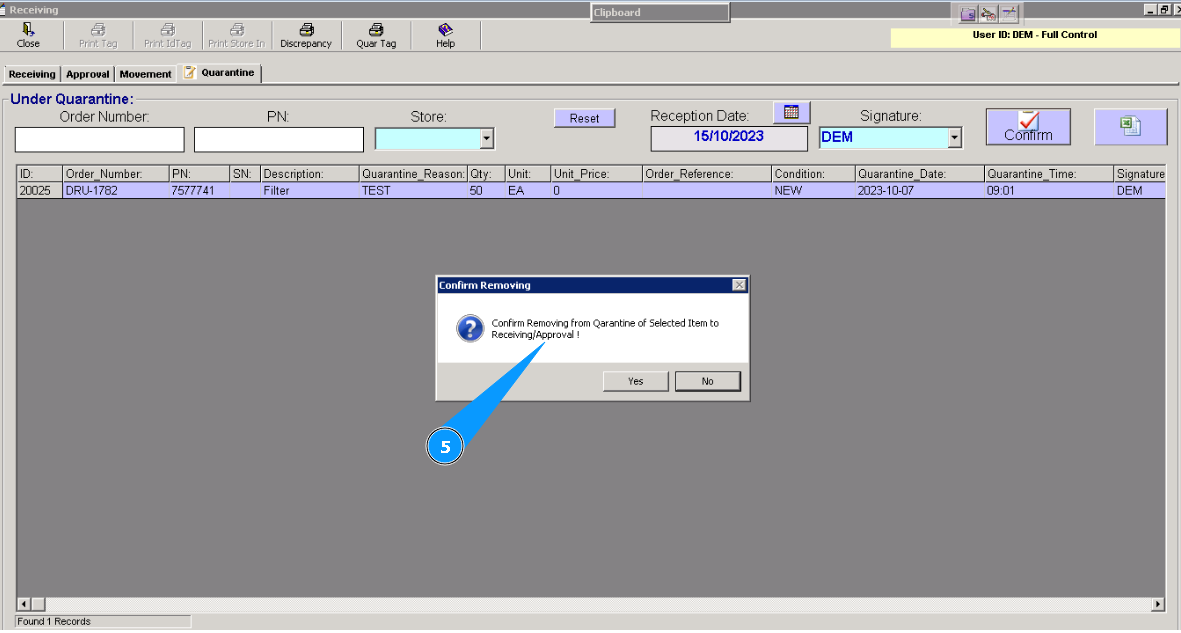
5. The component will be returned to the beginning of the receiving process.
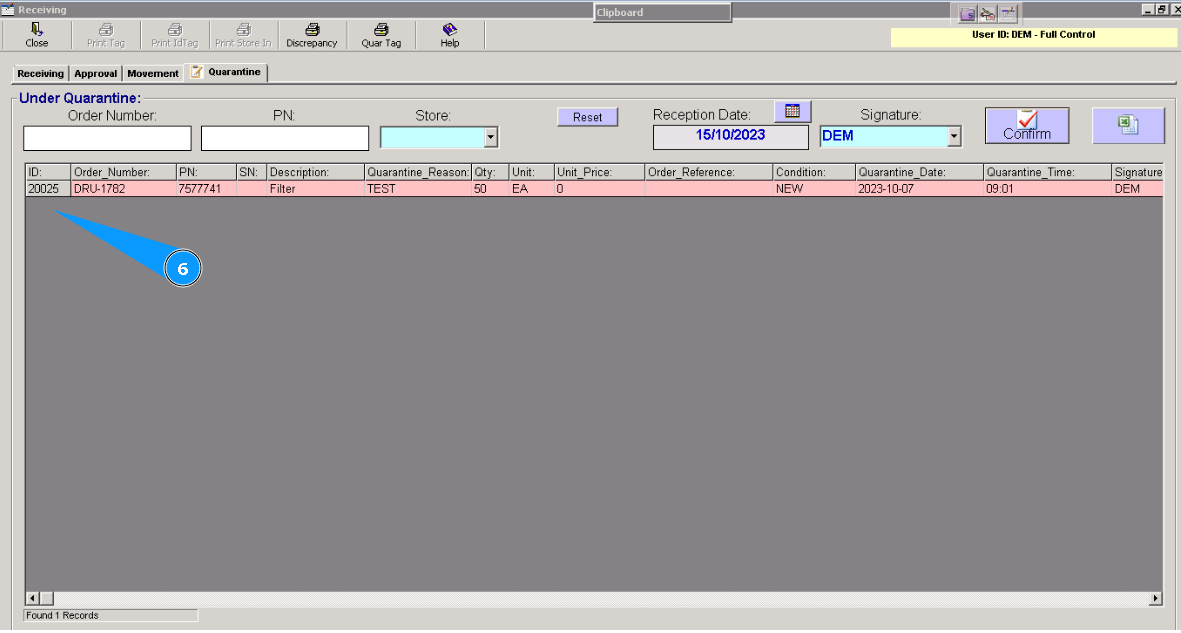
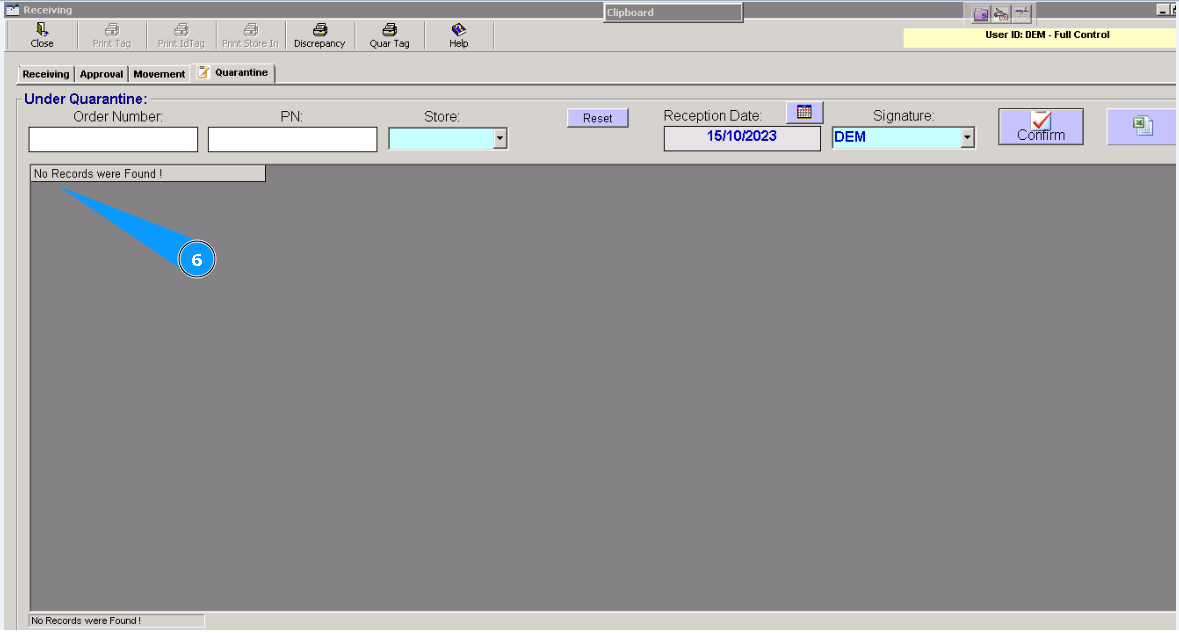
6. Visually, check that line with component is disappeared. Component is successfully returned to begin of receiving process.
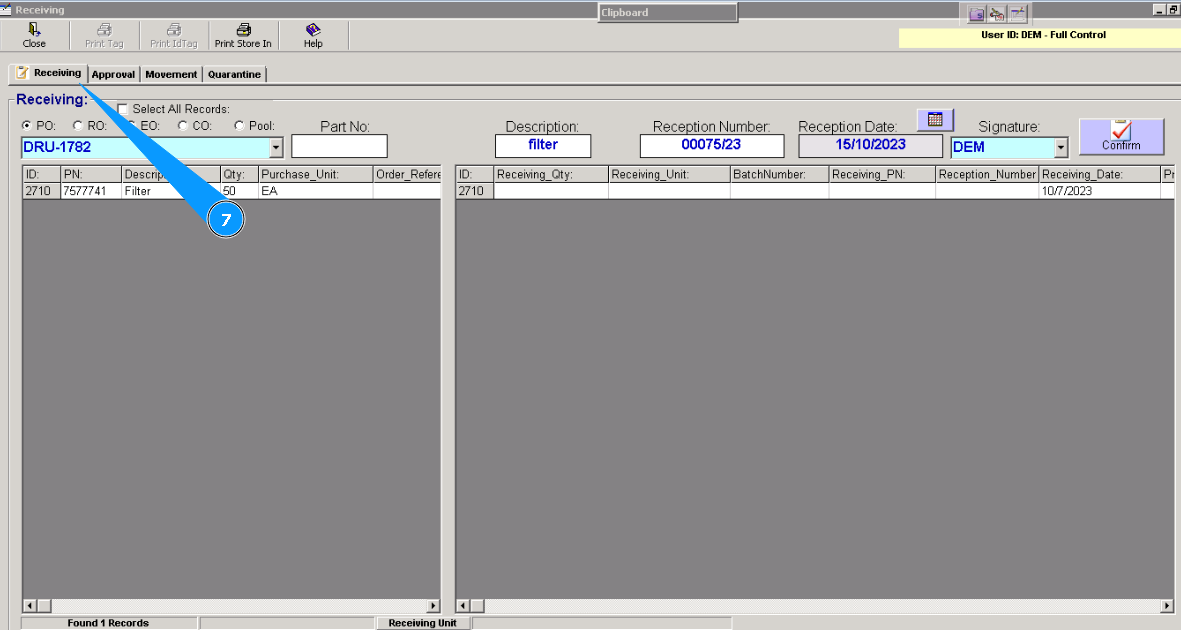
7. To continue receiving process of component to store, please go to tab "Receiving" and use instruction "How to receive component to store".
B. Returning component from quarantine to storage. Component has been already received to store.
0. For returning component from quarantine, please go to submodule "Receiving".
1. Then, go to tab "Quarantine".
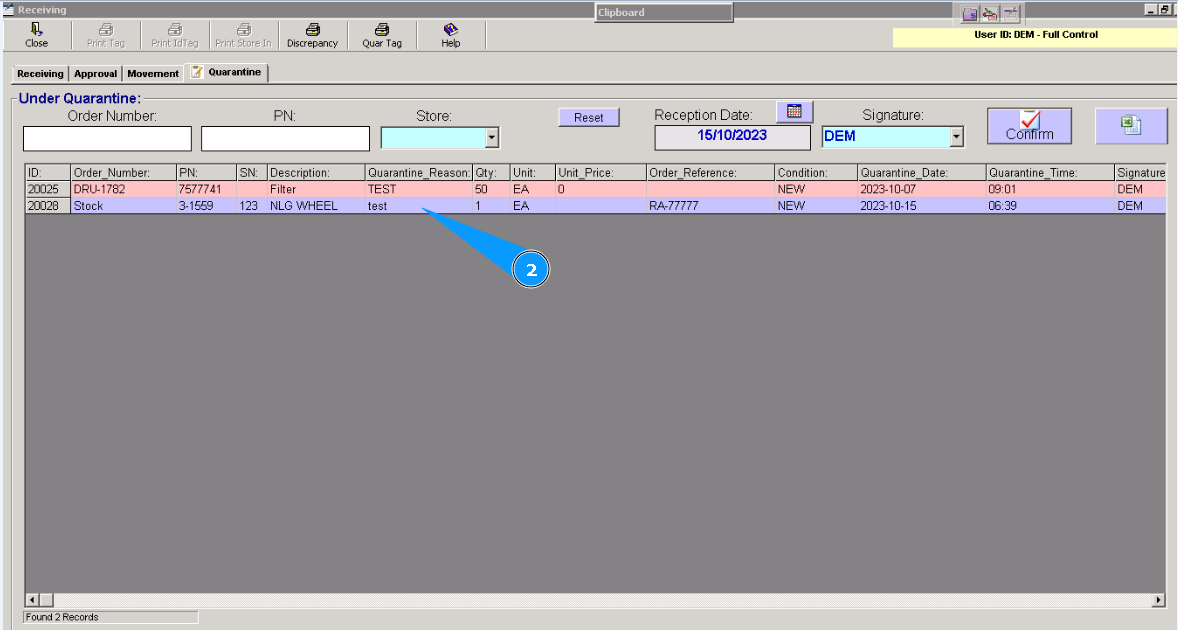
2. Highlight the applicable line with components that should be returned from quarantine.
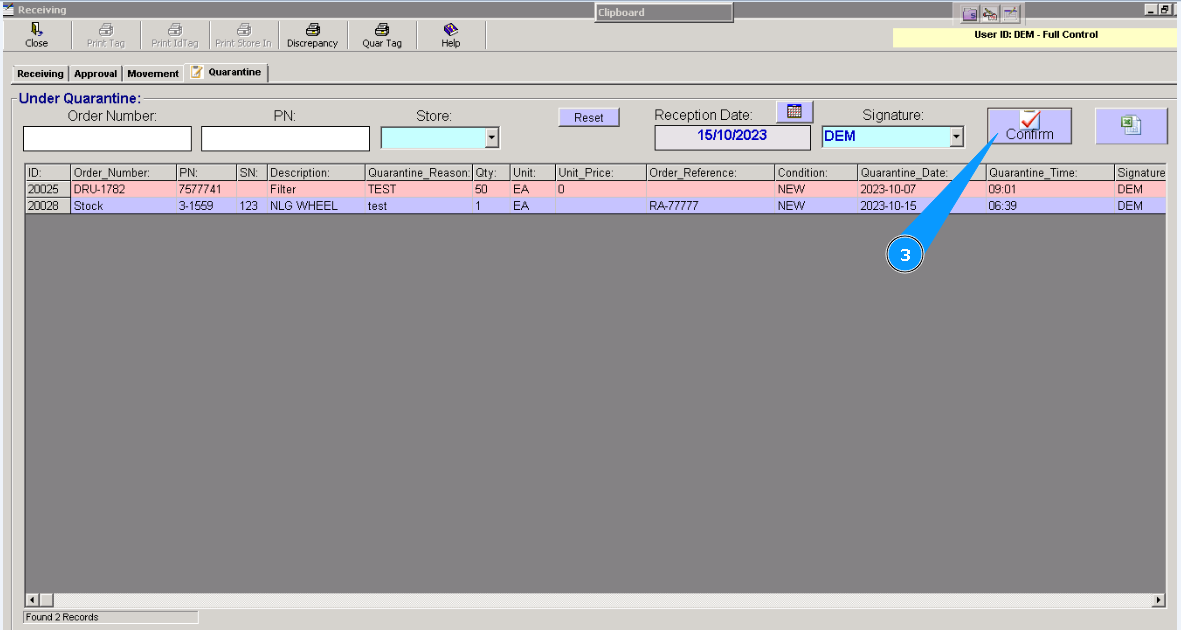
3. Click on the button "Confirm".
4. Click on the button "Yes", to confirm that the return process is to be continued.
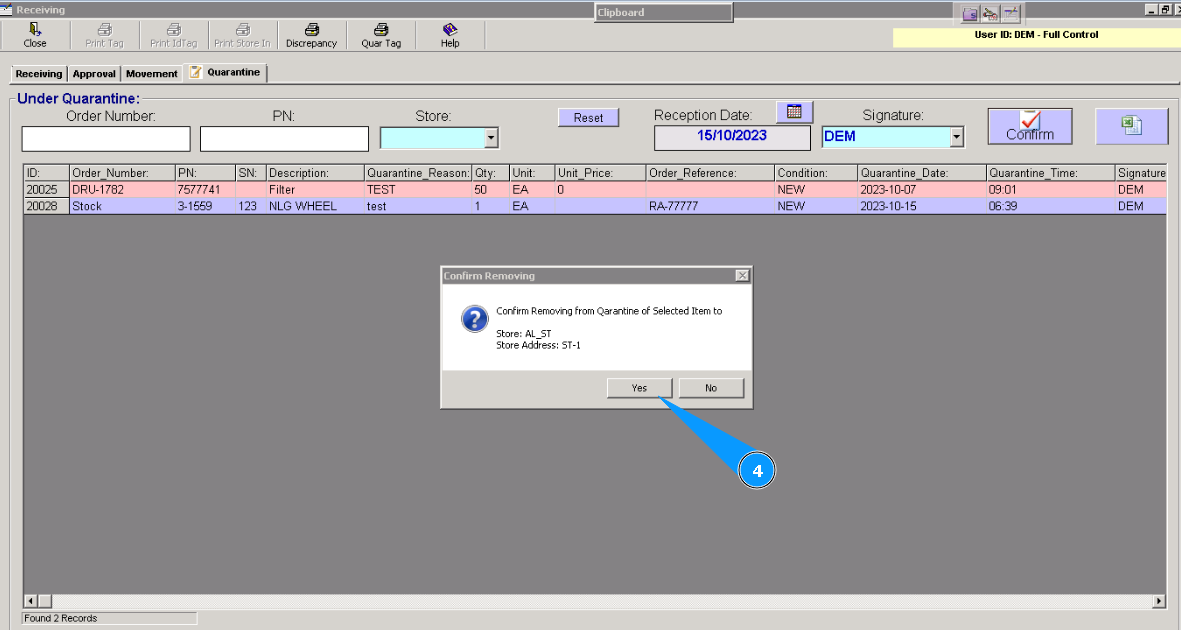
5. The component will be returned to the store and shelf where it is placed before.
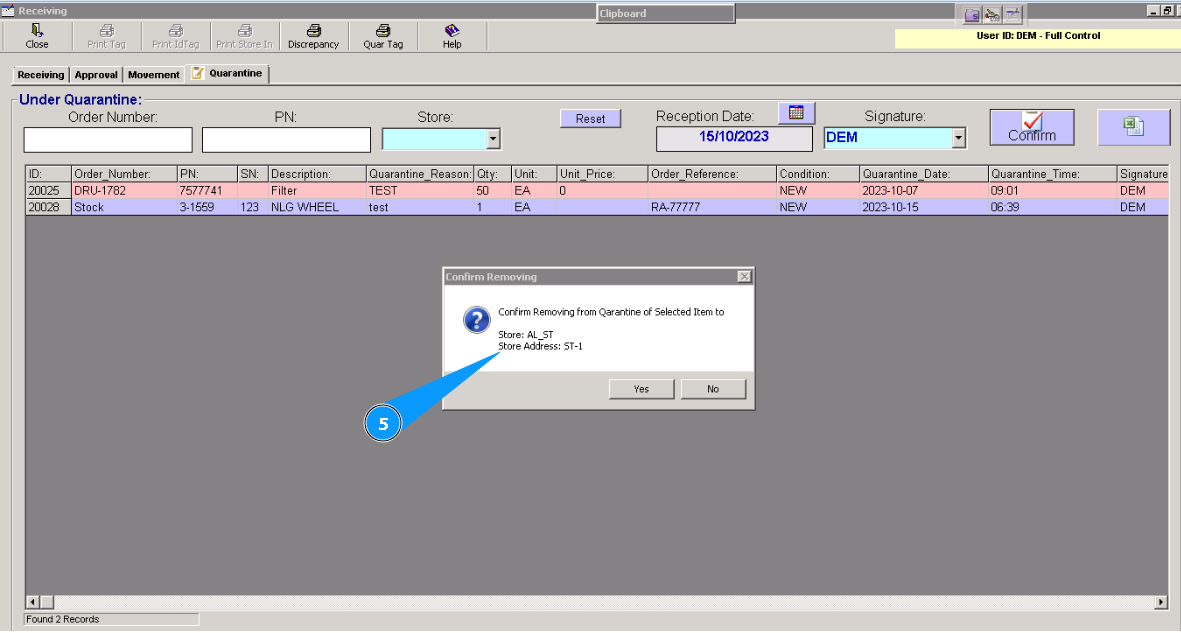
6. Visually, check that line with component is disappeared. Component is successfully returned to store.