How to check which WP materials on store
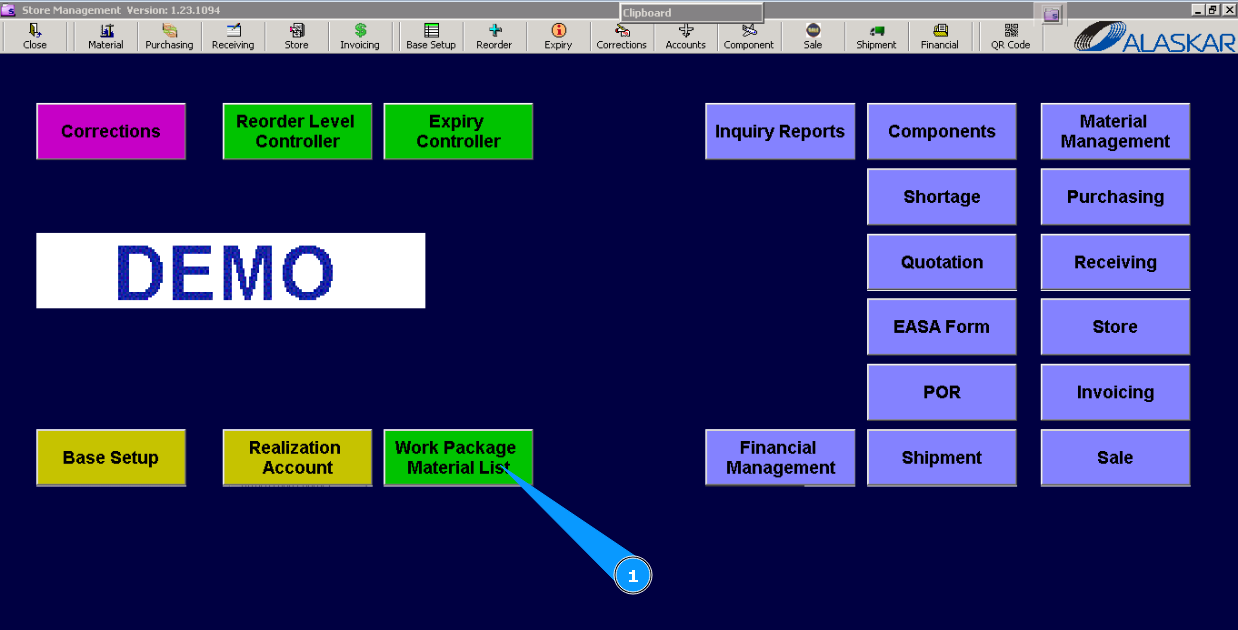
1. For checking the availability of materials from WP in stores, go to submodule "Work Package Material List".
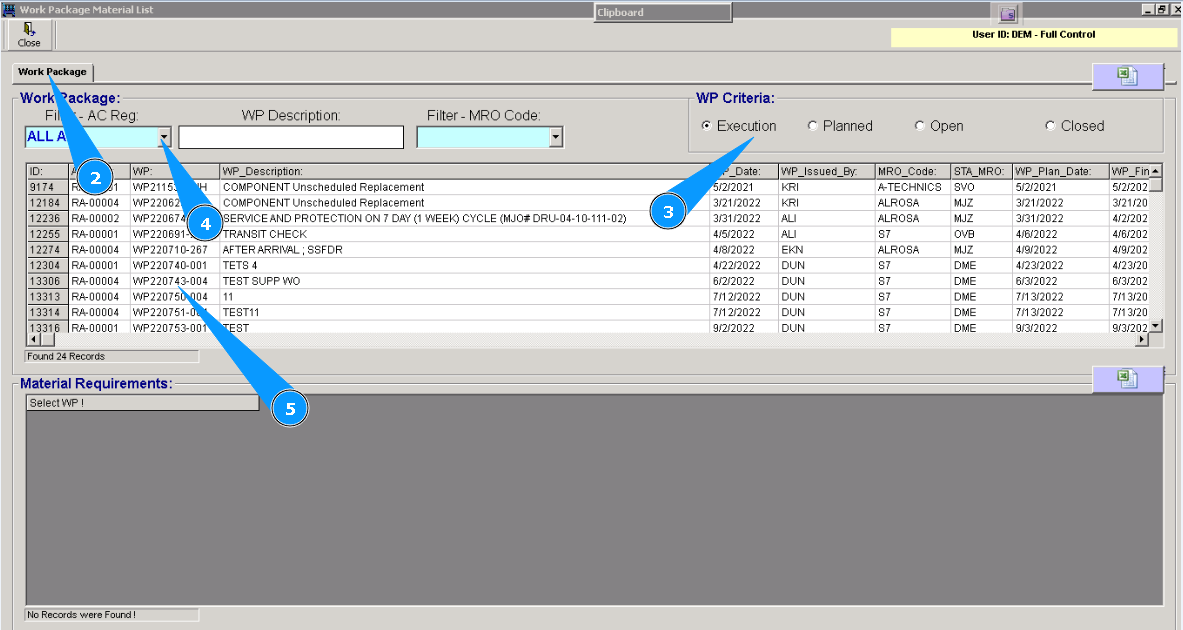
2. Then, check that tab "Work Package" is opened.
3. Find the necessary WP for checking materials with the available filters "Filter-AC Reg", "WP Criteria", or others. Enter searching creation in the field, for example: WP number, and press the button "Enter" on your keyboard.
4. Or find a WP from the dropdown list.
5. Select it by clicking on the necessary line.
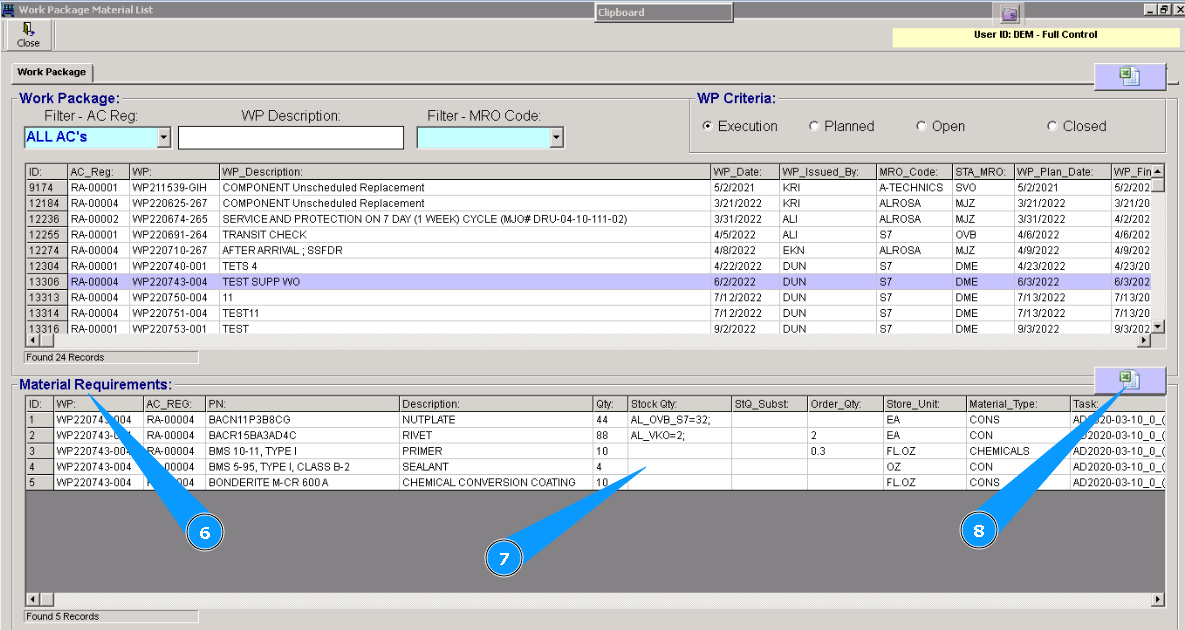
6. Check that window with materials "Material Requirements" is opened.
7. Check the necessary data on ordered materials, their availability in the store, and their quantity.
8. If necessary, you can download information in Excel by clicking on the Excel table symbol.