How to check reports
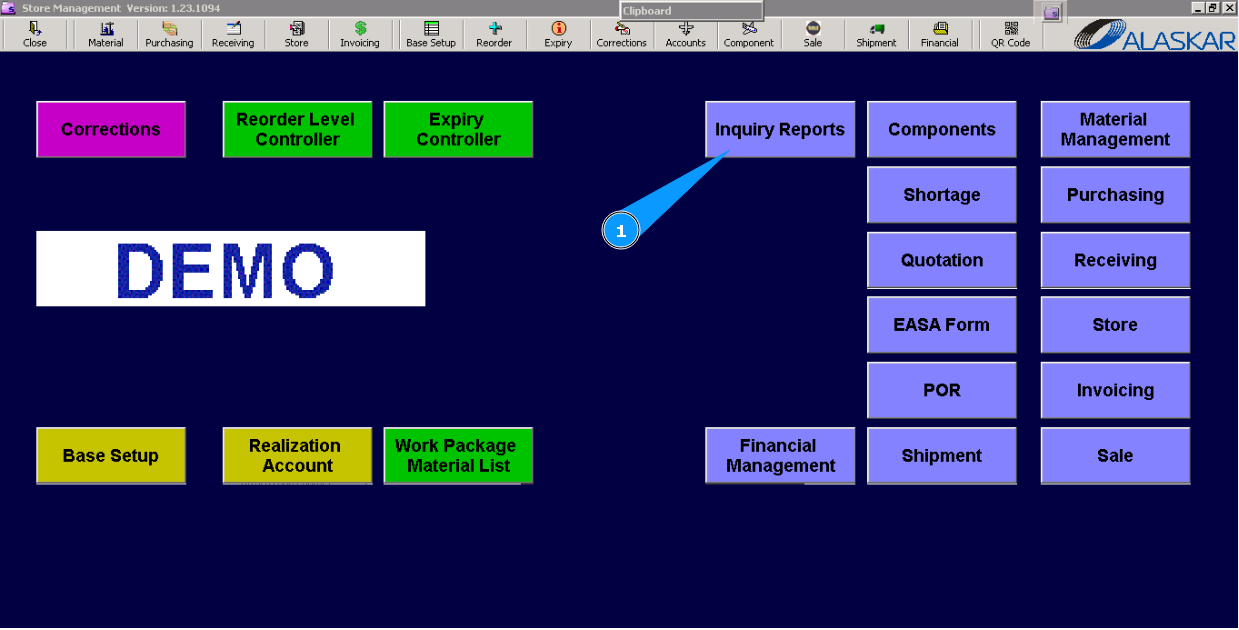
1. For checking existing reports, go to submodule "Inquiry Reports".
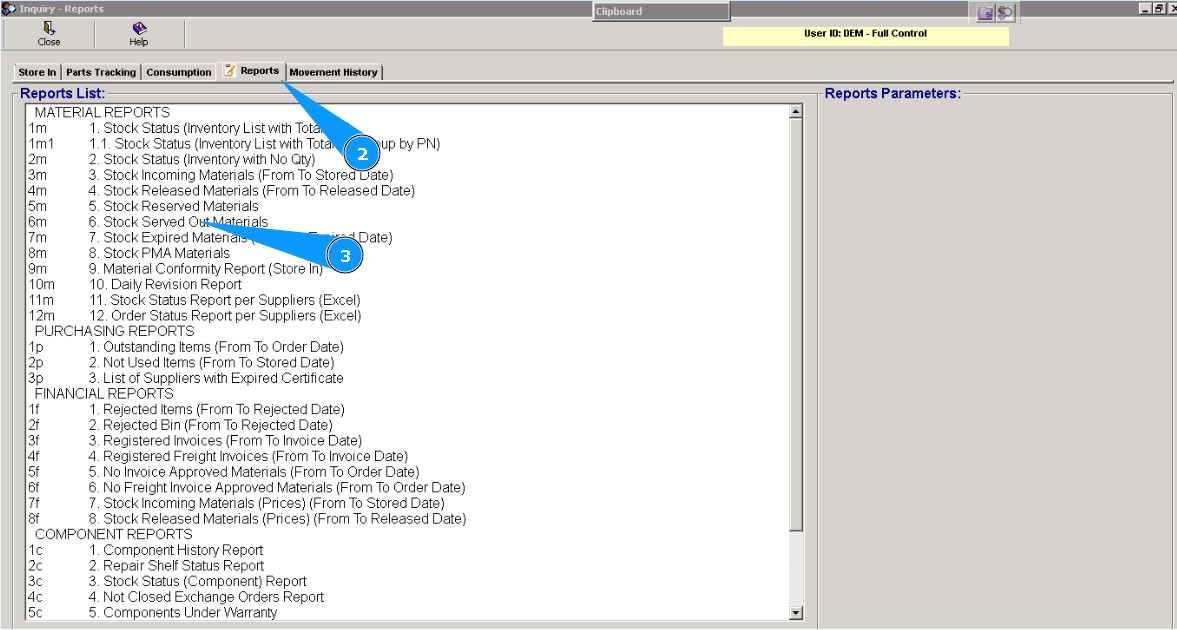
2. Then, go to tab "Reports".
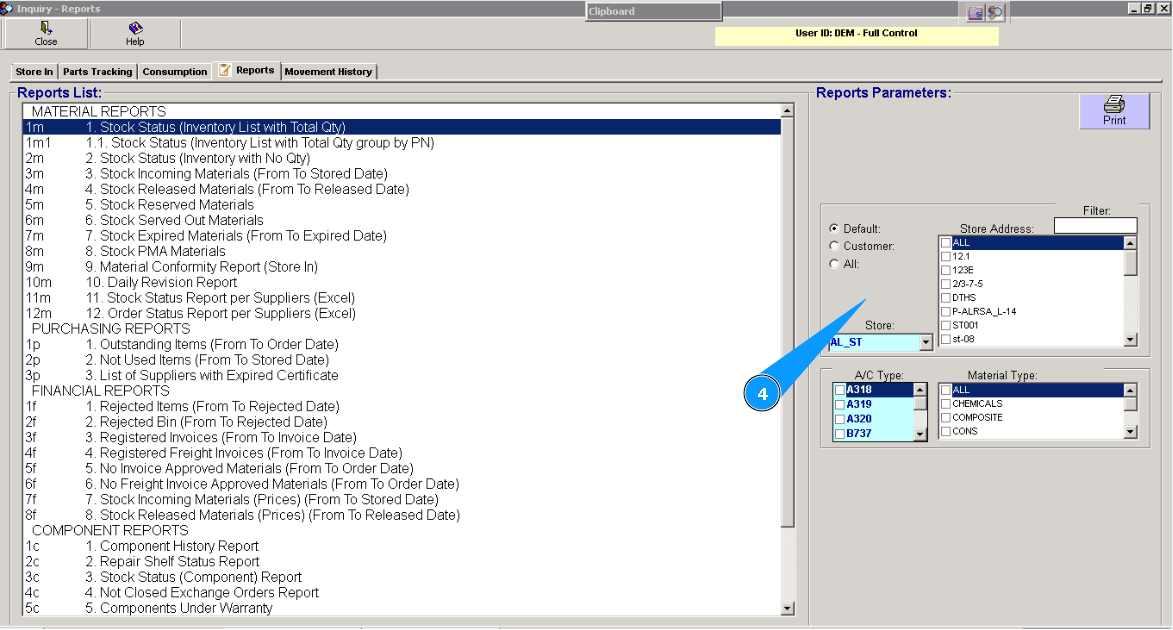
3. Select the necessary report in the list and click on the applicable line in the window "Reports List".
4. If necessary, select additional criteria for a request in the window "Reports Parameters".