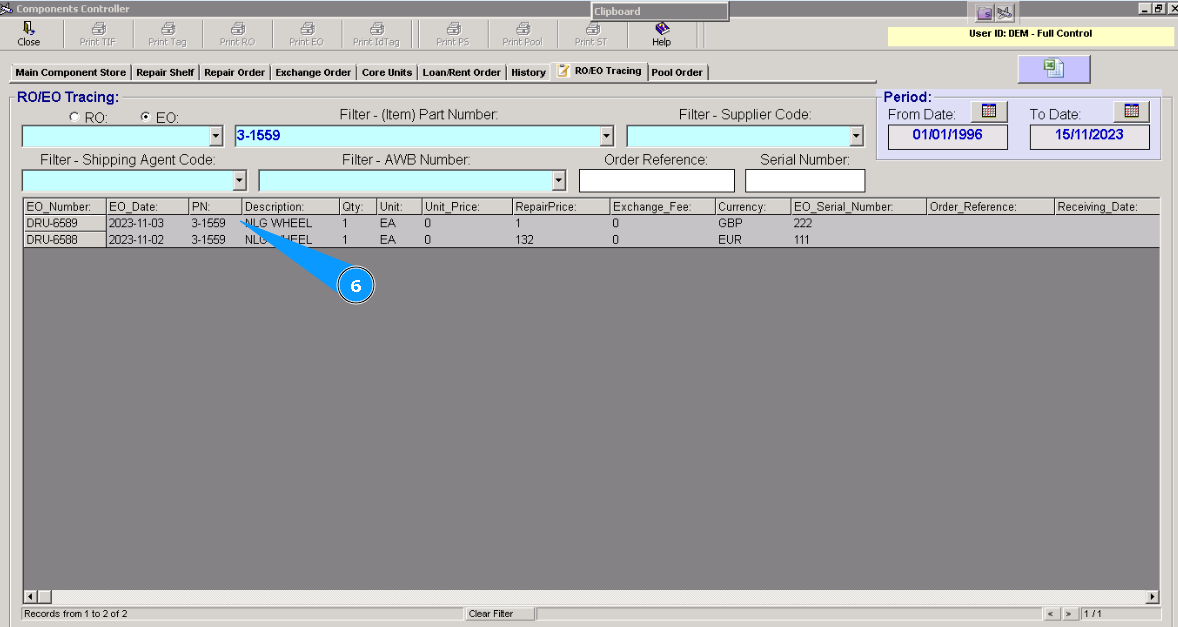
How to check the list of Exchange Order
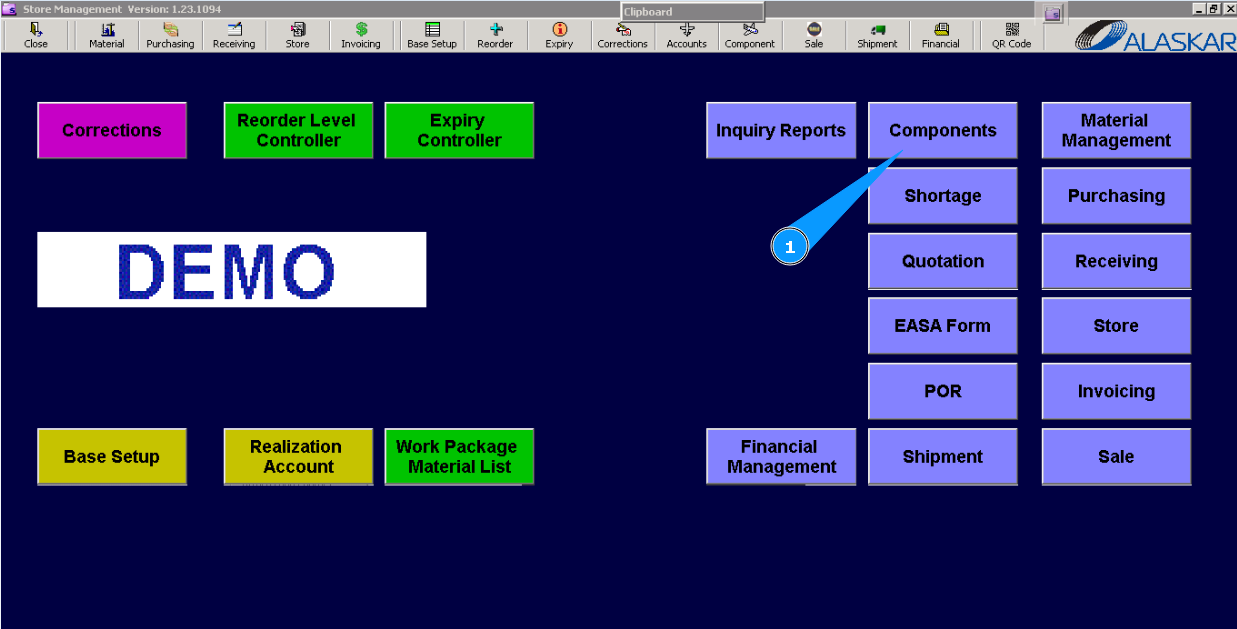
1. For checking the list of Exchange Orders and their entered data in the "Exchange order", go to submodule "Components".
2. Then, go to the tab "RO/EO Tracing". Note: If necessary, you can use other searching filters for a more exact selection of lines with the requested Exchange Order.
3. Select on the filter "Show EO", click in the field "EO".
4. Enter the part number of the searched component in the field "Filter-(Item) Part Number" and press the button "Enter" on your keyboard.
5. Or select from dropdown list.
For example: Filter-Supplier Code, Filter-AWB number, Period (from date to date), etc.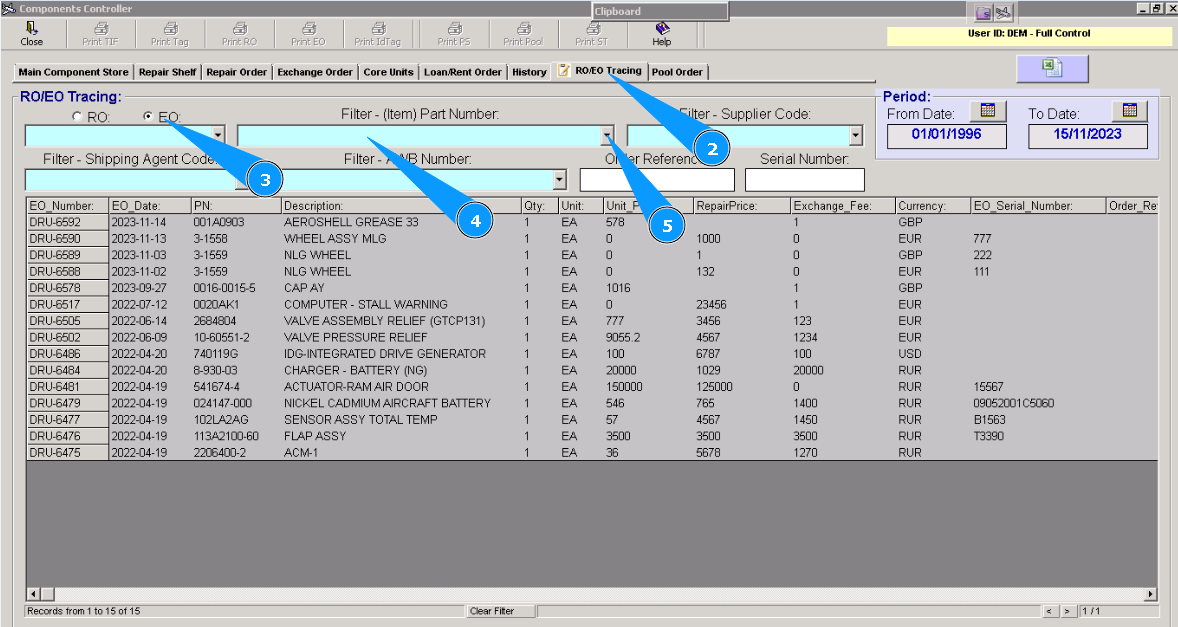
6. Visually check that the necessary line with requested data appears in the window "RO/EO Tracing".