How to check parts consumption
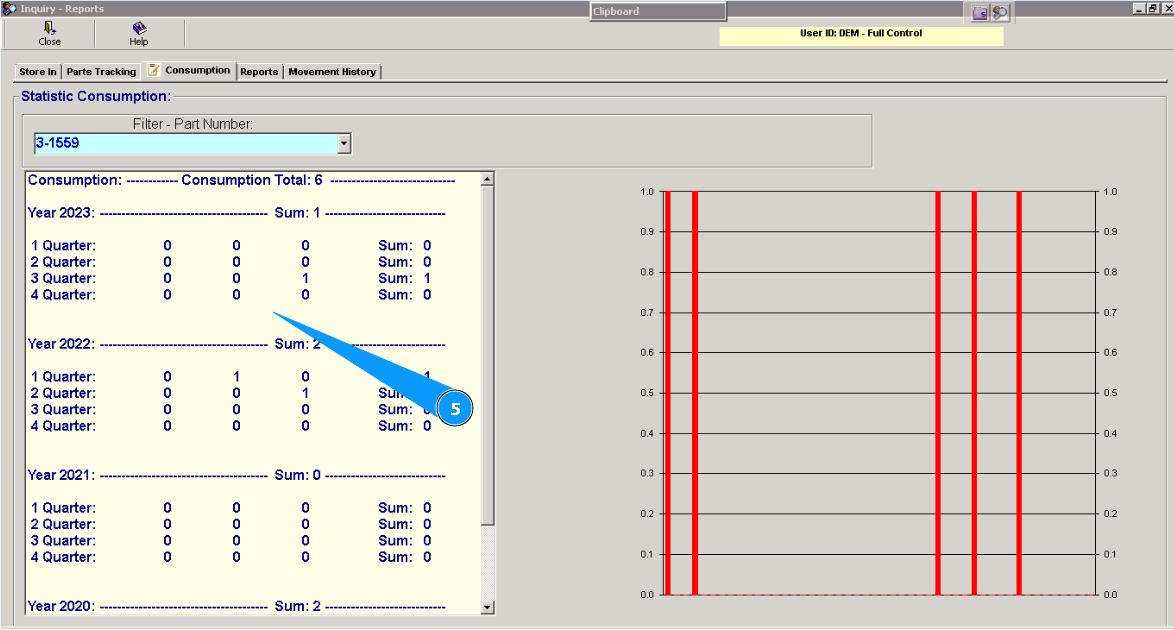
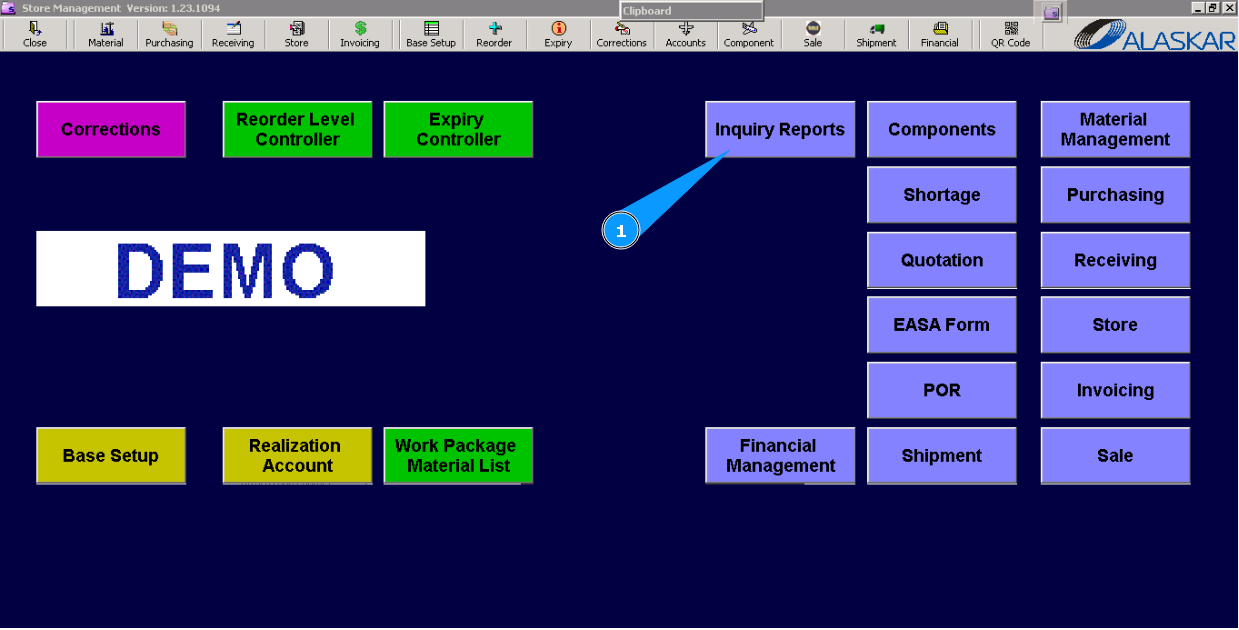
1. For checking parts consumption, go to submodule "Inquiry Reports".
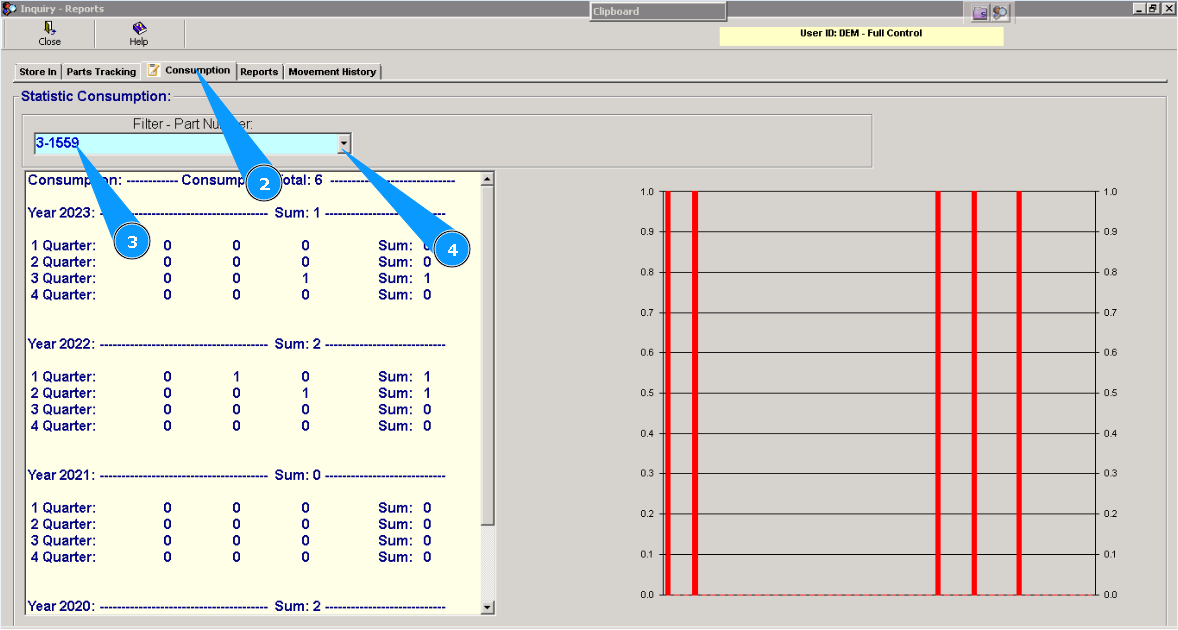
2. Then, go to the tab "Consumption".
3. Enter part number in the field "Filter-Part number" and press on the button "Enter" on your keyboard.
4. Or select it from dropdown list.
5. Check and read the results of consumption.