How to check components previously received to store
Method №1.
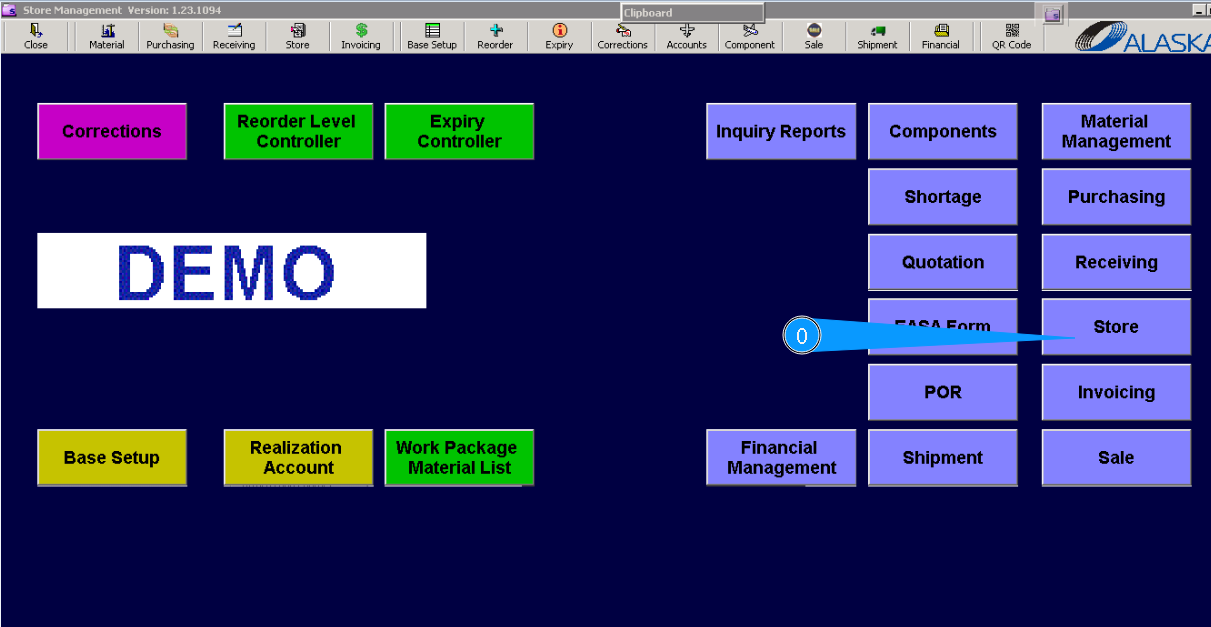
0. For checking components previously received to store, go to submodule "Store".
1.** Then, please go to the tab "Main Store" .
3. Or select an applicable store from dropdown list.
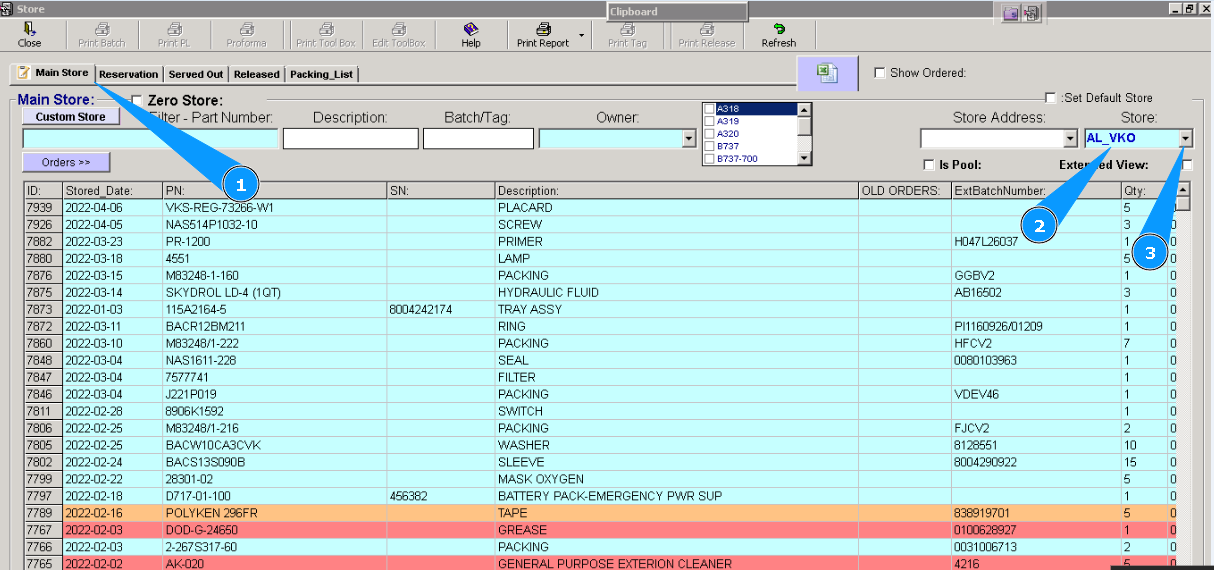
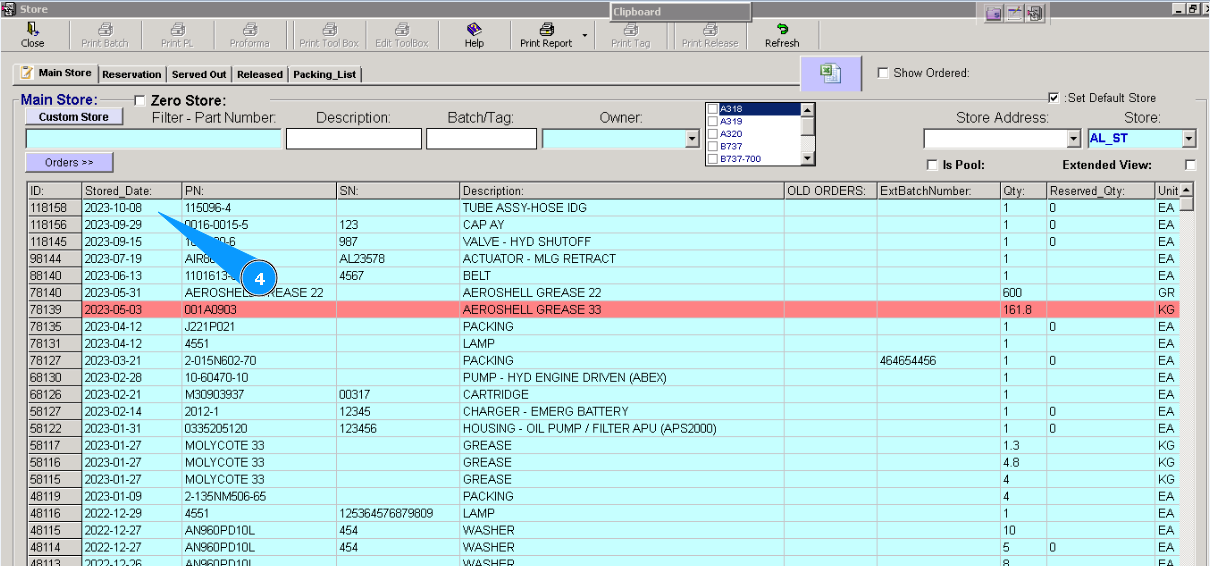
4. All components are sorted by receiving date. Last-received items are at the top.
Method №2.
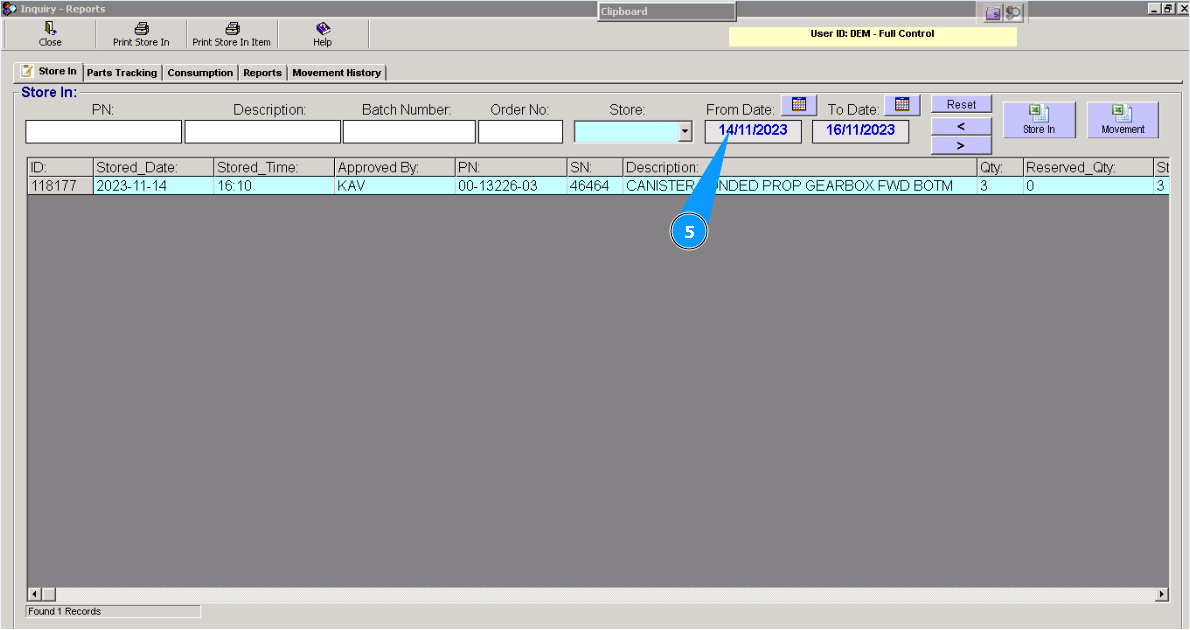
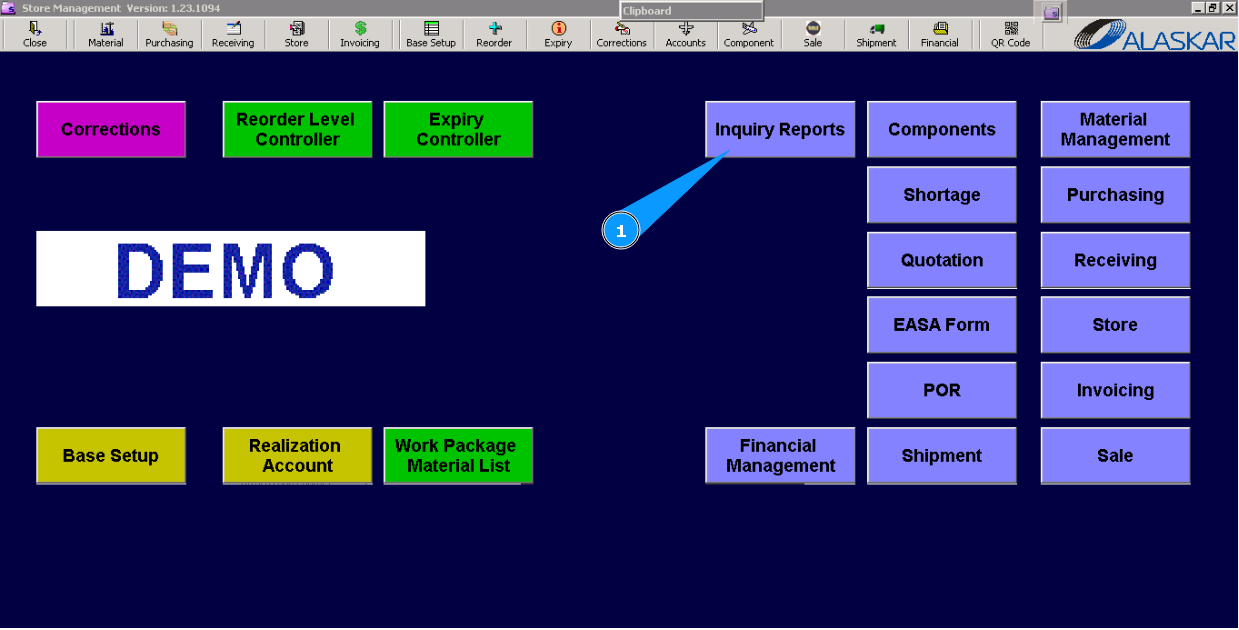
1. For checking components previously received to store, go to submodule "Inquiry Reports".
2. Then, please go to the tab "Store In".
3. Enter the store name and press the button "Enter" on your keyboard.
4. Or select an applicable store from dropdown list.
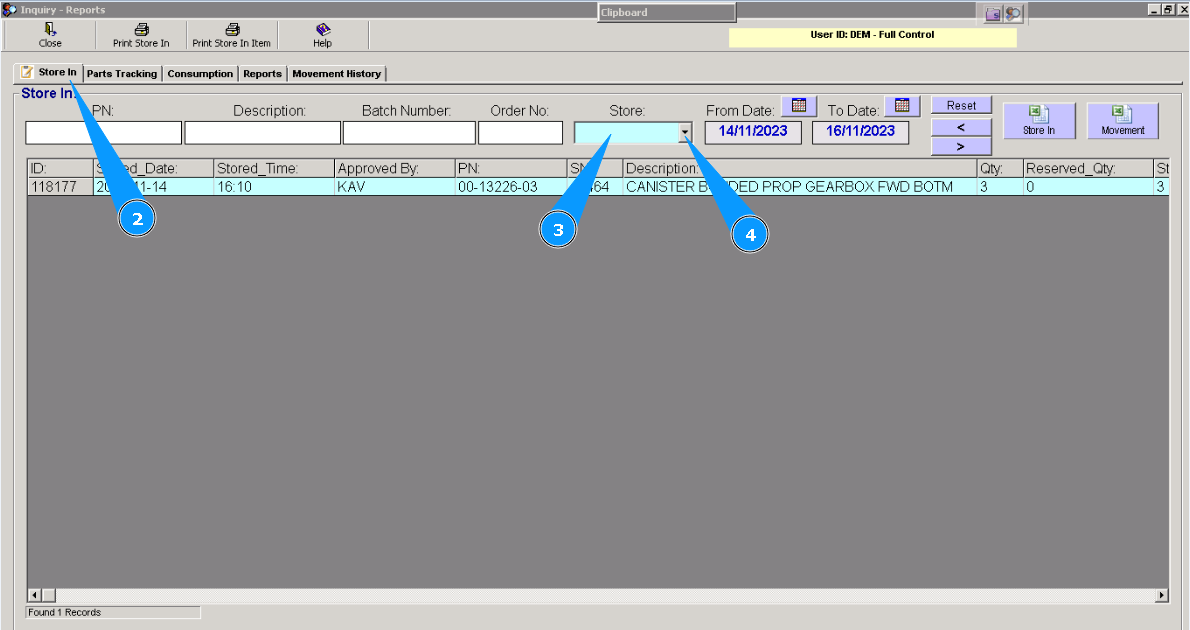
5. You can use other filters, "PN", "From date" and others, for exact searching.