How to change type of part: consumables by type: rotable
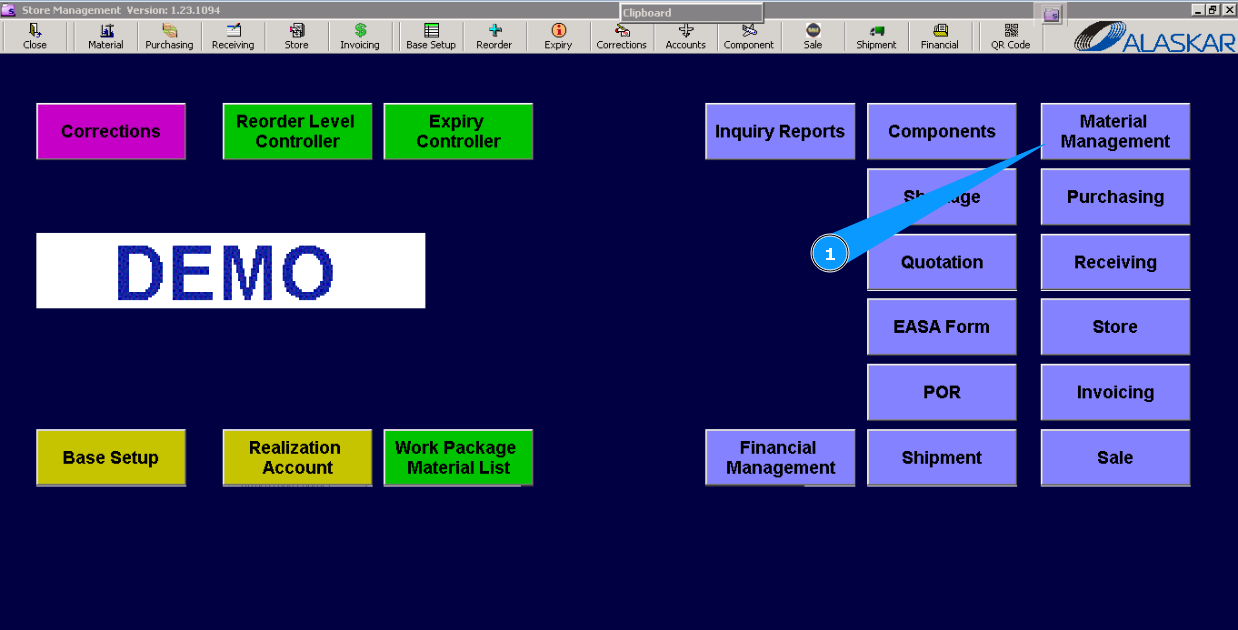
1. For changing the type of spare part that has already been received in the store, go to the submodule "Material Management".
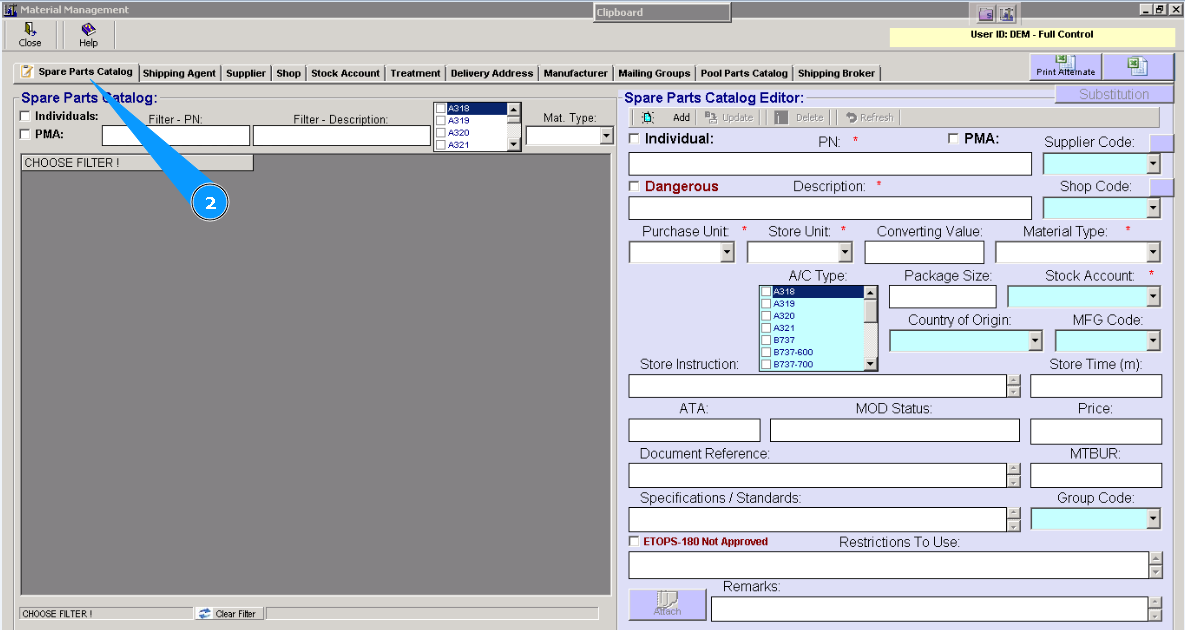
2. Then go to tab "Spare Parts Catalog".
3. Select the required part type from the dropdown list in the "Material Type" field.
Note: For components you should select type REP(repairable). Check that the field "Individual" is filled in.
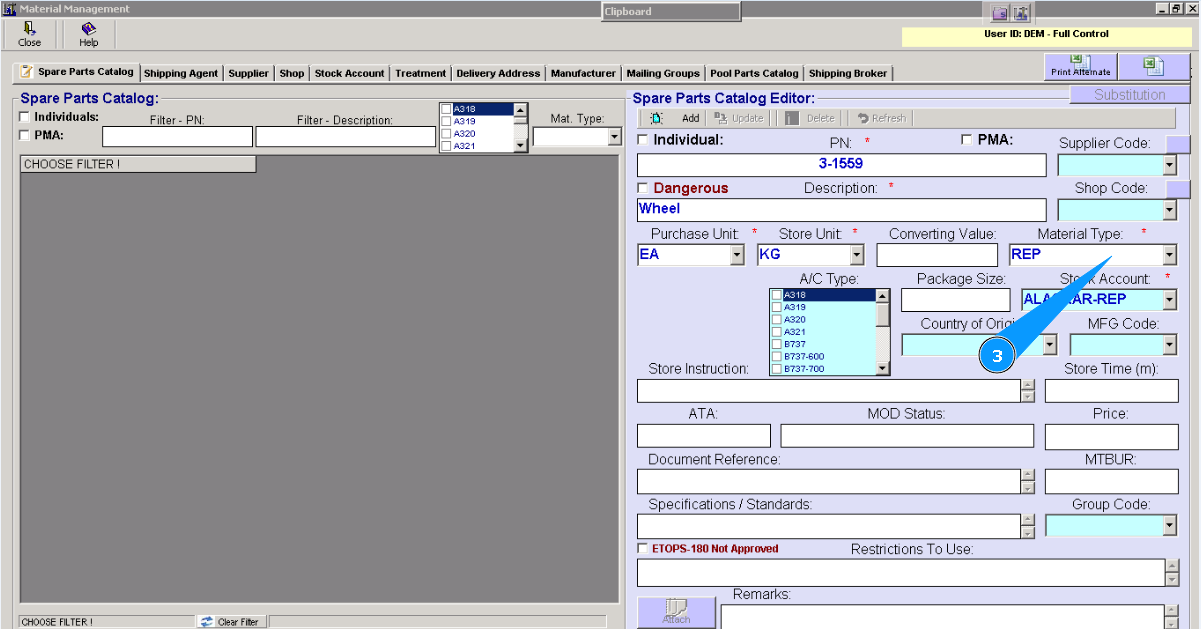
Note: For consumables you should select other types that exist in the dropdown list.