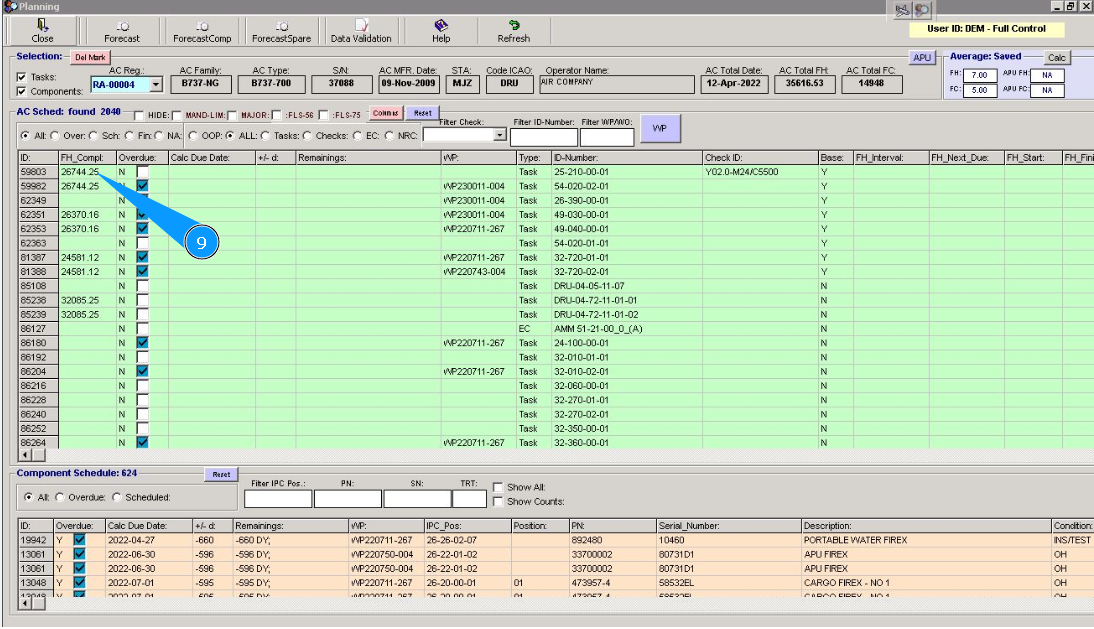
How to sort columns in the planning window
1. To sort columns in the planning window, go to the tab "Actual Structure".
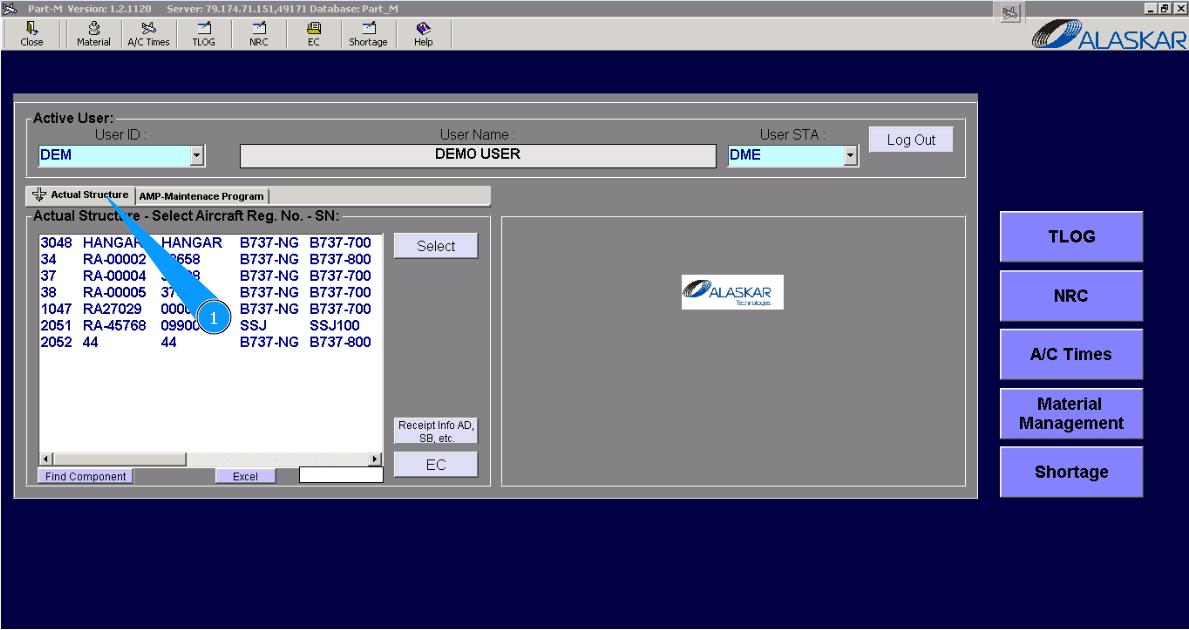
2. Select aircraft registration in the list of window "Actual Structure-Select Aircraft Reg.-SN".
3. Click on the button "Planing", to open submodule planning.
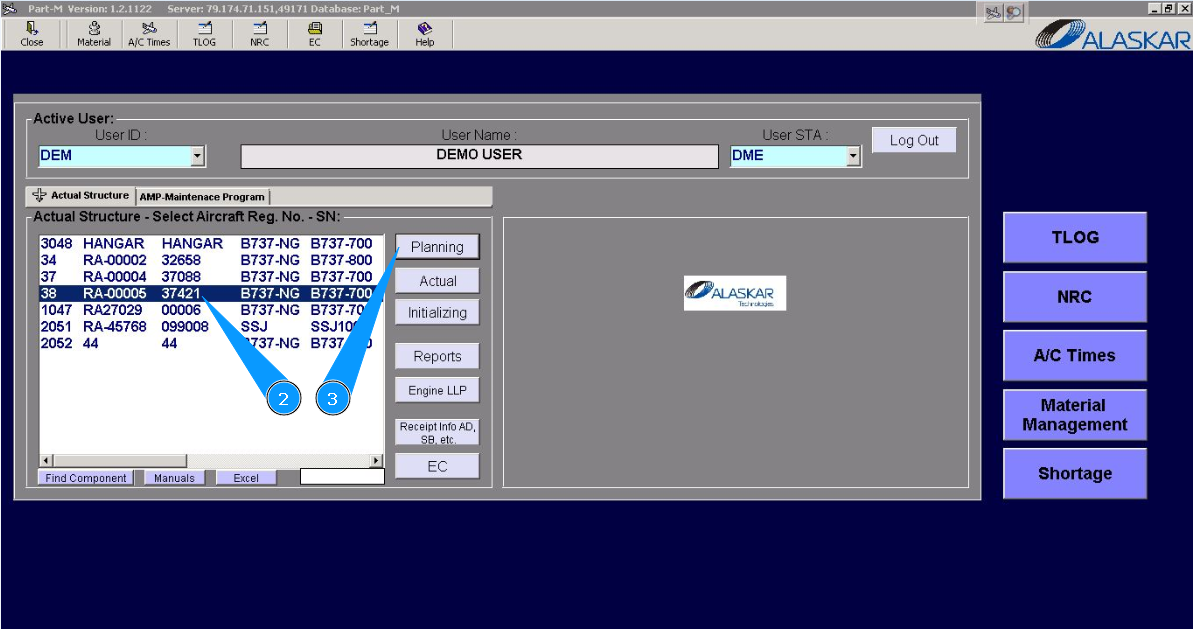
4. Click on the button "Columns", to open the sort editor.
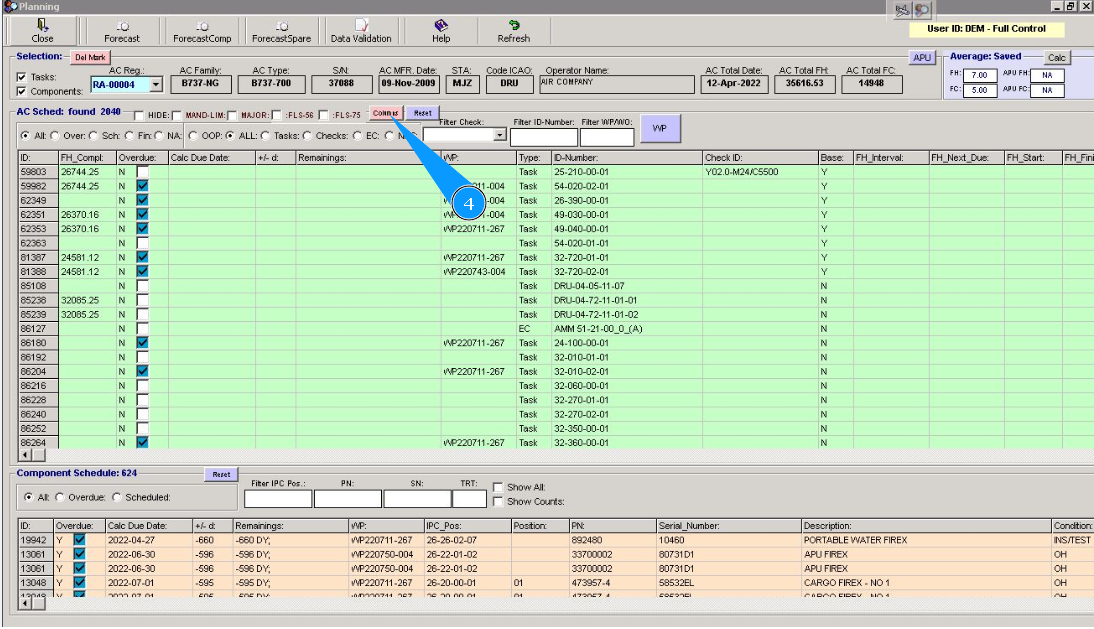
5. Click on the line of the column's name, which should be moved. Note: Column ID moving is not possible. It is always presented as the first column.
6. Click on the button with an arrow to move the line up or down.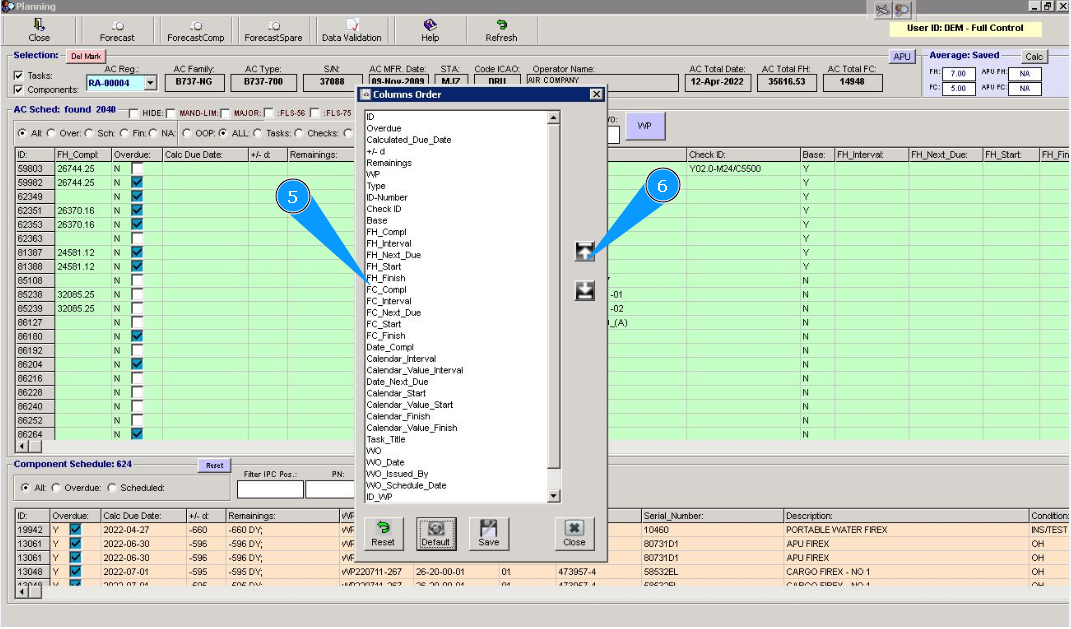
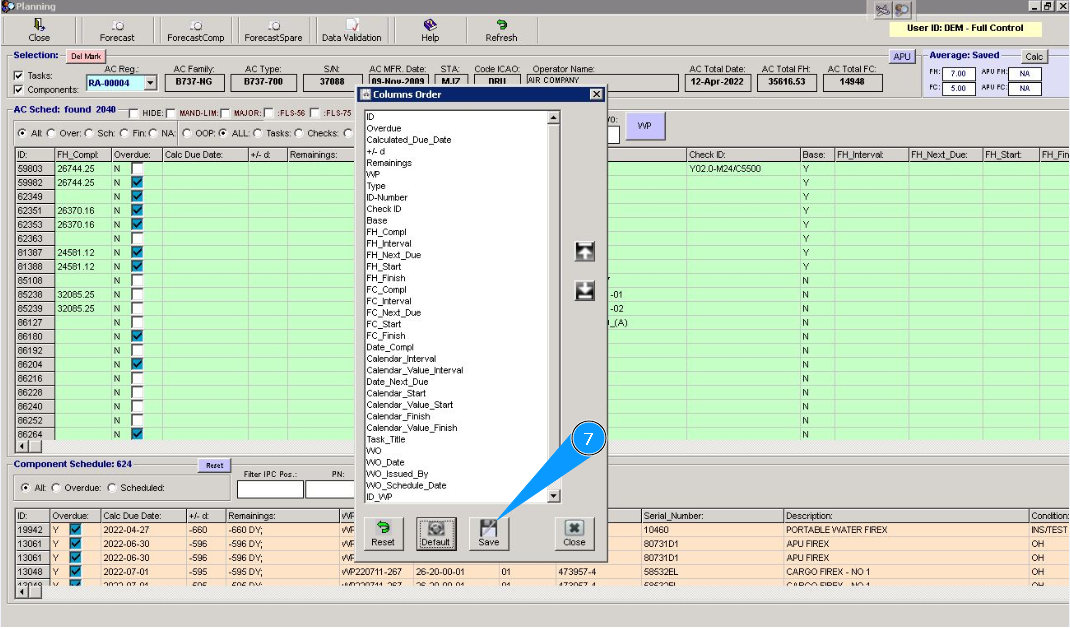
7. Click on the button "Save", to save your settings in the program
8. Click on the button "Close", to close the sort editor. Note: If required, you can reset all settings and set the "default" display options. To do this, click on the button Default.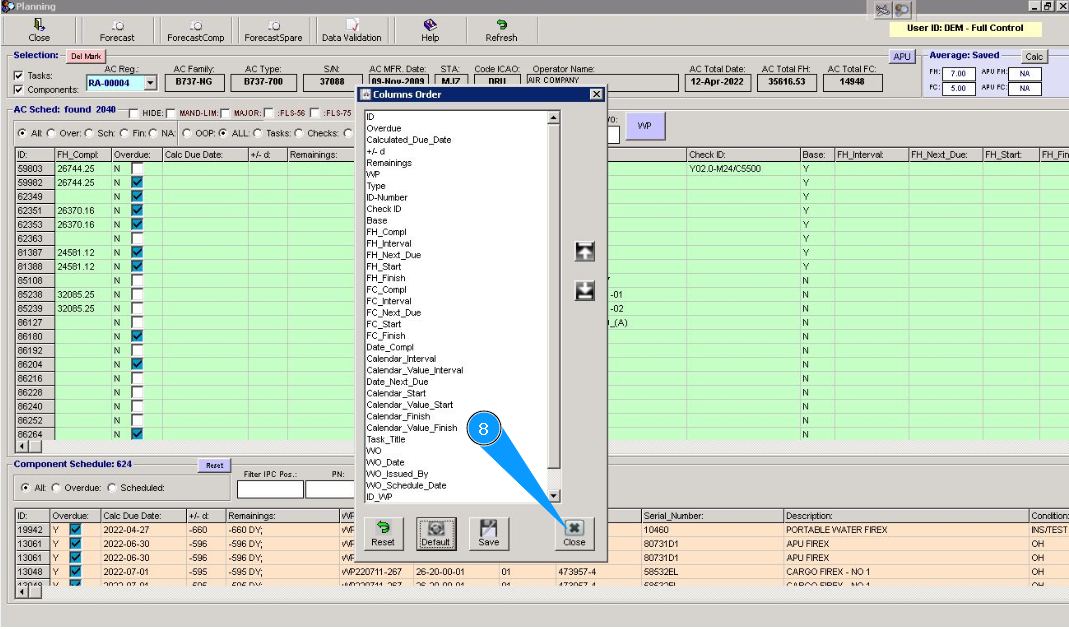
9. Check that all columns are presented in according to your settings and order. If required, correct your choice again.