How to set the required criteria of Average Aircraft Utilization for planning
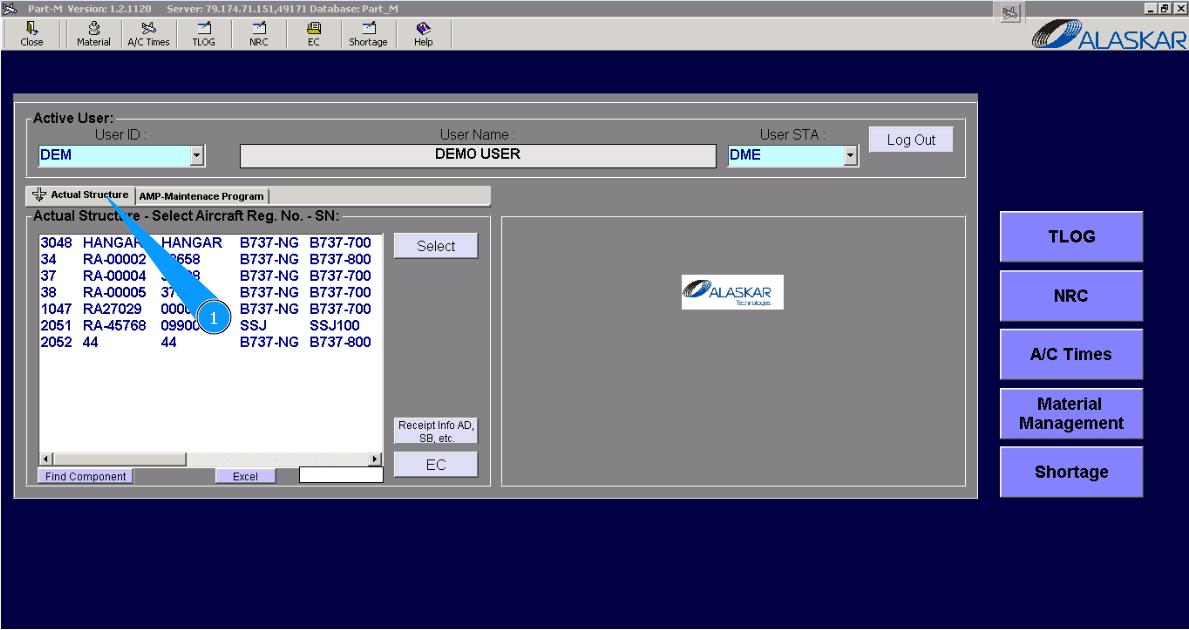
1. To set the required criteria of Average Aircraft Utilization for planning, please go to the submodule "Actual Structure".
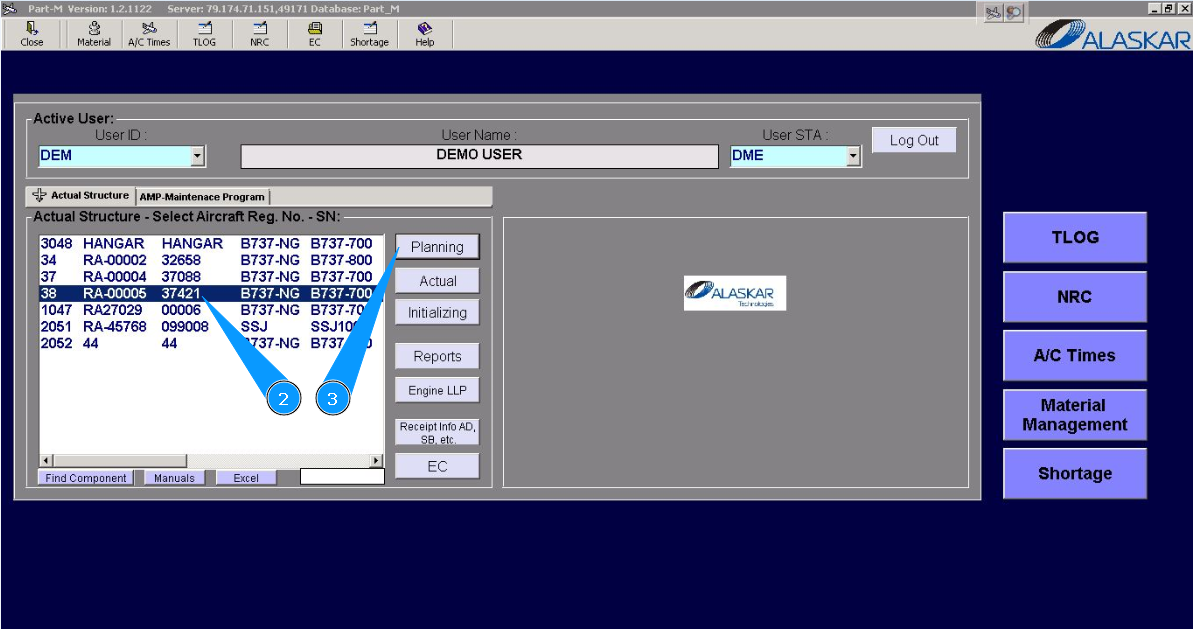
2. Select aircraft registration in the list of window "Actual Structure-Select Aircraft Reg.-SN".
3. Click on the button "Planing", to open submodule planning.
4. Click on the button "Calc", to open the editor of average aircraft utilization.
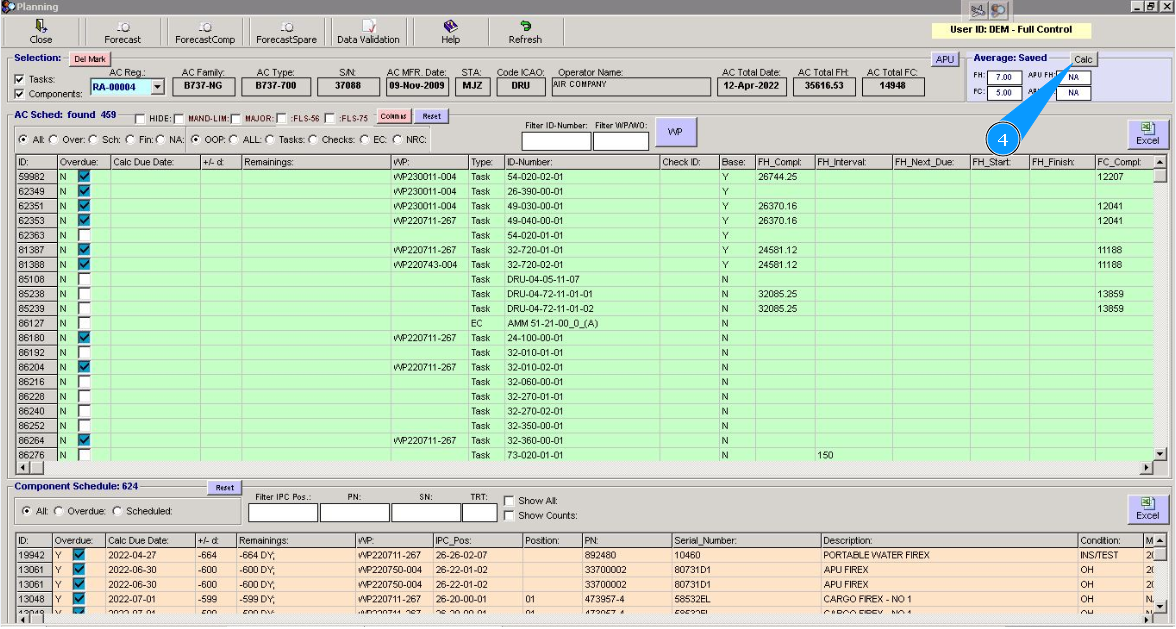
5. Enter the required parameters of average aircraft utilization in the fields: "FH", "FC" of the window "Average Auto".
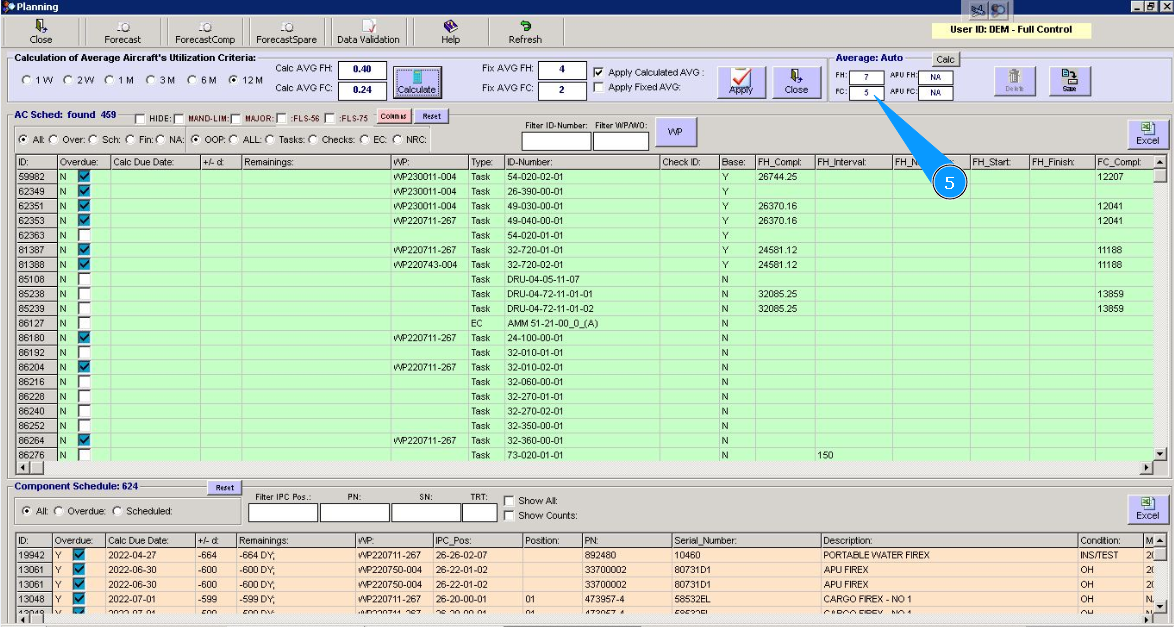
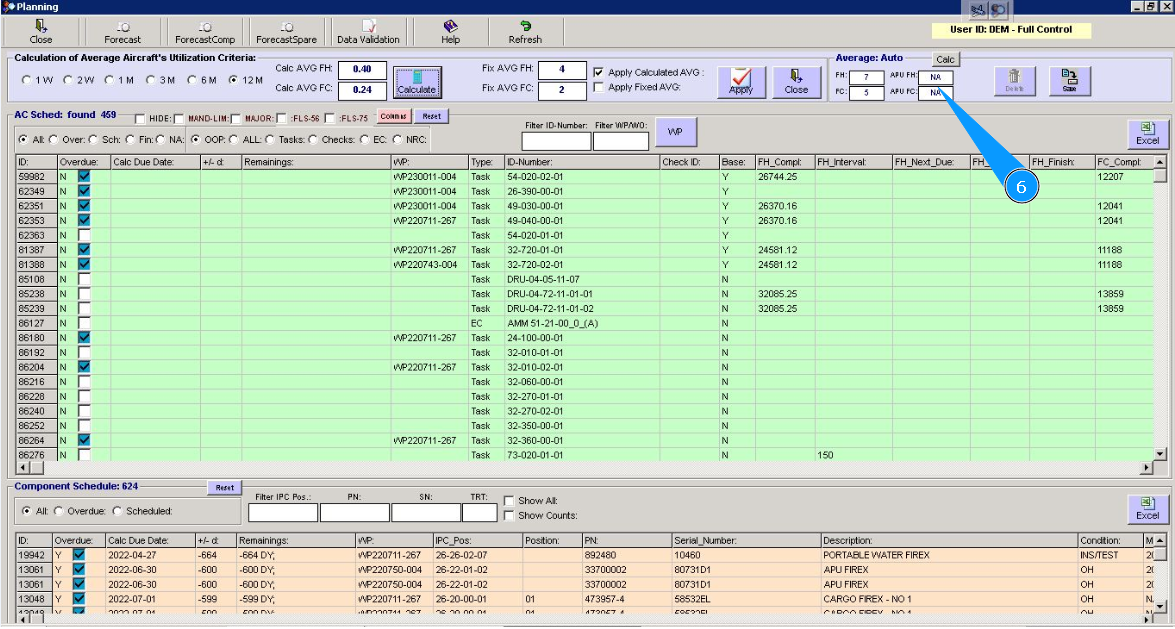
6. Enter the required parameters of average APU utilization in the fields: "APU FH", "APU FC" of the window "Average Auto".
7. Click on the button "Save", to save the entered data. Note: If the button "Delete" is active and displayed, it means average aircraft utilization was previously loaded into the program. If it is required, please correct the AVG aircraft utilization.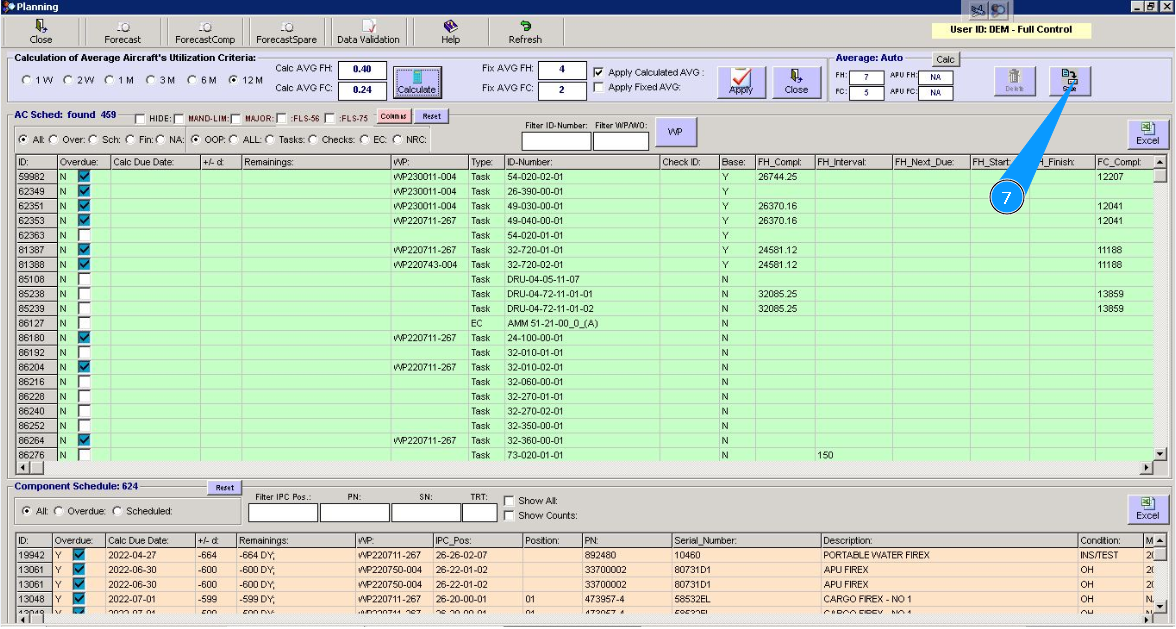
8. Click on the button "Yes", to confirm adding changes and recalculation.
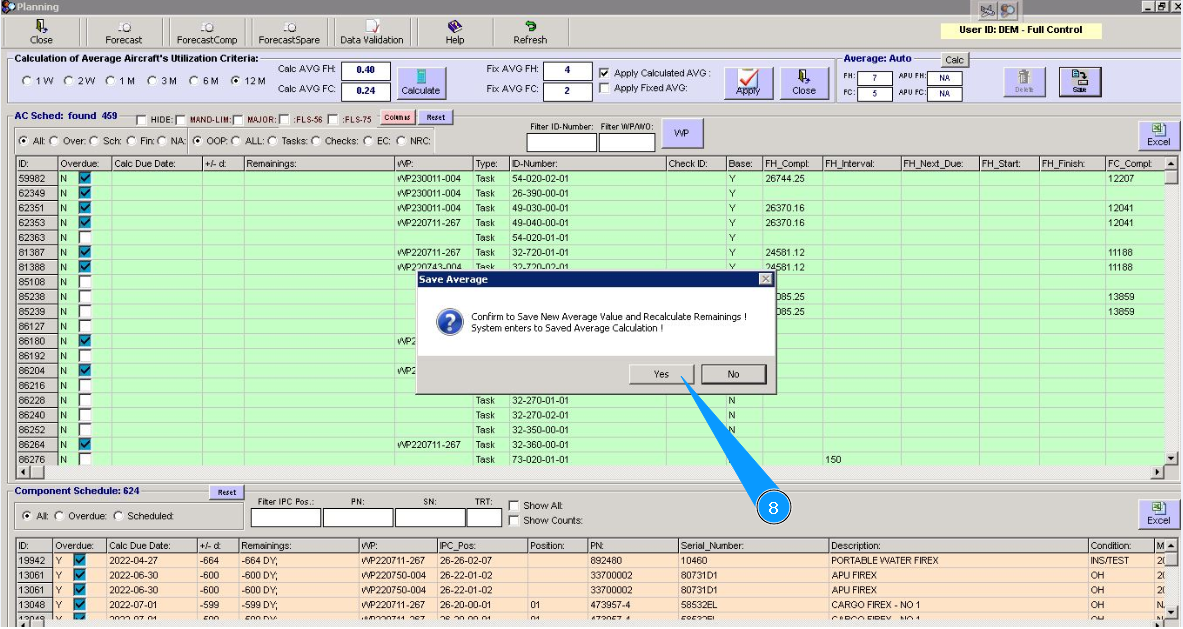
Note: For the actual display of forecast information for planning tasks and deadlines, you can use the left field of this editor.
9. Select any amounts of the requested period of average aircraft utilization: per week, per two weeks, per month, etc.. Set a filter in the corresponding field.
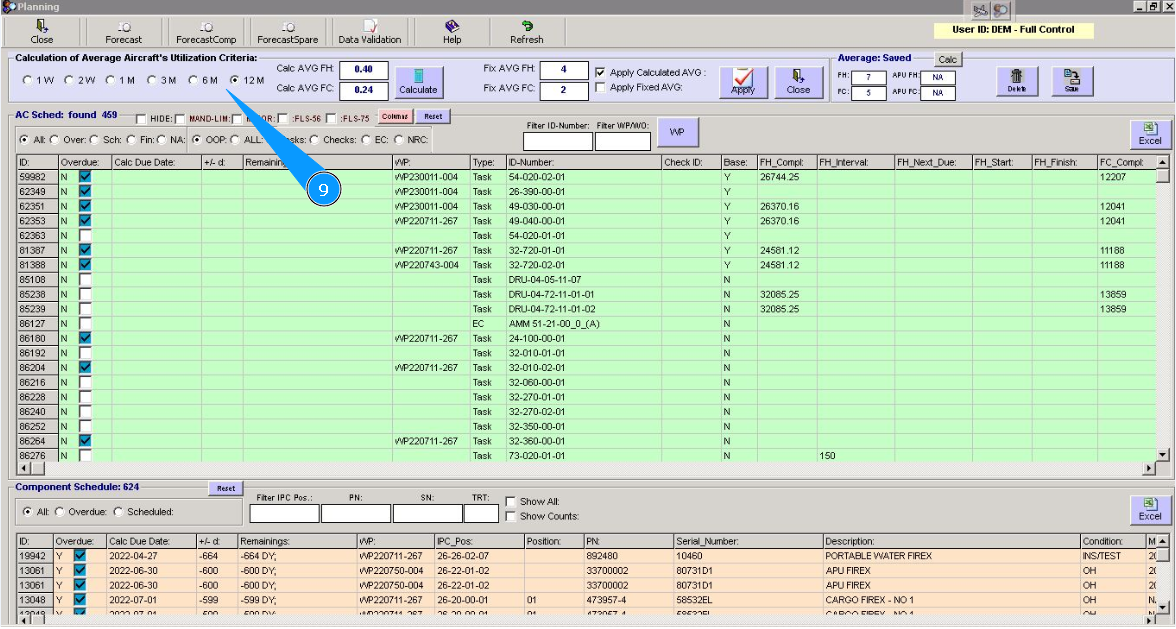
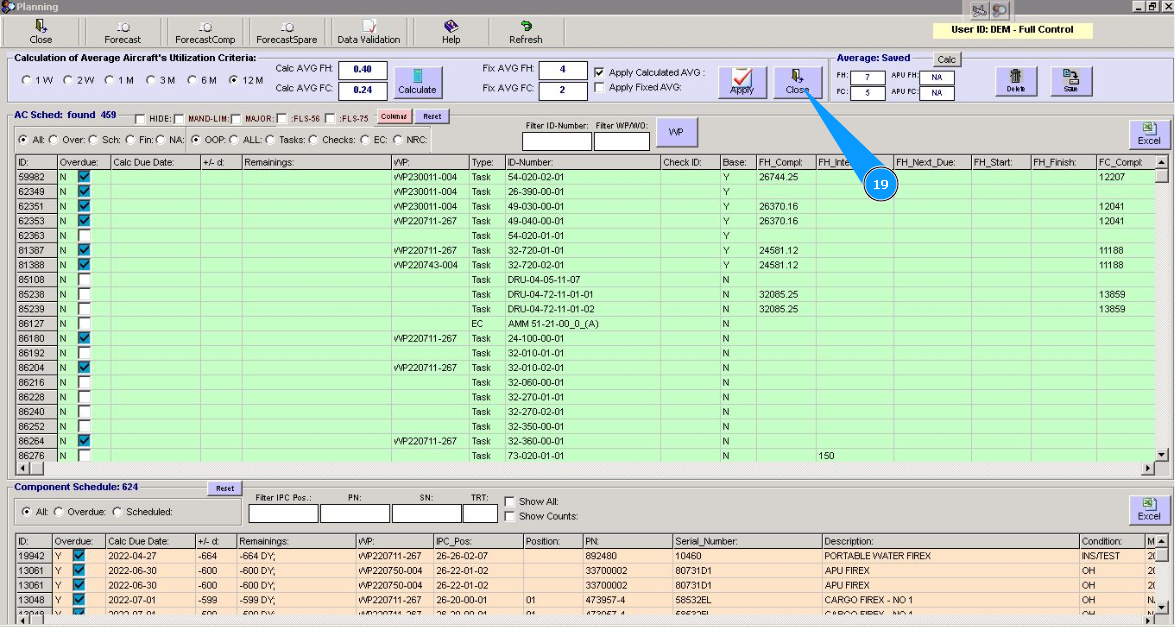
10. Click on the button "Calculate", to calculate the data of utilization.
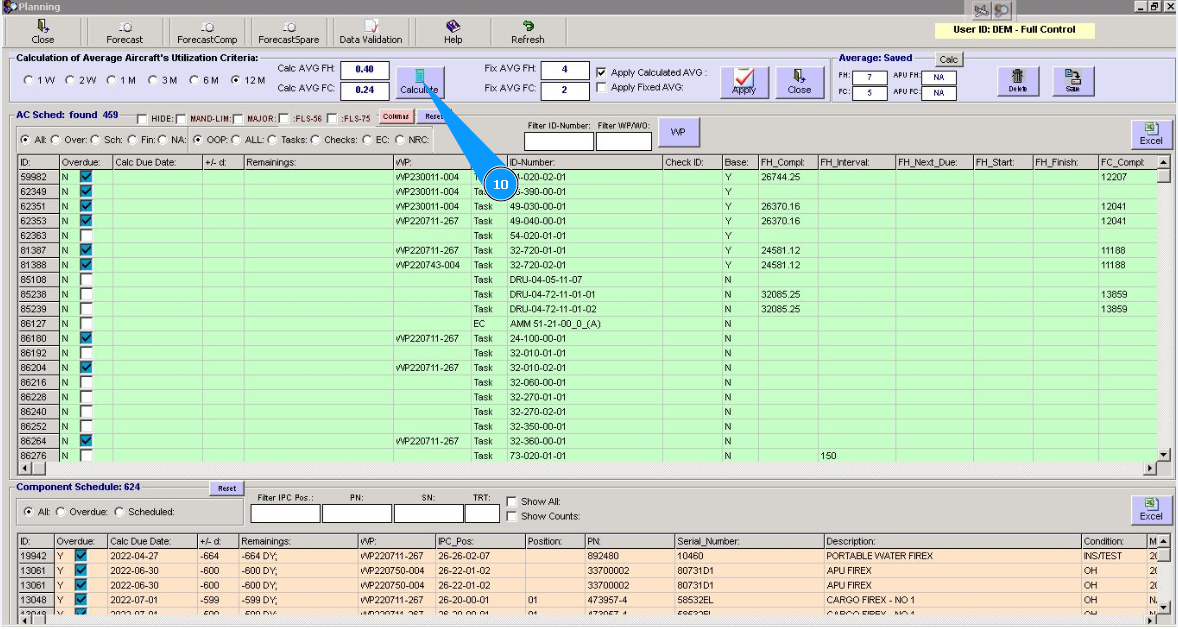
11. Check that data is displayed in the fields: "Calc AVG FH", "Calc AVG FH".
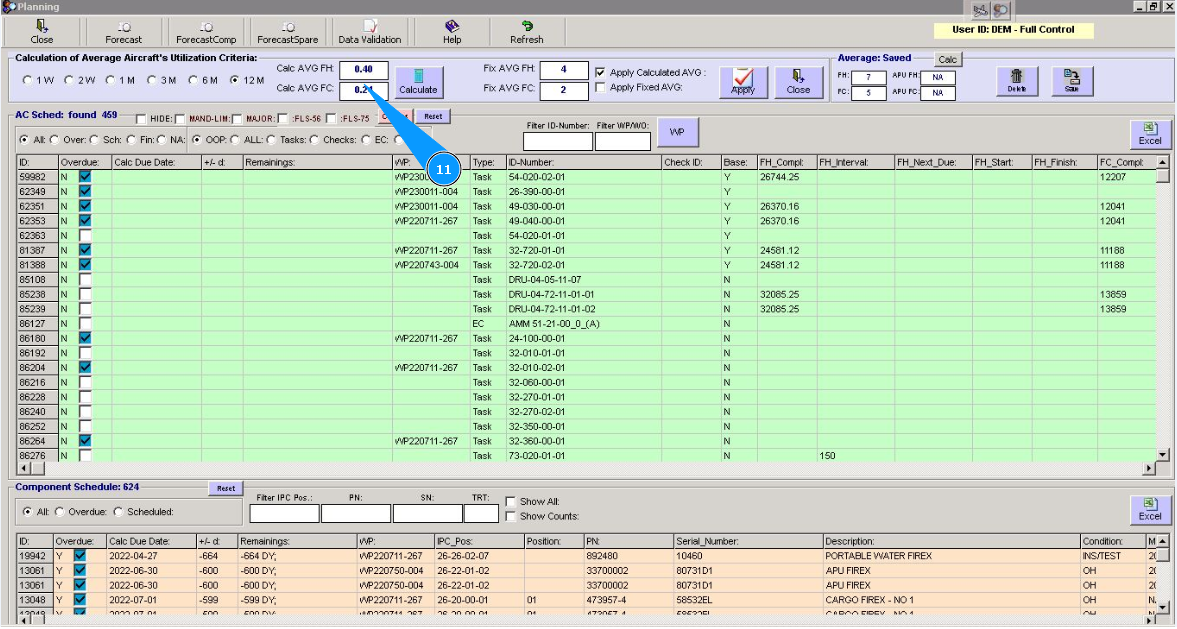
12. Set the filter "Apply Calculated AVG", if it is required to calculate with your calculated data of utilization.
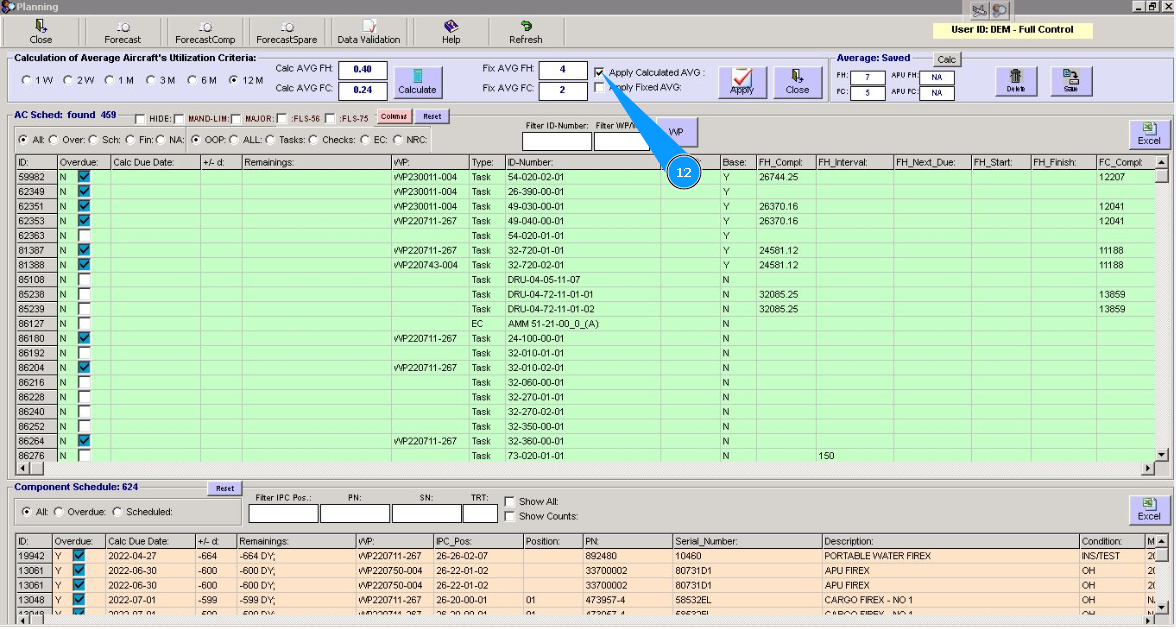
13. Click on the button "Apply", to do a recalculation of the data.
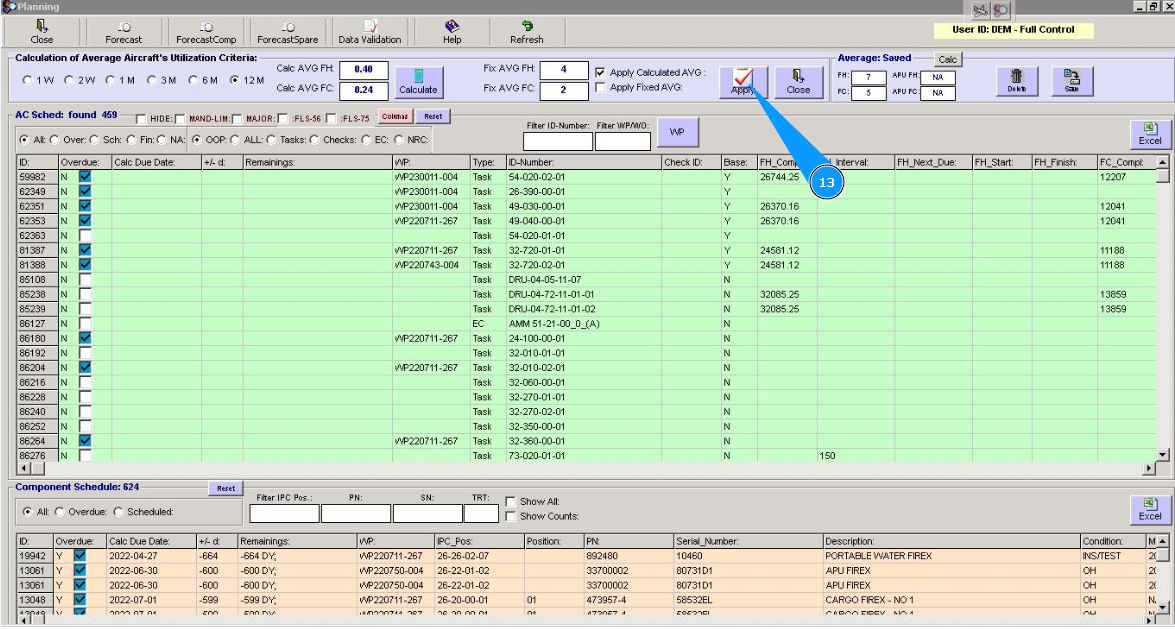
14. Wait and check that the recalculation of the task deadline is successfully done in the planning window.
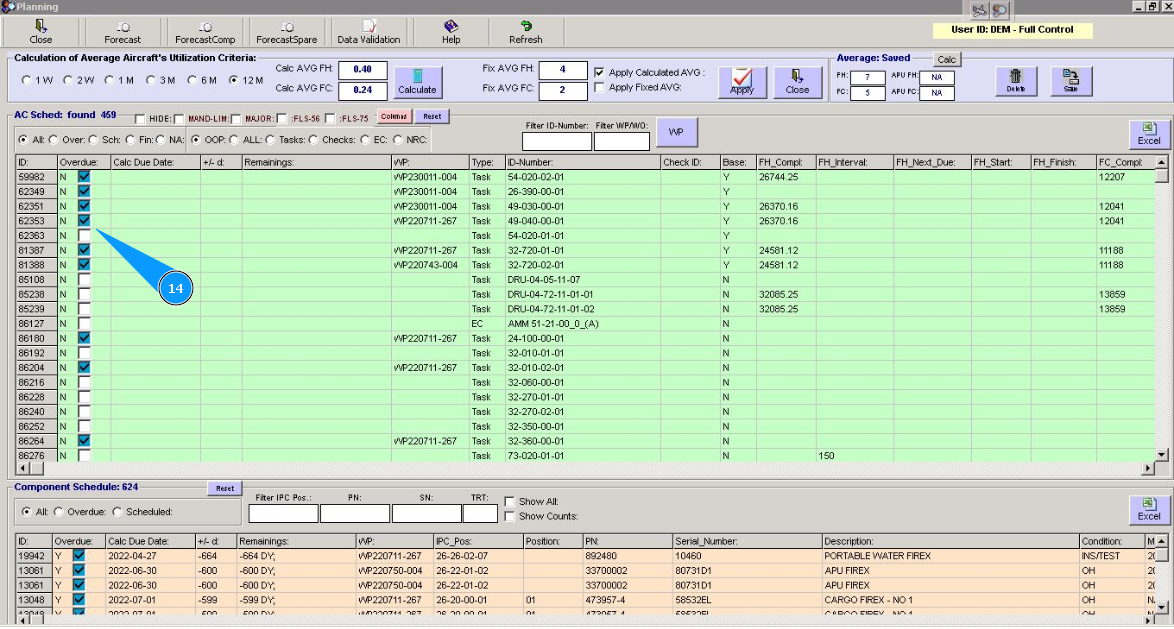
Note: You can calculate deadlines for task planning by your requested average aircraft utilization parameters.
15. In this case, set the filter "Apply Fixed AVG", to calculate deadlines for task planning based on your requested AVG aircraft utilization.
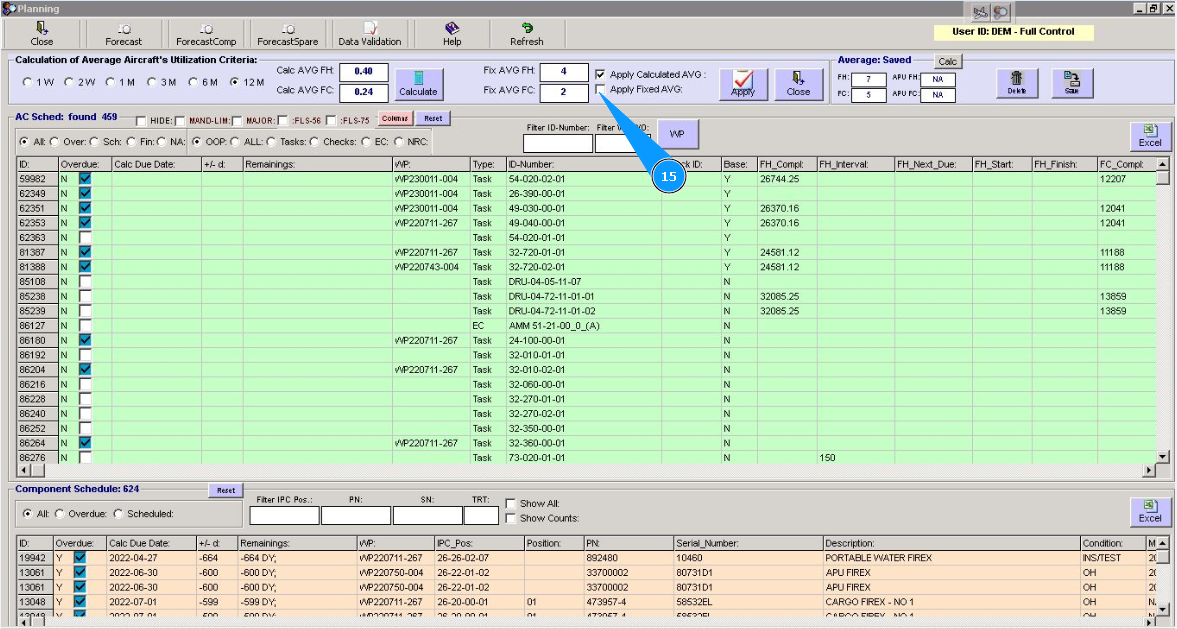
16. Enter the required parameters AVG aircraft utilization in the fields: "Fix AVG FH", "Fix AVG FC".
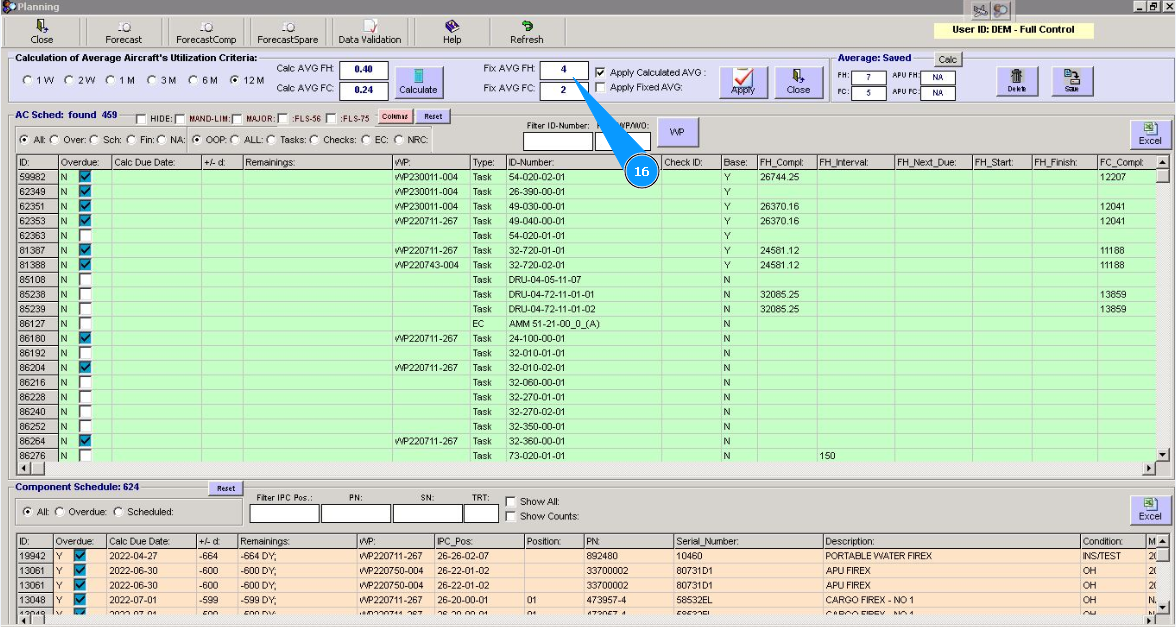
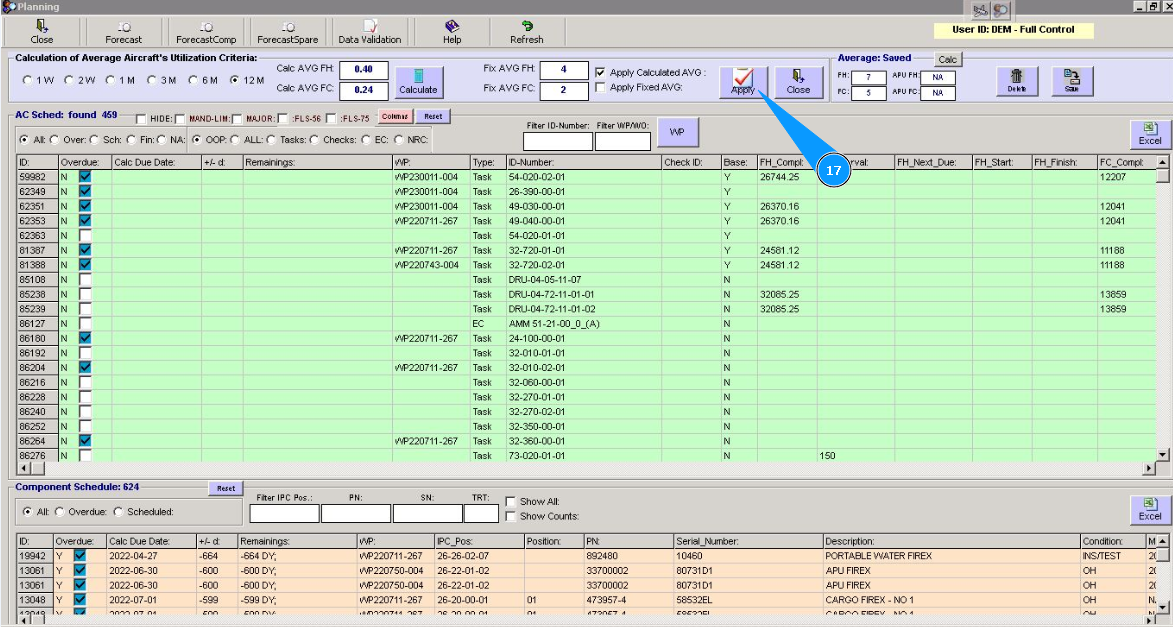
17. Click on the button "Apply", to recalculate.
18. Wait and check that the recalculation of the task deadline is successfully done in the planning window under your request.
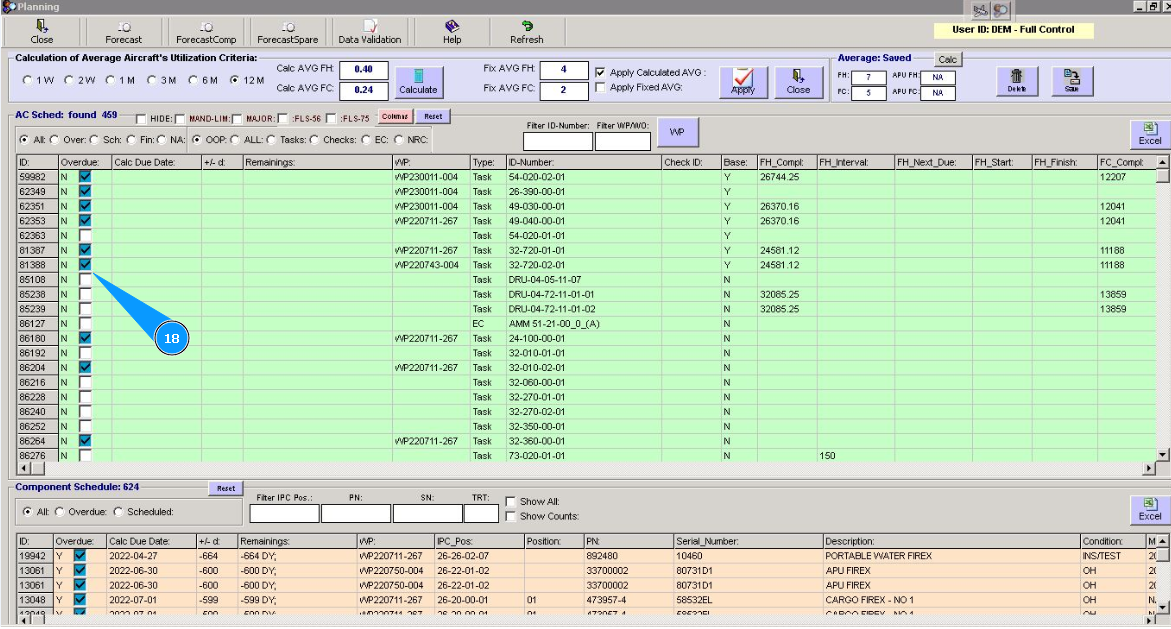
Attention: Such an actual display of forecast planning or deadline with AVG aircraft utilization under "Apply Calculated AVG" or "Apply Fixed AVG" is possible only you are in the editor window. After the editor closes, recalculation will be performed under automatic parameters from the window "Average Auto".
19. Click on the button "Close", to close the editor.