How to download forecast of man-hours to Excel
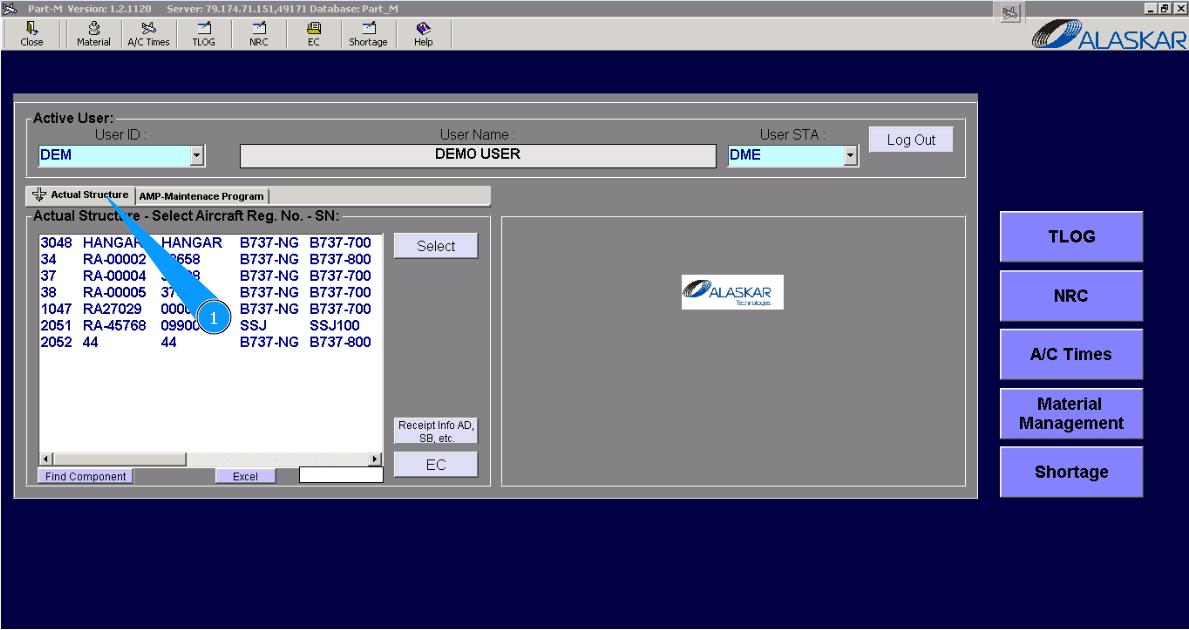
1. To download forecast of man-hours to Excel, please go to submodule "Actual Structure".
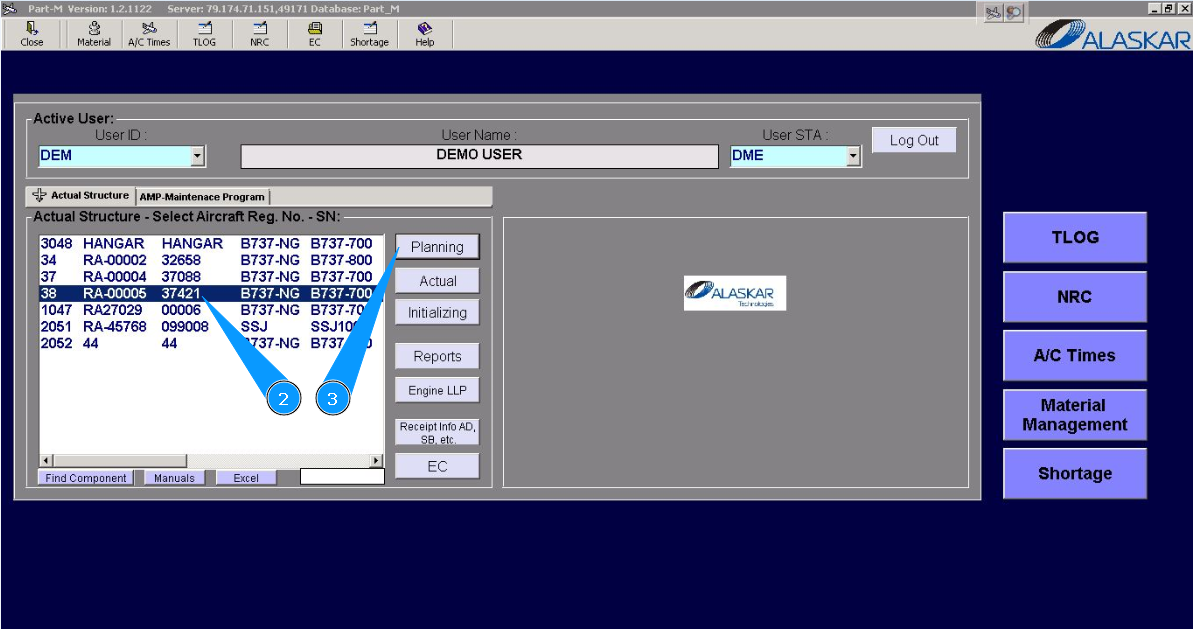
2. Select aircraft registration in the list of window "Actual Structure-Select Aircraft Reg.-SN".
3. Click on the button "Planing", to open submodule planing.
4. Click on the button "Forecast, to open editor of downloading data of man-hours.
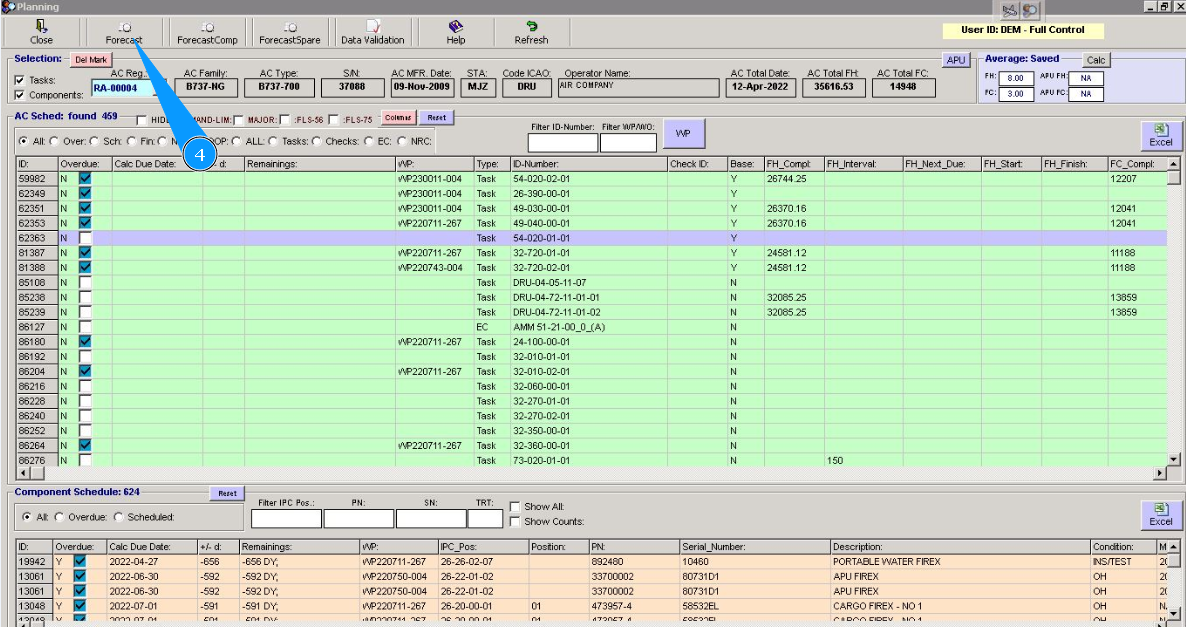
5. Click on the button "Excel, to download forecast man-hours to excel. Note: Use the existing search filters to select the appropriate Task, check, EC or NRC for which the Excel report should be downloaded, and select the forecast interval as well.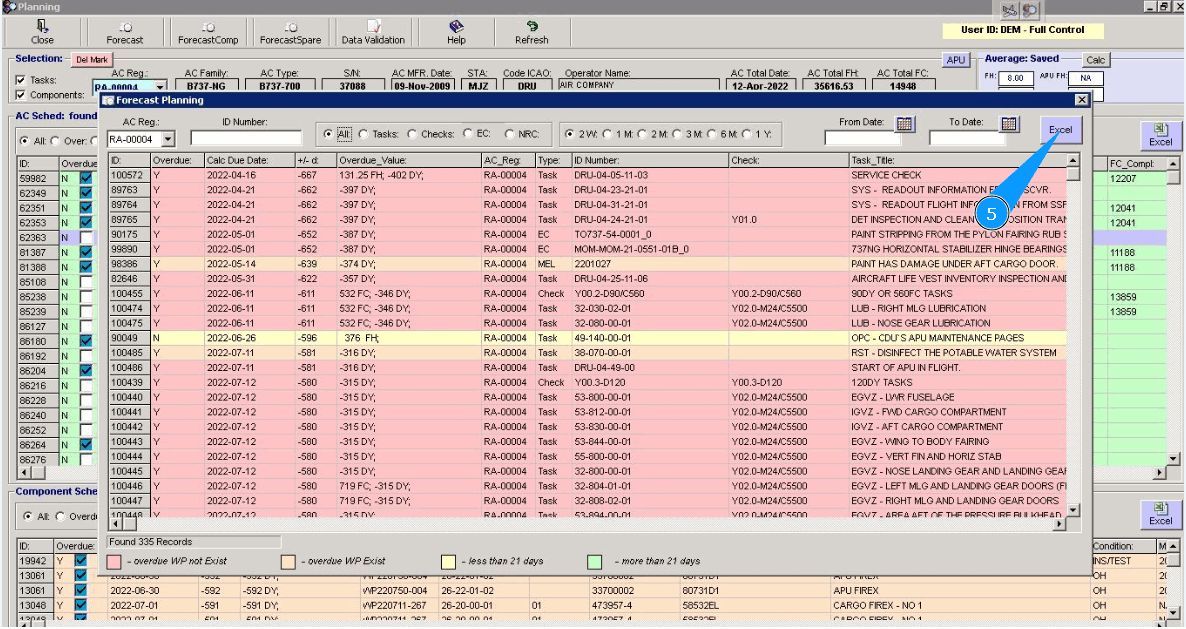
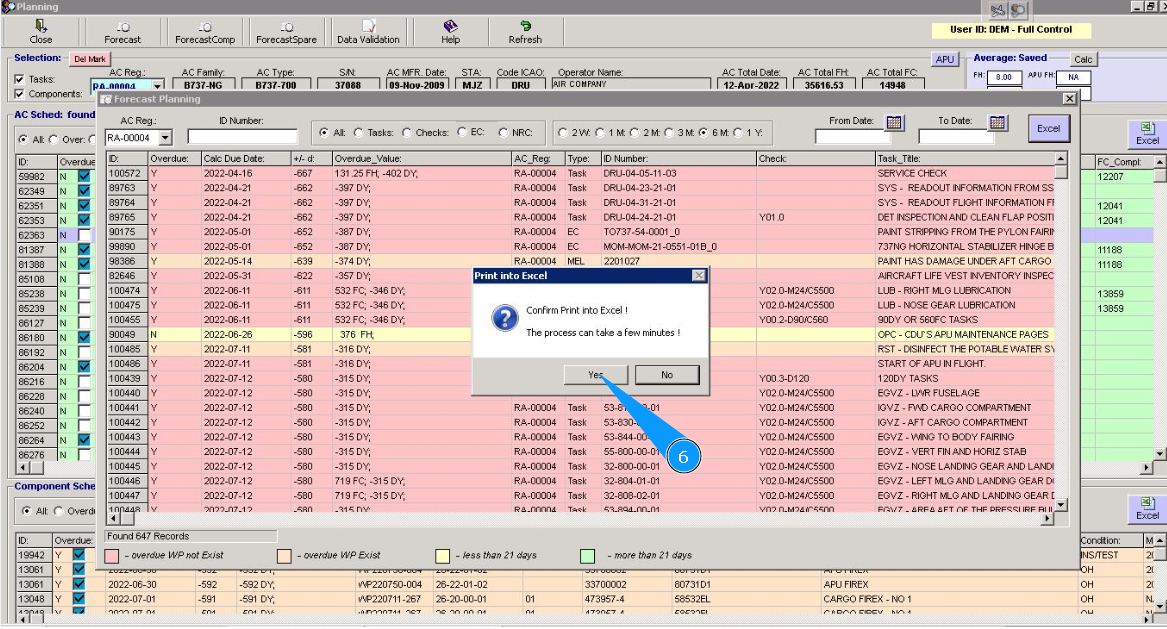
6. Click on the button "Yes", to confirm downloading data to excel.
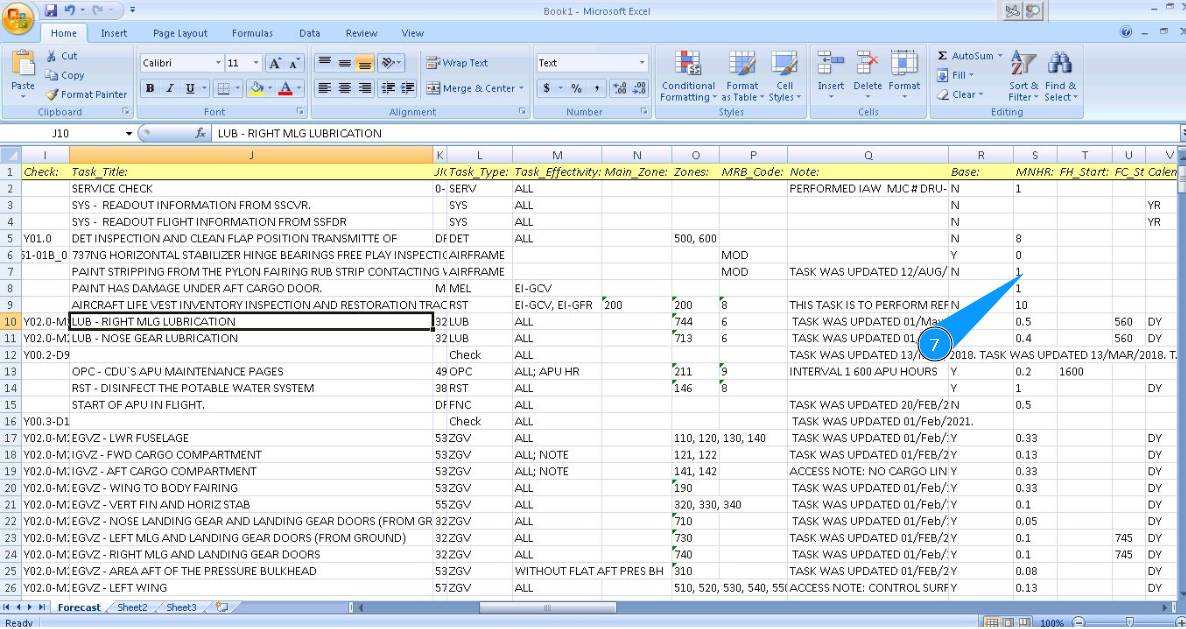
7. Check that excel form is created and downloaded. Man-hours or other data you can see in the corresponding columns.