How to delete Initializing check
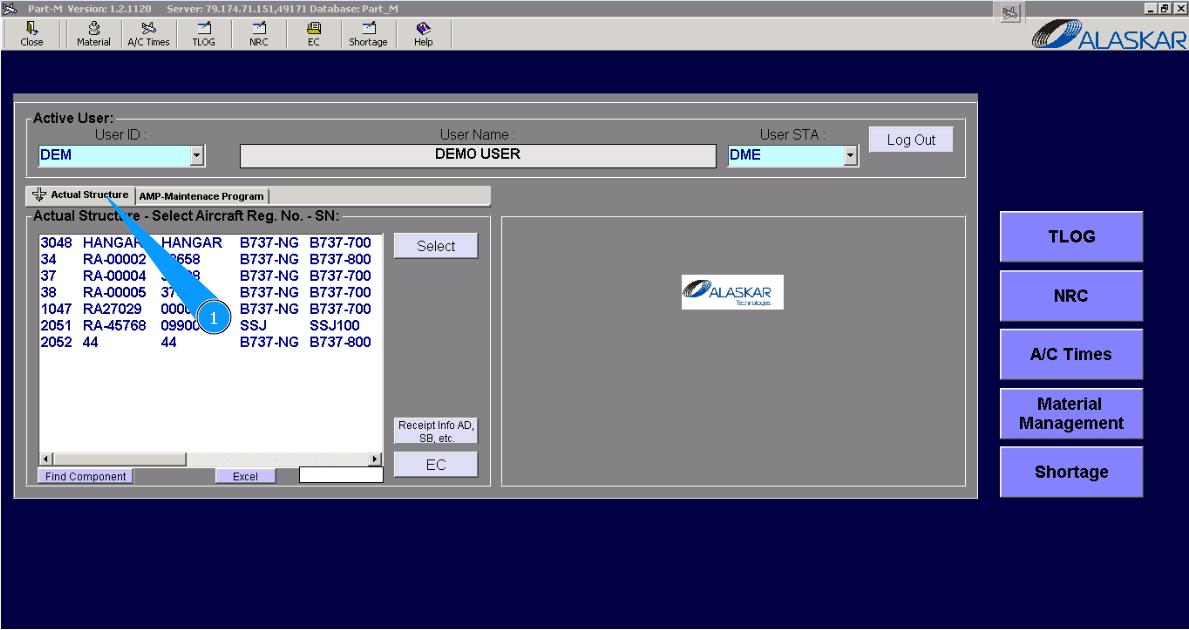
1. To delete initializing the check, please go to the tab "Actual Structure".
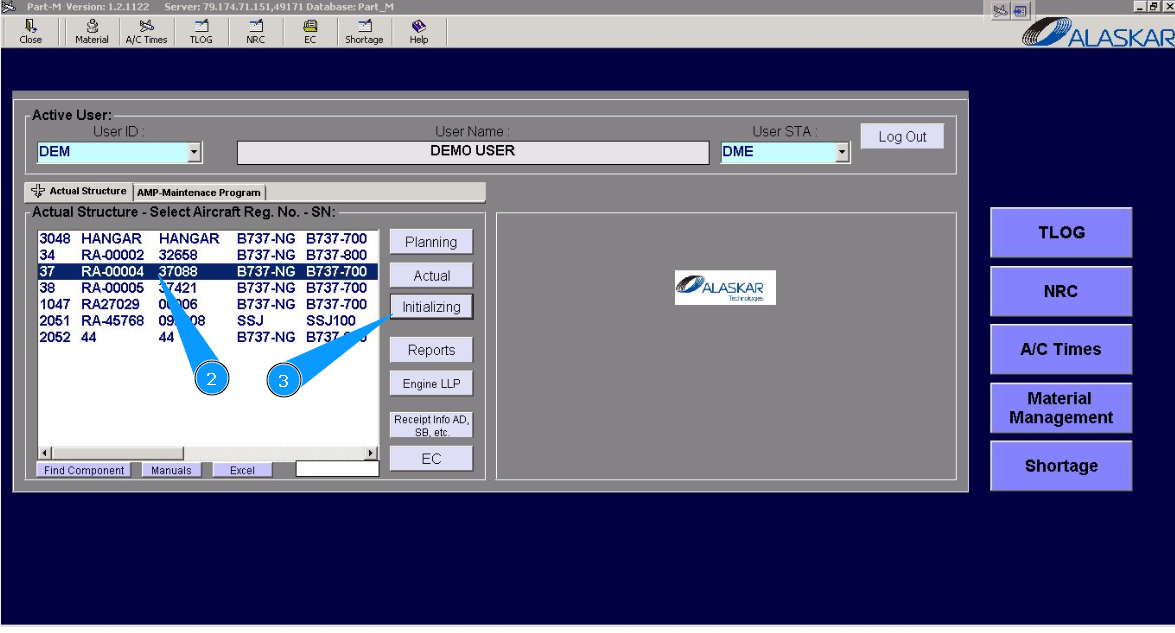
2. Select aircraft registration in the list of window "Actual Structure-Select Aircraft Reg.-SN".
3. Click on the button "Initializing", to open the submodule.
4. Then go to the tab Checks Initializing".
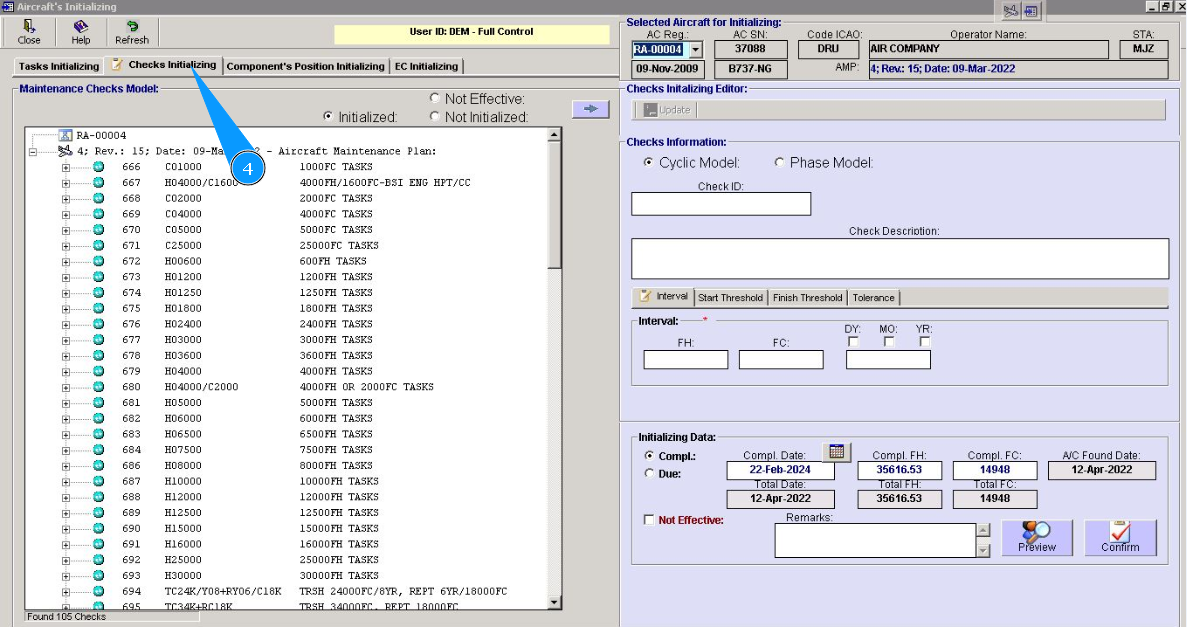
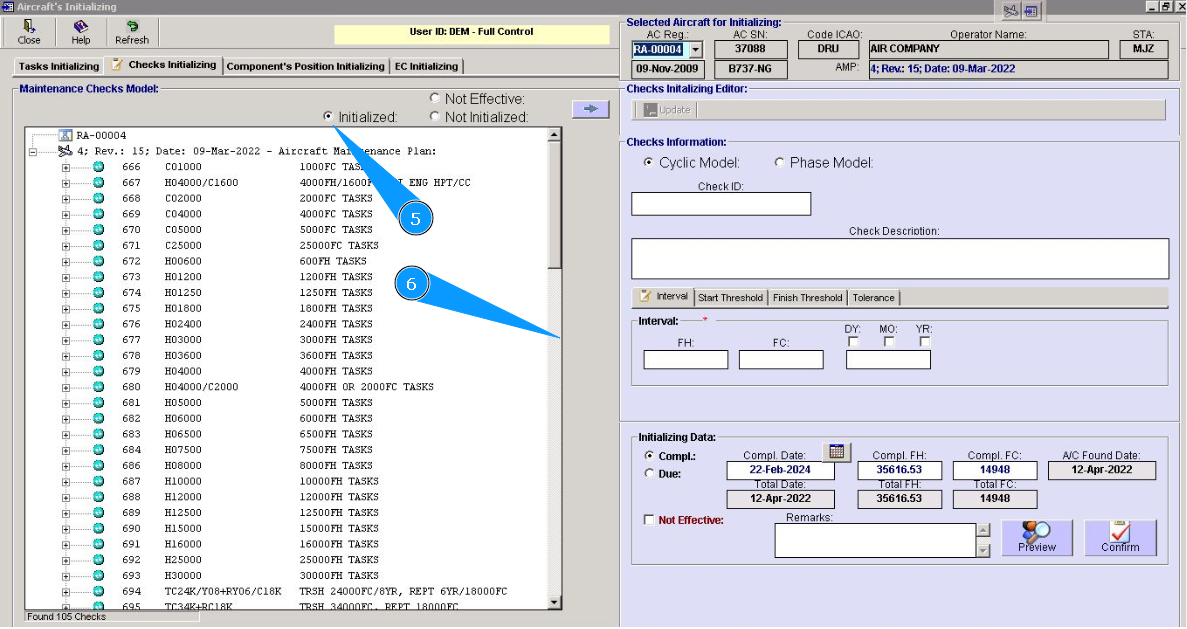
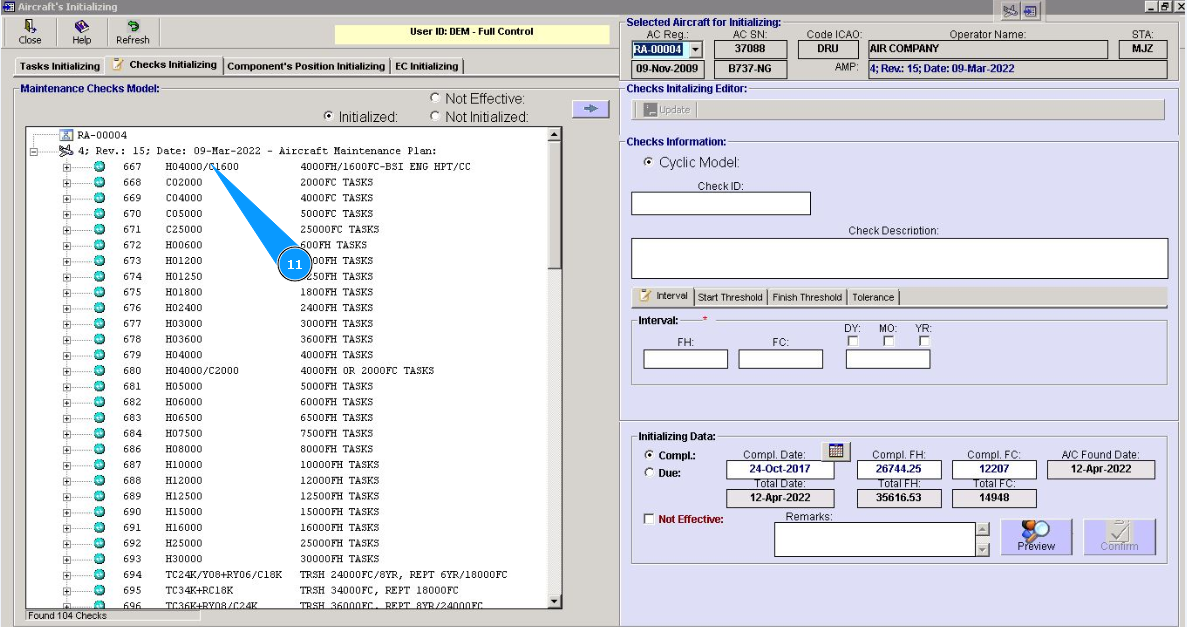
5. Set filter "initialized", click in the field "Initialized".
6. Select required check to delete of initializing check by scrolling method.
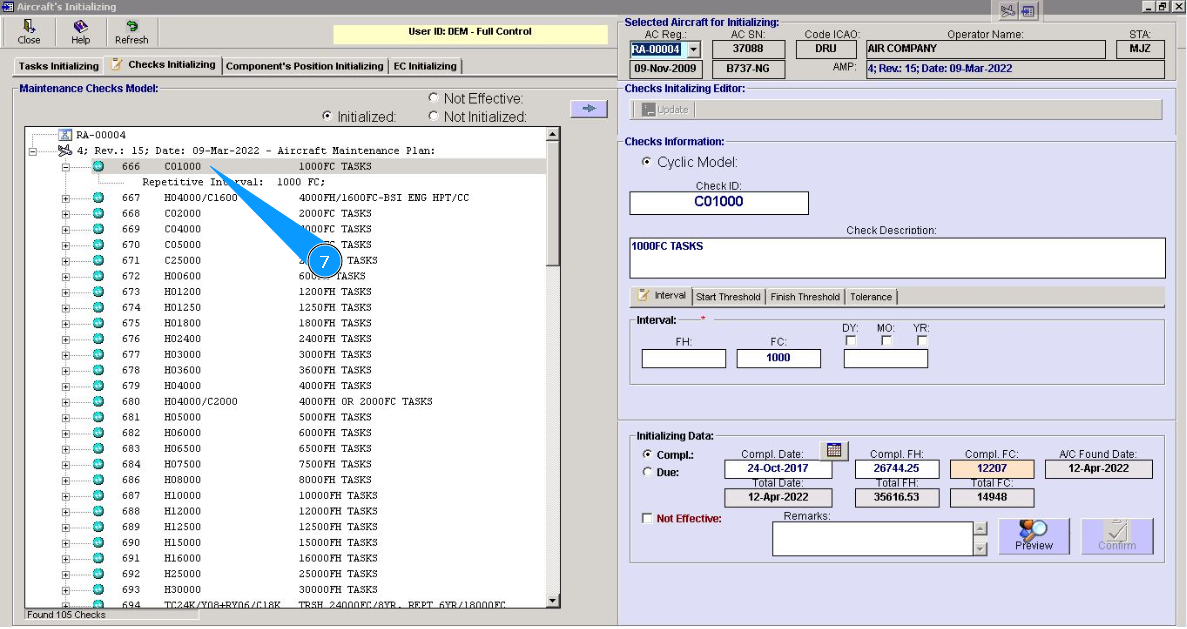
7. Click on the corresponding line in the window and click on the button "Delete" on your keyboard.
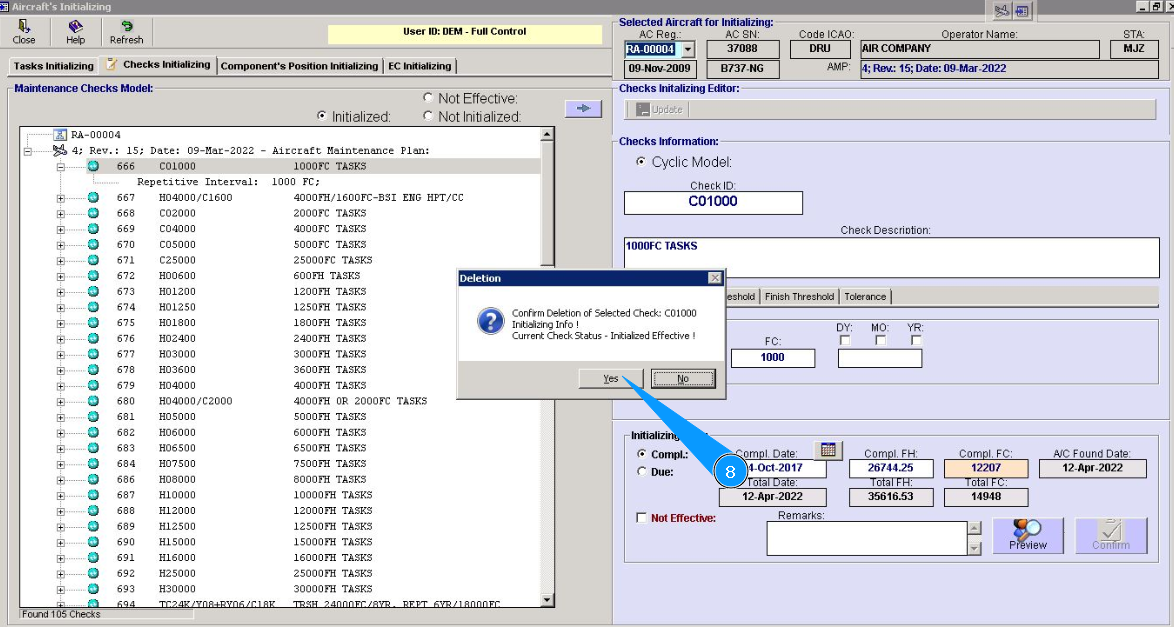
8. Click on the button "Yes", to confirm deletion of initializing check.
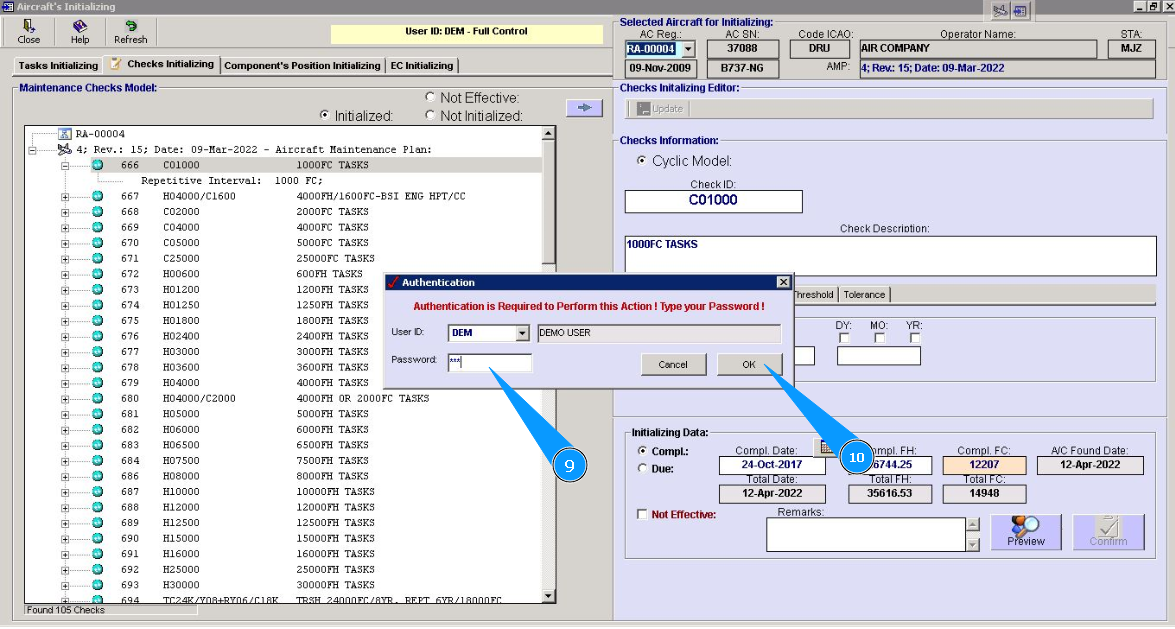
9. Enter Alaskar password in the field "Password".
10. Click on the button "Ok", to save deletion of initializing check.
11. Check that selected check is disappeared from window of initialized checks.
12. Set filter "non-initialized", click in the field "Not initialized".
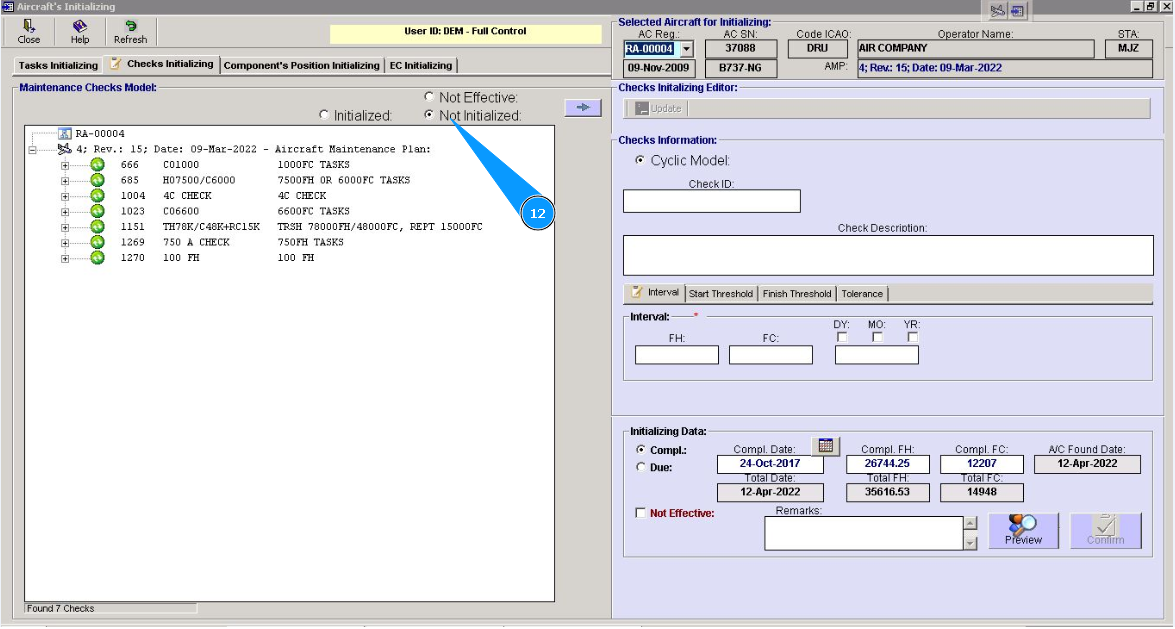
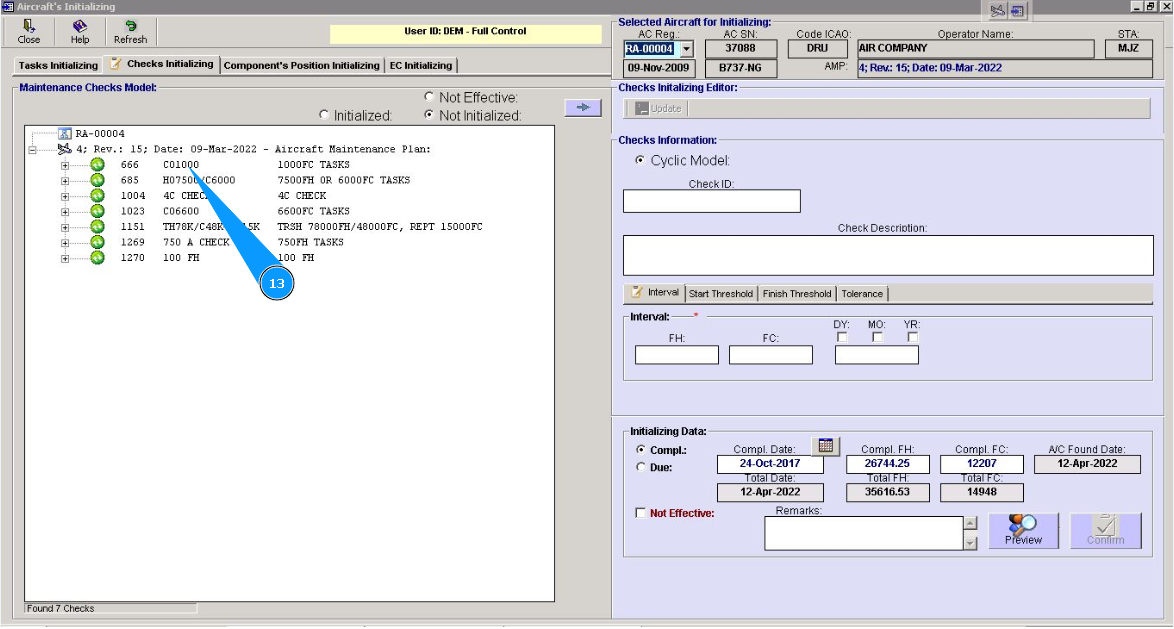
13. Check that corresponding check is displayed in the window of non-initialized checks.