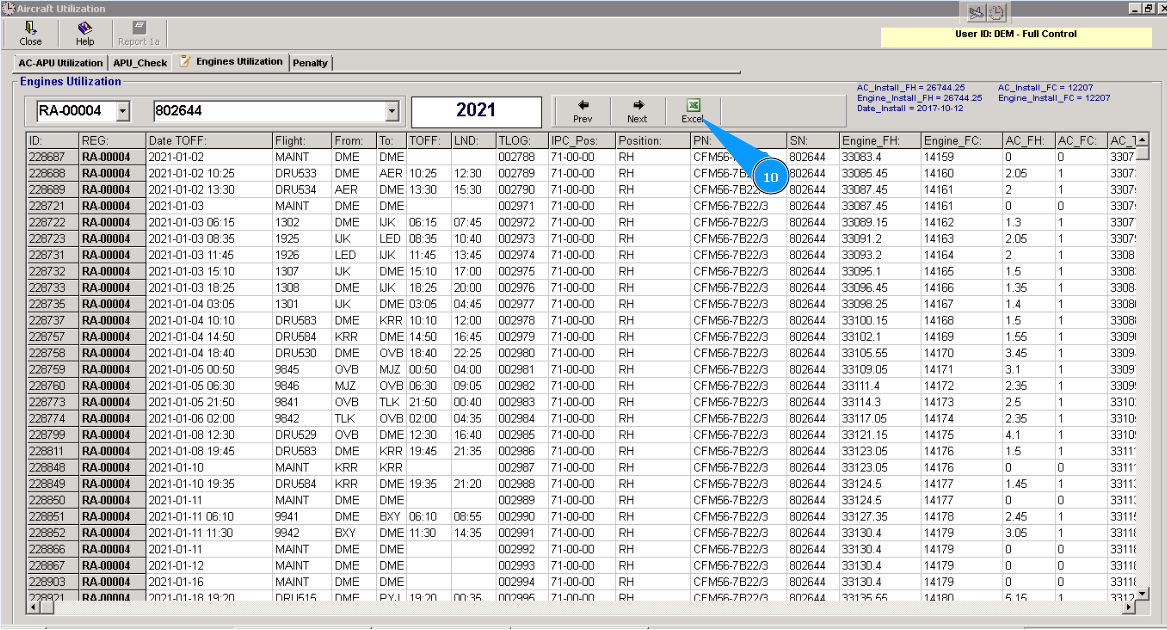
How to check engine utilization per flight
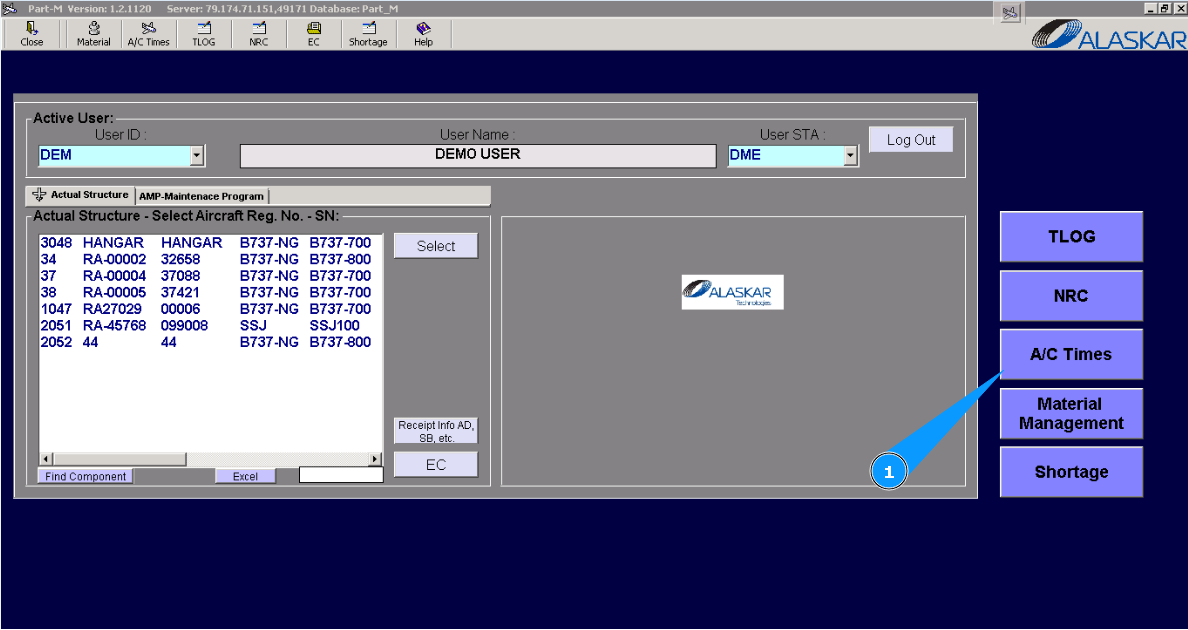
1. For checking engine utilization during the flight of components, please go to submodule "AC Times".
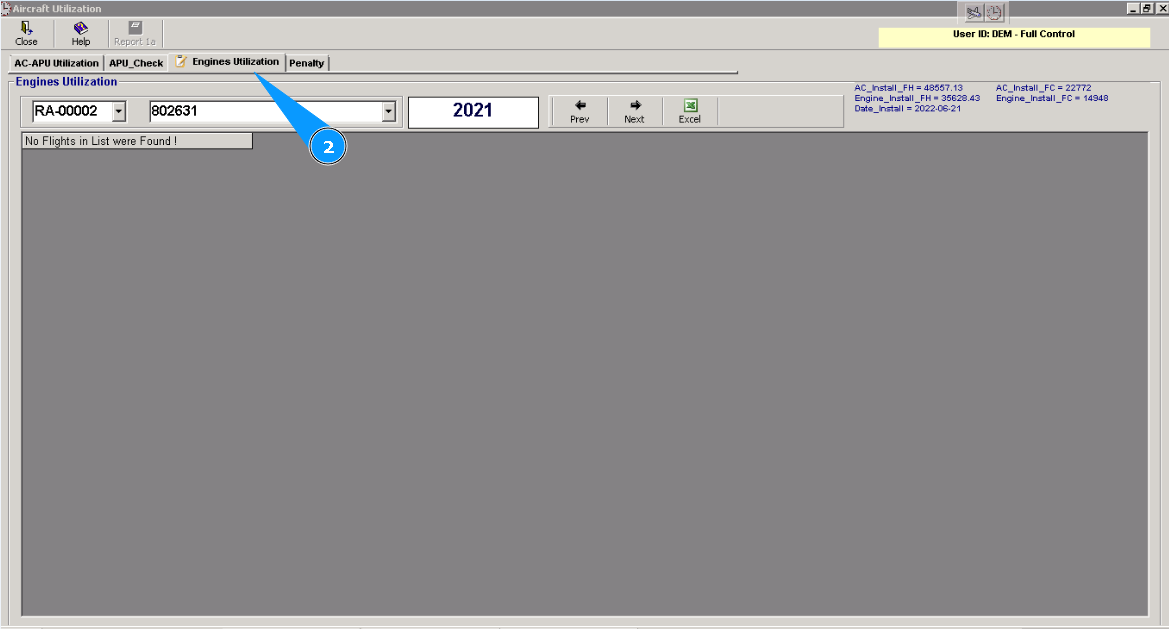
2. Then go to the tab "Engines Utilization".
3. Enter the aircraft registration number in the window "Engines Utilization".
4. Or select from dropdown list.
5. Enter an engine serial number.
6. Or select from dropdown list.
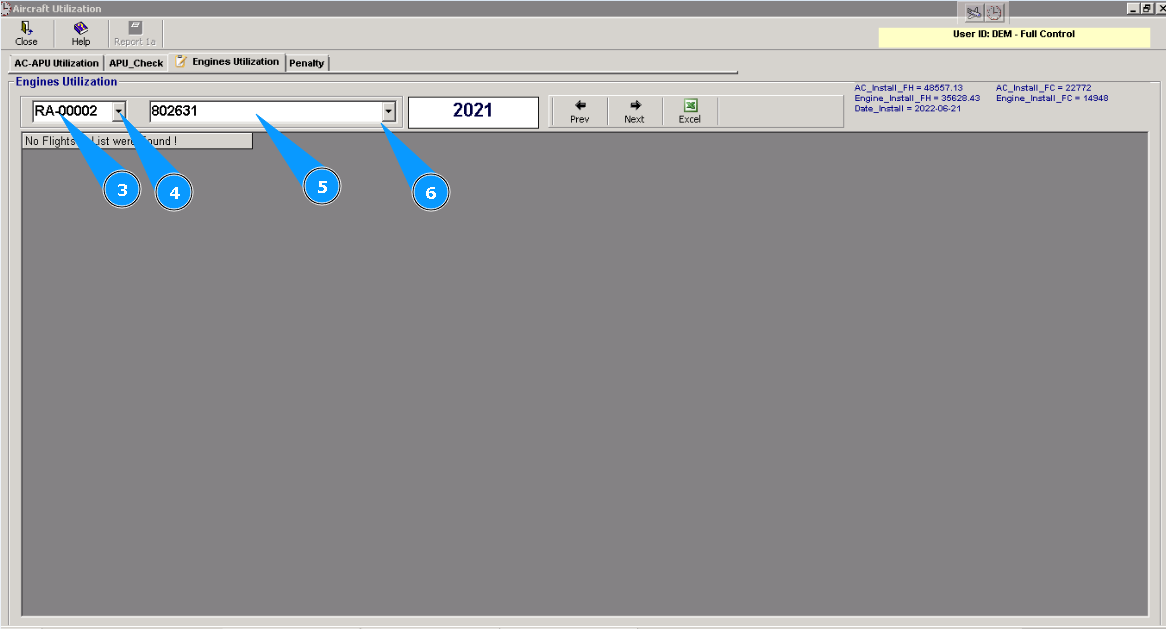
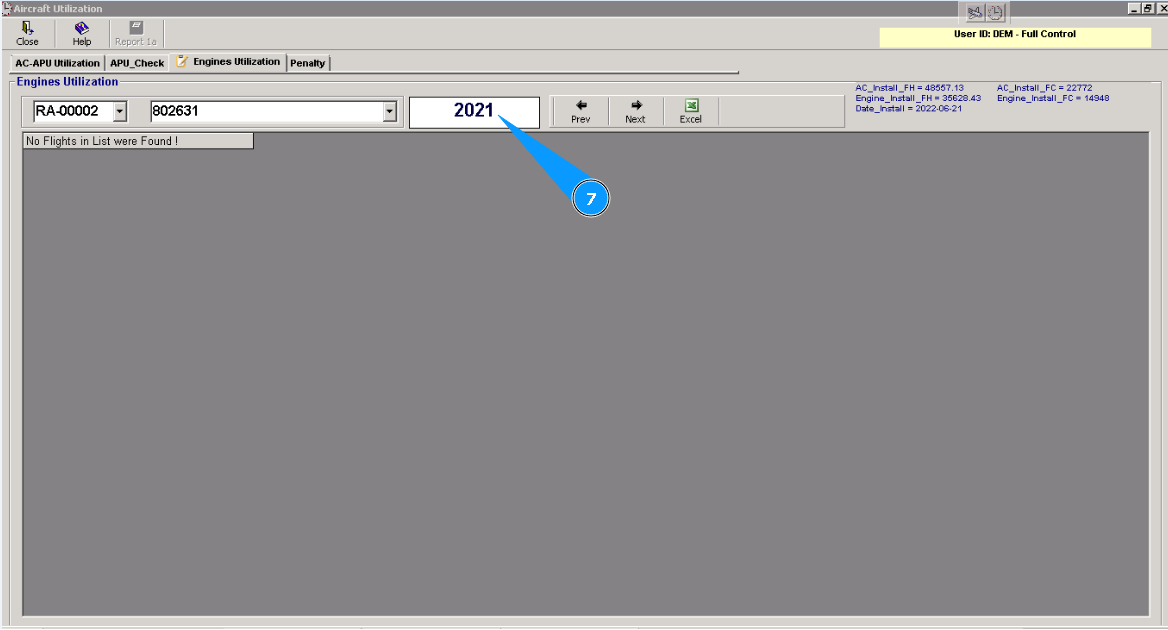
7. Enter the necessary date for receiving information about engine utilization and click on the button "Enter" on your keyboard.
8. Select from dropdown list necessary flight and click on the corresponding line.
9. Проконтролируйте необходимые данные в столбцах "Engine_FH" и "Engine_FC".
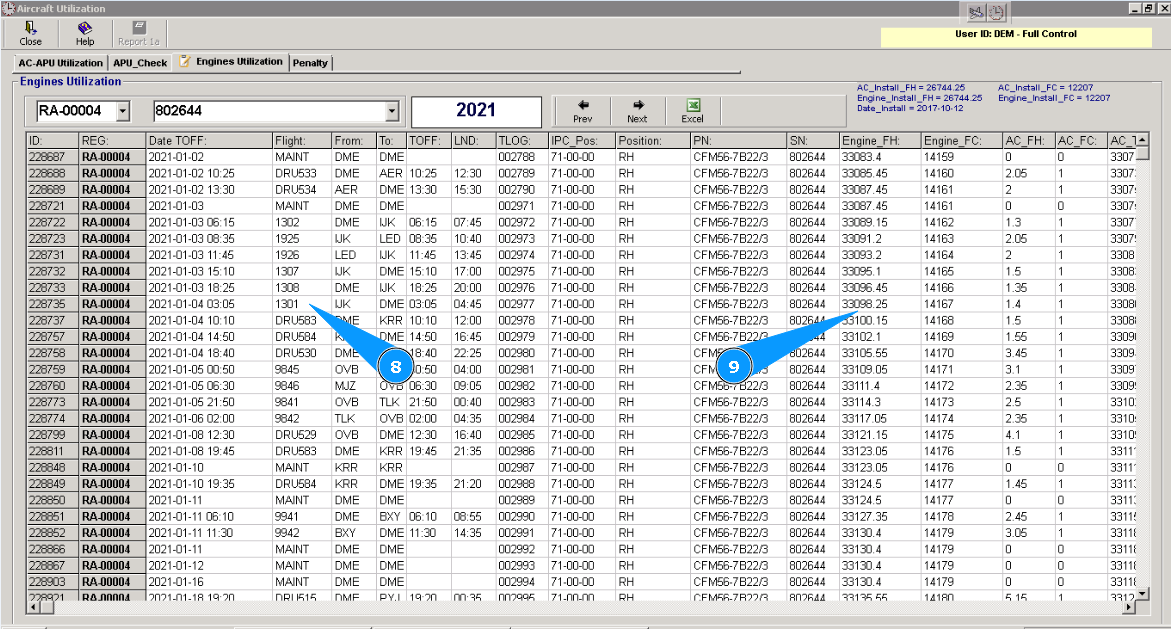
10. If necessary, to download engine utilization in Excel format, click on the button with the symbol "Excel.".