How to change techlog data
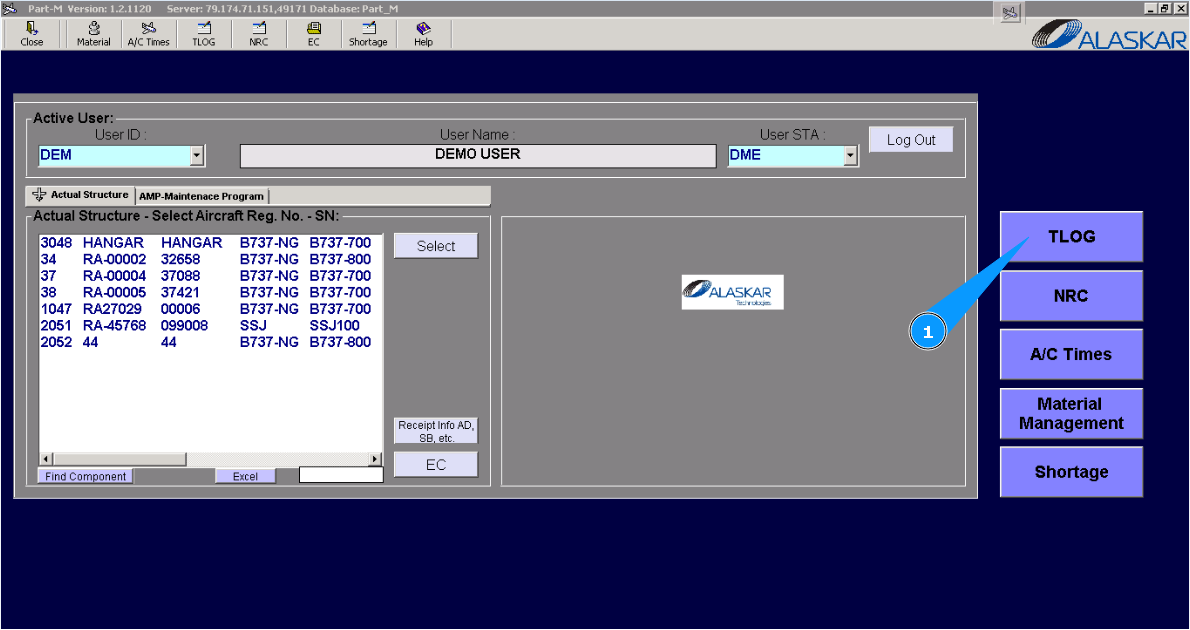
1. For changing data of techlog please go to submodule "TLog".
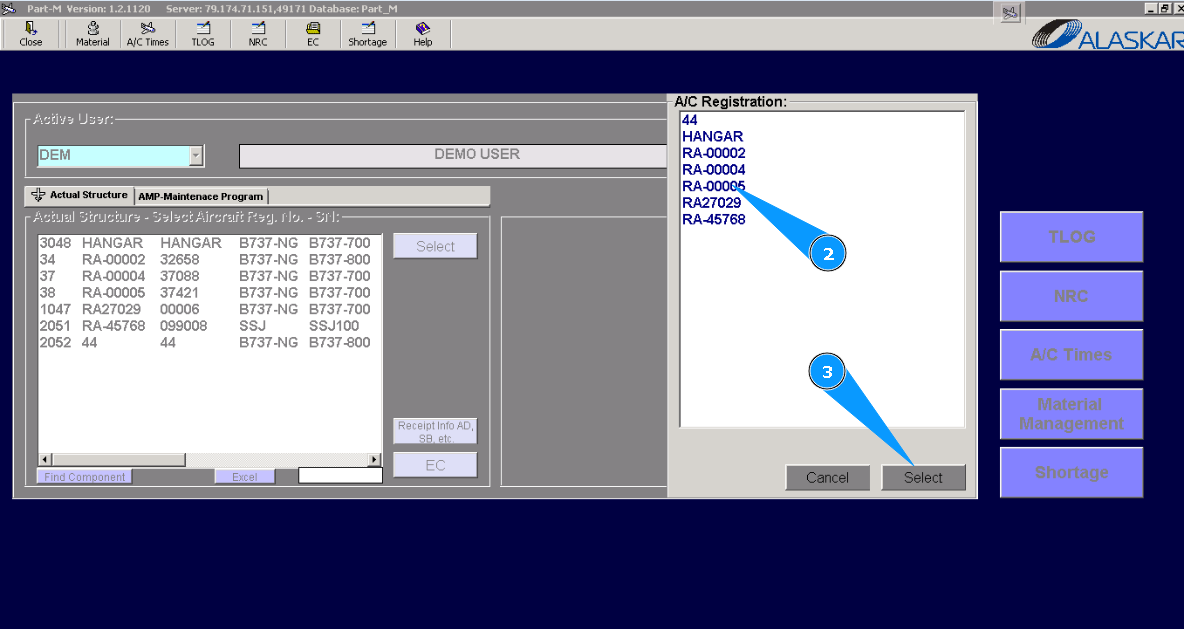
2. Select aircraft registration number from list in the window "A/C Registration".
3. Click on the button "Select".
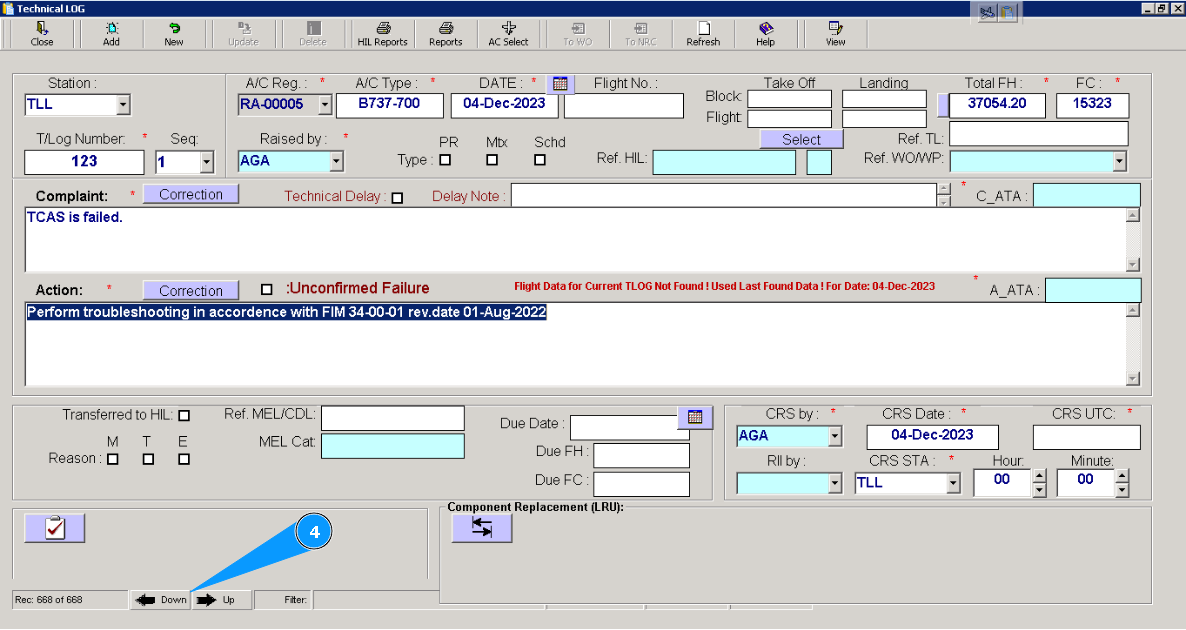
4. Select necessary techlog page for changing data by scrolling method, click on the button "Down" or "Up".
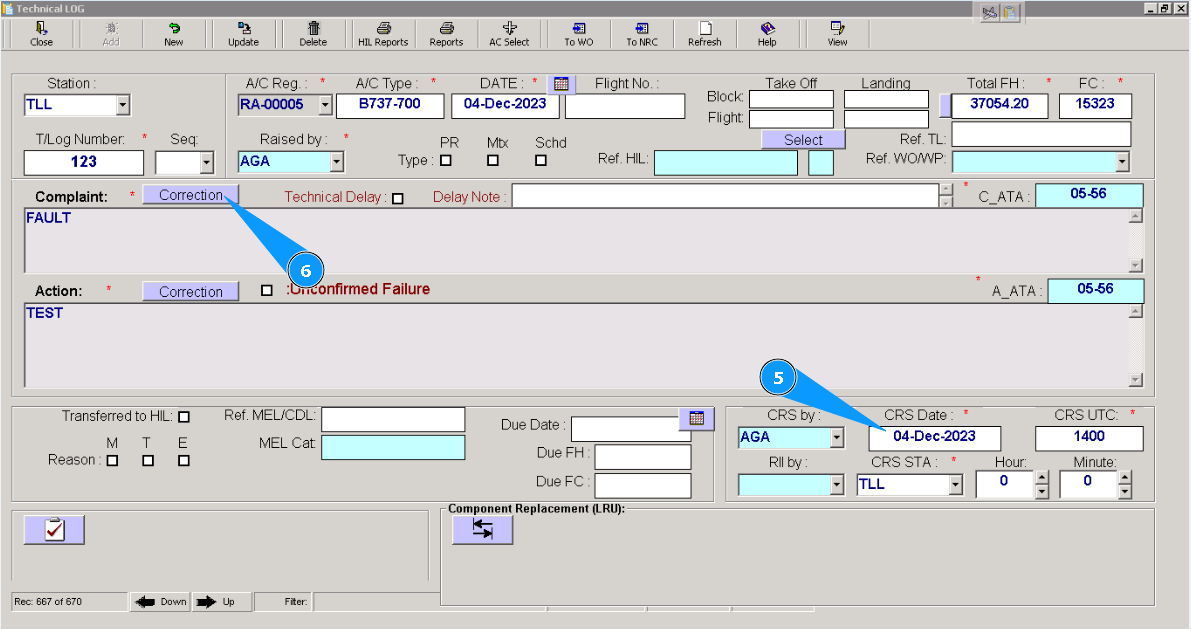
5. Enter necessary changes in the applicable fields.
6. For entering corrections in the window "Complaint", click on the button "Correction".
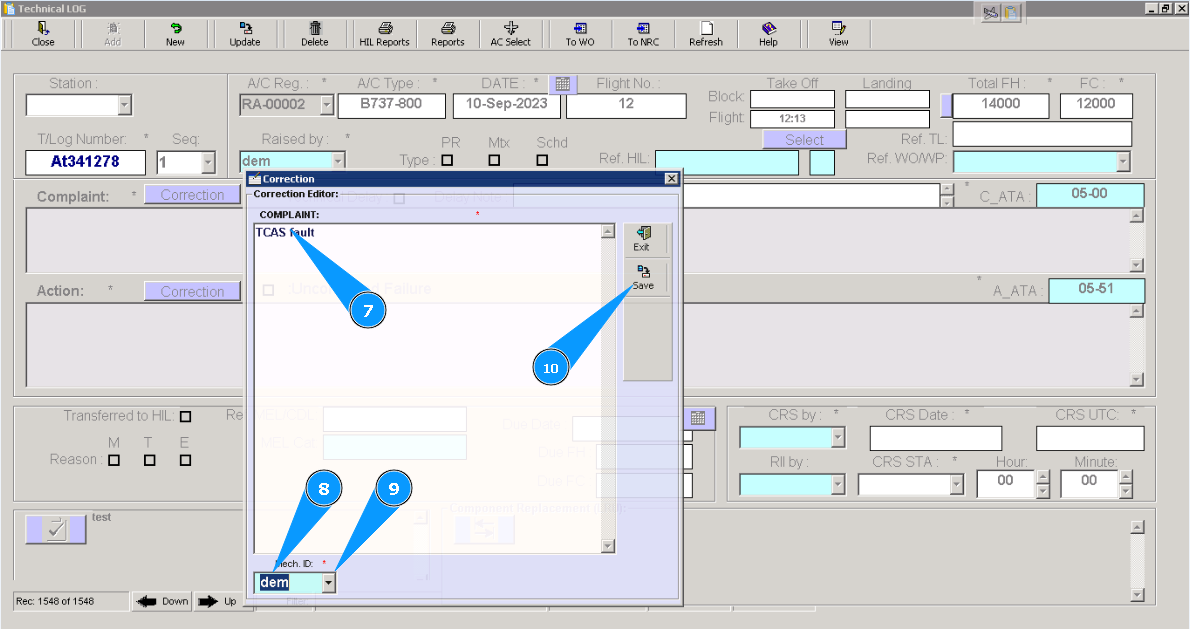
7. Enter changes in the text field of window "Correction Editor".
8. Enter Alaskar login of mechanic who performed works in the field "Mech. ID".
9. Or select from dropdown list.
10. Click on the button "Save", for saving entering data to program.
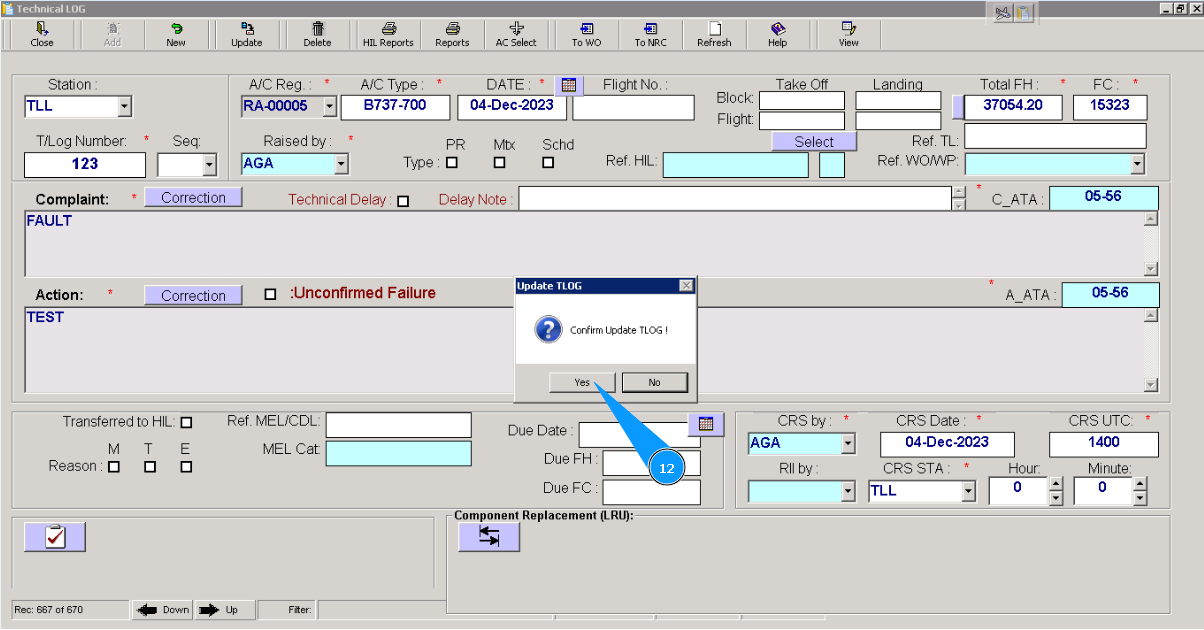
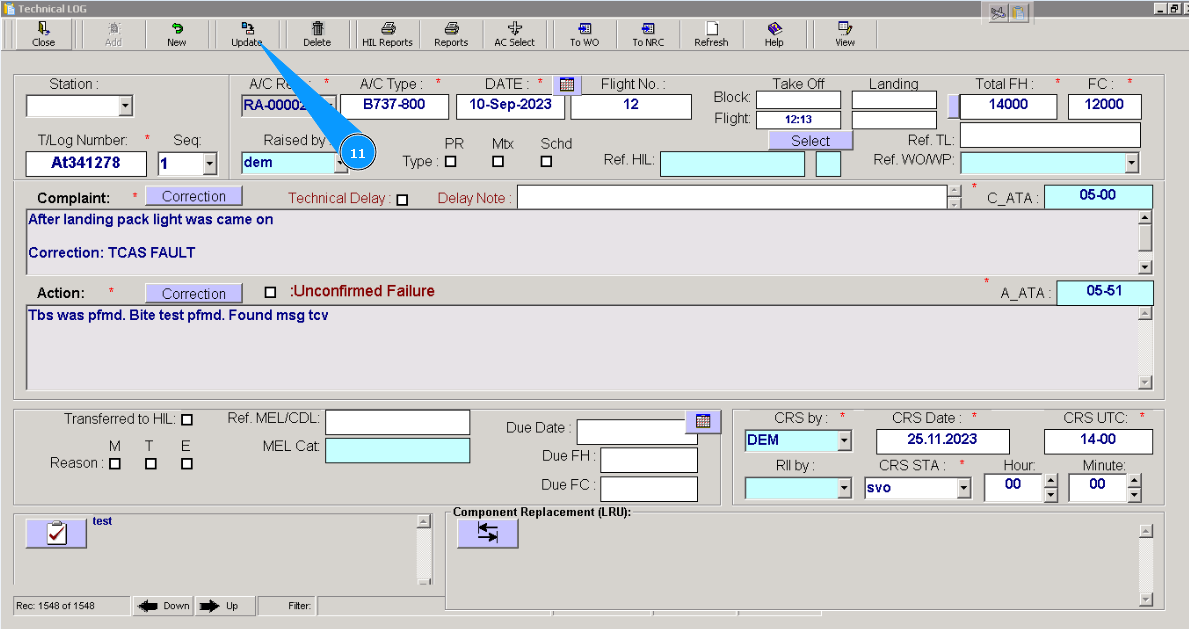
11. After all changes, click on the button "Update".
12. Click on the button "Yes", to confirm adding data to the program.