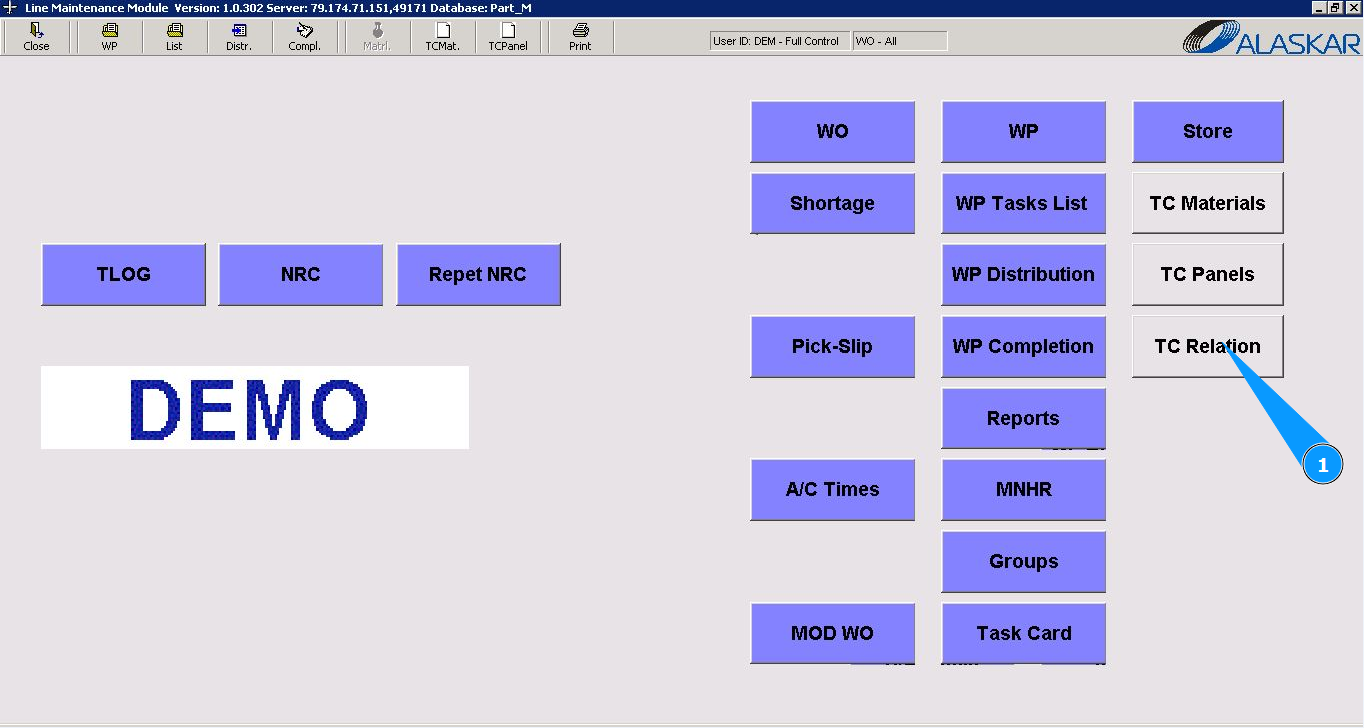
How to set relation between tasks
1. In order to set relation between tasks, go to the submodule "TC Relation".
2. Select the required task type in the field "Task Card". Note: If necessary, select the required task to set the relationship in the fields: "Modification", "Add.Jobs".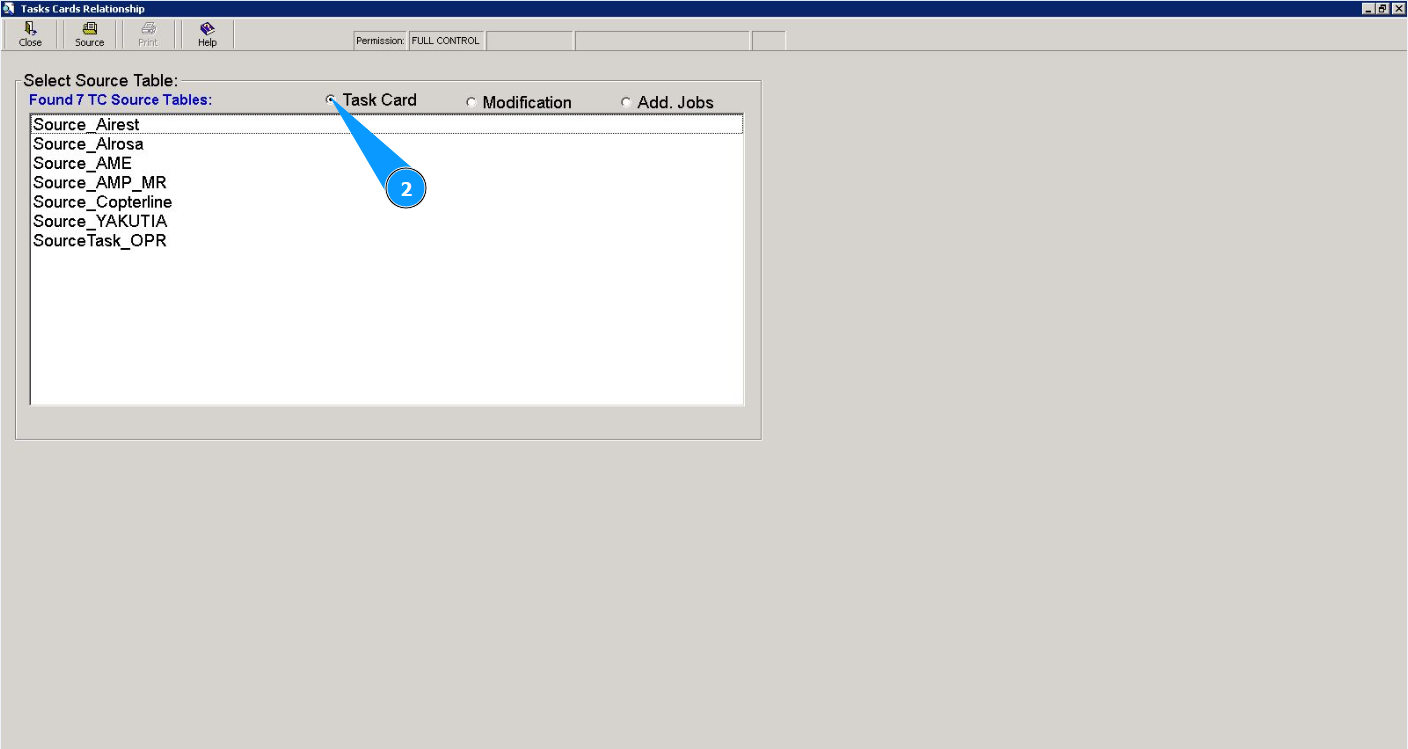
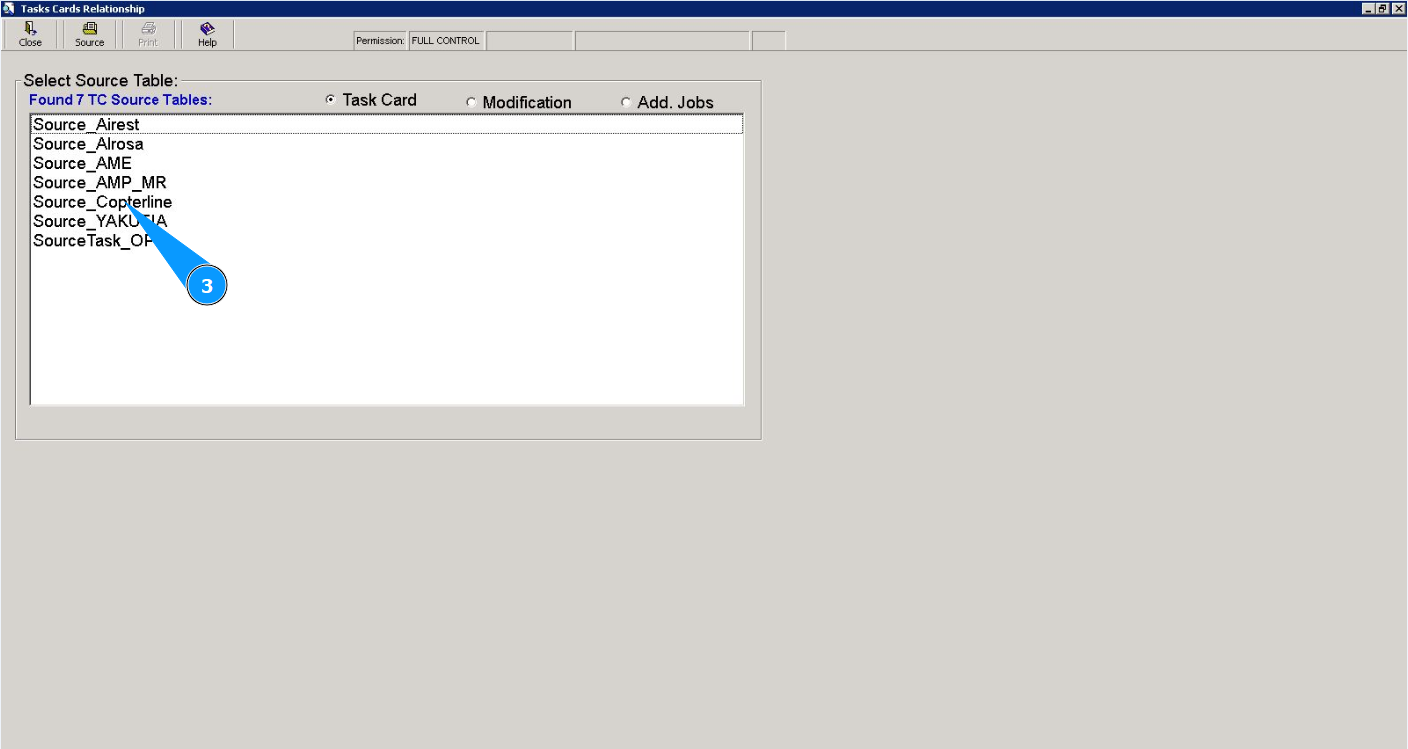
3. Select the task source in the widow "Select Source Table".
4. Select the required task in the widow "List" and click on the corresponding line. Note: If necessary, use the available filter in the field: "Filter Base TC".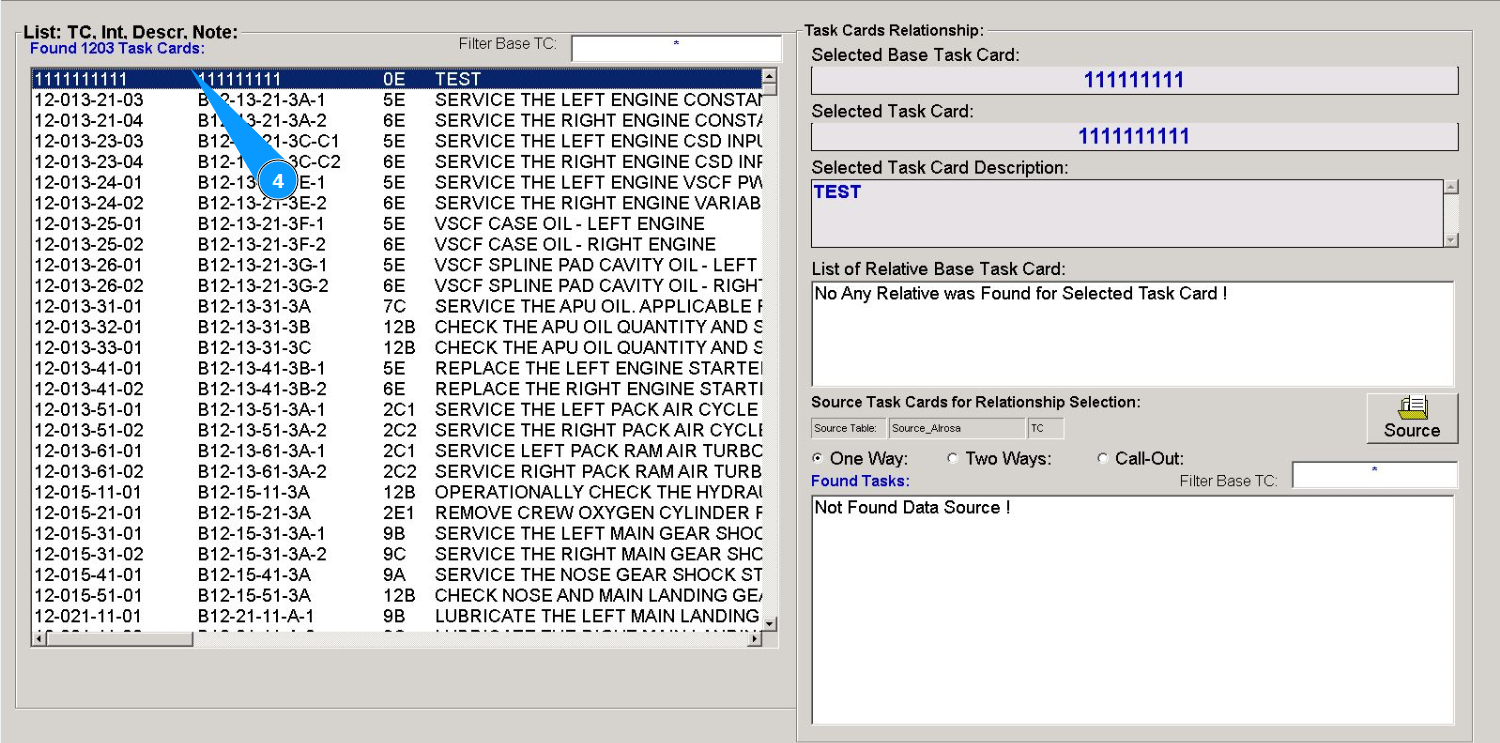
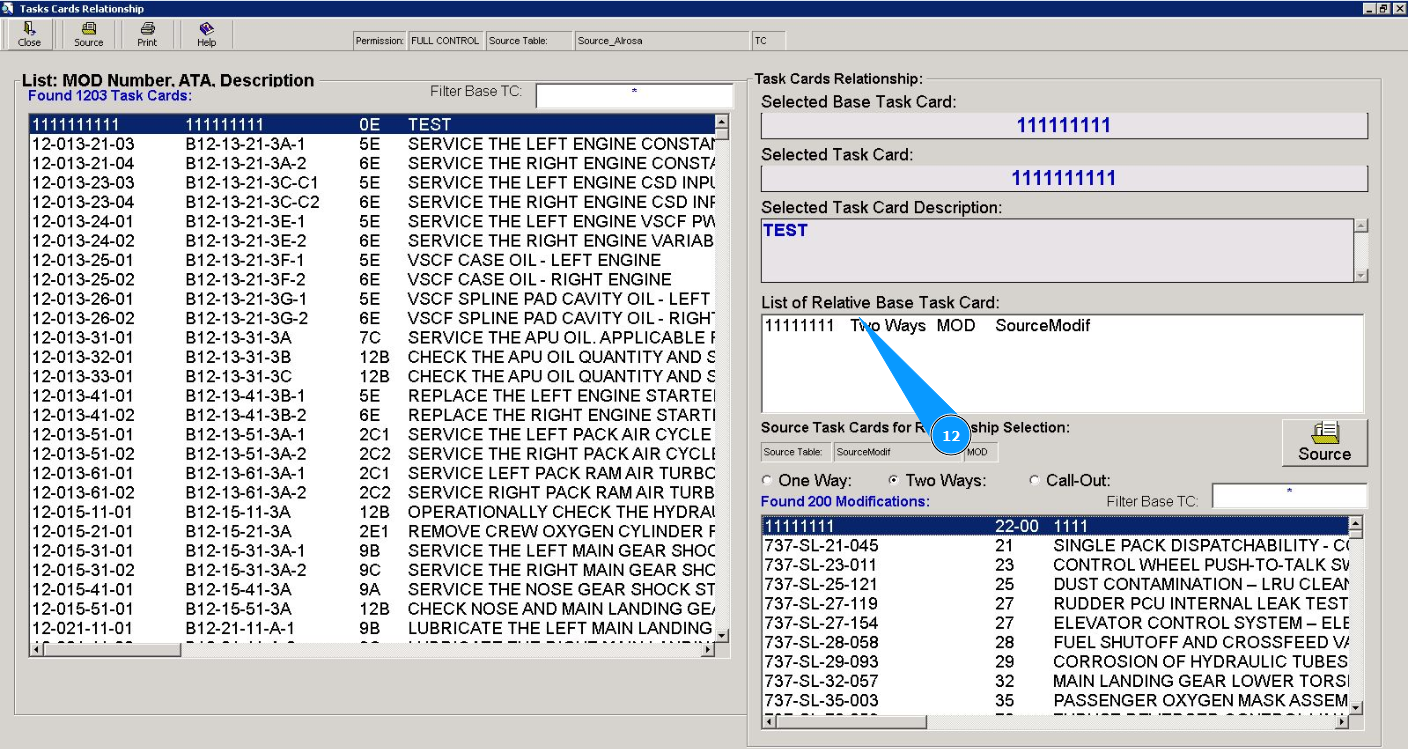
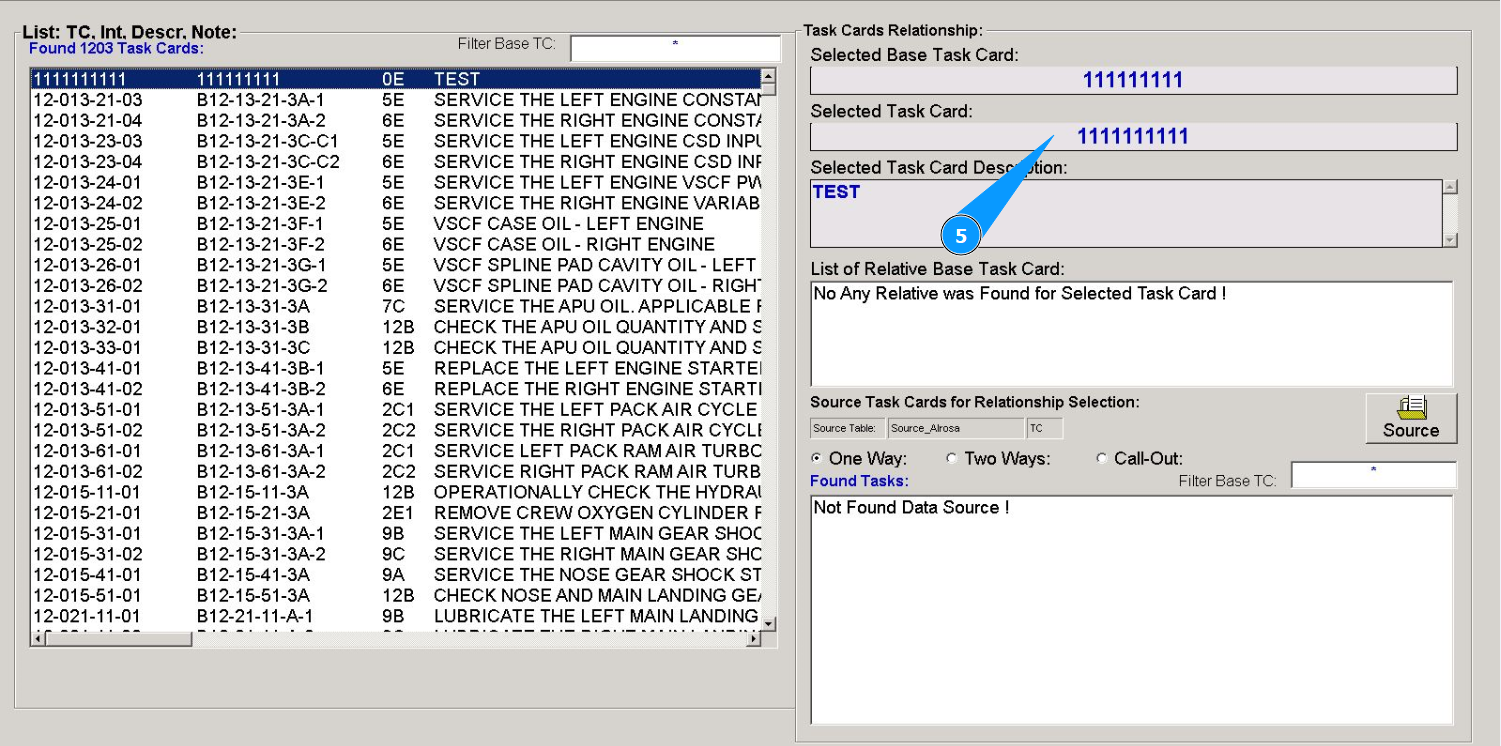
5. Make sure that the number of the selected task is displayed in the field "Selected Task Card".
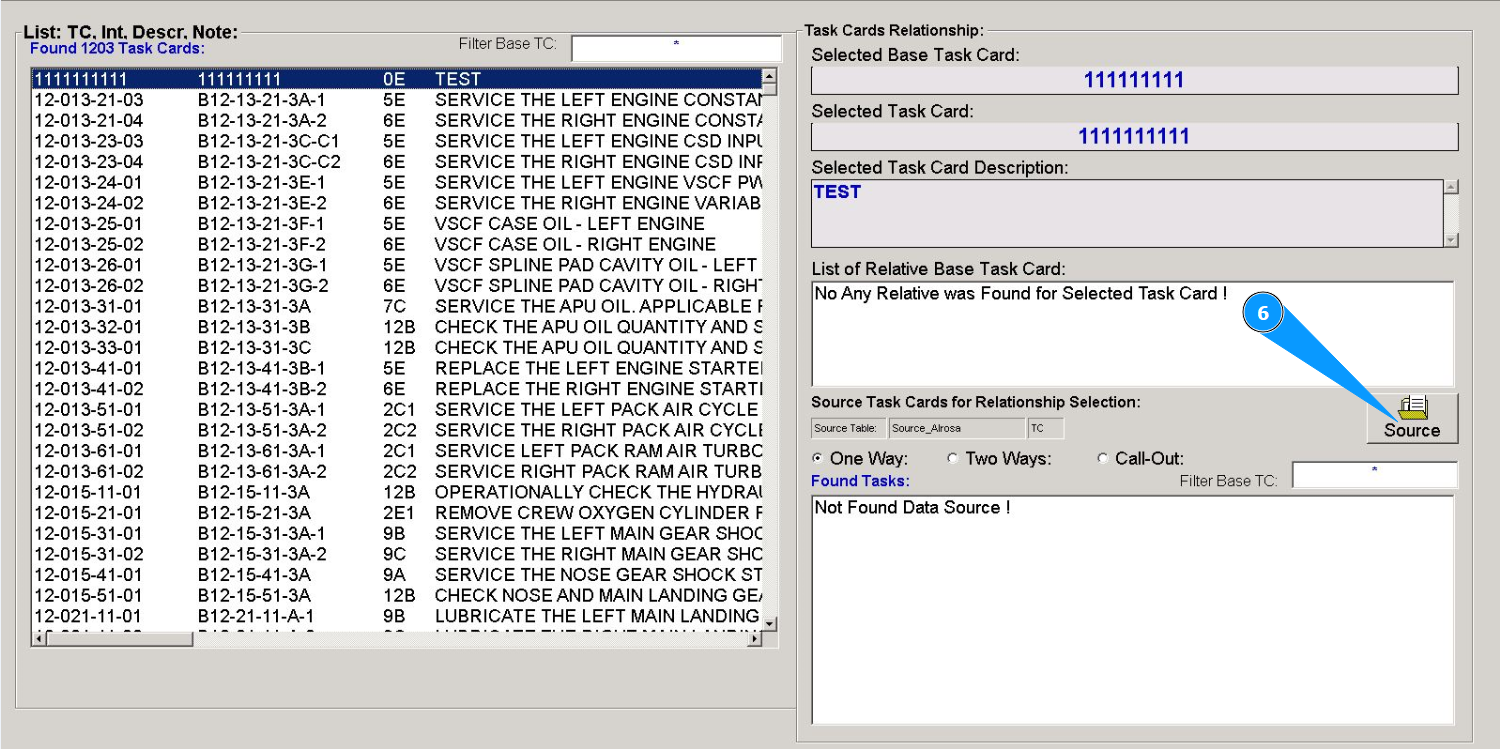
6. Click on the button "Source".
7. Select the required task to set the relationship in the fields:"Task Card", "Modification", "Add.Jobs".
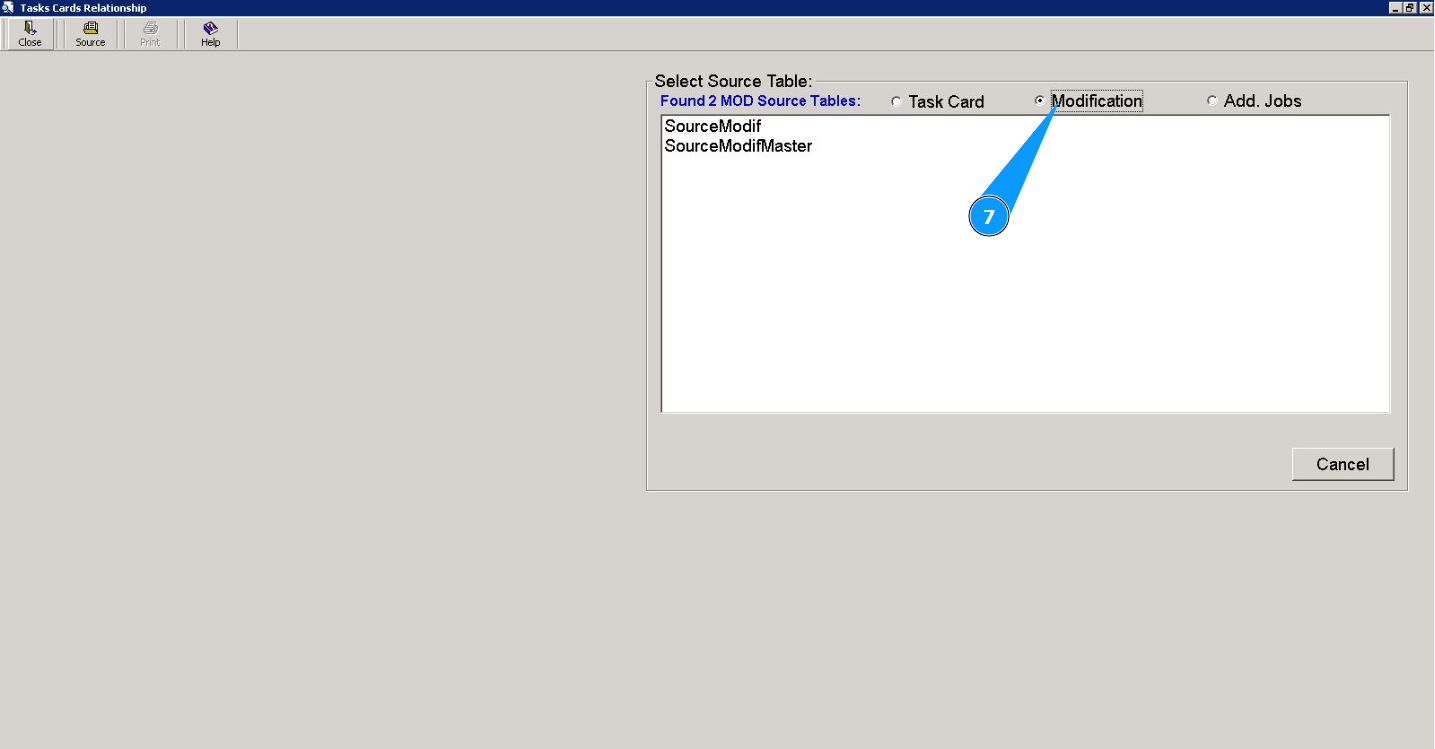
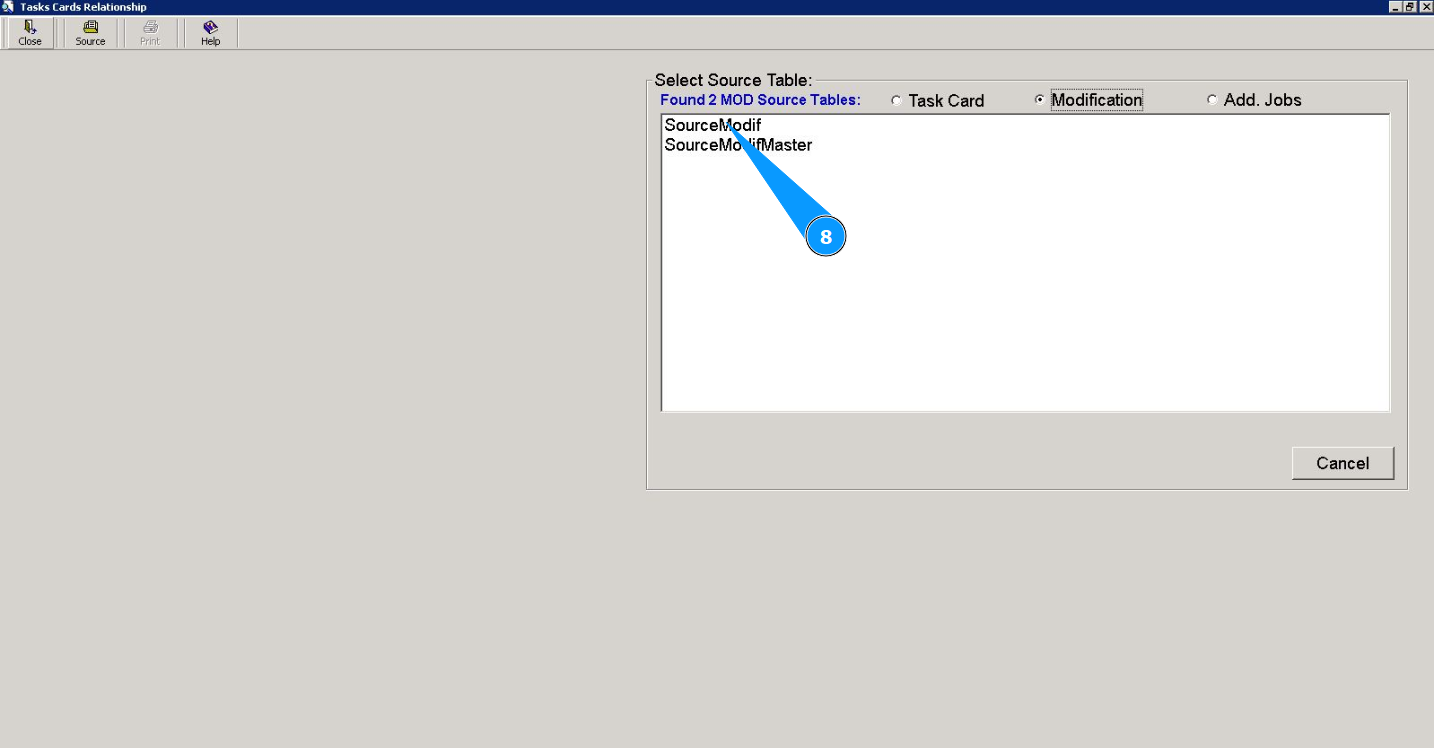
8. Select the task source in the widow "Select Source Table" and click on the corresponding line.
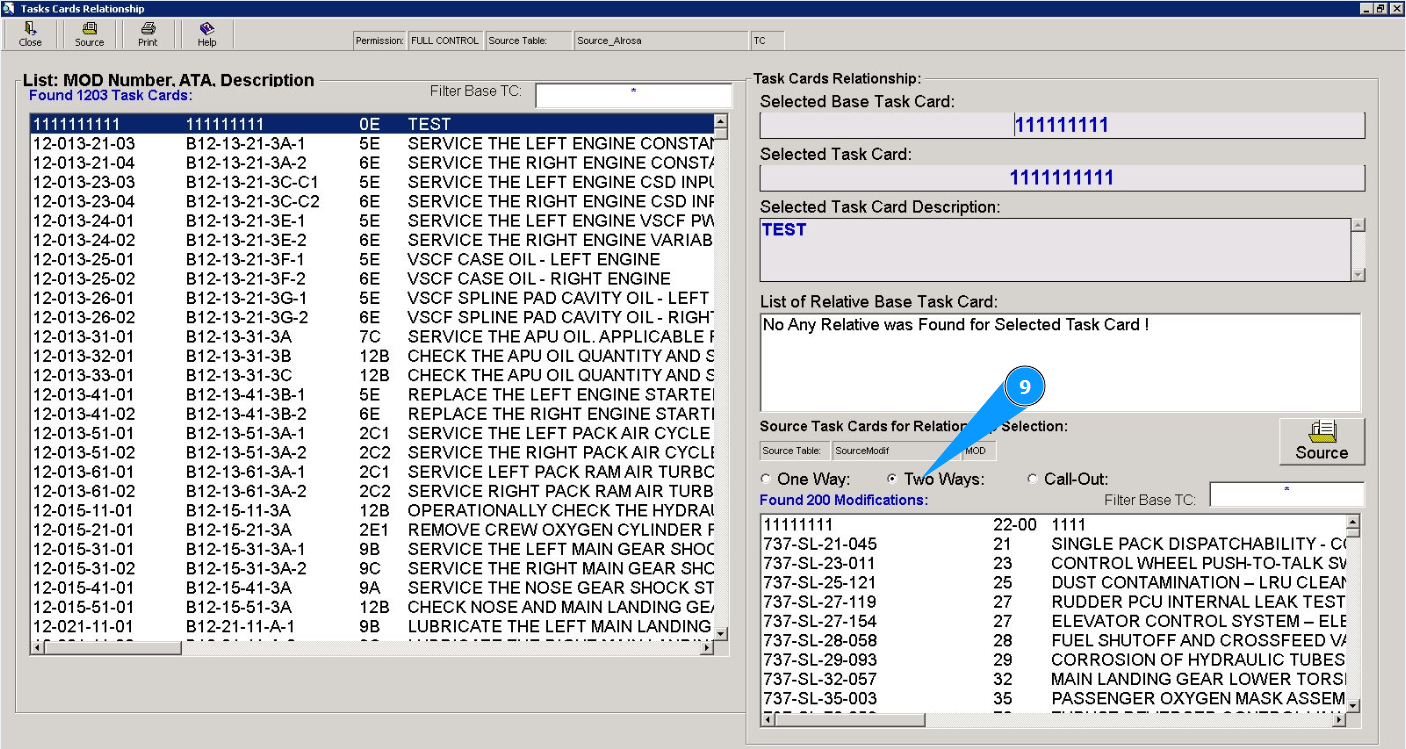
9. Select the type of relationship in the fields: "One Way", "Two Ways", "Call Out".
10. Select the required task to set the relationship in the widow "Source Task Cards for Relationship Selection" and click on the appropriate line. Note: If necessary, use the available filter in the field: "Filter Base TC".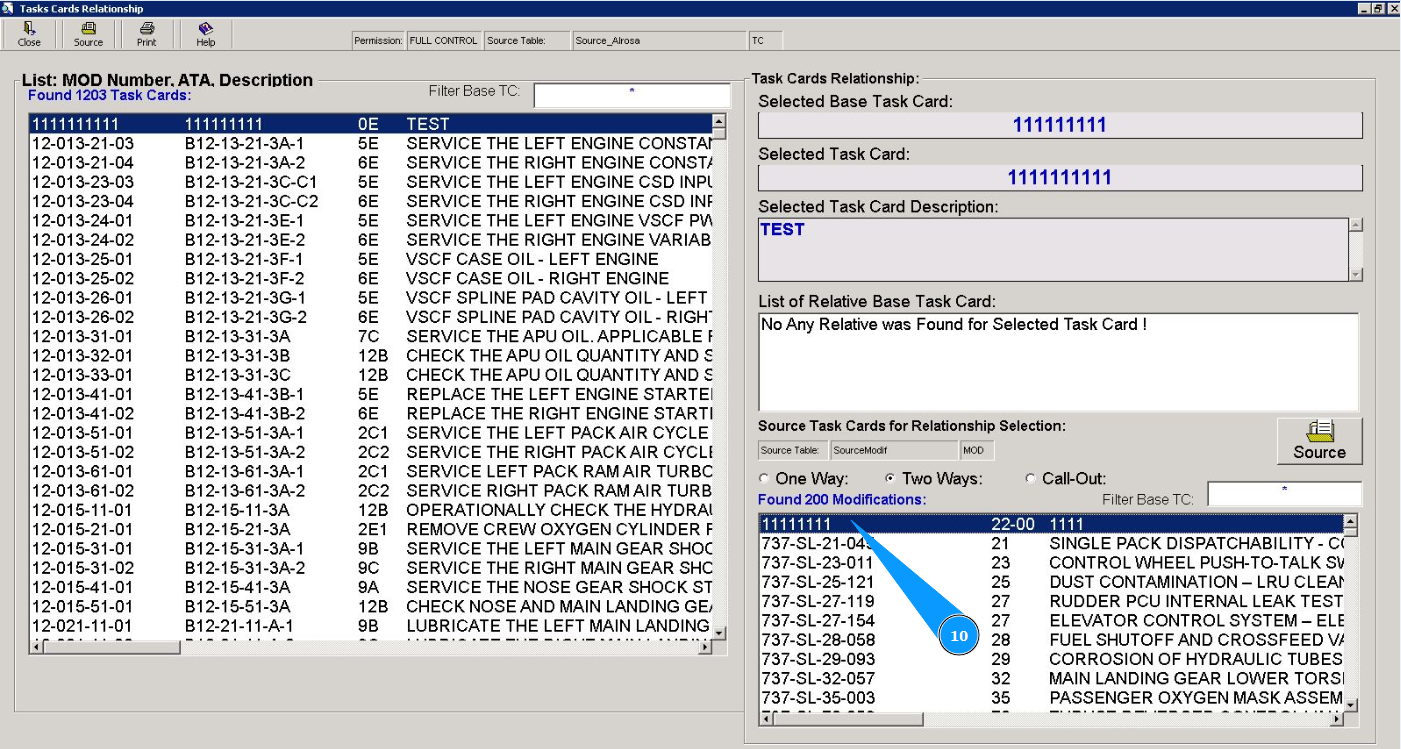
11. Click on the button "Yes" to confirm the set of the relationship between the tasks.
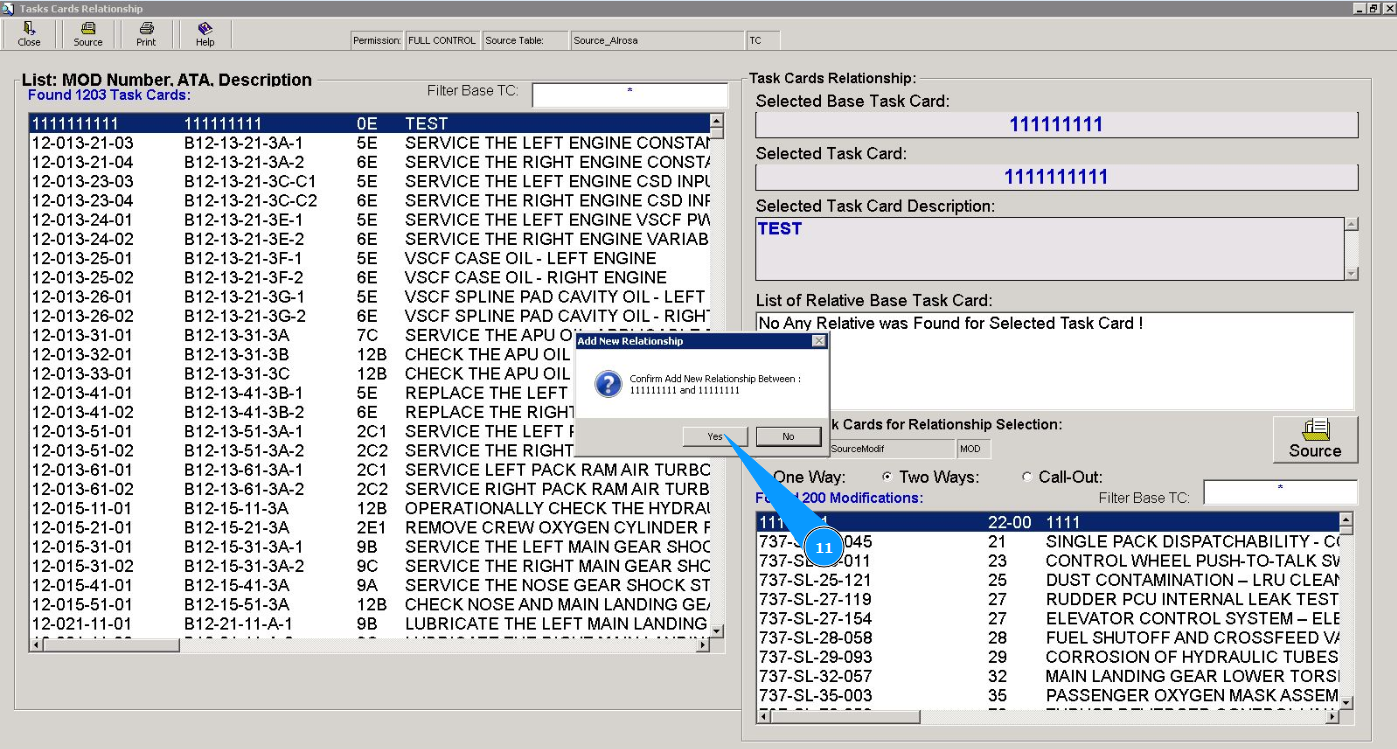
12. Check that the record of related task is displayed in the widow "List of Relative Base Task Card".