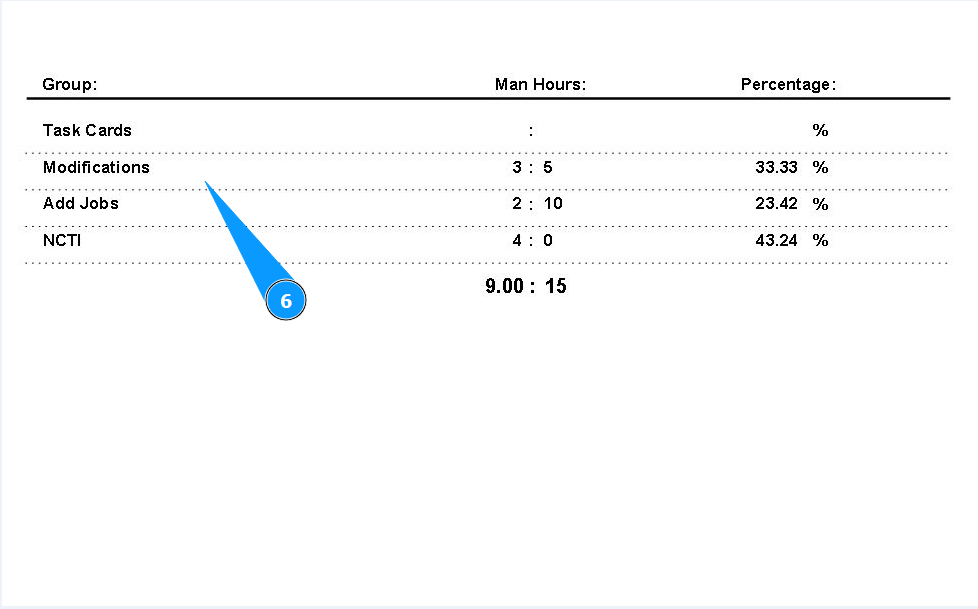
How to print man-hours for Work Package
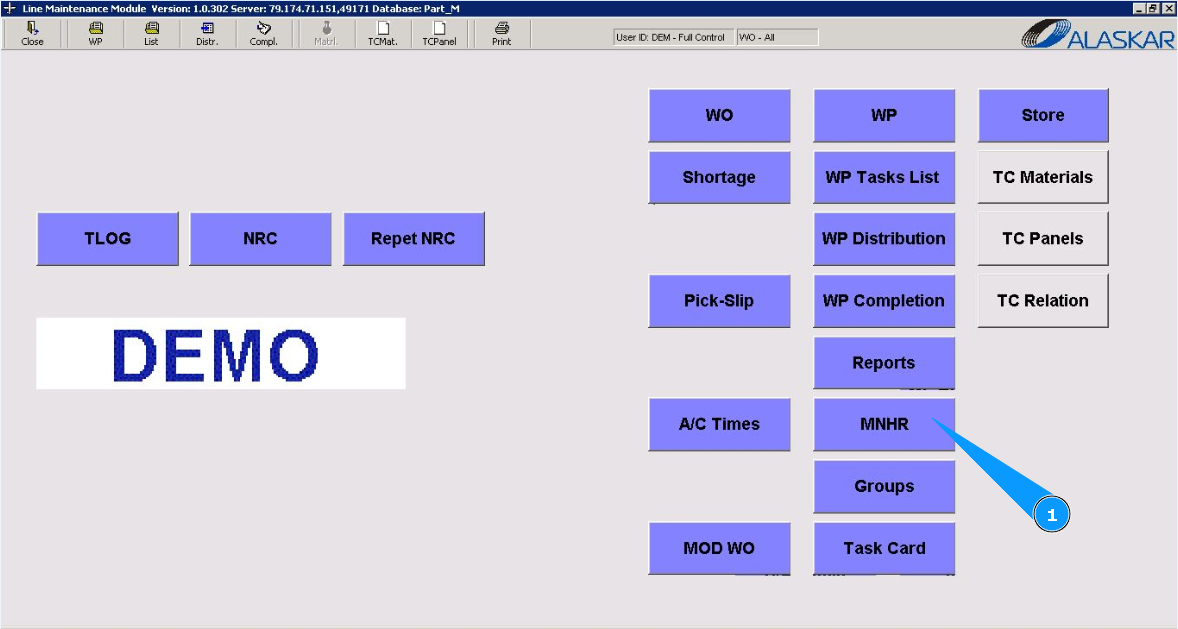
1. In order to print man-hours for Work Package, go to the module "MNHR".
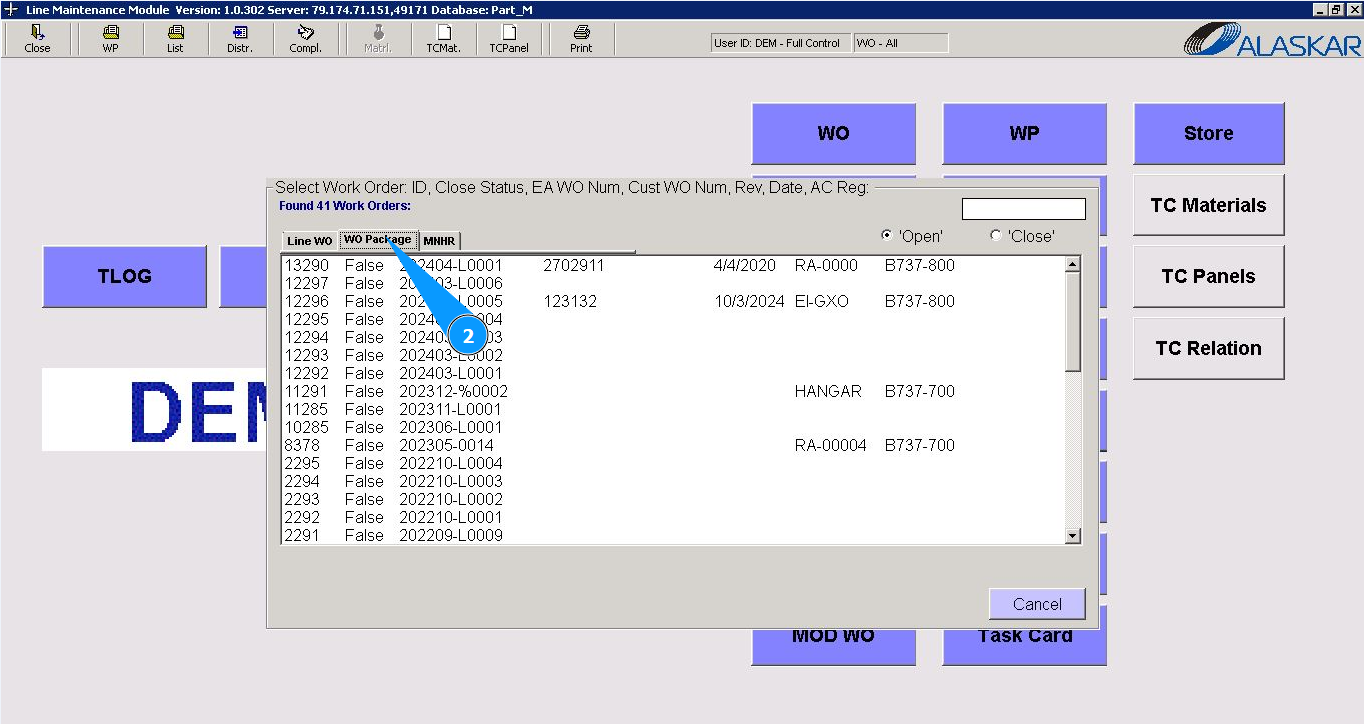
2. Then go to the tab "WO Package".
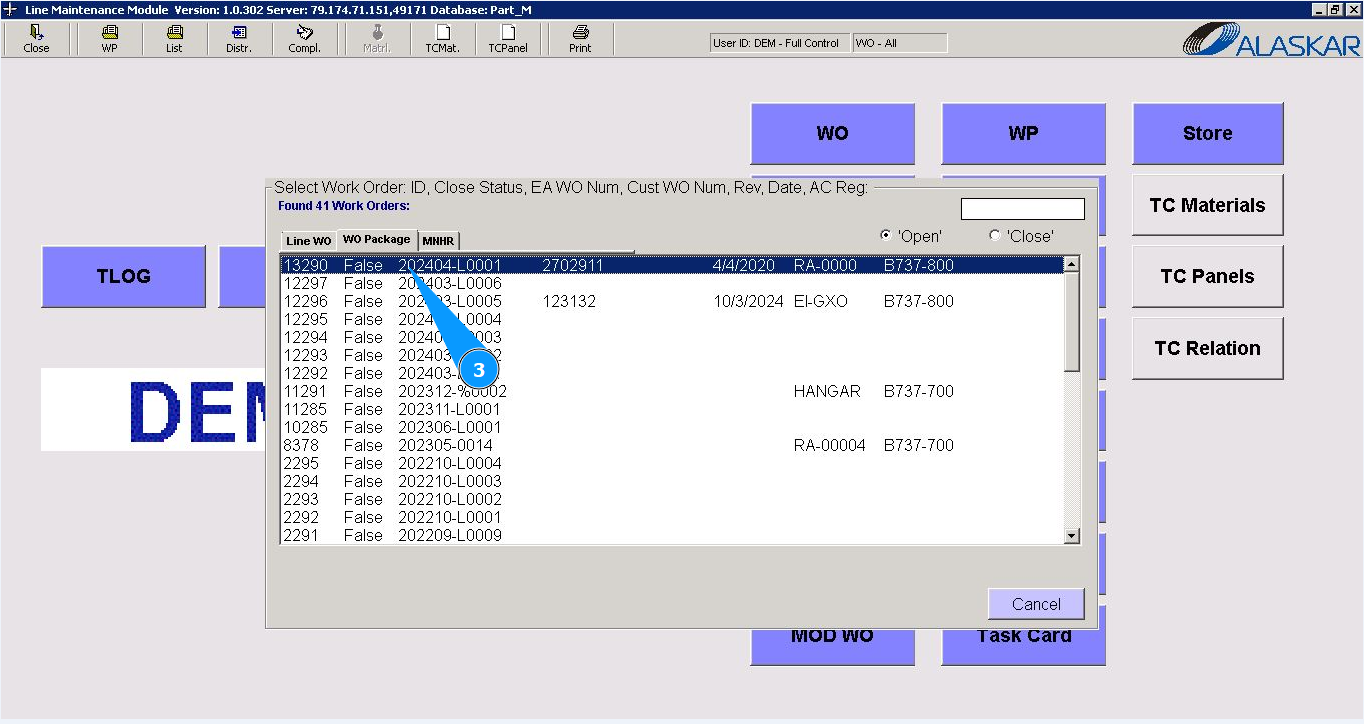
3. Select the required WP number from the list in the window "Select Work Order". Double click on the line with the required Work package. Note: If necessary, use search filters with dropdown lists, there are fields: "AC Reg.", "WO".
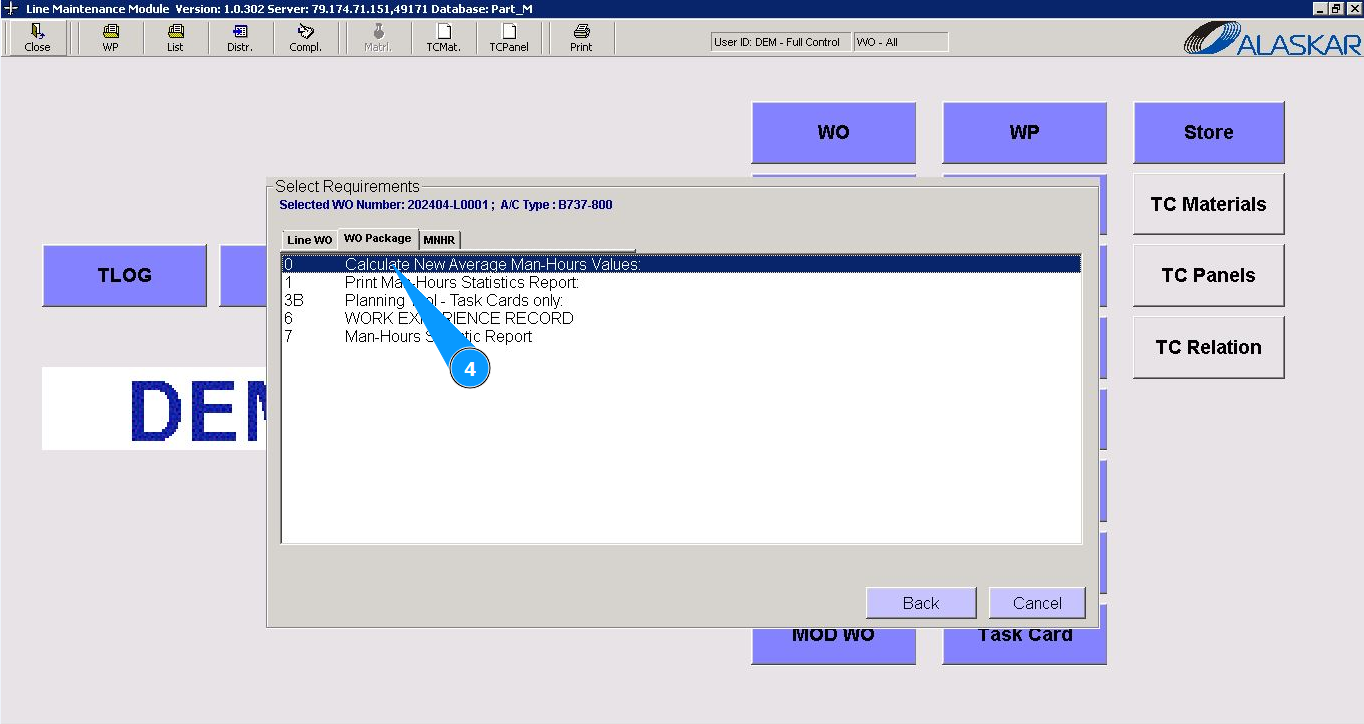
4. Select the man hours report required for generation in the window "Select Requirements". Click on the corresponding line.
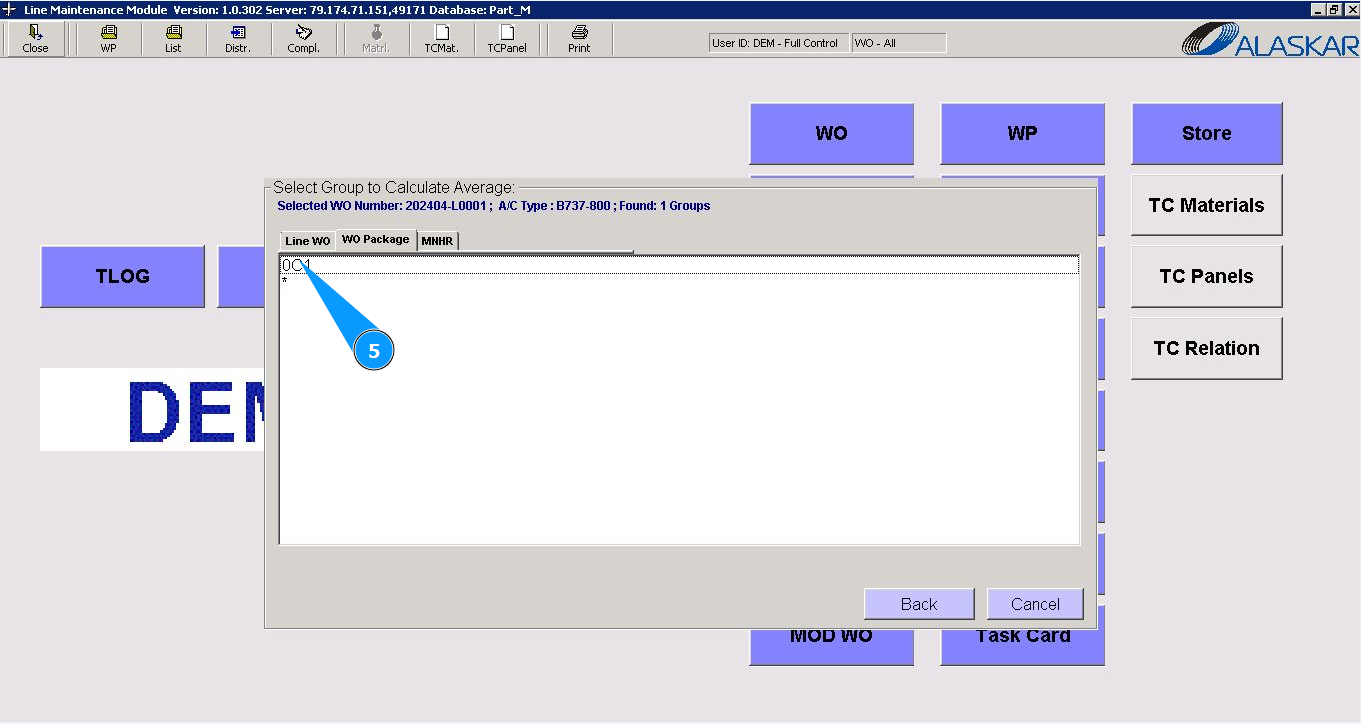
5. Select the required group for generating the man hours report in the window "Select group to calculate Average". Click on the corresponding line.
6. Check that the required report is displayed on your screen.