How to check and print Work Package sorted by Group
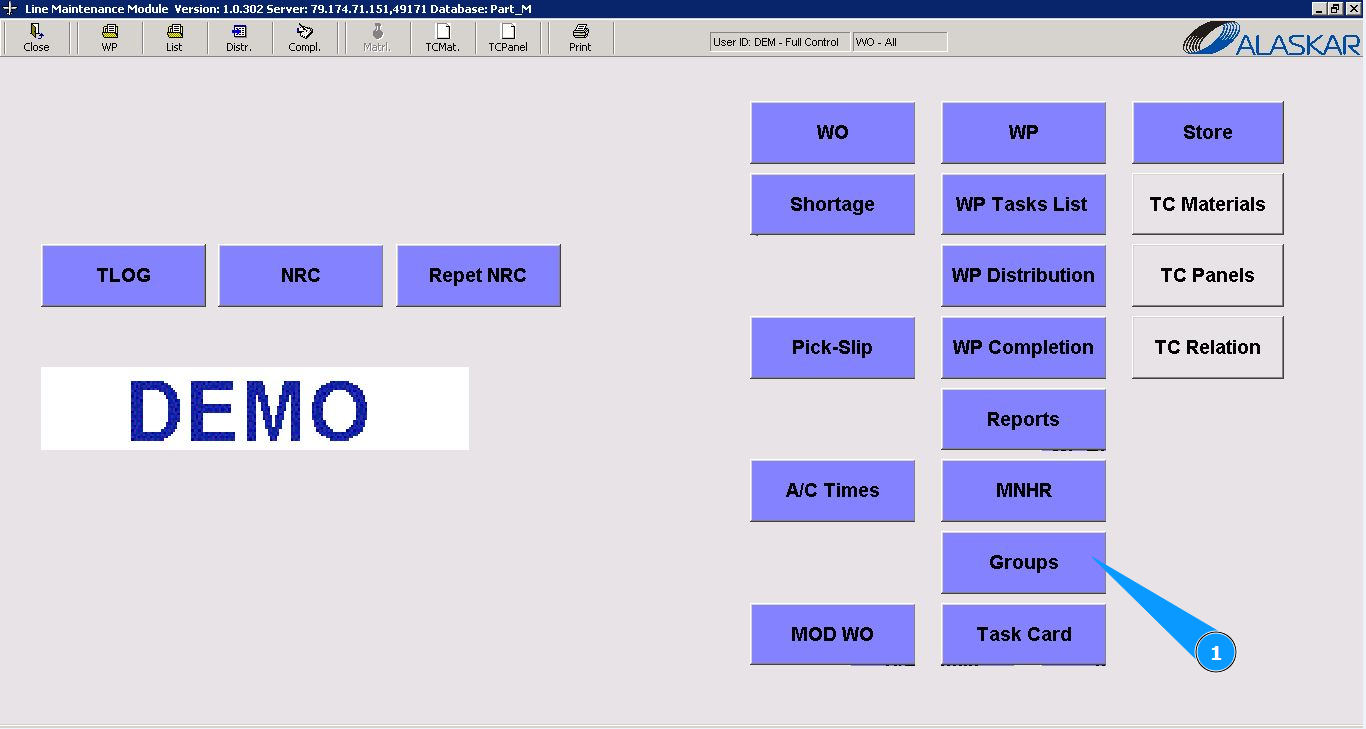
1. In order to check and print Work Package sorted by Group, go to the module "Groups".
2. Then go to the tab "Work Package".
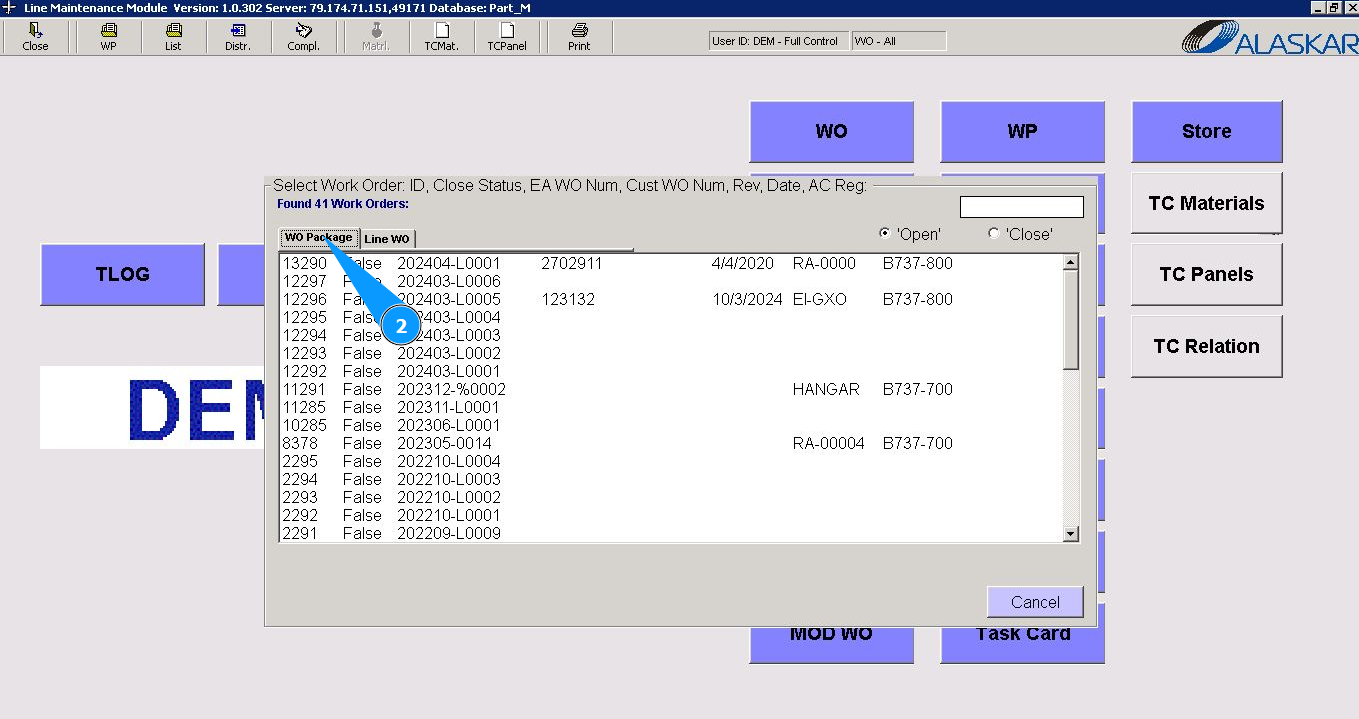
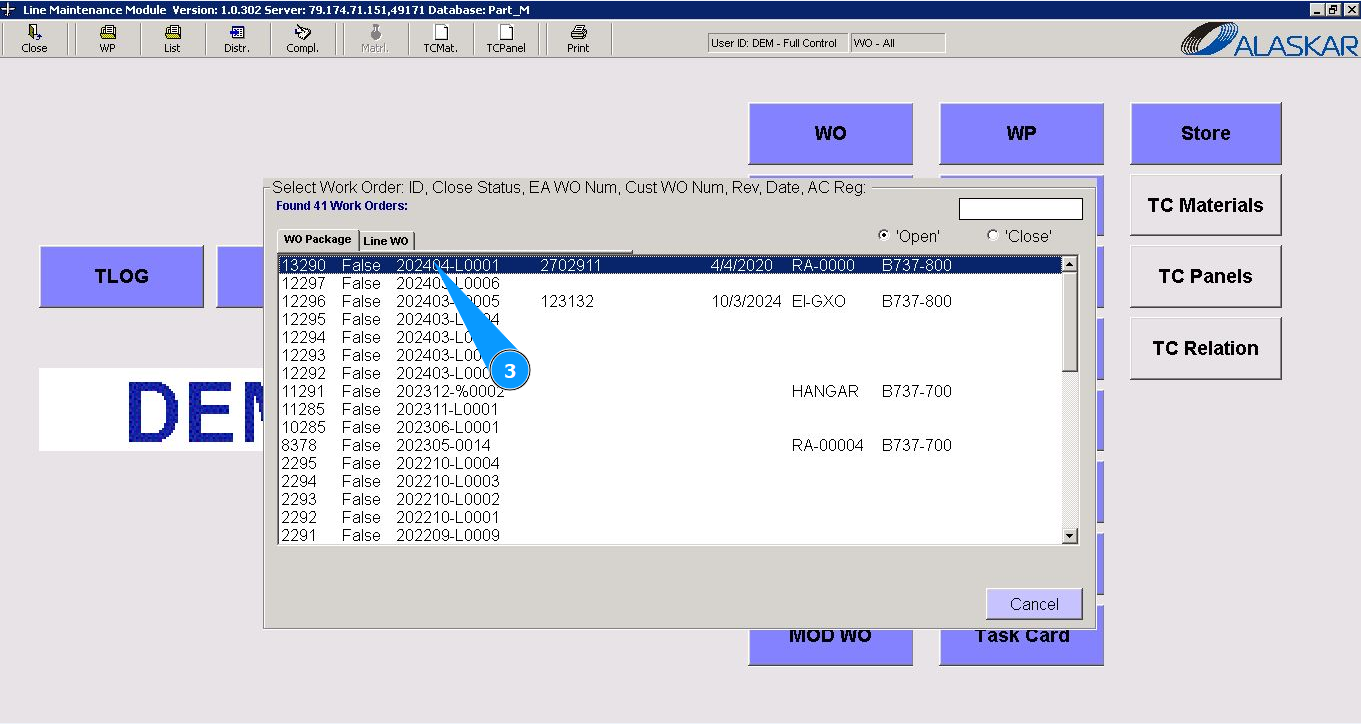
3. Select the required WP number from the provided list in the window "Select Work Order" and double click on the corresponding line. Note: Check that the filter is set "open" in the field: "Open".
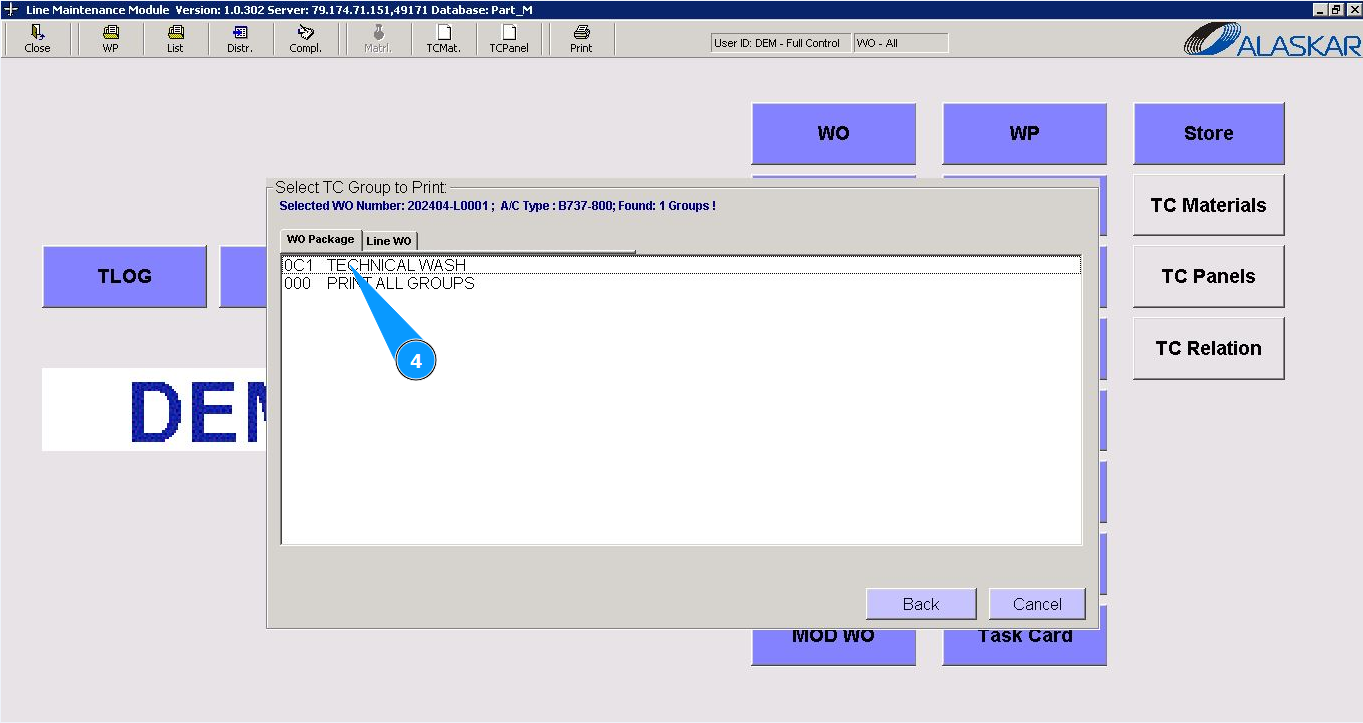
4. Select the report for checking or printing for one required group in the window "Selected TC Group to print" and click on the corresponding line
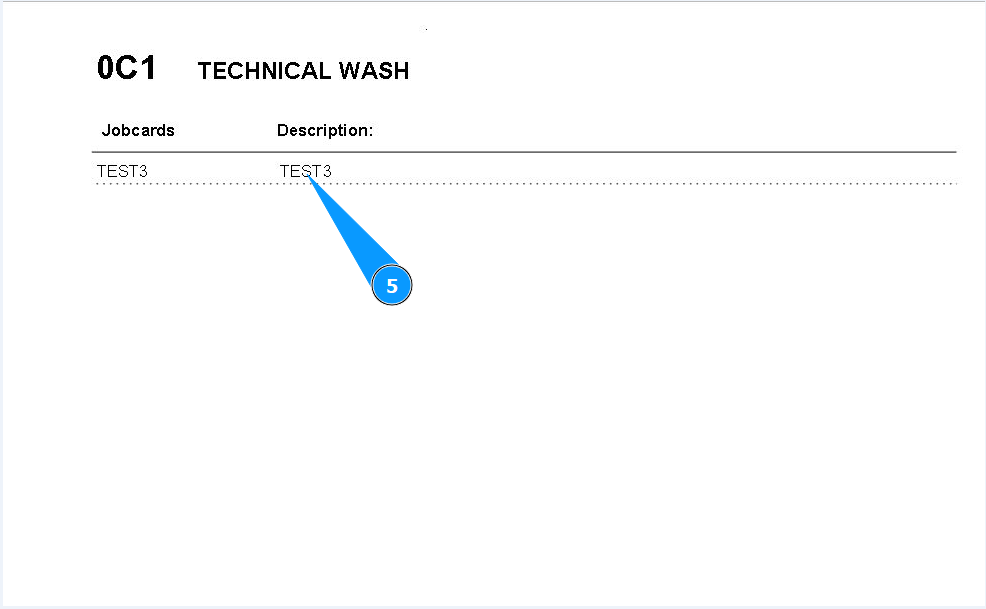
5. Check that the required report has been generated on your screen.
Note: The view of the report can be corrected upon additional request of the Customer.