How to find distributed WO
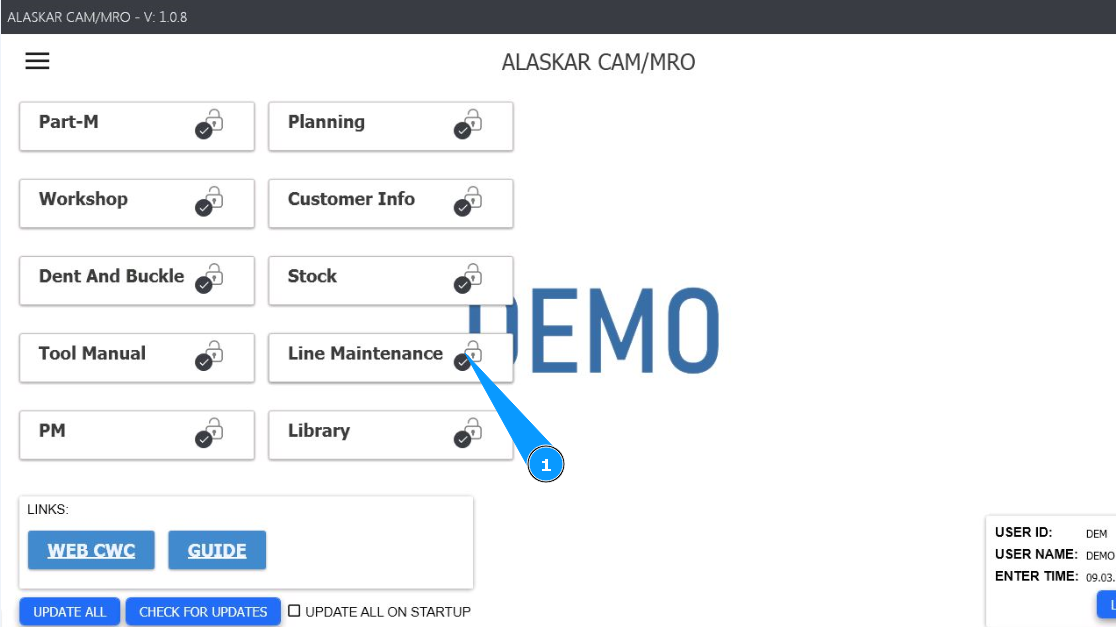
1. To find a distributed WO to perform, go to the module "Line Maintenance".
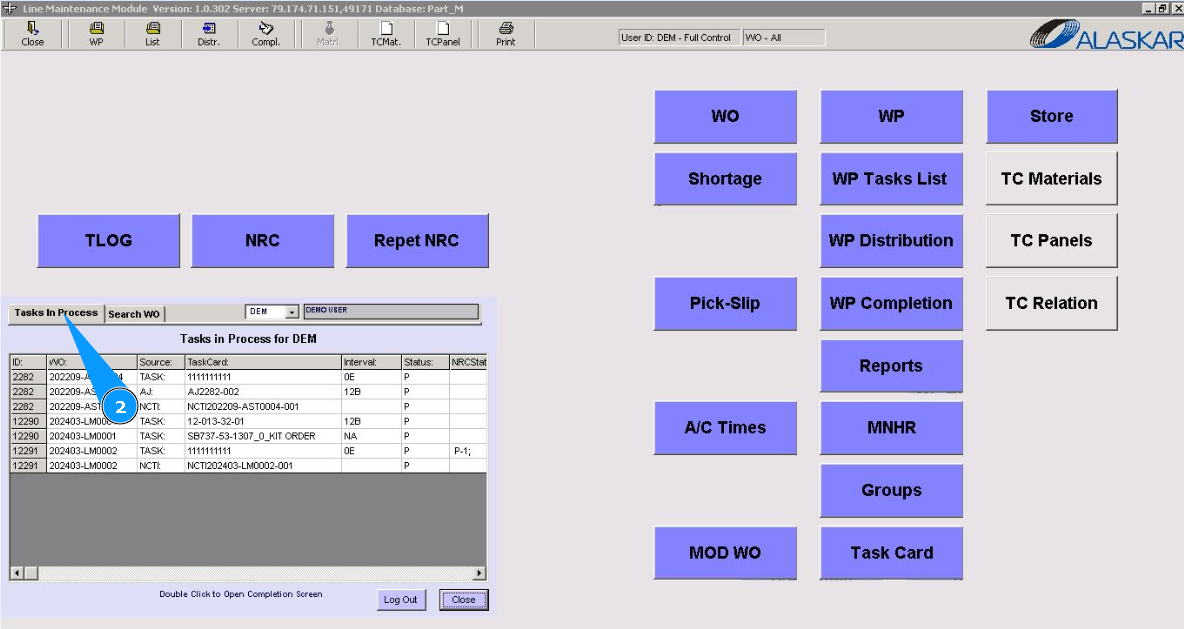
2. Then go to the tab "Tasks in Proccess".
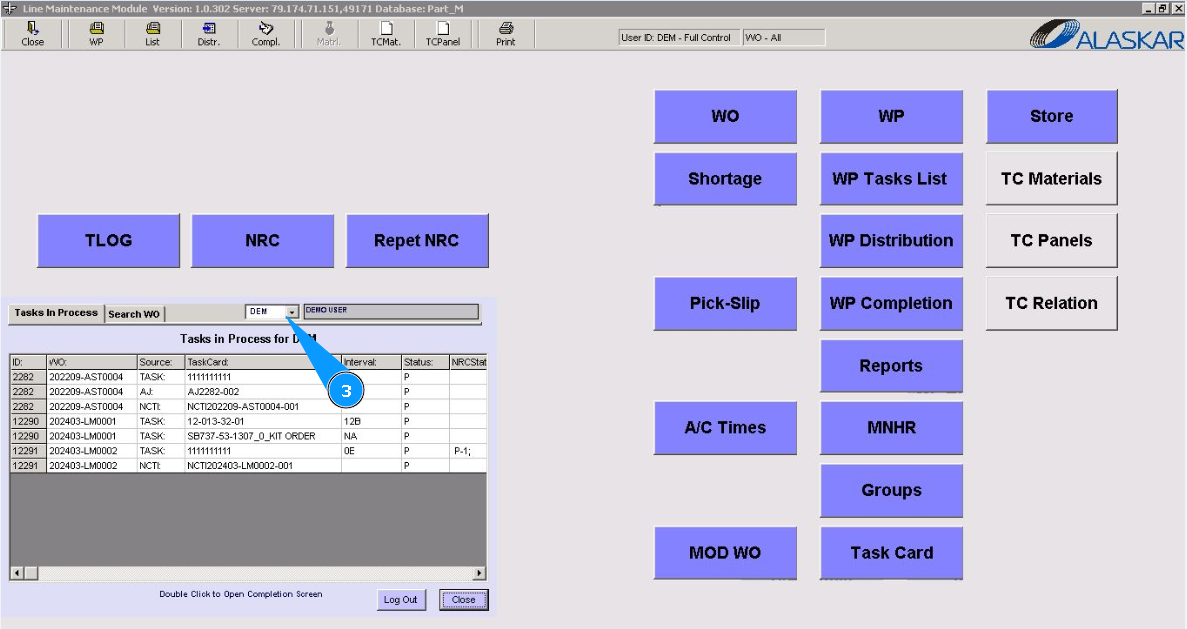
3. From the dropdown list in the field, select the personnel login for which the work was distributed.
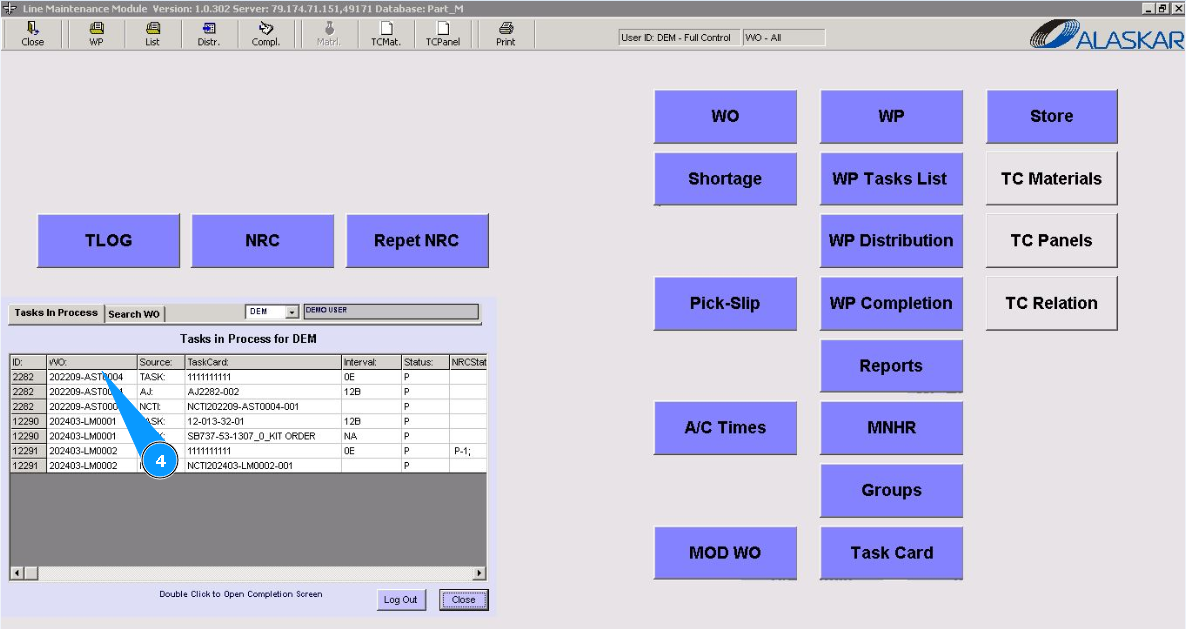
4. Select required WO, double click on the corresponding line in the list of distributed works.
5. Check that editor of WO "Completion" is opened.
Note: If you do not know the work has been distributed or not, you can open it for checking.
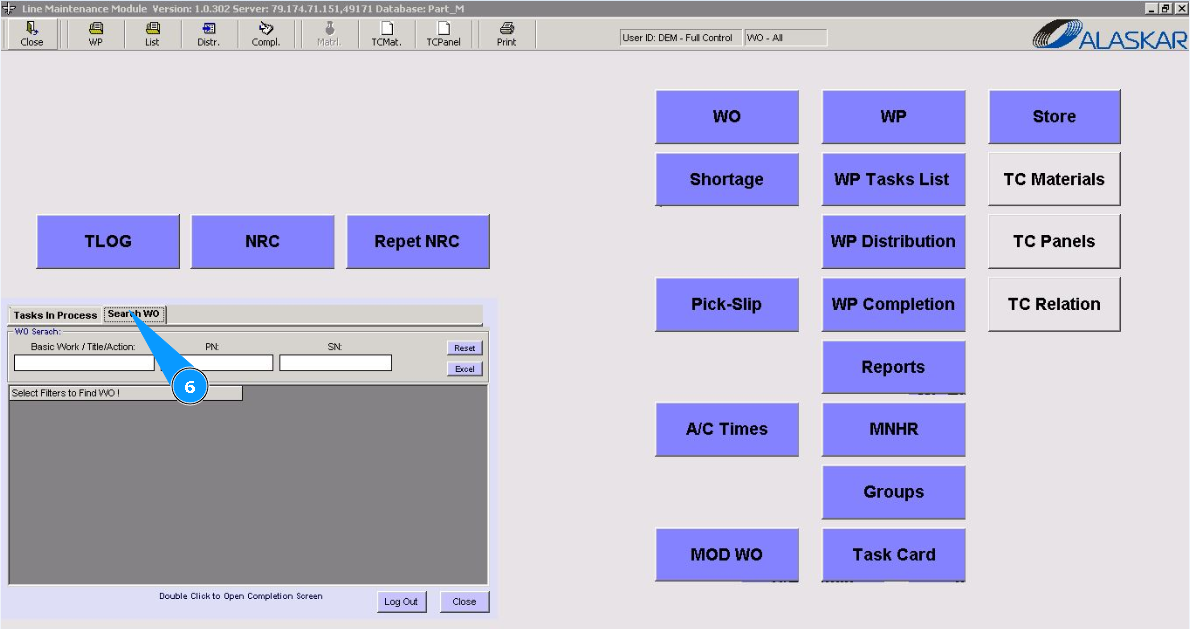
6. Please go to the tab "Search WO".
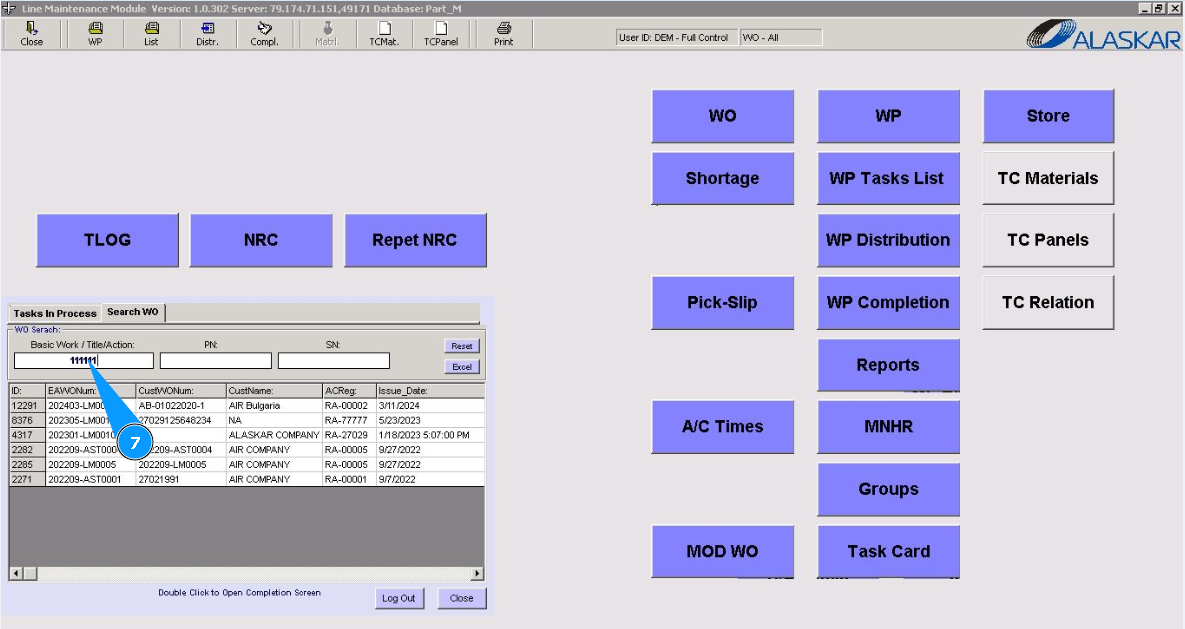
7. To find the required WO, use the available filters in the fields: "Basic Work/Title Action", "PN", "SN". Enter the number of the WO you are looking for and click on the knob "Enter" on your keyboard.
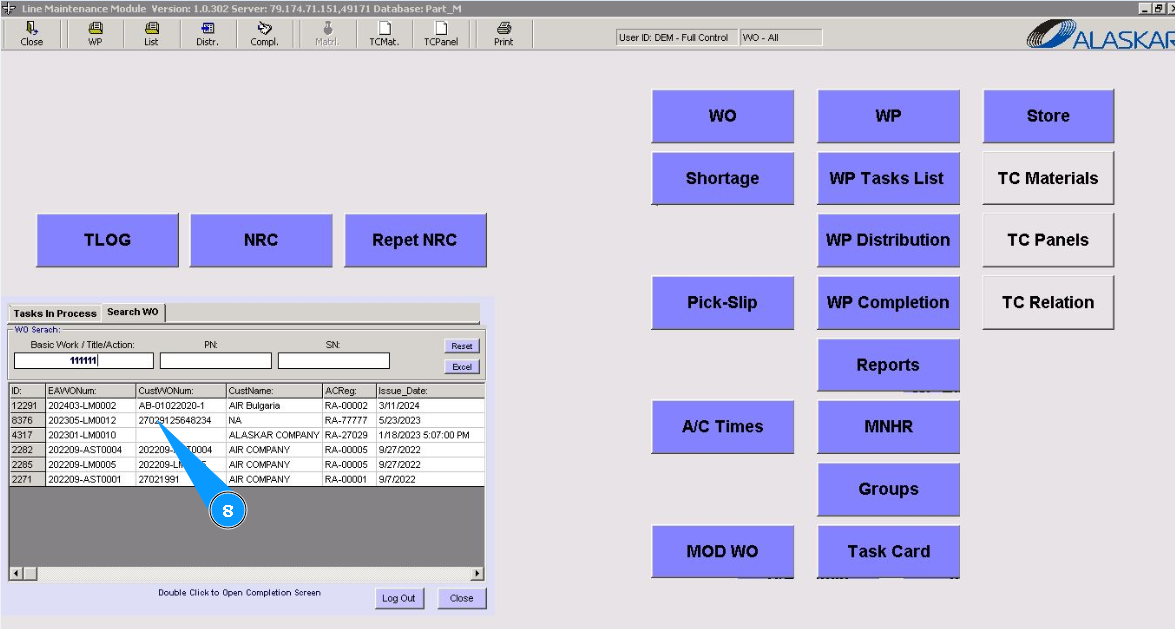
8. In the list of found works, select the required one and double-click on the line.
9. Check that editor of WO "Completion" is opened.