How to distribute task card based on WP
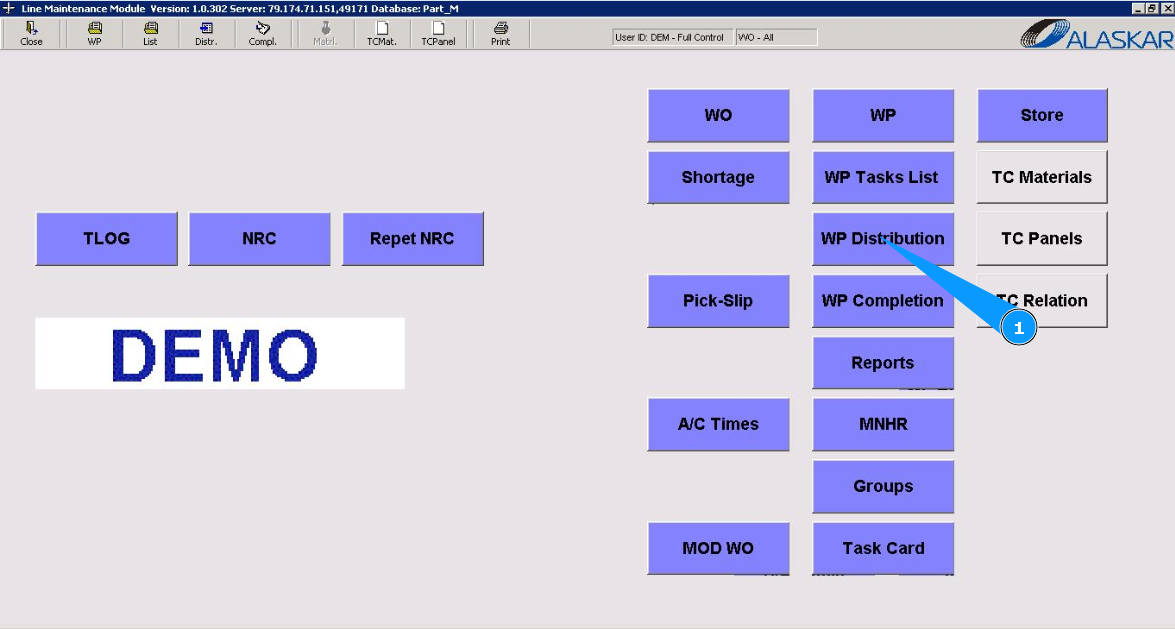
1. To distribute task card based on WP, go to the submodule "WP Distribution".
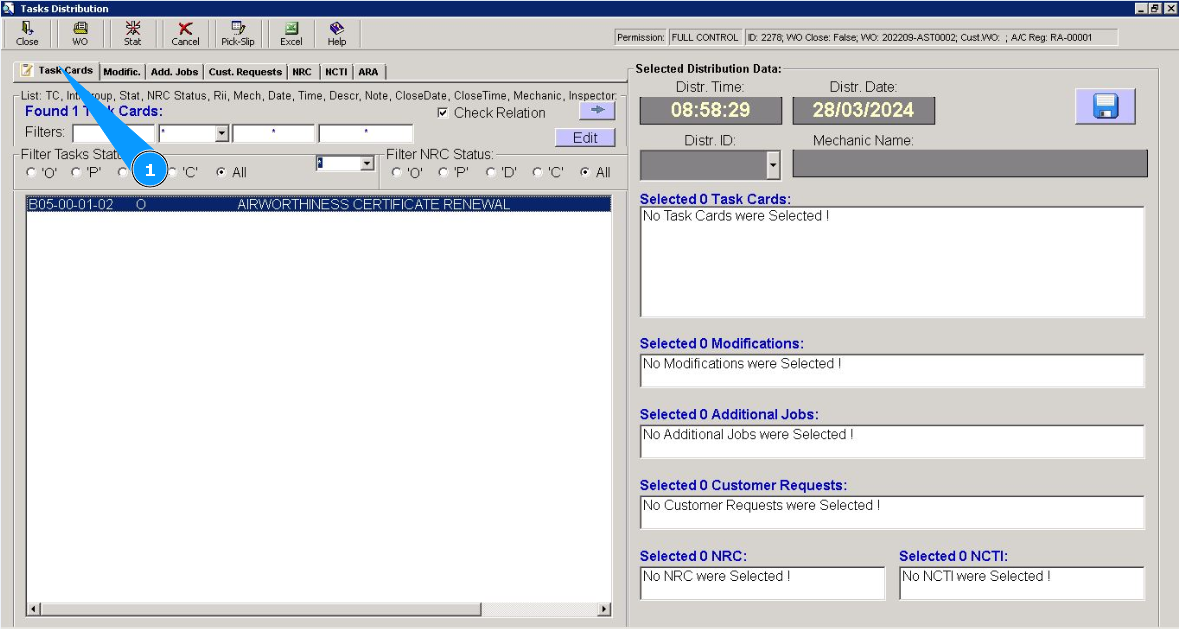
2. Then go to the tab "Task Cards".
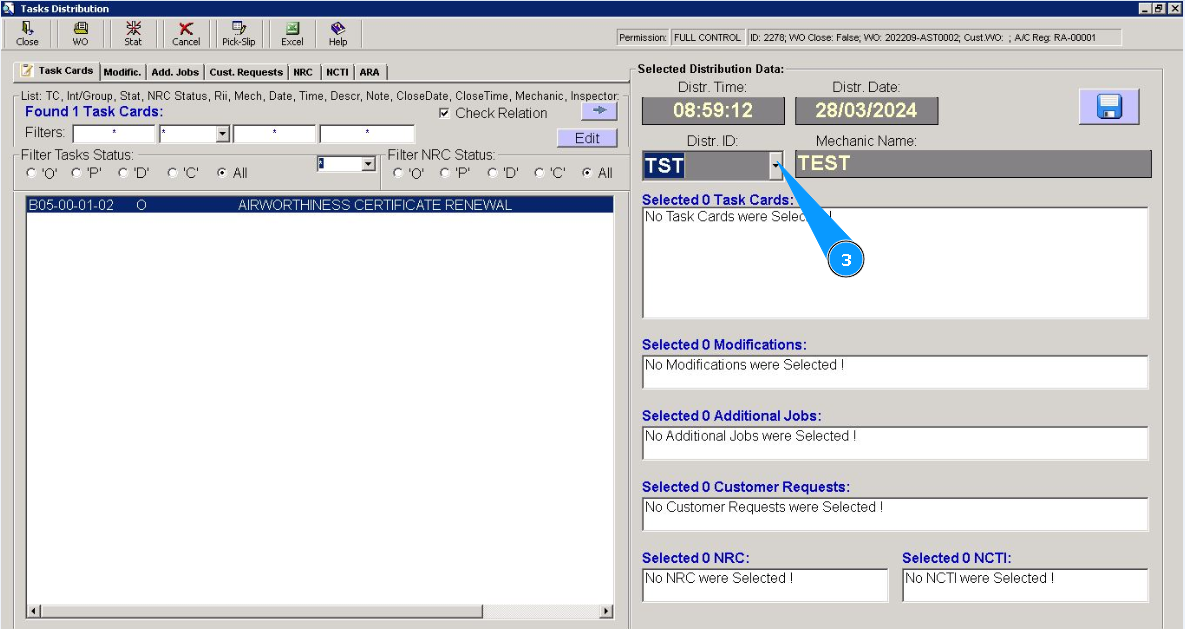
3. Select from dropdown list the ID of the staff who will perform this task card.
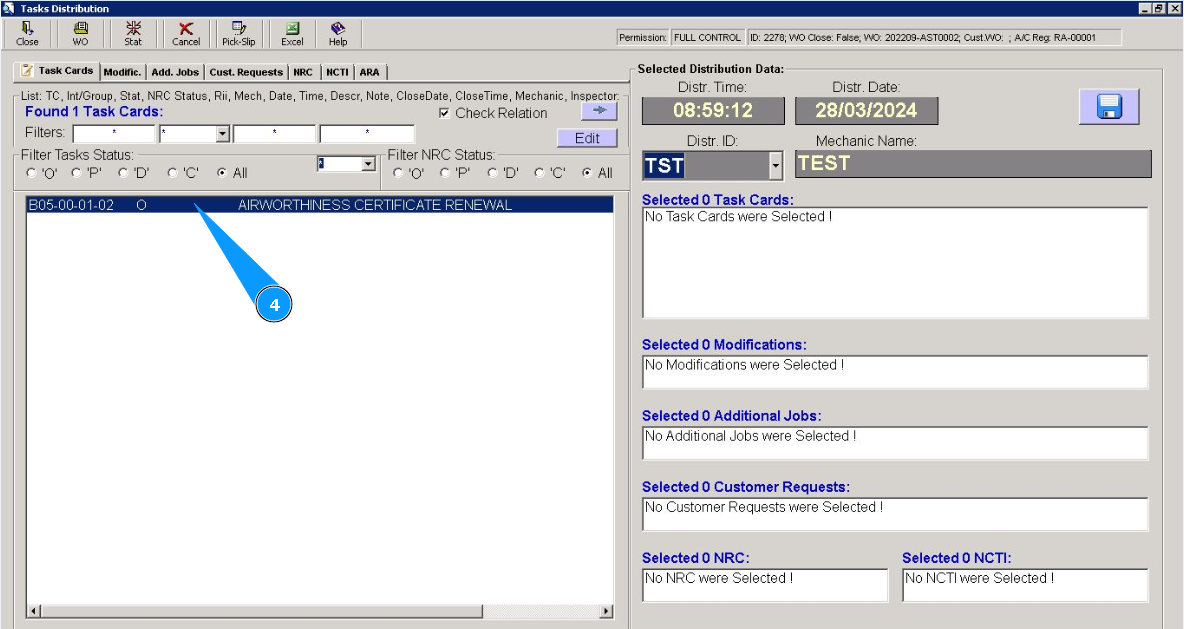
4. Click on the line with the distribution task twice.
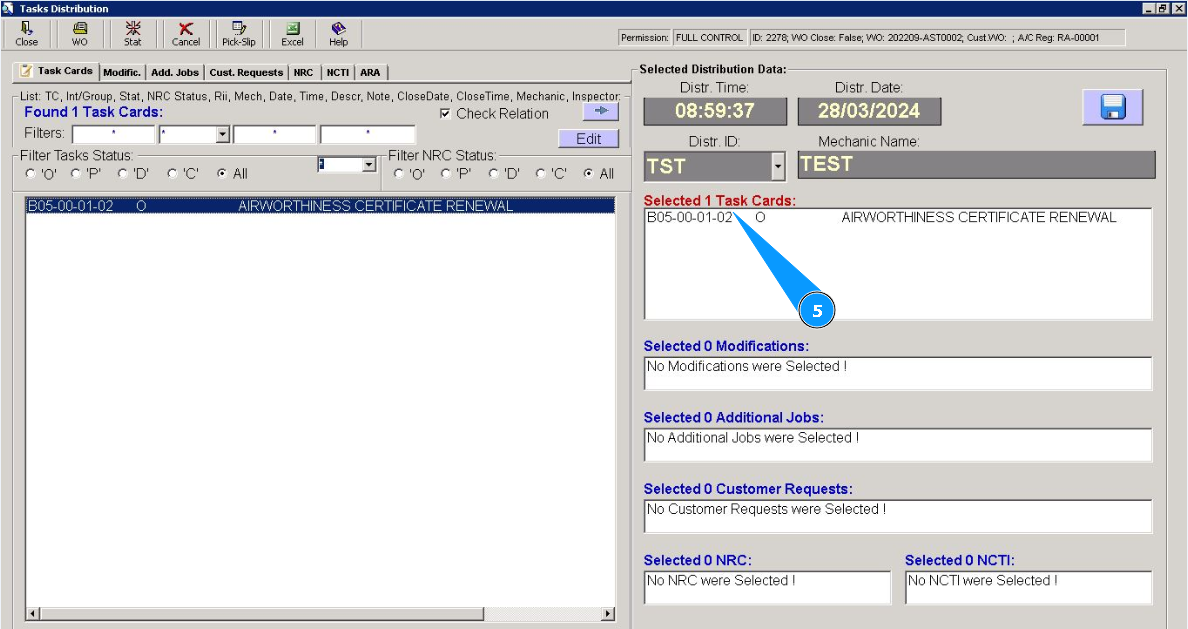
5. Make sure that the required task card is displayed in the right window "Selected Task Cards".
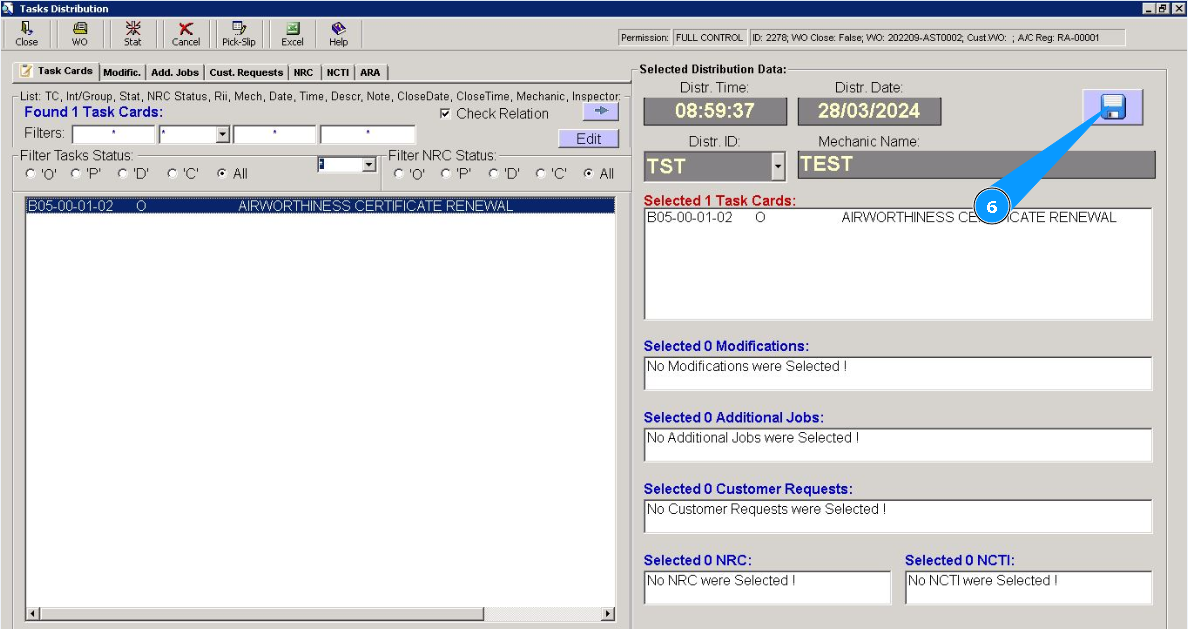
6. Click the diskette symbol button to save the distribution.
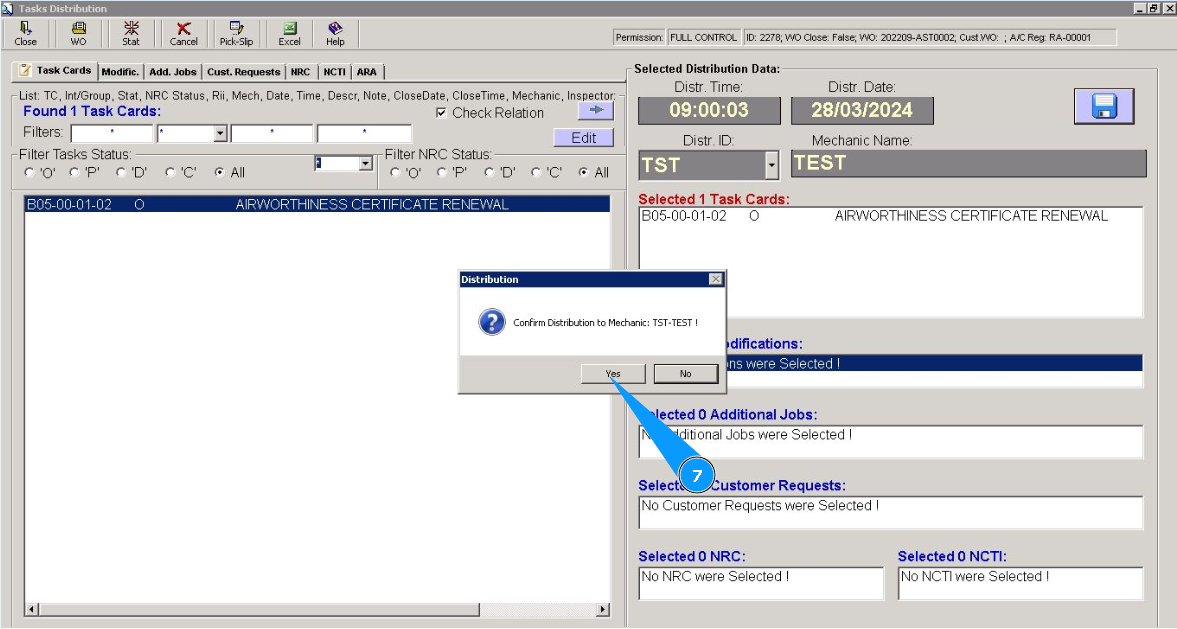
7. Click on the button "Yes", to confirm the distribution of task card to perform.
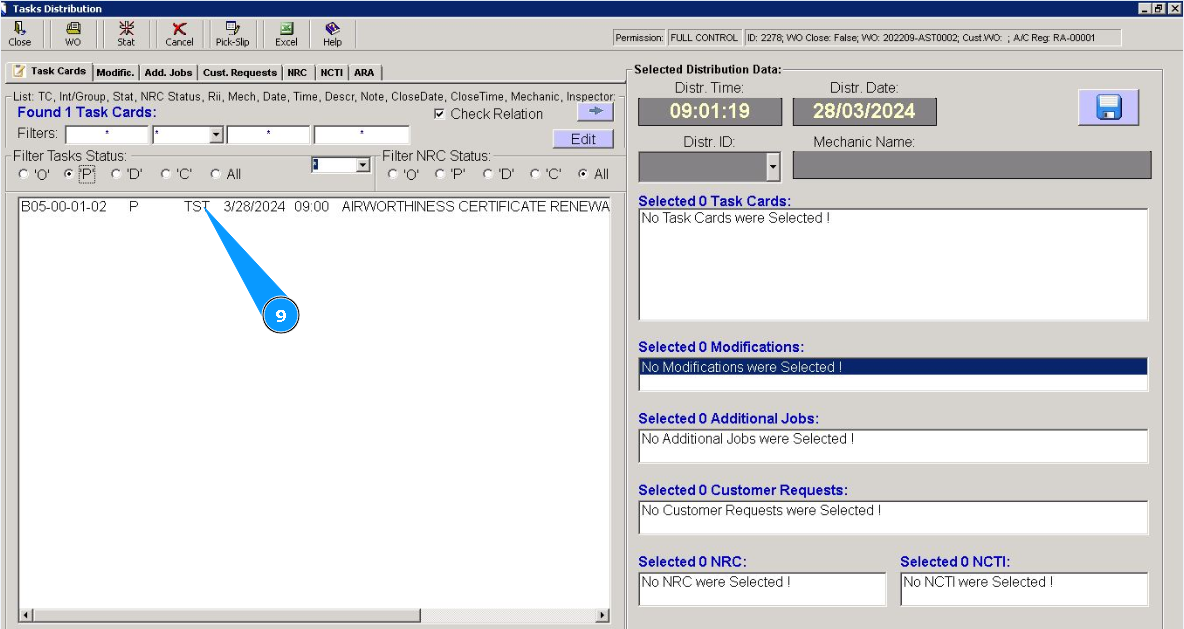
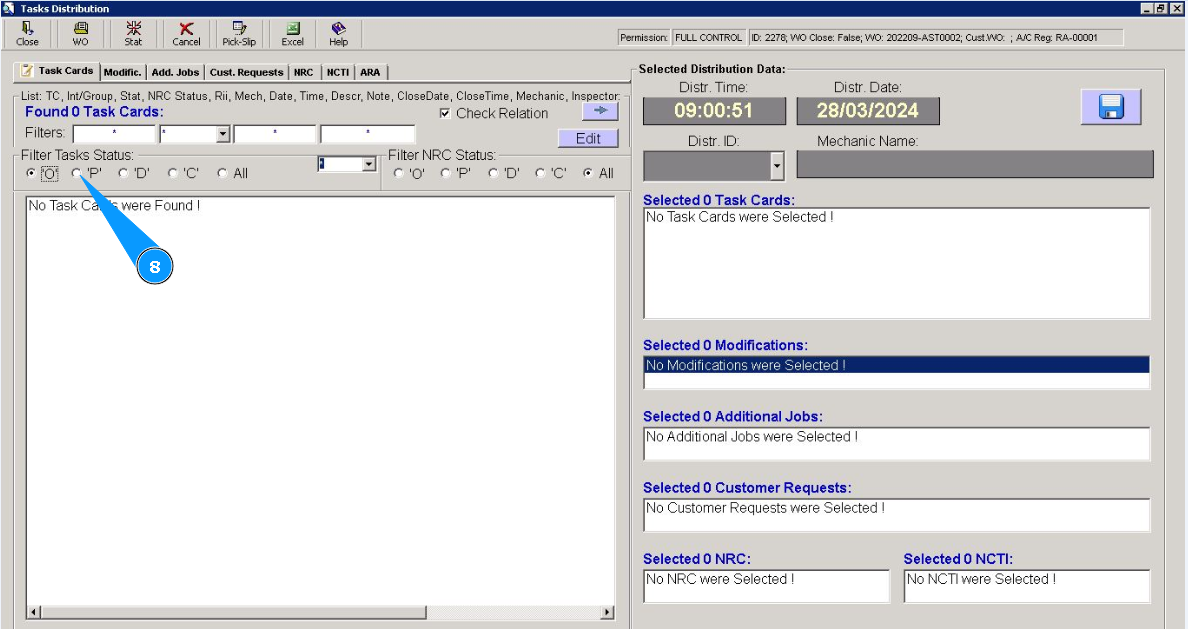
8. Make sure that the task has moved from the "open" status to the "scheduled" status. To check it, set the filter "P".
9. Task card is fully distributed to staff for performing.