How to create Non-Completed Task Items for WO
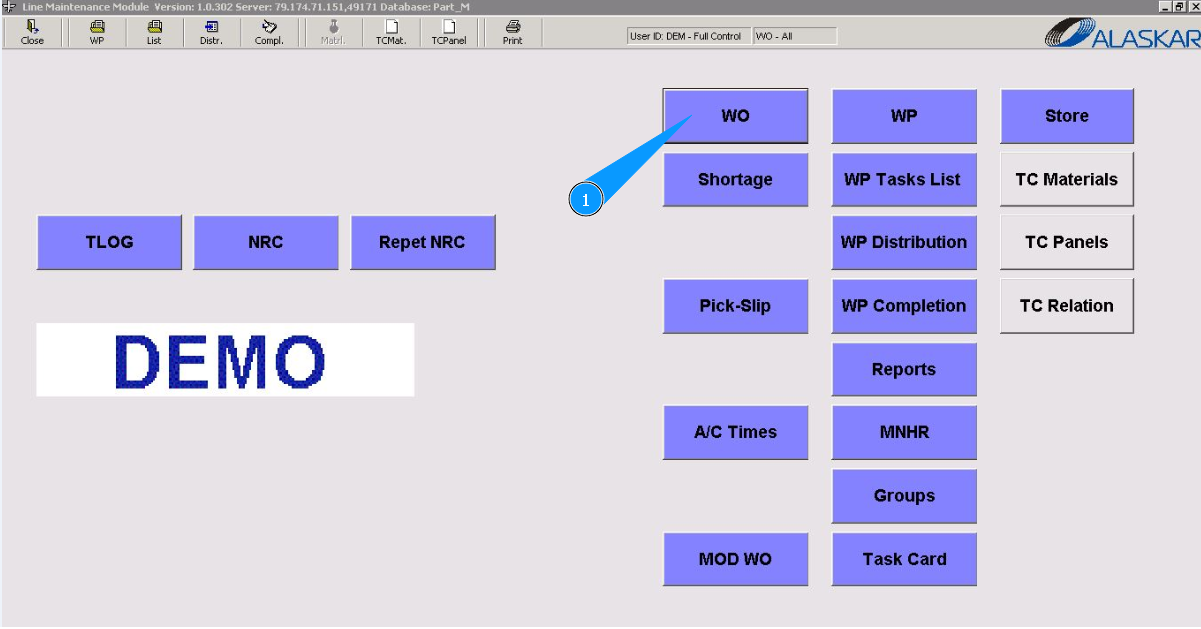
1. In order to create Non-Completed Task Items for WO, please go to submodule "WO".
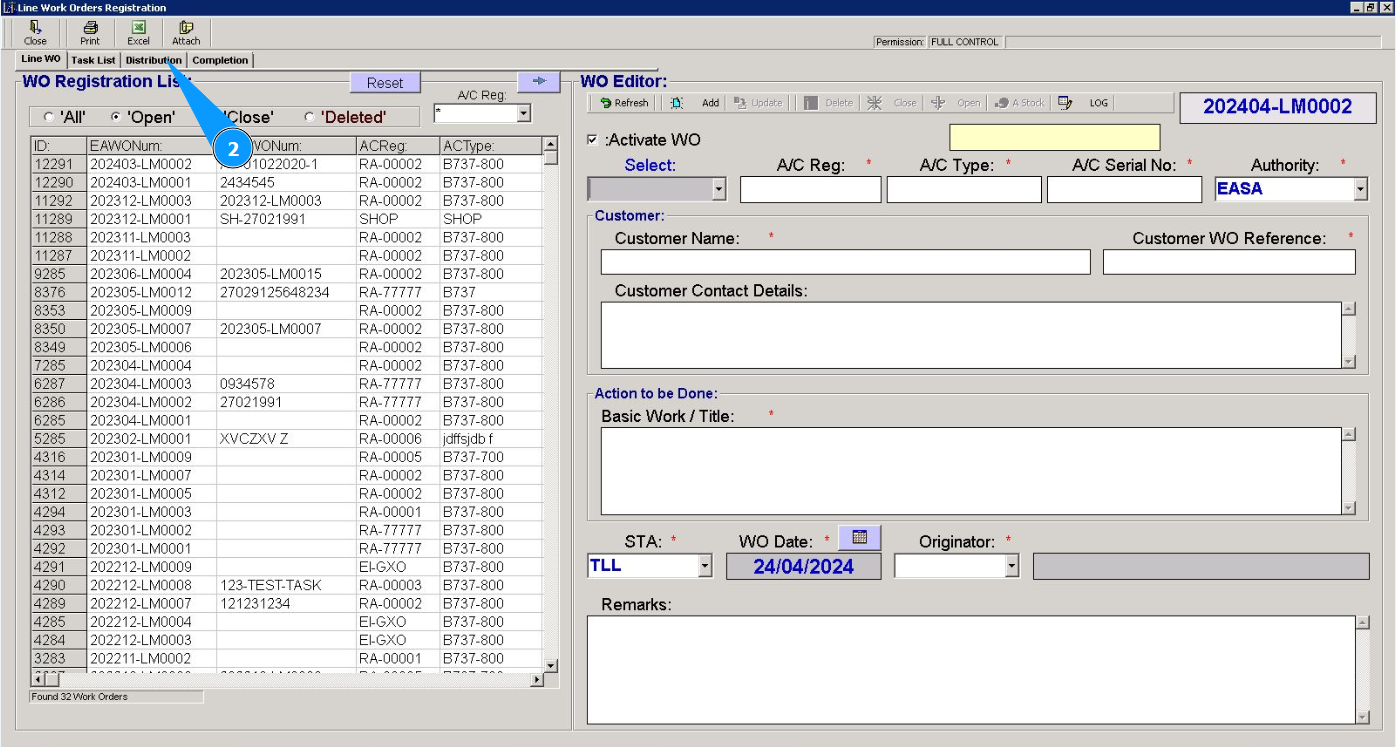
2. Then go to the tab "Distribution".
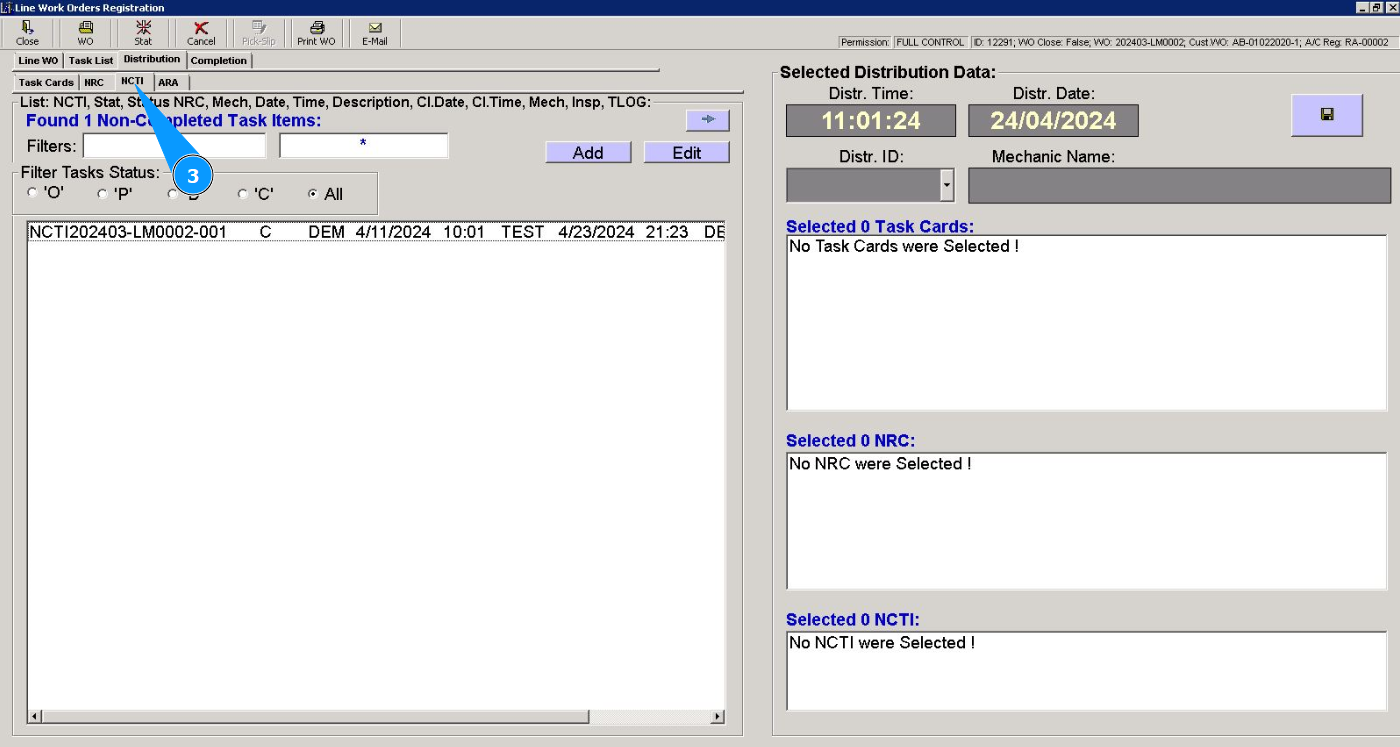
3. Then go to the tab "NCTI".
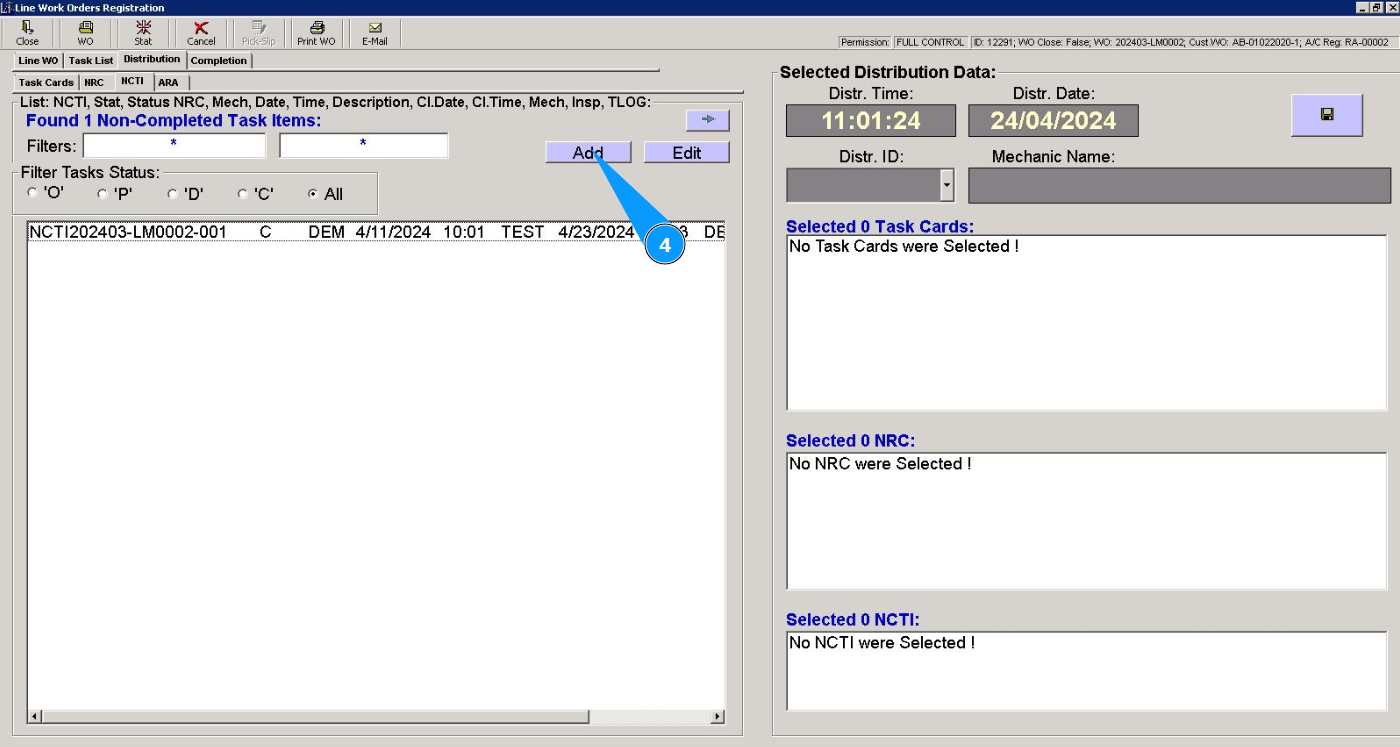
4. Click on the button "Add", to add a new non-completed task item.
5. Check that the task item editor has opened in the window "Non-Completed Task Items Editor". Note: The Non-Completed Task Items number will be generated automatically by the program.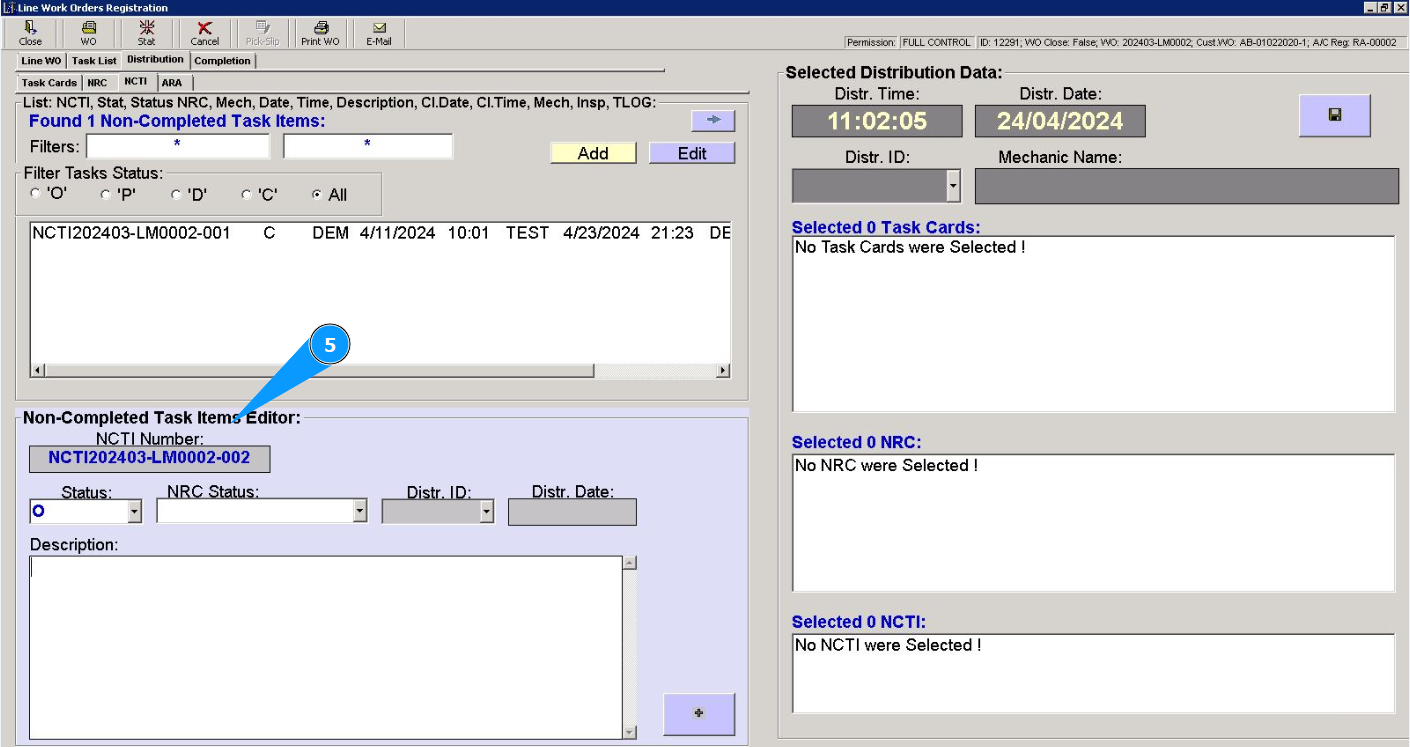
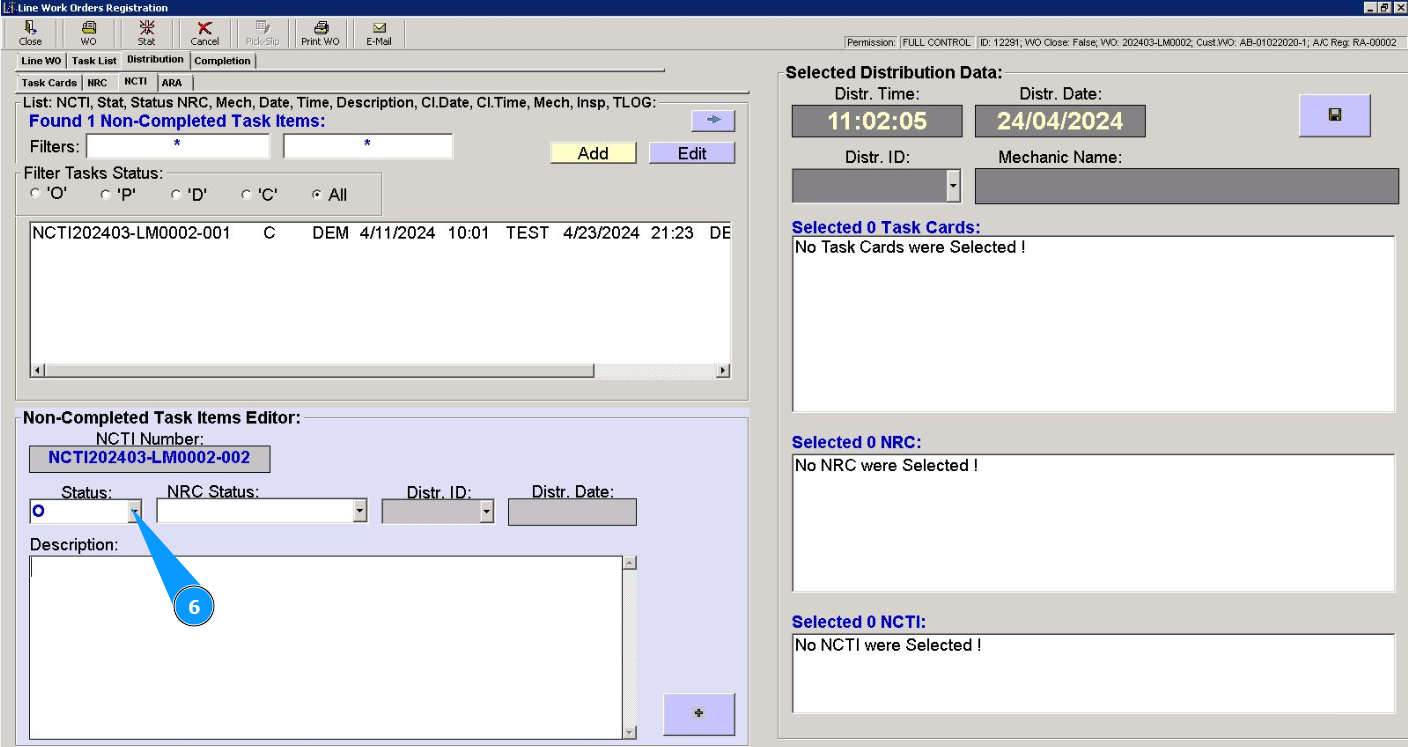
6. Select the status of the item "O (open)" from the dropdown list in the field "Status".
7. If necessary, select the NRC status "O (open)" from the dropdown list in the field "NRC Status".
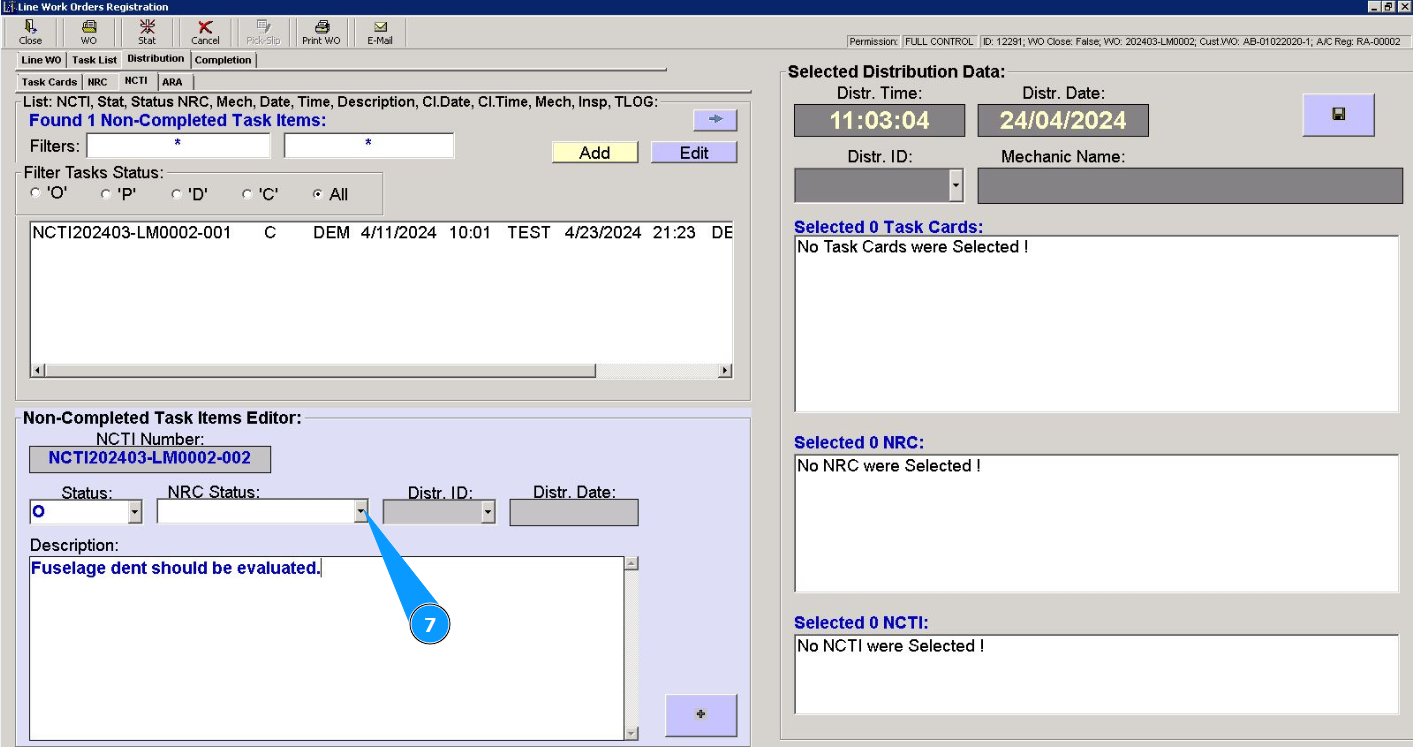
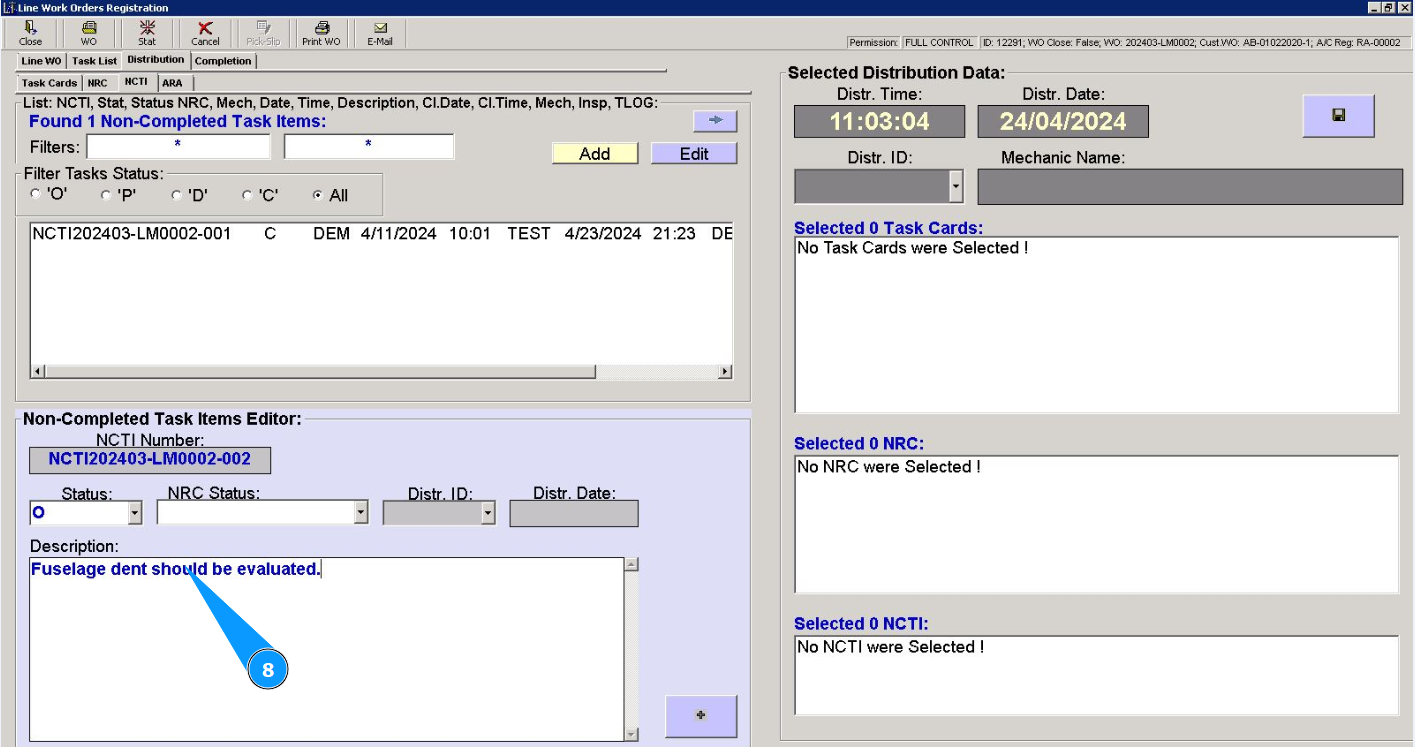
8. Enter a description of the NCTI item in the field "Description".
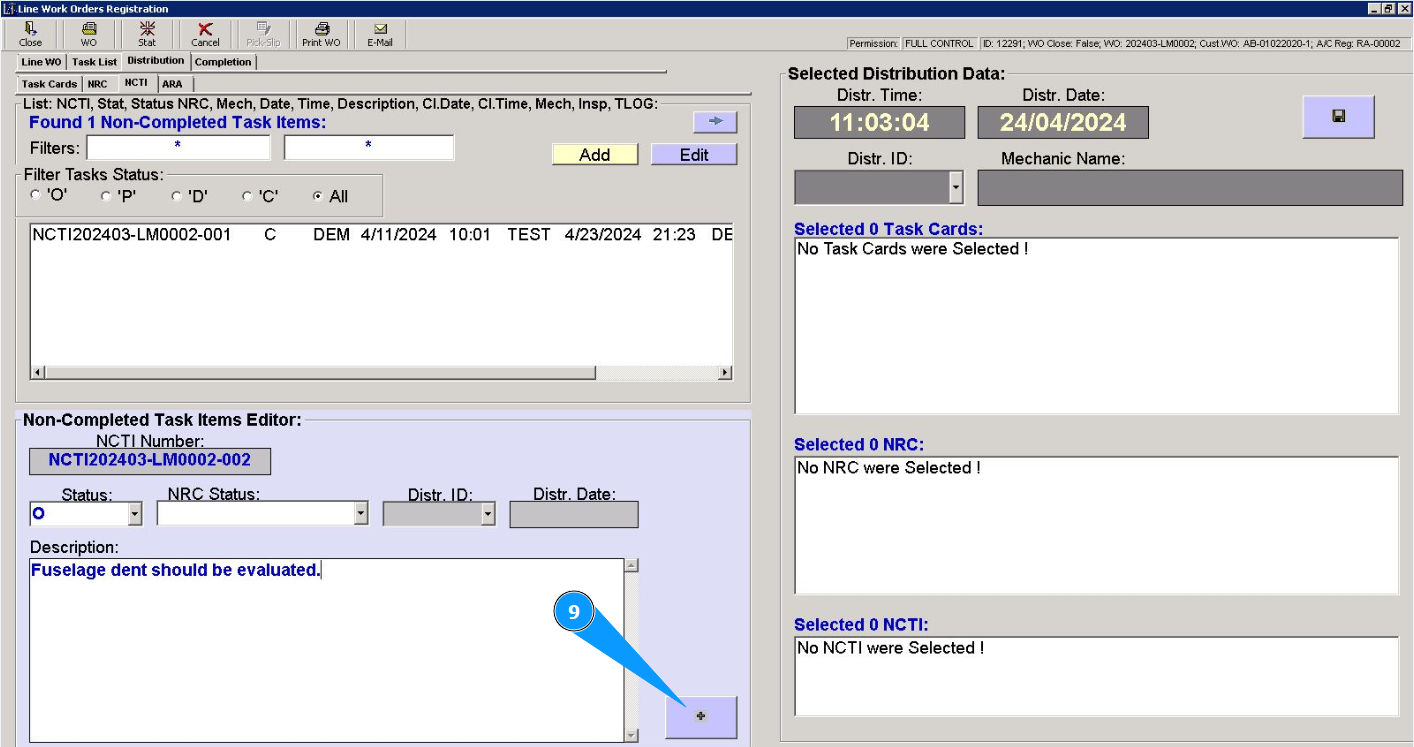
9. Click on the button with plus to add a new non-completed task item (NCTI).
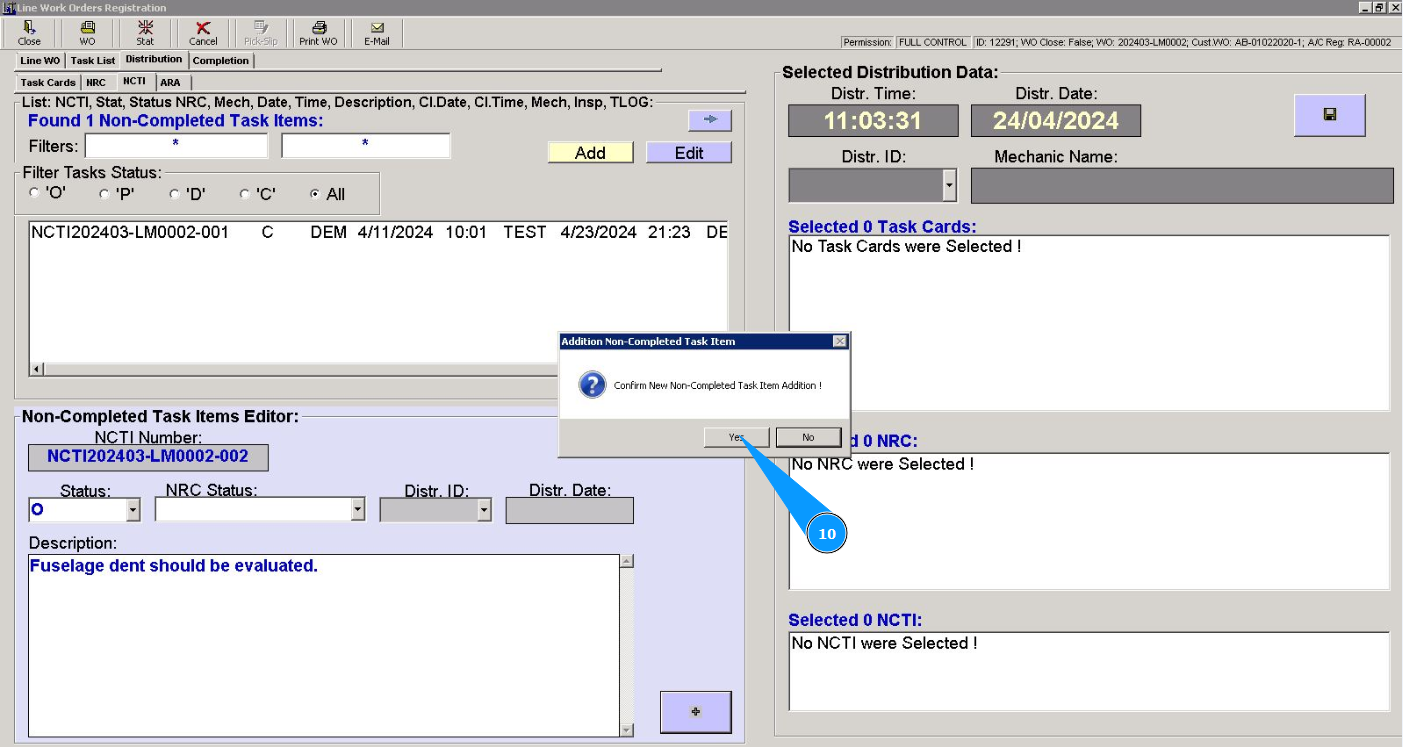
10. Click on the button "Yes", to confirm adding a new NCTI to the program.
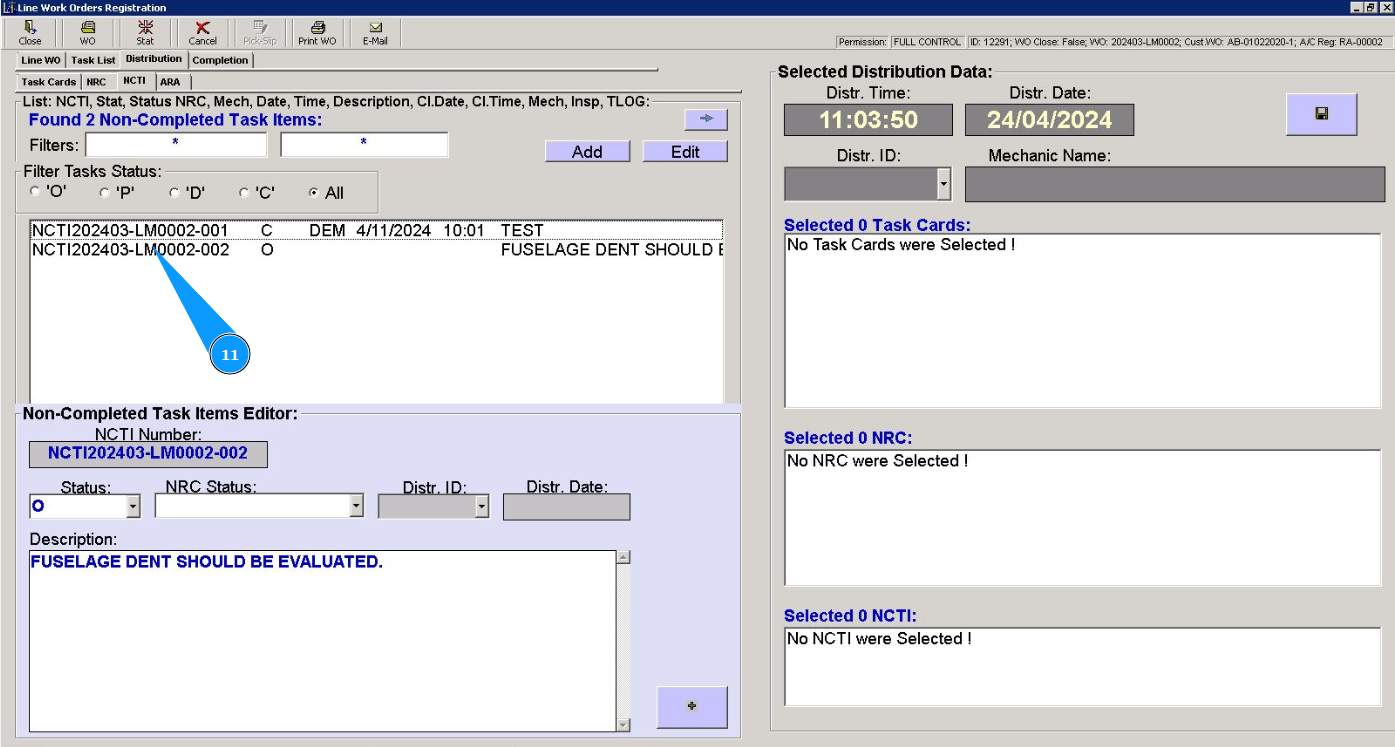
11. Check that record about the newly created non-completed task item is displayed in the window "Non-Completed Task Items".