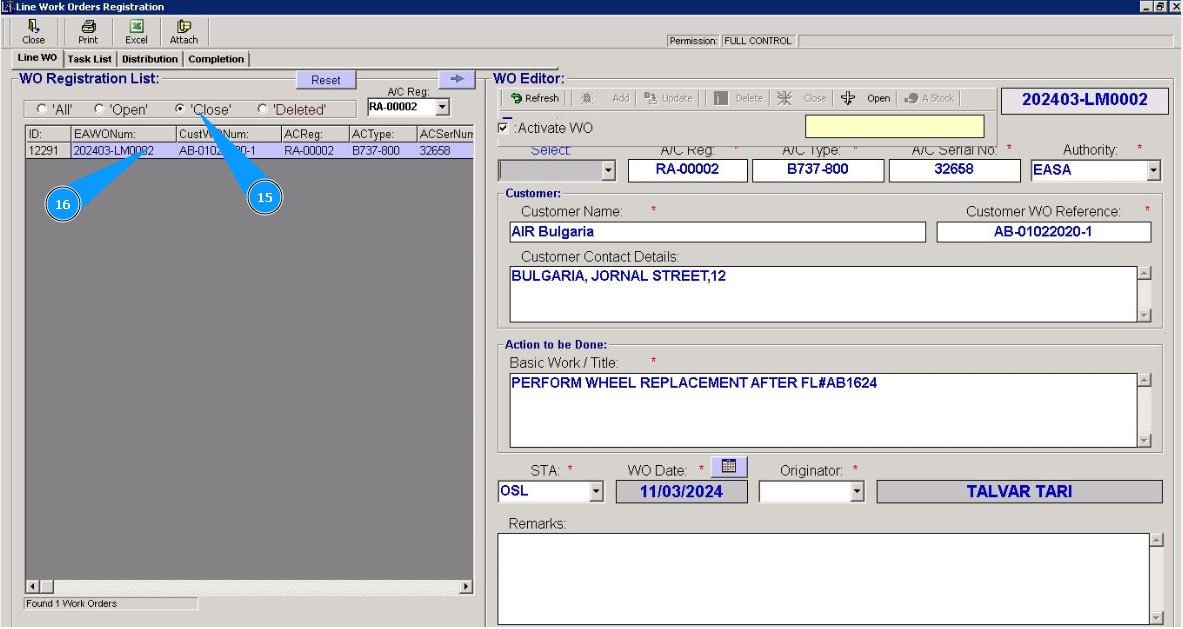
How to close WO
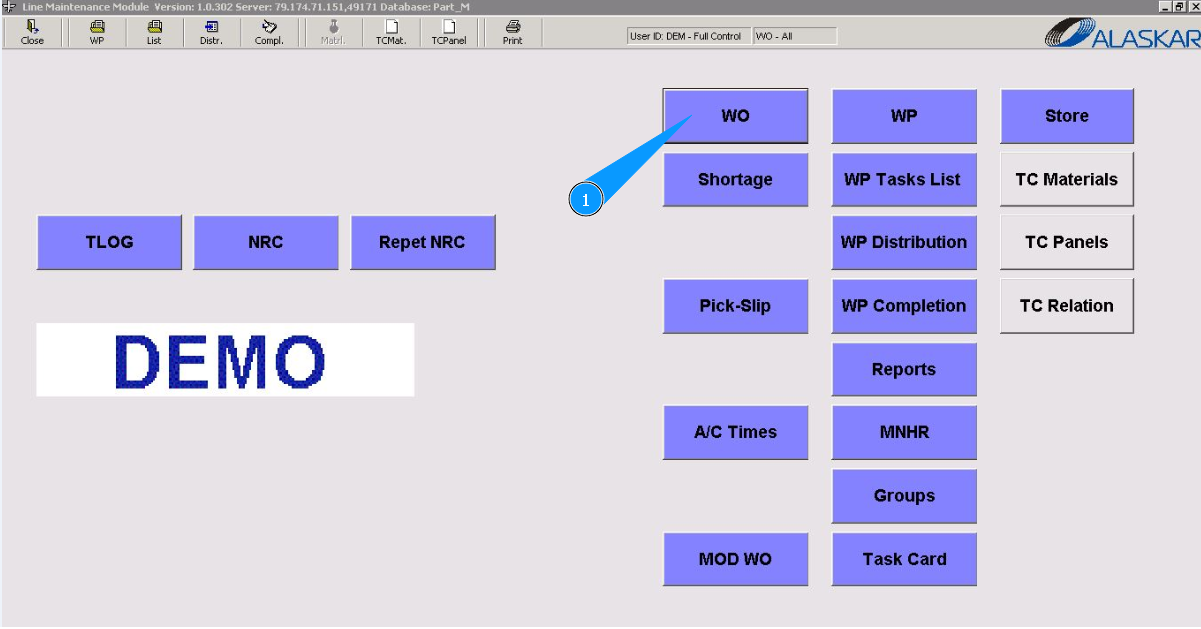
1. To close Work Order, go to the submodule "WO".
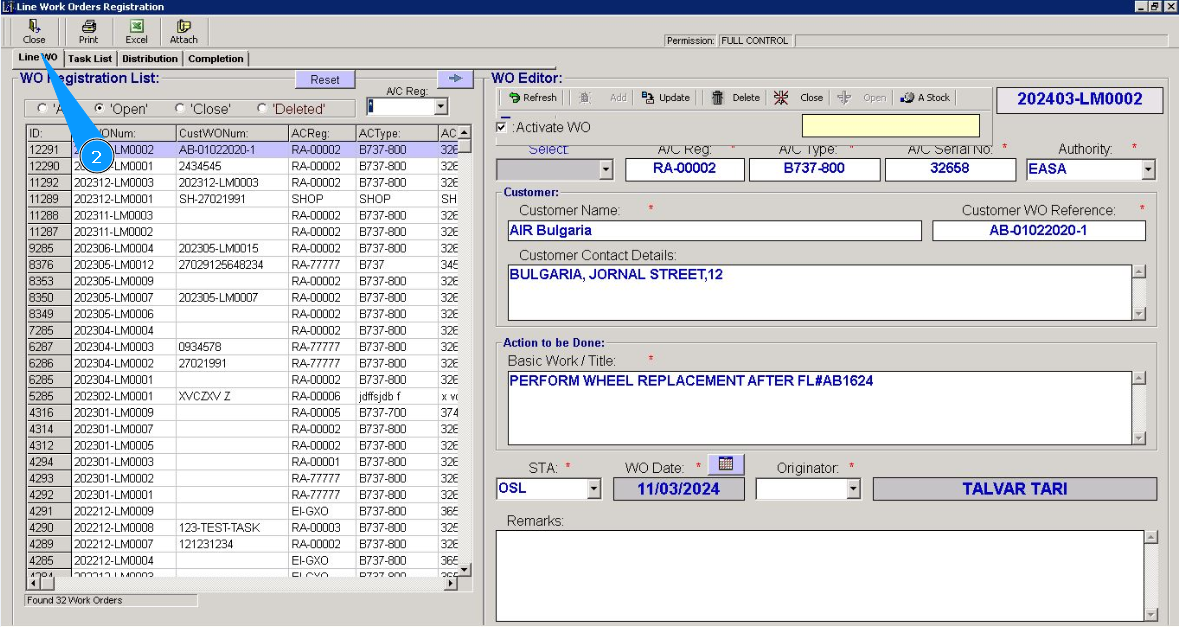
2. Then go to the tab "Line WO".
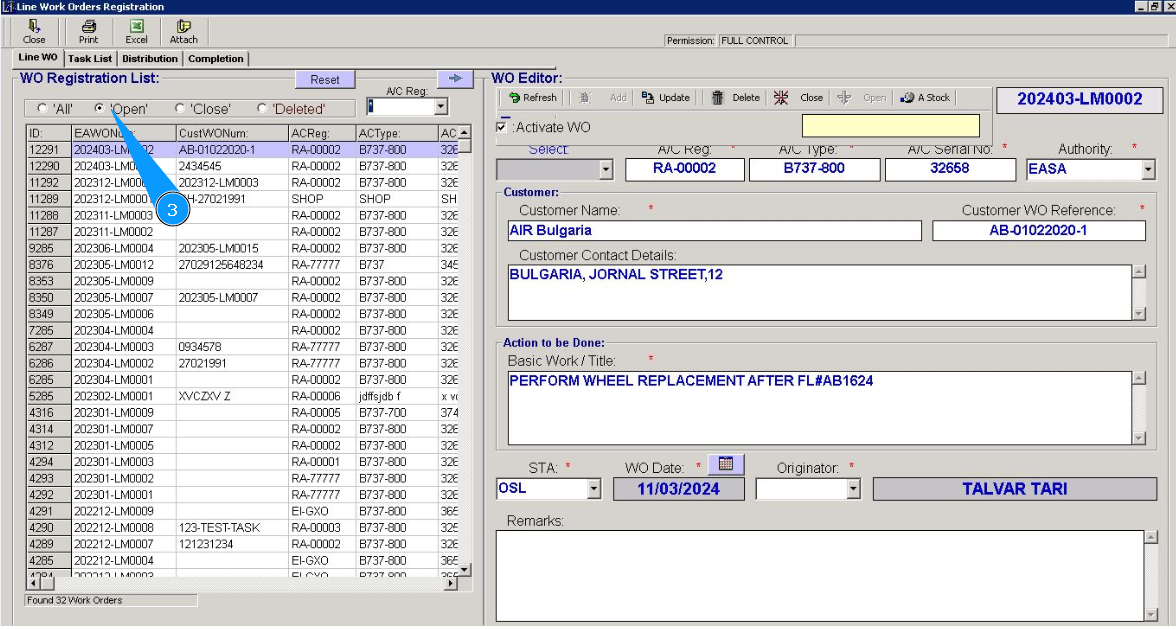
3. Make sure that the open WO filter is set in the field "Opened".
4. Enter the aircraft registration number in the field "A/C Reg:" and press the knob "Enter" on your keyboard.
5. Or select the aircraft registration number from the dropdown list.
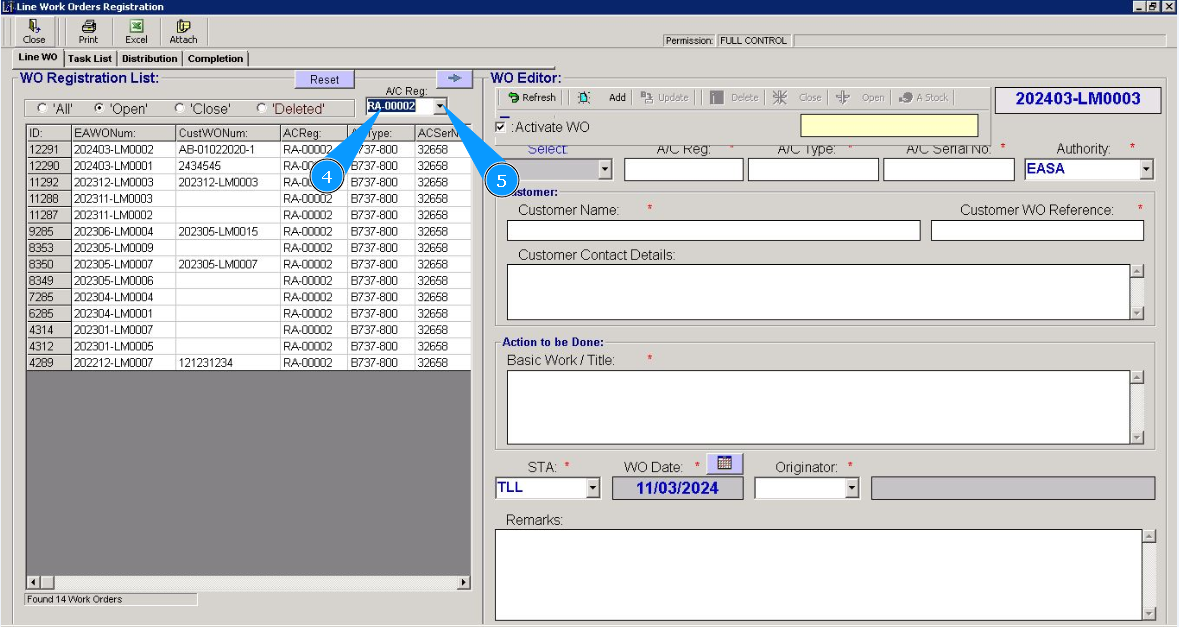
6. Select the WO number required for closing from the list in the window "WO Registration List". Click on the line with WO.
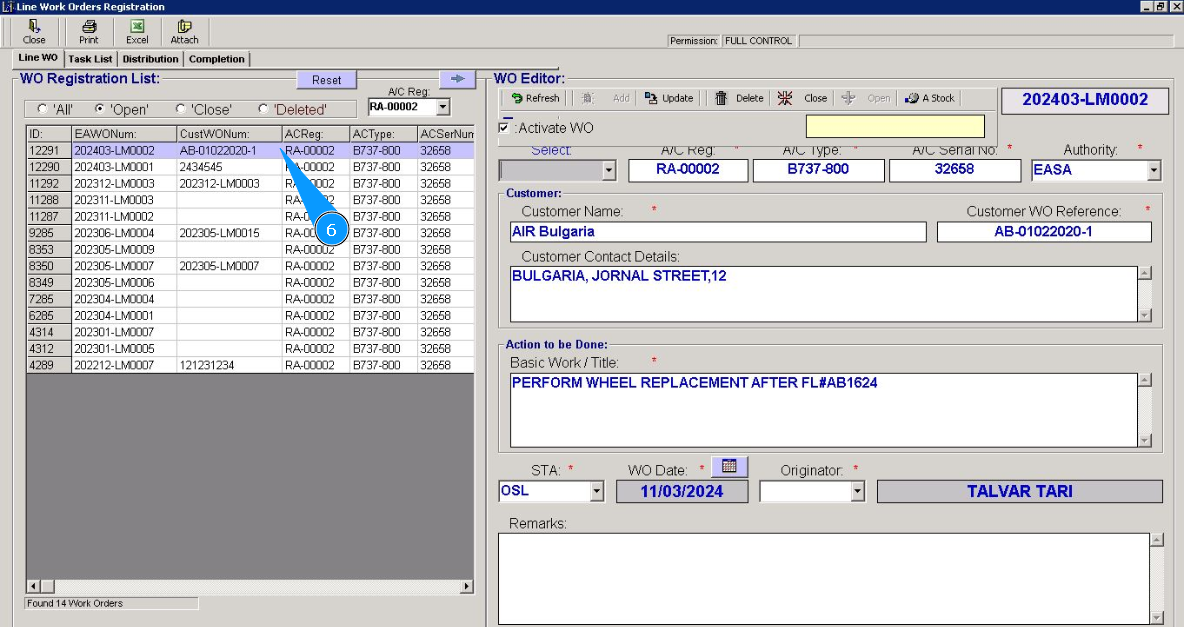
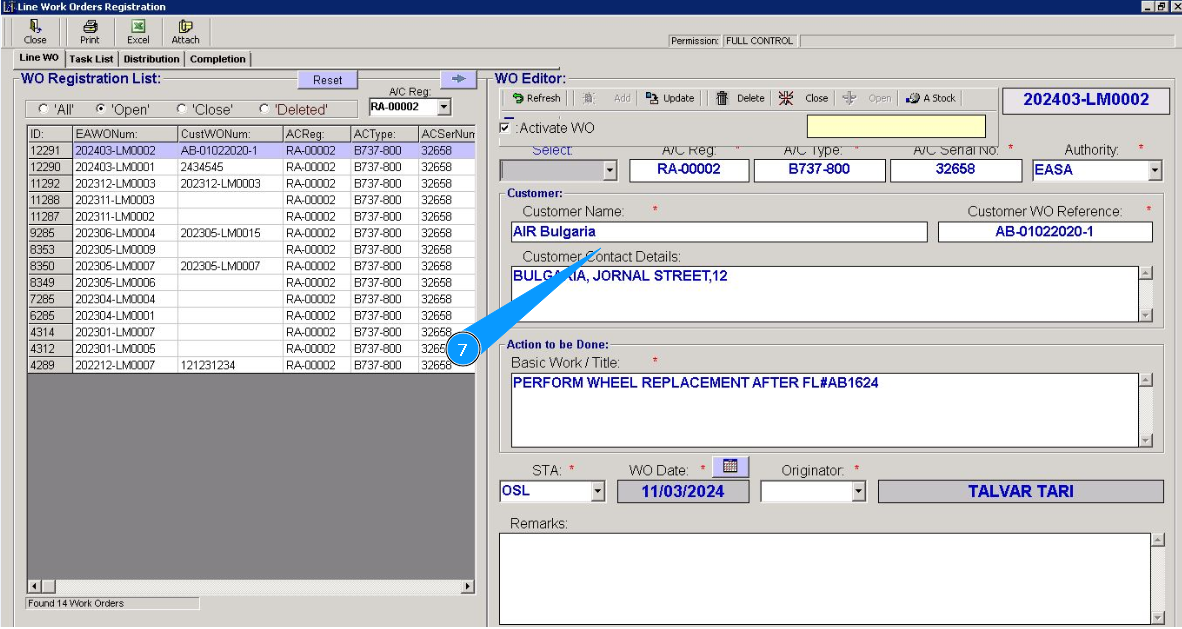
7. Make sure that the data of the required WO is displayed in the editor "WO Editor".
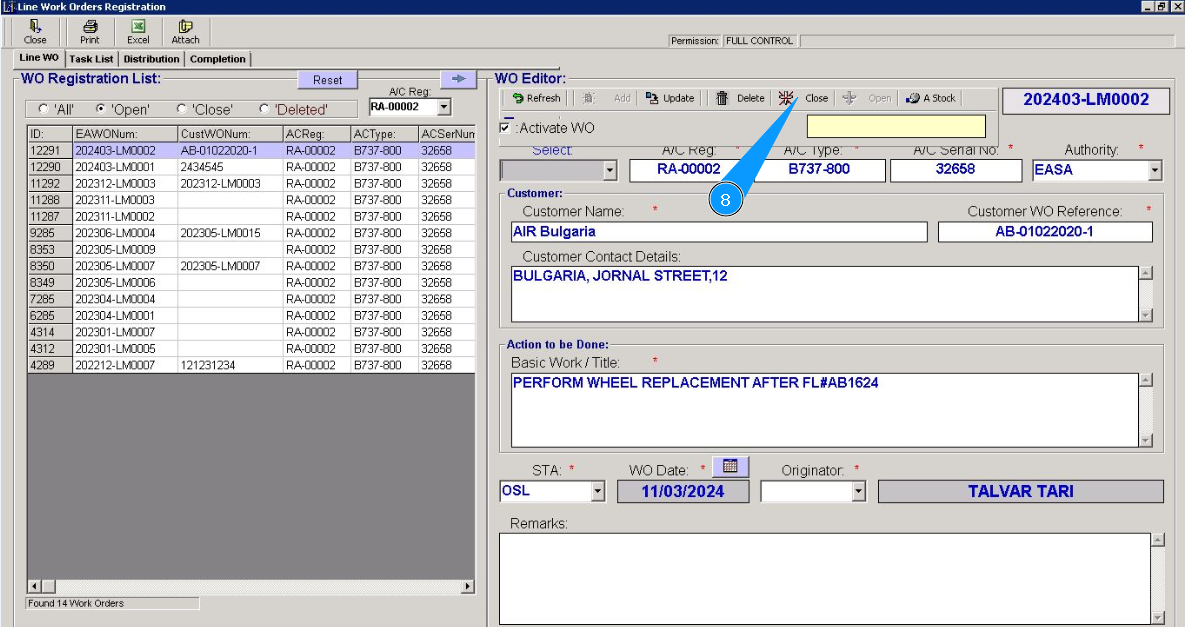
8. Click on the button "Close", чтобы закрыть требуемый Work Order.
9. Enter the login of the personnel who closes the WO in the field "CRS By:" and press the knob "Enter" on your keyboard.
10. Or select a personnel login from the dropdown list.
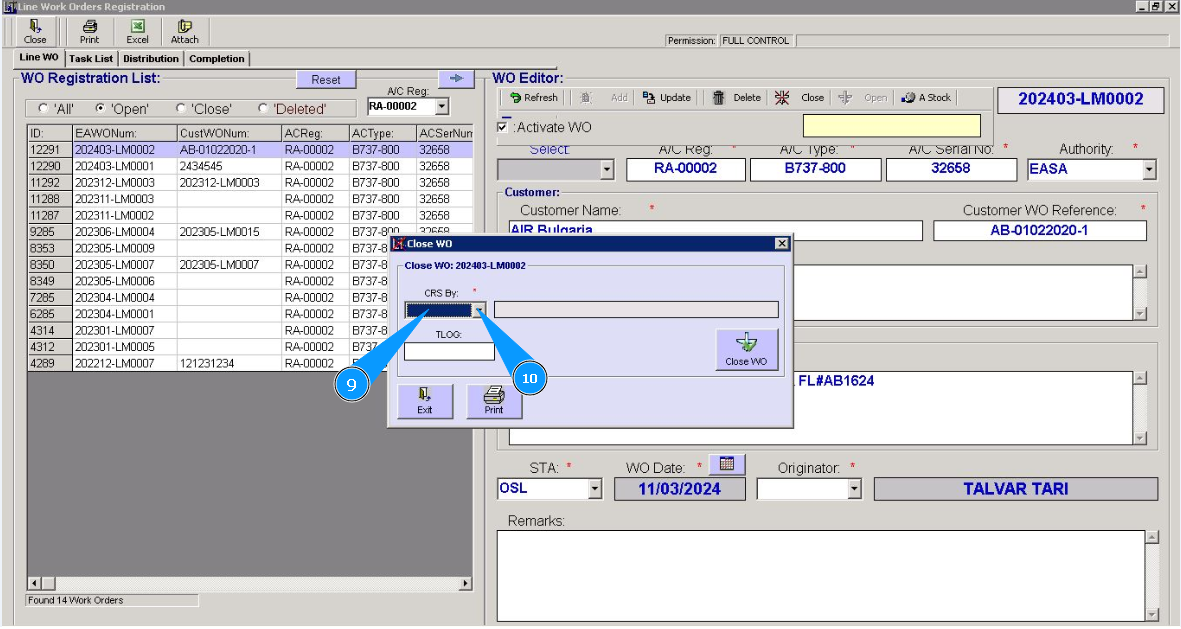
11. If necessary, enter the logbook number and page in the field "TLog" and press the knob "Enter".
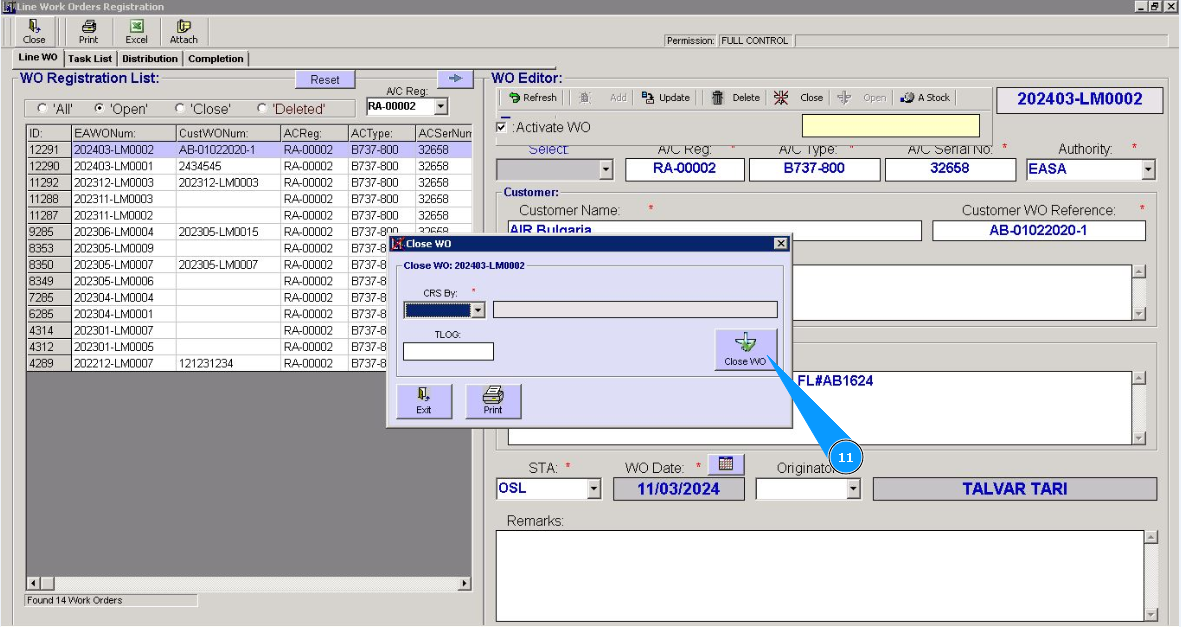
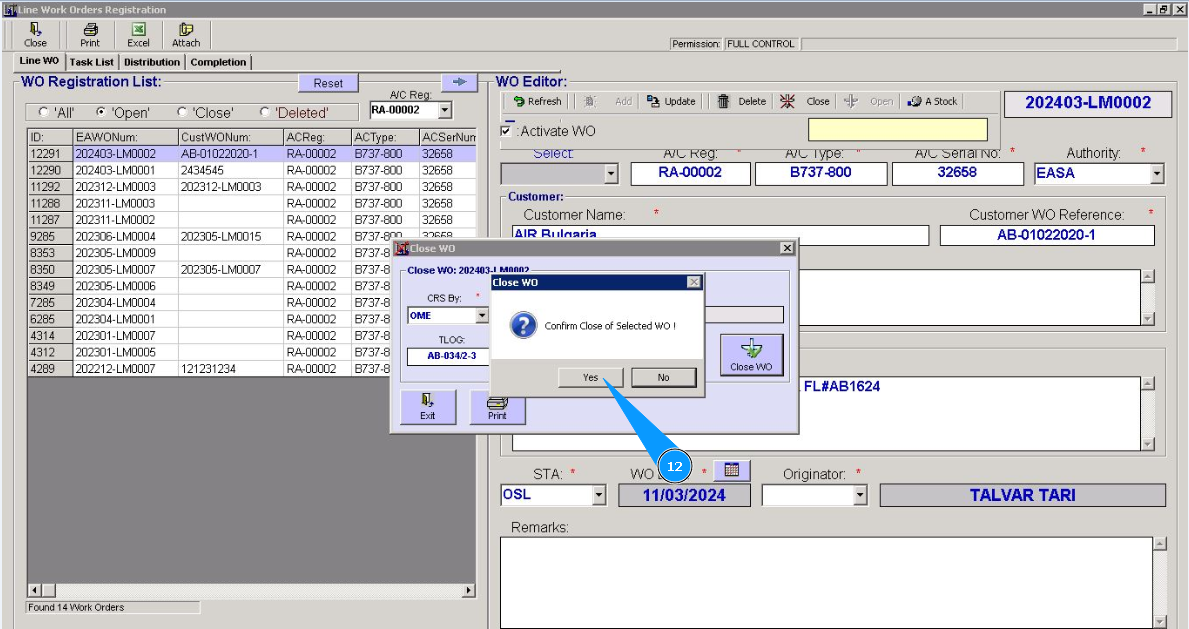
12. Click on the button "Да", to confirm that Work Order is closed.
13. Click on the button "Exit", to exit from the Work Order closing editor.
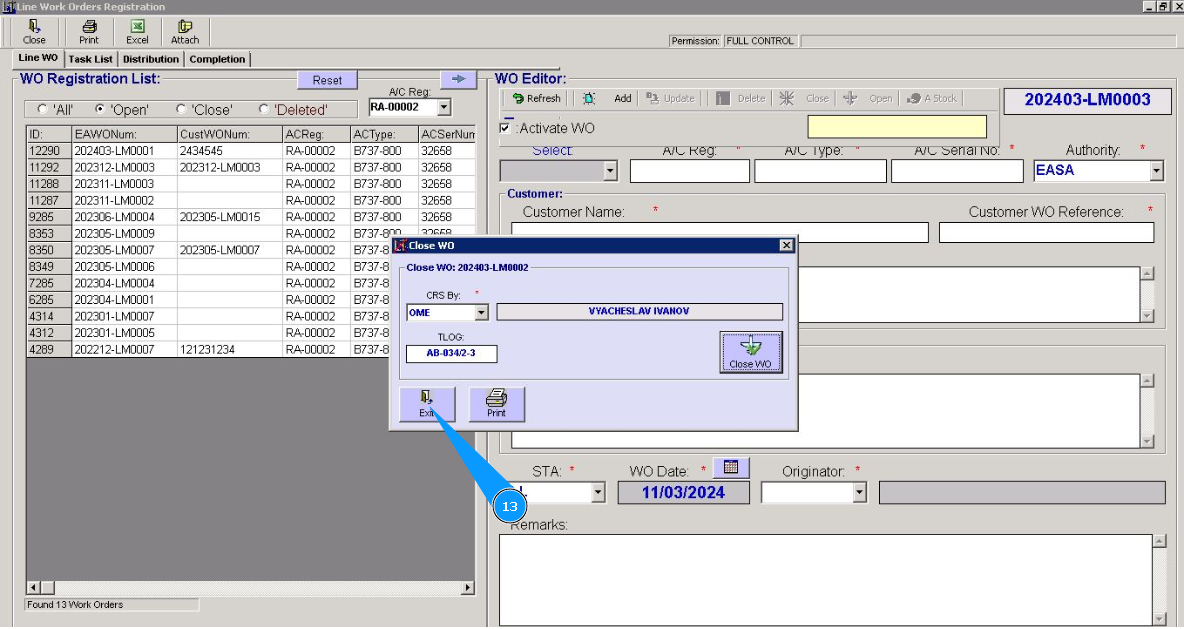
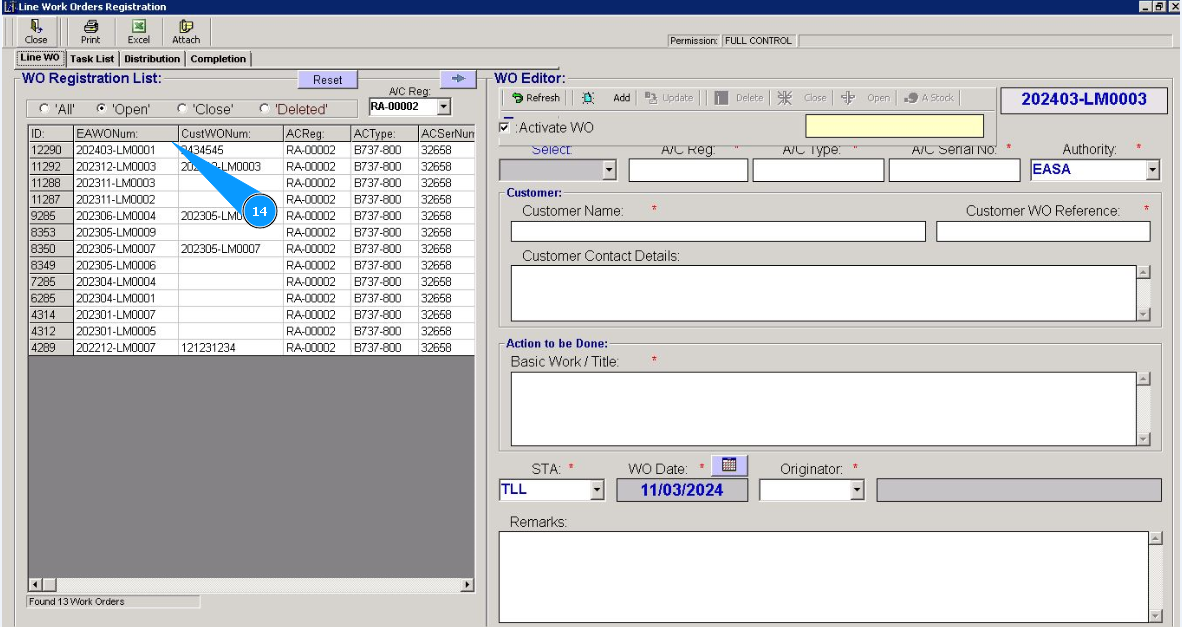
14. Check that the Work Order line has disappeared from the open WO list in the window "WO Registration List".
15. If necessary, set the filter "Closed".
16. And make sure that the Work Order line is displayed in the closed list in the window "WO Registration List".