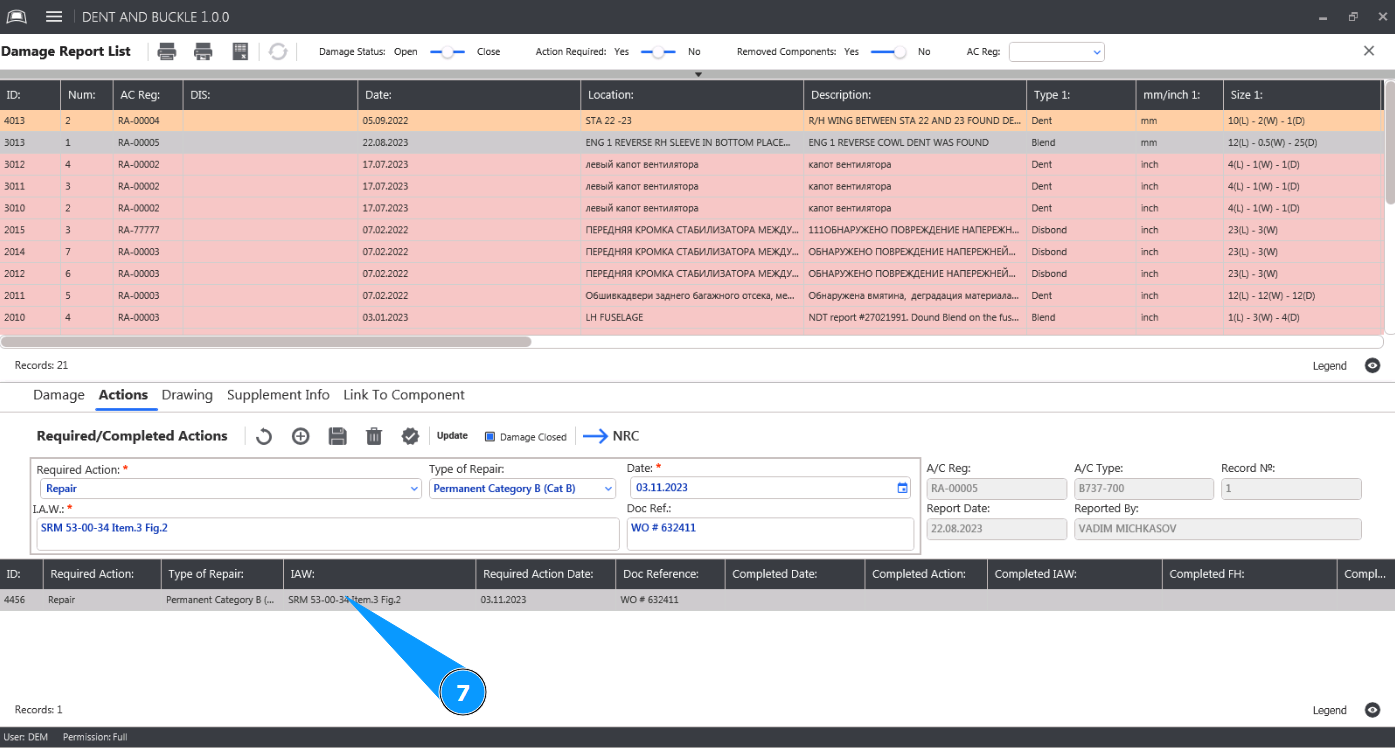
How to update the required damage actions
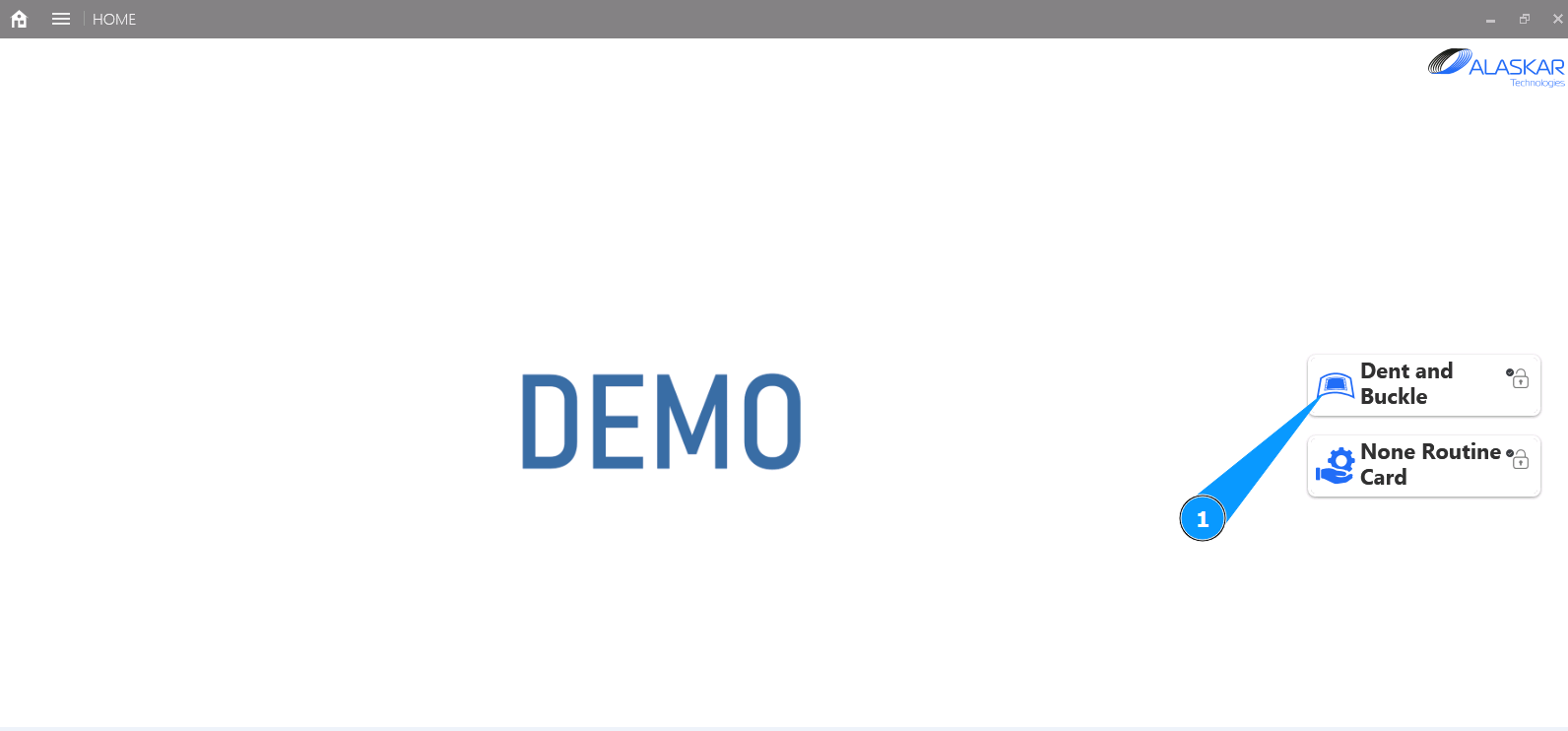
1. In order to update the required damage actions, go to the submodule "Dent and Buckle".
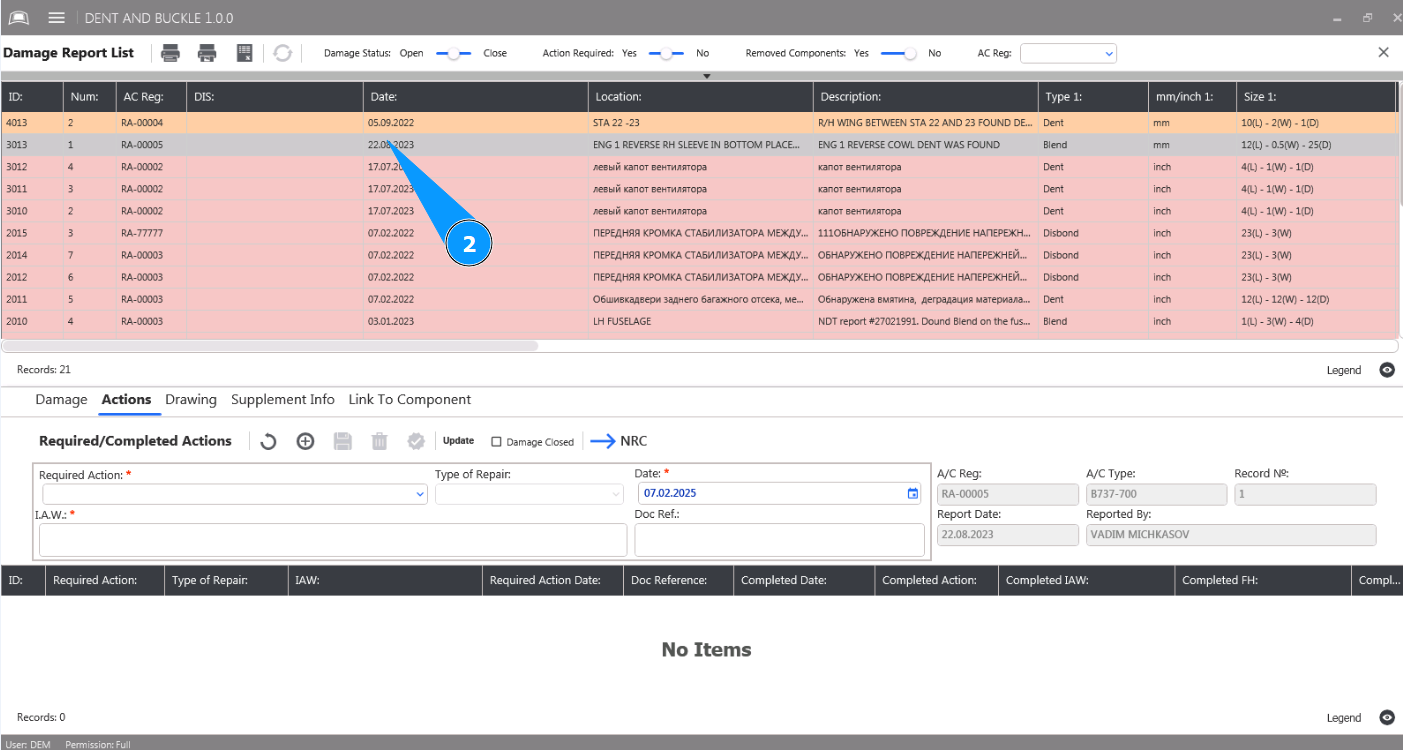
2. Select the damage from the list to enter the required actions and click on the corresponding line in the "Damage Report List".
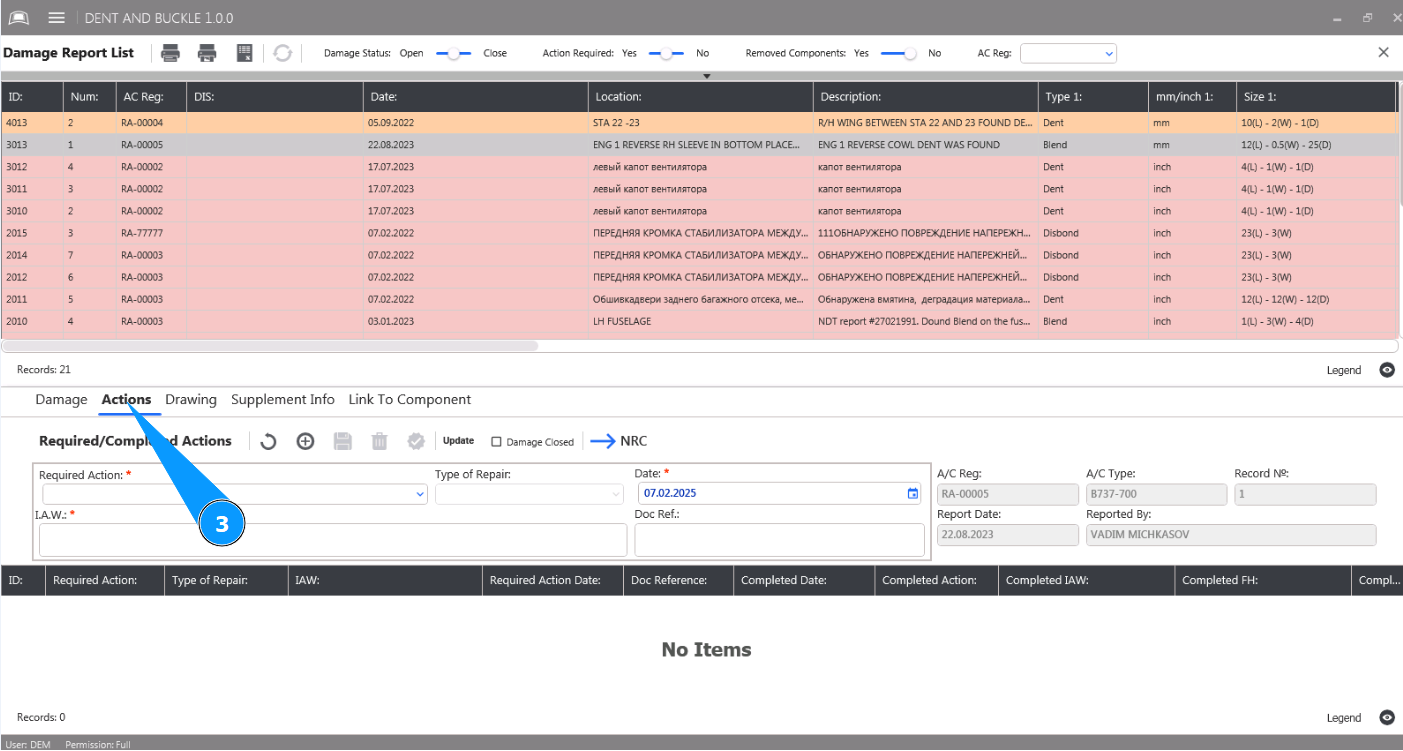
3. Then go to the tab "Actions".
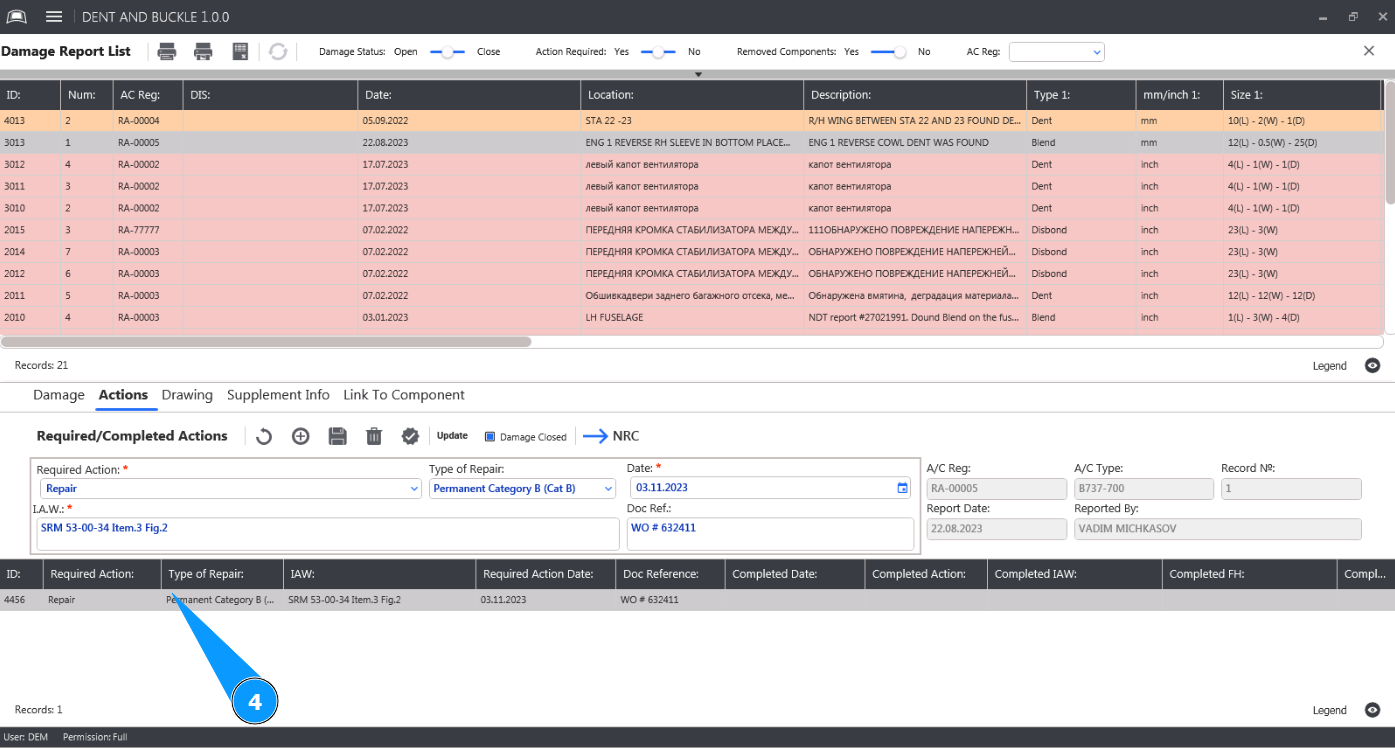
4. Select the required action to update from the list and click on the corresponding line in the window "Required Actions".
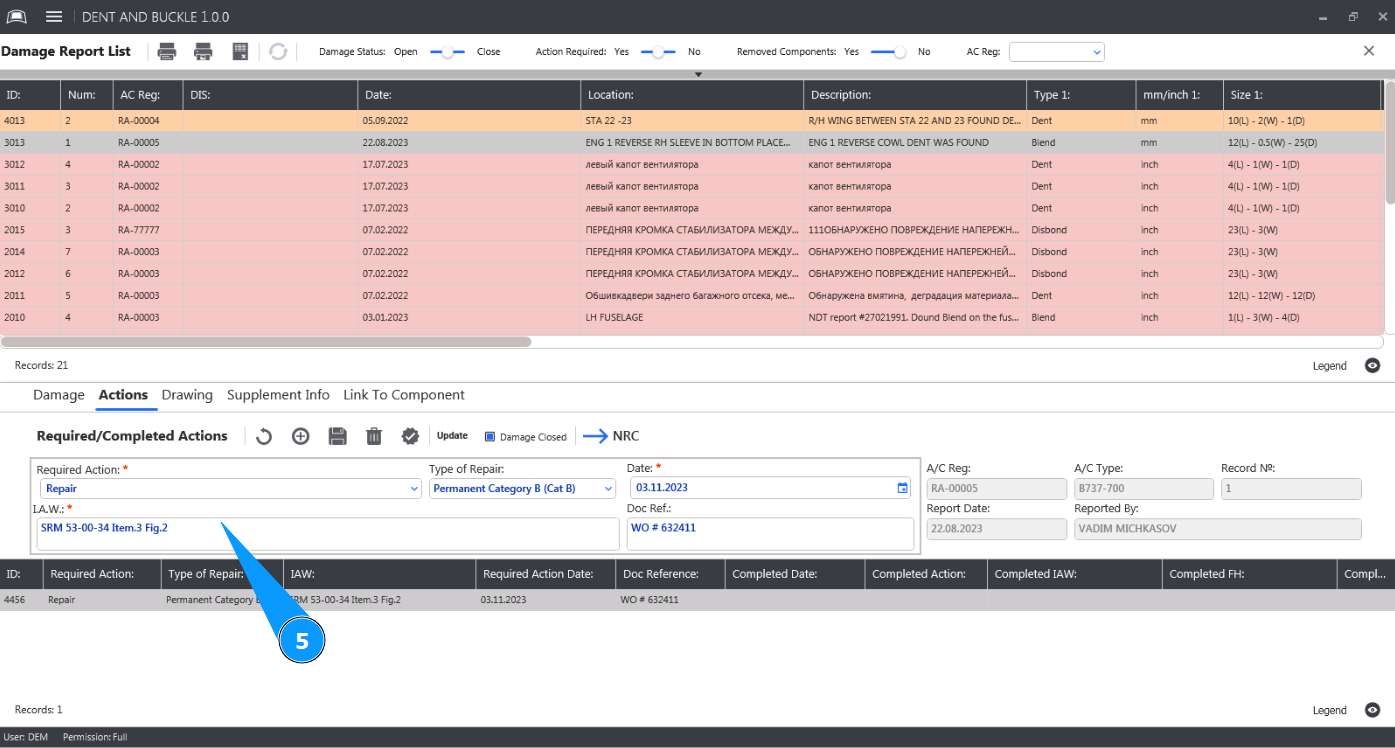
5. Make the necessary updates to the required damage action data in the editor "Required/Completed Actions".
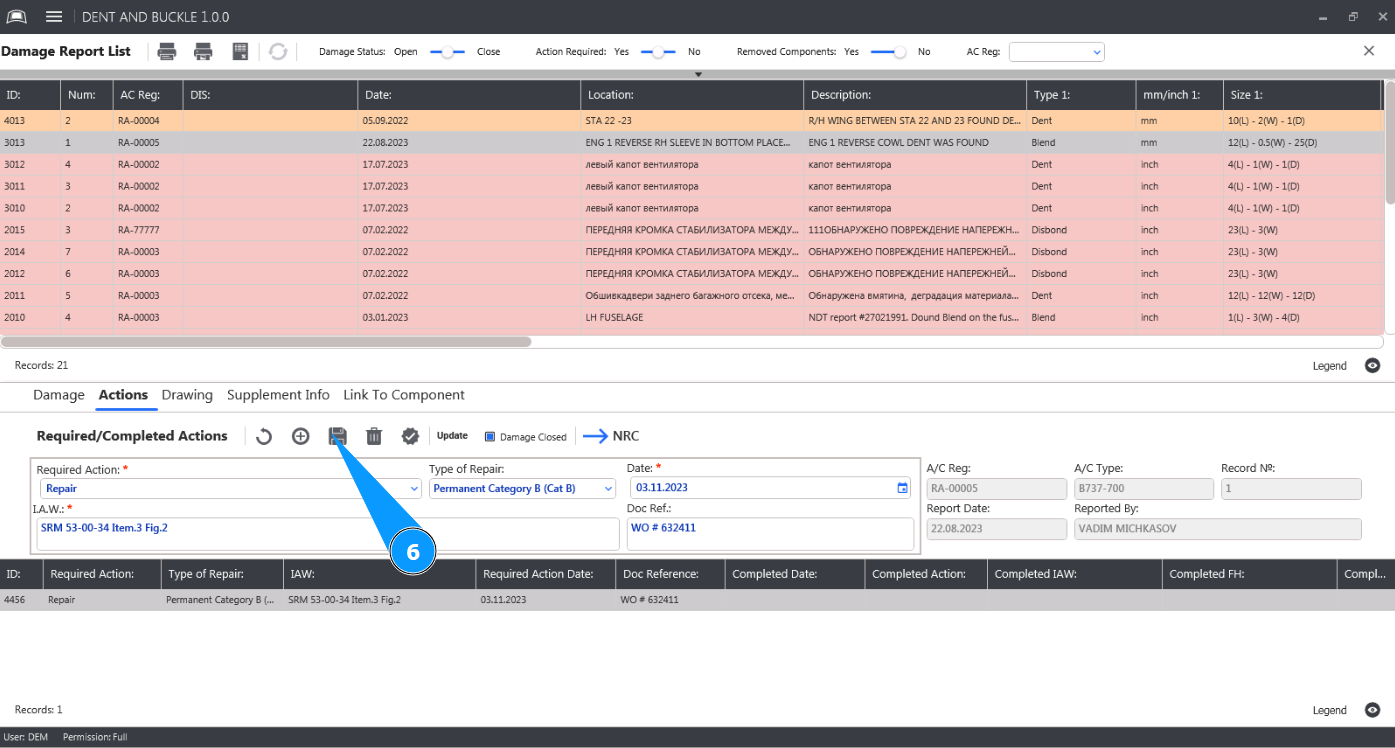
6. Click on the button "Update" to make changes to the required repair action data.
7. Check that the new required action data is displayed in the window "Required Actions".