How to print a picture with damage
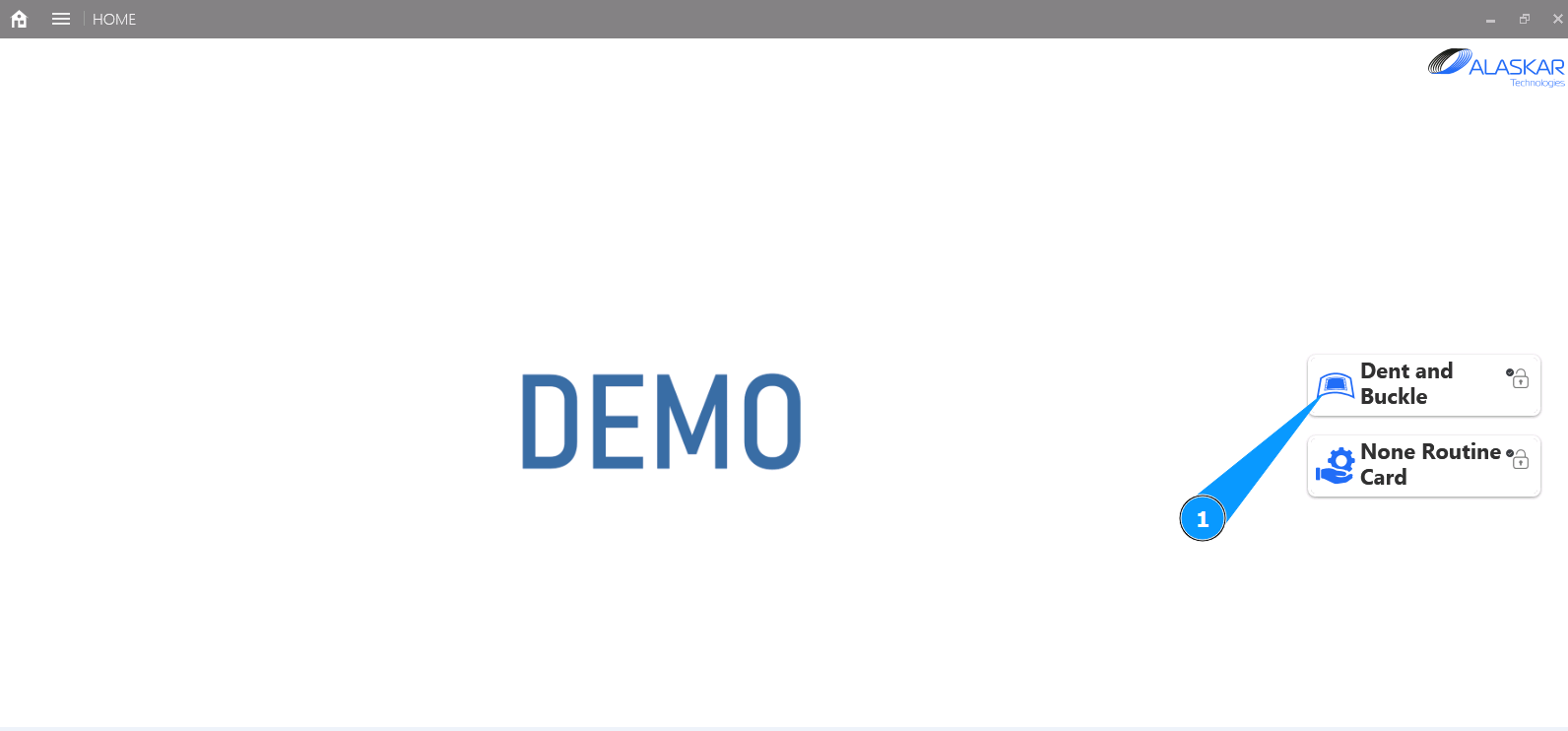
1. In order to print a picture with damage, go to the submodule "Dent and Buckle".
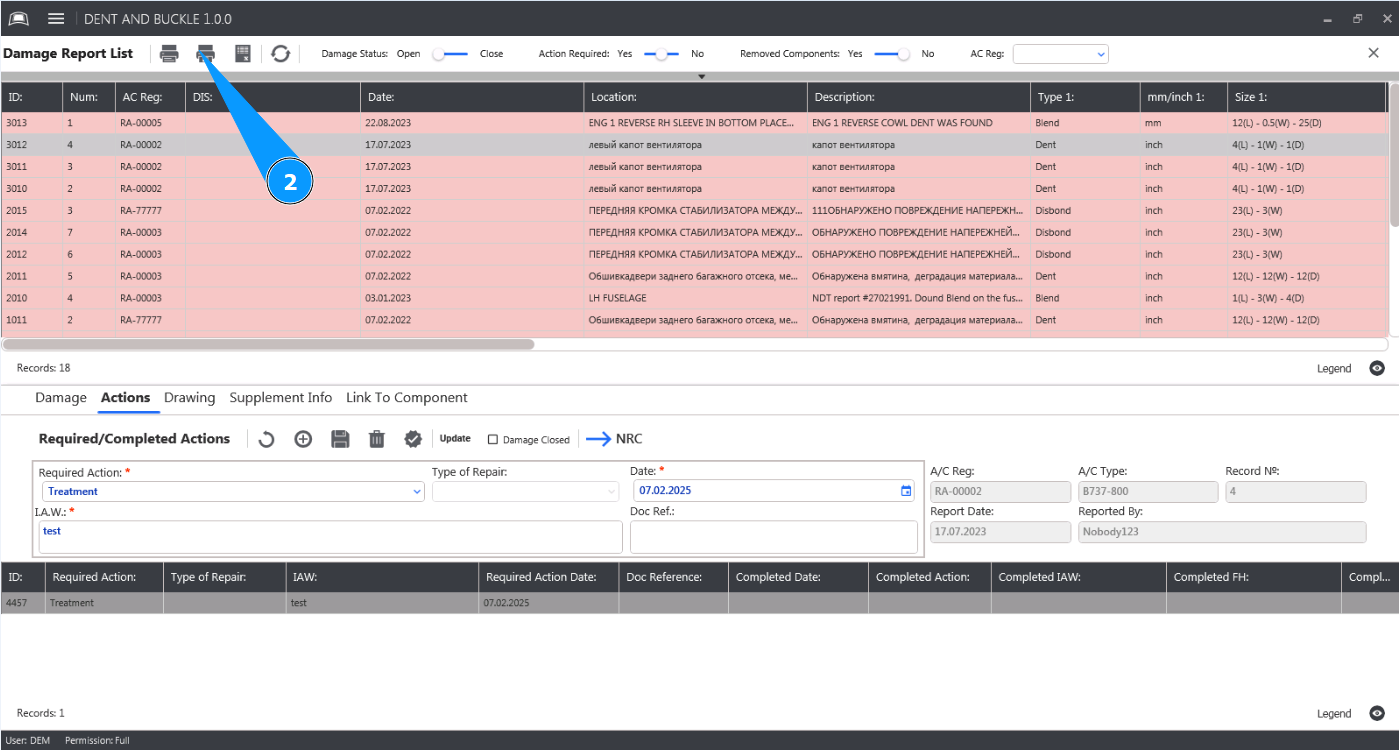
2. In the main menu, click on the button "Print Picture" to open the picture editor.
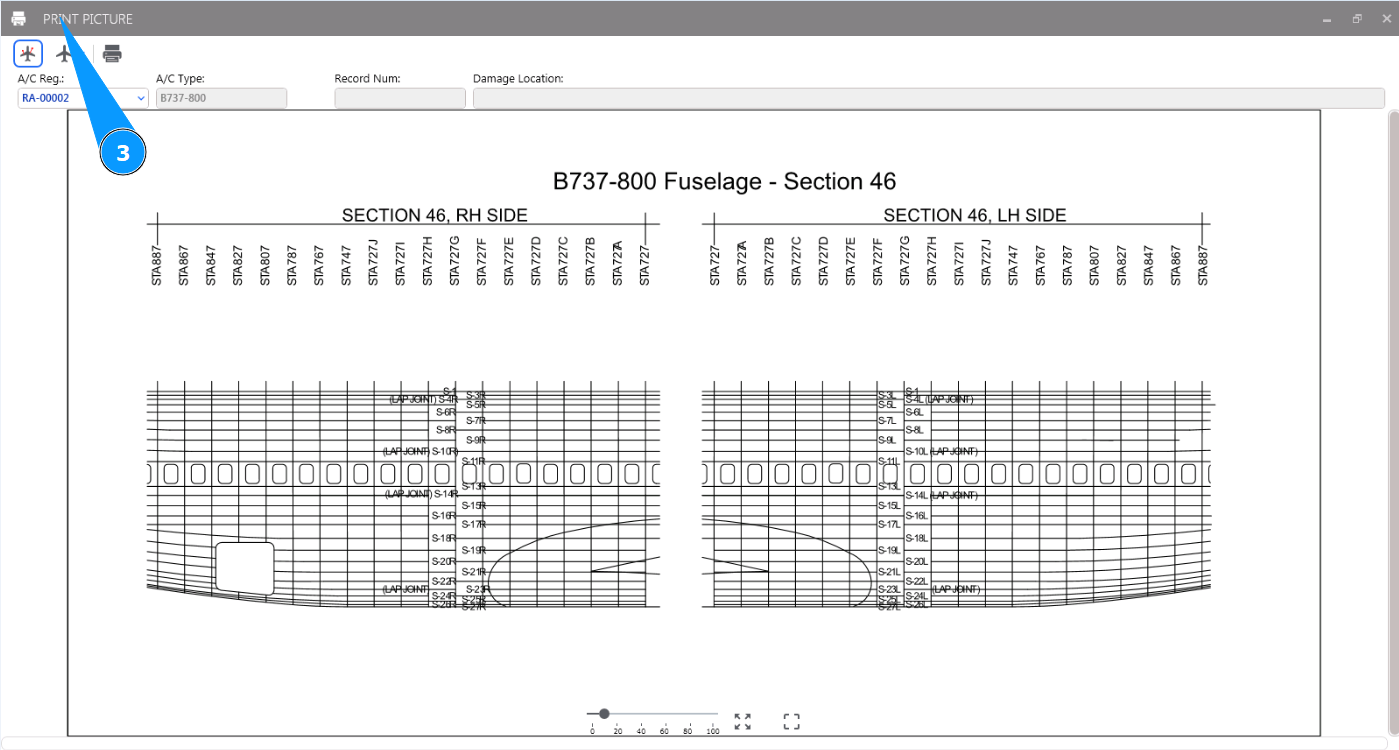
3. Make sure that the editor is open and available in the window "Print Picture".
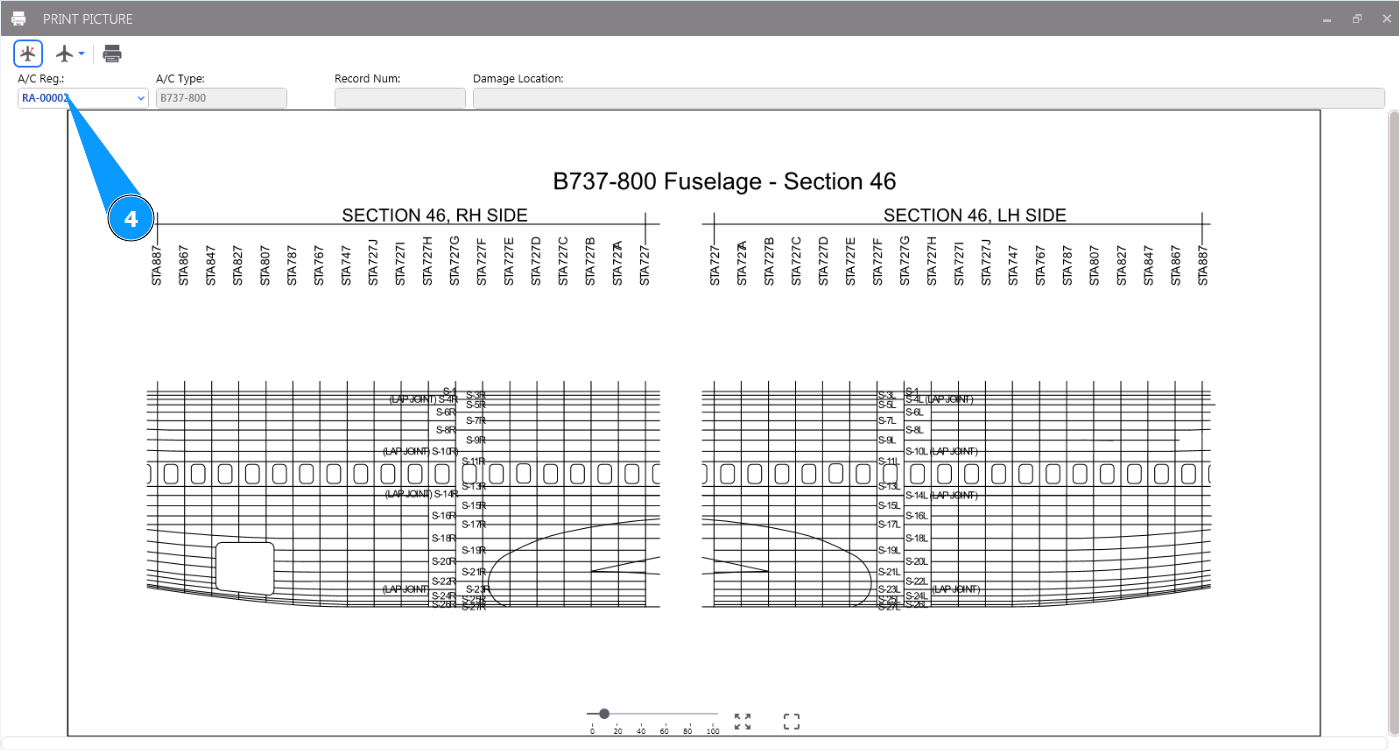
4. Select the aircraft registration number from the drop-down list in the field "A/C Reg.".
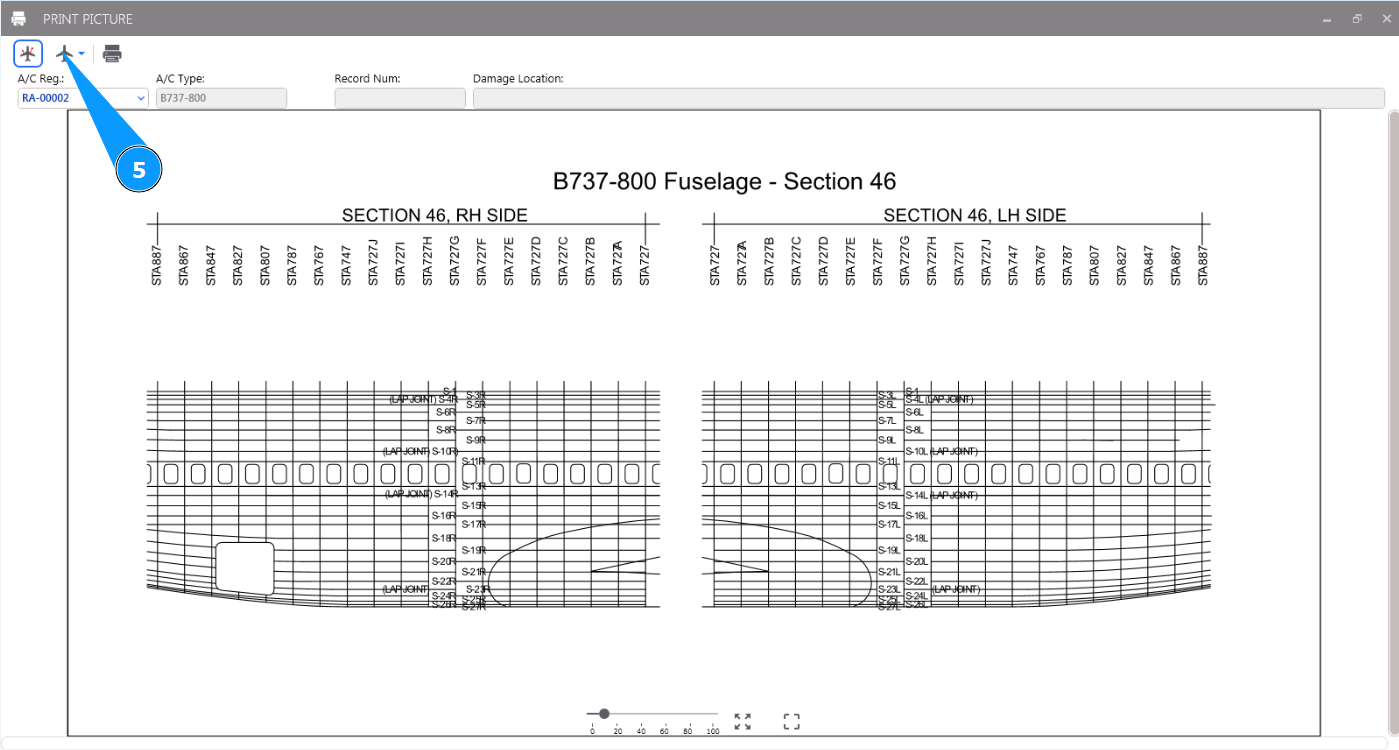
5. Select the image with the required image from the drop-down list in the field "View".
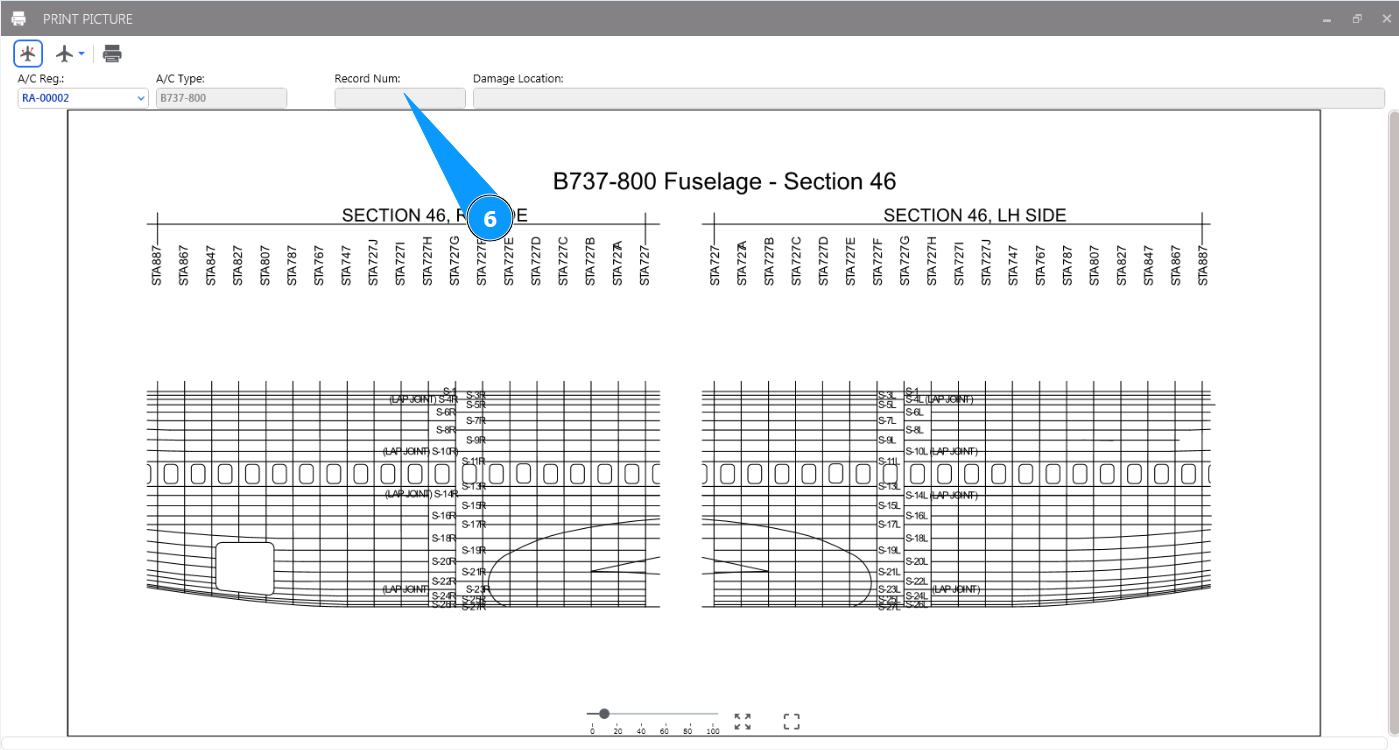
6. If necessary, enter the required damage number into the filter in the field "Record Num.".
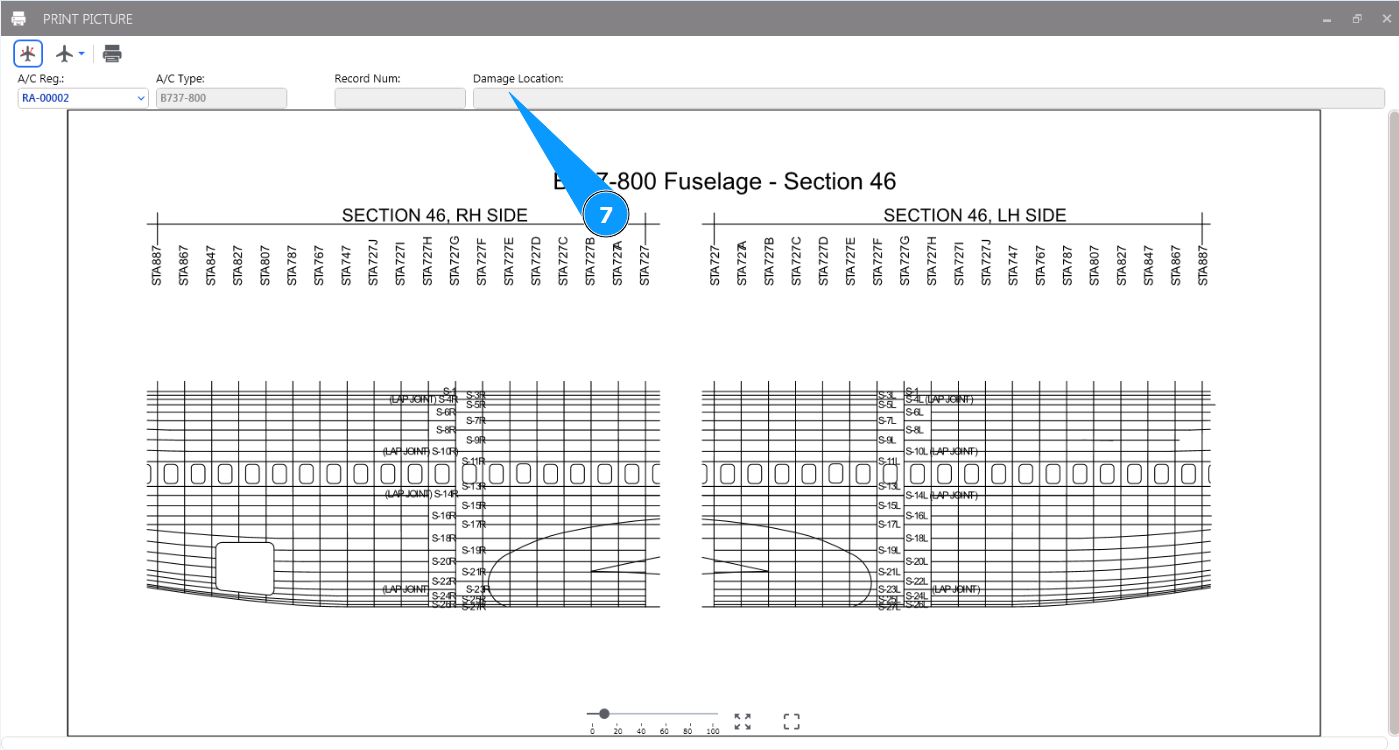
7. If necessary, enter into filter the desired damage location in the field "Damage Location".
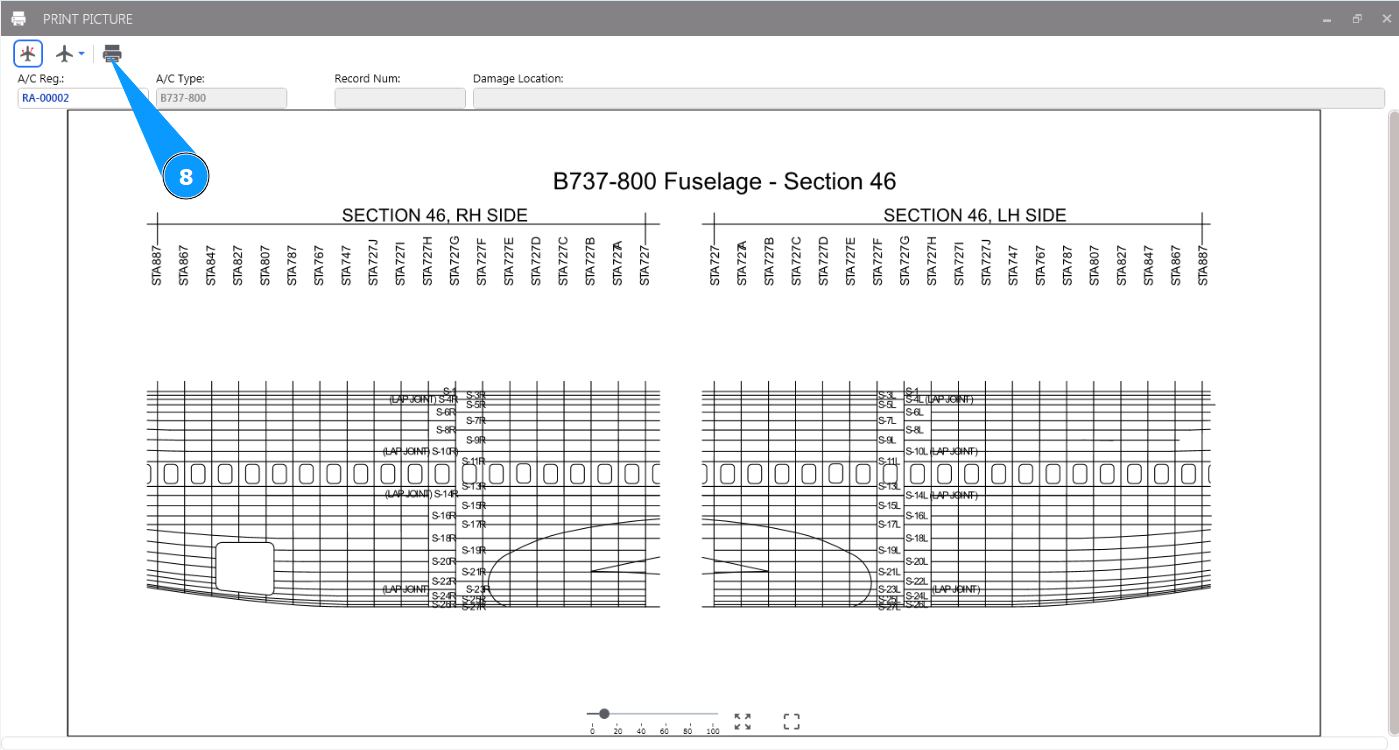
8. Click on the button "Print" to print the specified image with the damage.