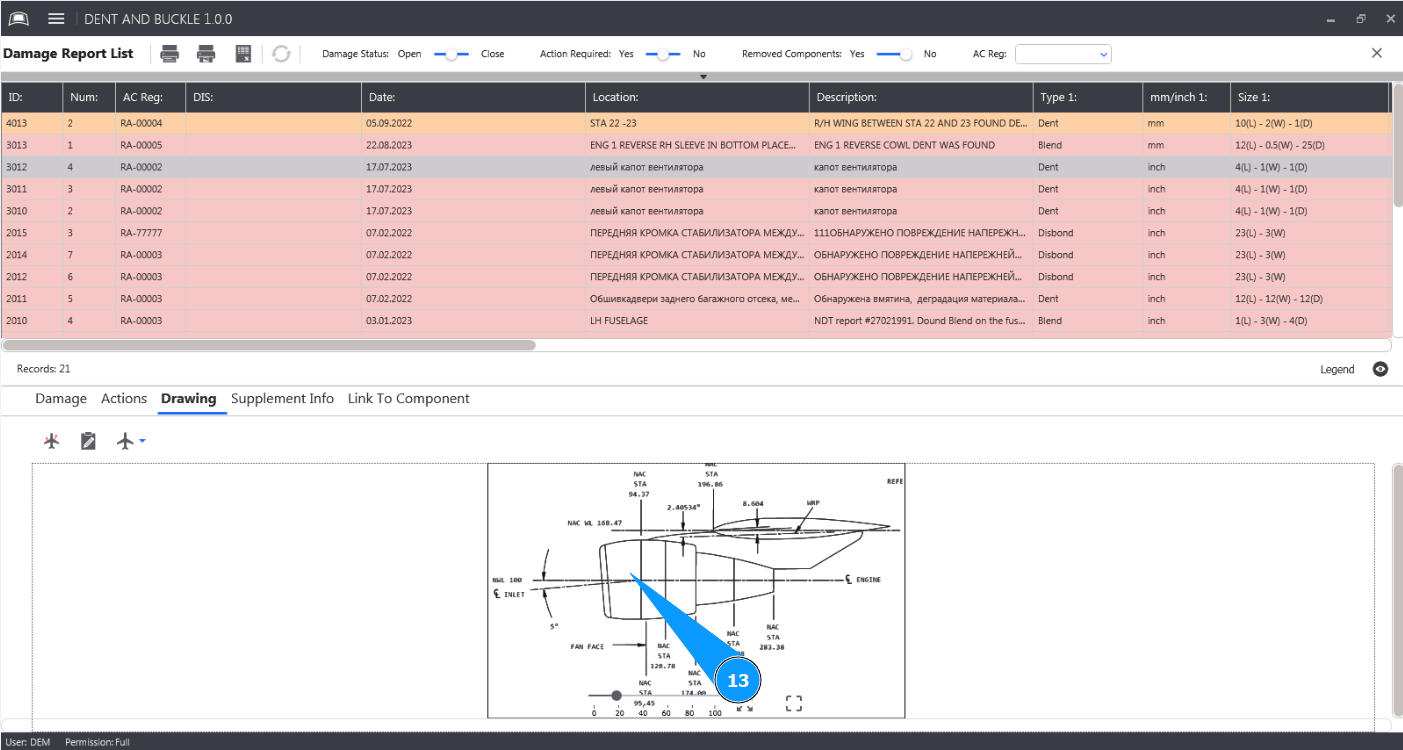
How to draw damage marks
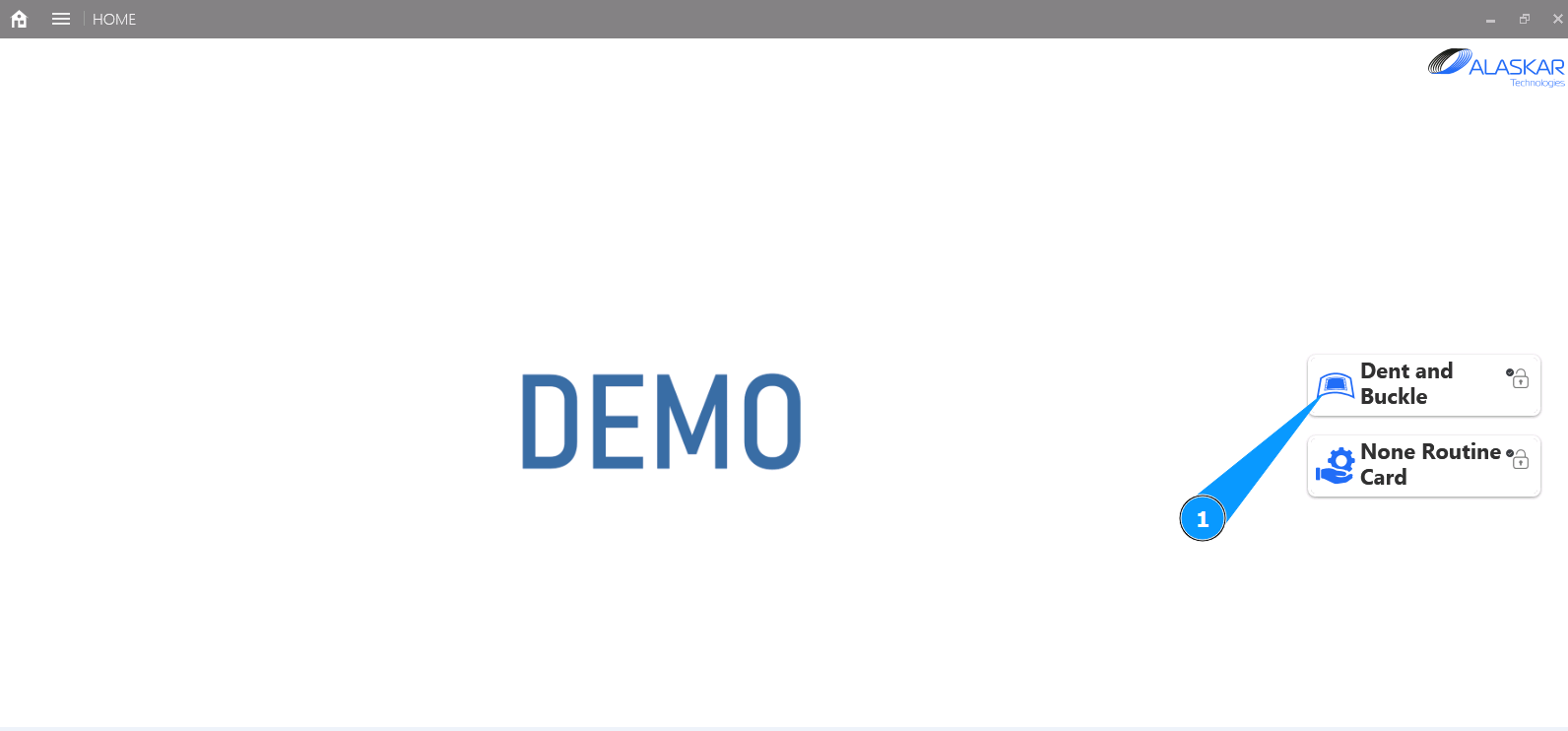
1. In order to draw damage marks, go to the submodule "Dent and Buckle".
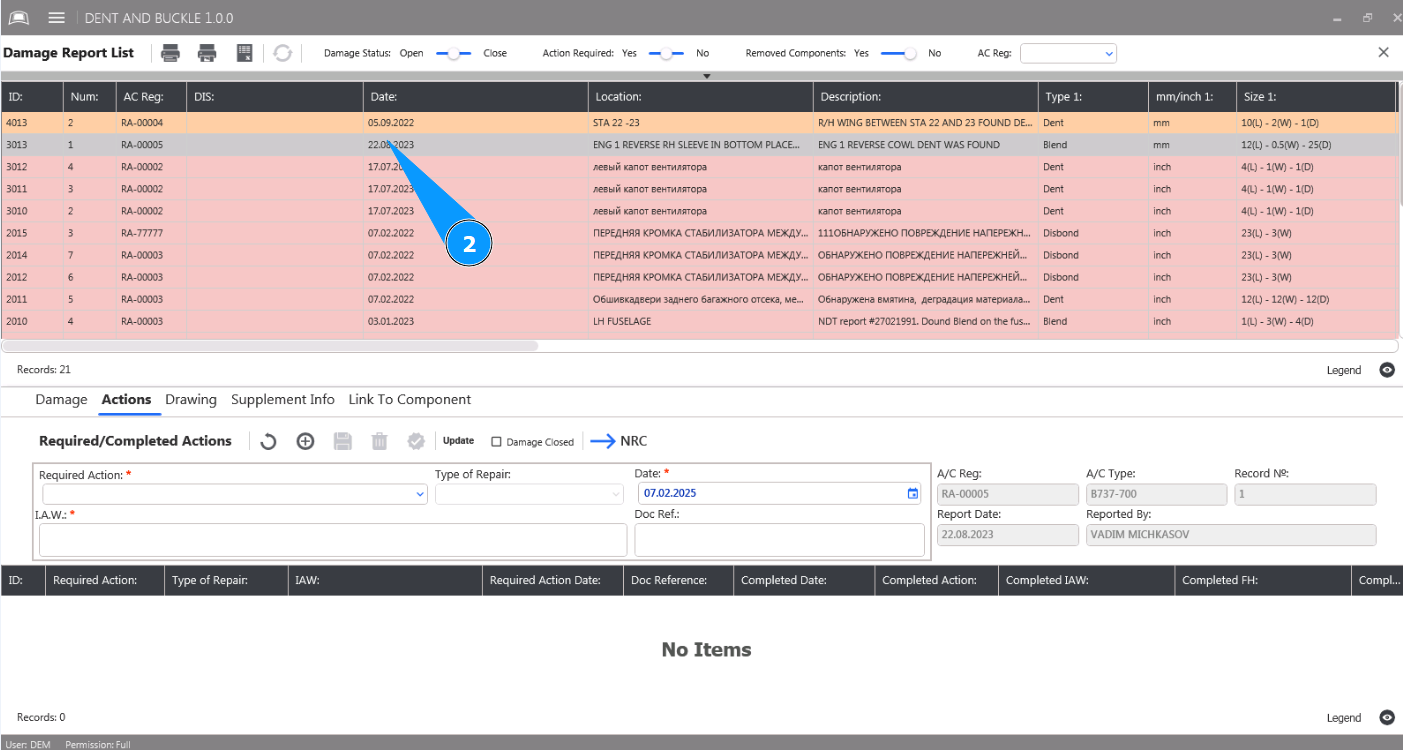
2. Select damage from the list to add a mark about the action performed and click on the corresponding line in the window "Damage Report List".
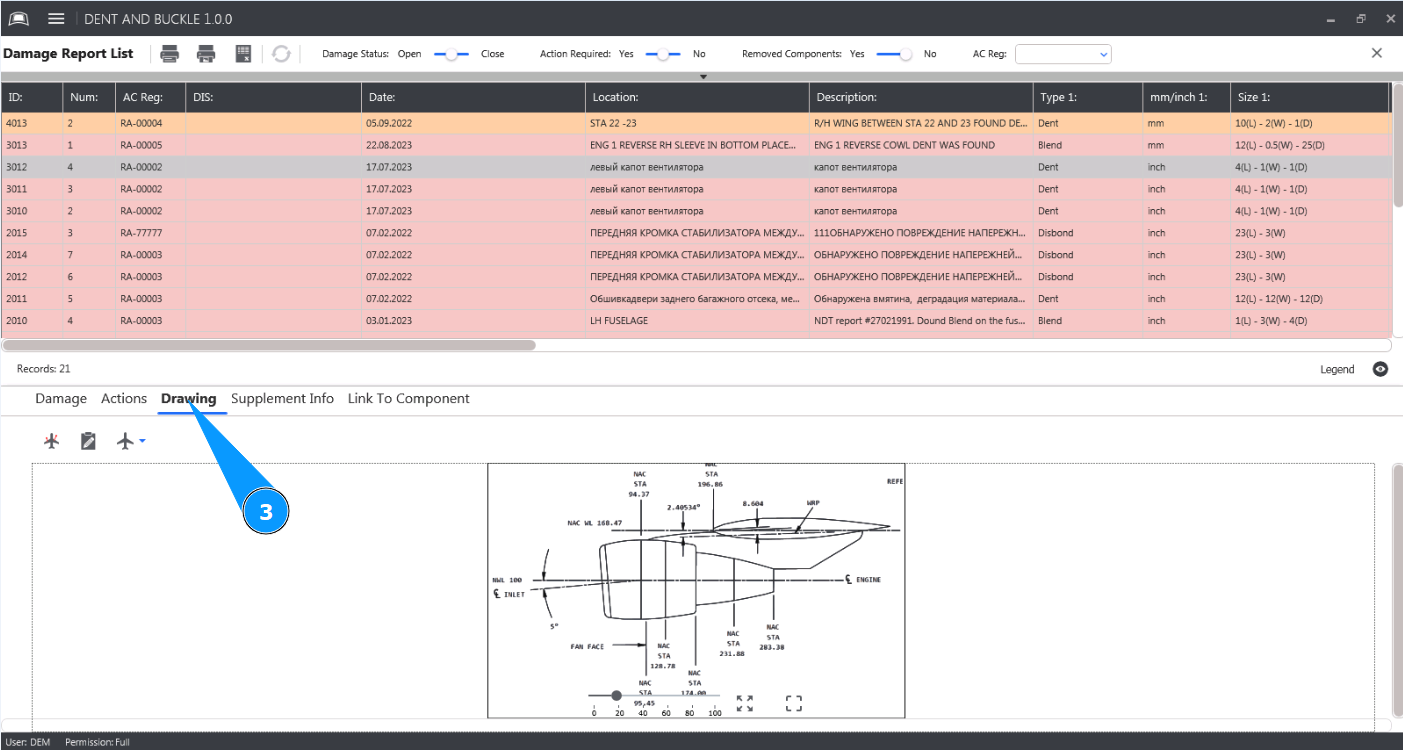
3. Then go to the tab "Drawing".
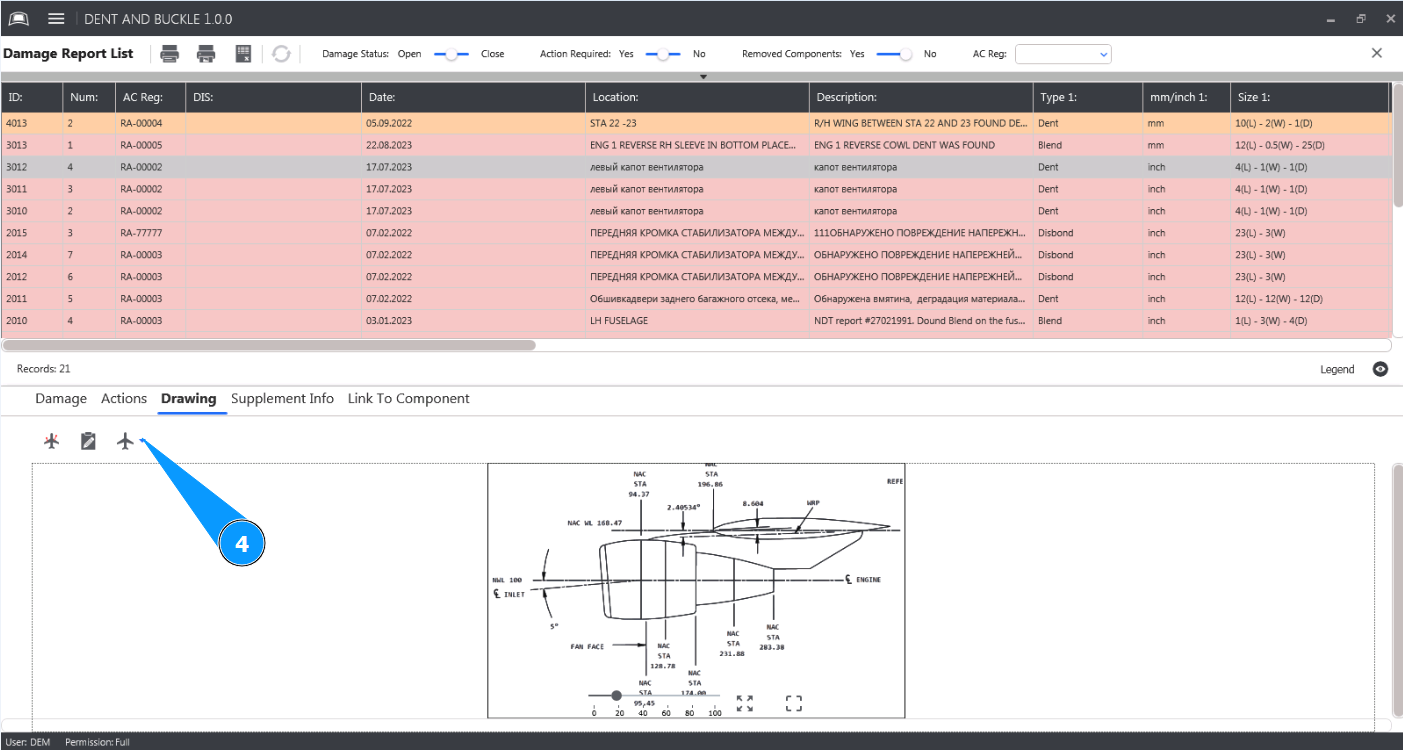
4. Click on the button "View" to open the selection of aircraft part drawings.
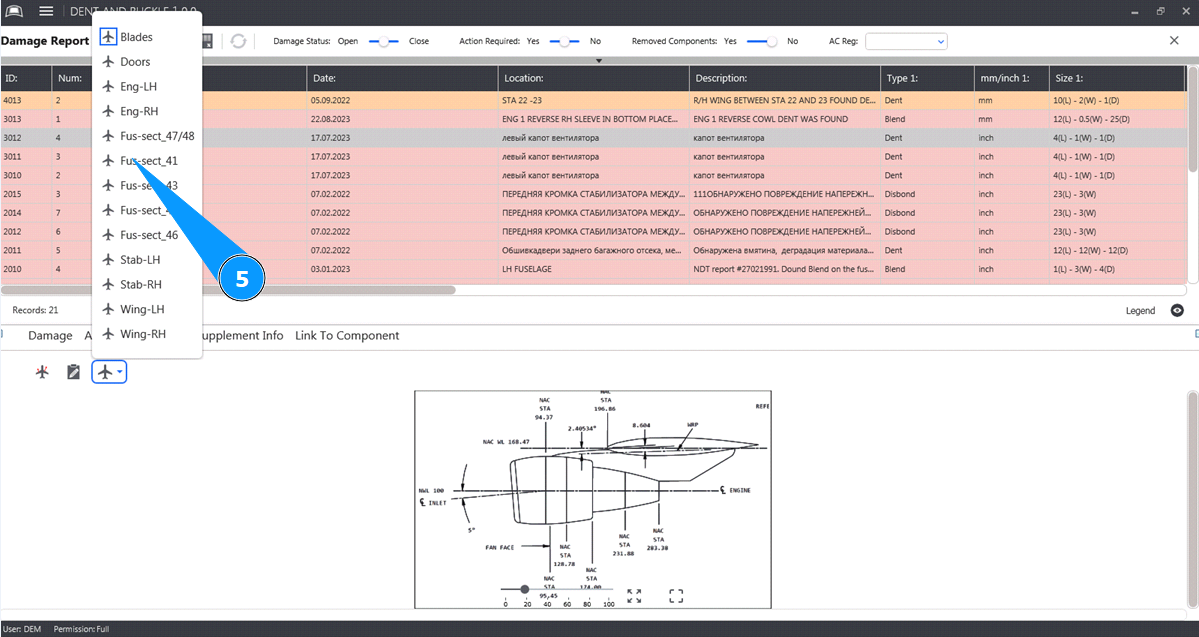
5. Select the required drawing from the list to add a damage mark and click on the corresponding line.
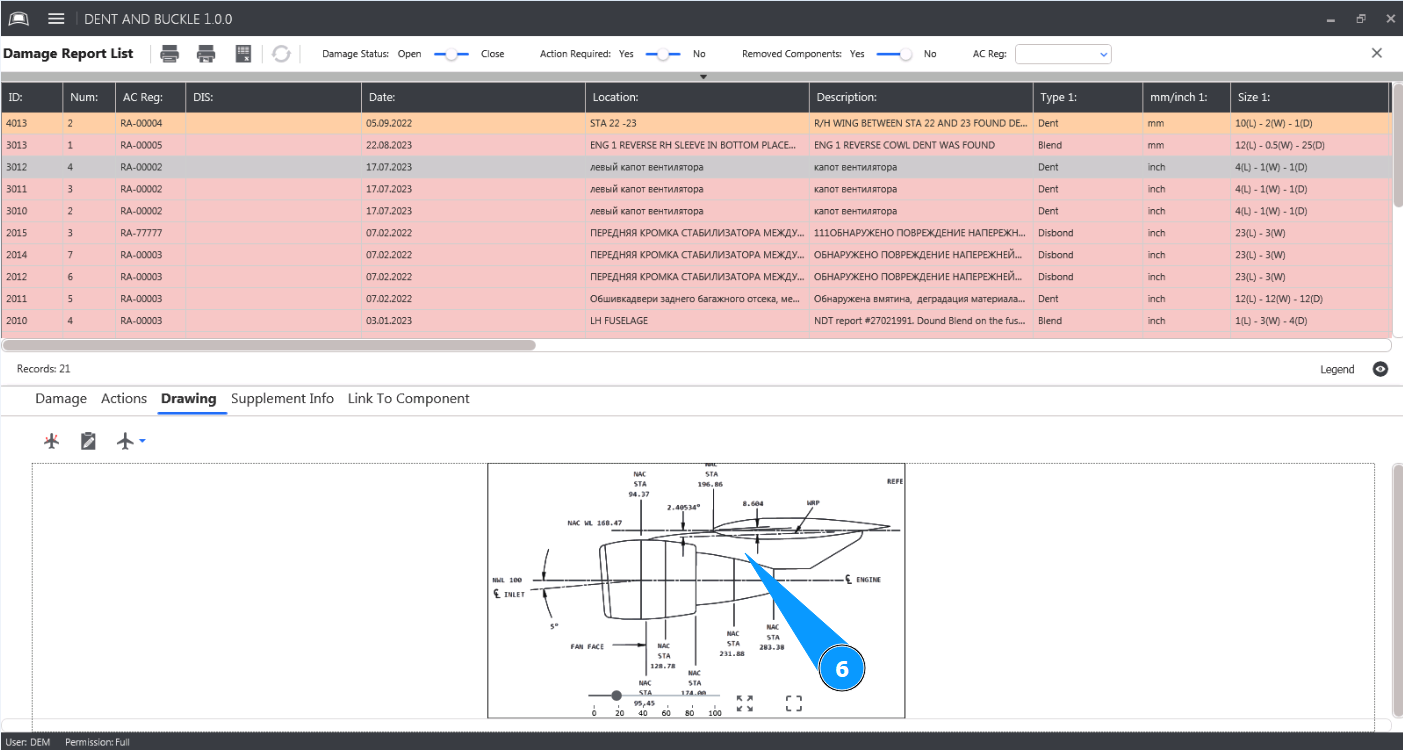
6. Make sure that the drawing you want to edit is open in the window "Drawing".
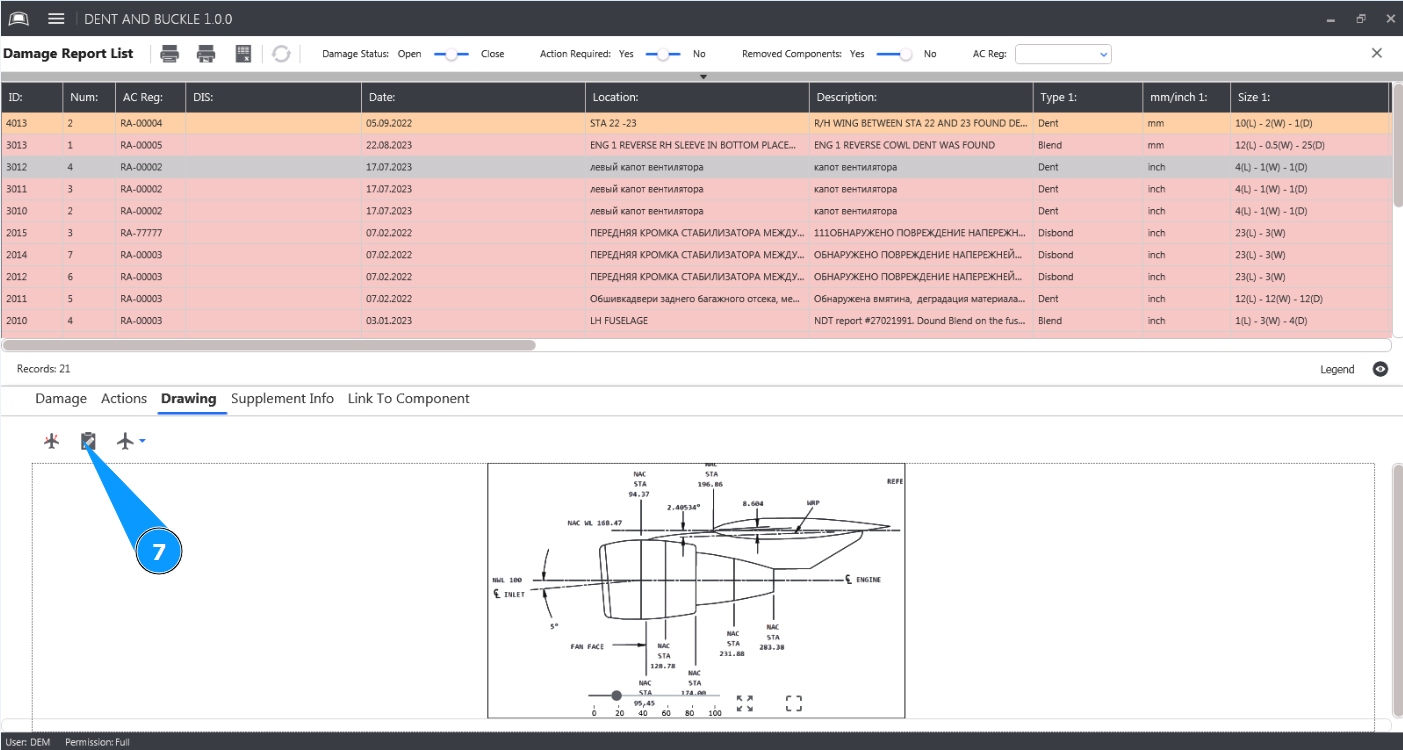
7. Click on the button "Edit" to open the damage drawing editor.
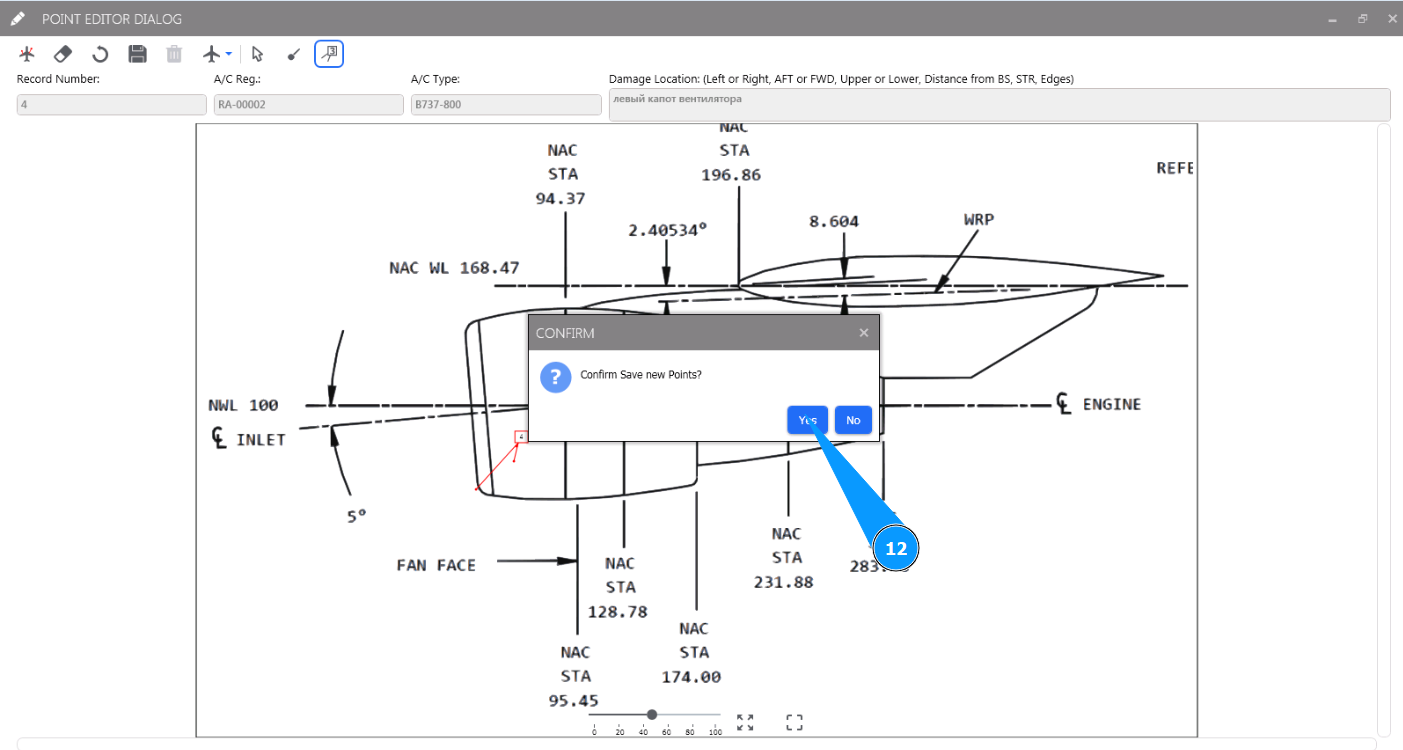
8. Make sure the drawing editor is open in the window "Point editor Dialog".
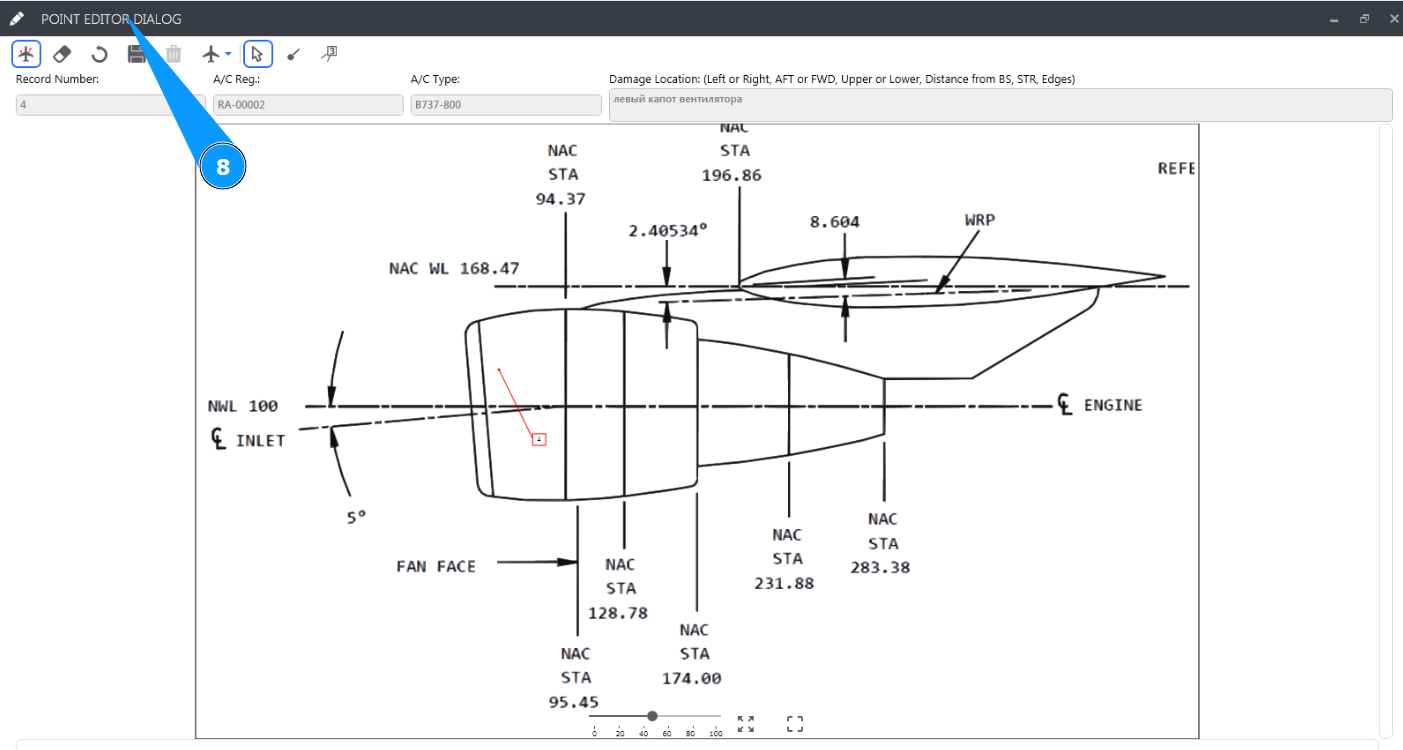
9. Click on the button "Instrument Point" to place a point with damage on the drawing.
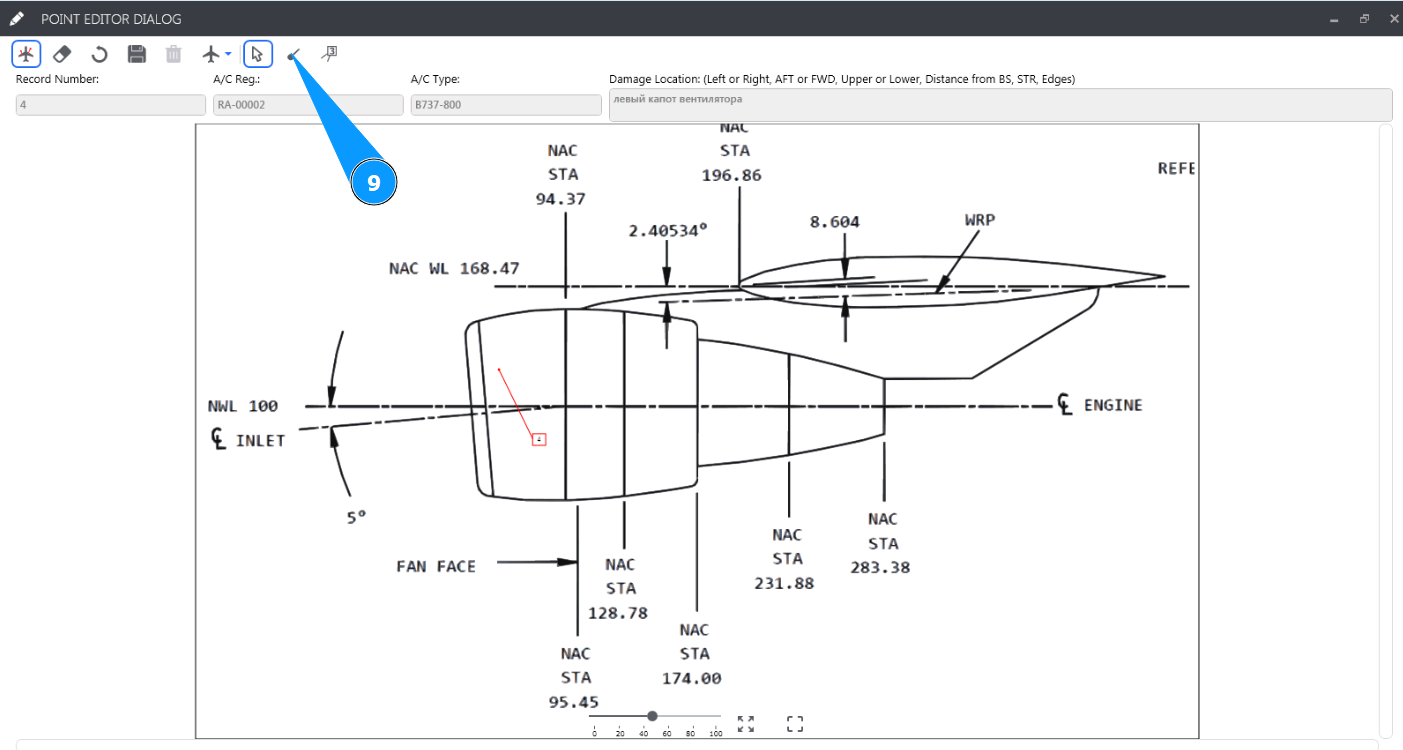
10. Click on the button "Instrument Callout Line" to draw a numbered arrow pointing to the damage.
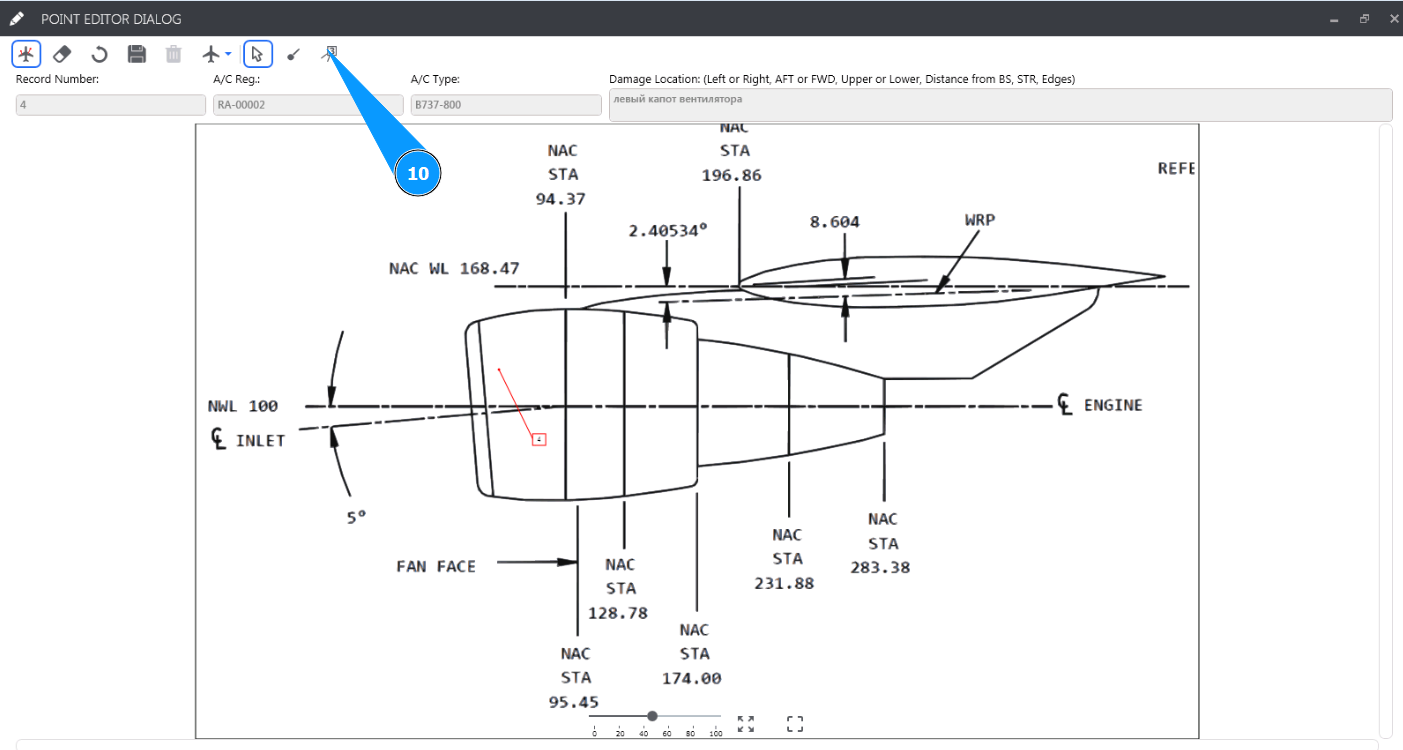
11. Click on the button "Update" to save the entered graphic data.
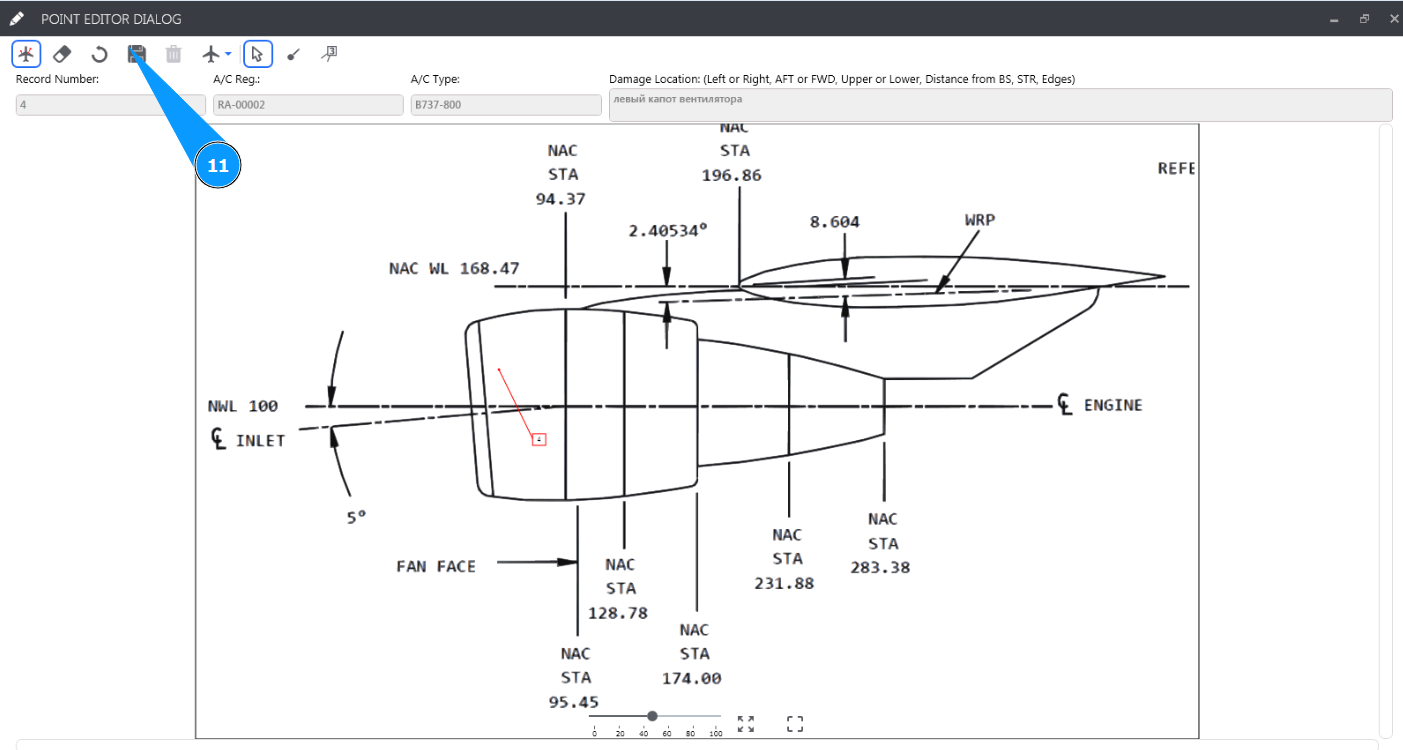
12. Click on the button "Yes" to confirm saving the entered graphic data.
13. Check that your marks are displayed in the window "Drawing".