How to add additional information to damage
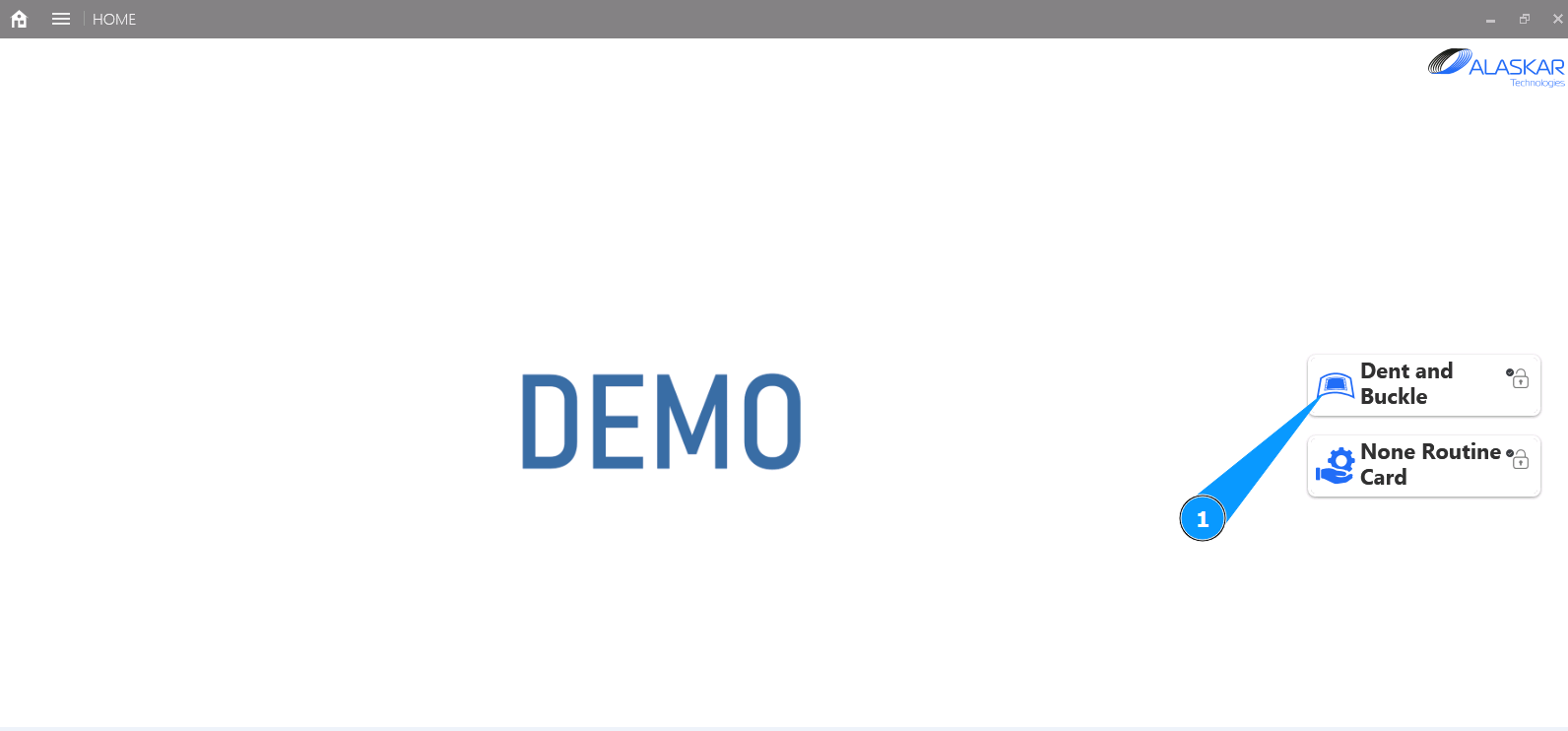
1. Un order to add additional information to damage, go to the submodule "Dent and Buckle".
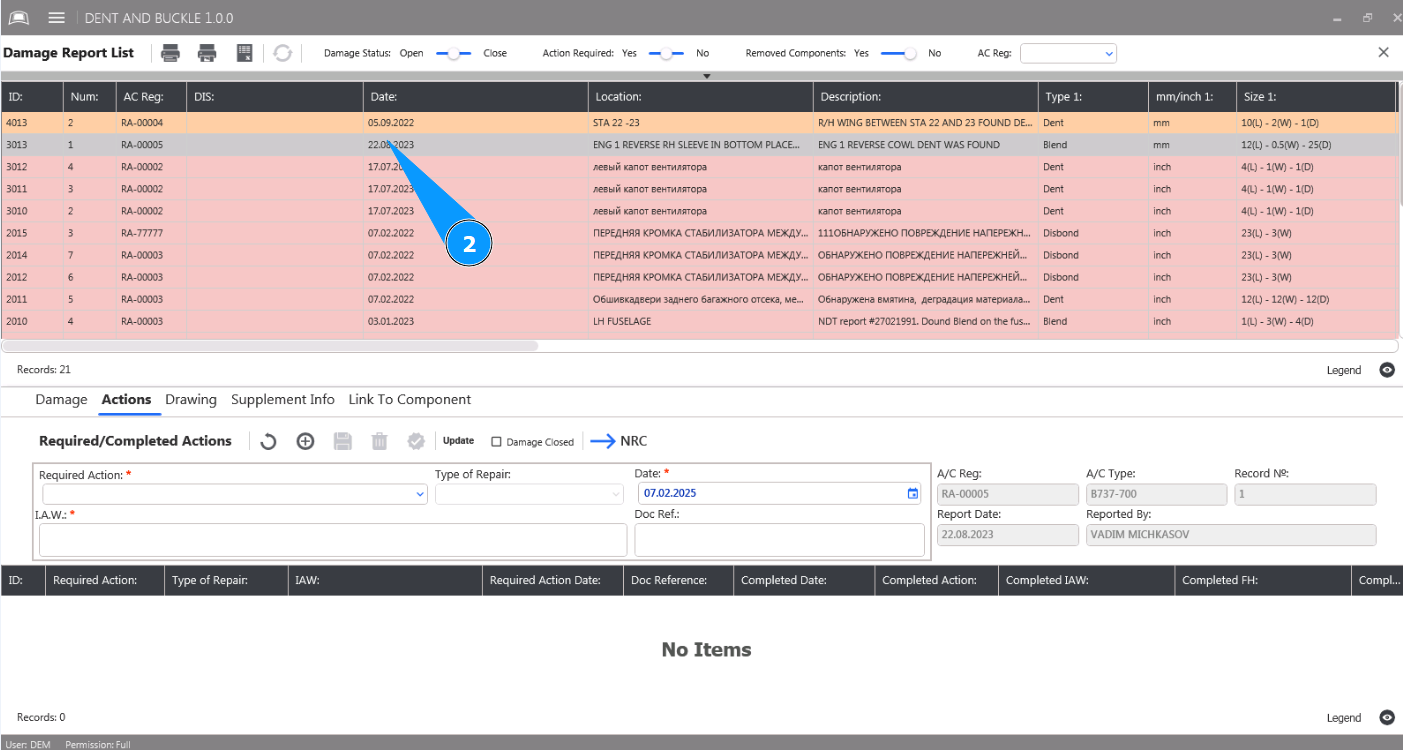
2. Select the damage from the list to add additional information and click on the corresponding line in the window "Damage Report List".
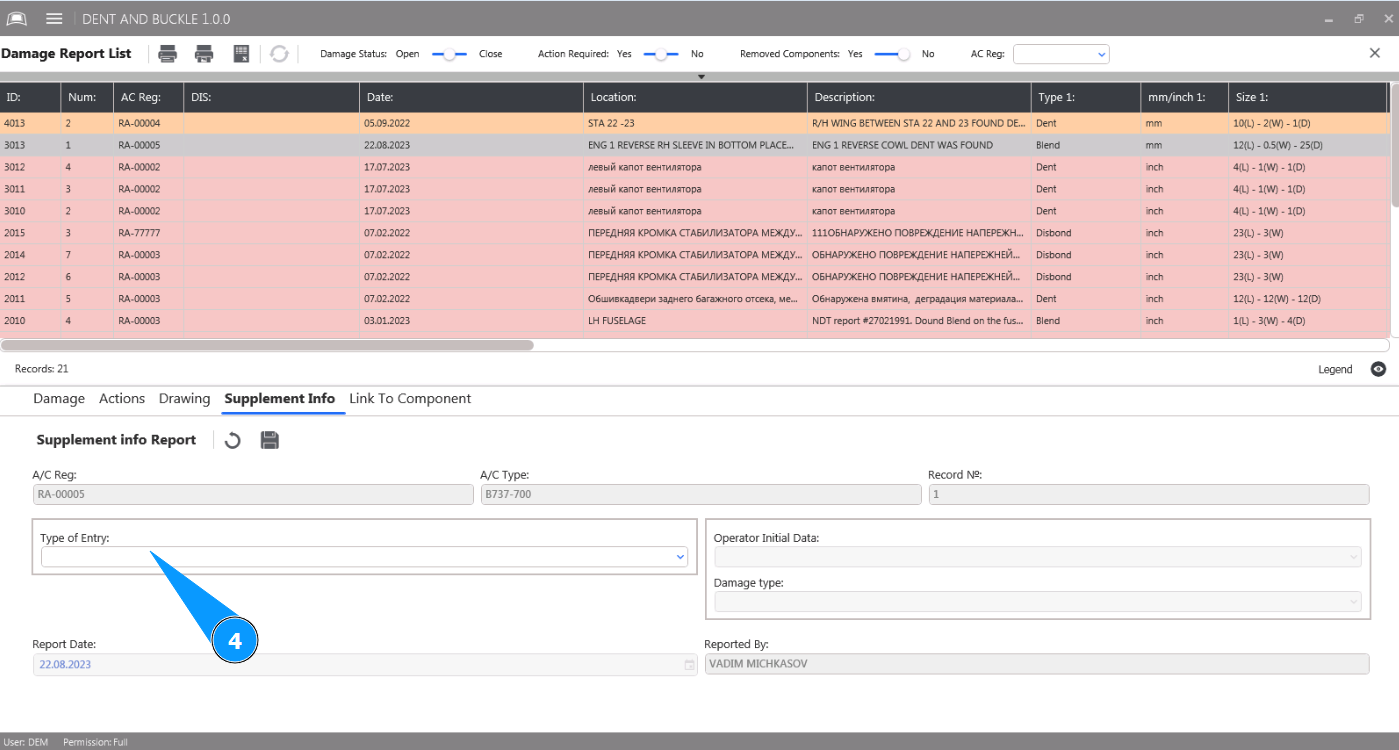
3. Then go to the tab "Supplement Info".
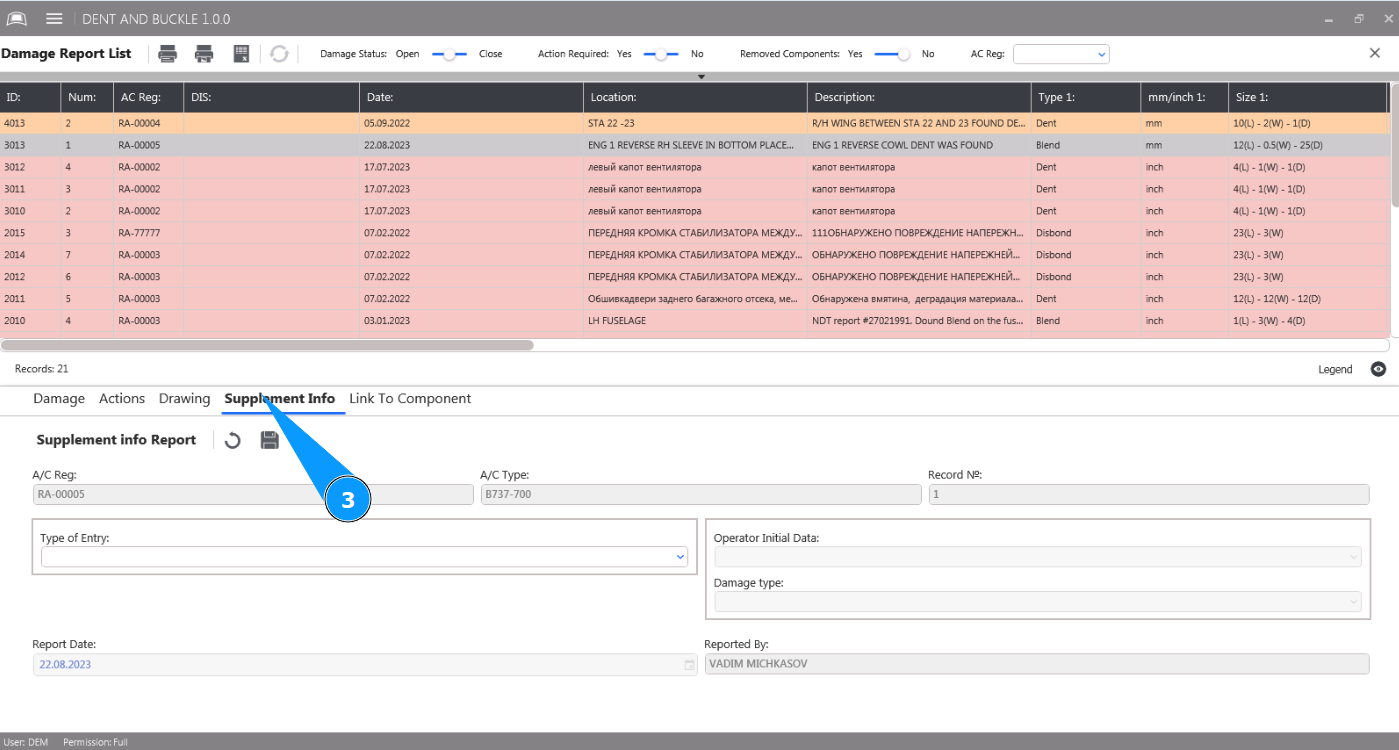
4. Select the type of additional information from the dropdown list in the field "Type of entry". Note: The fields "A/C Reg.", "A/C Type" and "Record №" will be filled in automatically by the program.
5. Select the damage type from the dropdown list in the field "Damage Type".
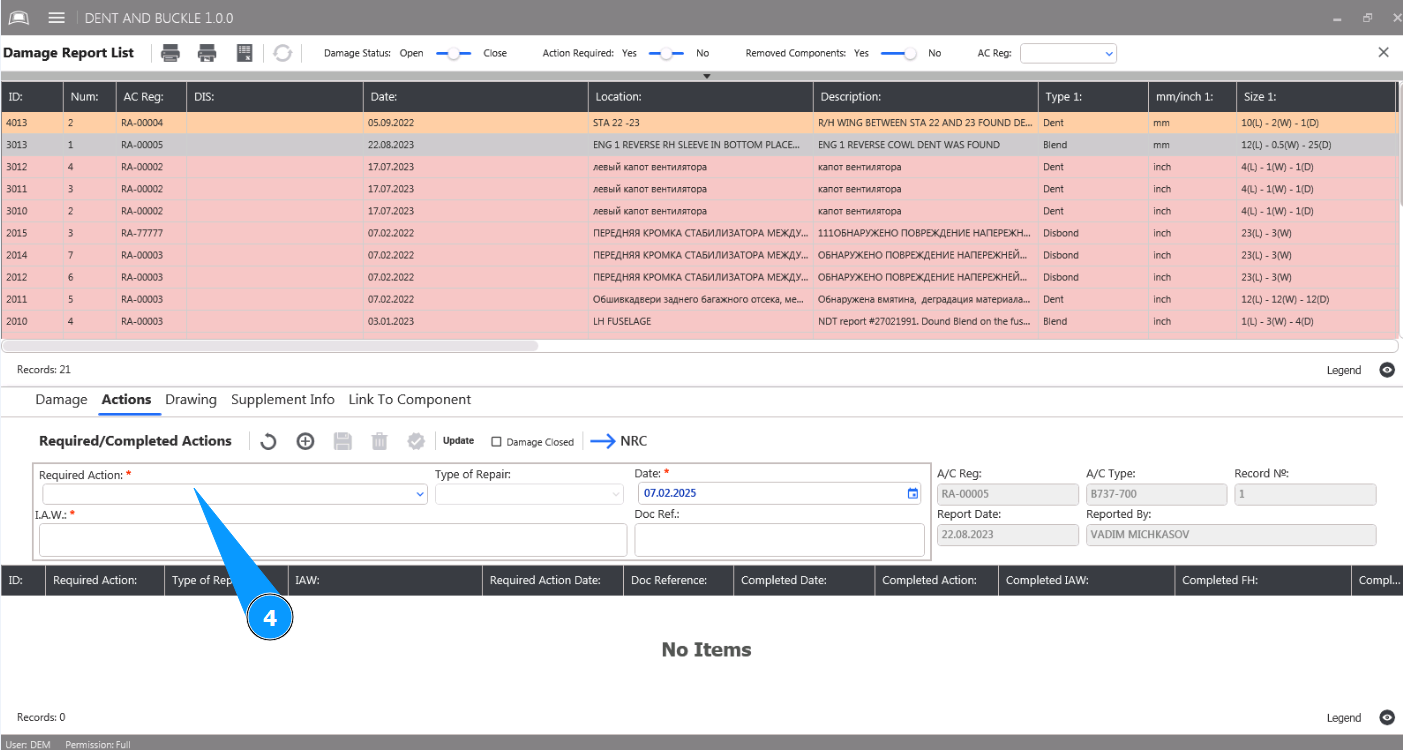
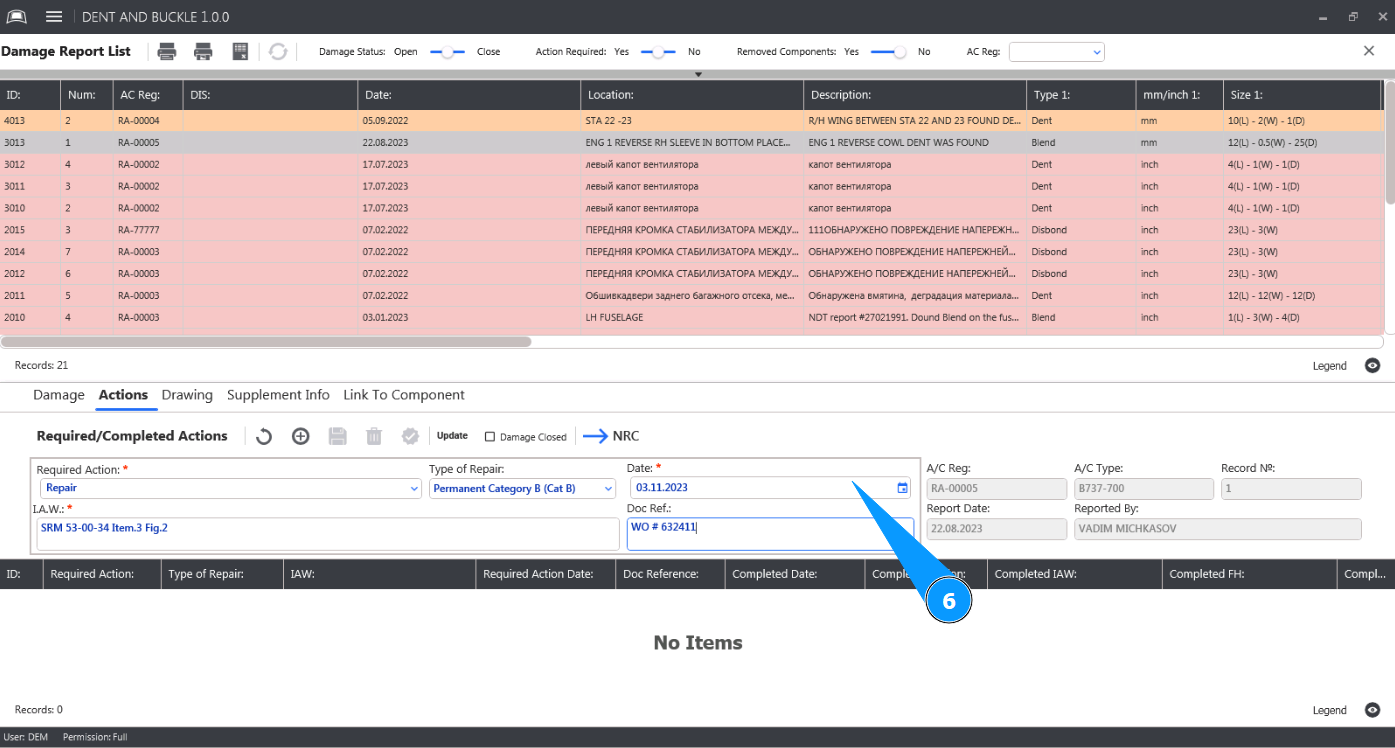
6. Click on the button "Update" to enter additional information into the program.
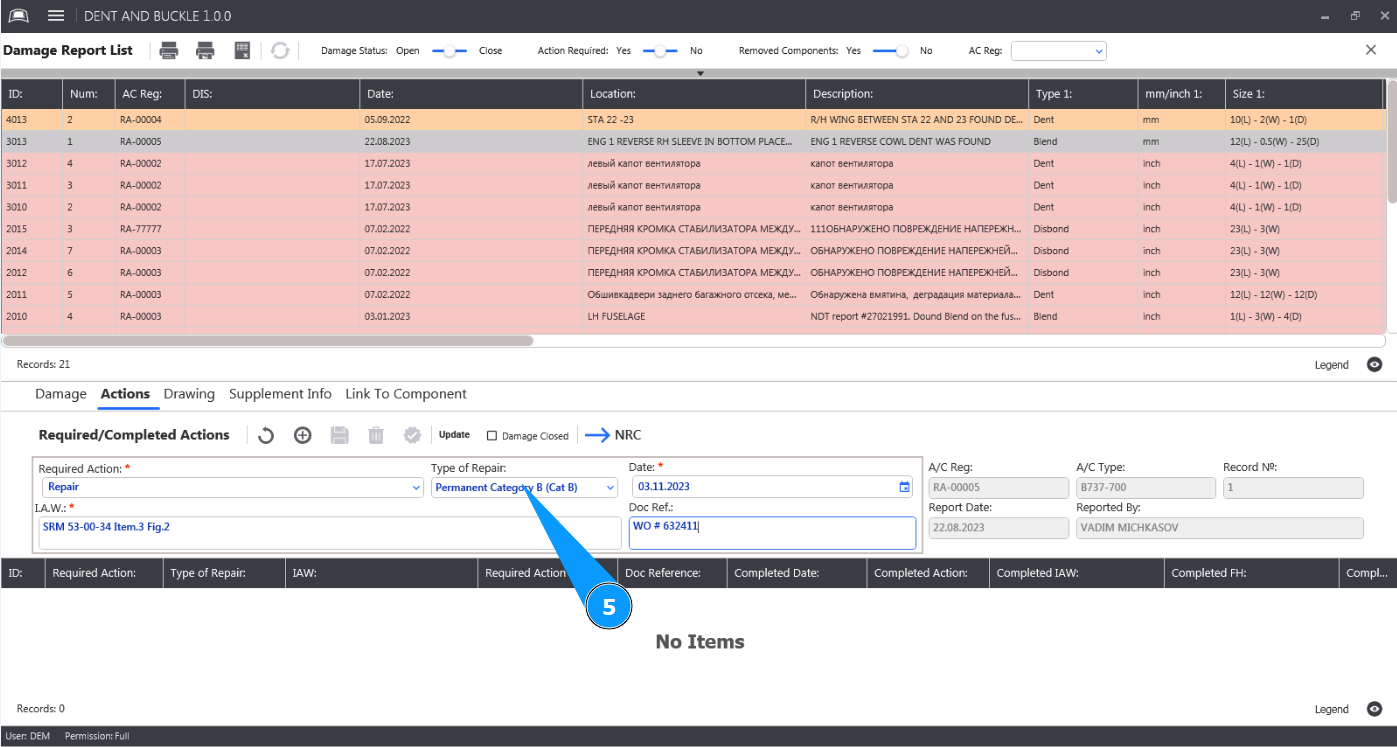
7. Click on the button "Yes" to confirm adding additional information to the program.