How to add necessary actions for damage
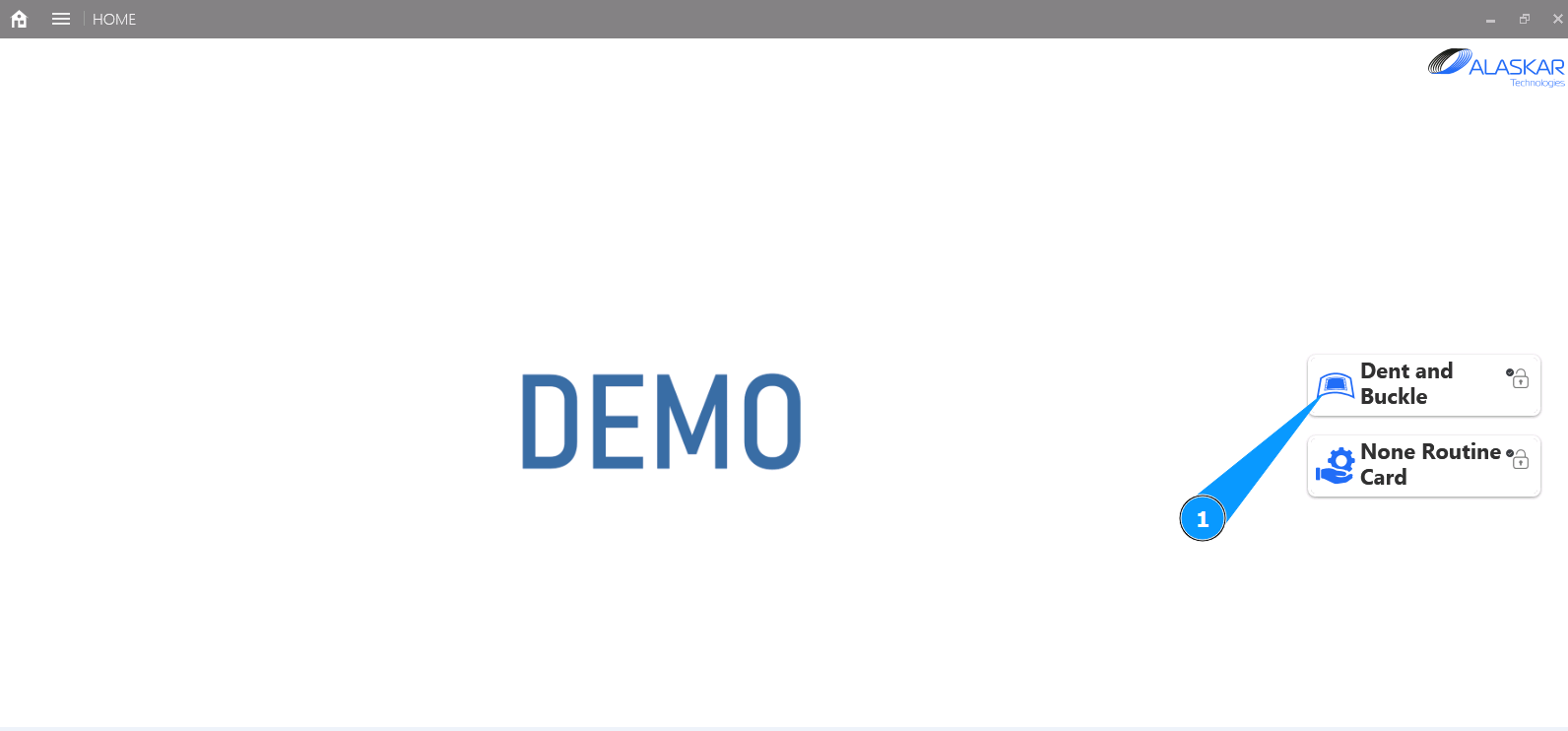
1. In order to add necessary actions for damage, go to the submodule "Dent and Buckle".
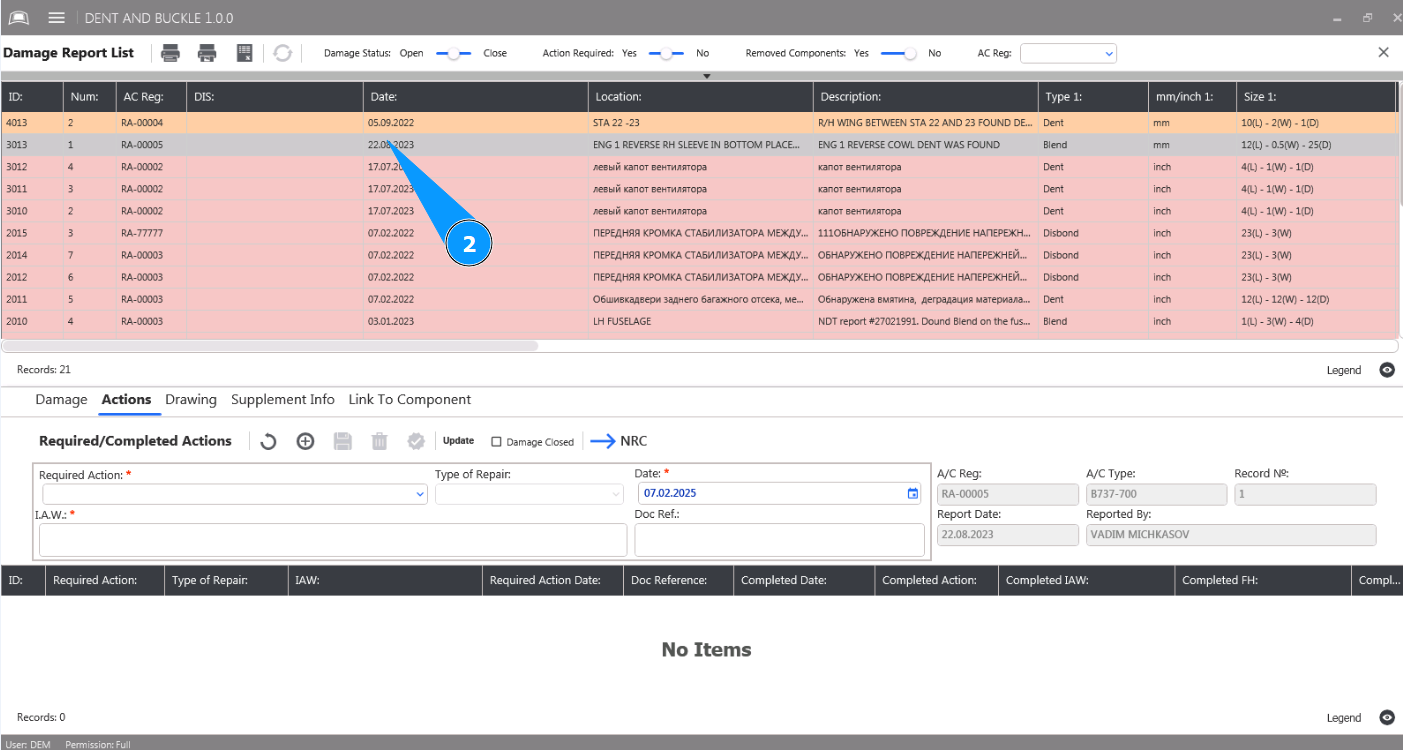
2. Select damage from the list to add necessary actions and click on the corresponding line in the window "Damage Report List".
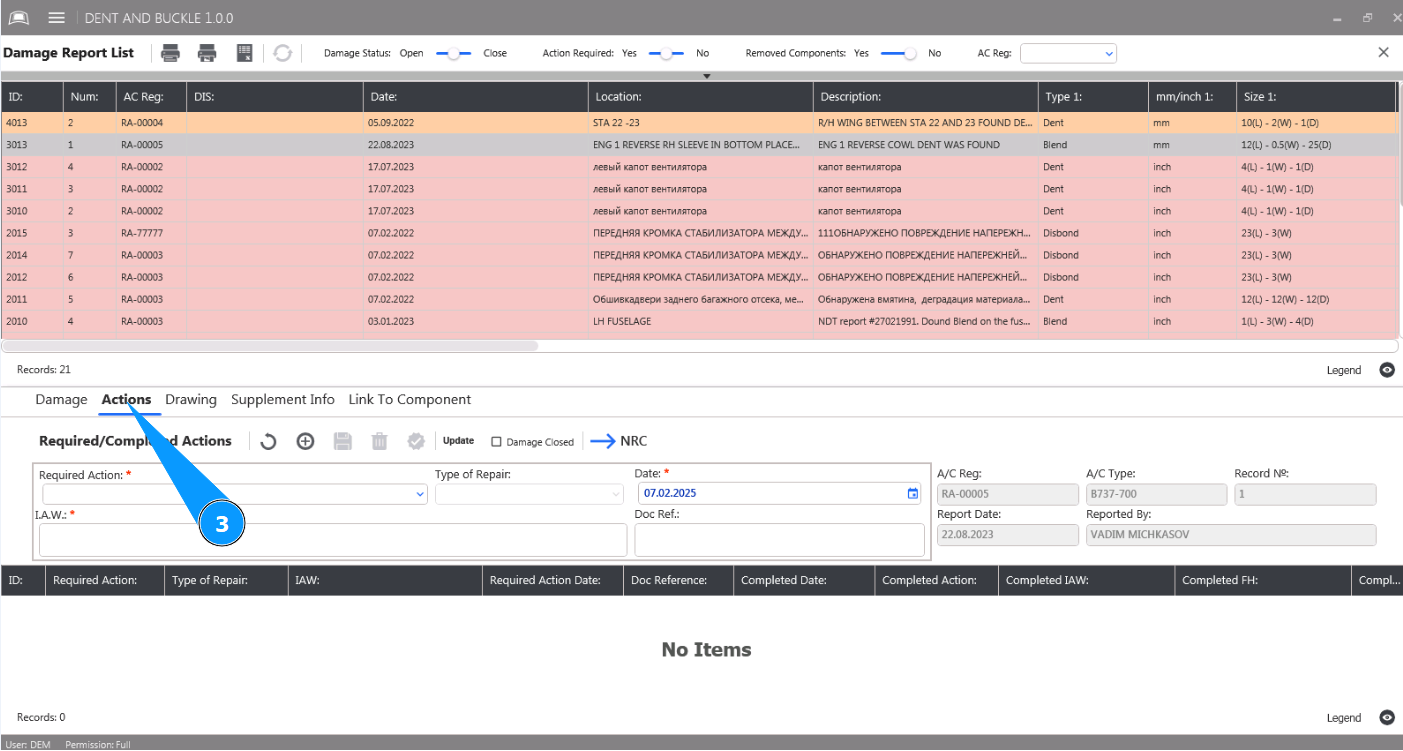
3. Then go to the tab "Actions". The fields must be filled with data.
4. Select the required action for the damage from the dropdown list in the field "Required Action". Note: The fields "A/C Reg.", "A/C Type" and "Record №" will be filled in automatically by the program.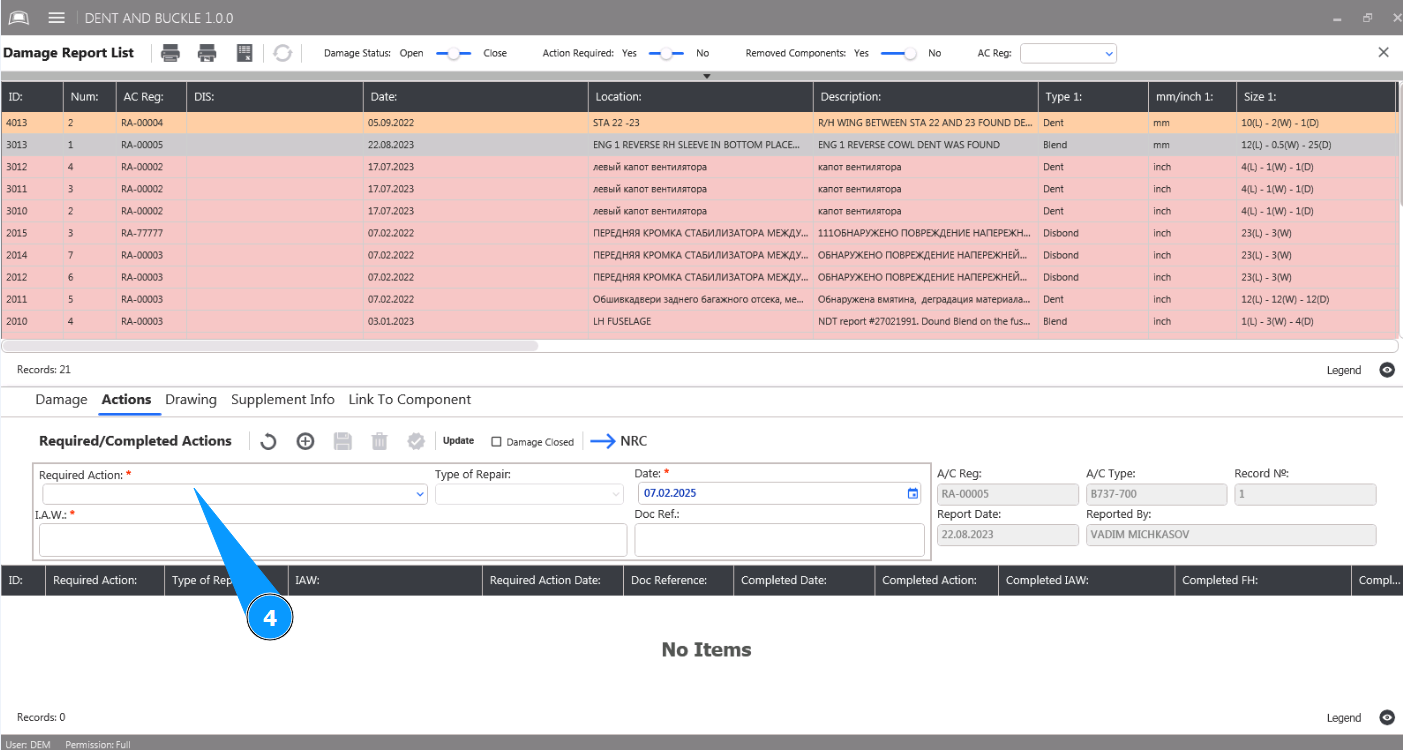
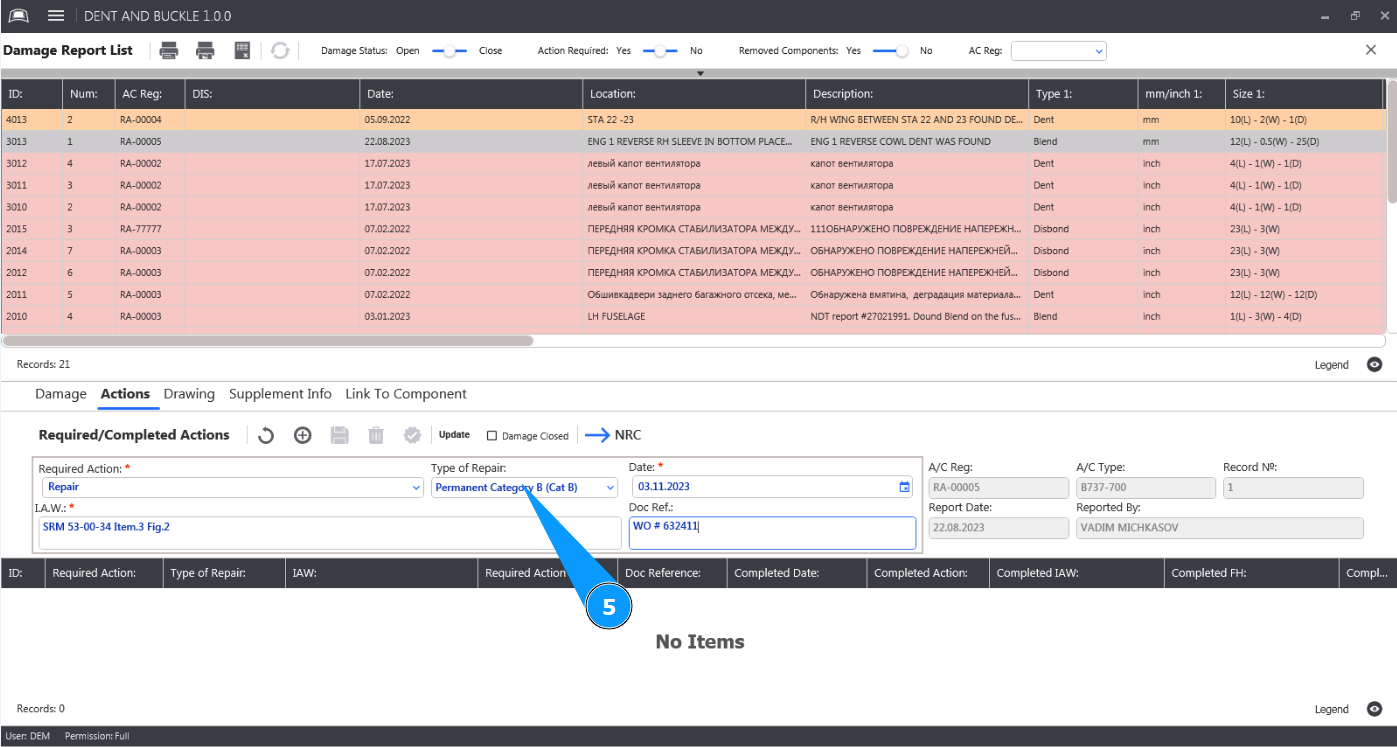
5. Select the type of repair from the dropdown list in the field "Type of repair".
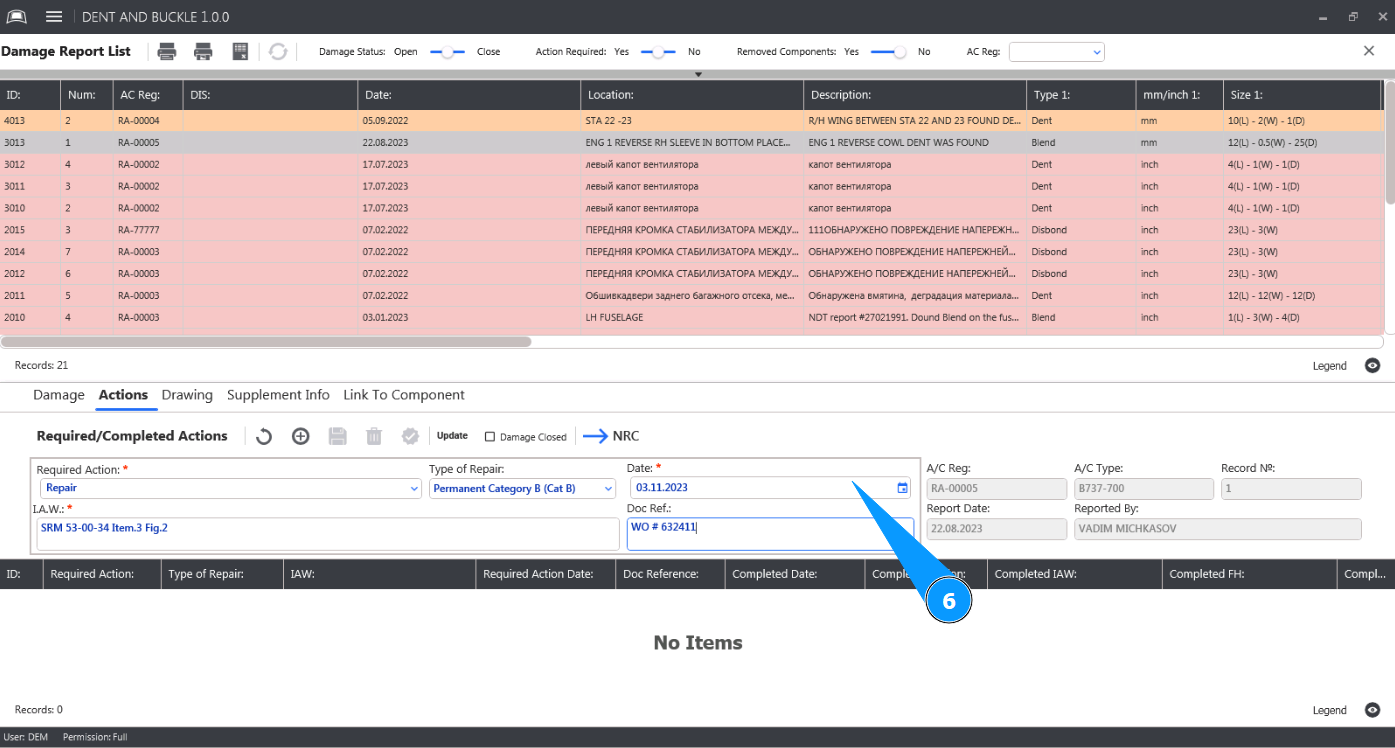
6. Enter the date of the necessary actions on the damage in the field "Date".
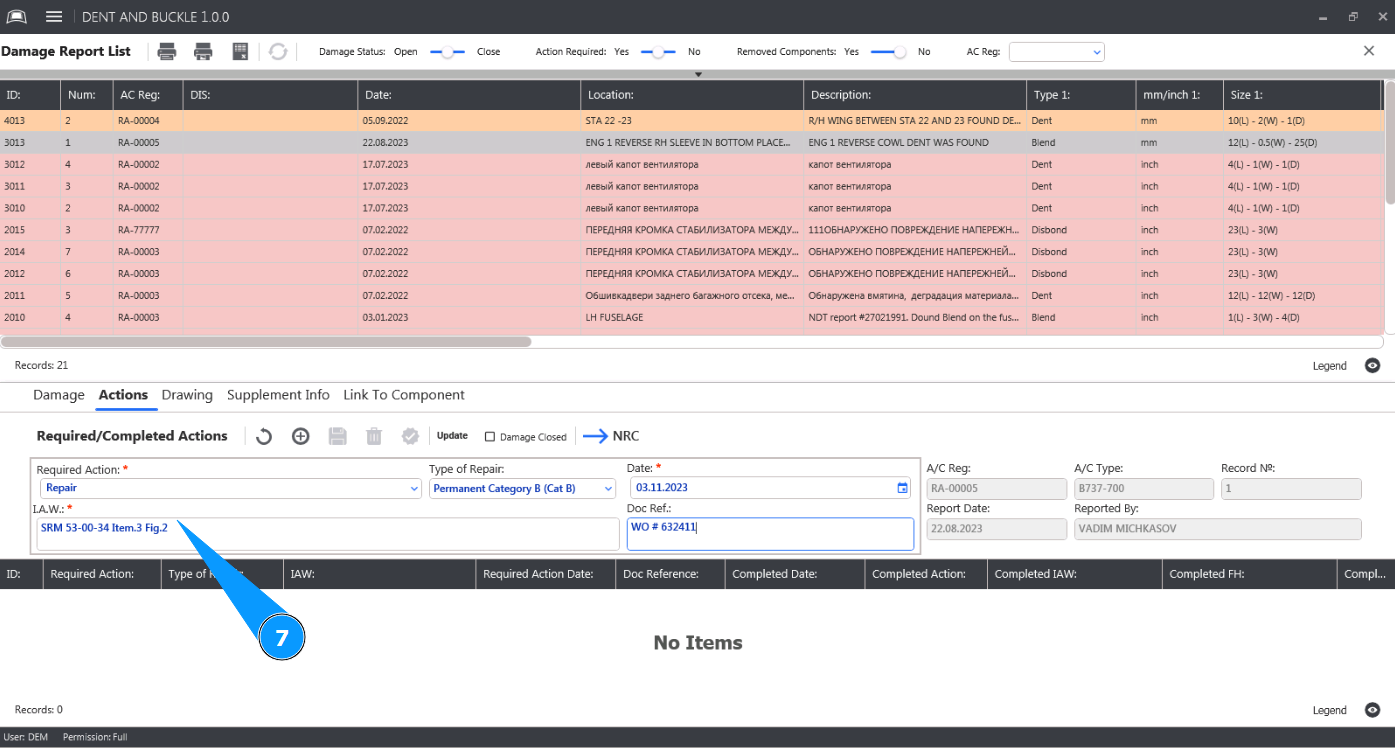
7. Enter the procedure number based on which repair actions need to be performed in the field "I.A.W".
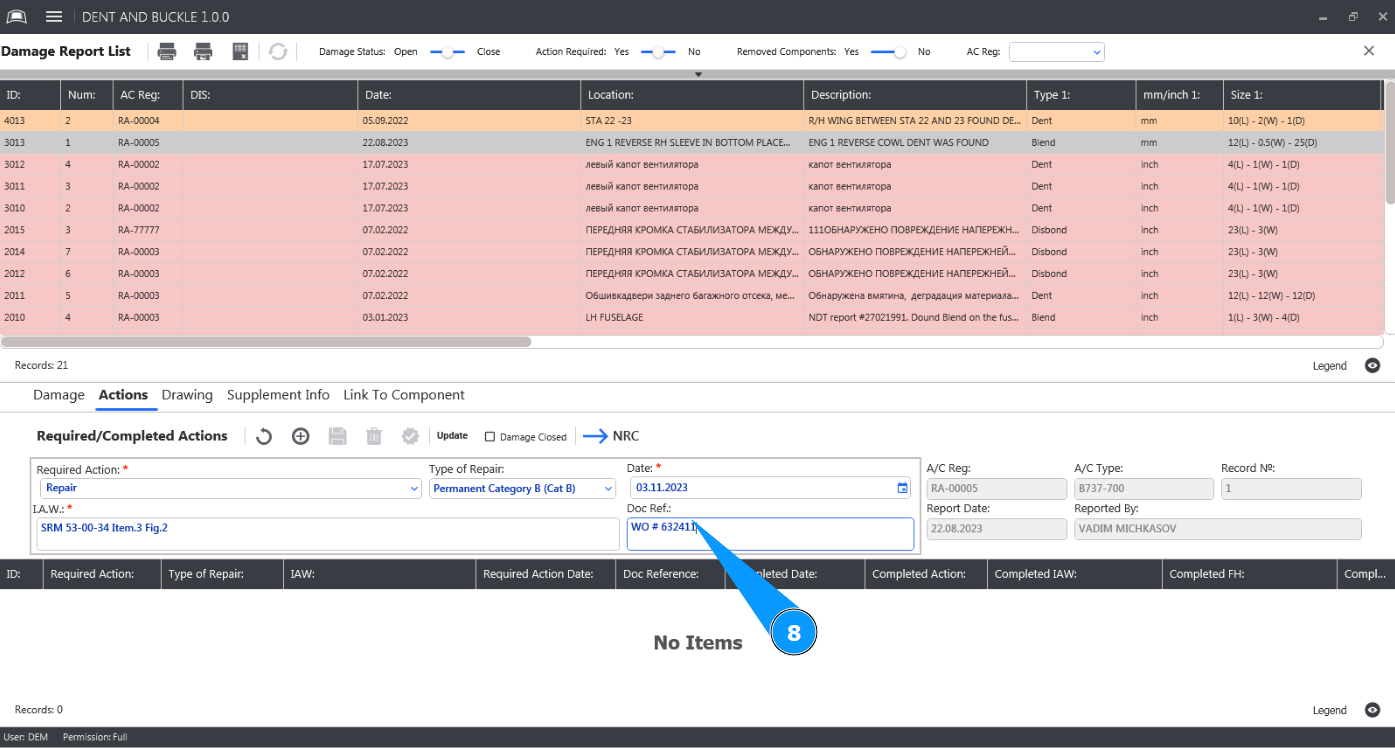
8. Enter the repair document number in the field "Doc Reg.".
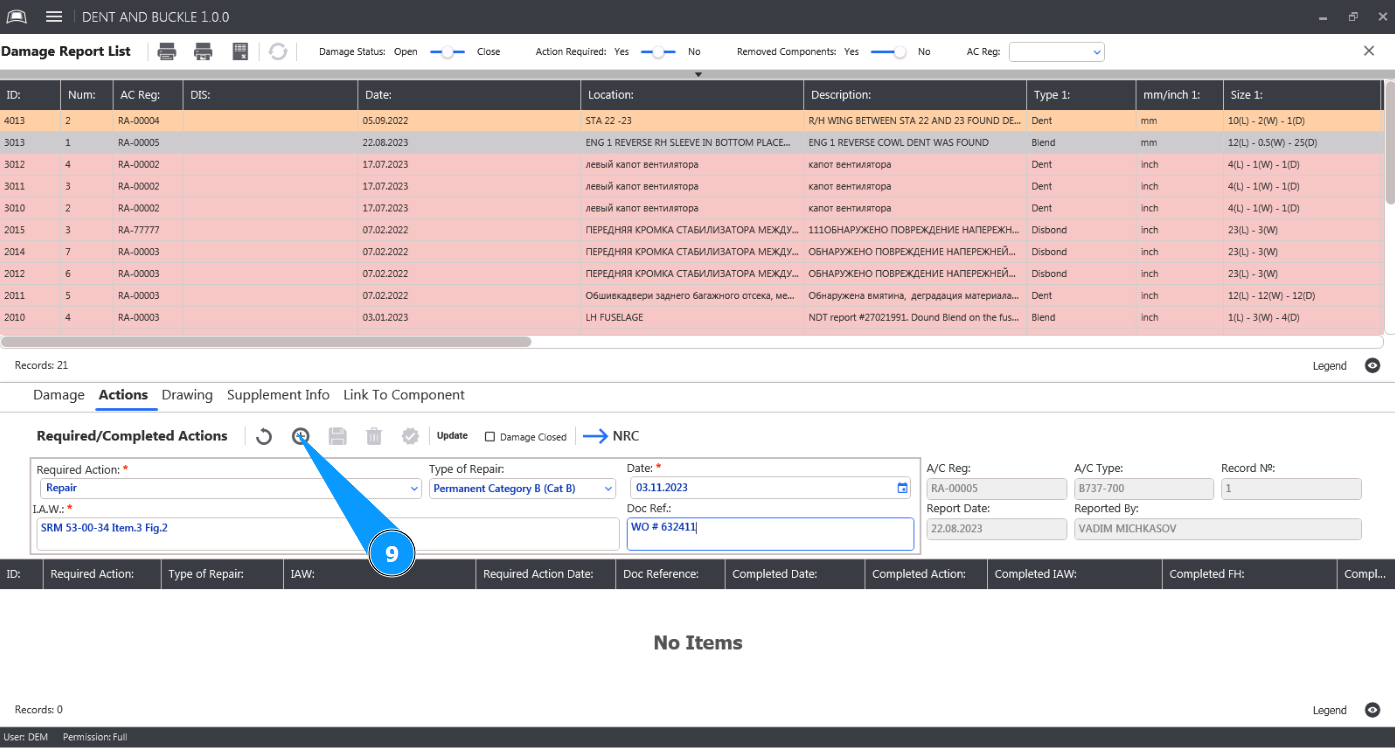
9. Click on the button "Add" to enter the required repair actions into the program.
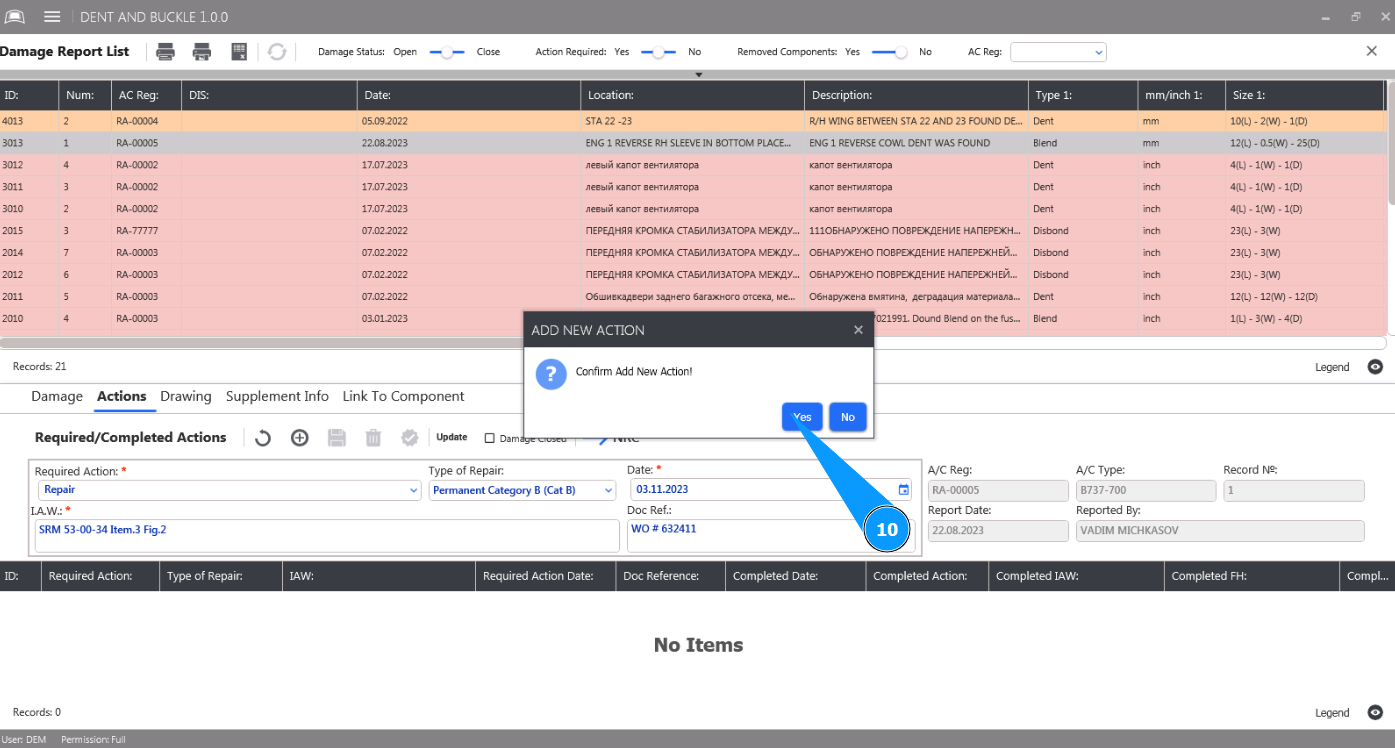
10. Click on the button "Yes" to confirm entering the data on the required repair actions into the program.
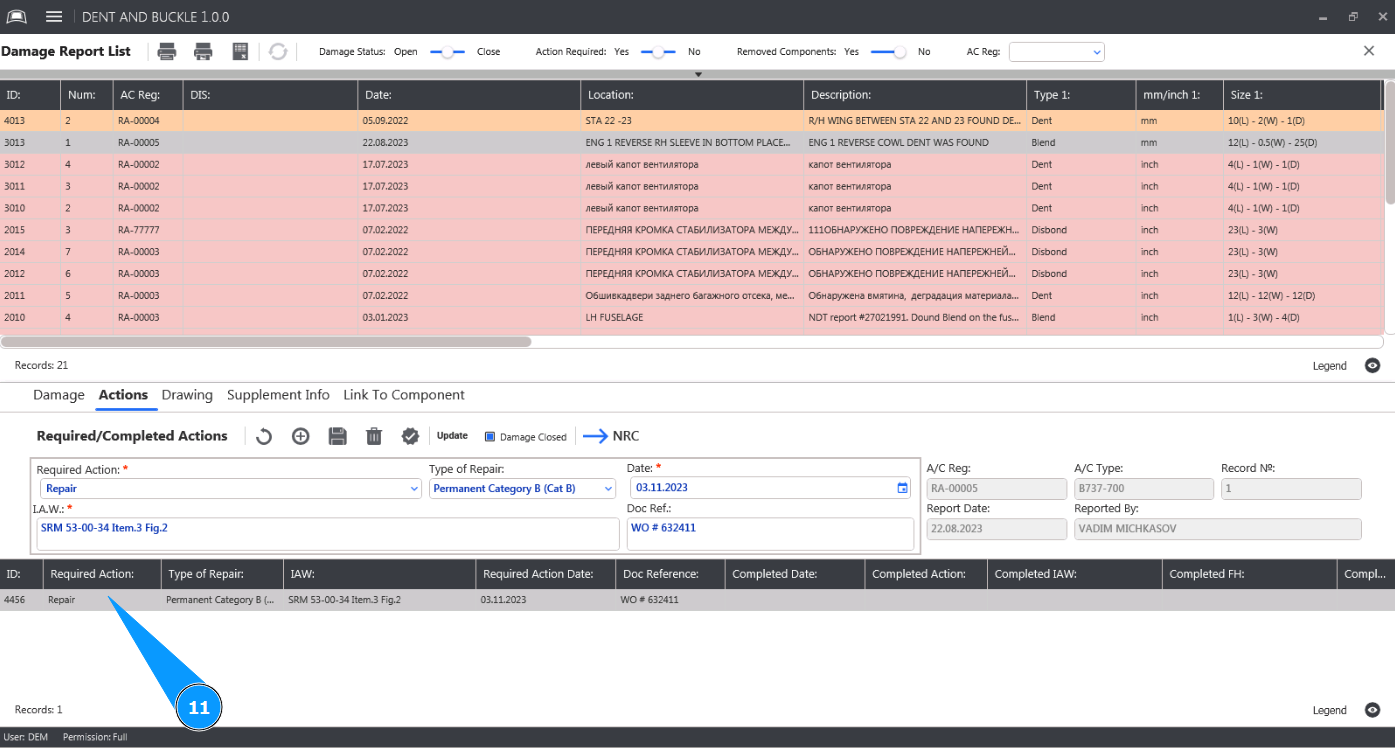
11. Check that the required action is displayed in the window "Required Actions".