How to work with a file archive
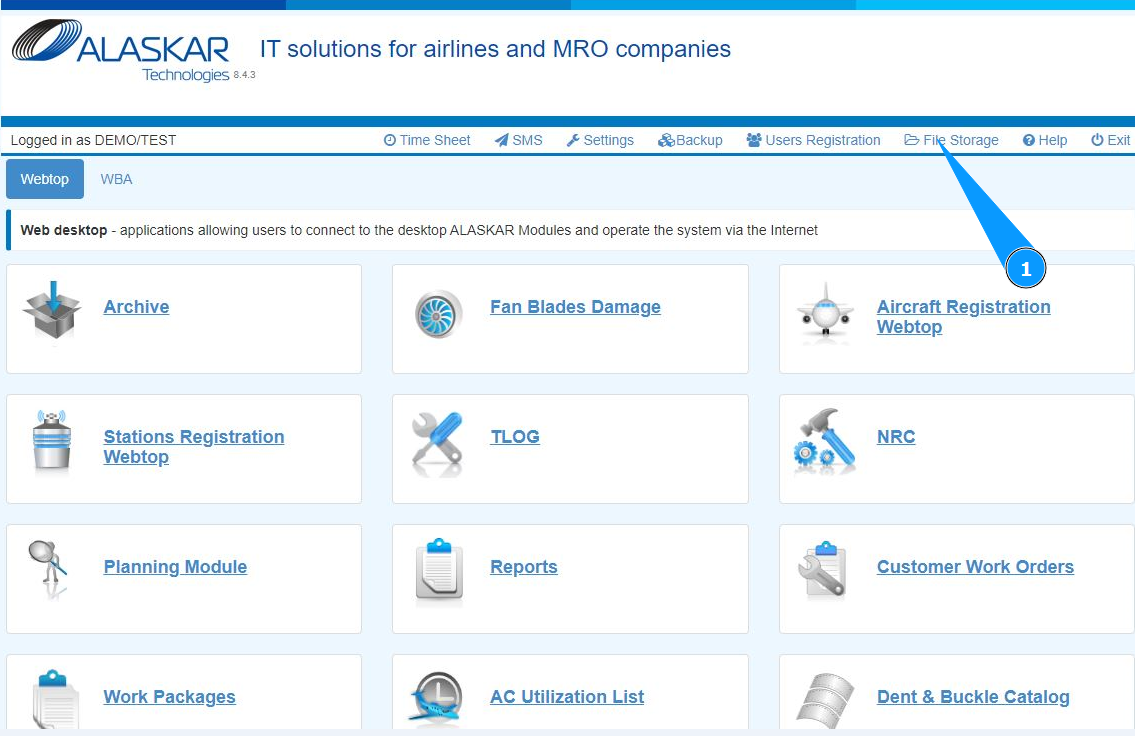
1. In order to work with a file archive, at the top of the open web center, go to the submodule "File Storage".
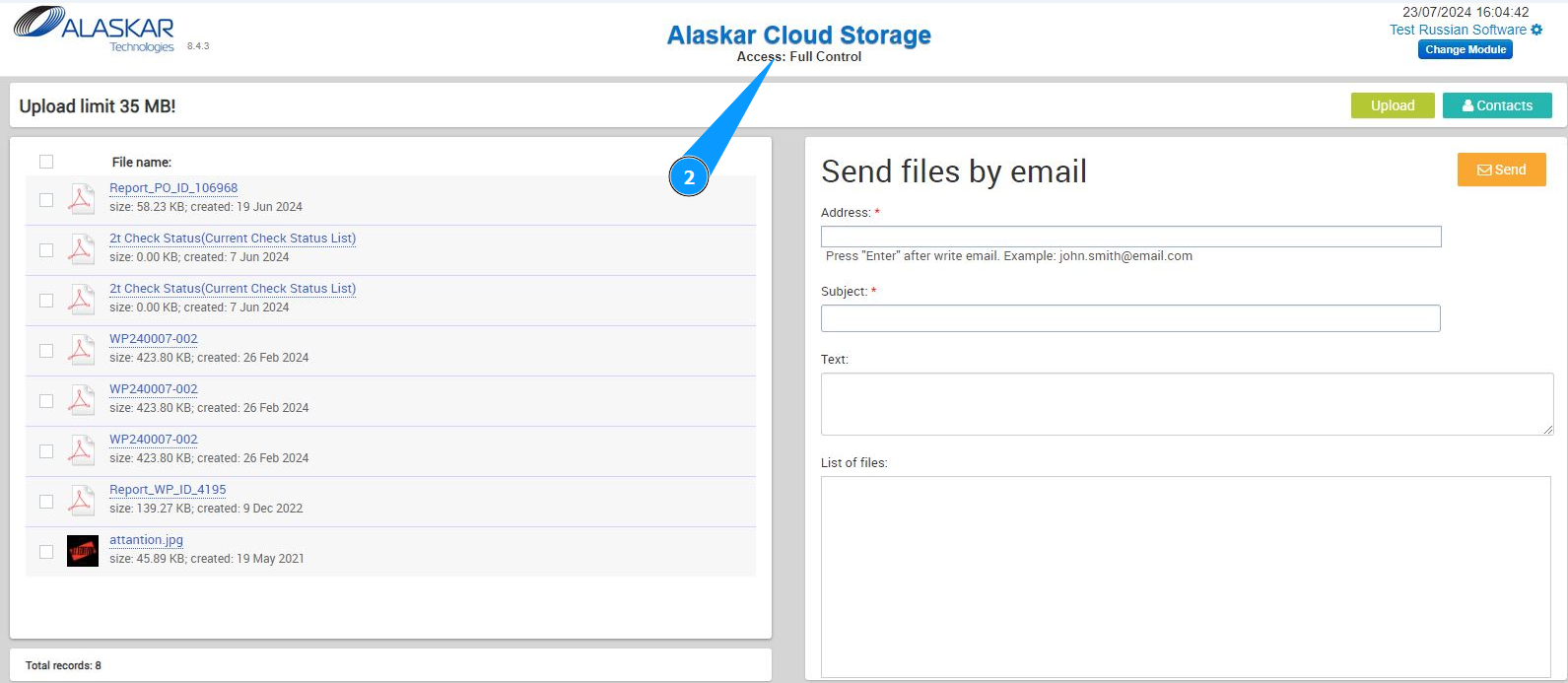
2. Make sure that the window for working with files is open and accessible in the window "Alaskar Cloud Storage".
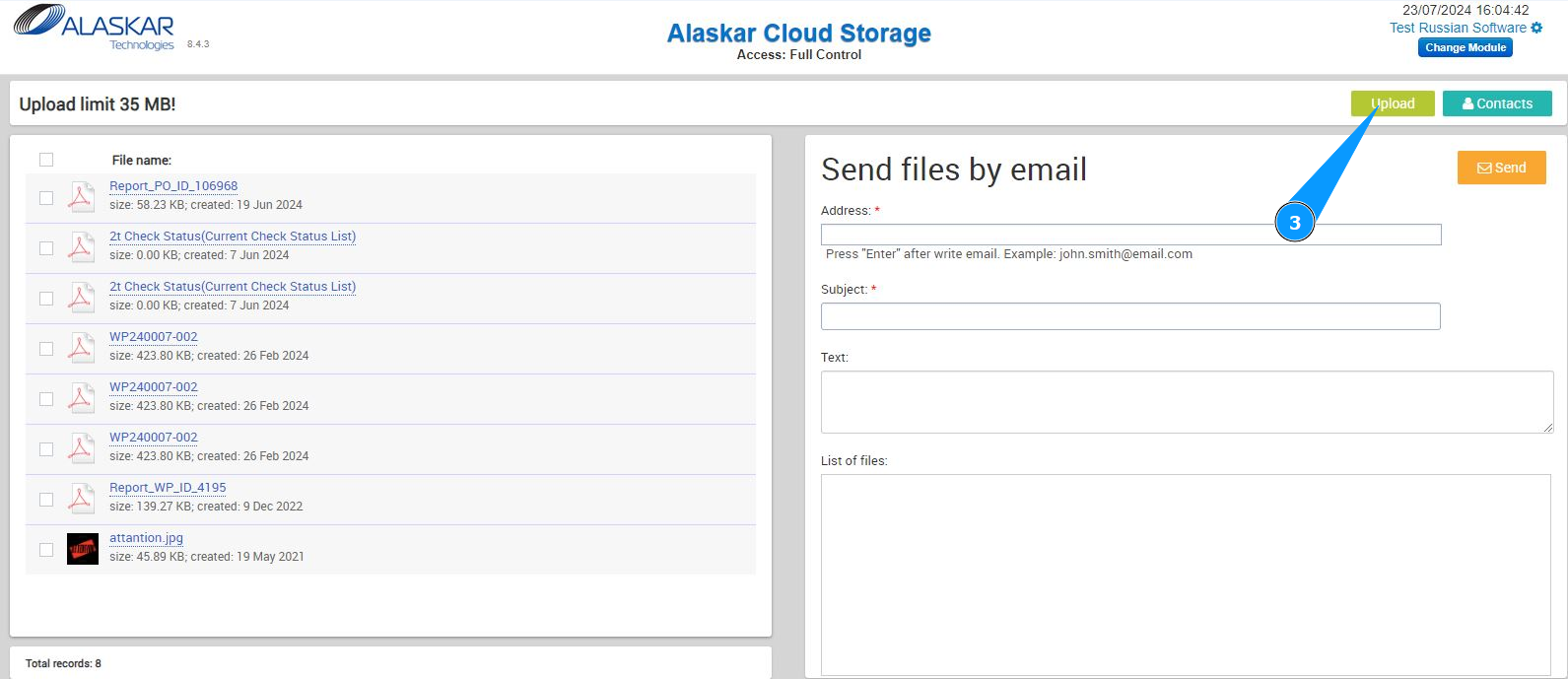
3. In order to upload the file to cloud storage, click on the button "Upload".
4. Select the file to download on your computer and click the on the button "Ok".
5. Make sure that the required file is downloaded and is on the list.
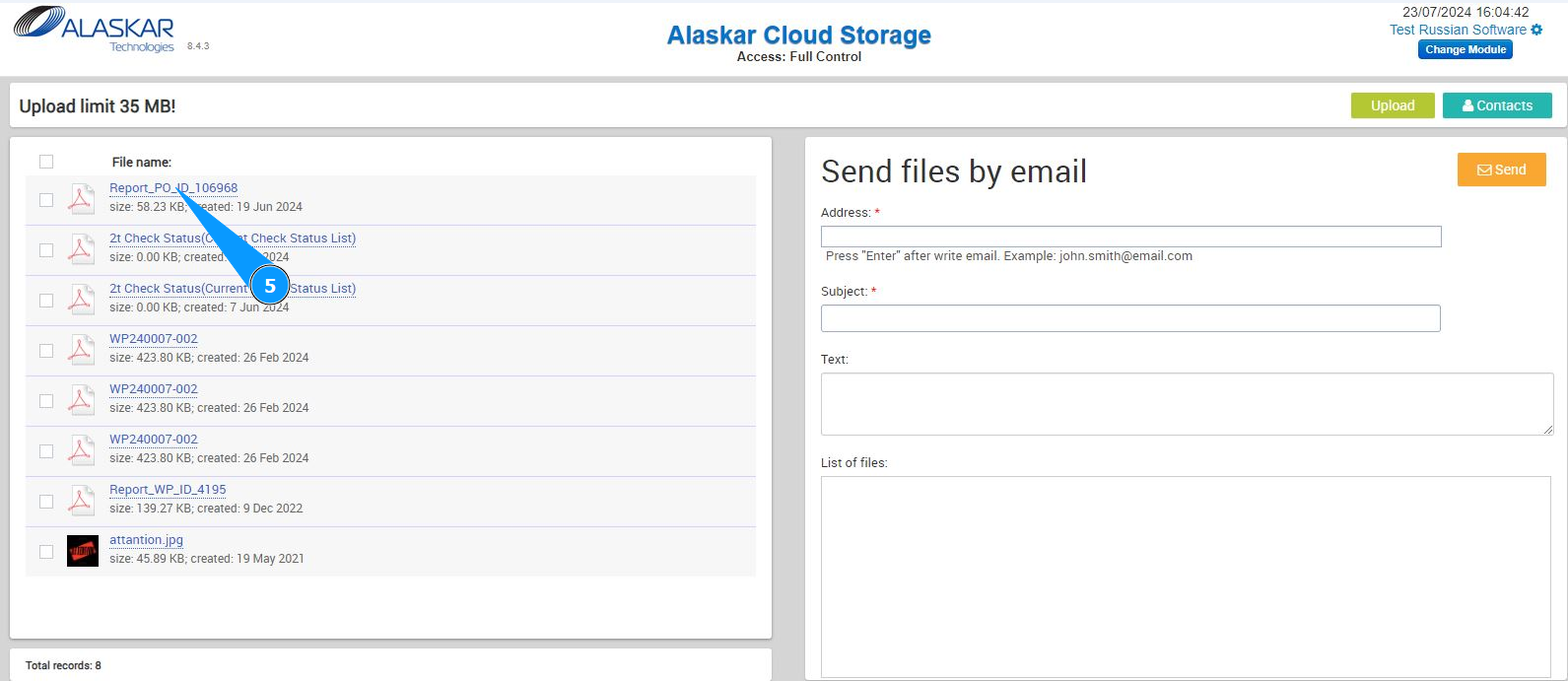
Note: Upload files have size restrictions. The size must be no more than 35 MB.
6. You can send the file via email. To do this, click on the required line in the file list window.
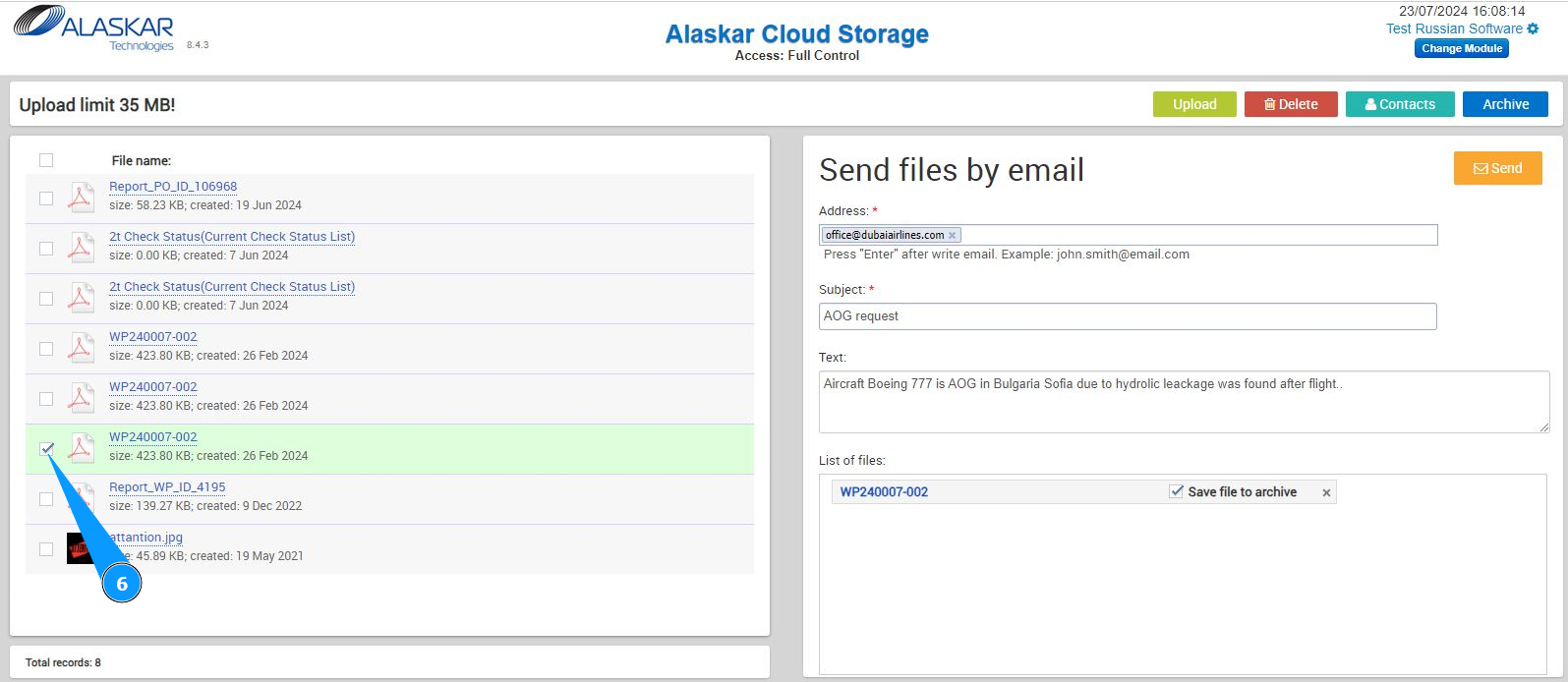
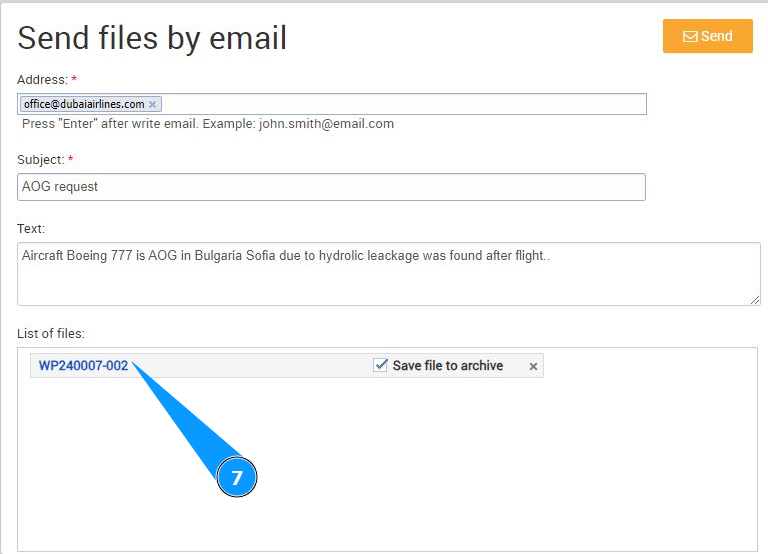
7. Check that the file appears in the list in the window "List of files".
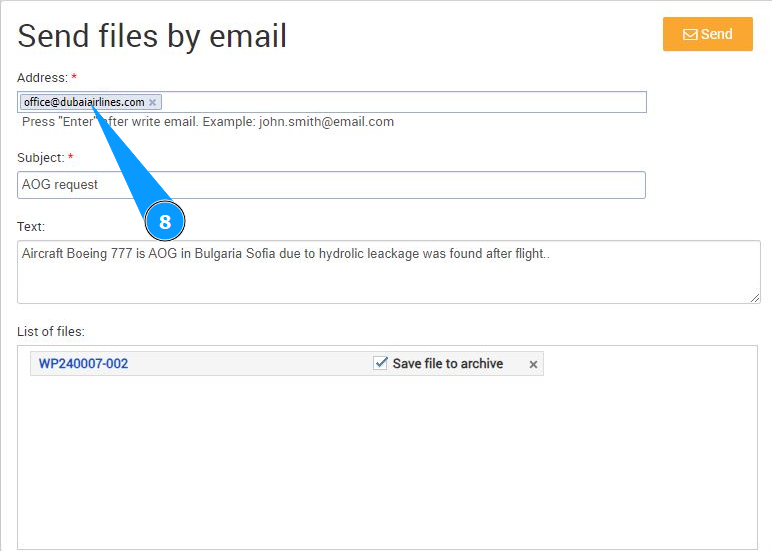
8. Enter the required email in the field "Address".
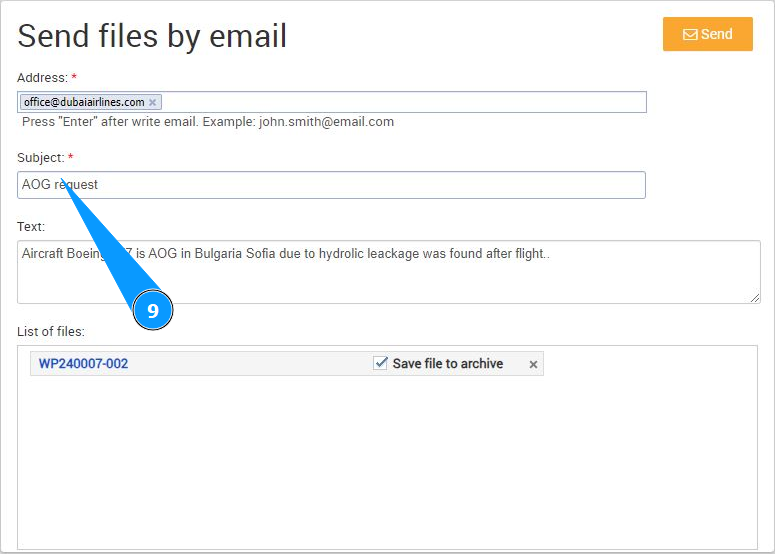
9. Enter the required subject of the letter in the field "Subject".
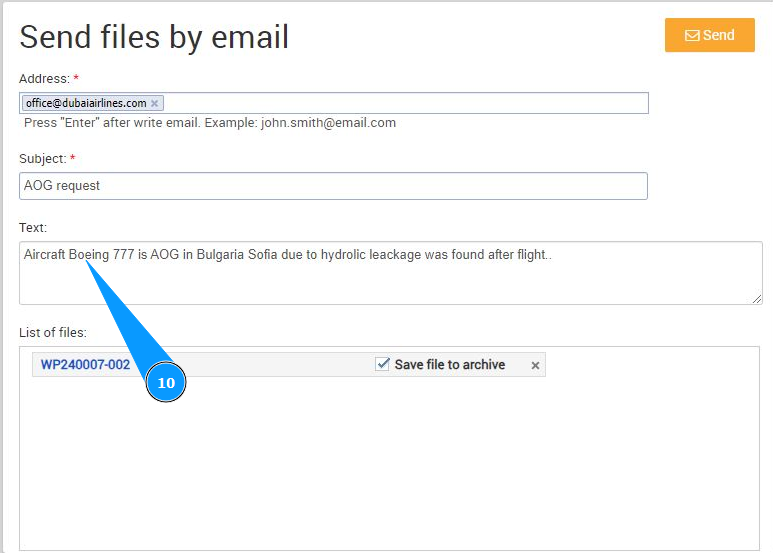
10. If necessary, enter the text of the letter in the field "Text".
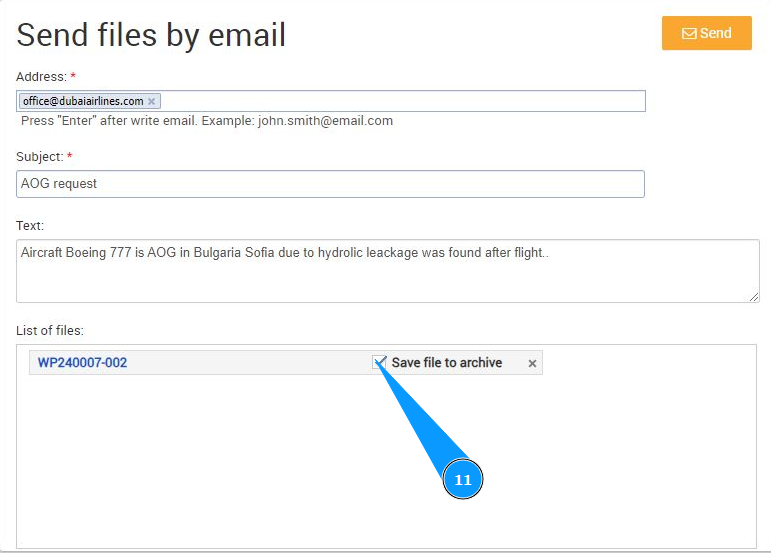
11. If you need to save this file into an archive, tick in the appropriate field "Save file to archive".
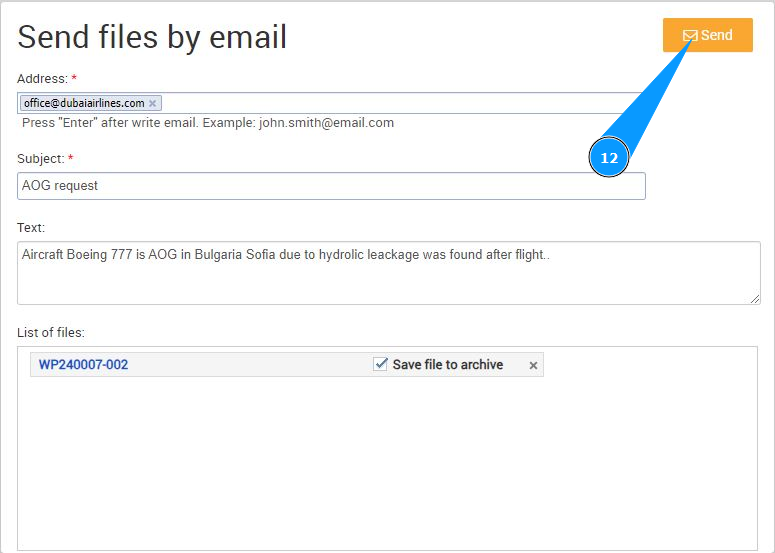
12. Click on the button "Send" to send an email with the file.
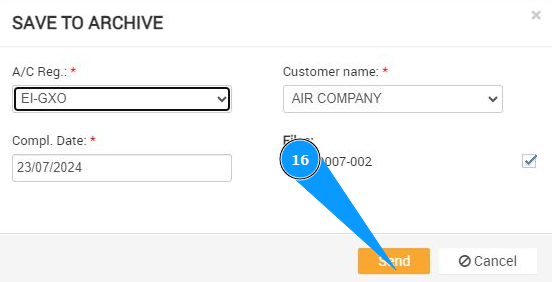
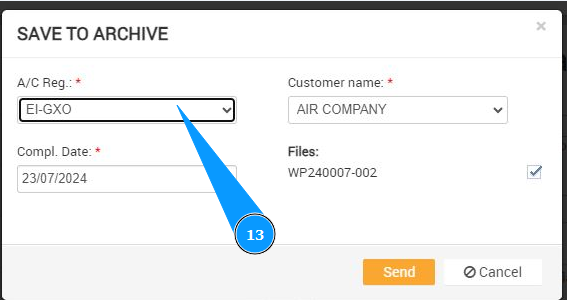
13. If you ticked an additional box to save the file to the archive, select the aircraft registration number from the dropdown list in the field "A/C Reg.".
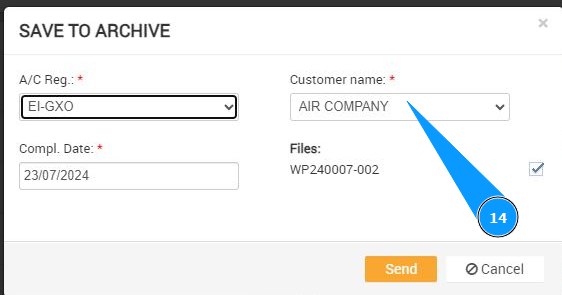
14. Select the company name from the dropdown list in the field "Customer name".
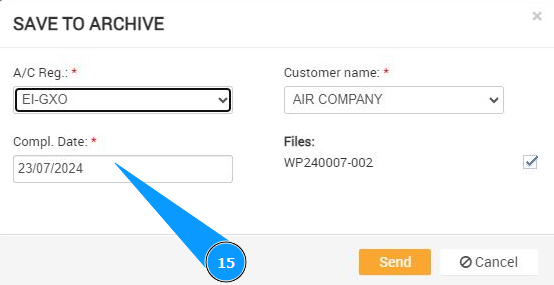
15. Enter the date the file was saved in the archive in the field "Compl. Date".
16. Click on the button "Send" to send an email with the file and save the file to the archive.