How to send a report of an event of flight safety
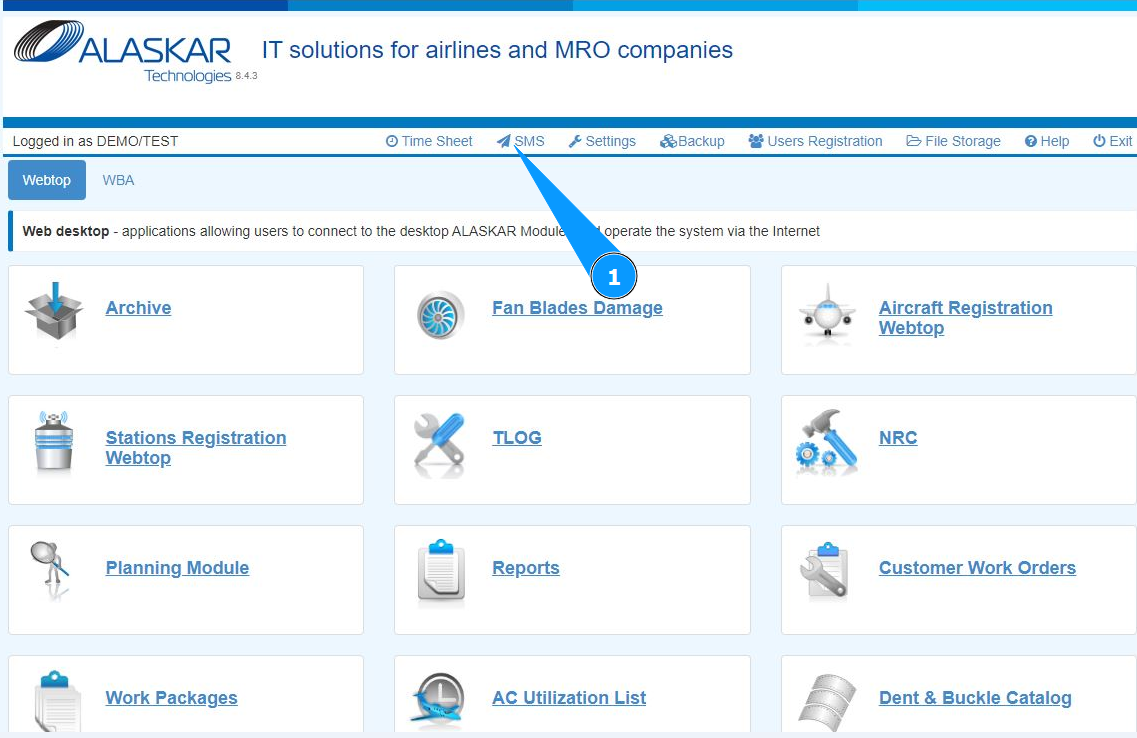
1. In order to send a report of an event of flight safety, at the top of the open center, go to the submodule "SMS".
2. Check that the window for working with messages has opened and is available in the window "Safety Management System".
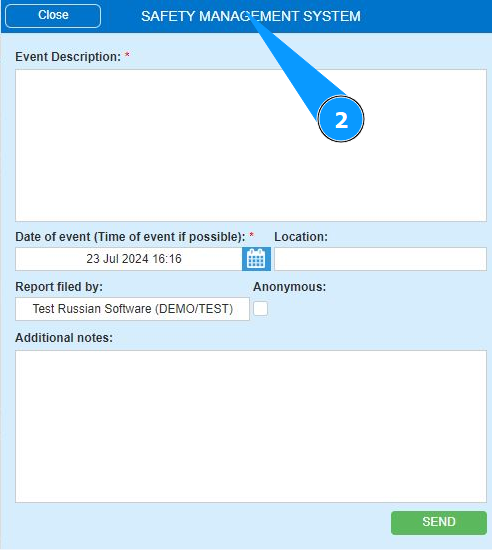
3. Enter information about the flight safety event or deviations in business processes (operational deviations) in the field "Event Description".
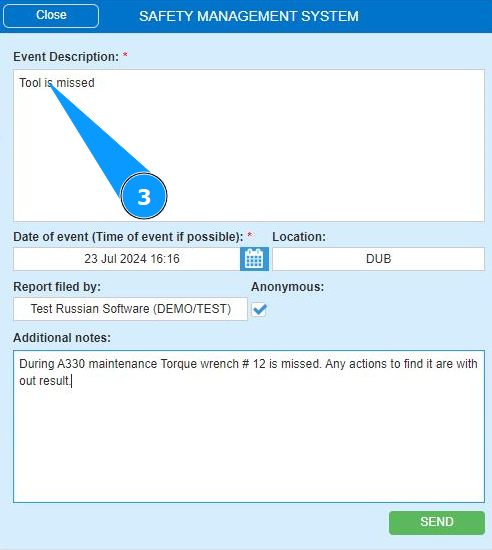
4. If you have your opinion about the required actions to fix the risk or event deviations, enter your suggestions in the field "Event Description".
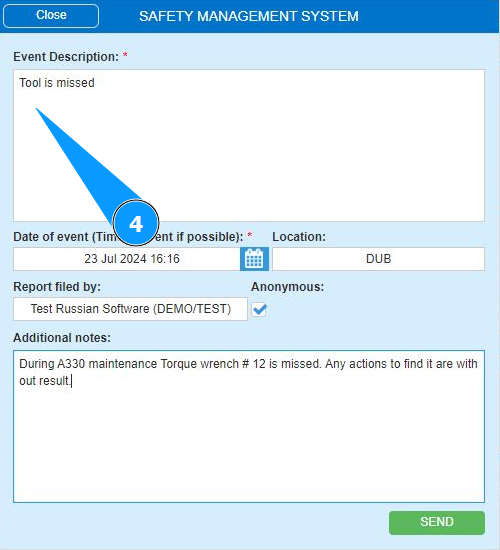
5. Enter the date of the event in the field "Date of event" or select from the calendar.
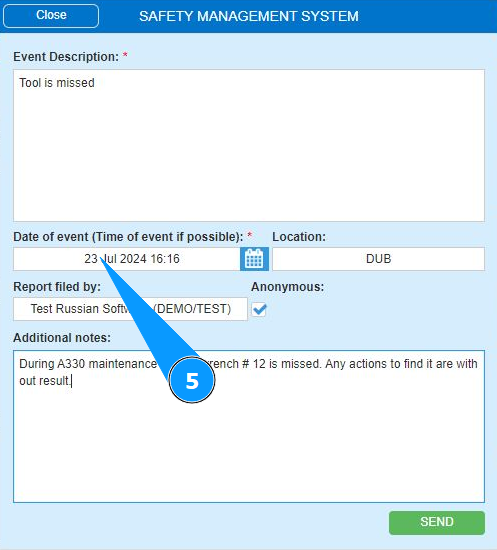
6. If necessary, enter the time of the event in the field "Date of event (Time of event if possible)".
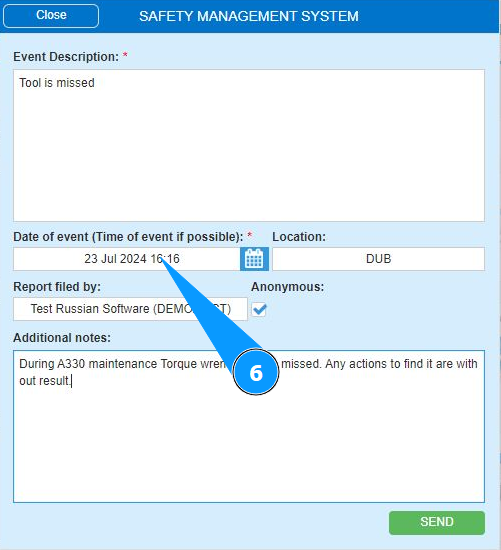
7. If necessary, enter the location of the event in the field "Location".
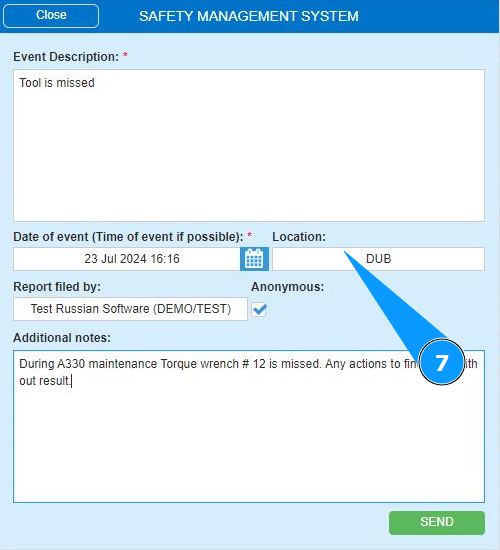
8. If your message requires anonymity, tick the box "Anonymous".
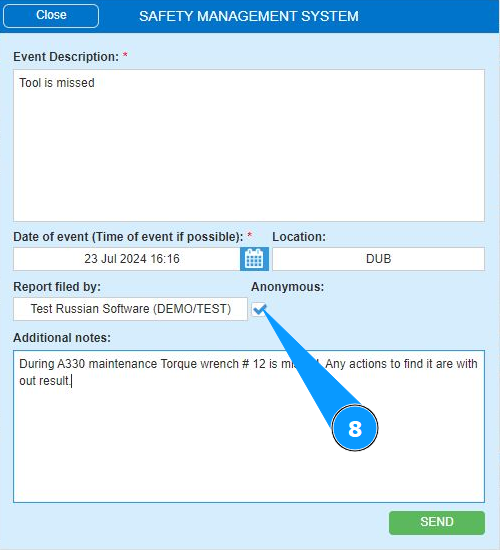
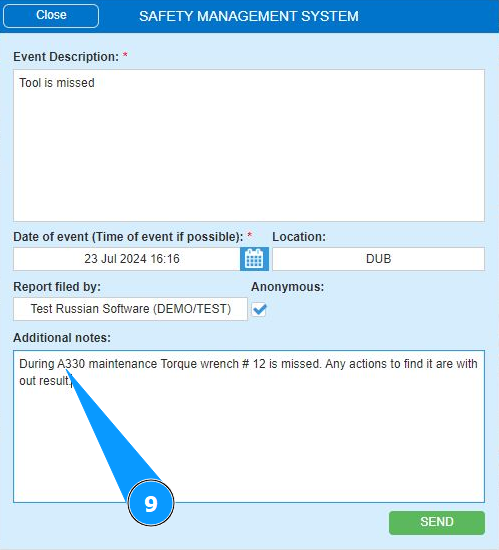
9. If necessary, add additional comments to the message in the field "Additional Notes".
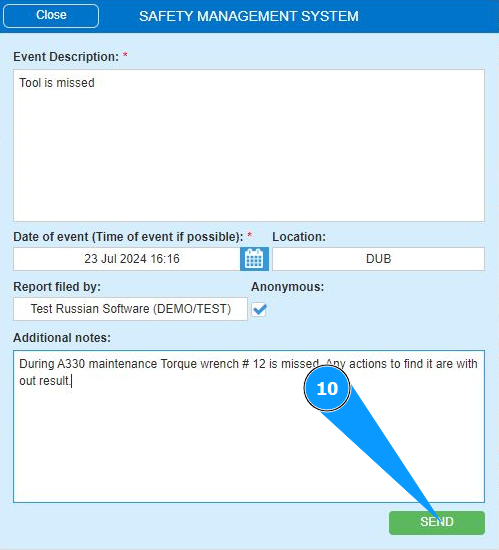
10. Click on the button "Send" to send the message.
Note: The email addresses of the message recipients are configured by the Alaskar staff. Please submit the appropriate request.