How to send a Line Work Order by EMail
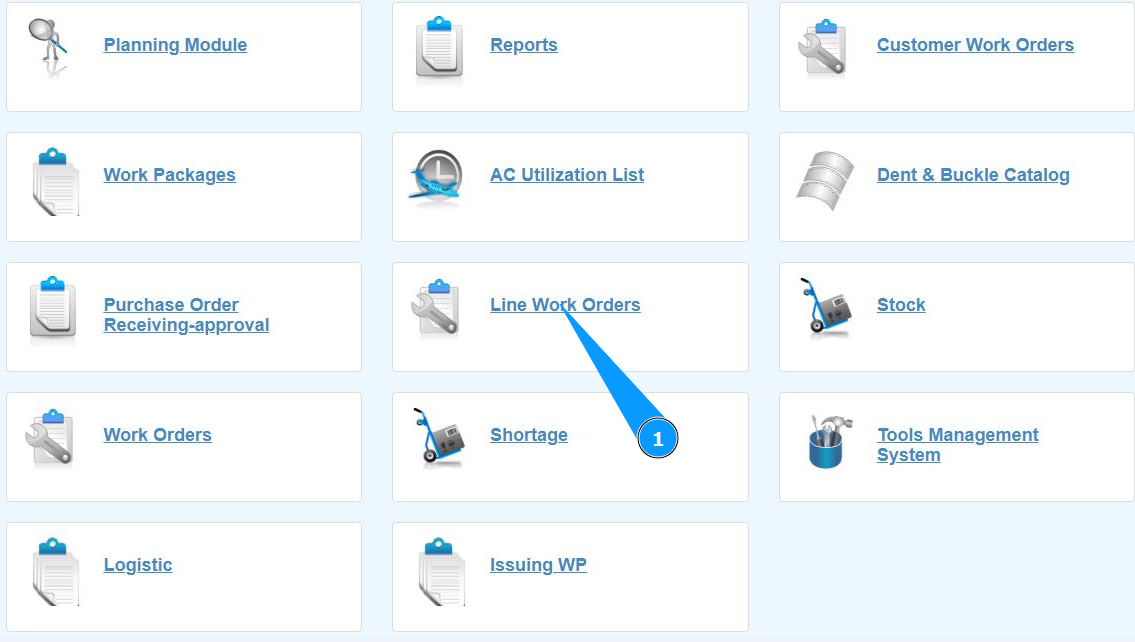
1. In order to send a Line Work Order by mail, go to the submodule "Line Work Orders".
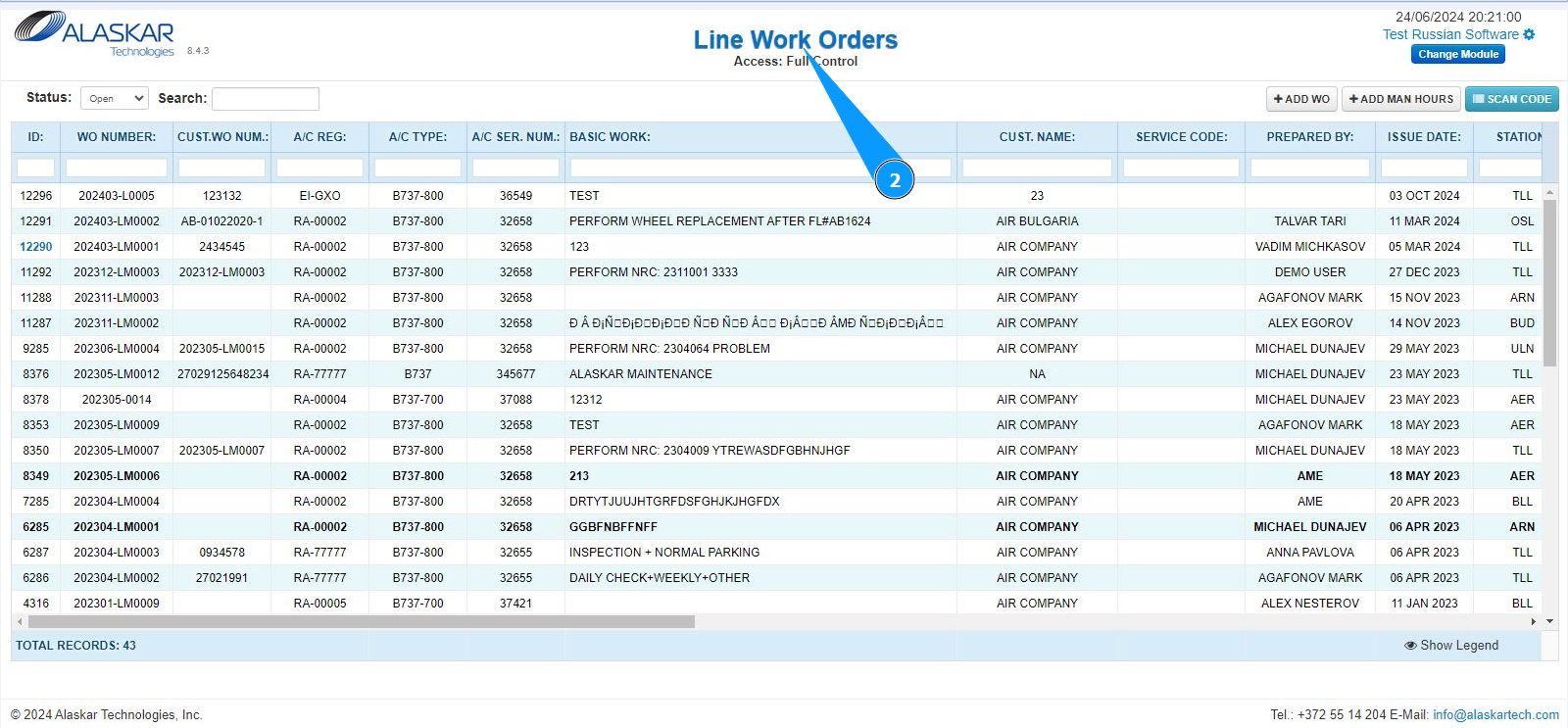
2. Make sure that the window for working with LWO is open and accessible in the window "Line Work Orders".
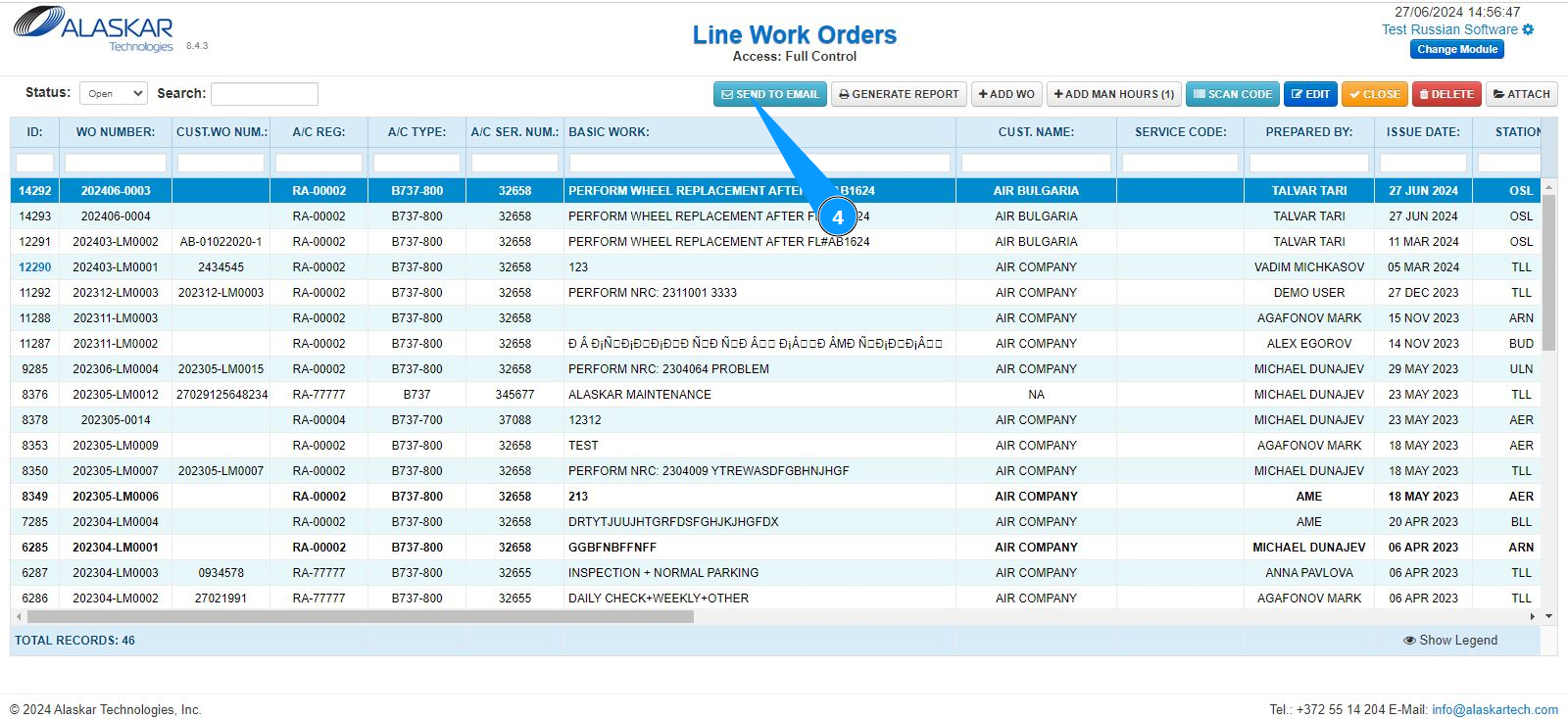
3. Select the corresponding line with LWO from the list, which should be sent by mail. Click on a line to highlight it. Note: If necessary, use the available search filters: "ID", "WO Number" and so on.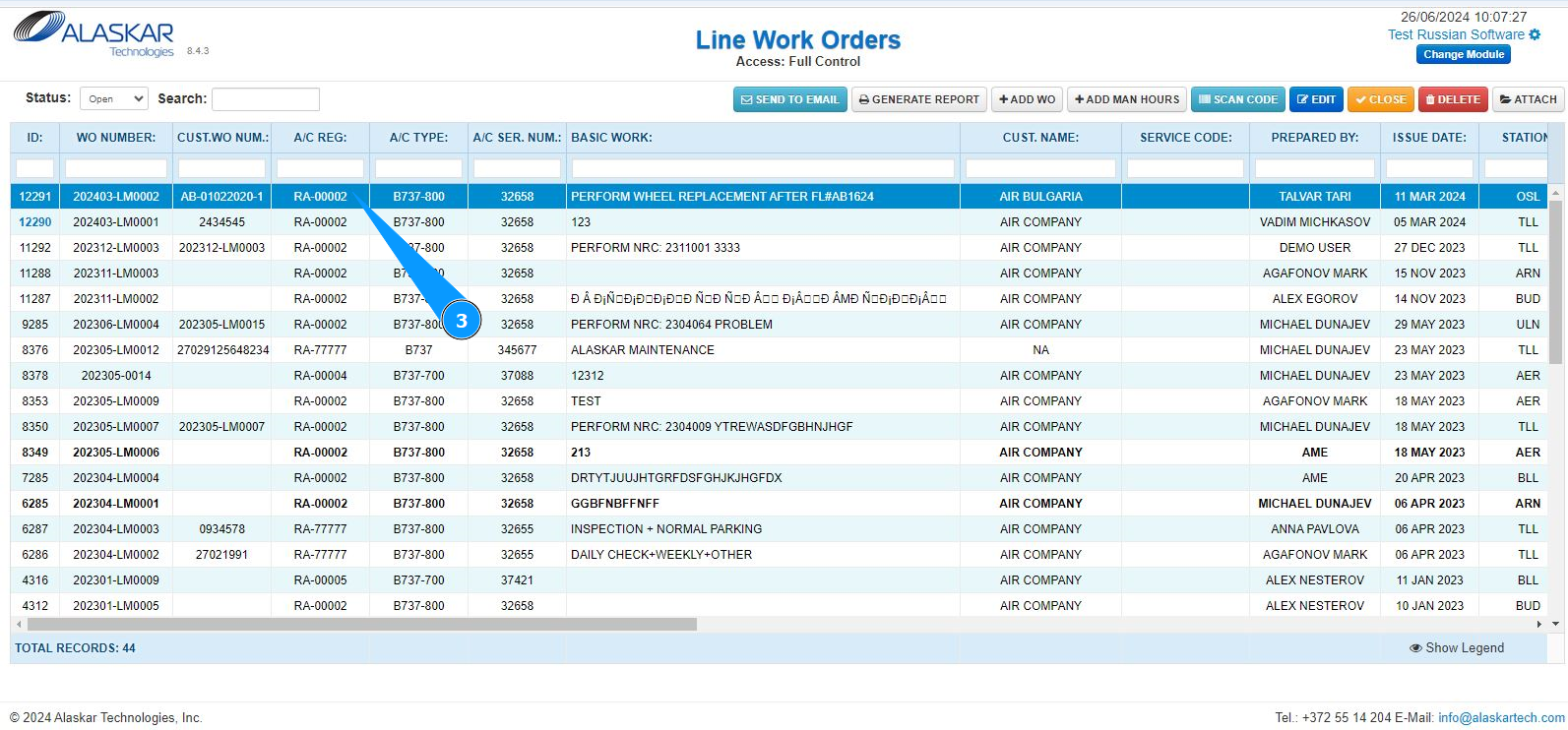
4. Click on the button "Send to Email".
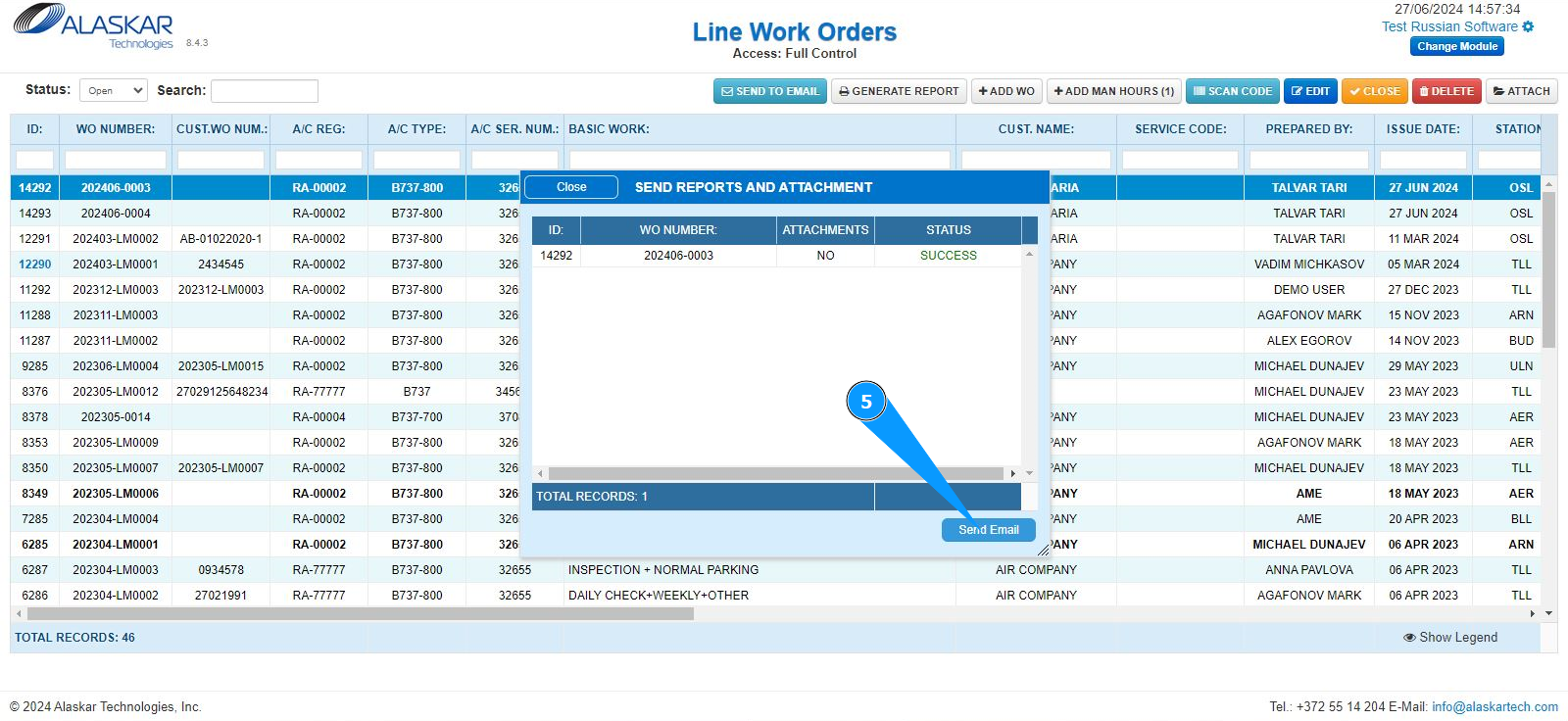
5. In the editor window that opens, click on the button "Send to Email".
6. Enter information about the contact email address in the field "Email Address". Note: If you need to enter multiple recipients, their addresses must be separated by a comma.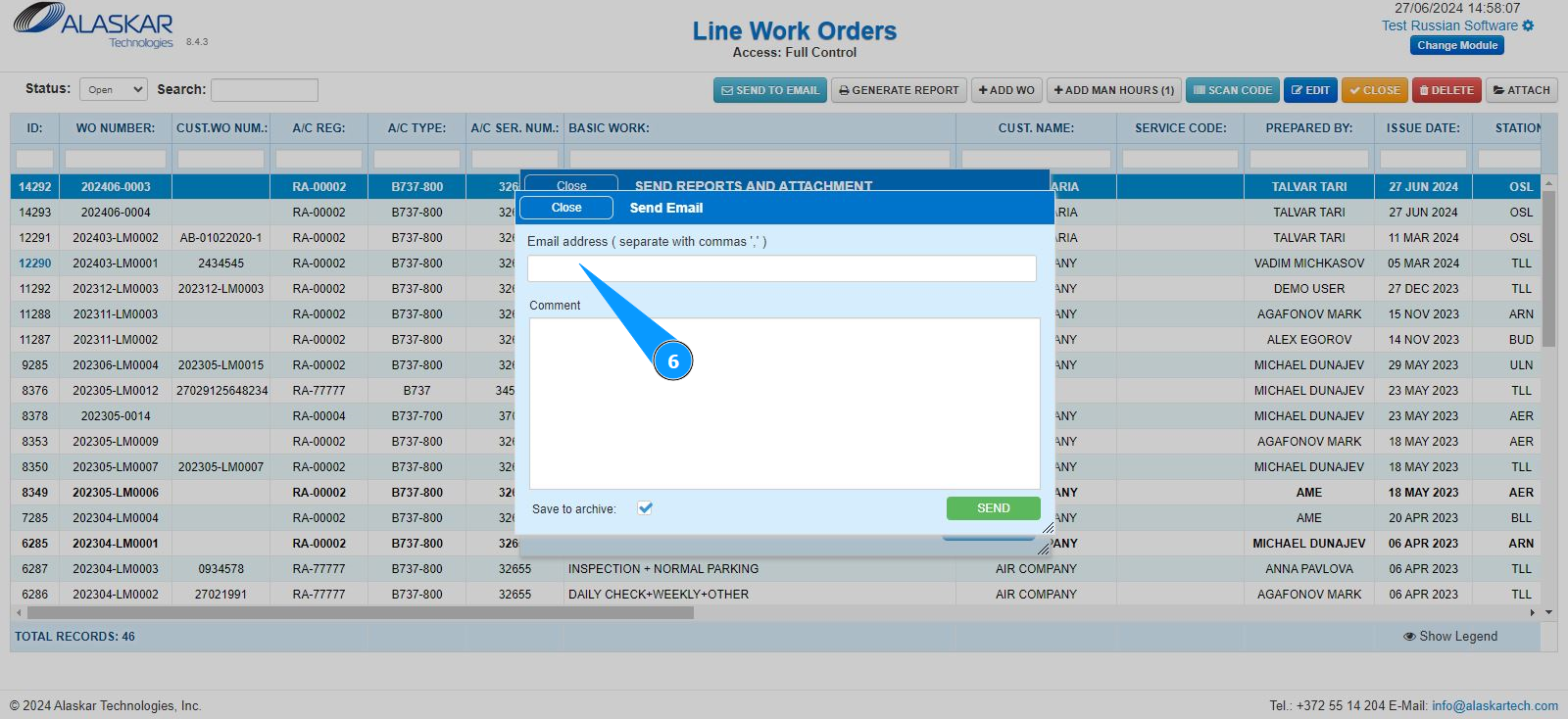
7. If necessary, enter the required comment in the field "Comment".
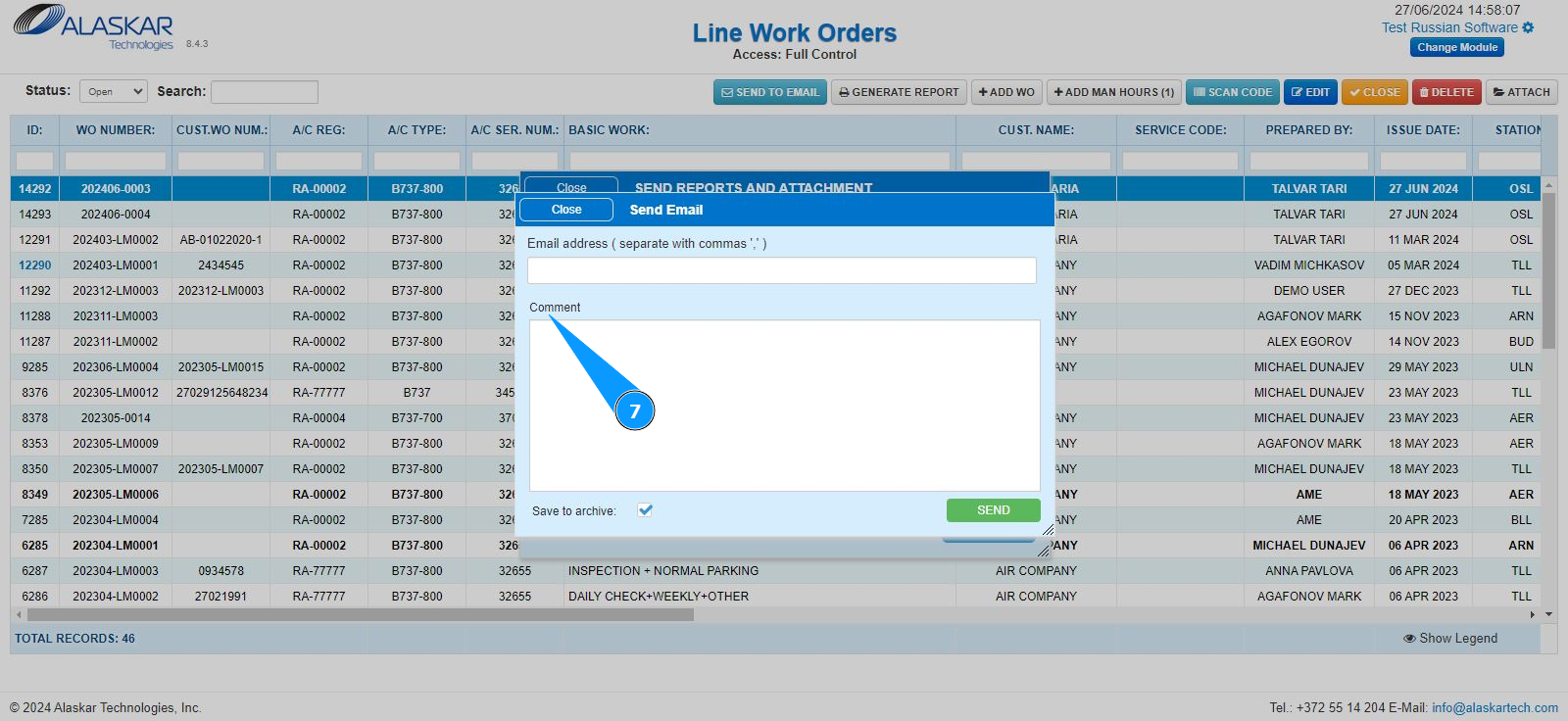
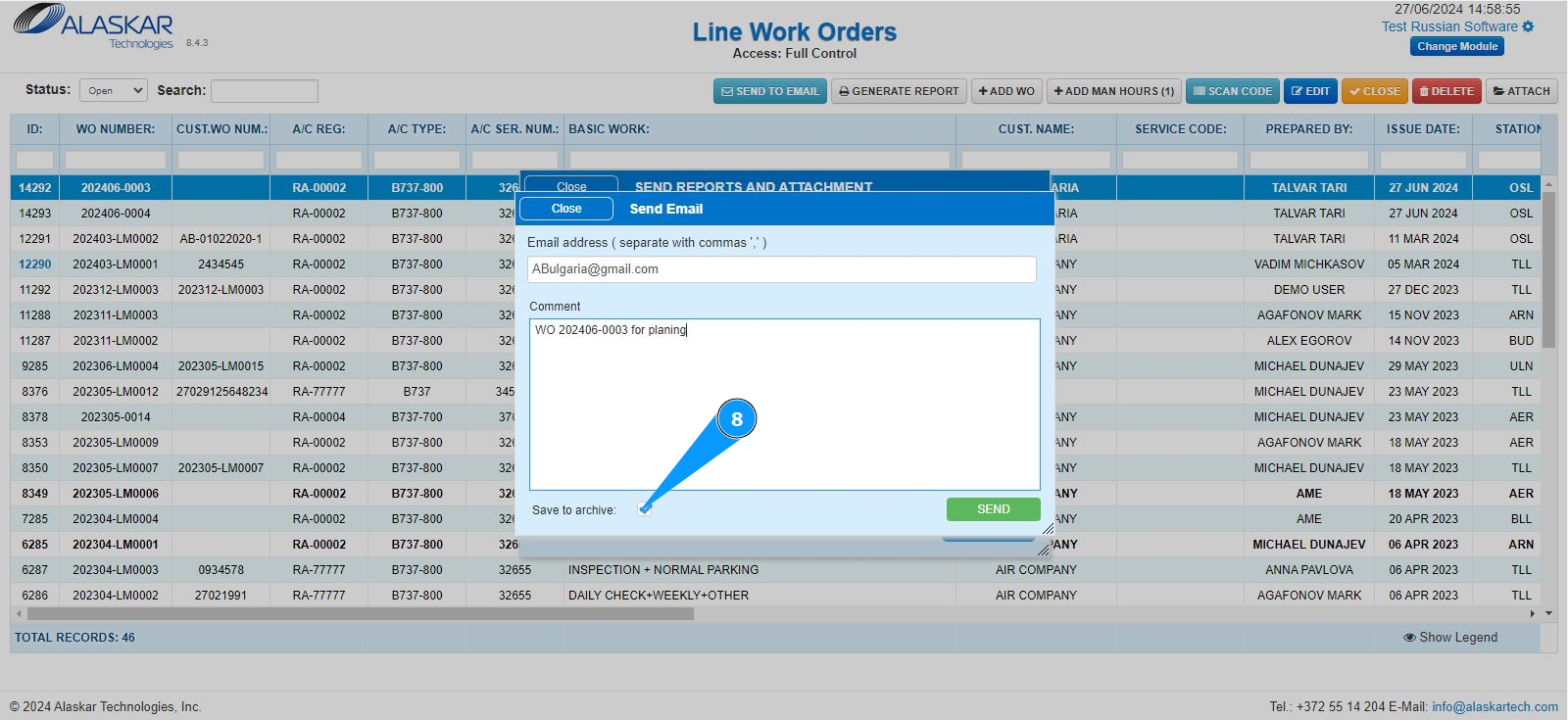
8. If necessary, save a duplicate of the sent letter in the archive and tick the box "Save to archive".
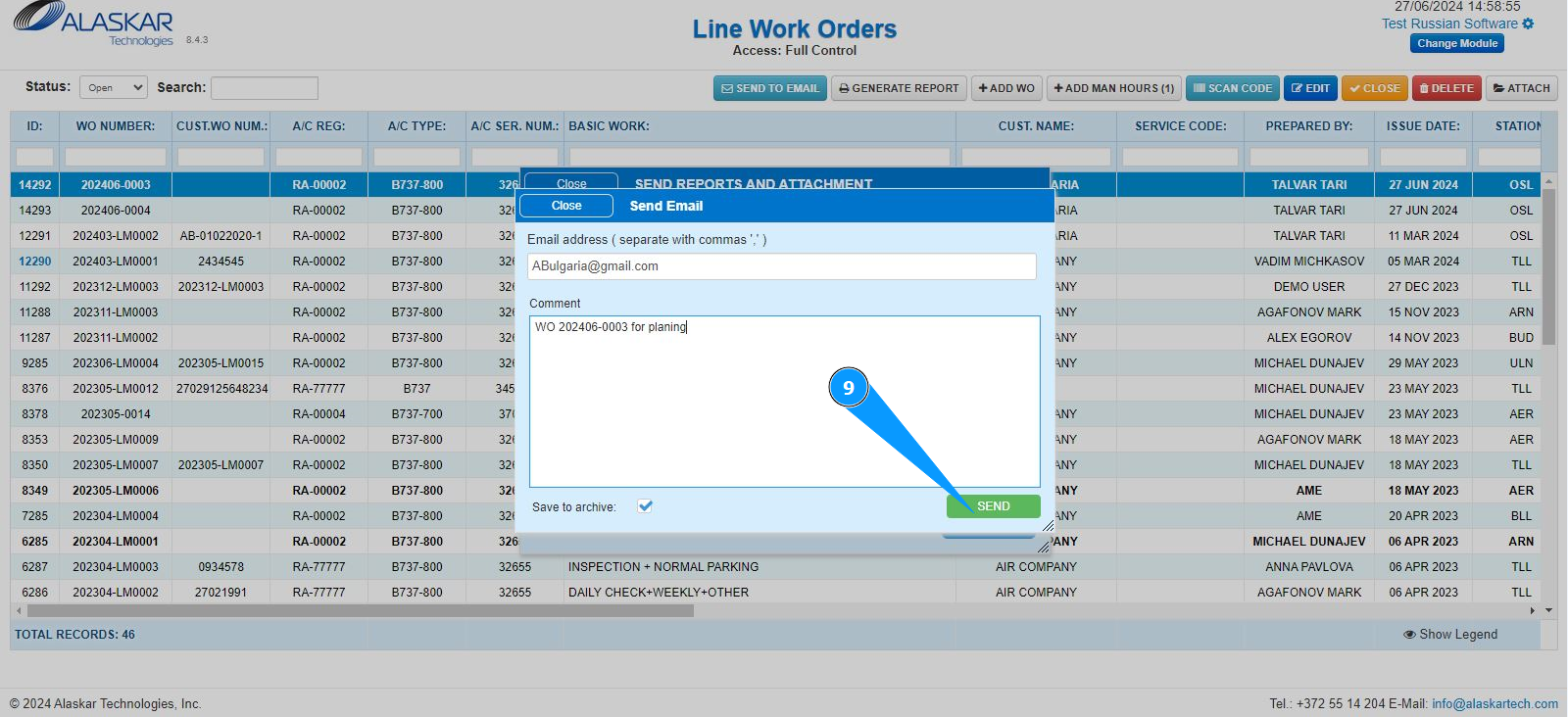
9. Click on the button "Send" to send the generated letter to LWO.
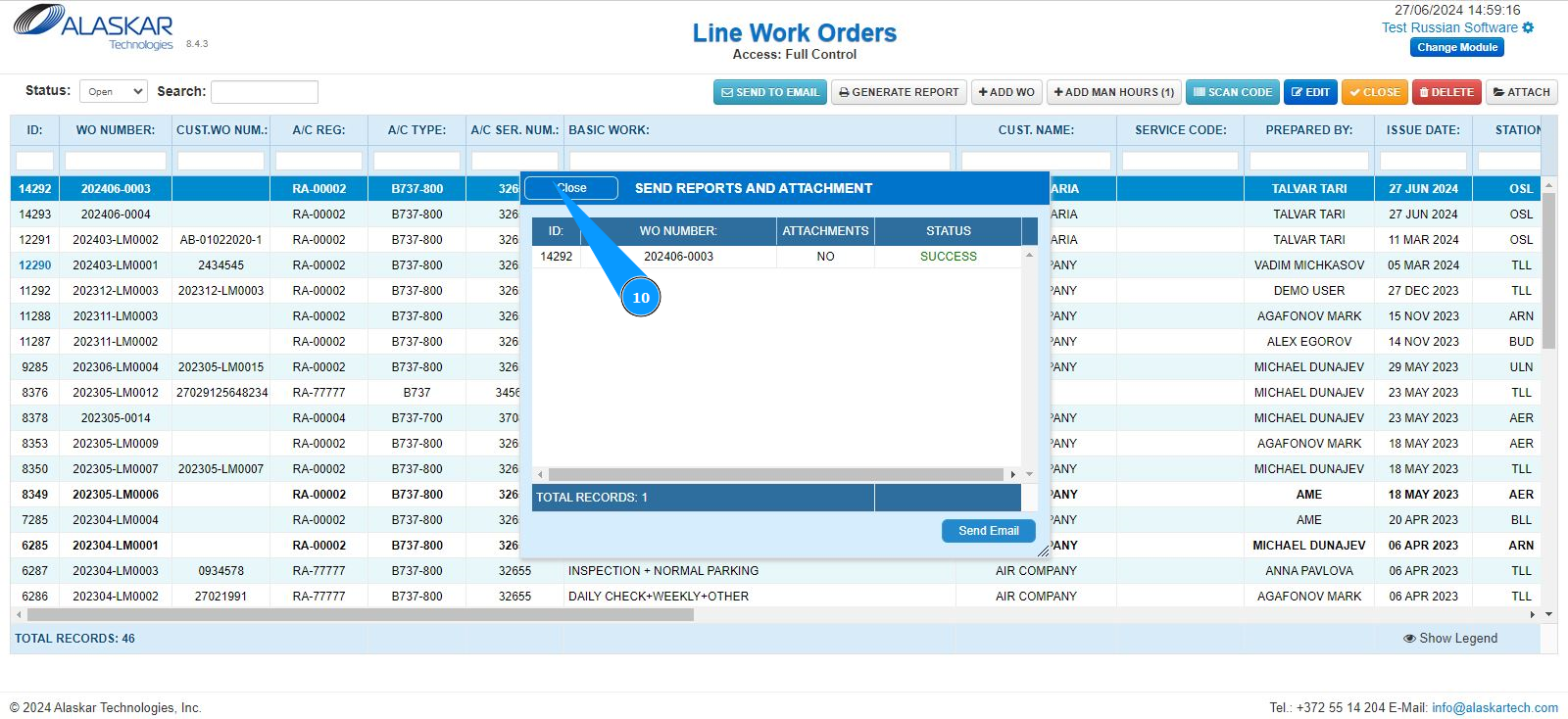
10. To exit from the email sending editor, click on the button "Close".