How to search a task or EC in the planning submodule
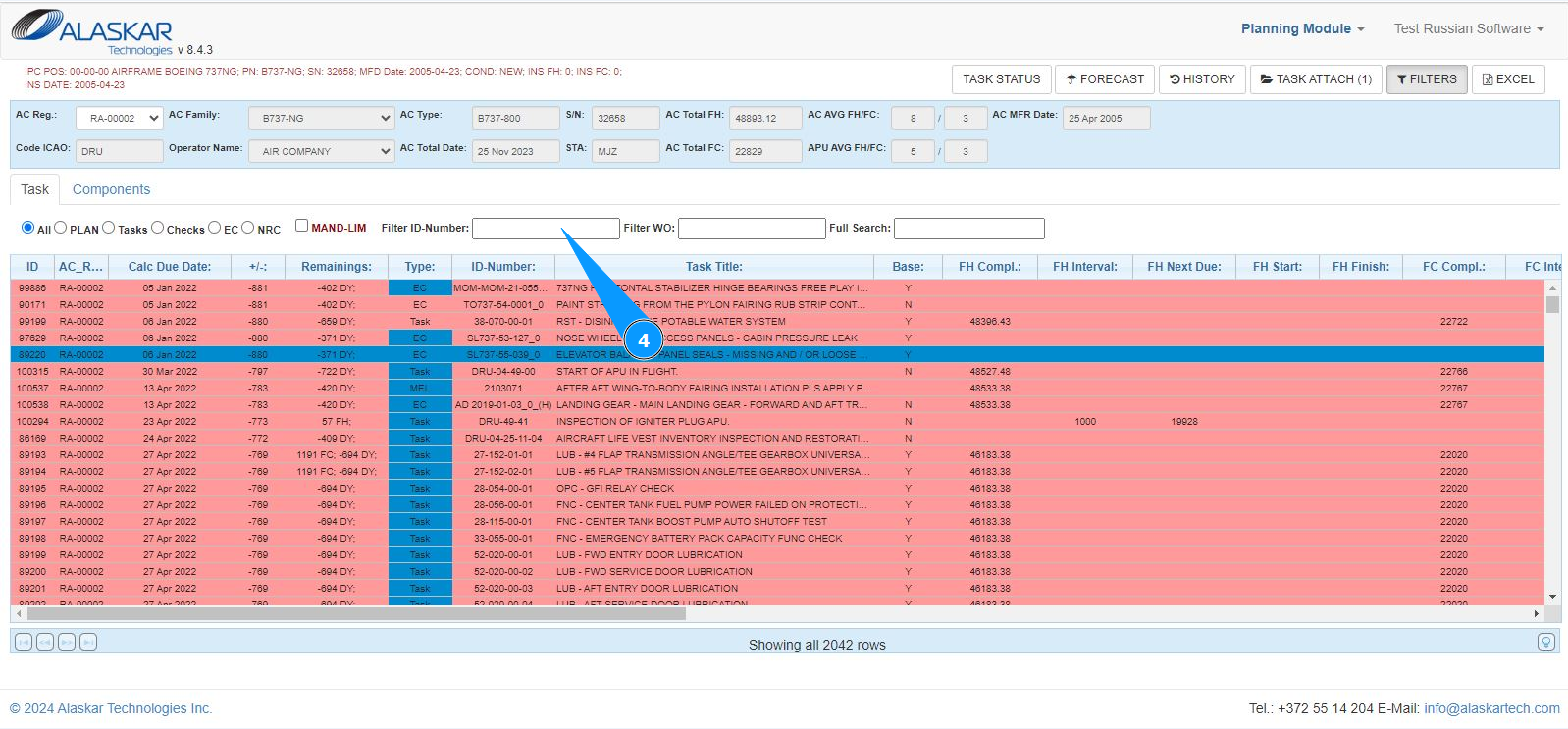
1. In order to search a task or Engineering Control in the planning submodule, go to the submodule "Planning Module".
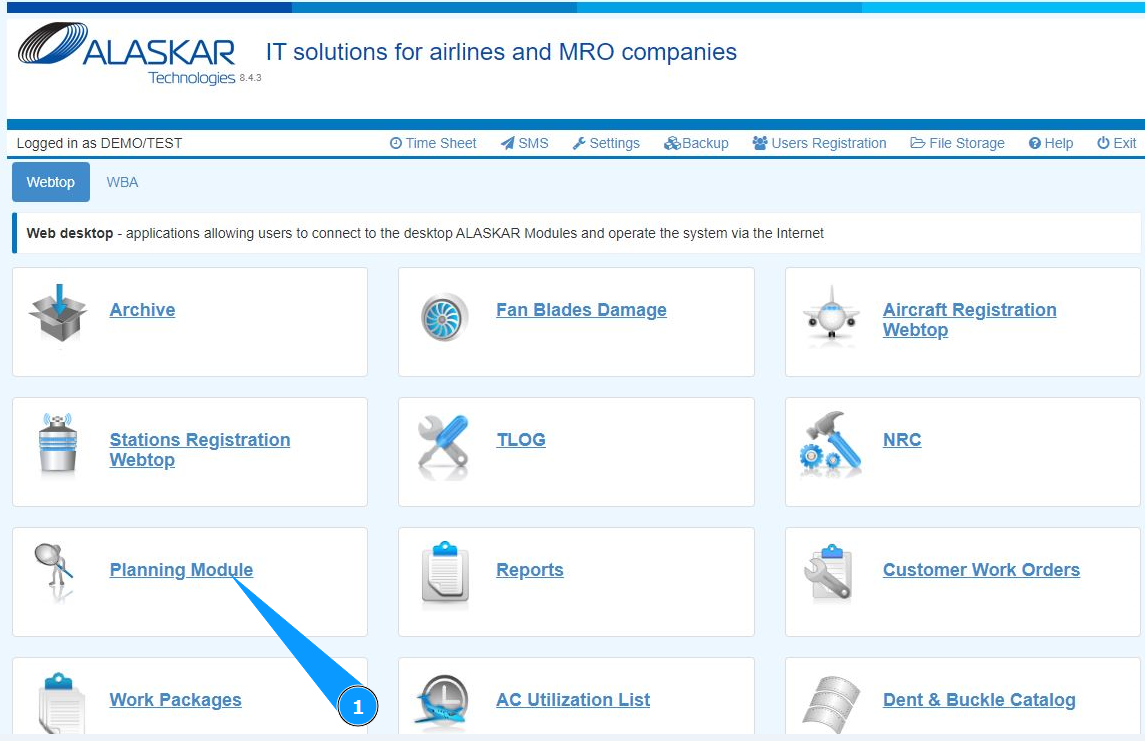
2. Select the aircraft registration number from the dropdown list in the field "AC Reg.".
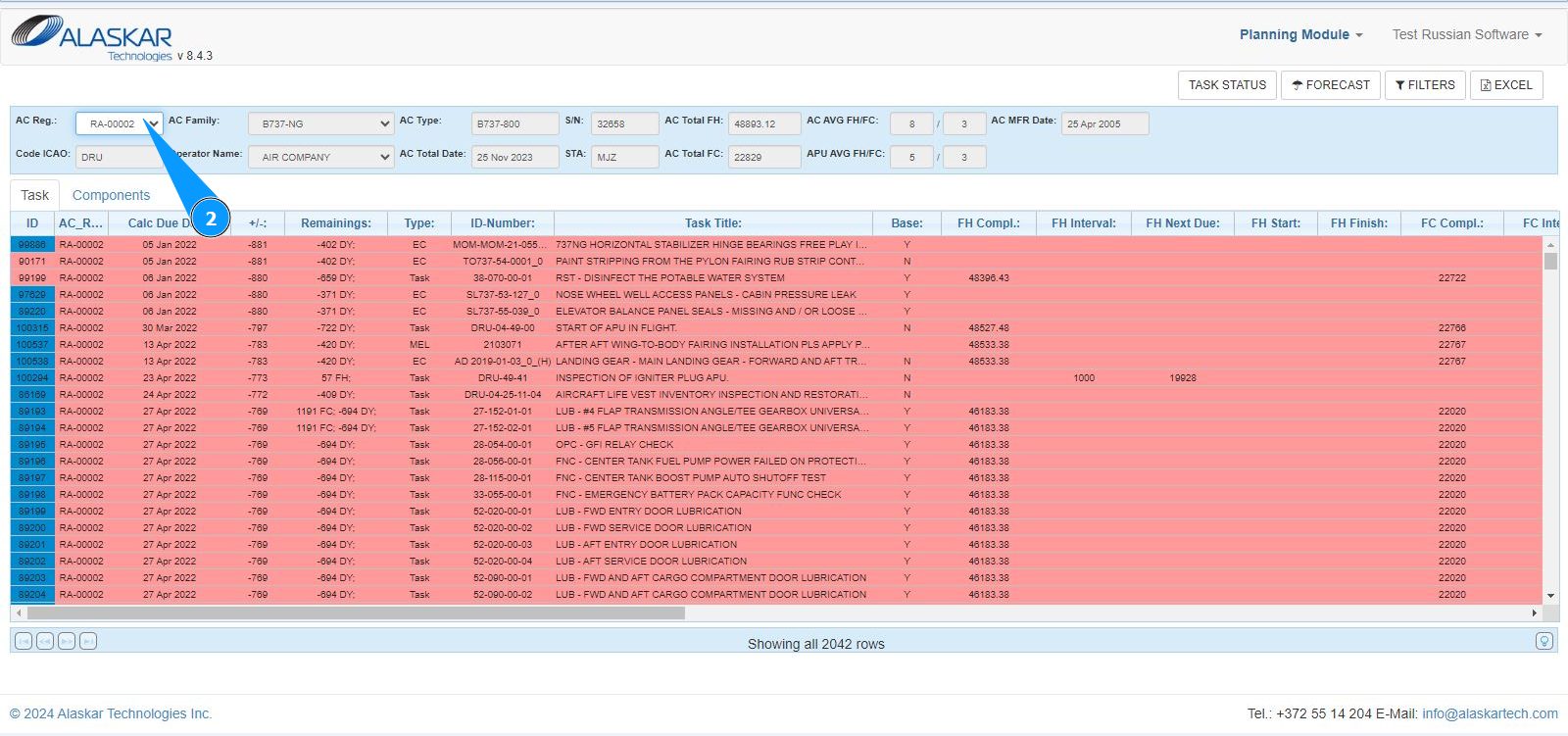
3. Click on the button "Filters" to open additional filters.
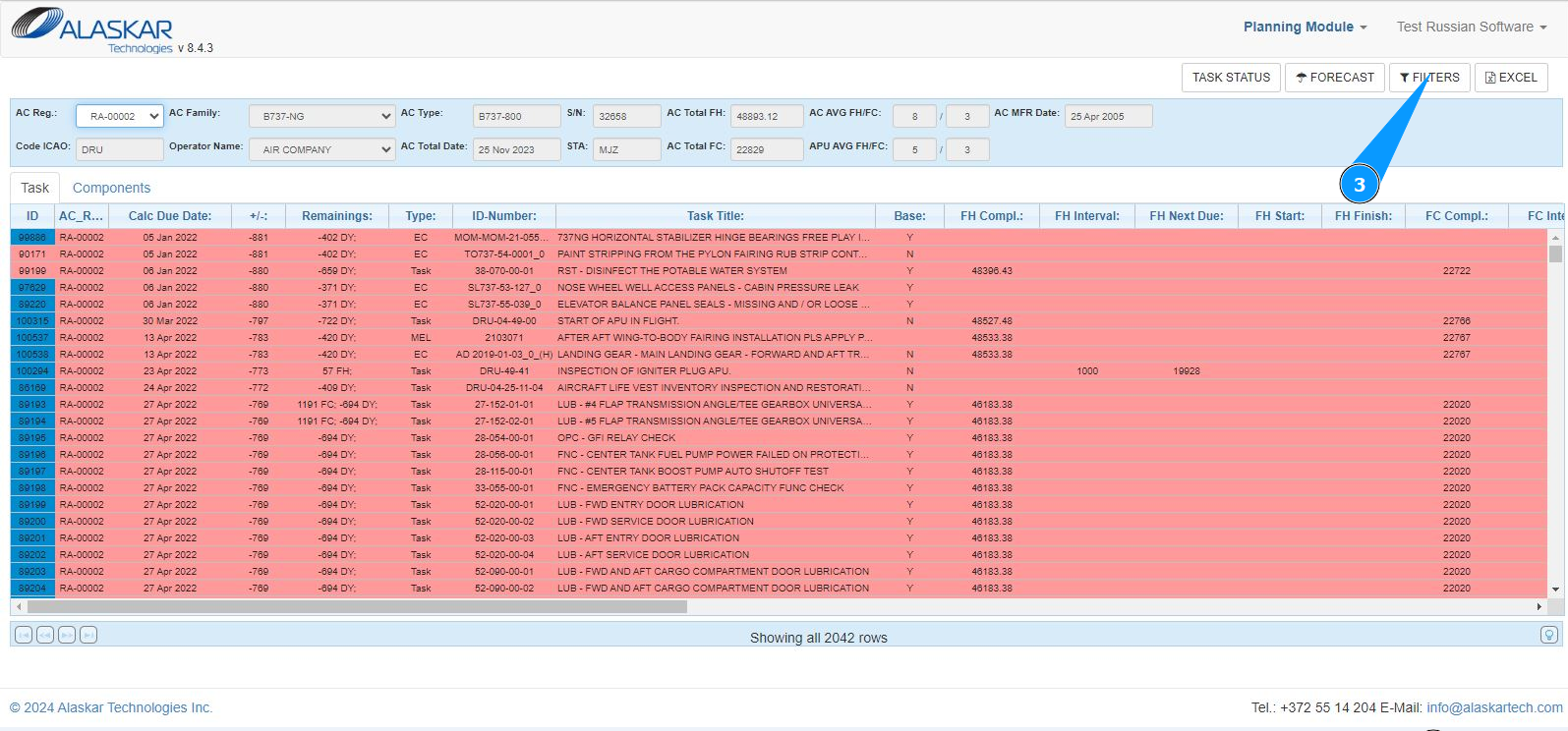
4. By clicking on the required filter, get the required result or enter the task number in the field "Filter ID-Number" and press the "Enter" button on your keyboard.