How to print the Work Package
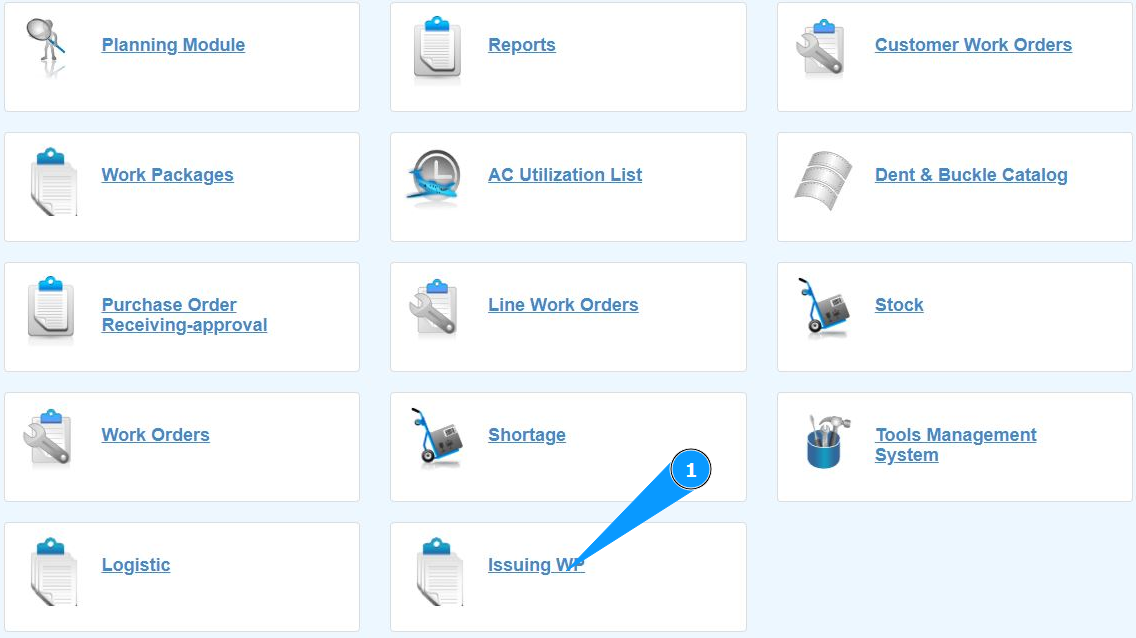
1. In order to print the Work Package, go to the submodule "Issuing WP".
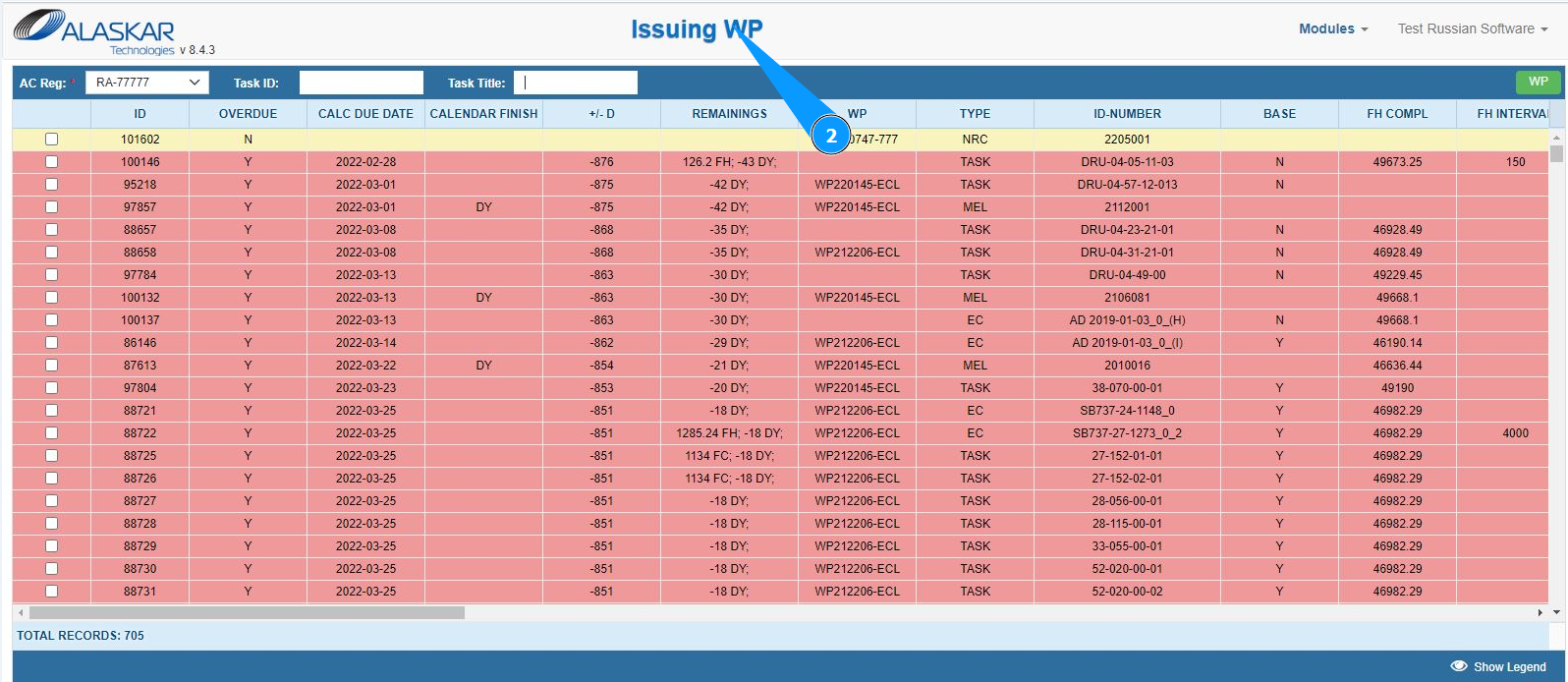
2. Make sure that the window for working with packages is open and accessible in the window "Issuing WP".
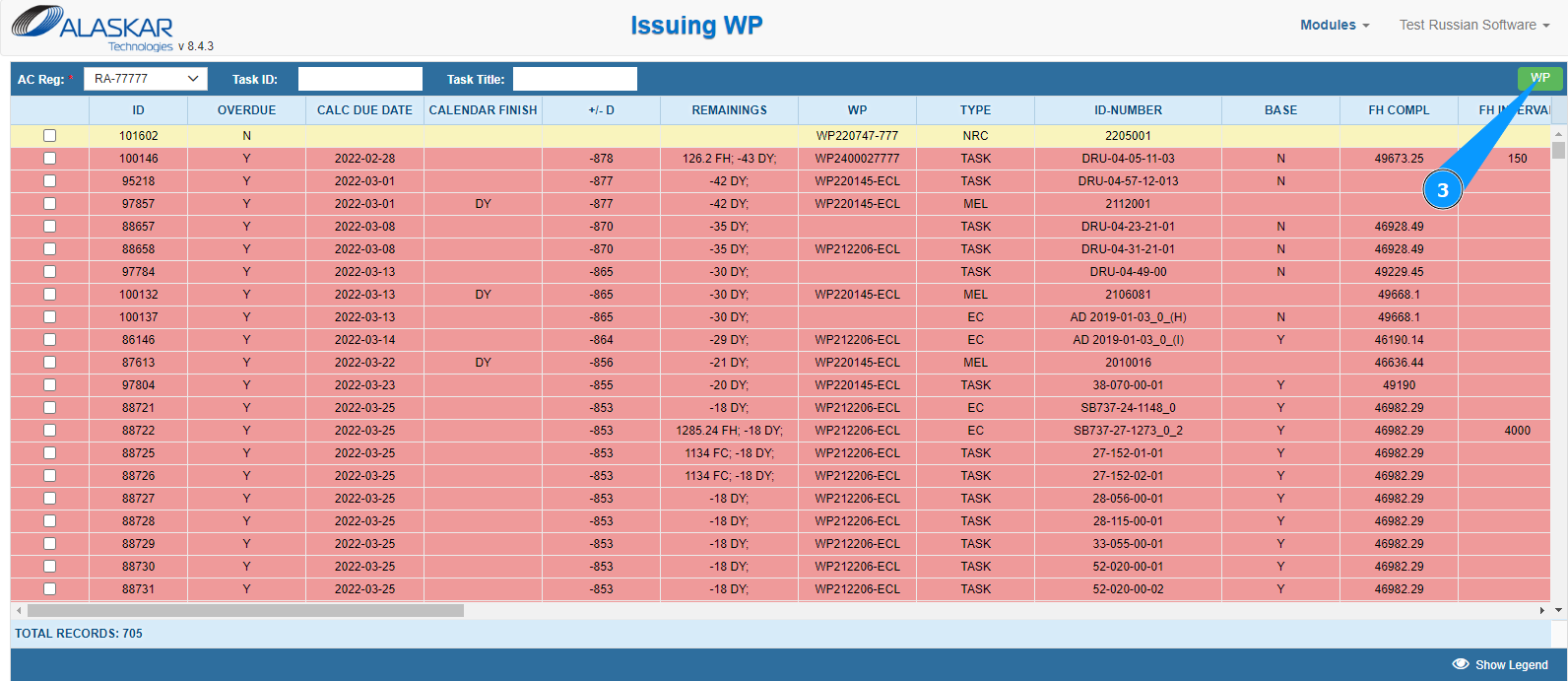
3. Click on the button "WP" to open the WP editor.
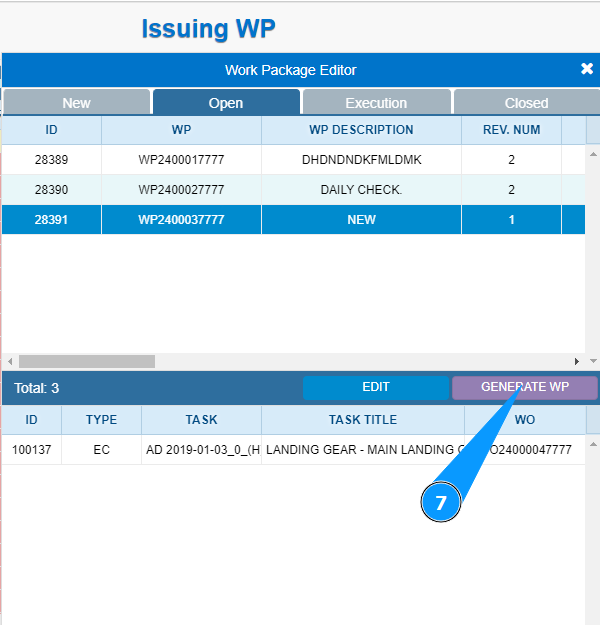
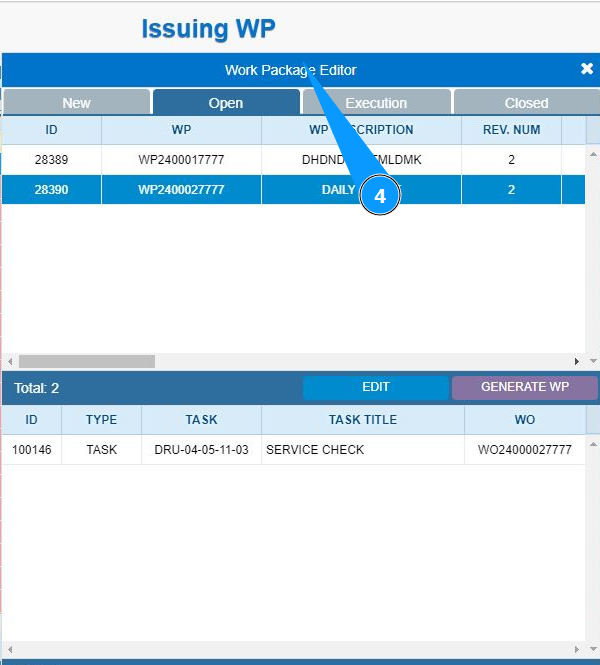
4. Make sure that the package editor is open and accessible in the window "Work Package Editor".
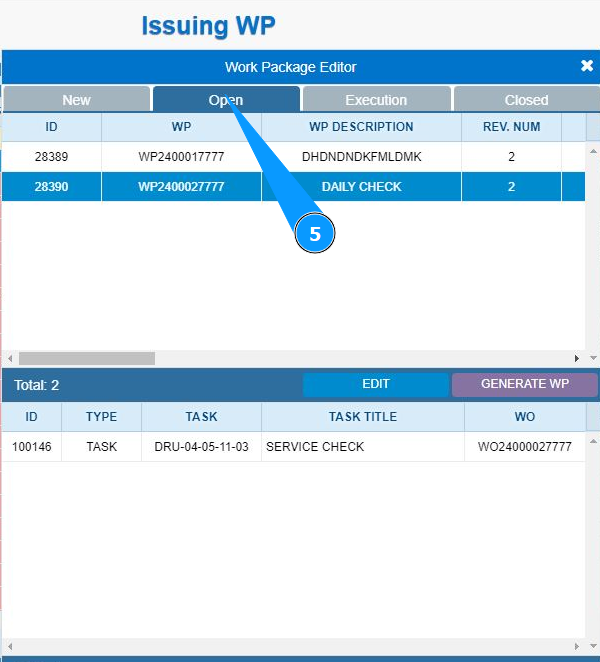
5. Then go to the open packages tab and click on the tab "Open".
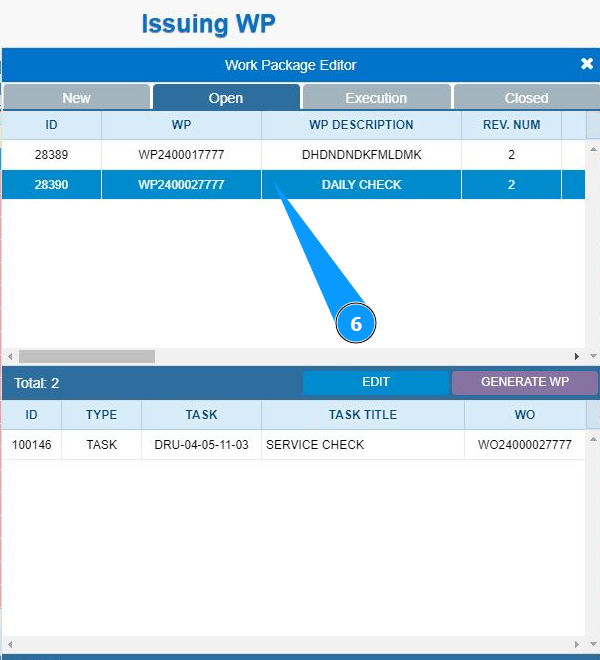
6. Select the work package required for editing from the list and click on the corresponding line.
7. Click on the button "Generate Report", to generate a work package report.