How to print a tool report
1. To print a tool report, go to the submodule "Tools Management System".
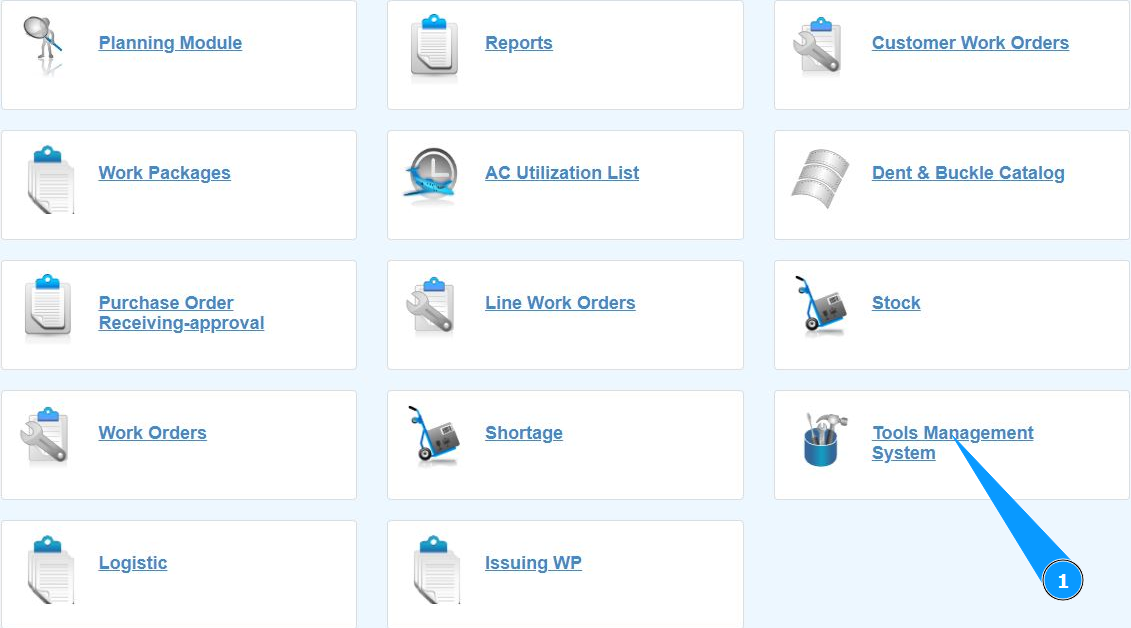
2. Make sure that the window for working with the tool is open and accessible in the window "Tools Management System".

.
Note: Use the available filters to get the tool report in the fields "Owner", "All", "In Stock" and "Out Stock".
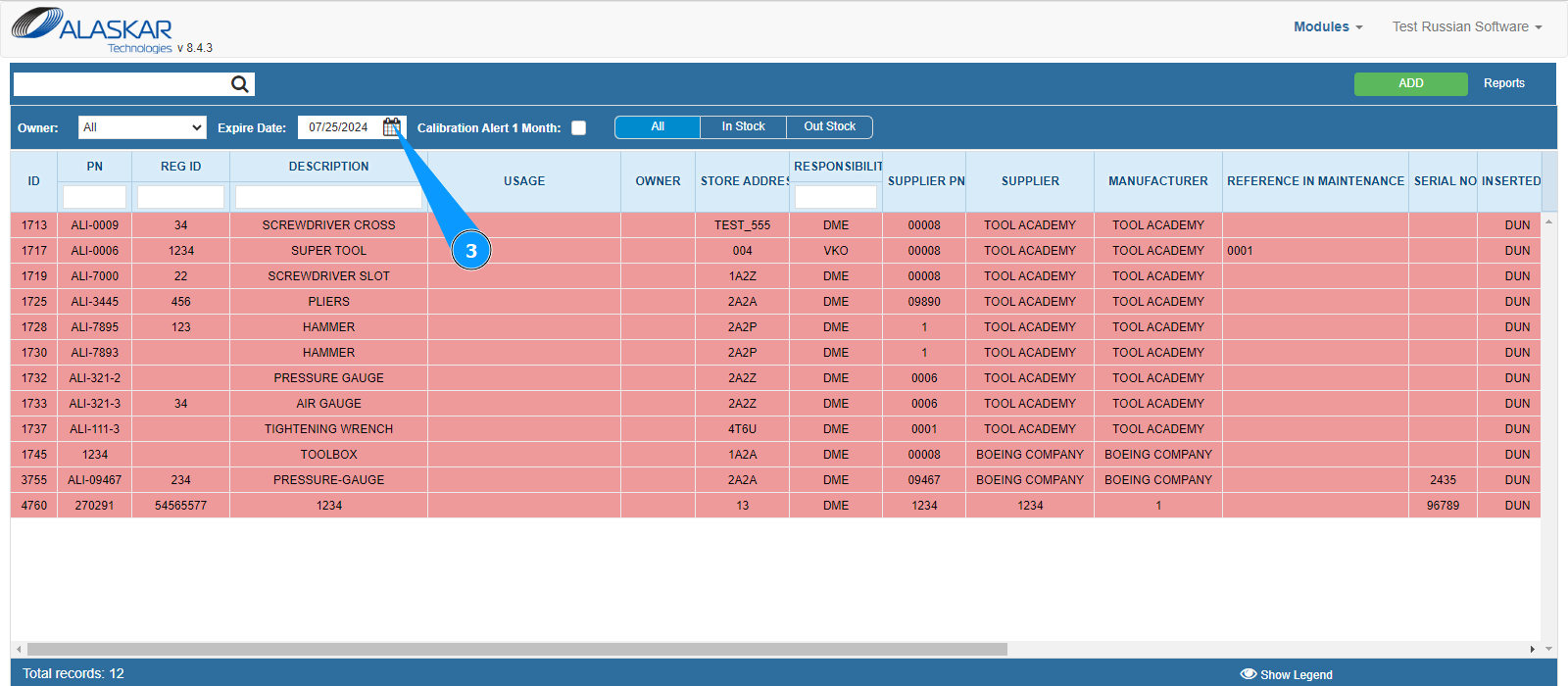
3. If necessary, enter the date on which you want to filter the calibrated or verified tool in the field "Expire Date".
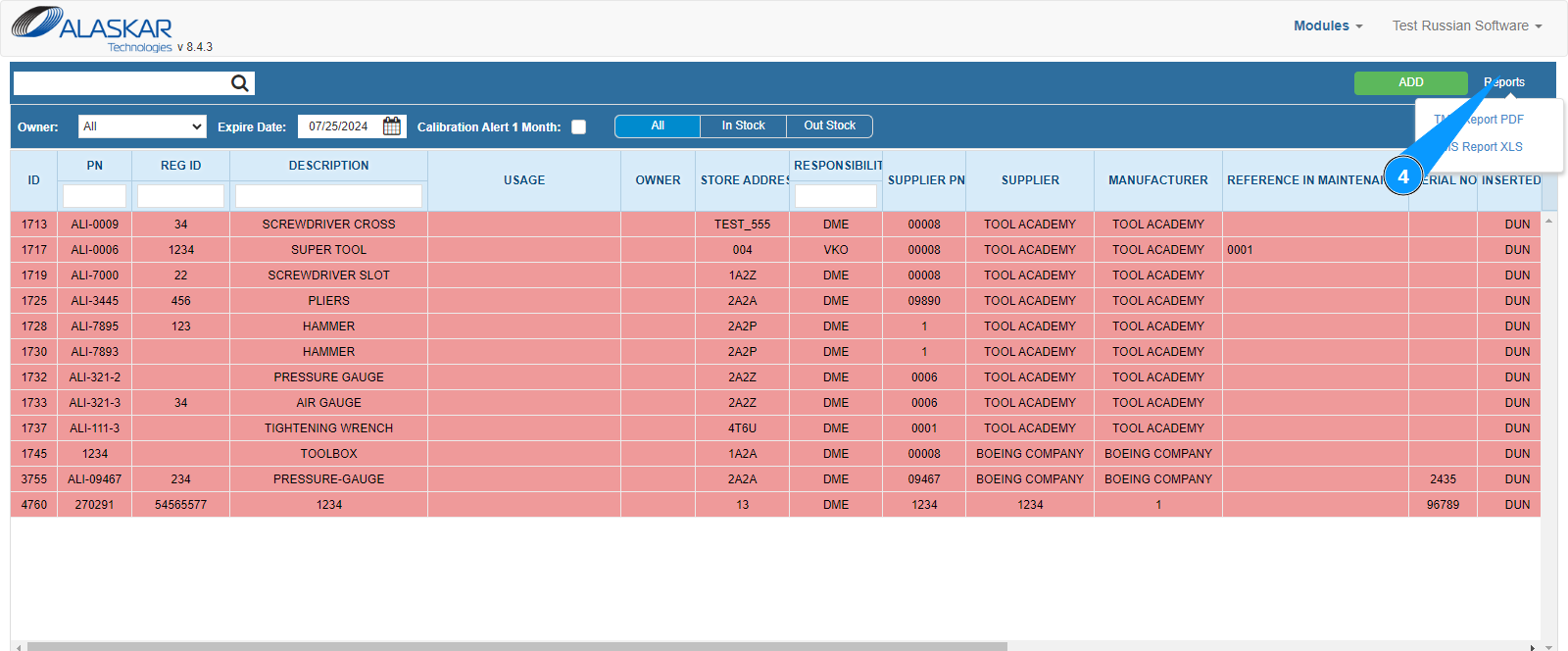
4. Hover over the button "Reports".
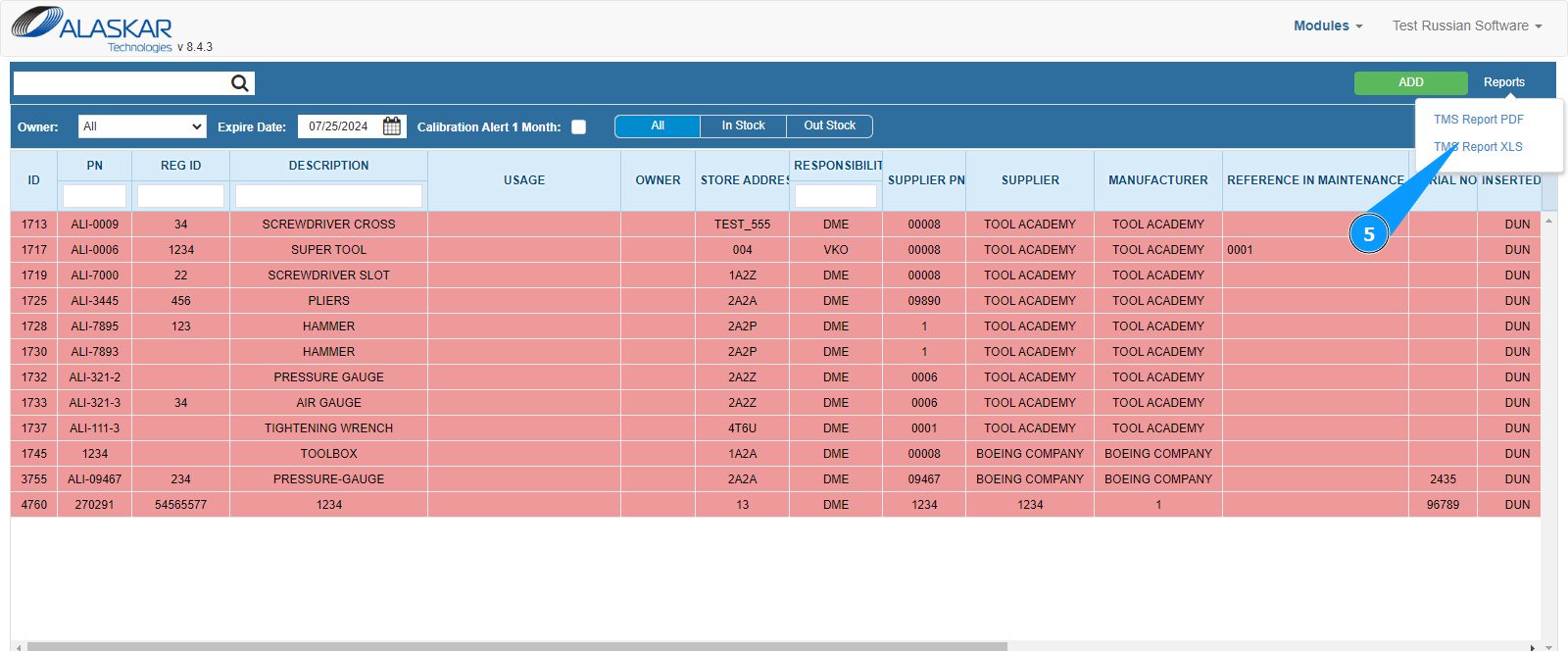
5. Select in which format you want to display the report on your screen, Excel or PDF, and click on the corresponding line: "TMS Report PDF" or "TMS Report XLS".