How to print a damage sheet
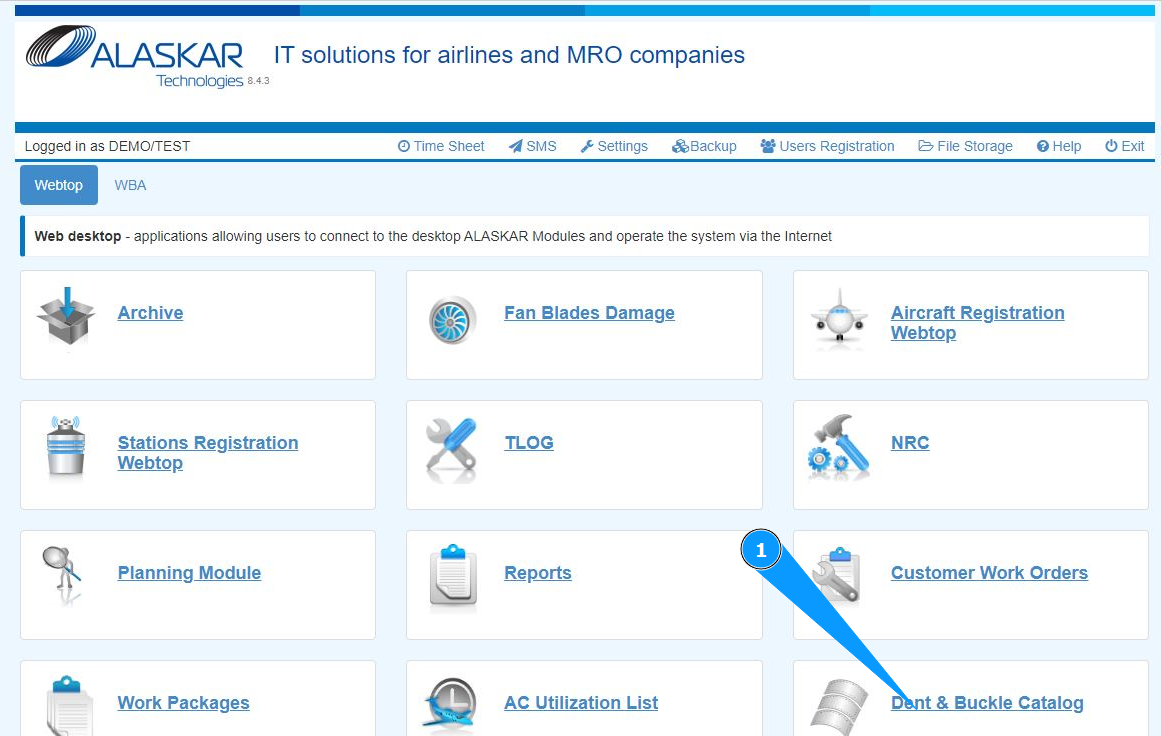
1. In order to print a damage sheet, go to the submodule "Dent&Buckle Catalog".
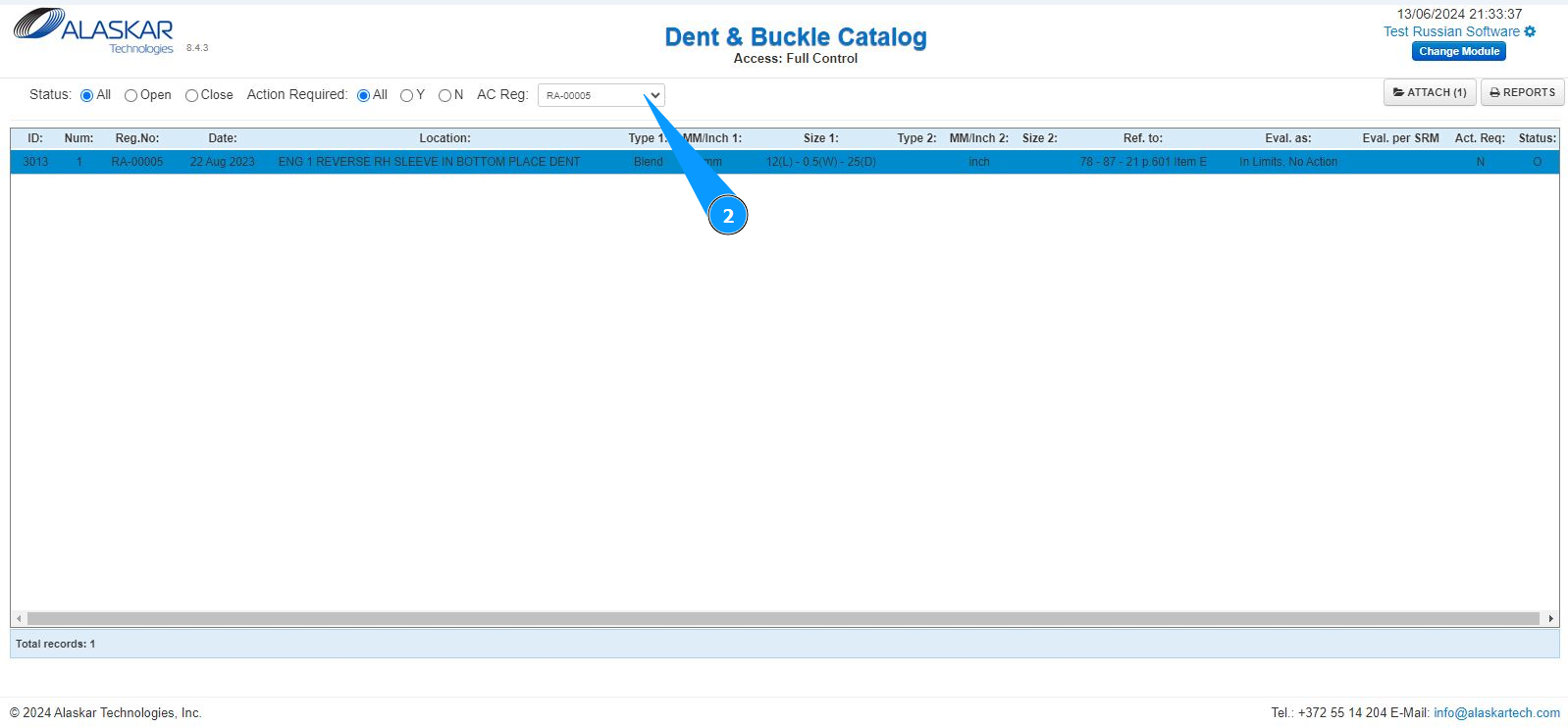
2. Select the aircraft registration number from the dropdown list in the field "AC Reg.".
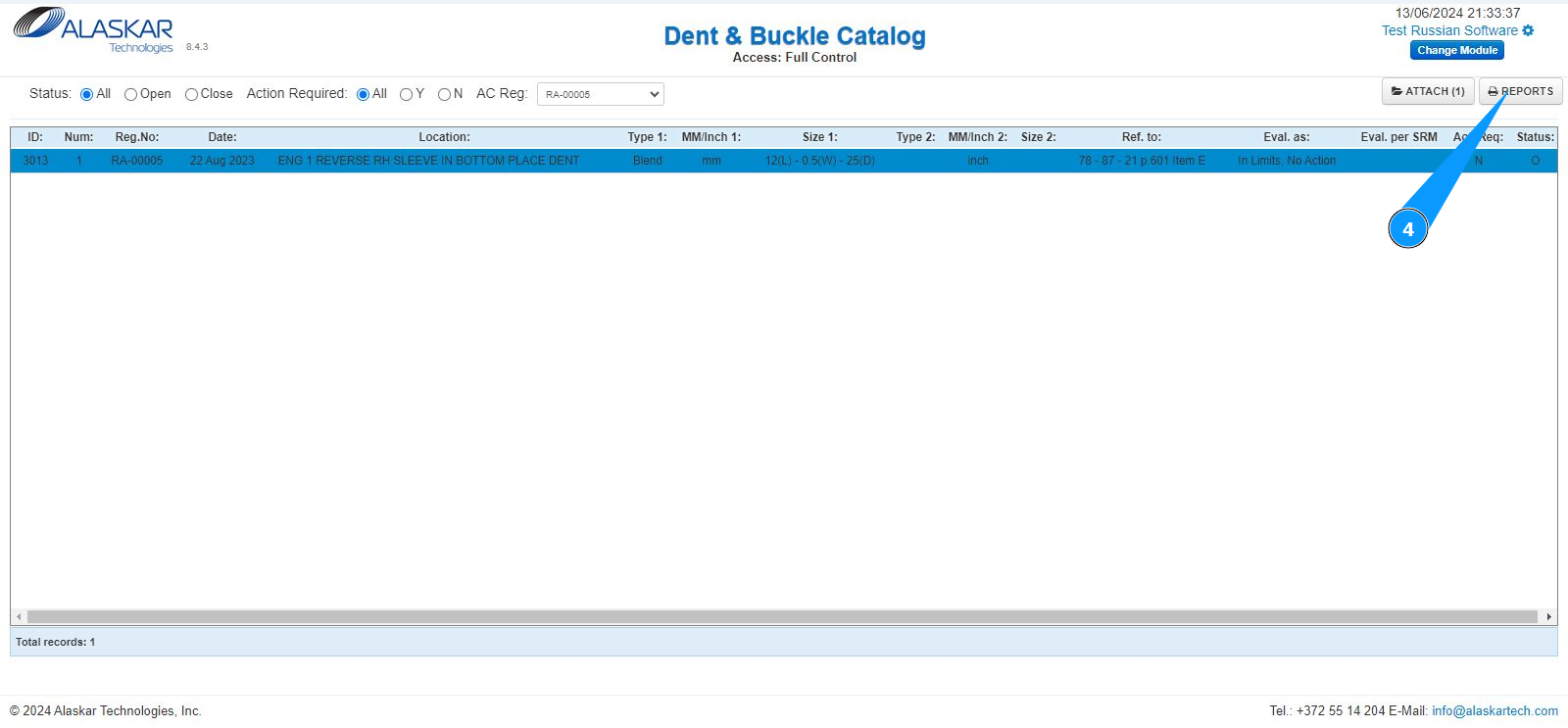
3. Select the required damage record from the list in the window "Dent&Buckle Catalog". Click on the line with the damage. Note: If necessary, use the available search filters.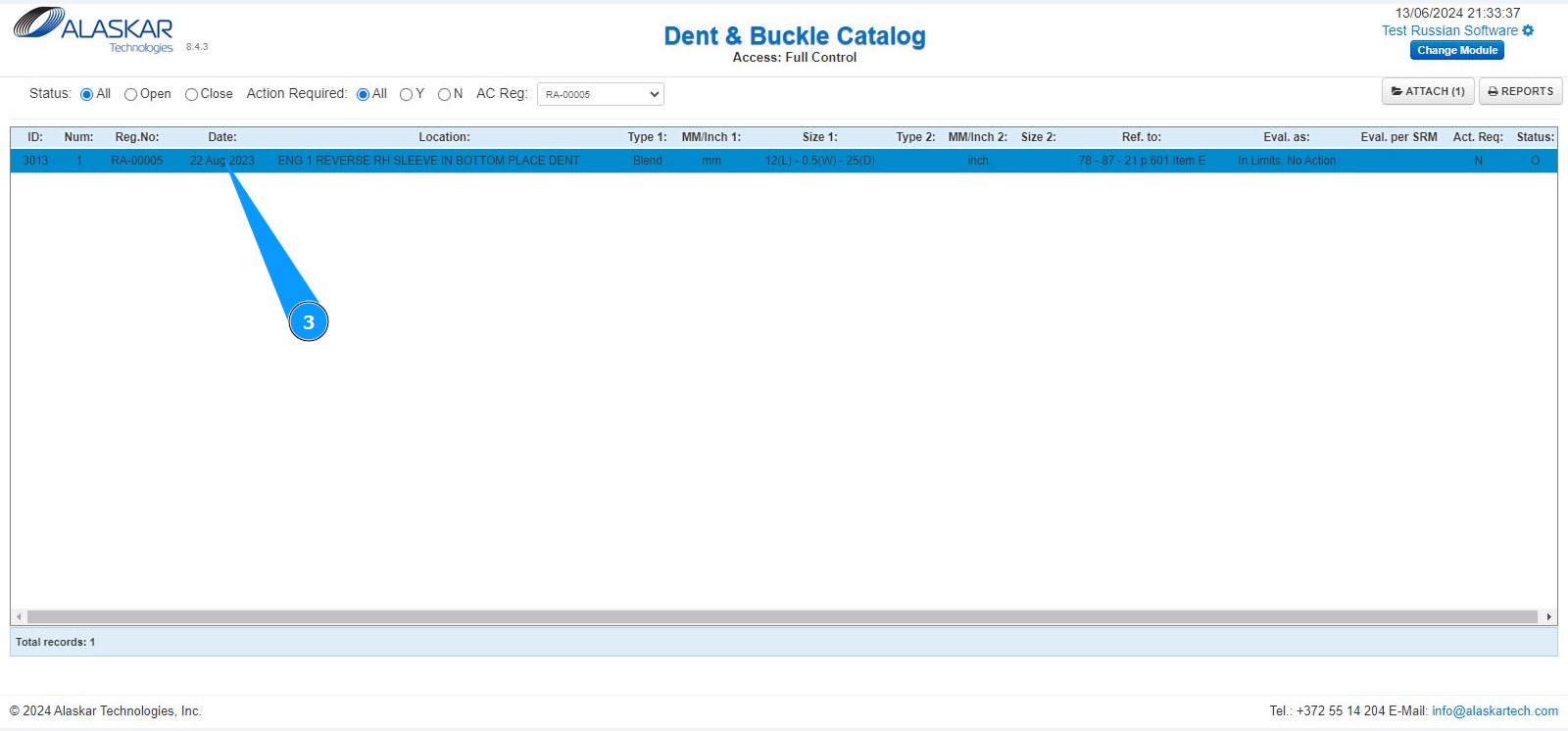
4. Click on the button "Reports" to open the menu of reports.
5. Check that the aircraft is selected correctly in the window "Reports". Note: The aircraft type will be selected automatically by the program.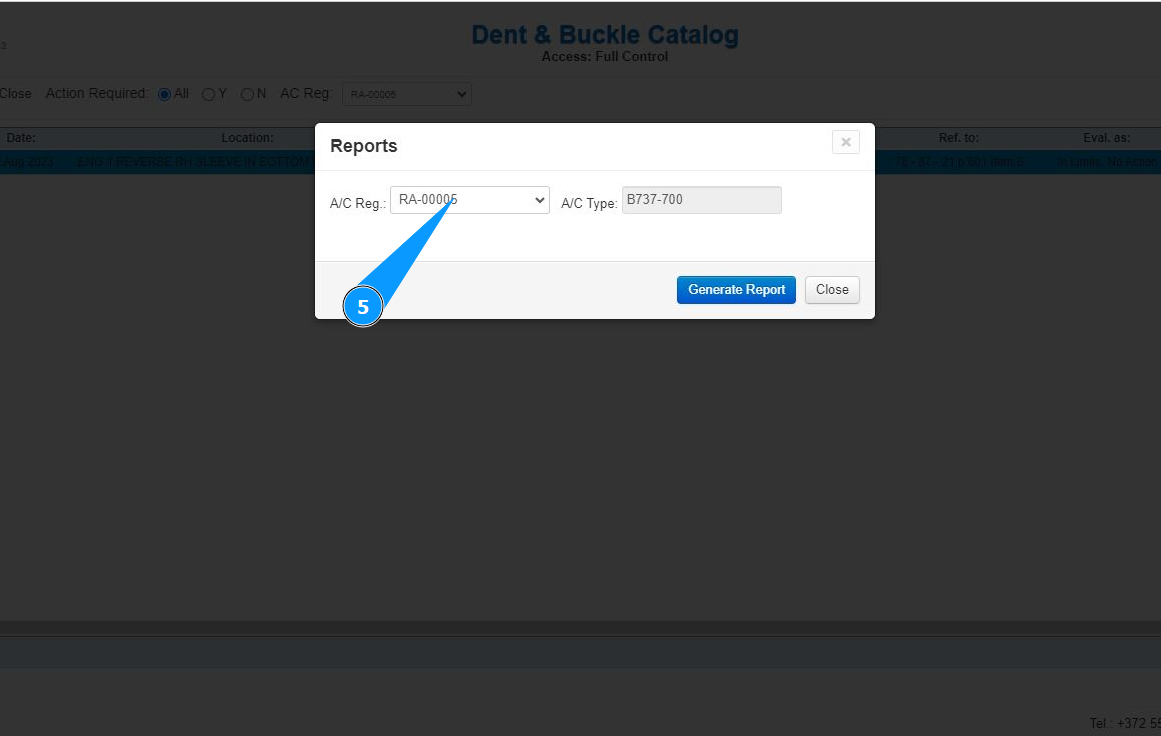
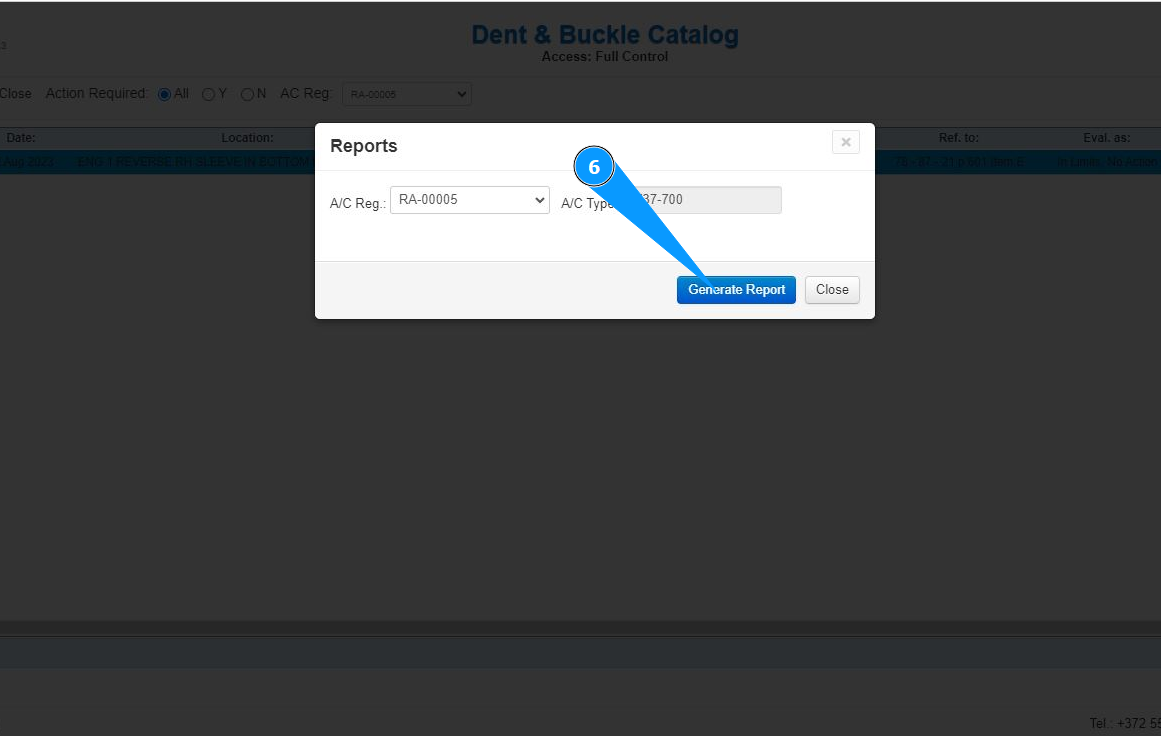
6. Click on the button "Generate Report" to generate a damage report.
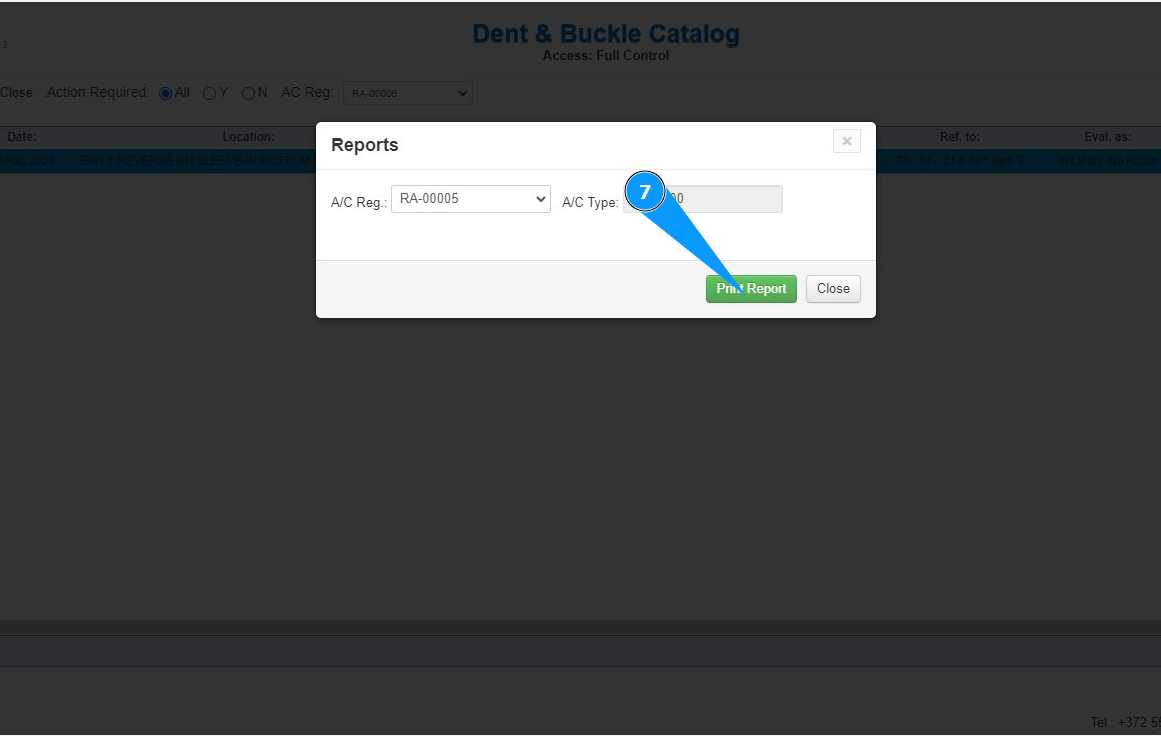
7. Click on the button "Print Report" to display the damage report on the screen.
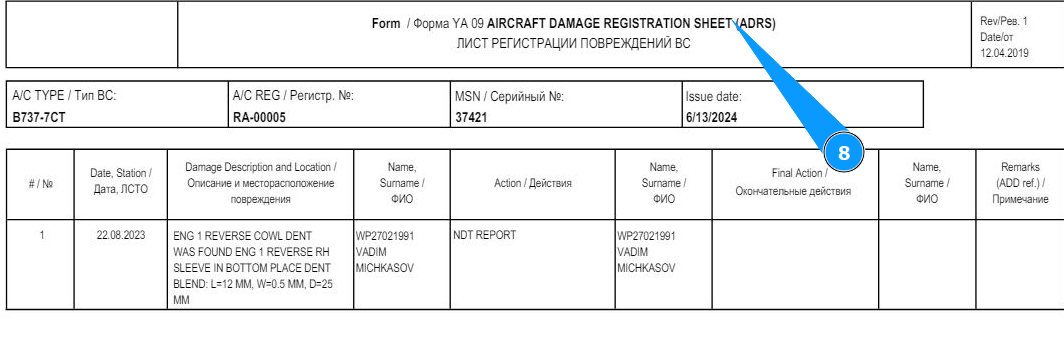
8. Check that the report is successfully displayed on your screen. If necessary, print a paper version.