How to edit a Purchase Order
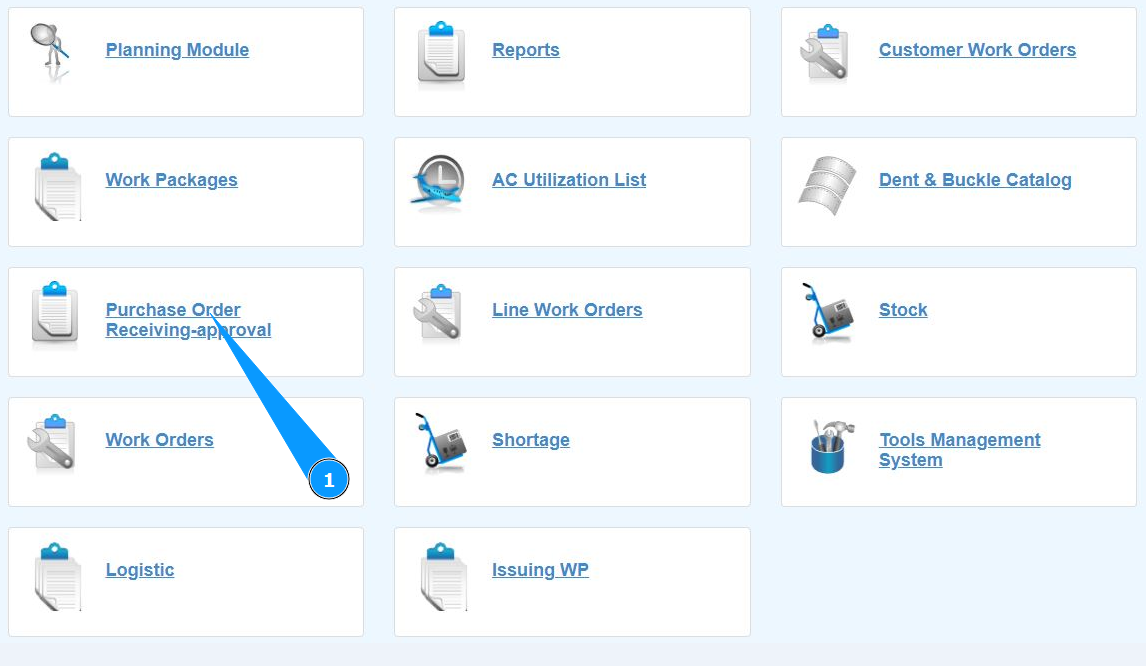
1. In order to edit a Purchase Order, go to the submodule "Purchase order Receiving-Approval".
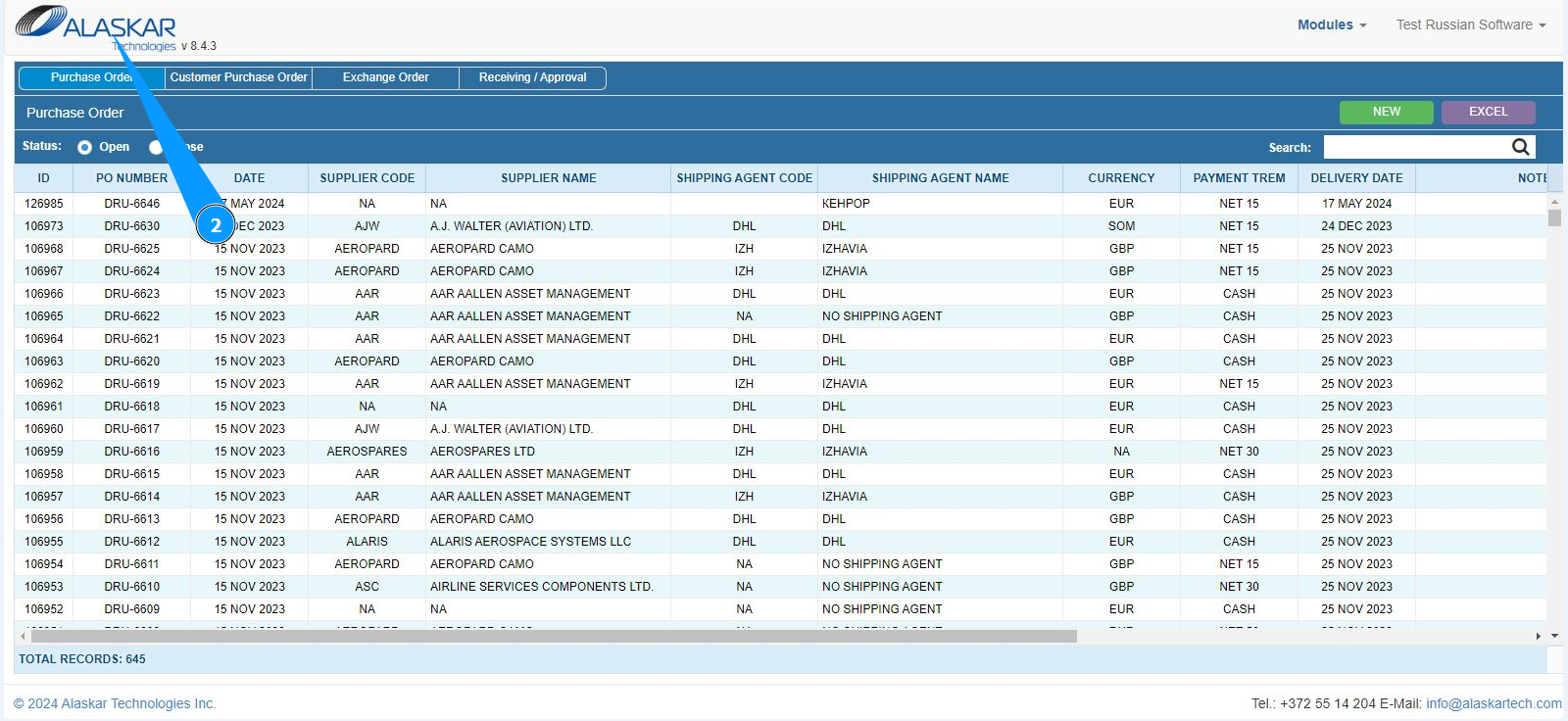
2. Make sure that the window for working with PO is open and accessible in the window "Purchase order".
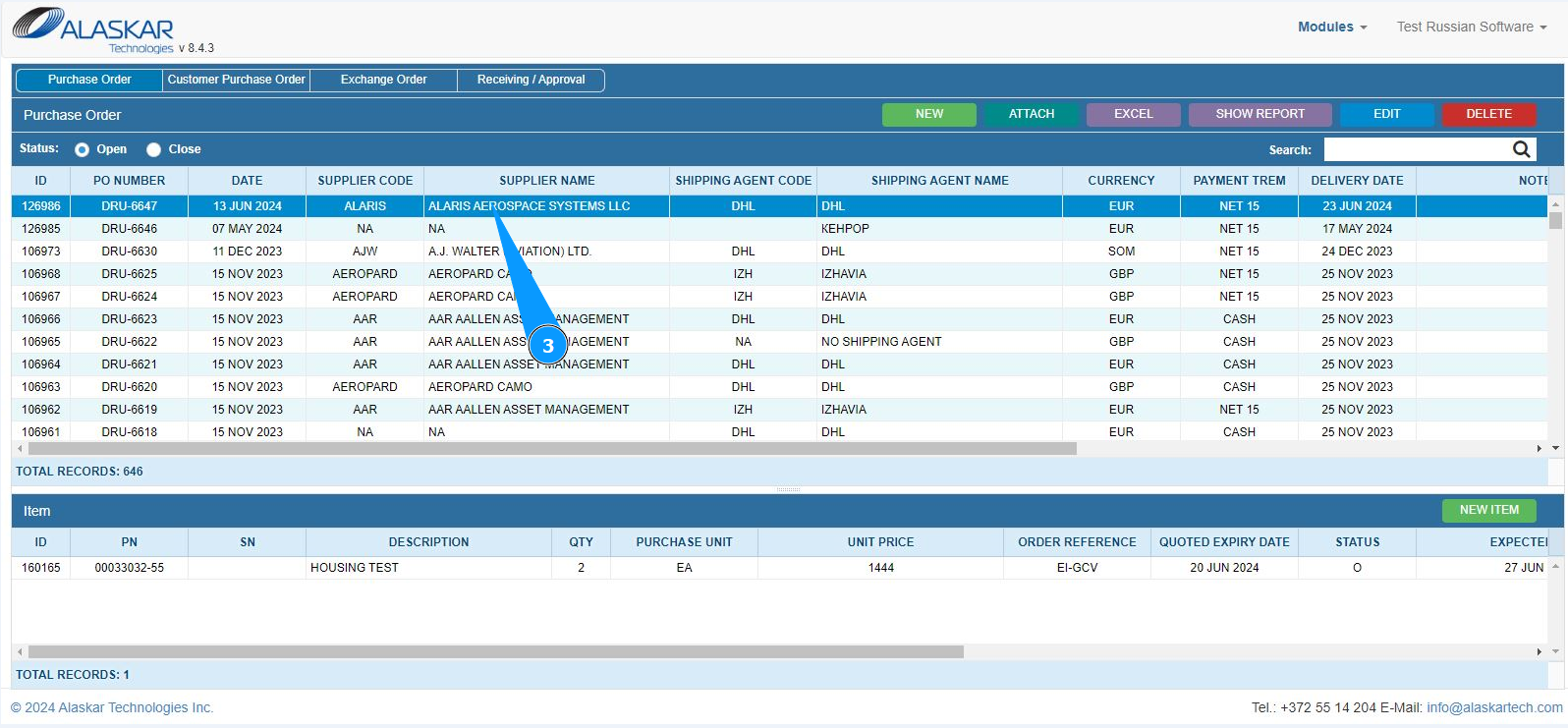
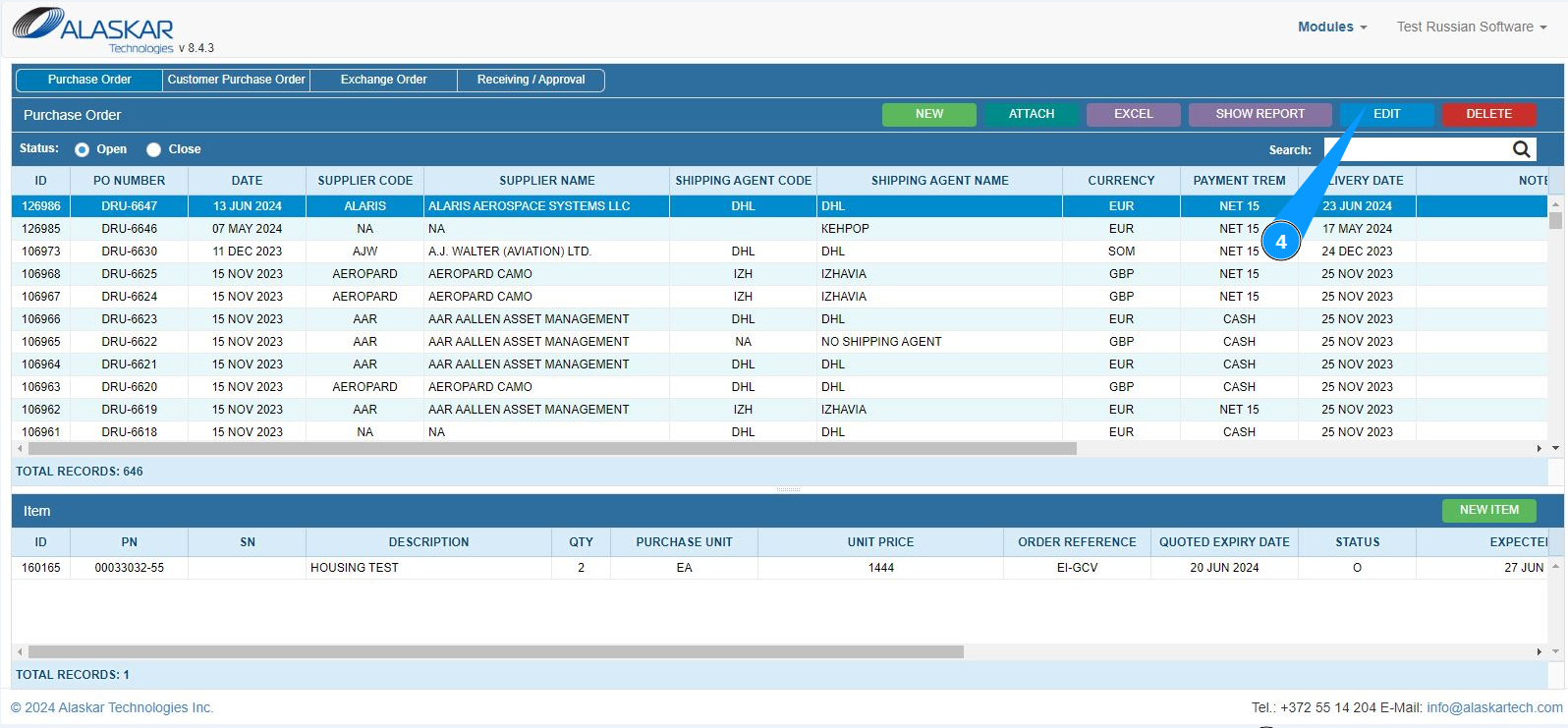
3. Select the required record for editing Purchase order and click on the corresponding line.
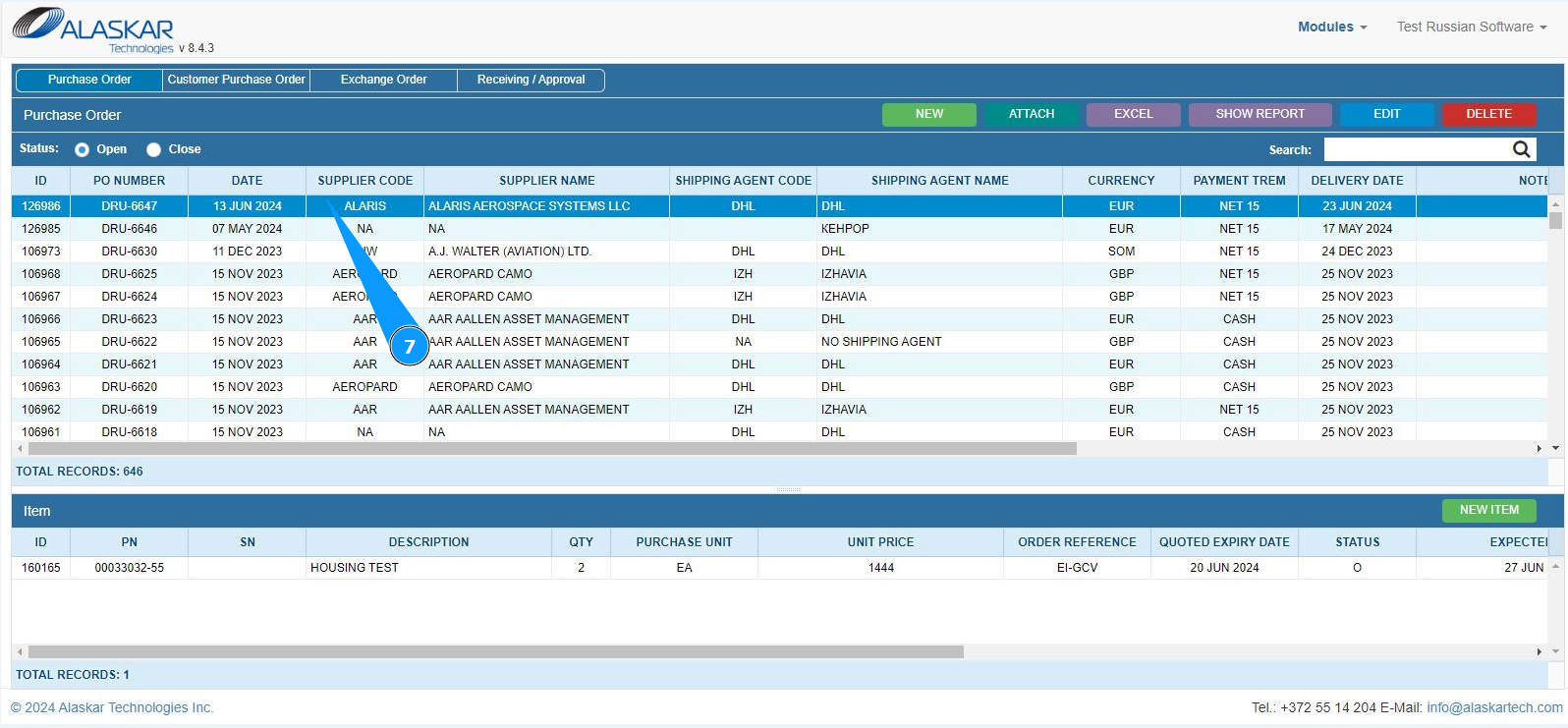
4. Click on the button "Edit" to enter editing mode.
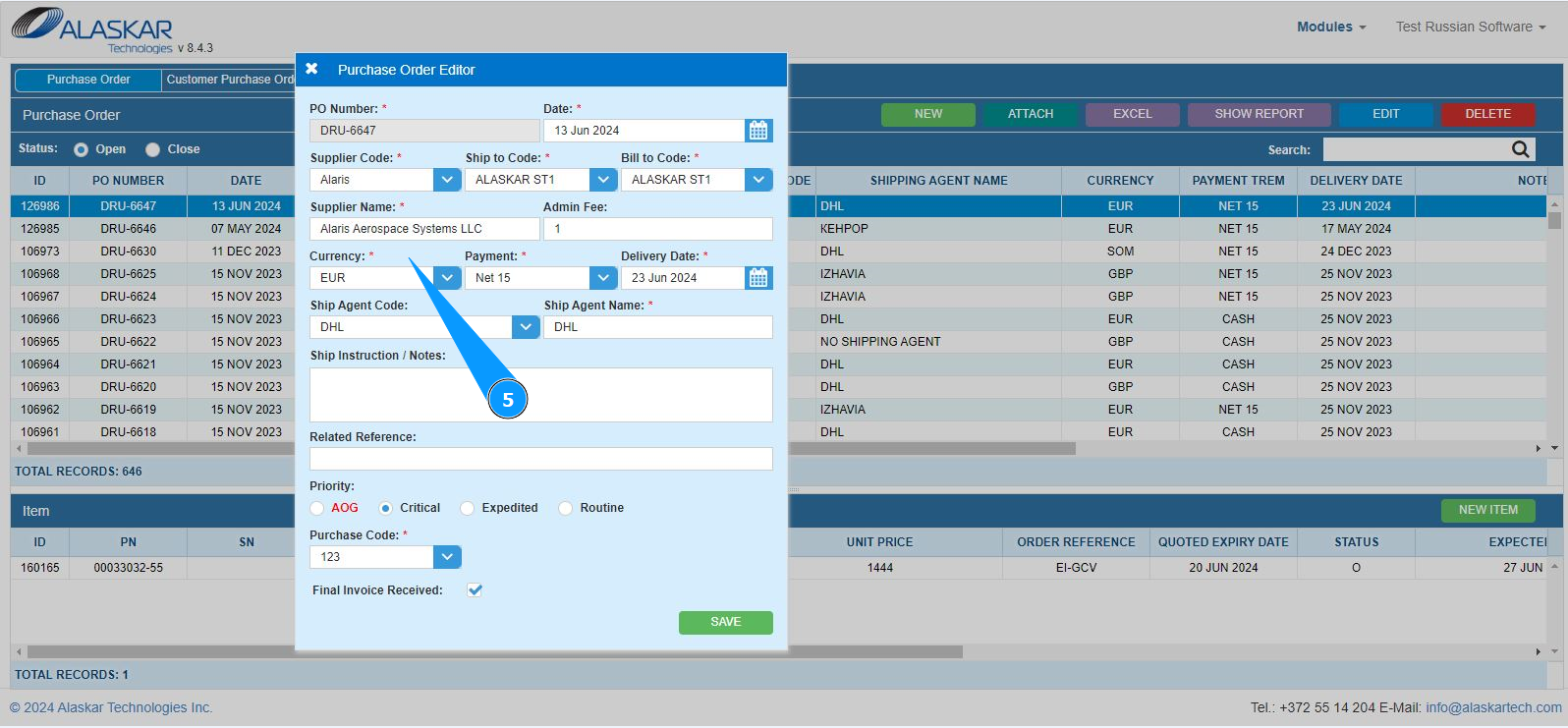
5. Make the appropriate changes to the Purchase order.
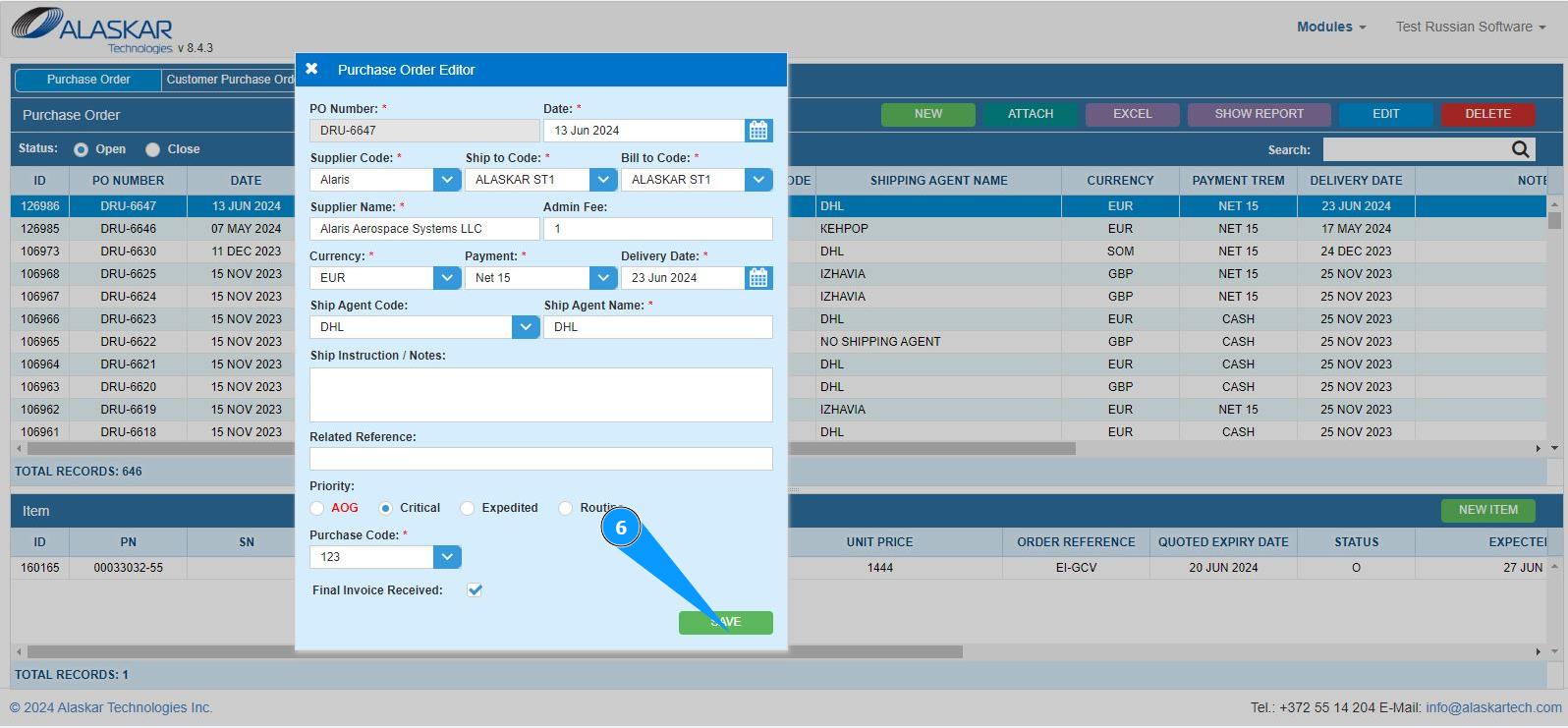
6. Click on the button "Save" to save the changed PO data to the program.
7. Check that changes to the PO record is displayed in the window "Purchase order".