How to duplicate a Line WO
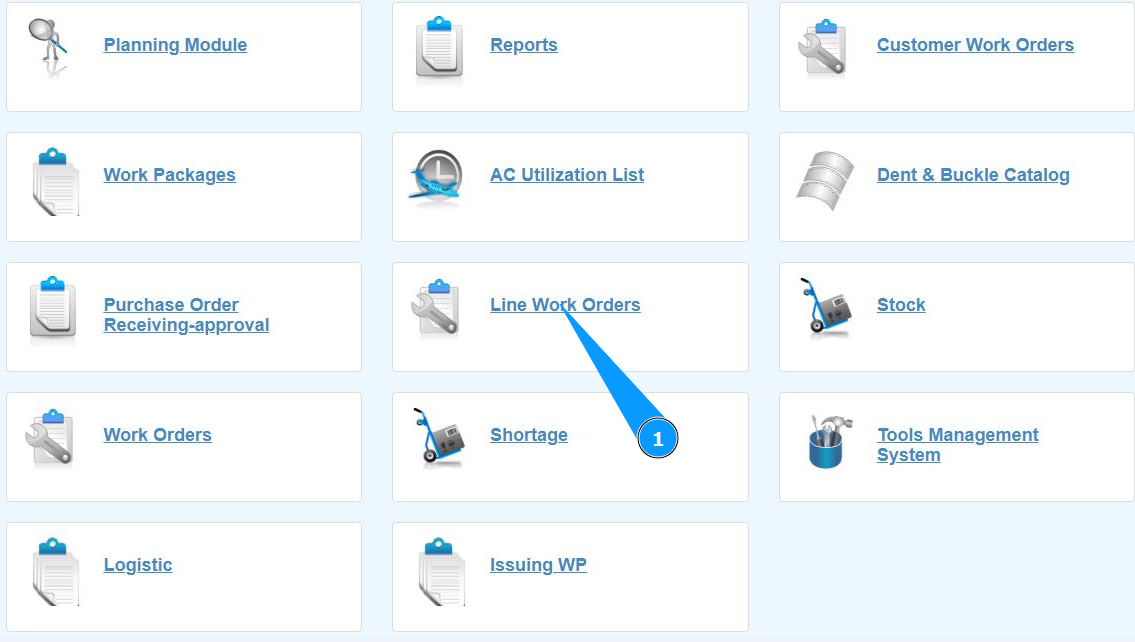
1. To create a duplicate of a Line WO, go to the submodule "Line Work Orders".
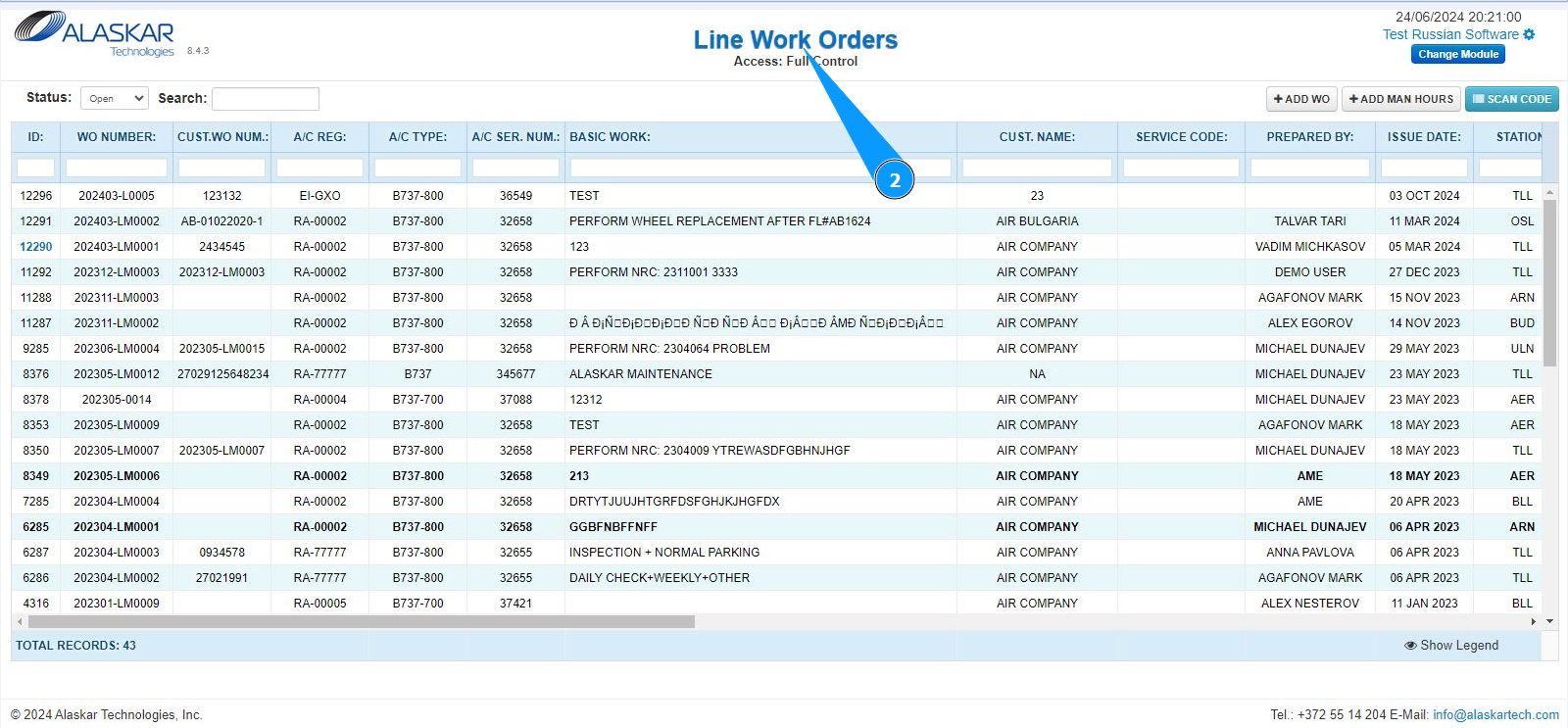
2. Make sure that the window for working with LWO is open and accessible in the window "Line Work Orders".
3. Select the required LWO line for duplicating from the list. Click on a line to highlight it. Note: If necessary, use the available search filters: "ID", "WO Number" and so on.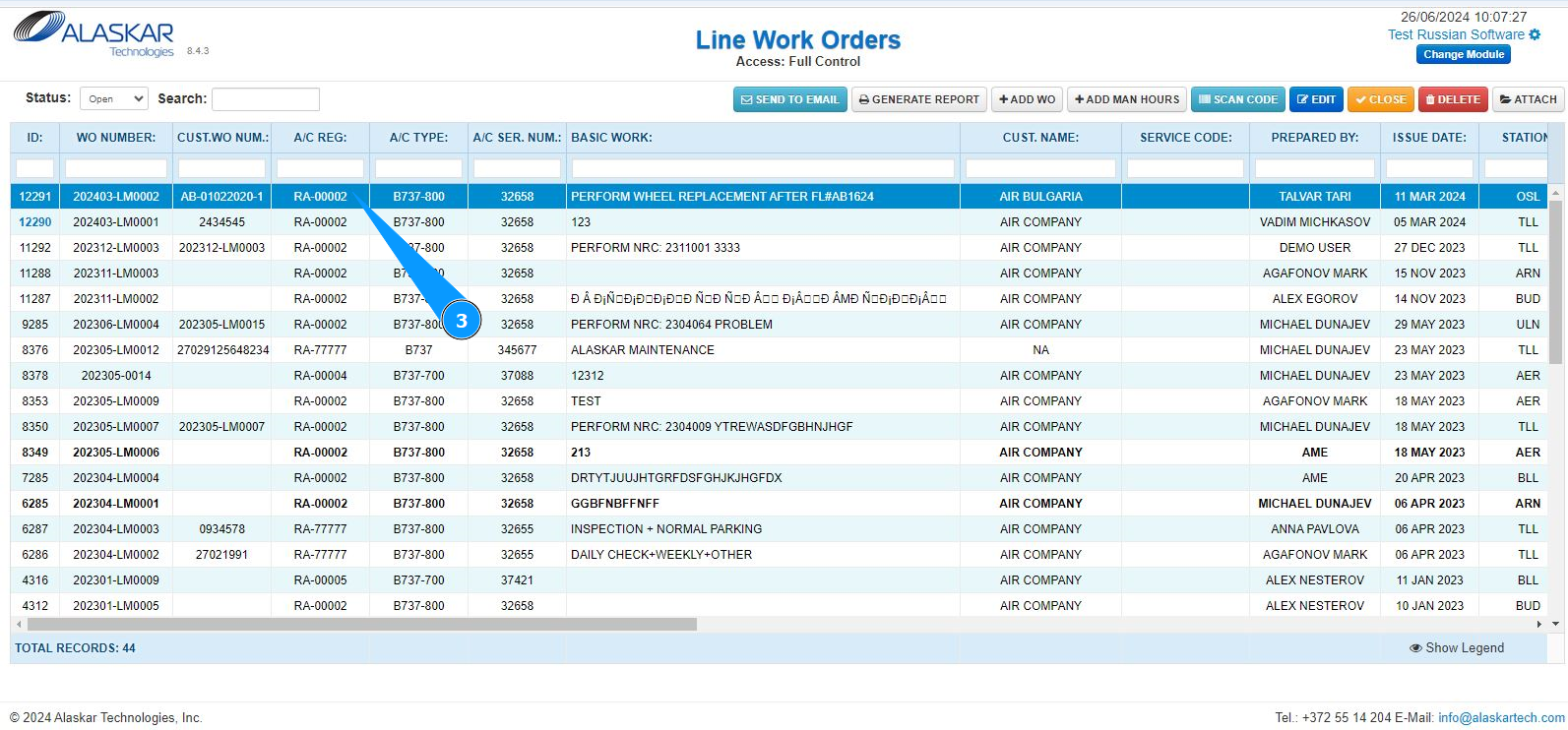
4. Click on the button "Scan Code" to open the scanning (duplicate) mode.

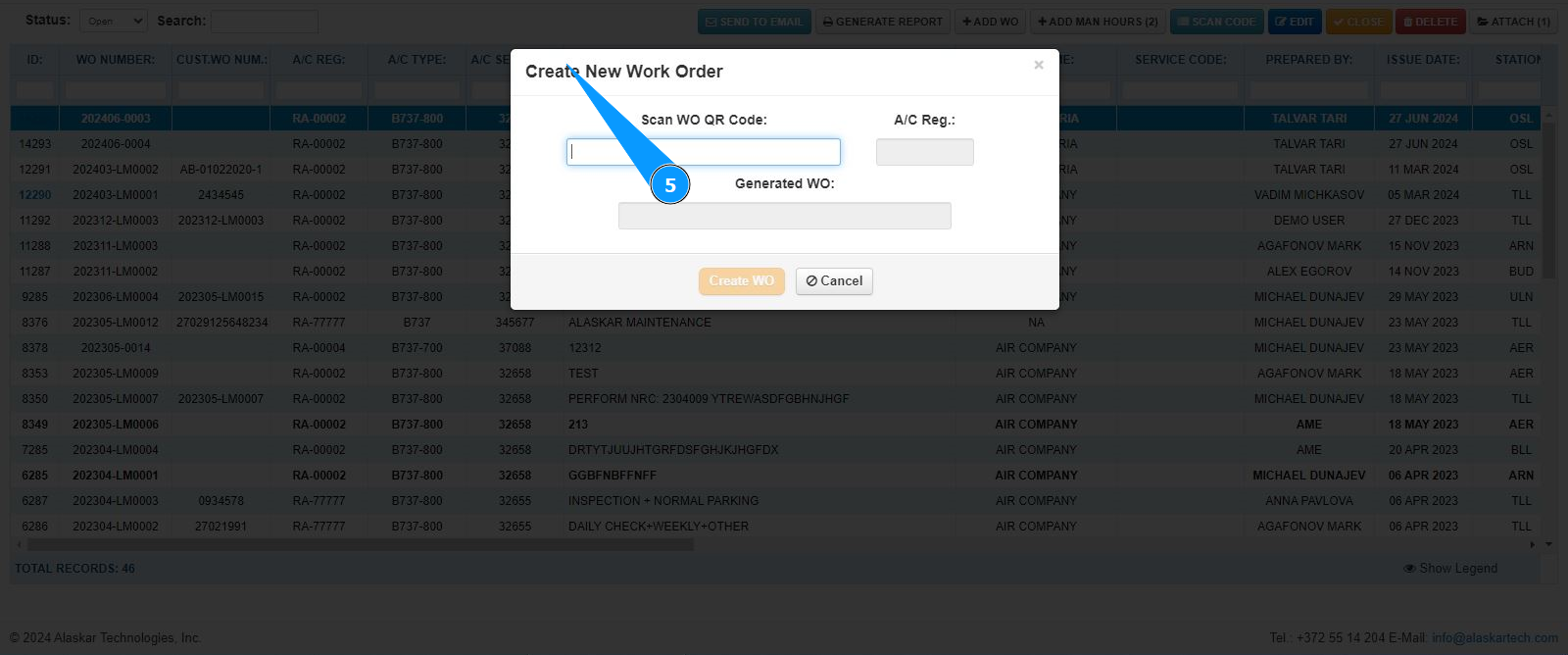
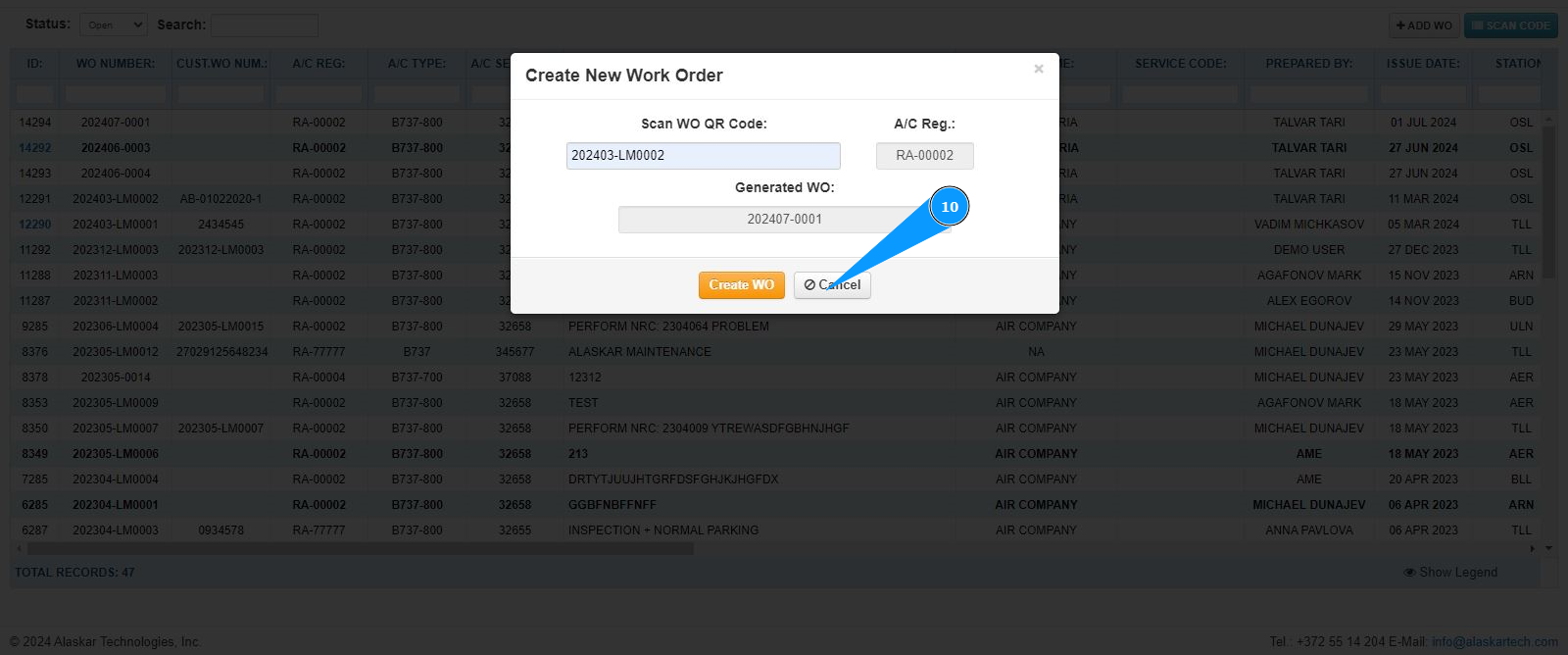
5. Make sure that the section for working with new LWO creation has opened and is available in the window "Create New Work Order".
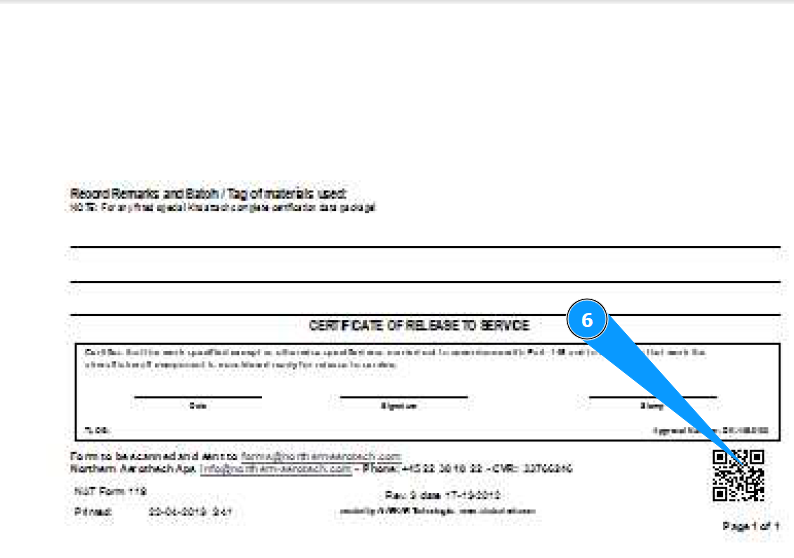
6. Scan the QR code on the print paper form of LWO whose data needs to be duplicated.
7. Make sure that the LWO number is displayed in the field "Scan WO QR Code".
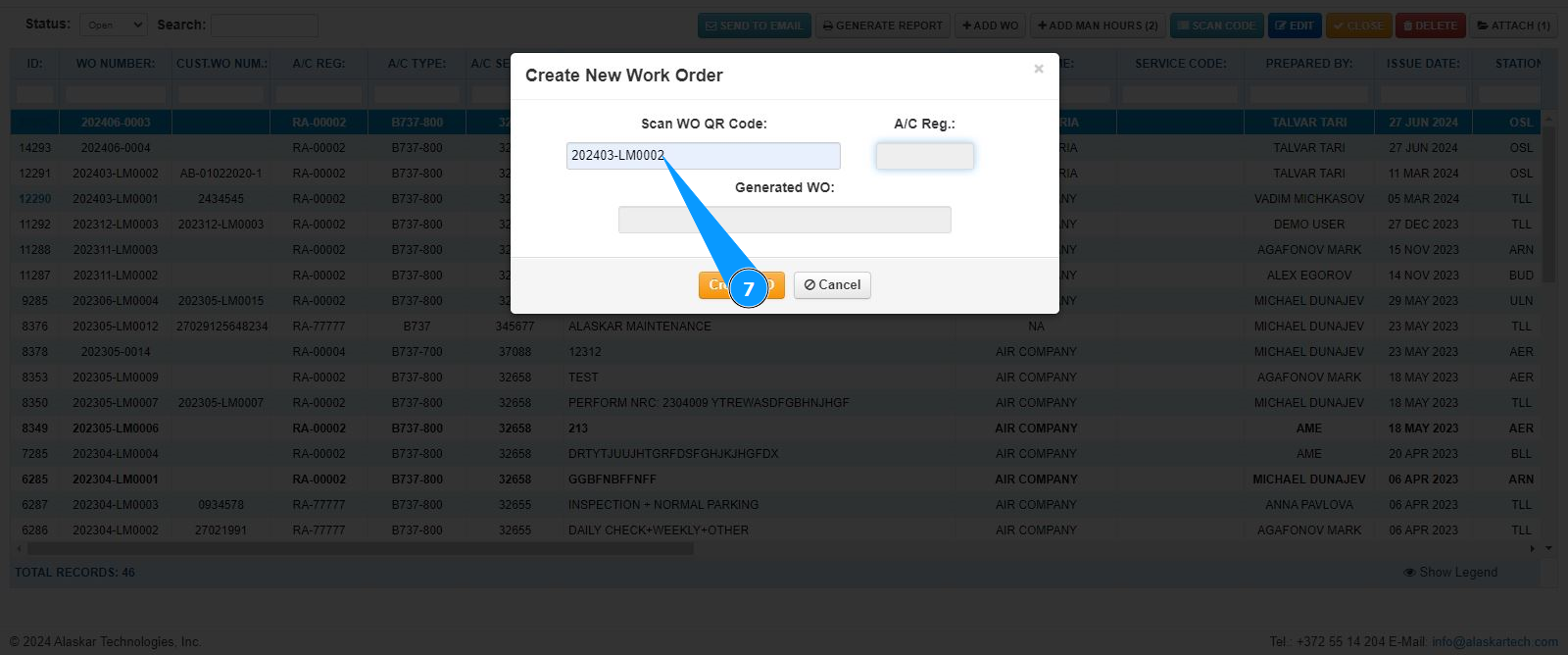
8. Click on the button "Create WO" to create a duplicate.

9. Check that the new LWO has been successfully created, and its number is displayed in the field "Generated WO".
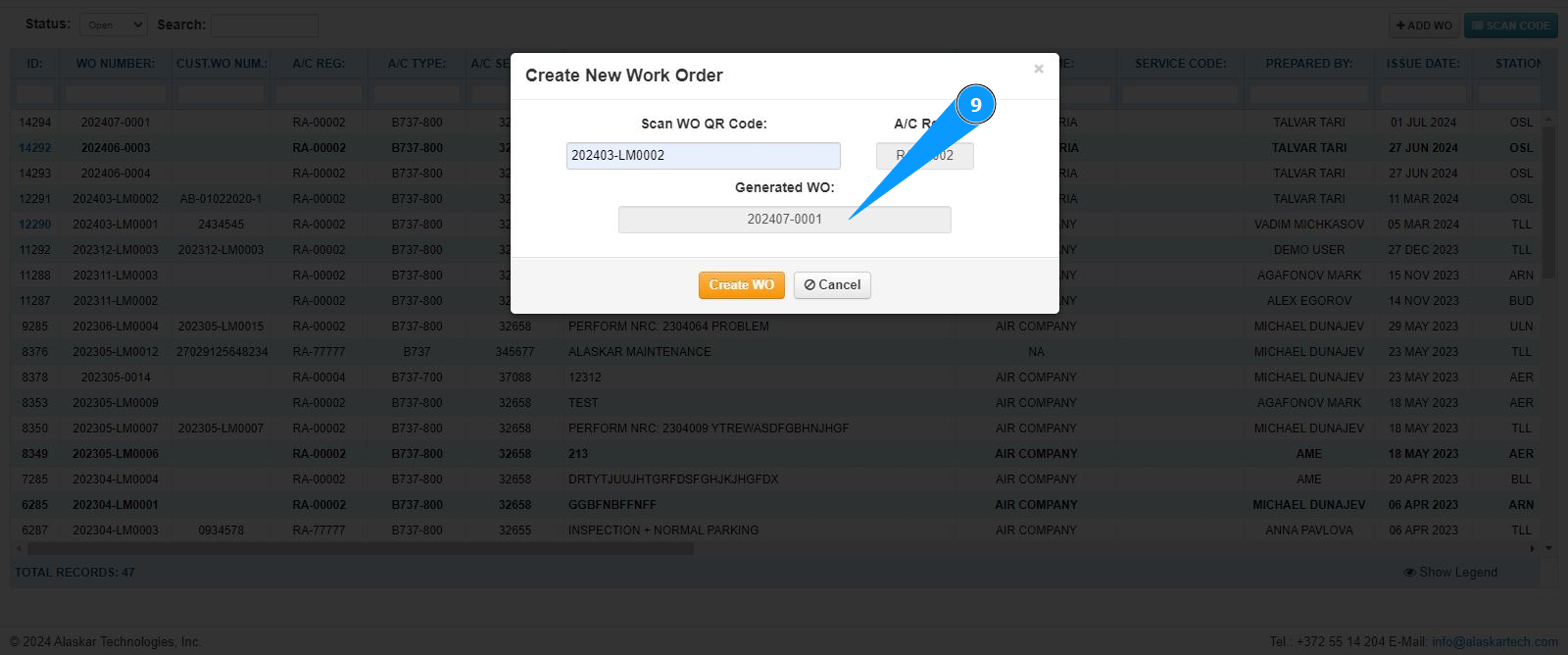
10. Click on the button "Cancel" to exit from the duplicate creation editor.
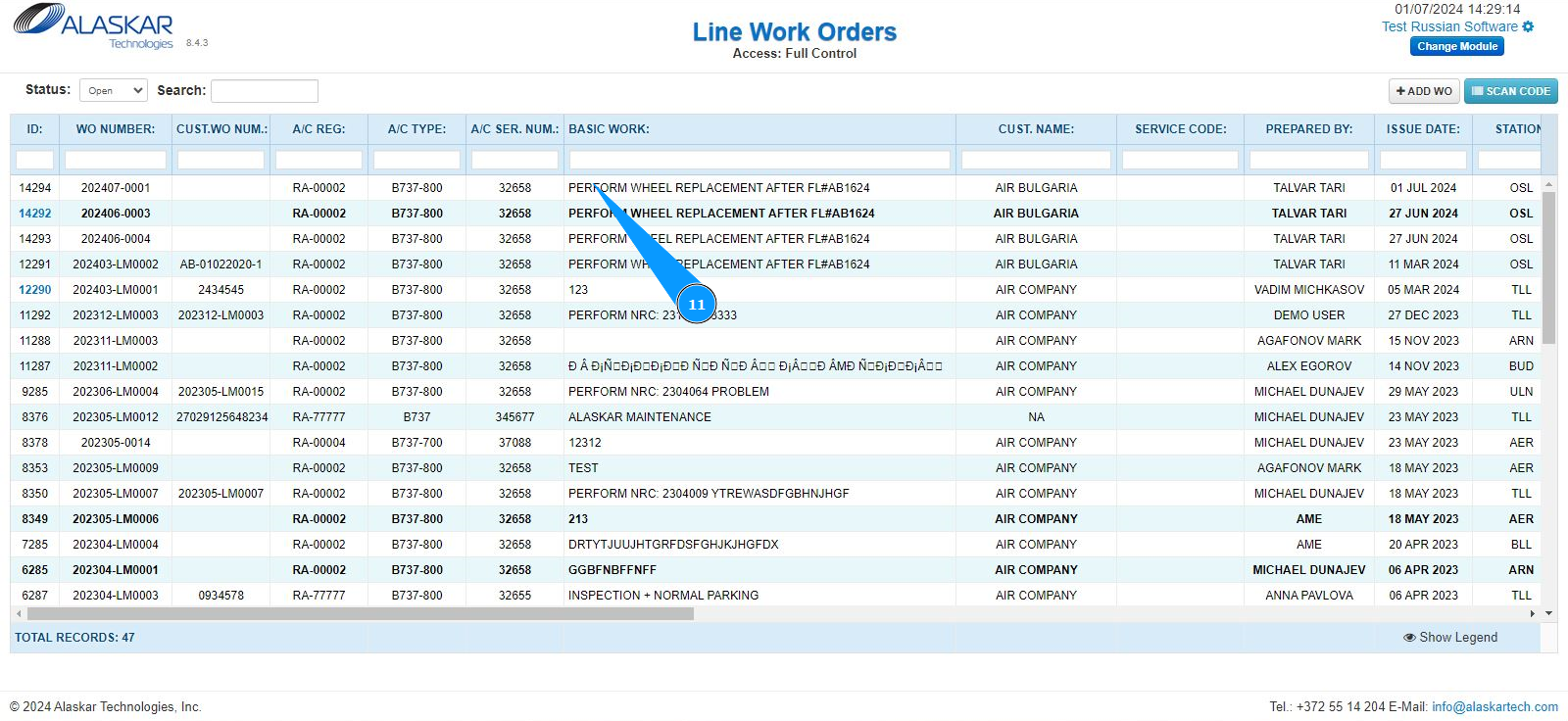
11. Make sure that the line with the new LWO is displayed in the window "Line Work Orders".