How to close a Work Order
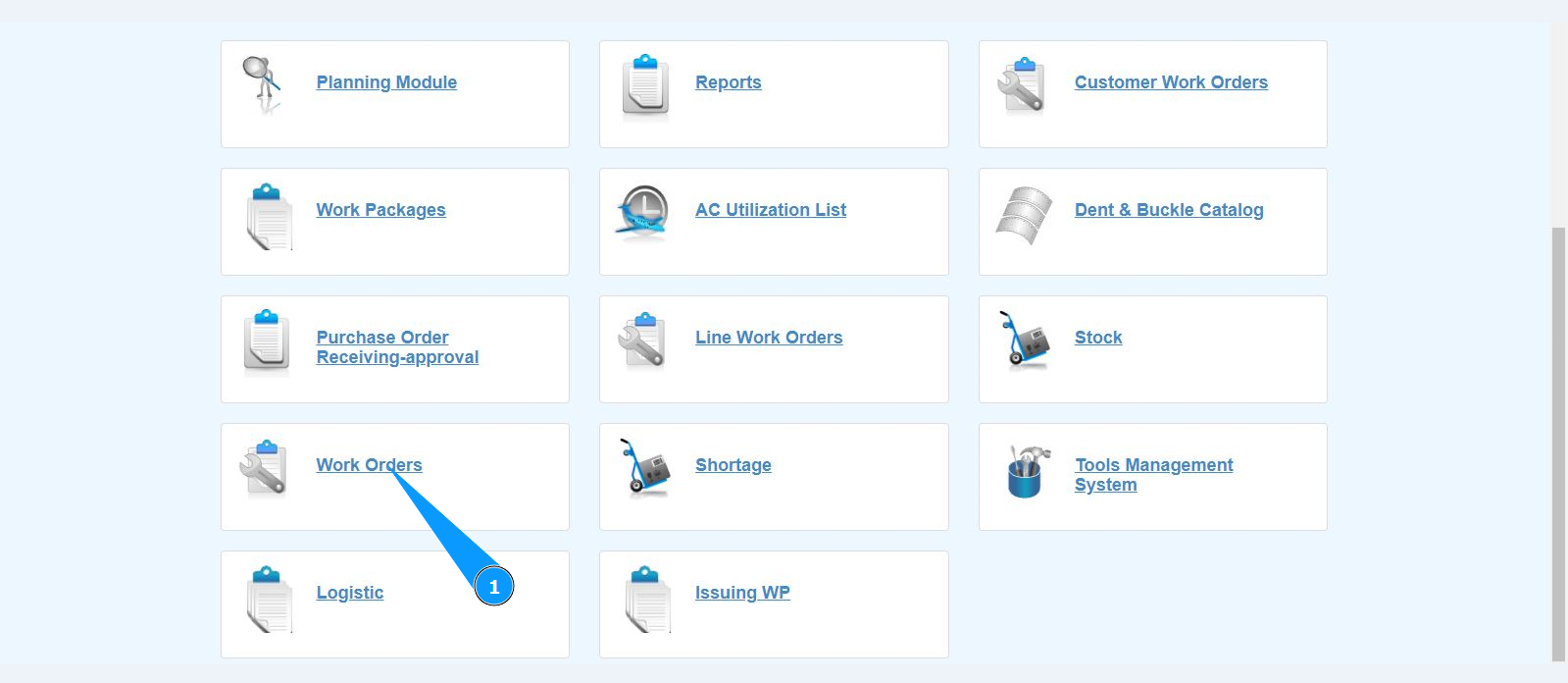
1. in order to close the Work Order, go to the submodule "Work Orders".
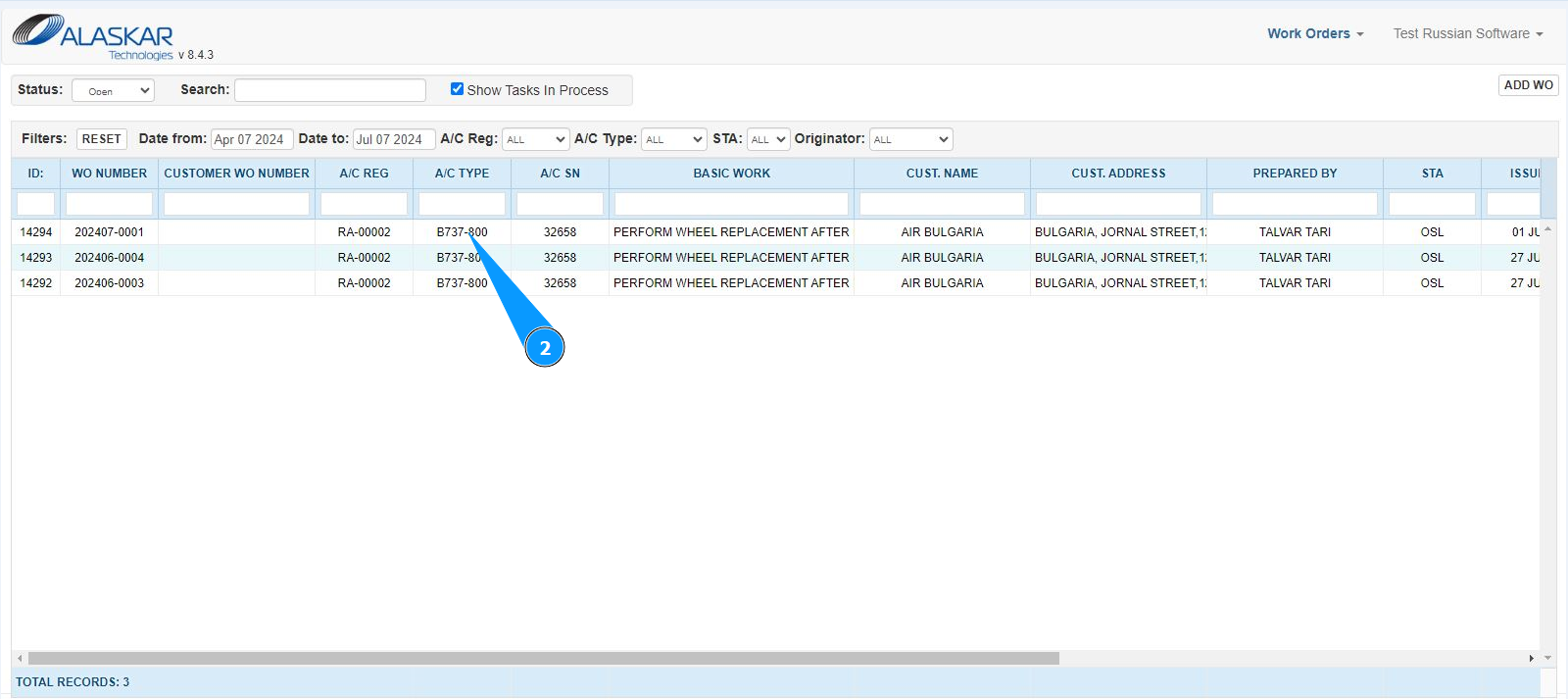
2. Select the required Work Order and click on the corresponding line. Note: If necessary, use the available filters in the fields: "A/C Reg.", "A/C Type", "STA" and so on.
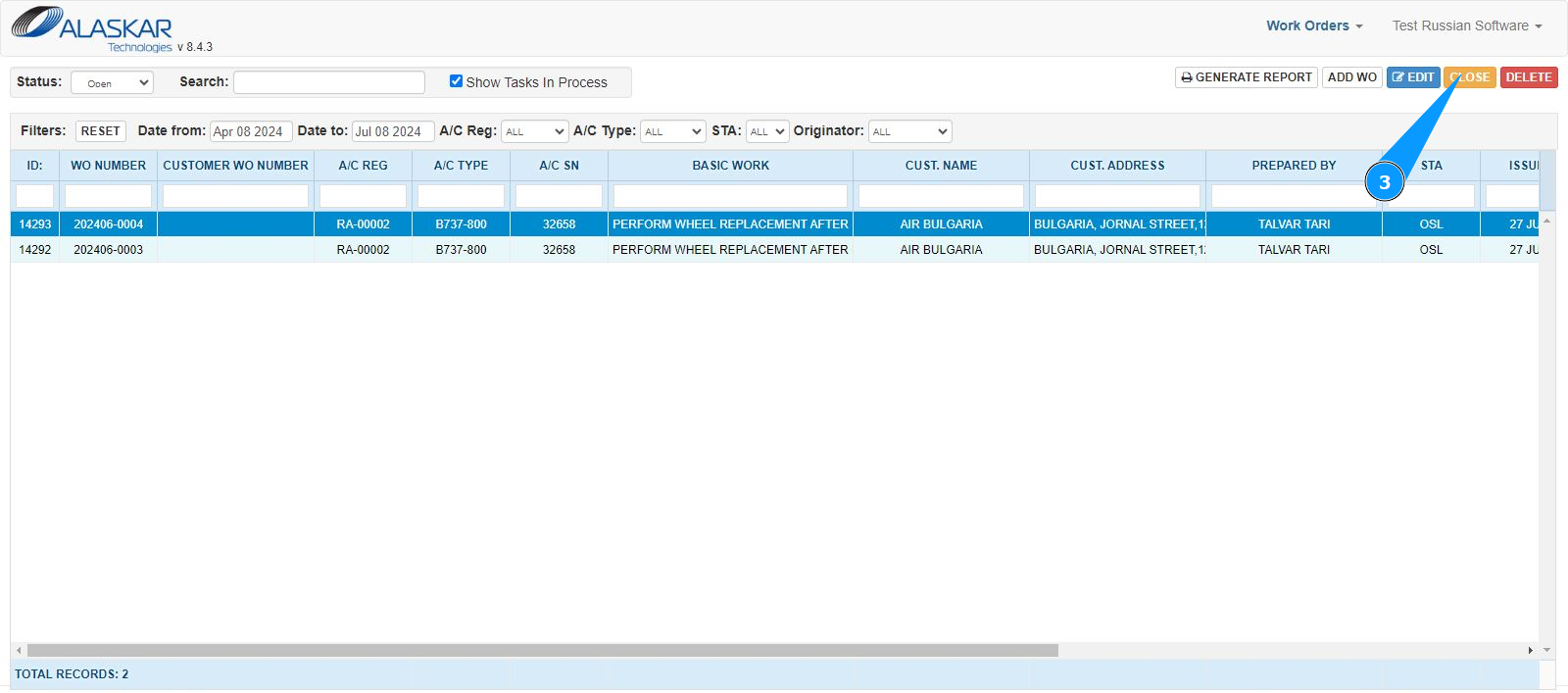
3. Click on the button "Close" to open the closing mode.
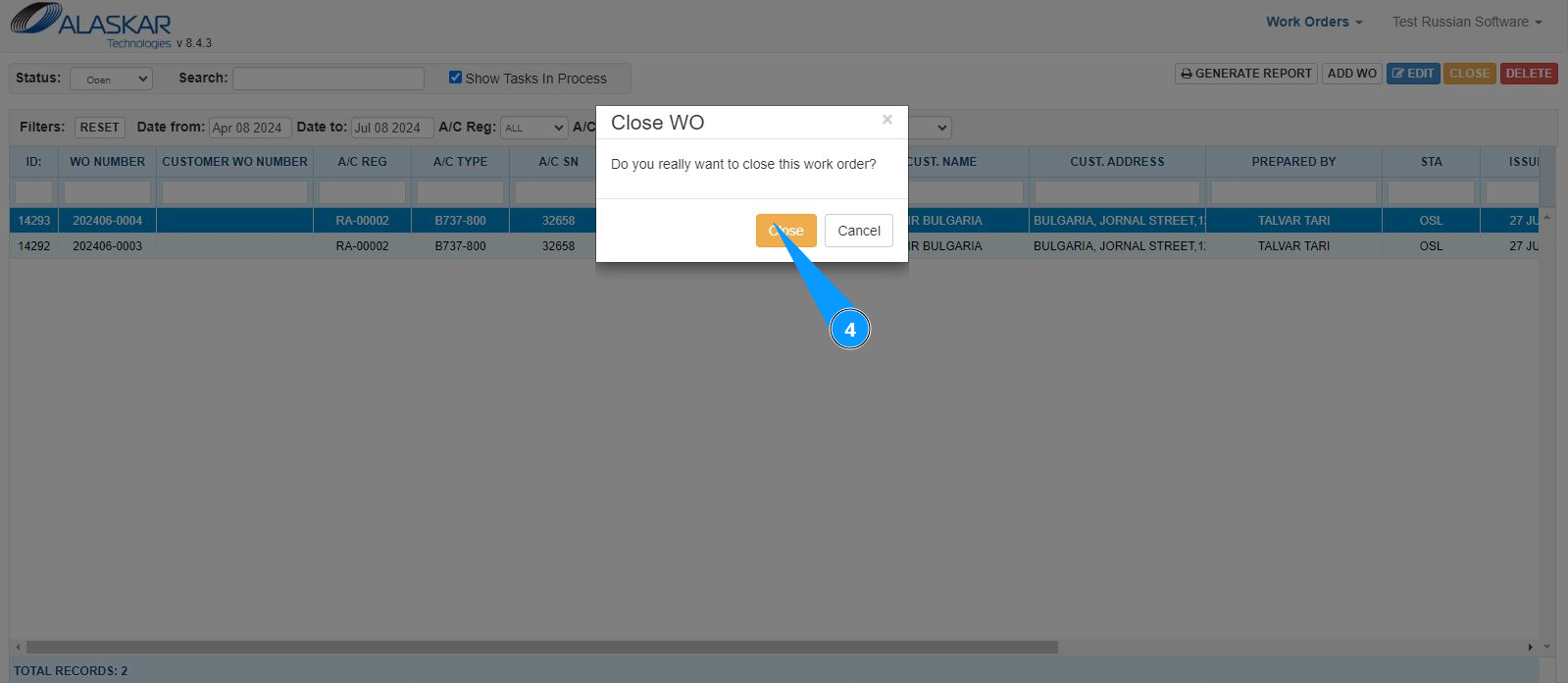
4. Click on the button "Close" to save the entered WO closing to the program.
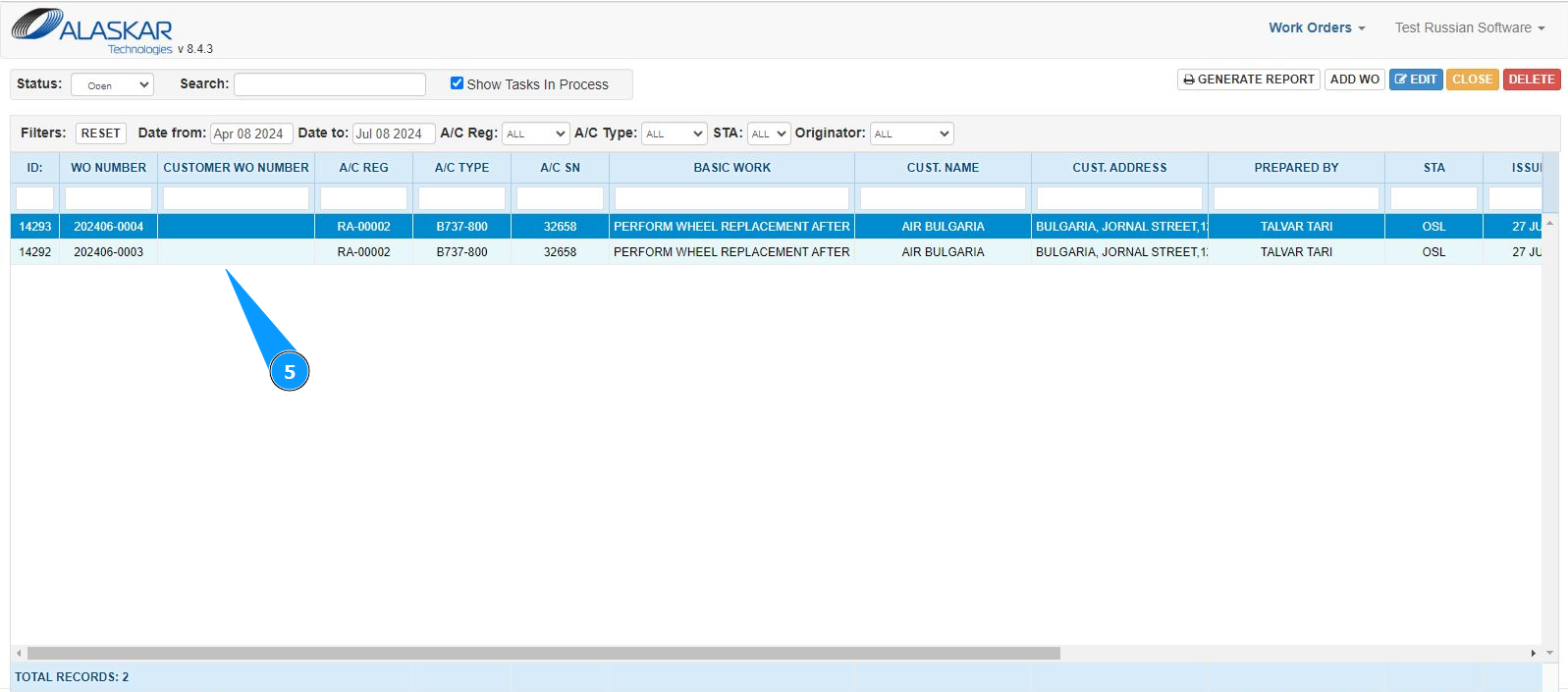
5. Check that the Work Order record has disappeared from the window "Work Orders".