How to close a shortage (POR)
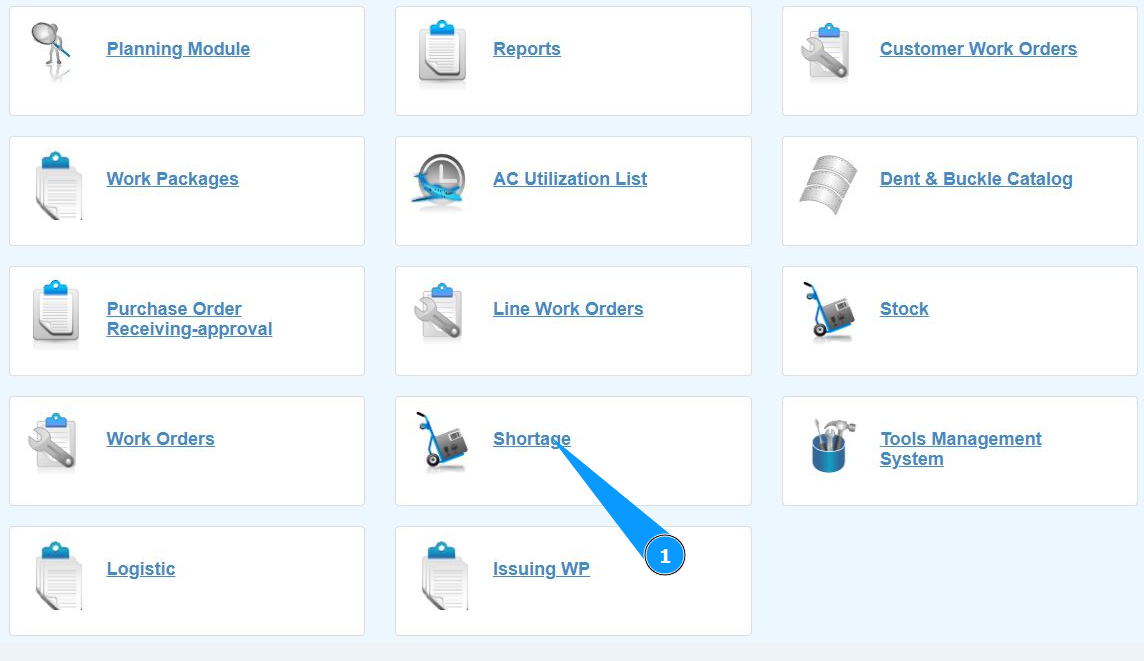
1. In order to close a shortage (POR), go to the submodule "Shortage".
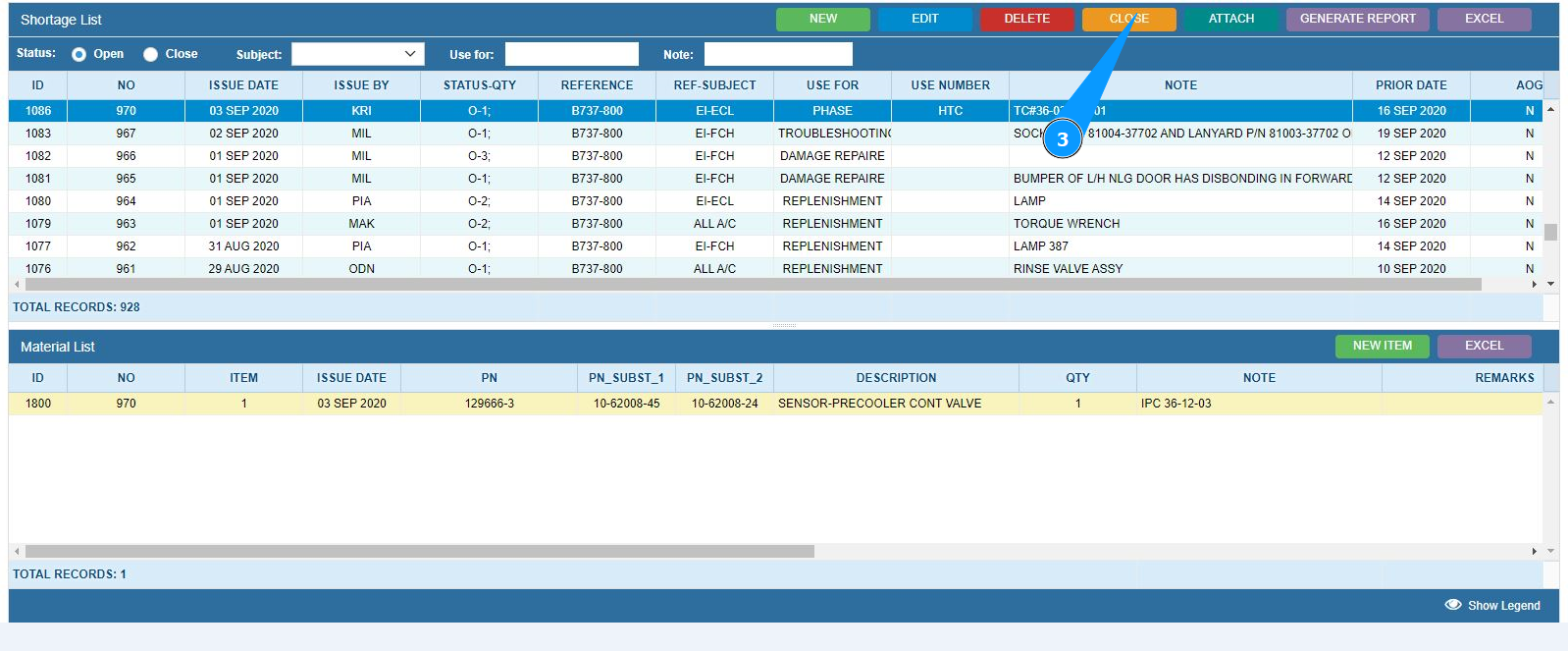
2. Select the required shortage and click on the appropriate line. Note: If necessary, use the available filters in the fields: "Status", "Subject", "Use For" and so on.

3. Click on the button "Close" to close the shortage.
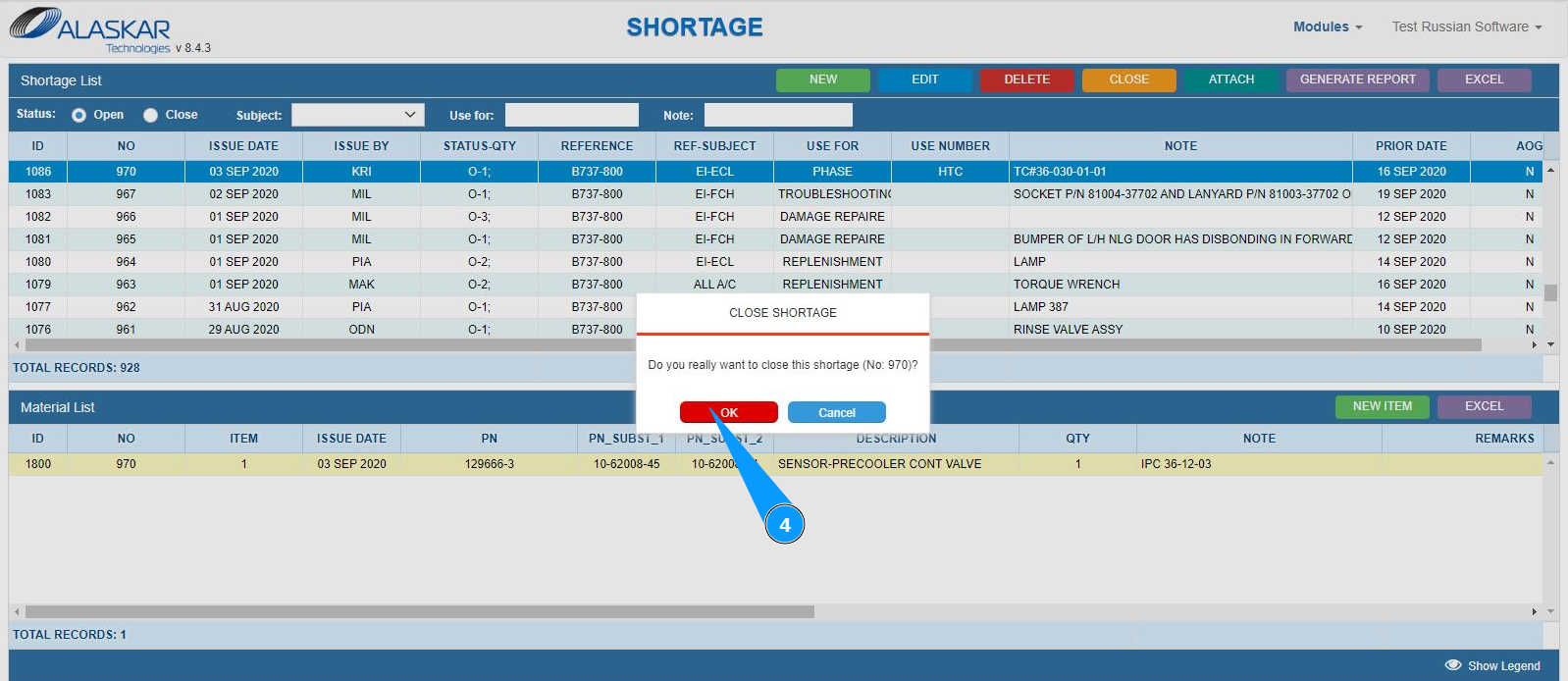
4. Click on the button "Yes" to confirm closing the selected shortage.
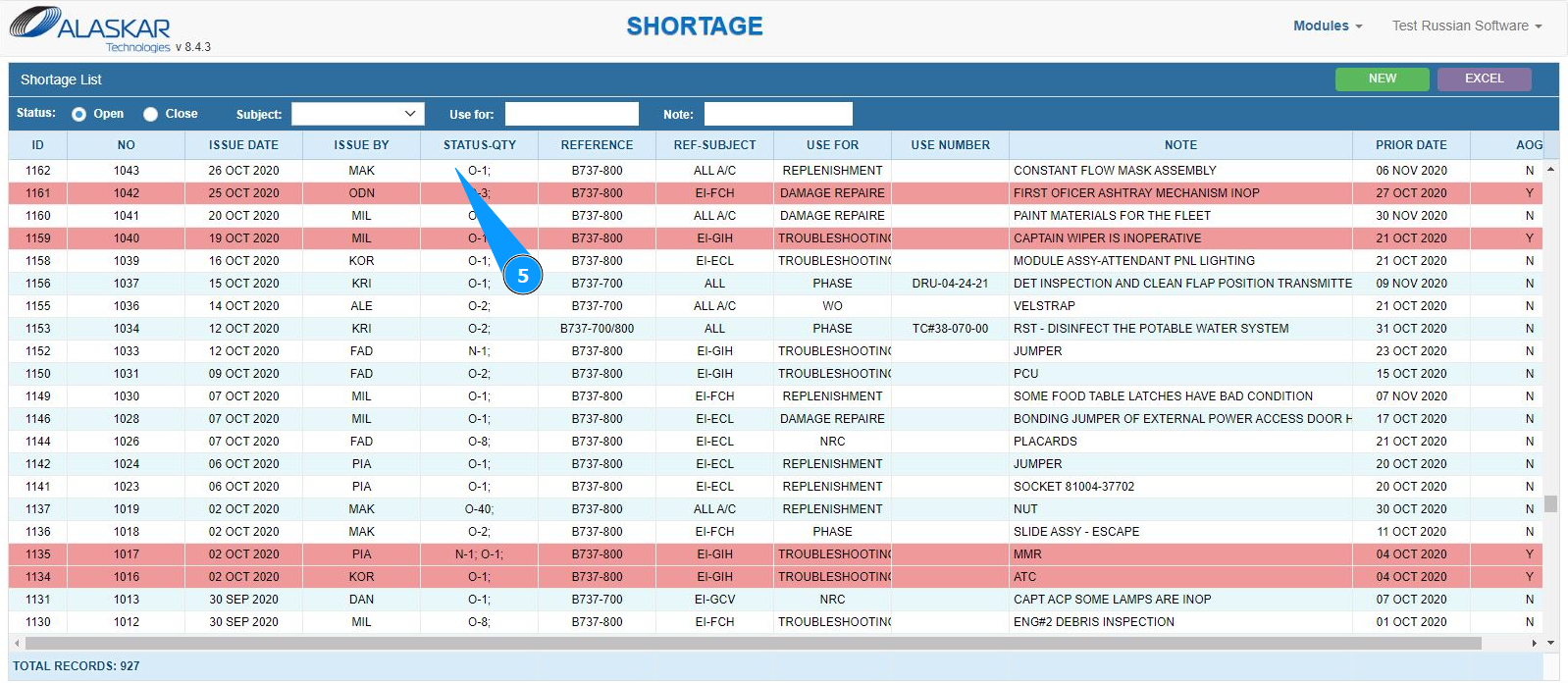
5. Make sure that the selected POR has disappeared from the open shortage window.