How to close the NRC for the WO task
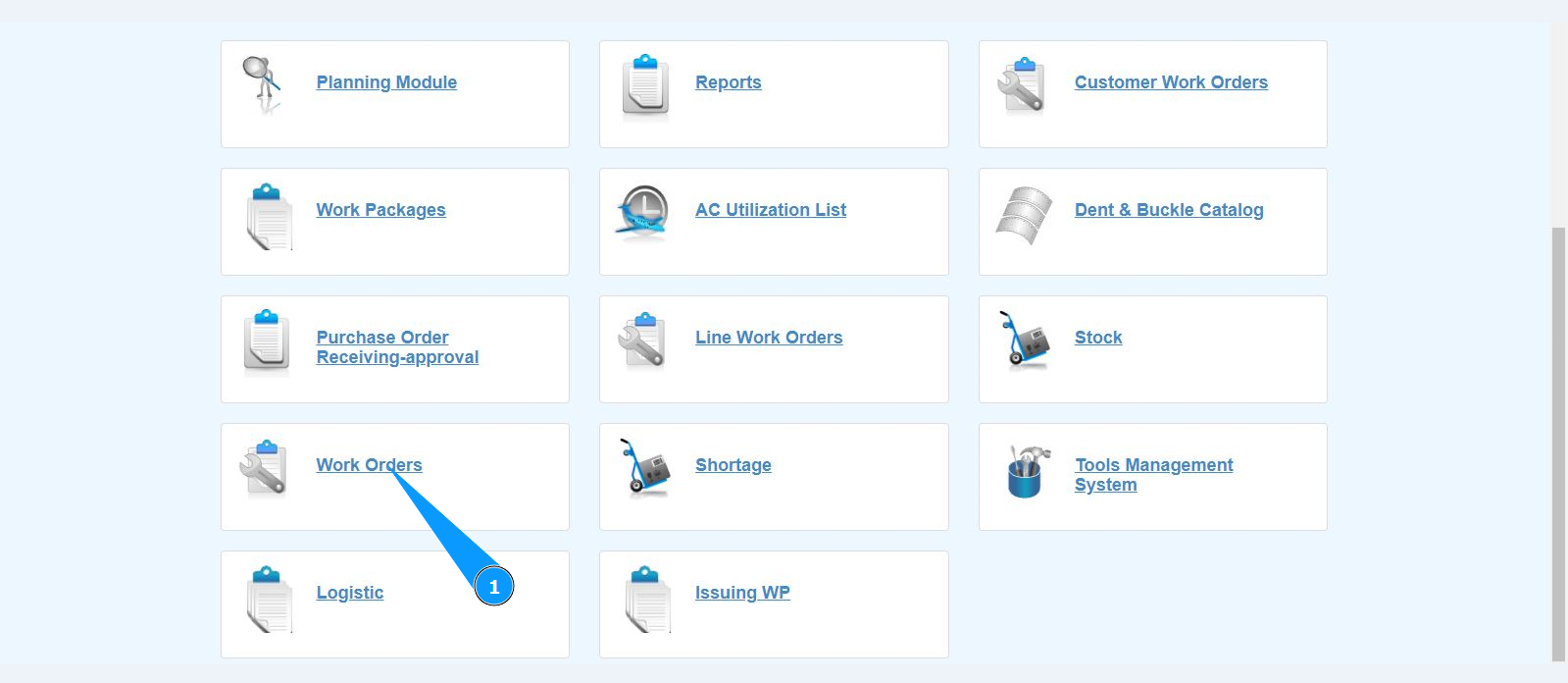
1. In order to close the NRC for the WO task, go to the submodule "Work Orders".
2. Select the required work order and click on the corresponding line. Note: If necessary, use the available filters in the fields: "A/C Reg.", "A/C Type", "STA" and so on.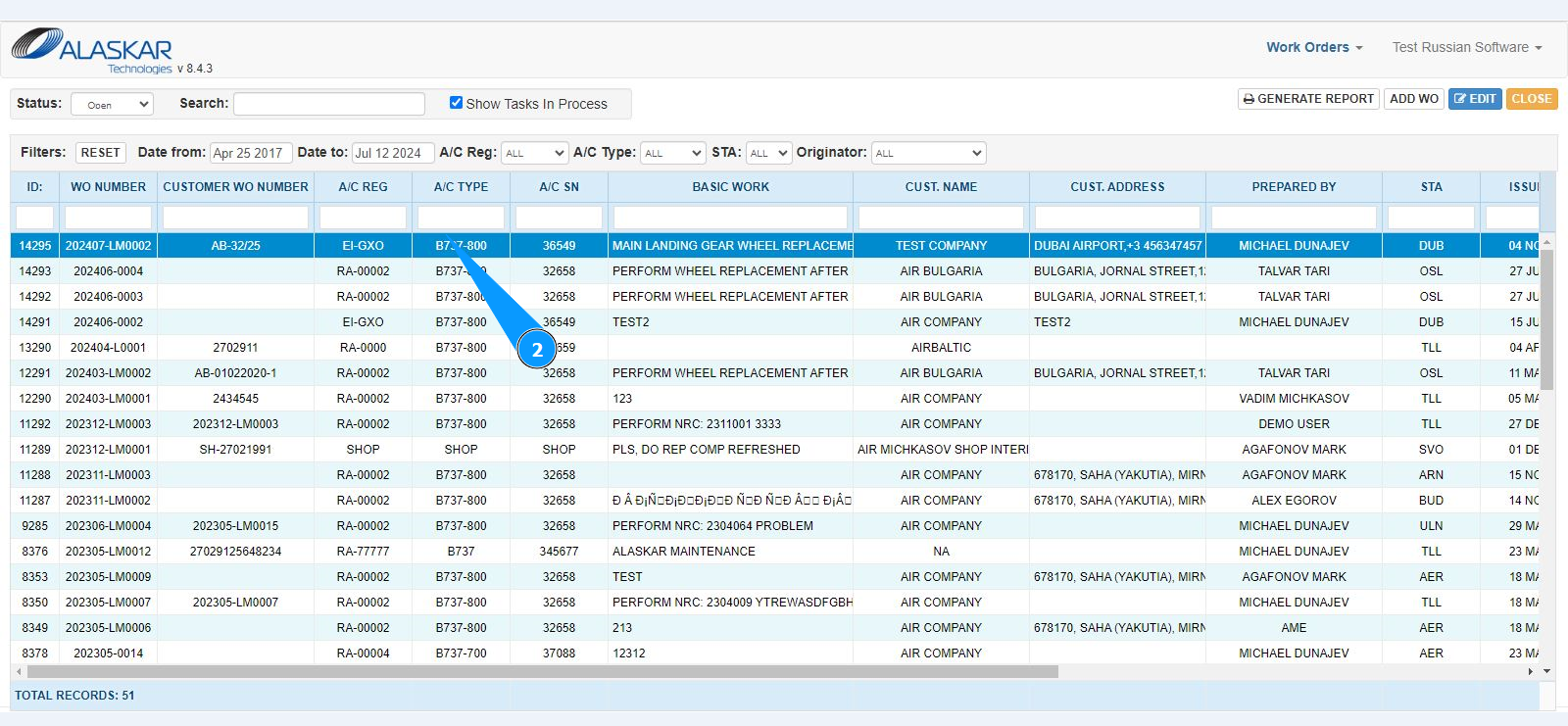
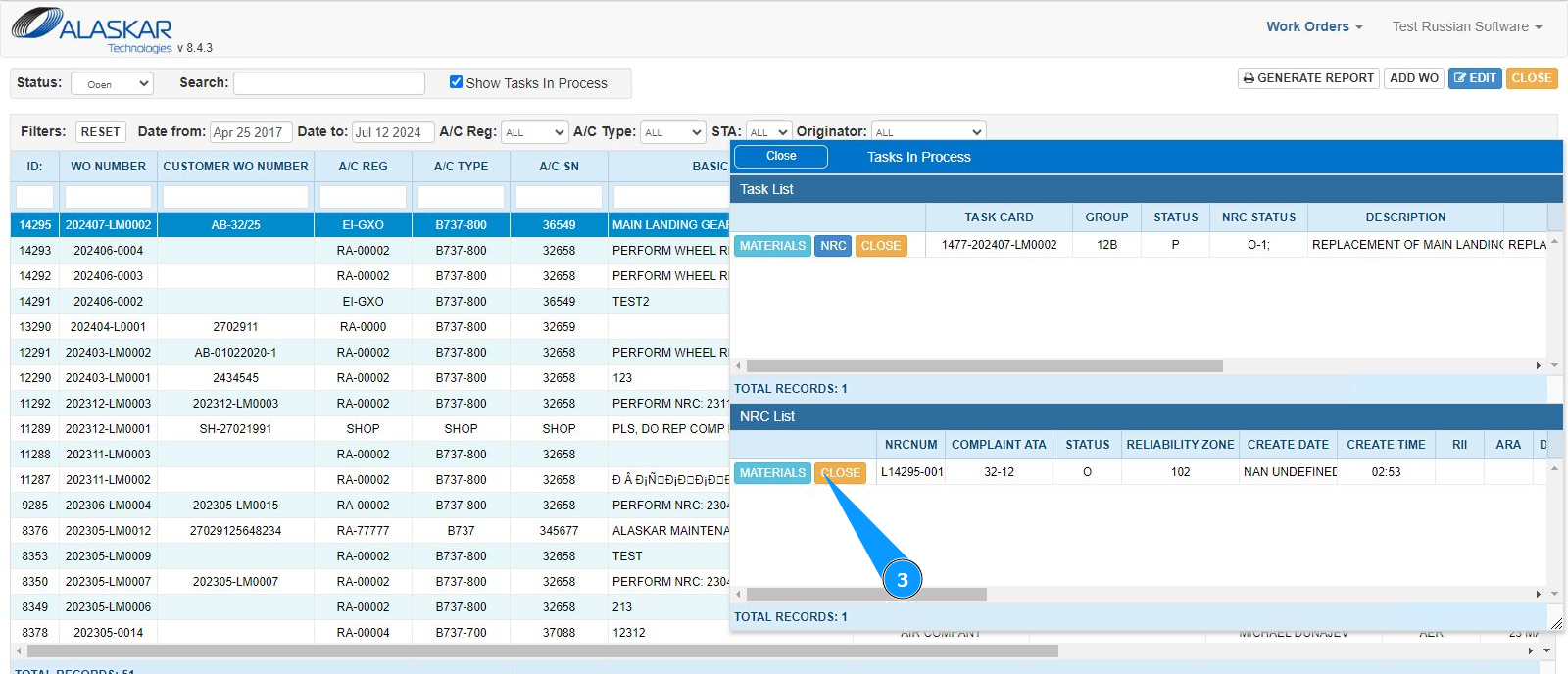
3. Click on the button "Close" to open the NRC close editor in the window "NRC List".
4. Make sure that the editor for closing the NRC is open and accessible in the window "Close NRC".
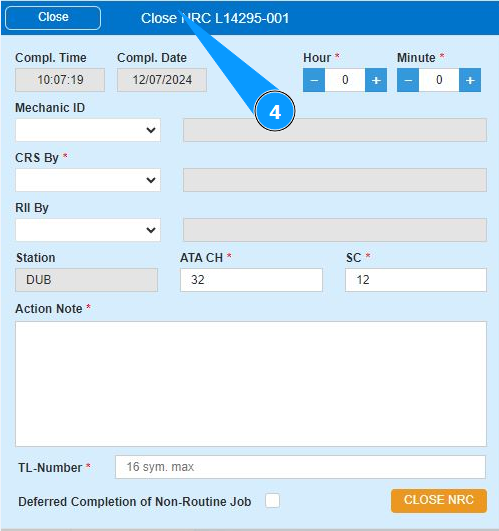
5. Enter the quantity of man-hours spent in hours in the field "Hour". Note: The NRC closing time in the field "Compl.Time" and the closing date in the field "Compl.Date" are generated automatically by the program.
6. Enter the quantity of man-hours spent in minutes in the field "Minute".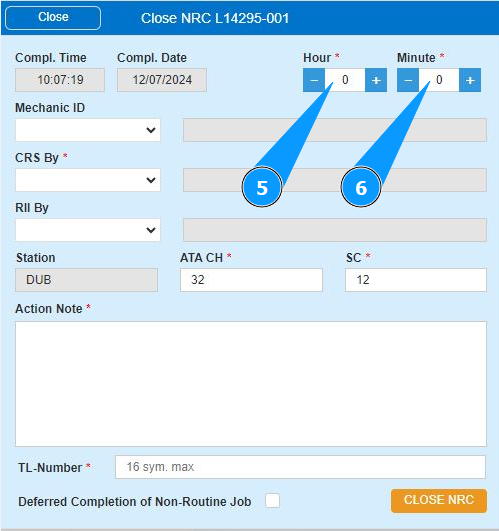
7. Enter the login of the NRC performer (in accordance with your company policy) in the field "Mechanic ID" or select from the dropdown list. Note: The last and first names of the personnel are displayed by the program automatically.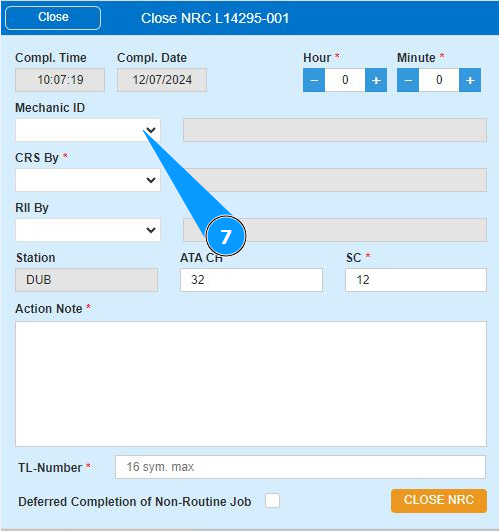
8. Enter the login of the person who certified NRC (in accordance with your company's policy) in the field "CRS by" or select from the dropdown list. Note: The last and first names of the personnel are displayed by the program automatically.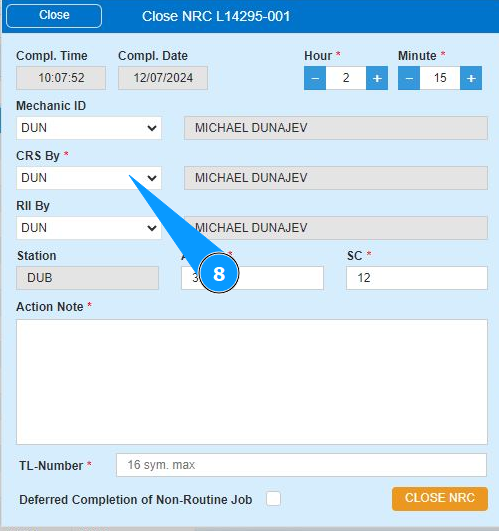
9. Enter the login of the person who inspected the work (in accordance with your company's policy) in the field "RII by" or select from the dropdown list. Note: The last and first names of the personnel are displayed automatically by the program.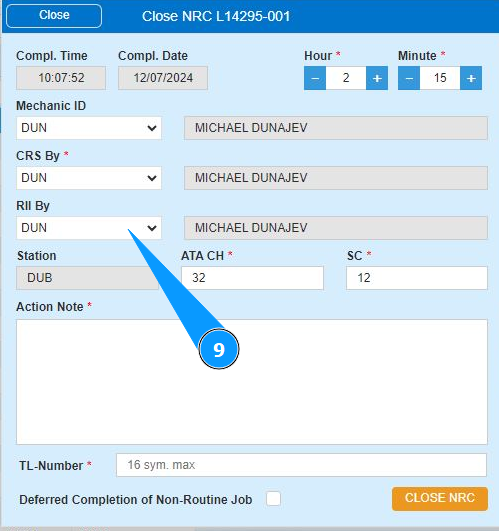
10. Enter the ATA section number in the field "ATA Ch". Note: The station of NRC performance is displayed by the program automatically.
11. Enter the number of the subsection of the ATA chapter in the field "SC".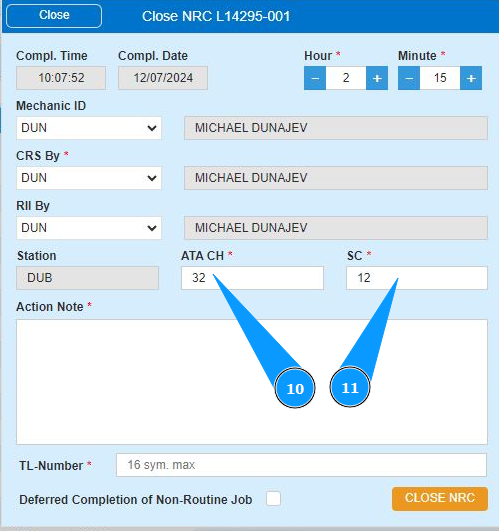
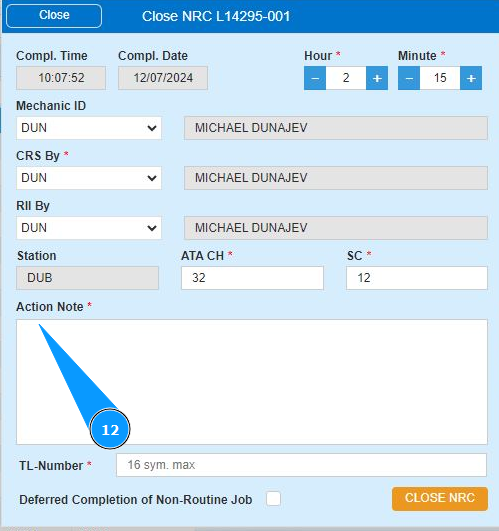
12. Enter the necessary information about NRC actions in the window "Action Note".
13. Enter the logbook number in the field "TL-Number".
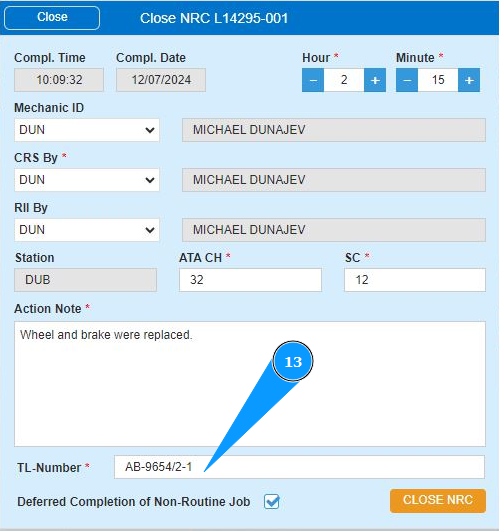
14. If you need to mark the NRC as deferred job, tick the box: "Deferred Completion of Non-Routine Job".
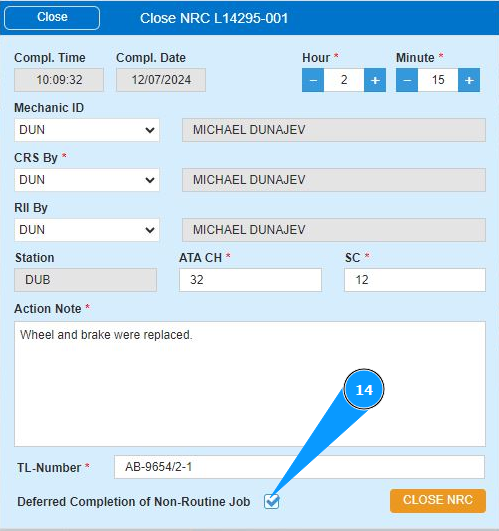
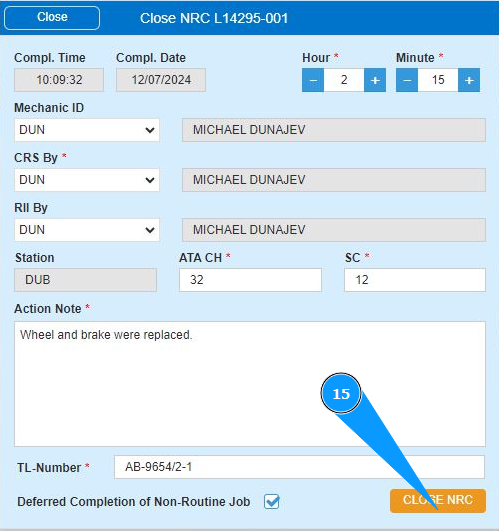
15. Click on the button "Close NRC" to close the NRC.
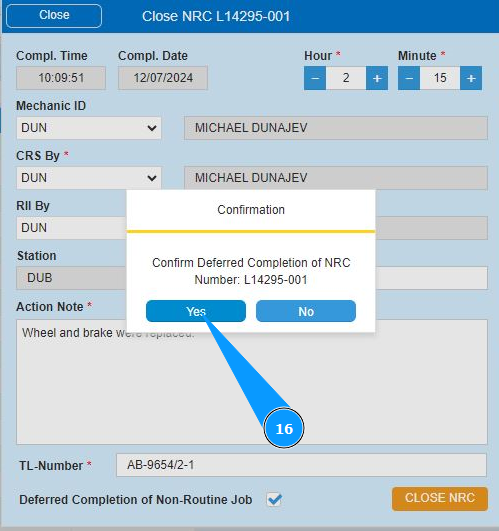
16. Click on the button "Yes" to save the data to the program.
 s
s
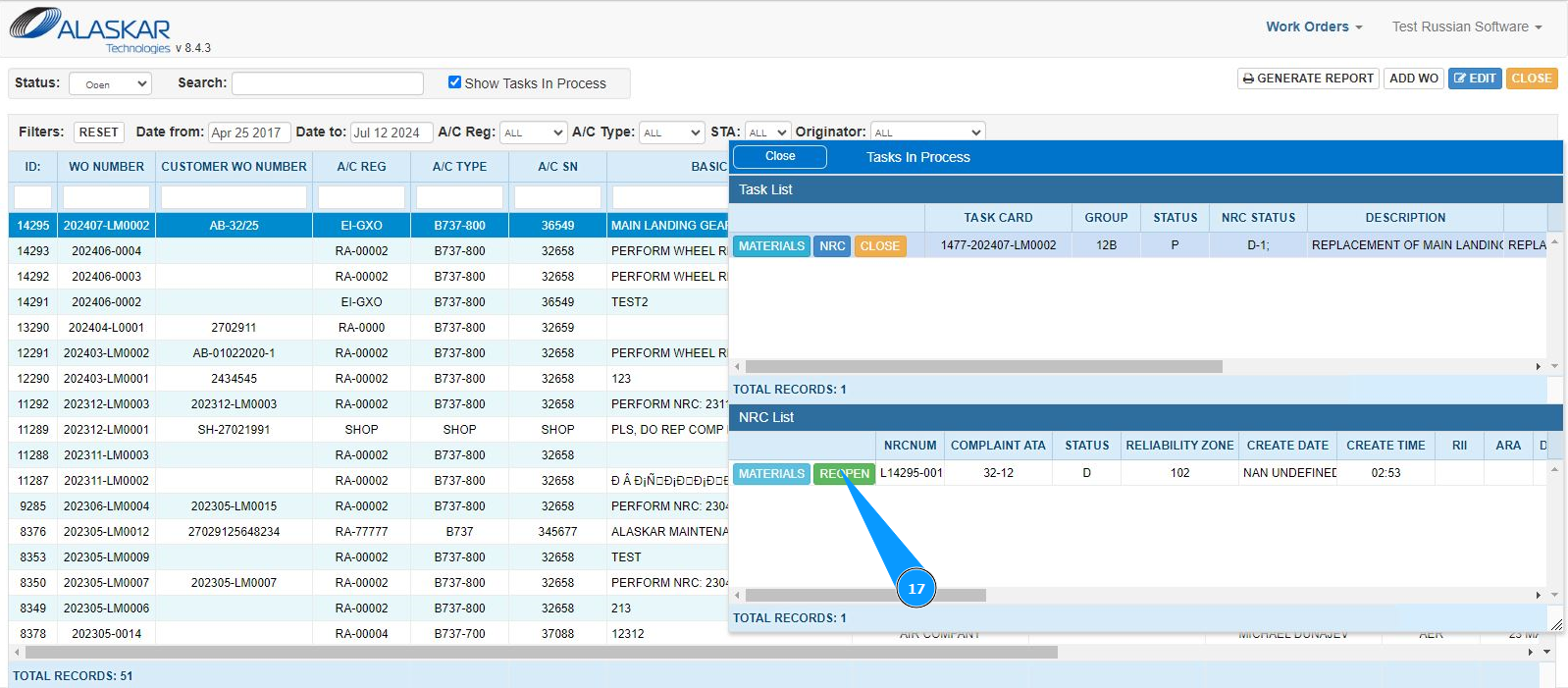
17. Check that the button "Re-Open" appears, the NRC is completely closed.