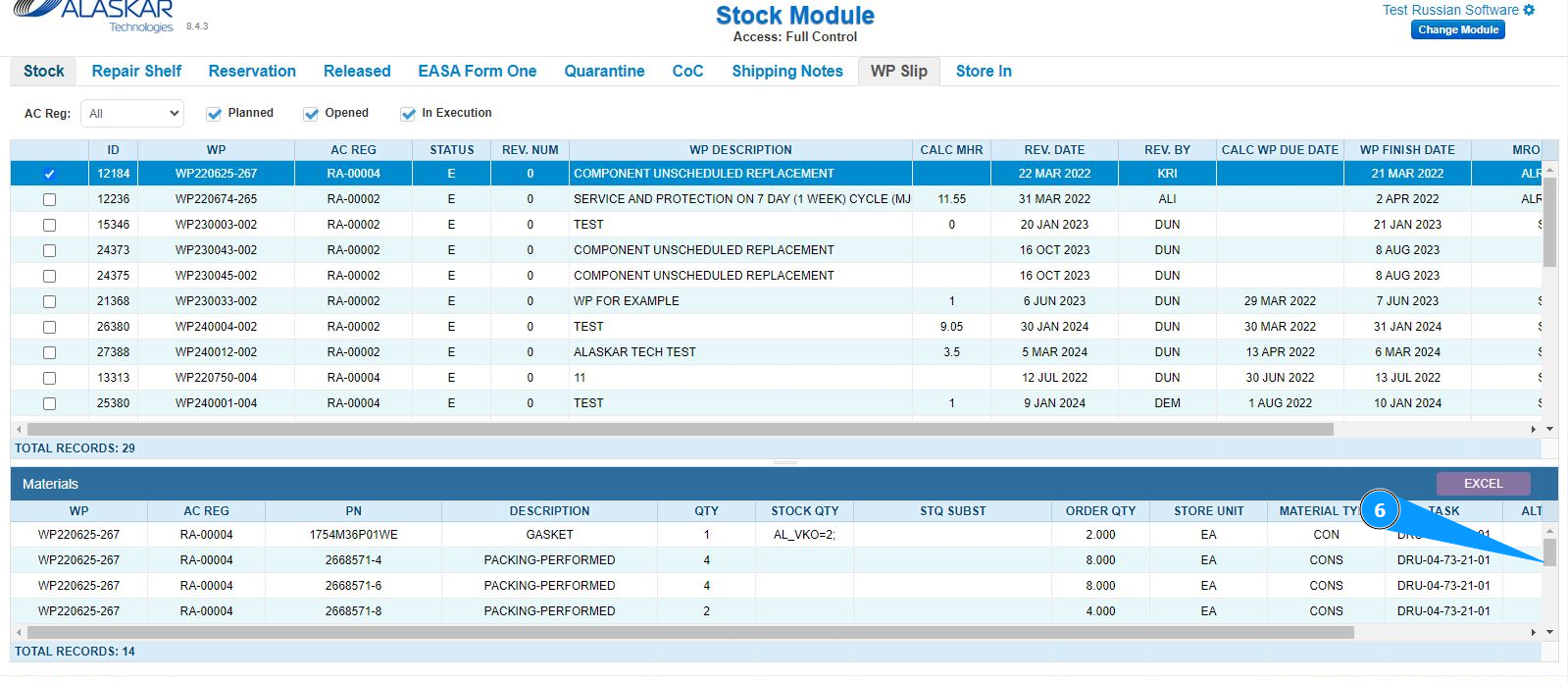
How to check the materials required to complete a Work Package
Note: Filling tasks with materials is done in the module "Part M". The tab "WP slip" is for checking only.
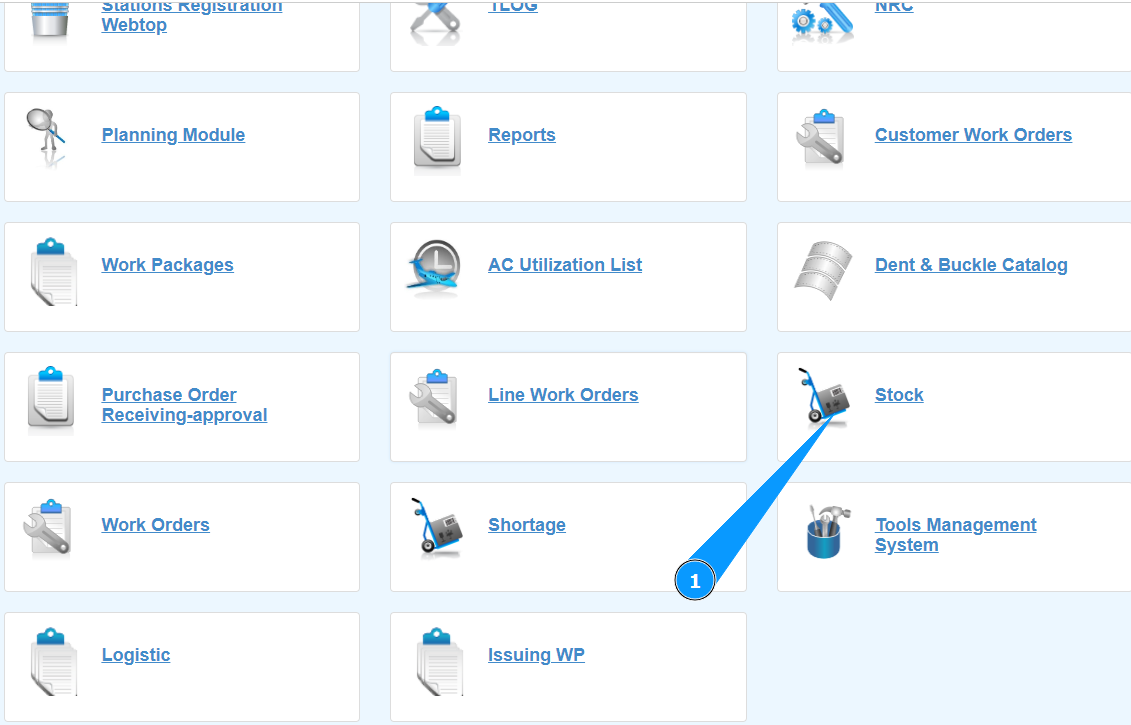
1. In order to check the materials required to complete a Work Package, go to the submodule "Stock".
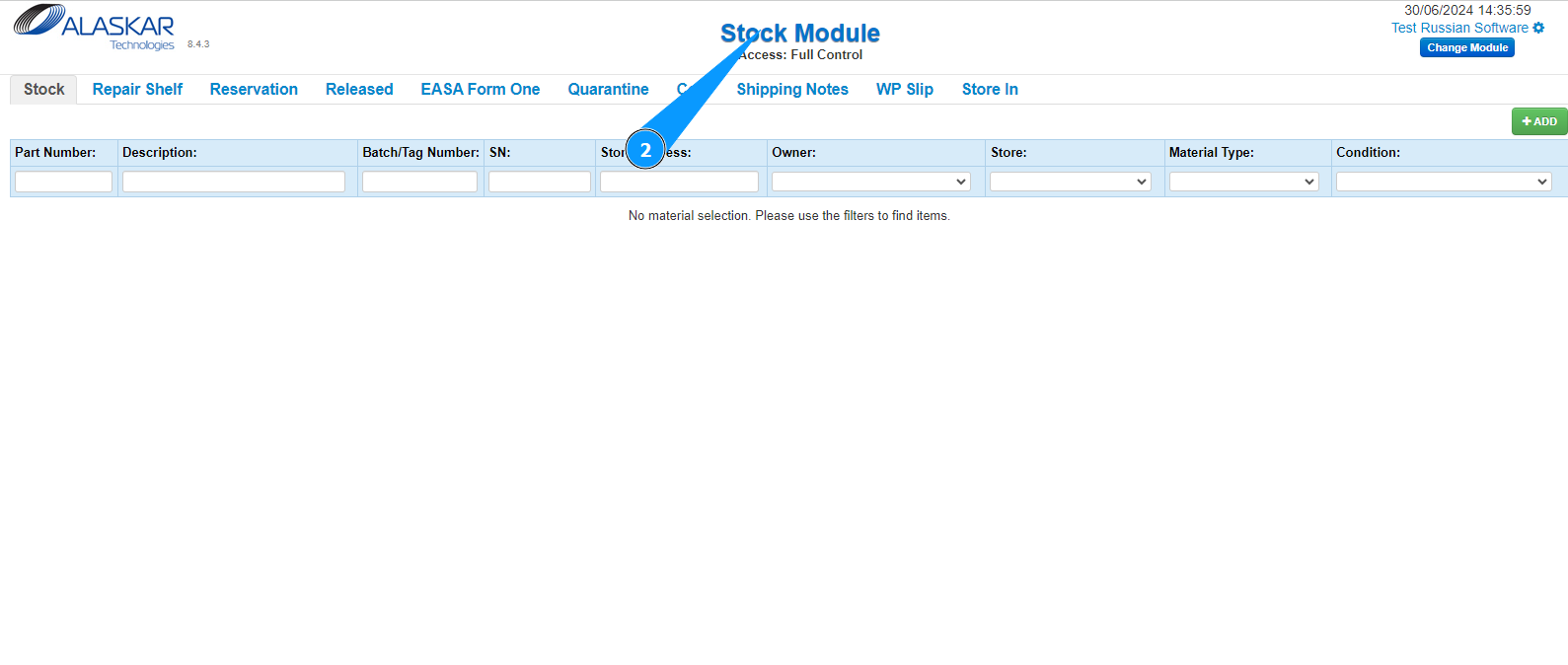
2. Make sure that the window for working with the warehouse has opened and is available in the window "Stock Module".
3. Then go to the tab "WP slip".
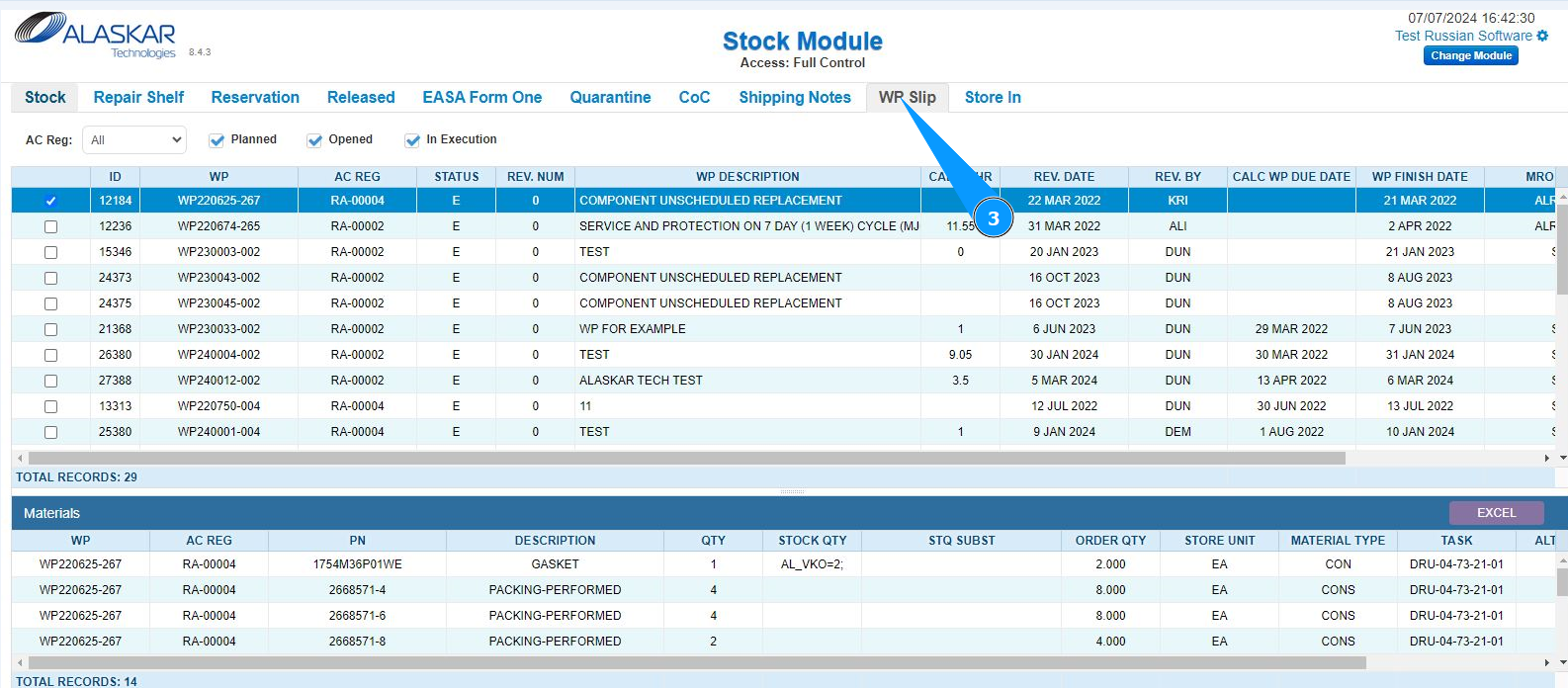
4. Select the Work Package you want to check from the list. Click on the corresponding line. Note: If necessary, use the available filters:
"A/C Reg.", "Planned", "Opened", "In execution".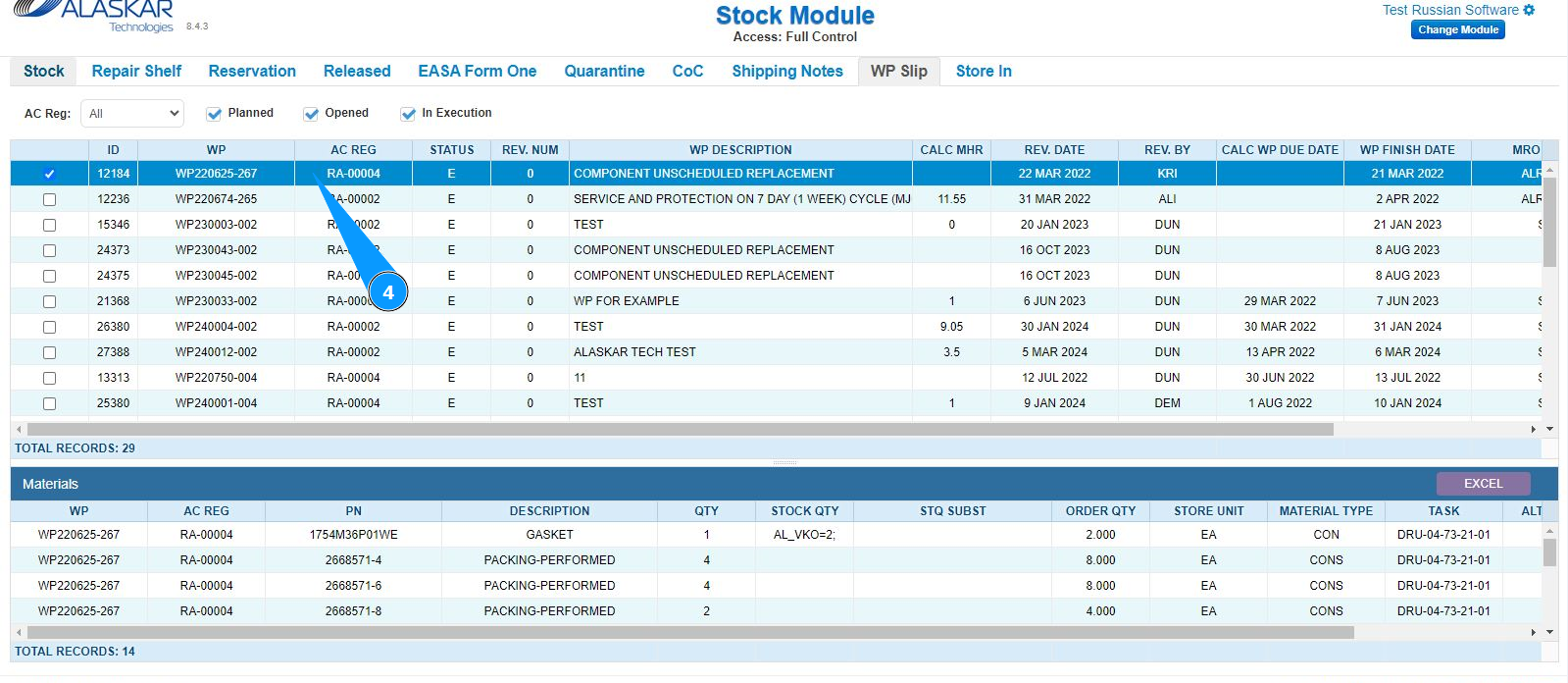
5. Check that the list of entered materials has opened and is available in the window "Materials".
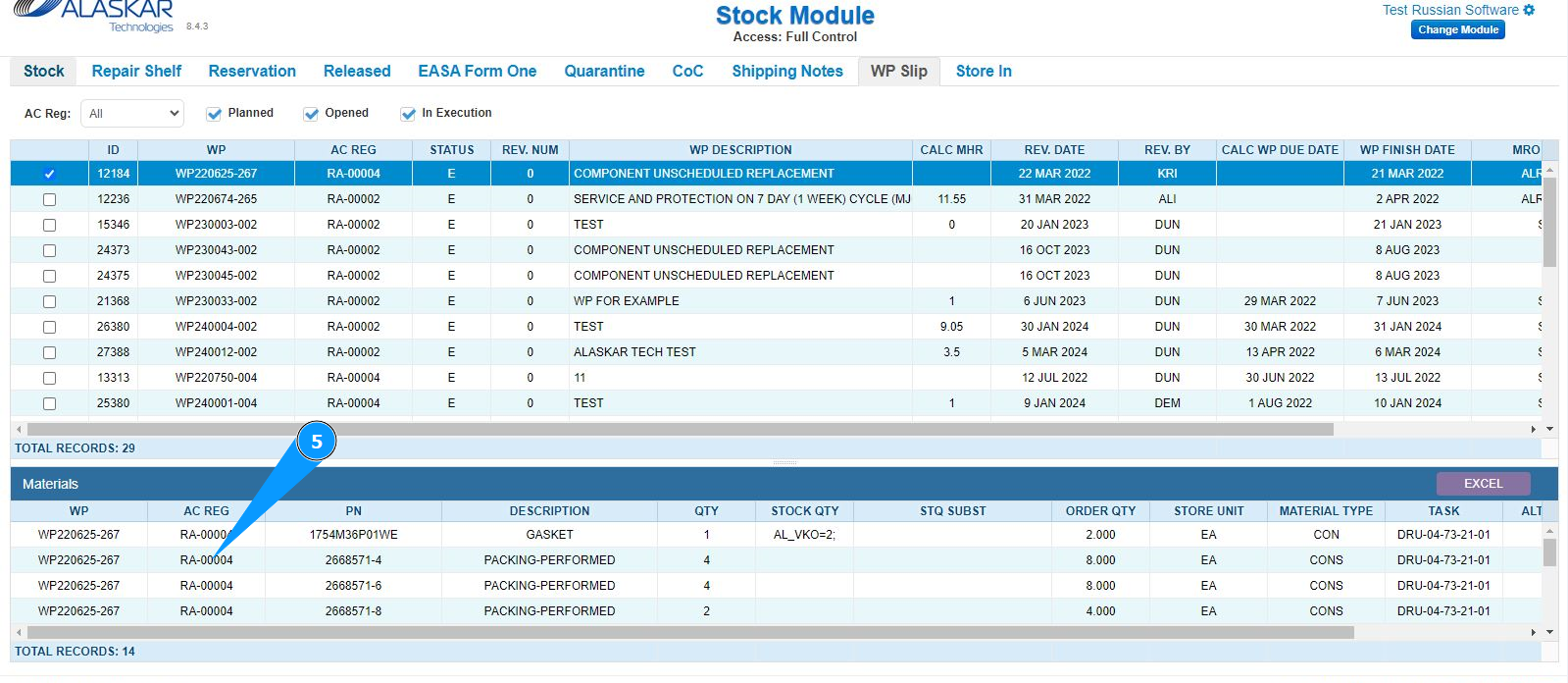
6. By moving the slider, get the necessary information about the required materials to complete the WP.