How to check the history of a task
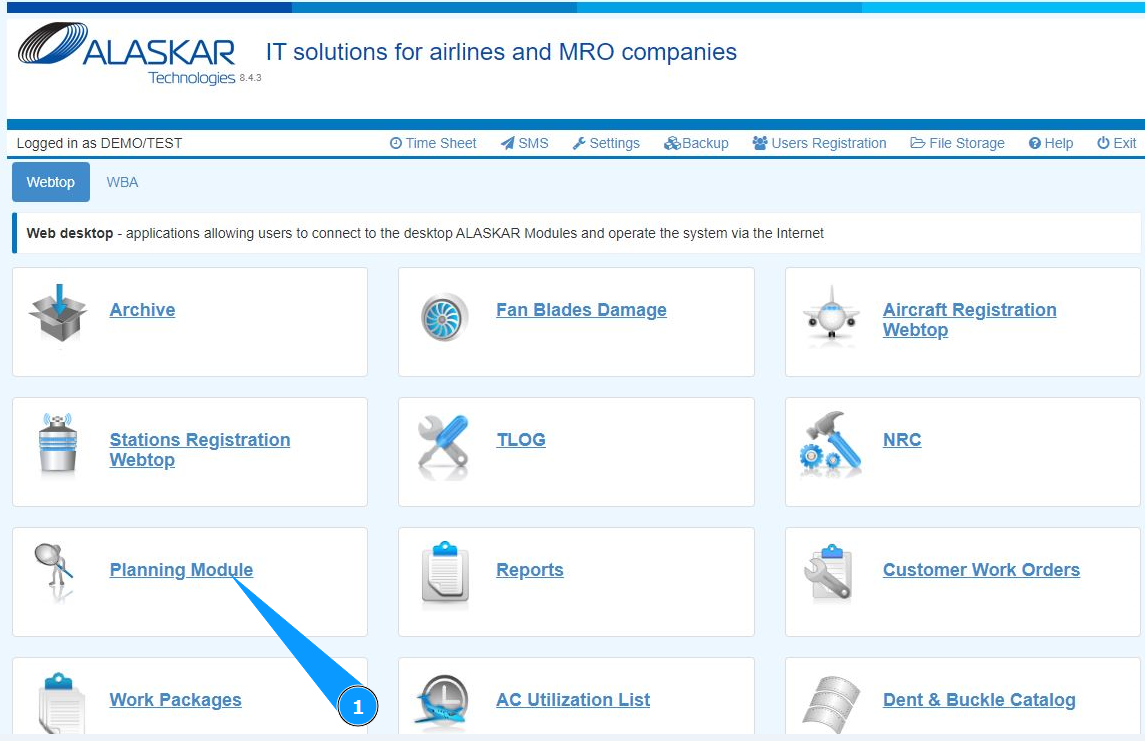
1. In order to check the performed task history, go to the submodule "Planning Module".
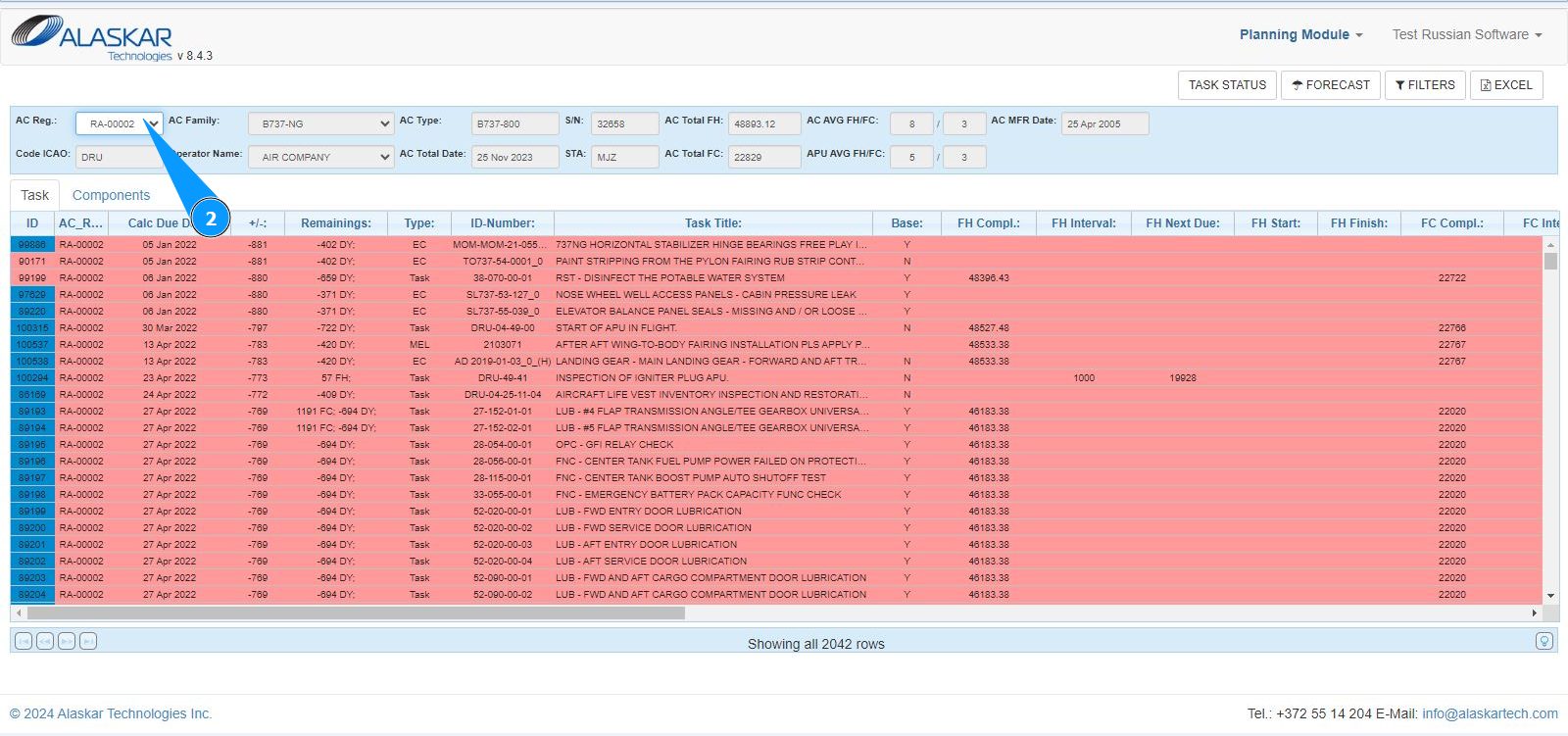
2. Select the aircraft registration number from the dropdown list in the field "AC Reg.".
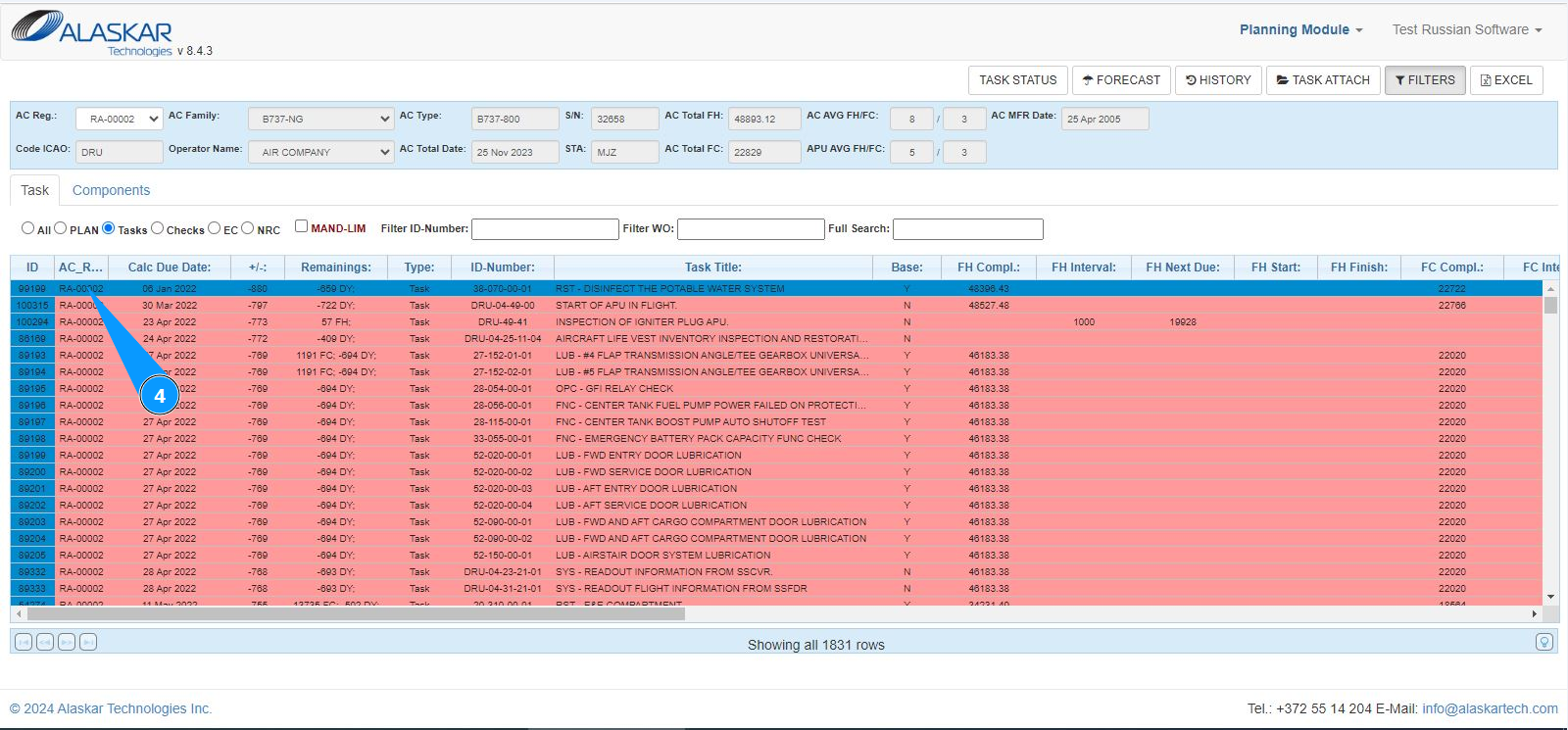
3. Select the task that you want to check history in the planning list in the tab "Task". Note: Use the available filters if necessary. Enter the task number in the field "Filter ID-Number" and press the button "Enter" on your keyboard.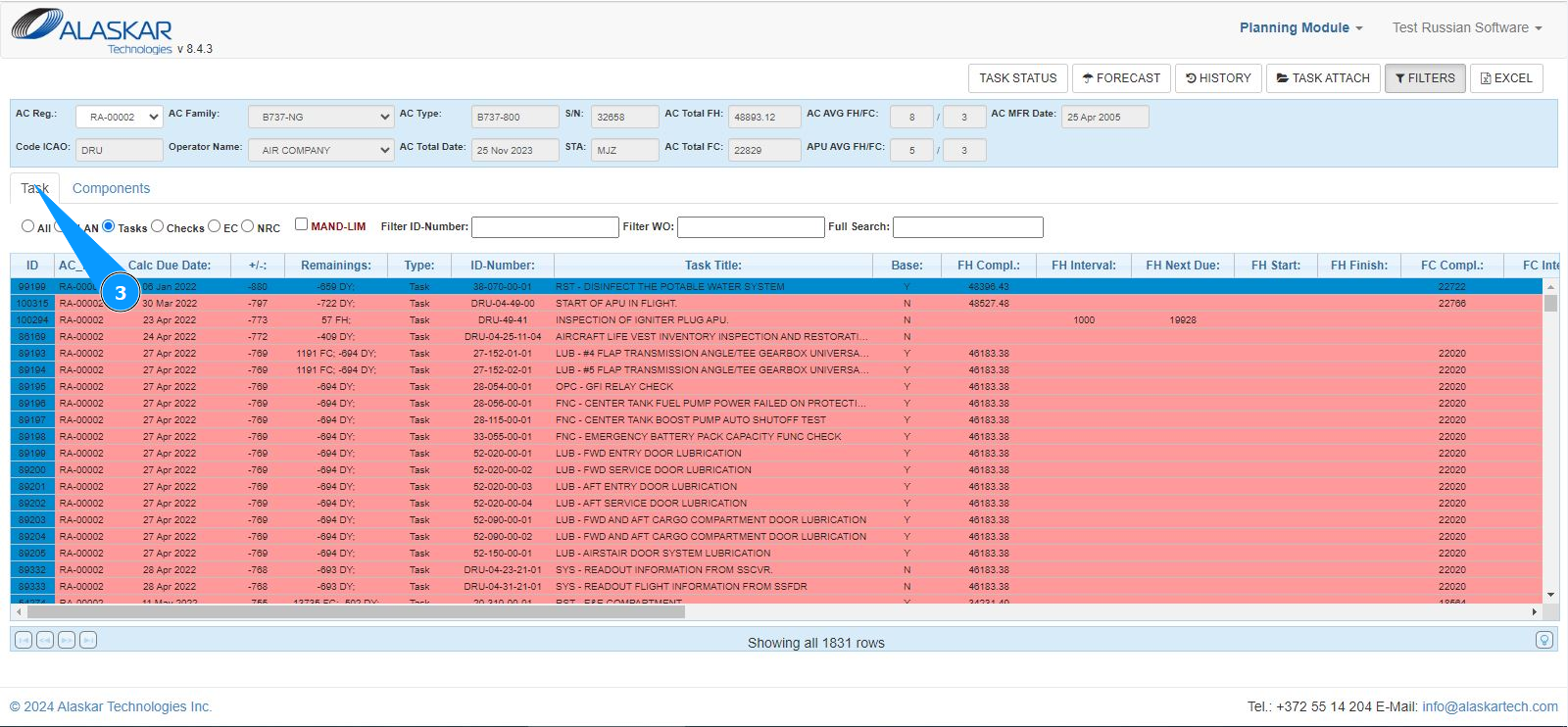
4. Click on the corresponding line with the required task.
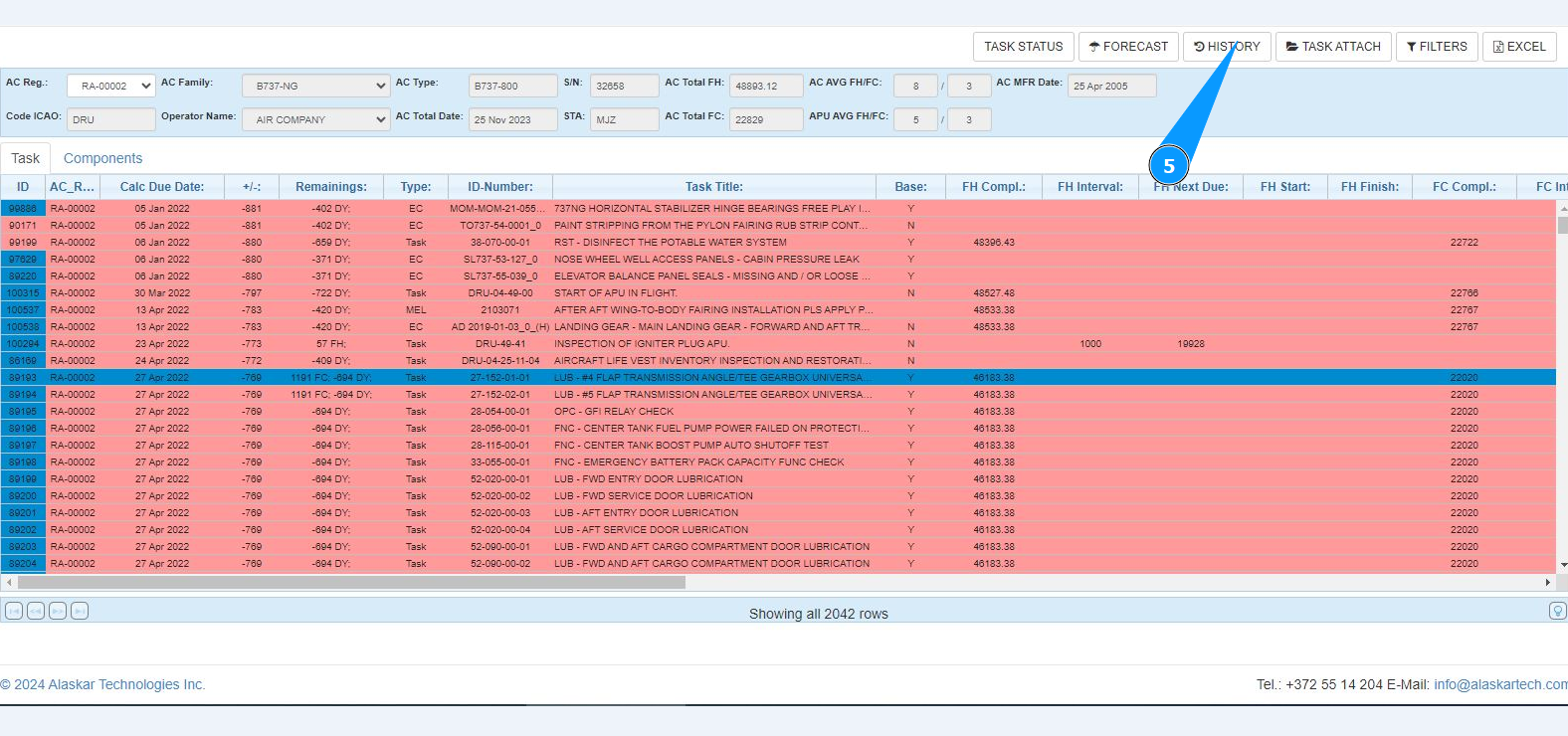
5. Click on the button "History" to open history checking mode.
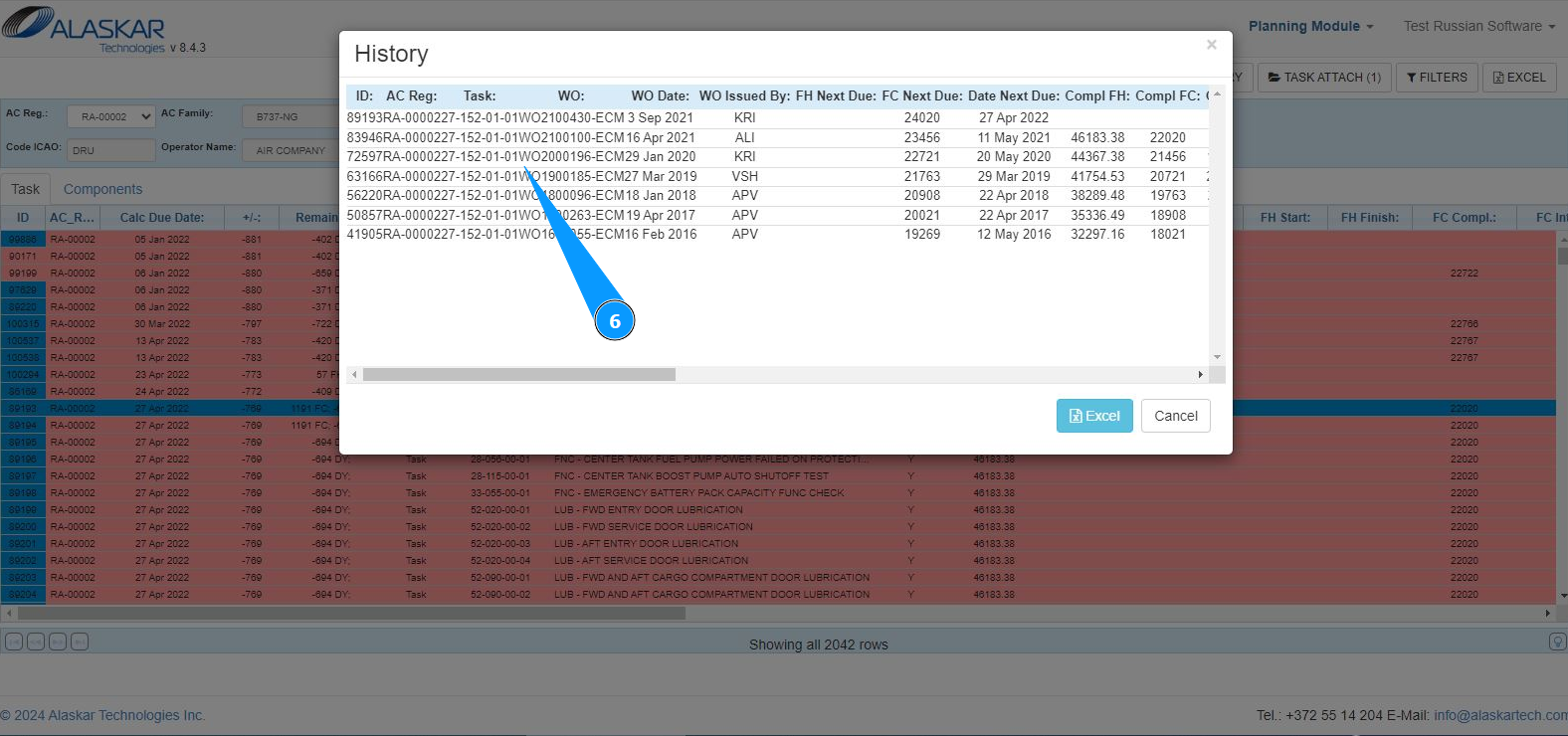
6. Check that the history window has successfully opened . Get the required history information.
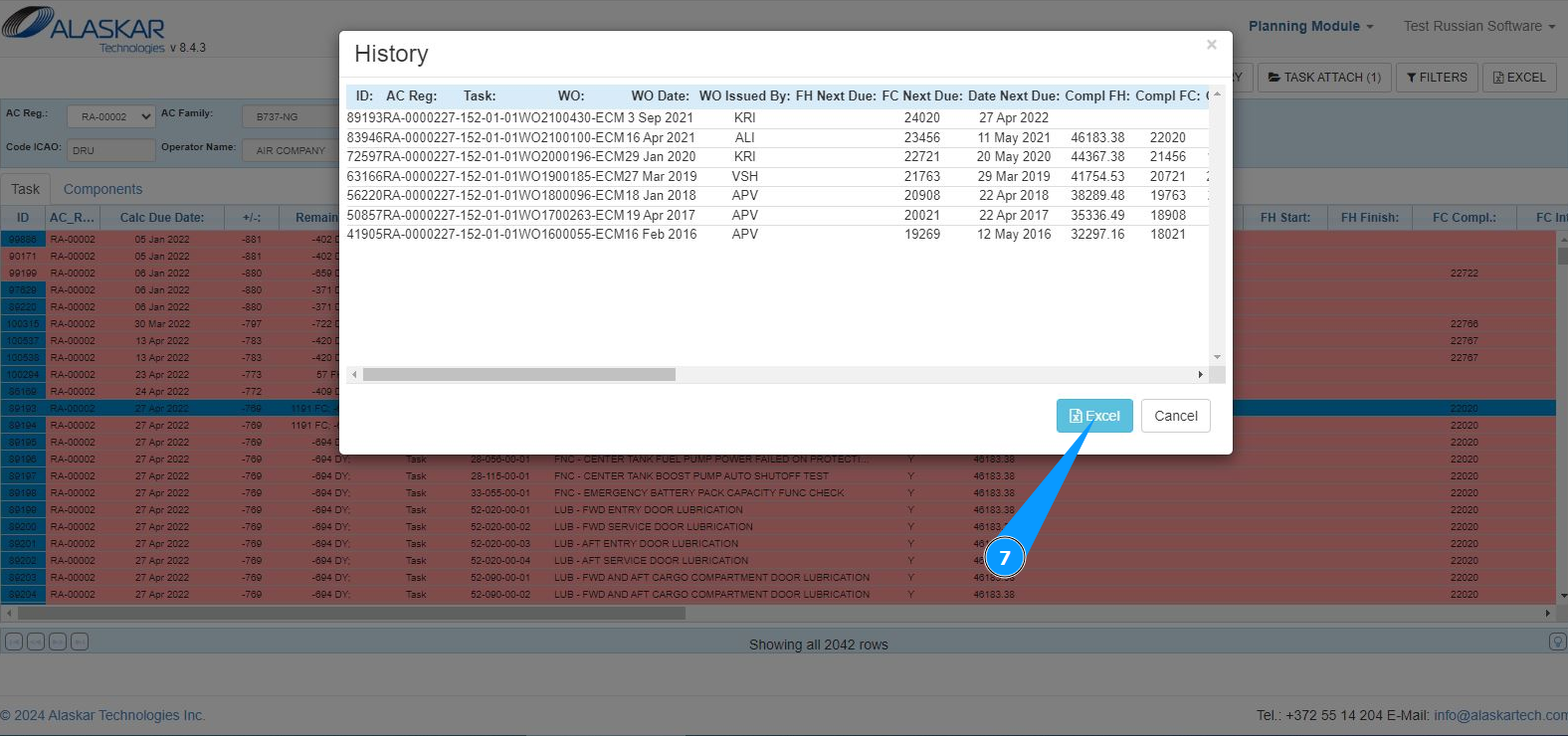
7. If necessary, you can download the history in Excel format. Click on the button "Excel".
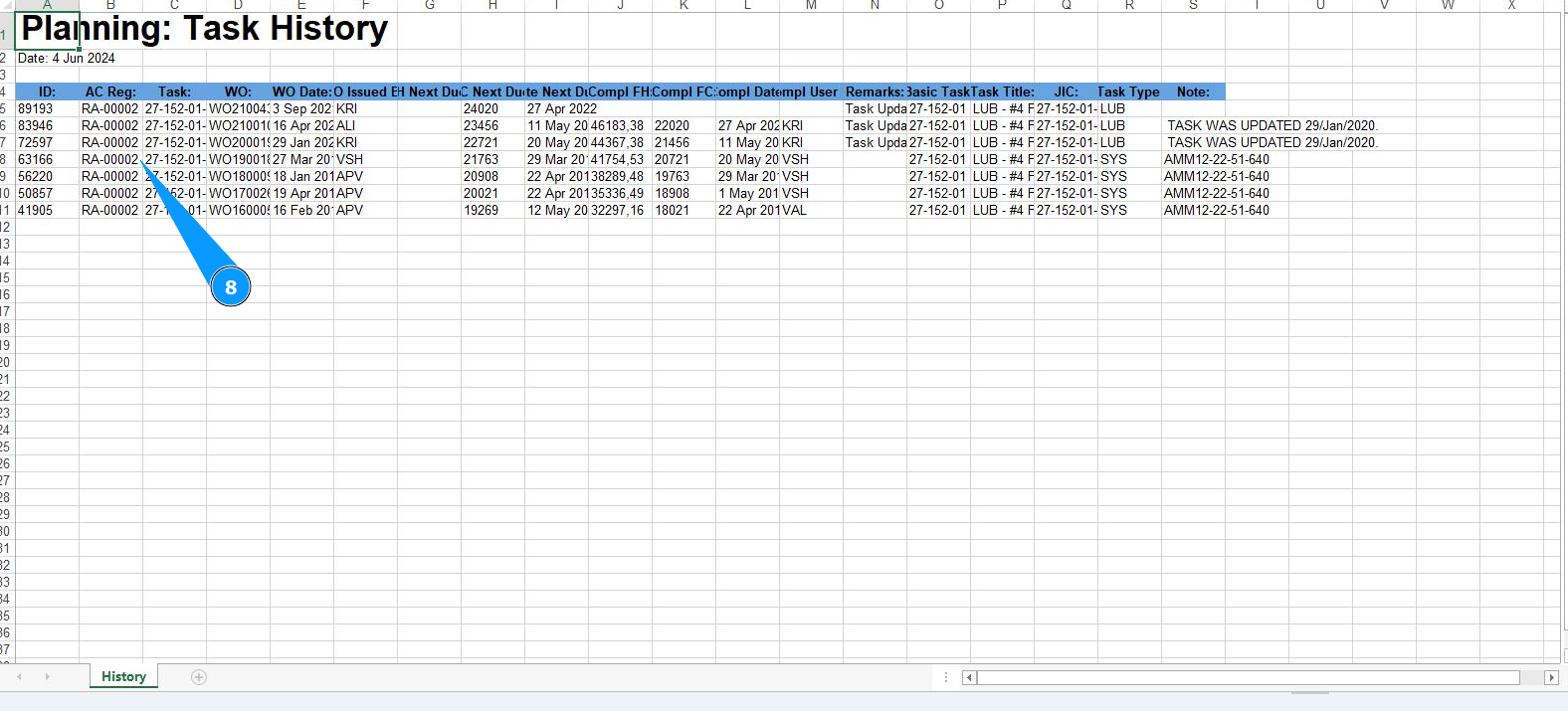
8. Check that the required report is generated and displayed with the task status "Planning: Task History".