How to check the list of components received into the store
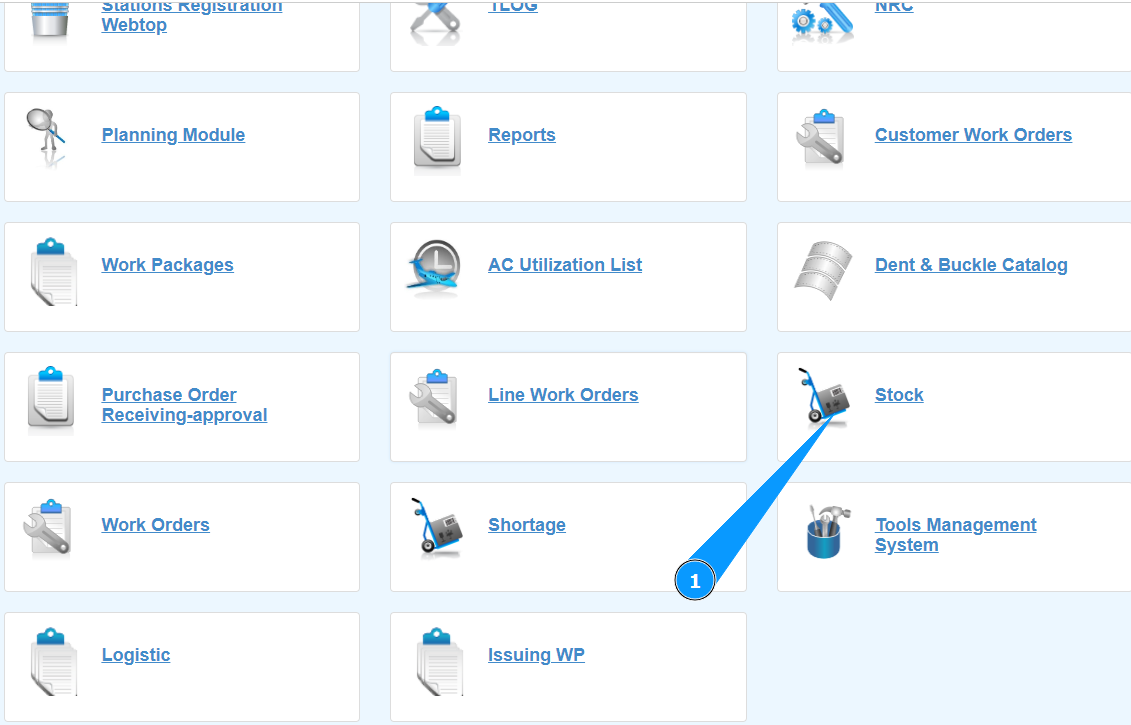
1. In order to check the list of components received into the store, go to the submodule "Stock".
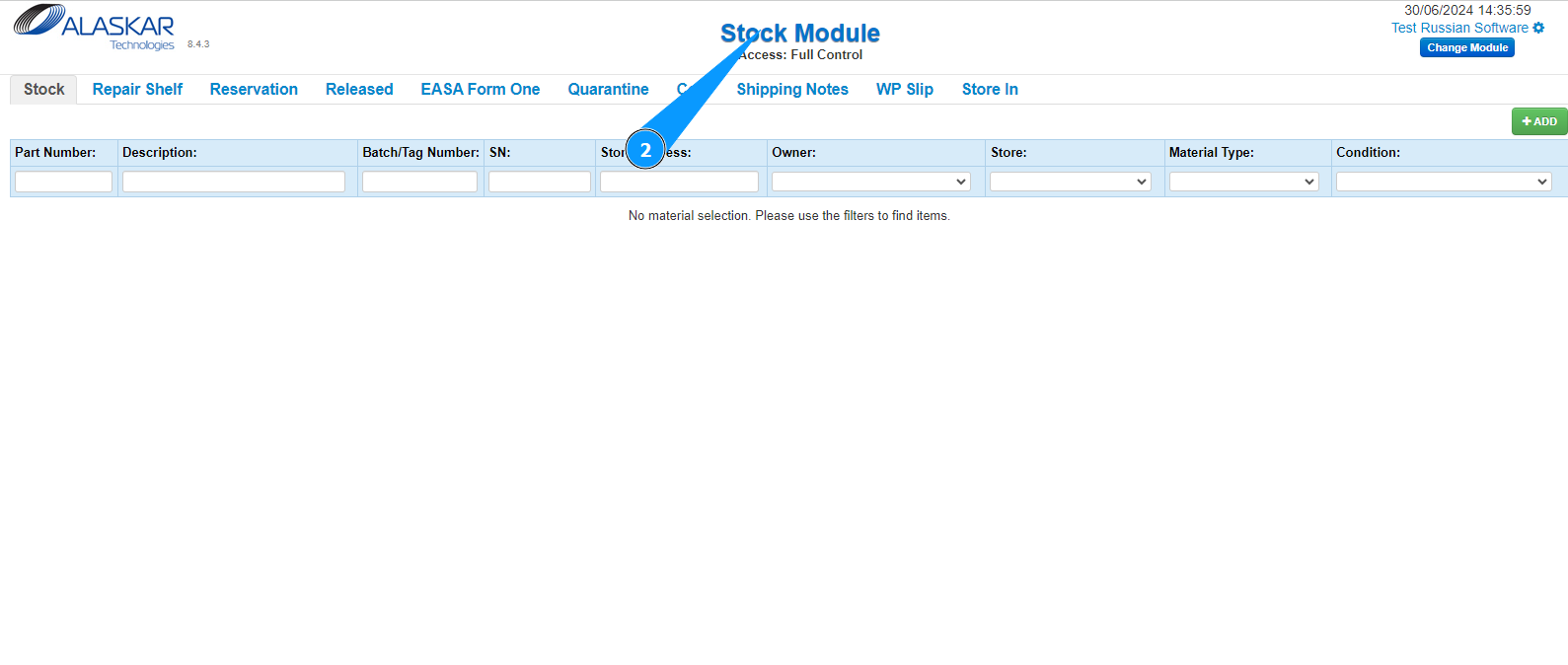
2. Make sure that the window for working with the store has opened and is available in the window "Stock Module".
3. Then go to the tab "Store In".
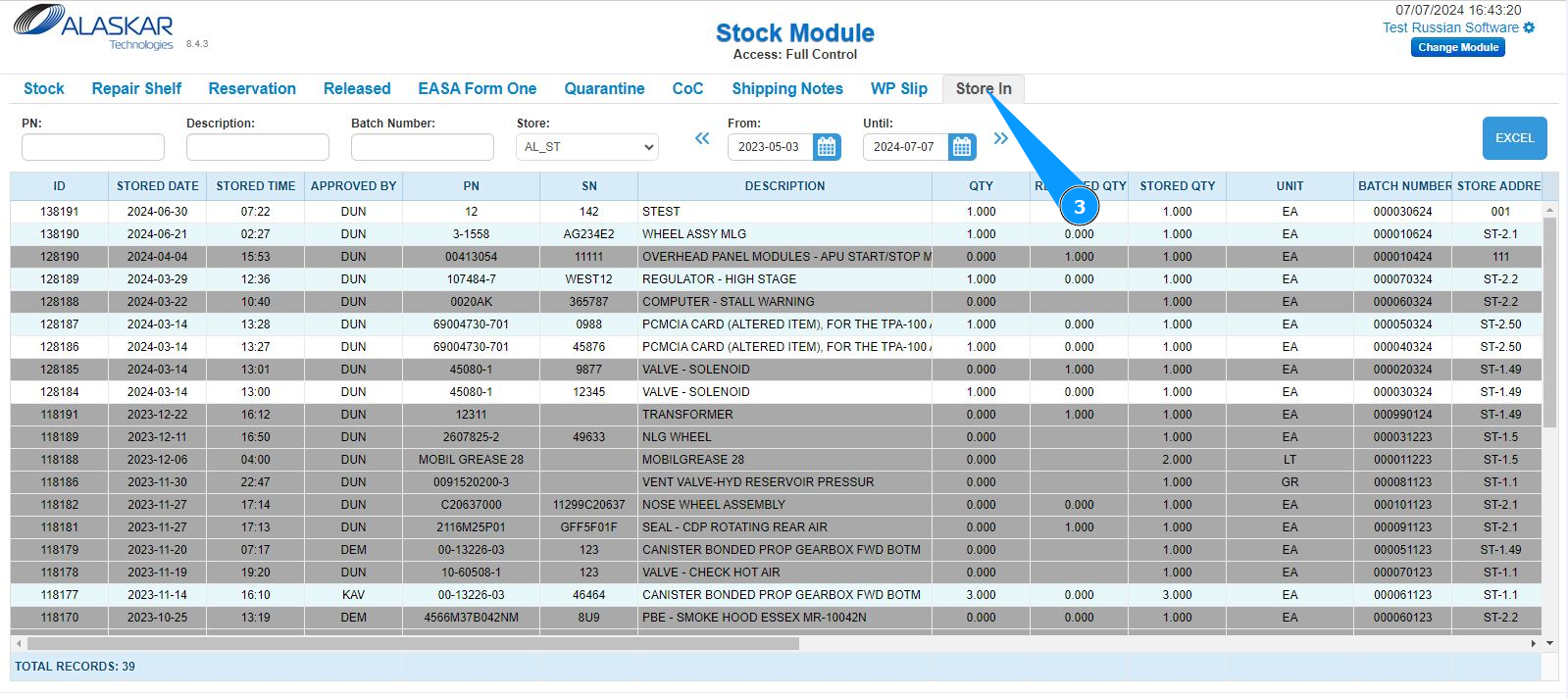
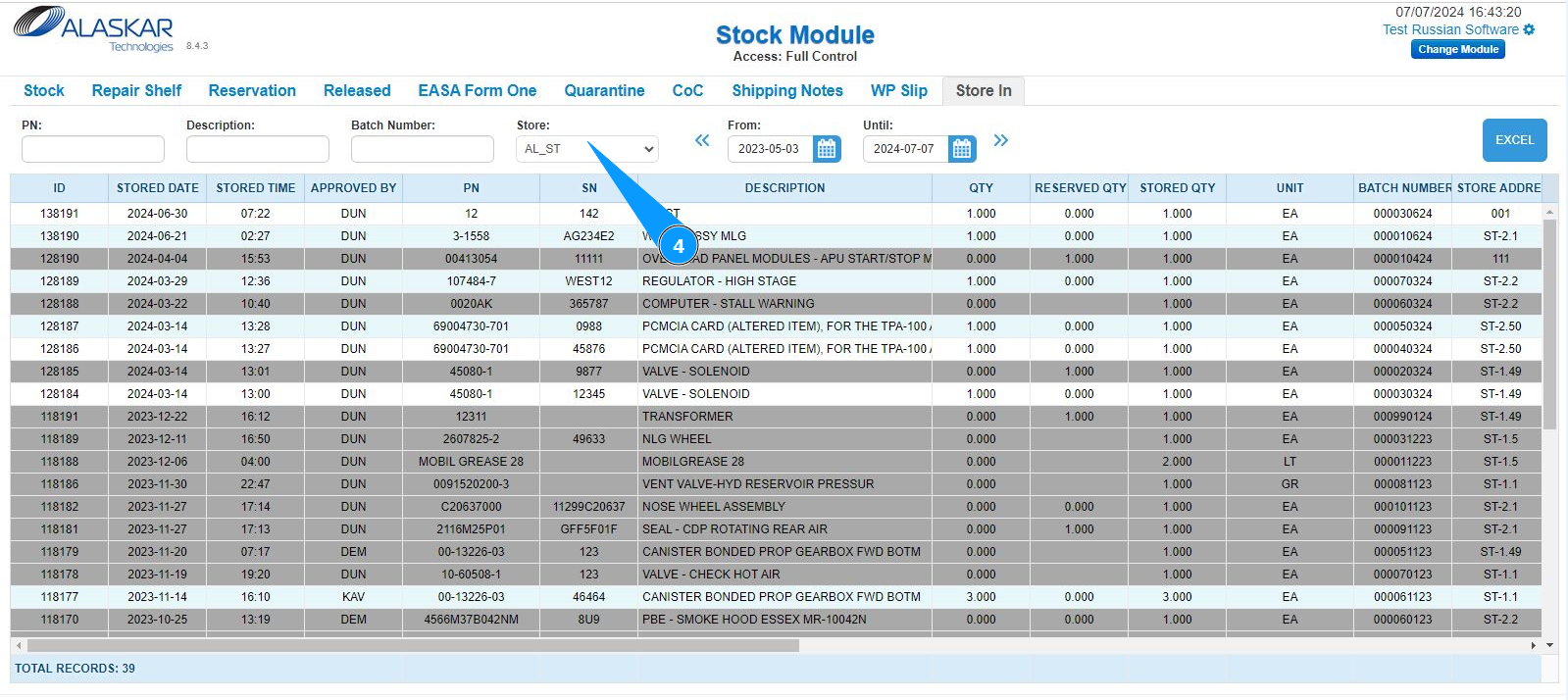
4. Use the available filters: "Store", "From", "Until" and so on to display the required information about the receipt of components on the screen.
5. Move the slider to get the necessary information about the required receipts to the store.
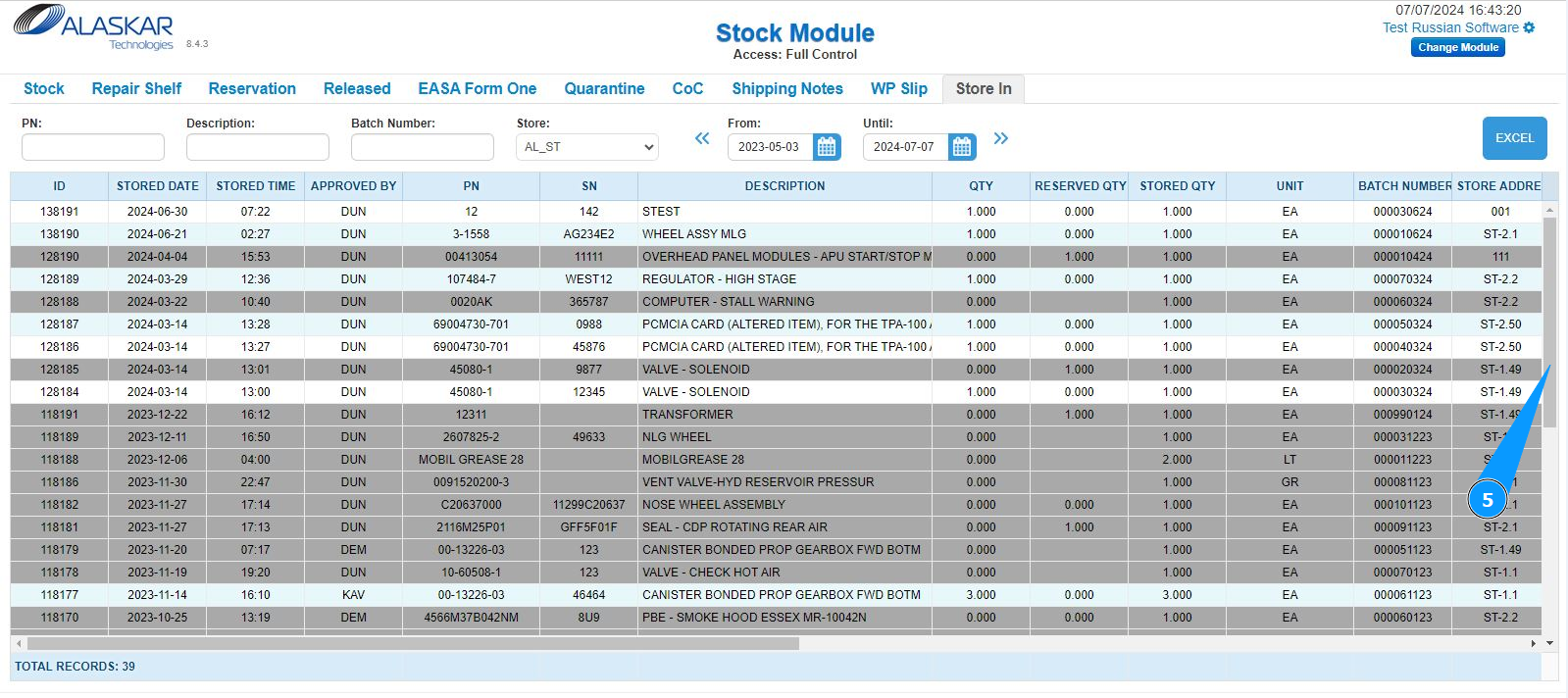
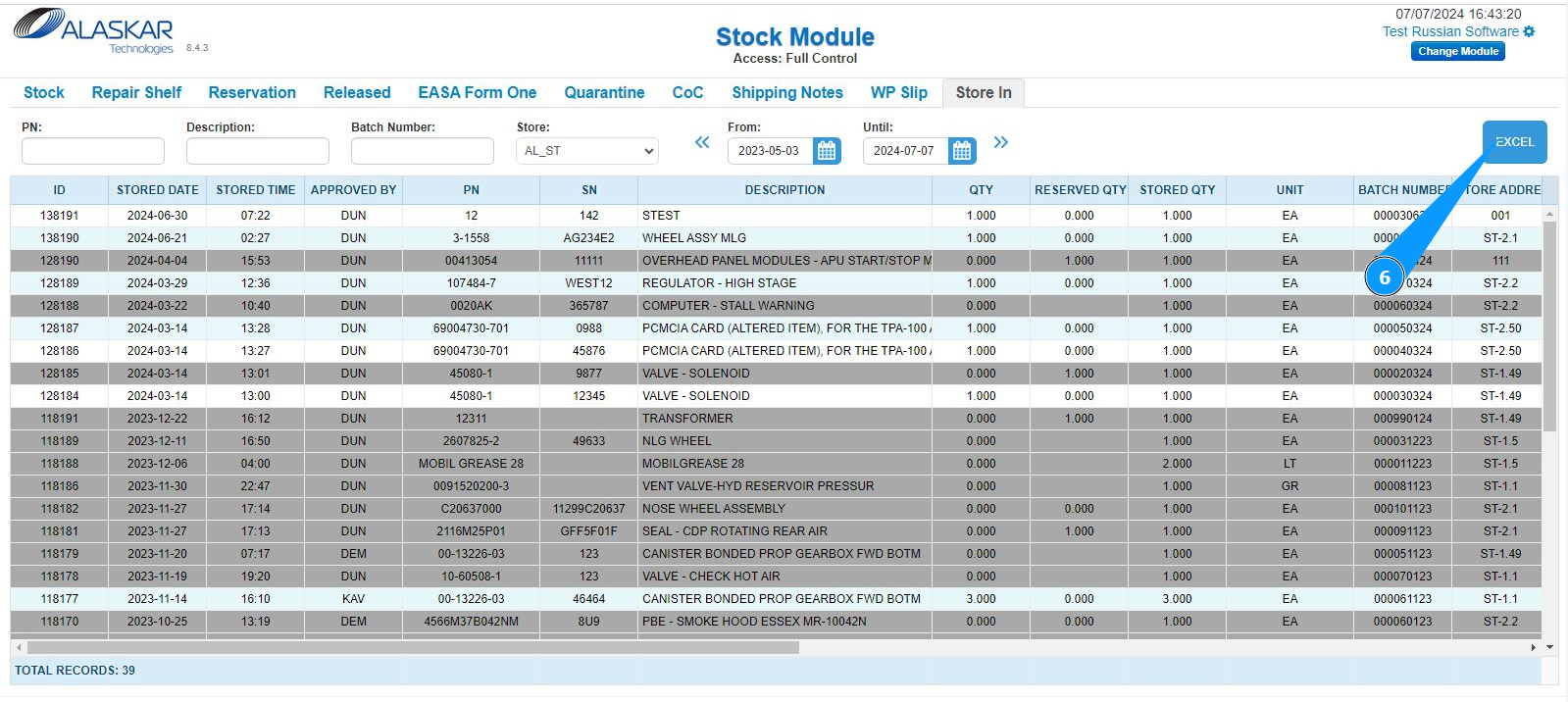
6. If necessary, you can download the receipt history in Excel format. Click on the button "Excel".