How to check the status of tasks or EC in the planning
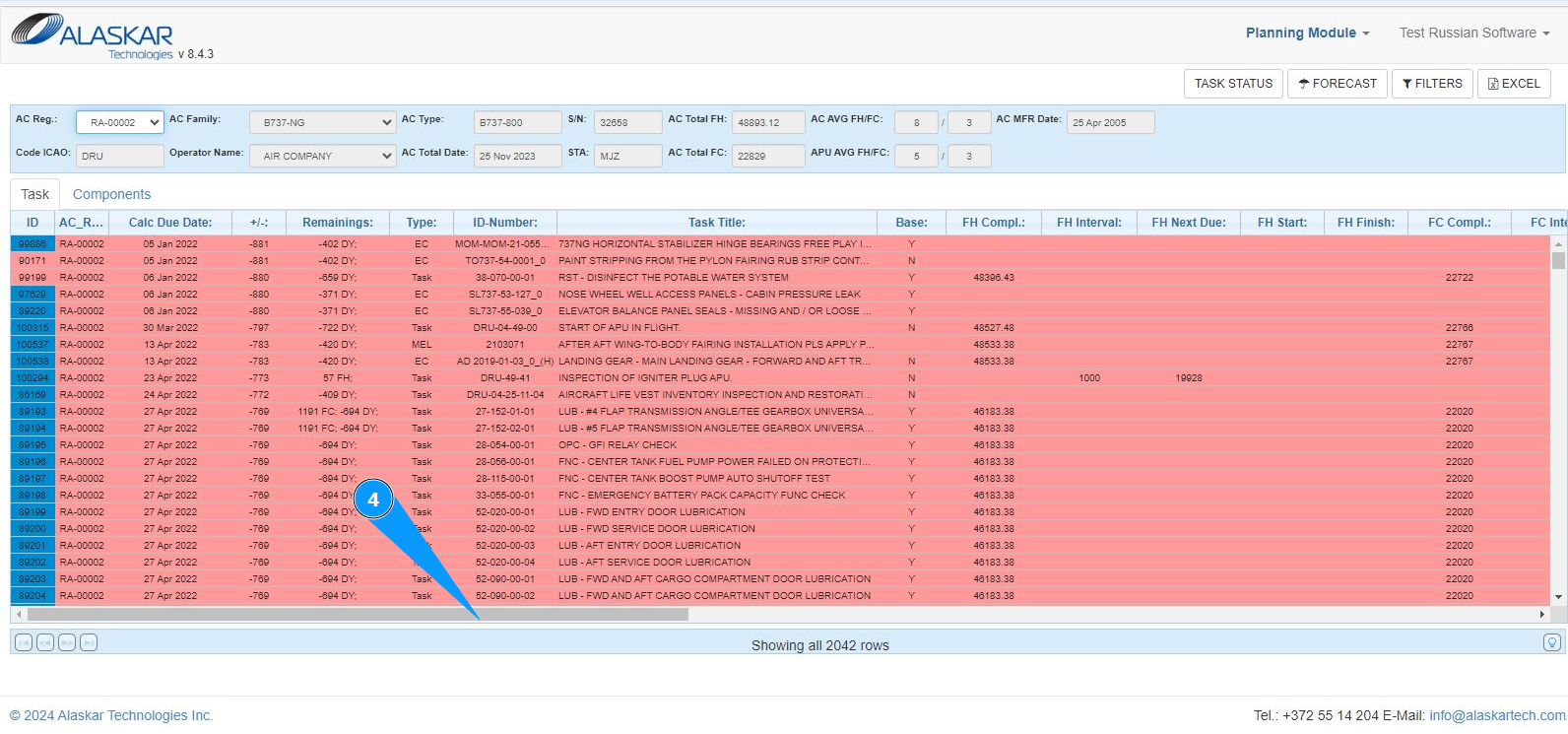
1. In order to check the status of tasks or Engineering Control tasks, go to the submodule "Planning Module".
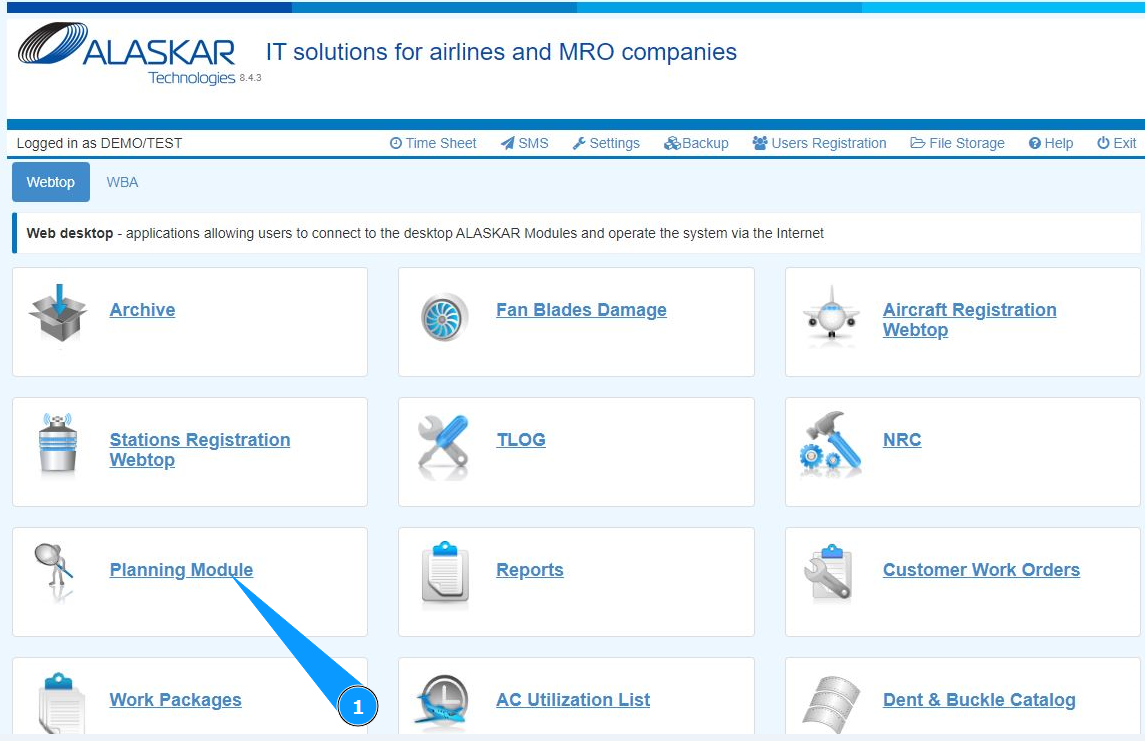
2. Select the aircraft registration number from the dropdown list in the field "AC Reg.".
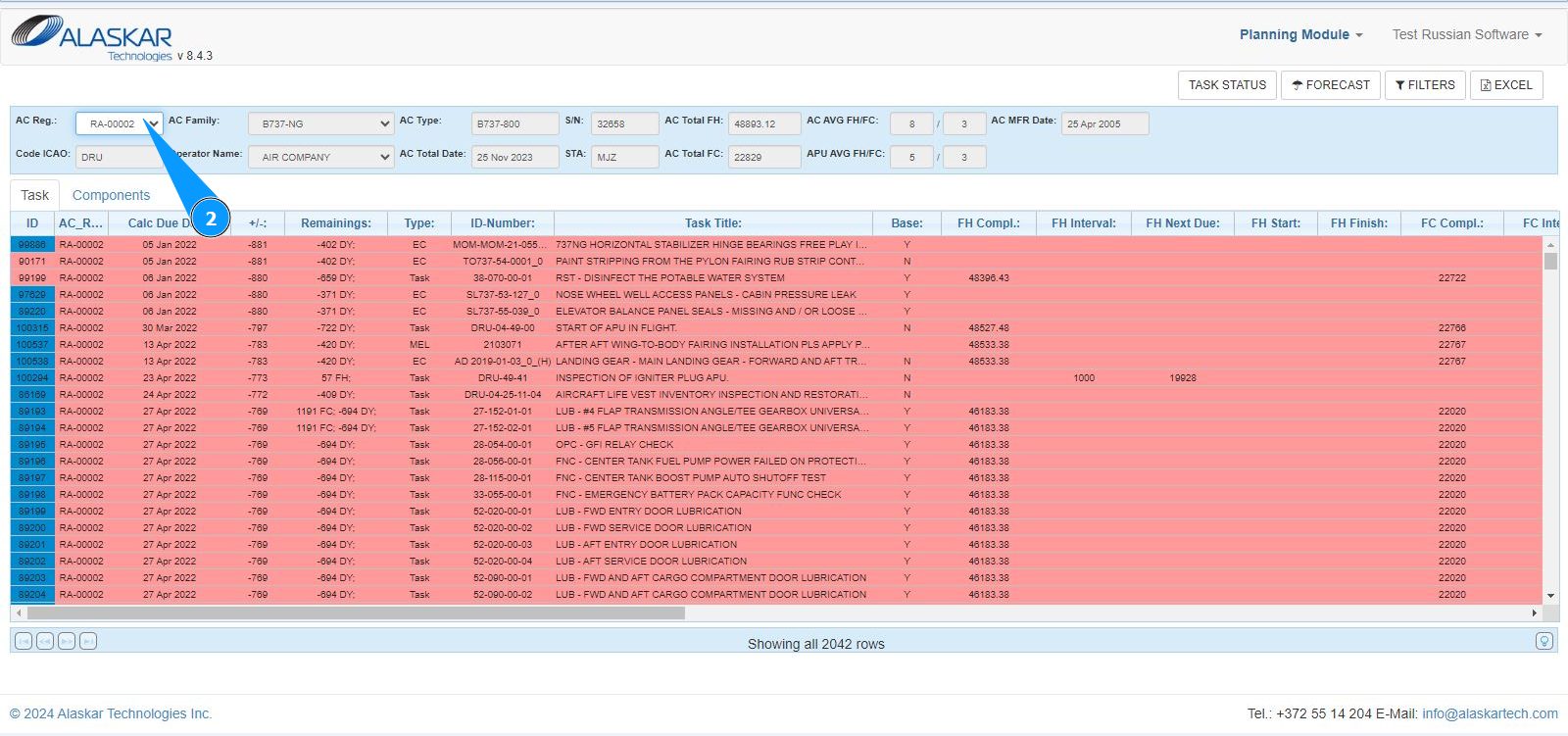
3. Get visual information about the status of the required task in the tab "Task".
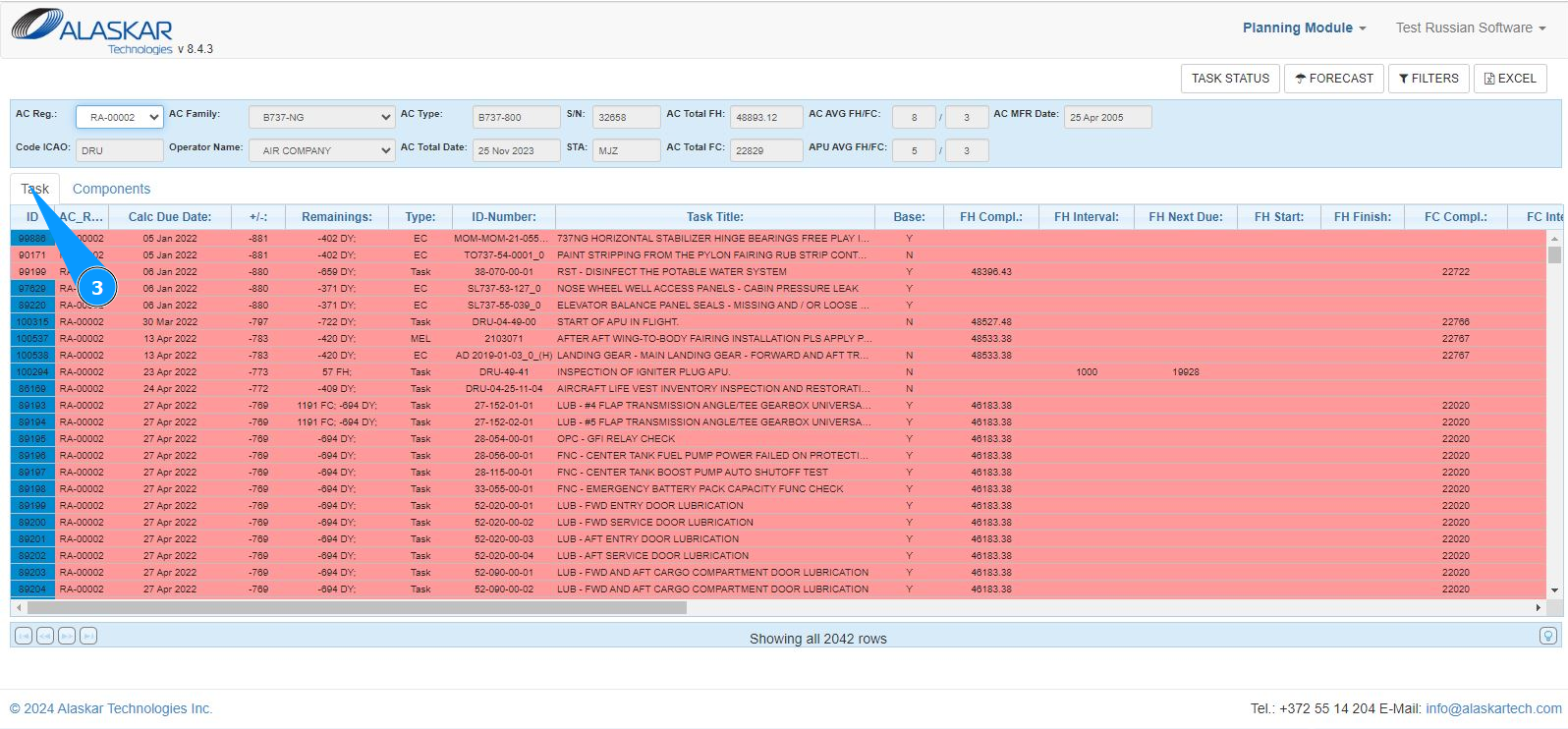
4. By scrolling the scroll slider to the right, you will get check all information about the task criteria in other columns.