How to check reserved components in the store
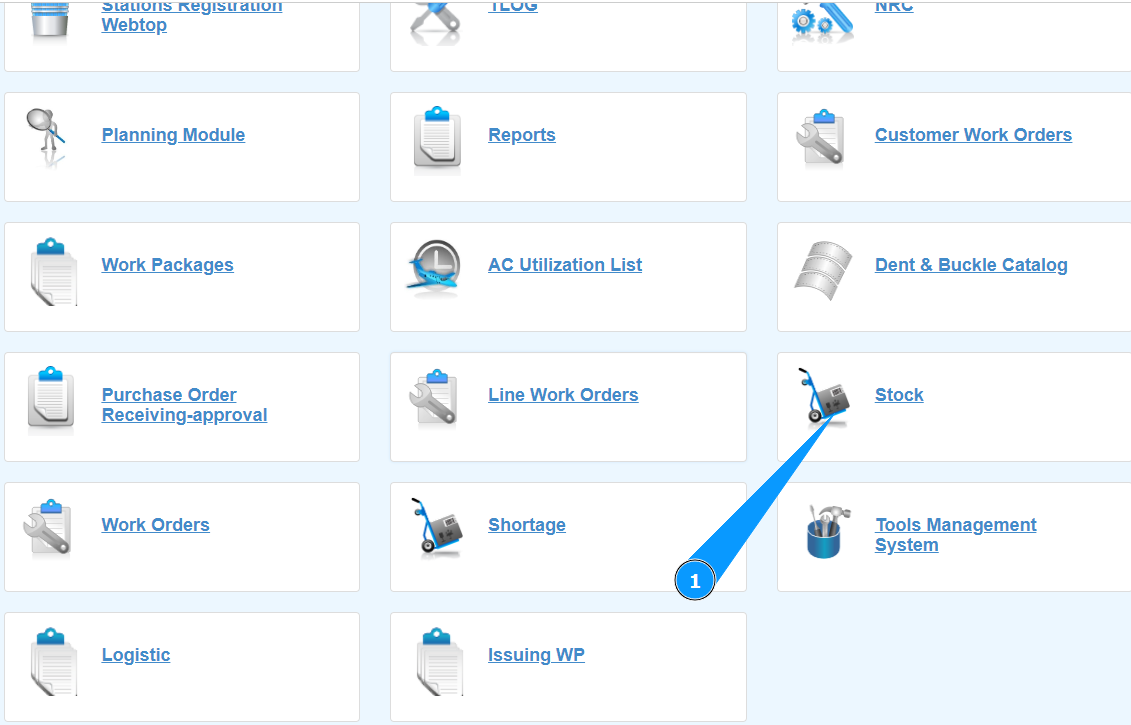
1. In order to check reserved components in Store, go to the submodule "Stock".
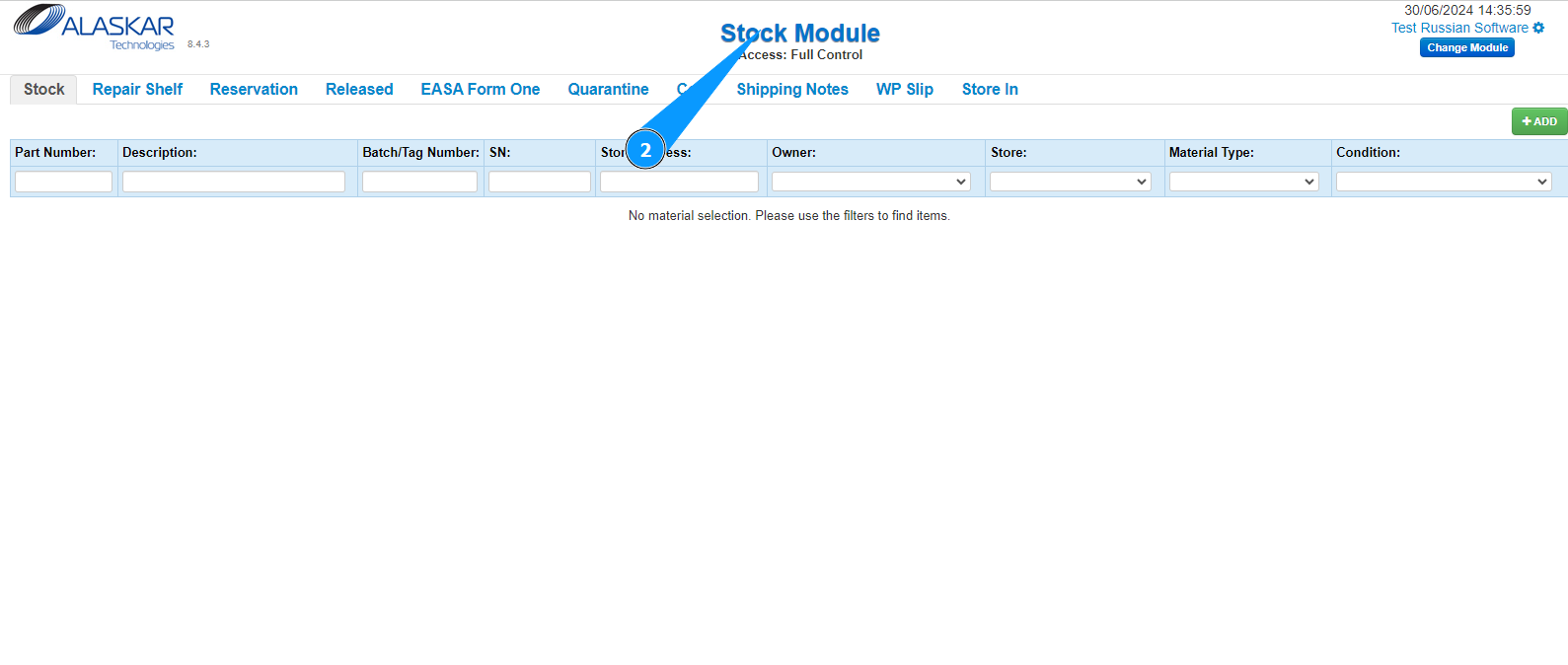
2. Make sure that the window for working with the warehouse has opened and is available in the window "Stock Module".
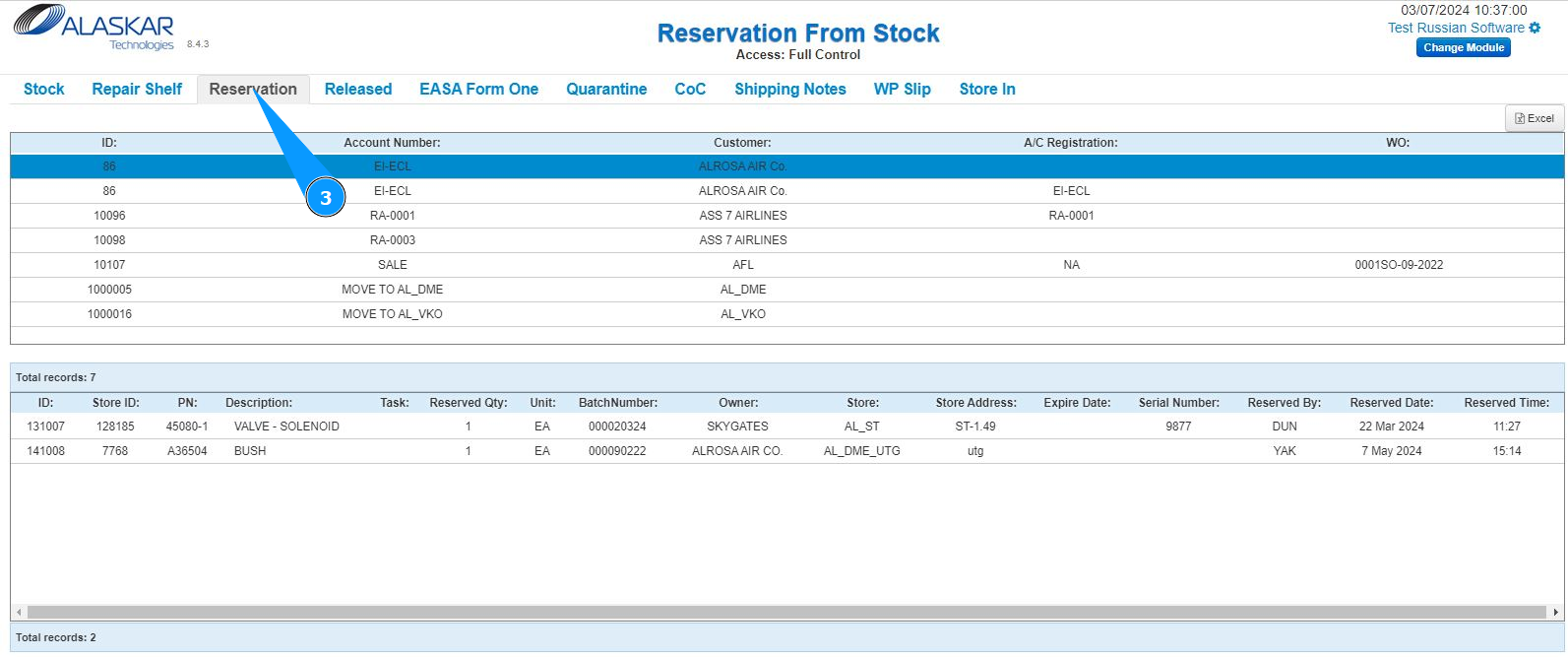
3. Then go to the tab "Reservation".
4. Select the required line to view according to one of the criteria: "ID", "Account number", "Customer" and so on. Click on the corresponding line.
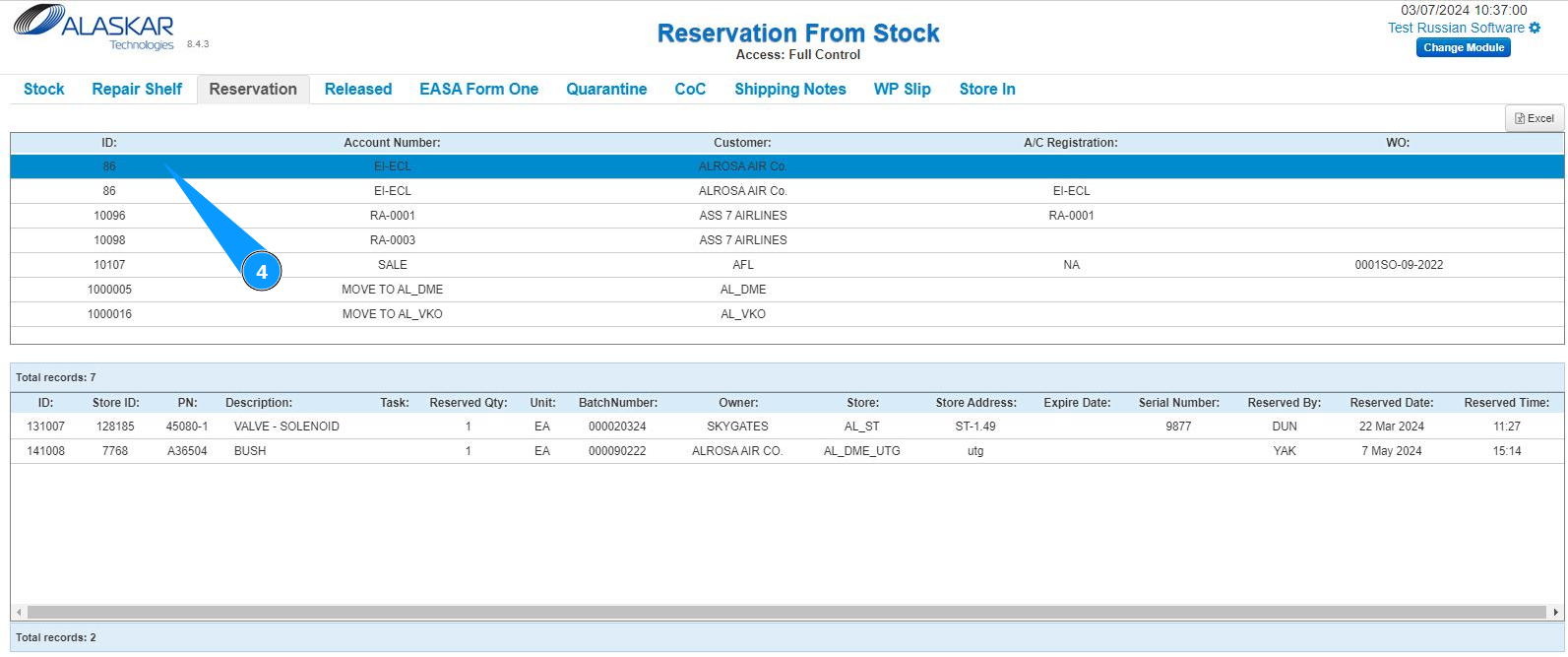
5. Check that information about the required reservation is displayed in the lower window of your screen.
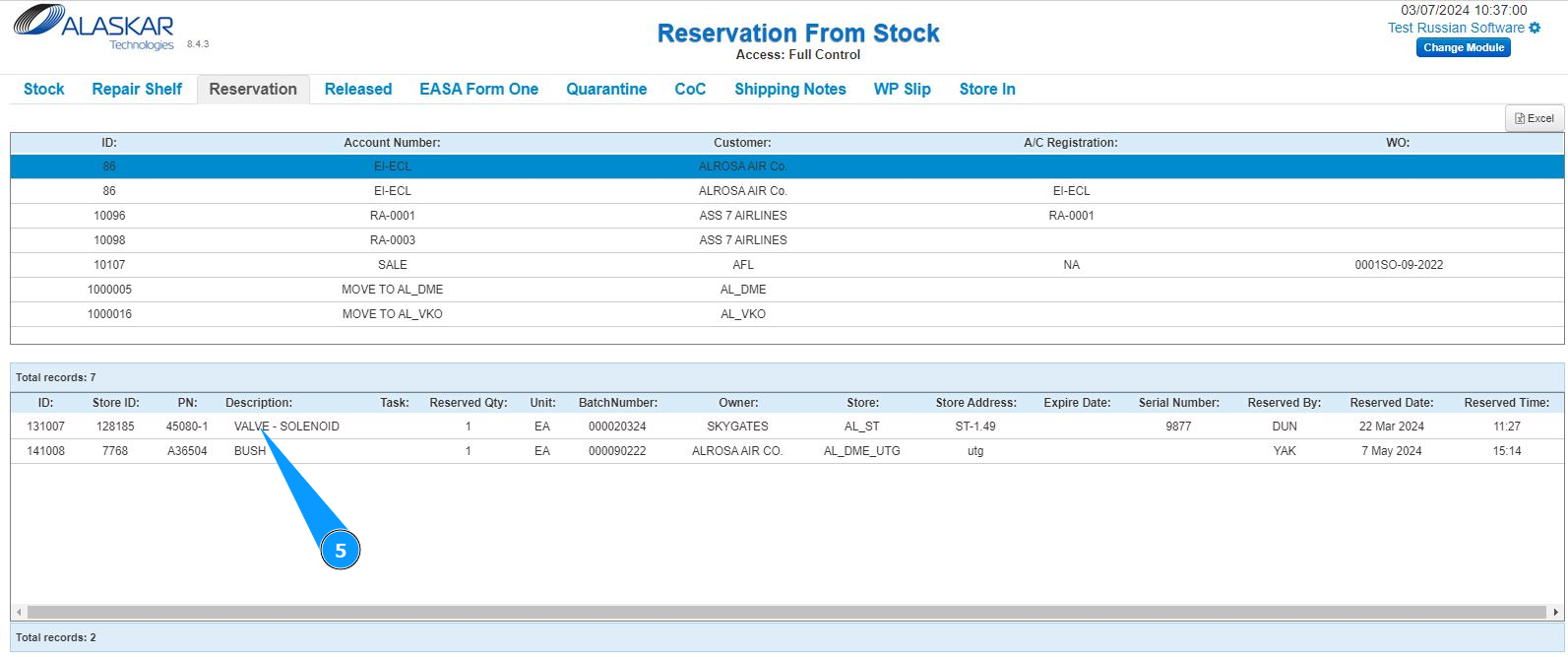
Note: If necessary, download the data in Excel format. Click on the button "Excel".