How to check reports
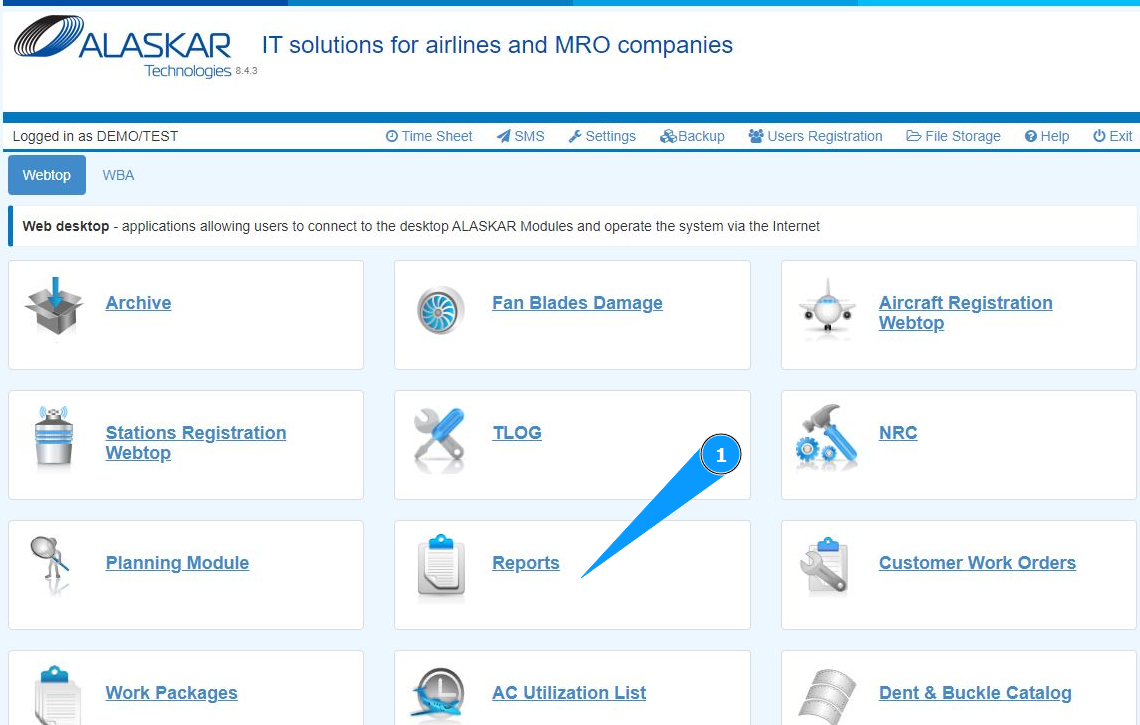
1. In order to check reports, go to the submodule "Reports".
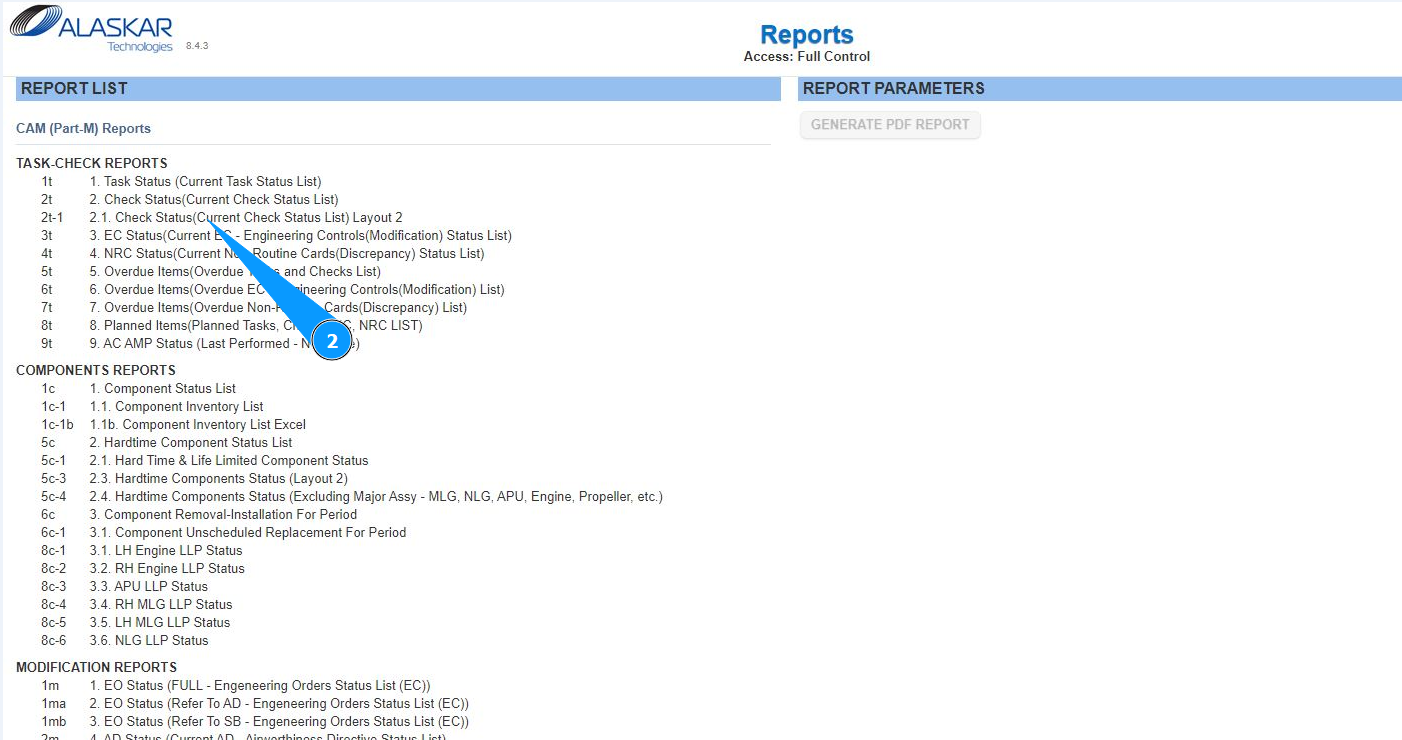
2. Use the scroll method to select the required report from the list in the window "Reports List". Click on the appropriate line.
3. Make sure that the report editor has opened in the window "Report Parameters".
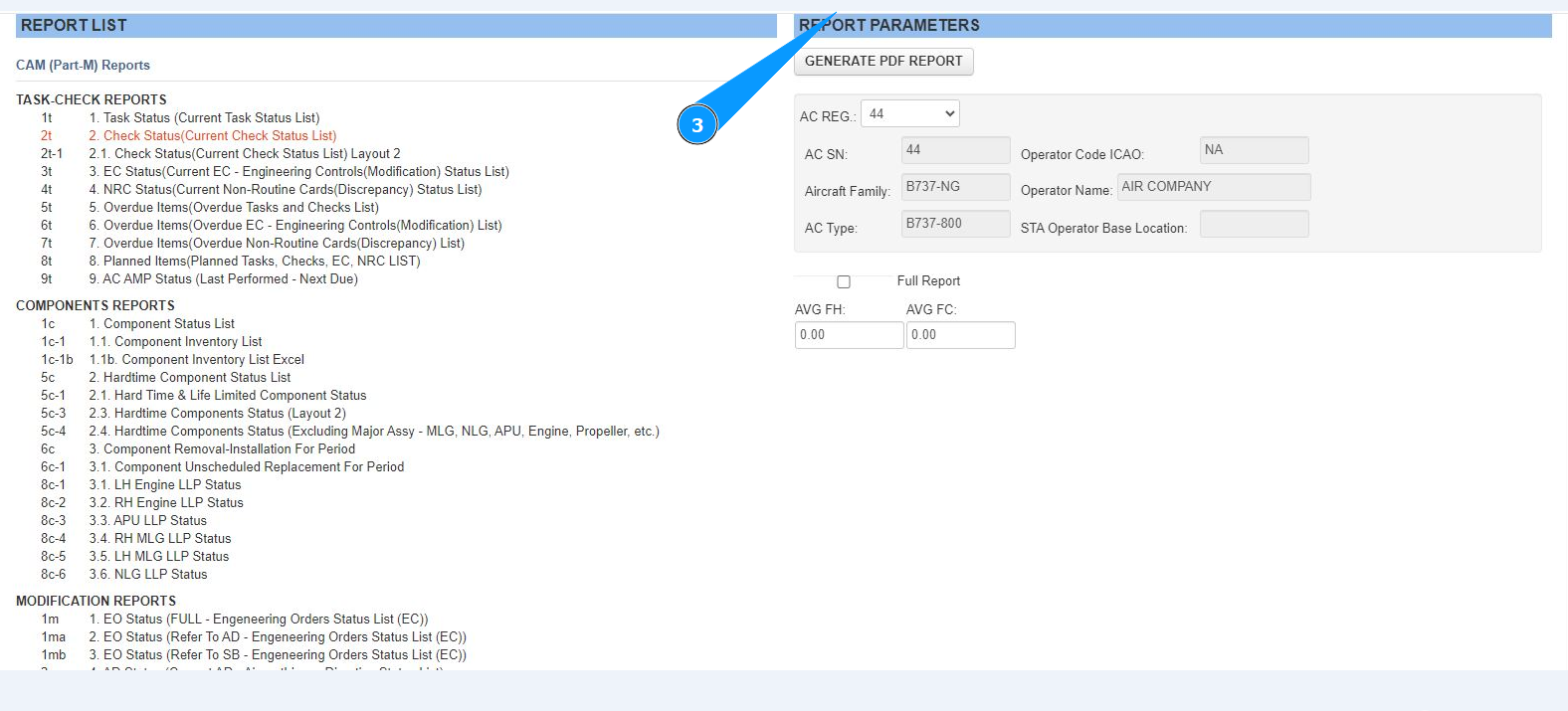
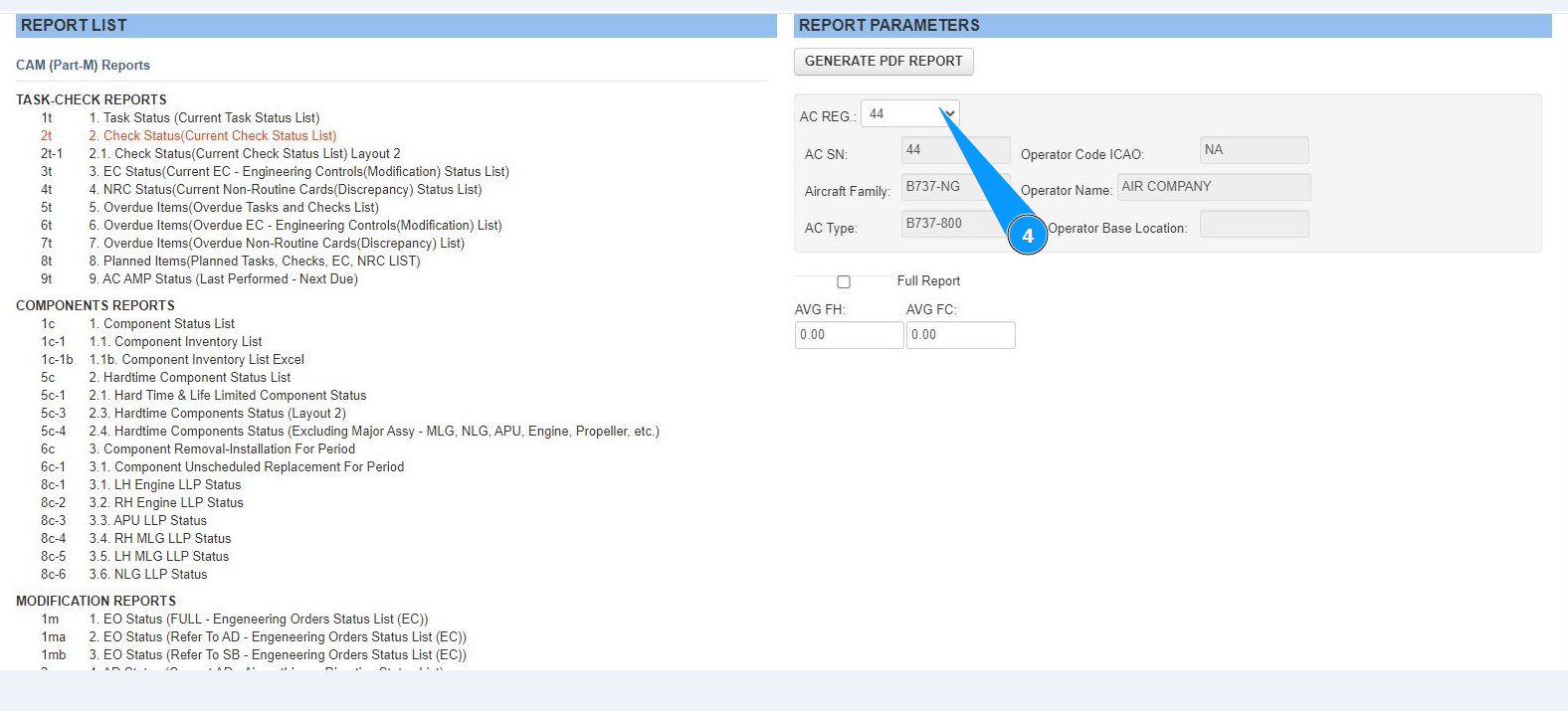
4. Select the aircraft registration number from the dropdown list in the window "AC Reg.".
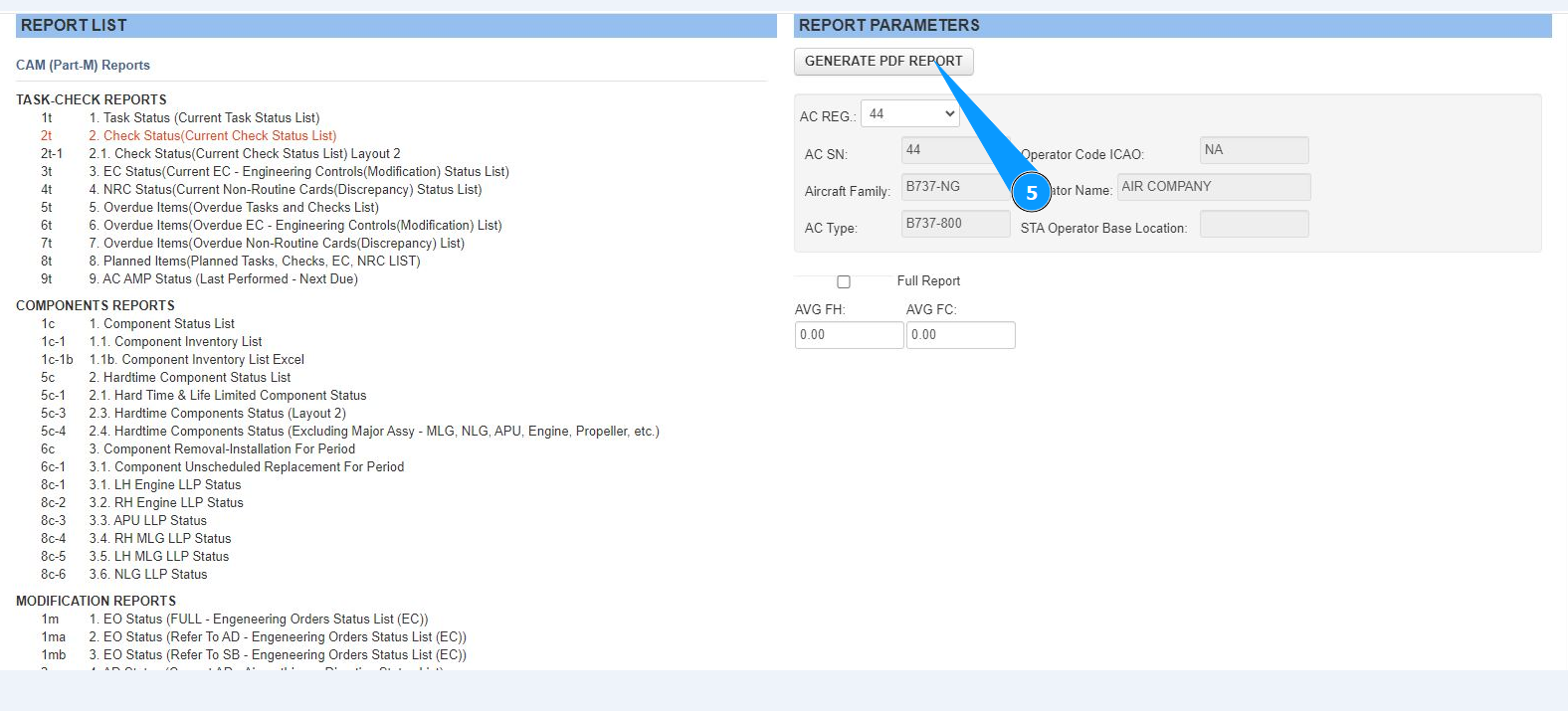
5. Click on the button "Generate PDF Report" to generate the report.
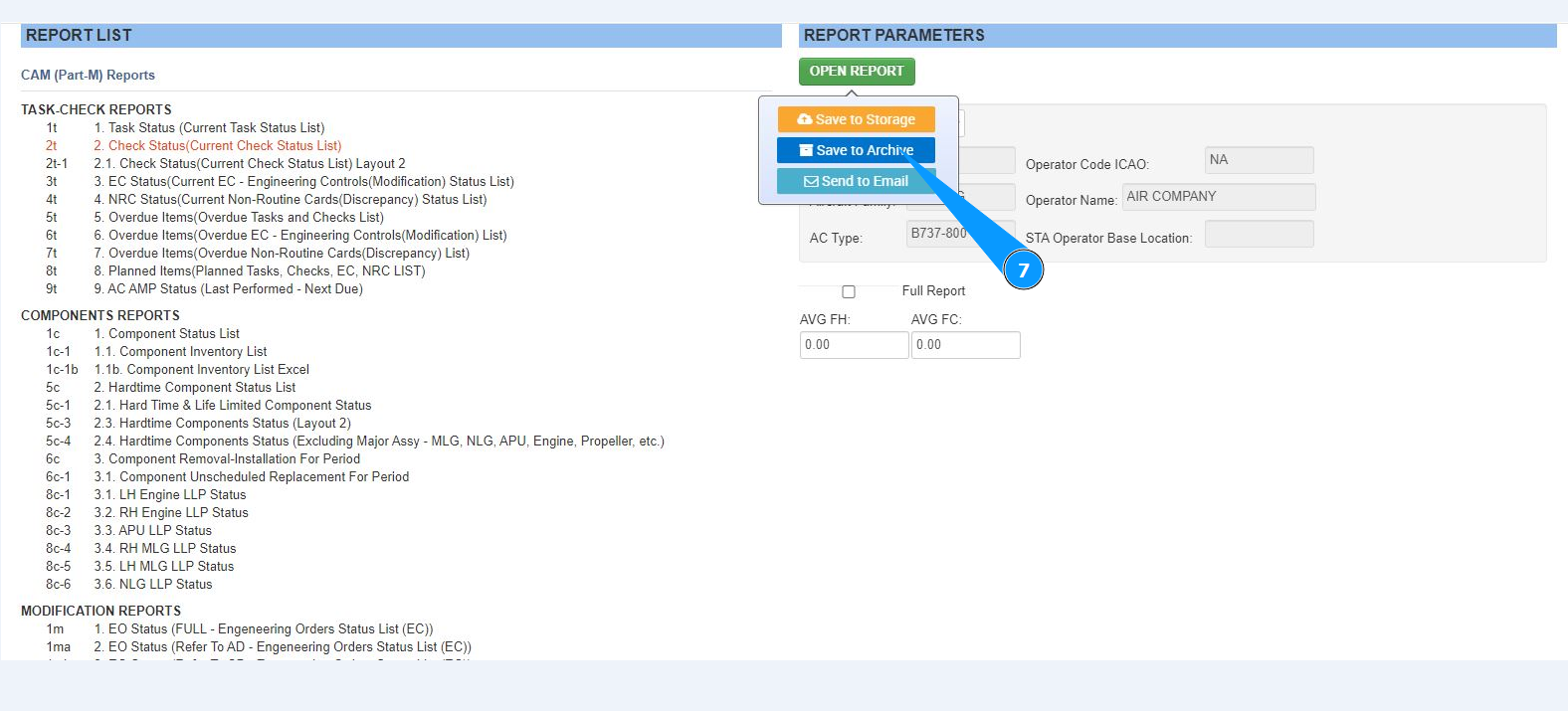
6. Hover your mouse over the field "Open Report" to select further steps with the report.
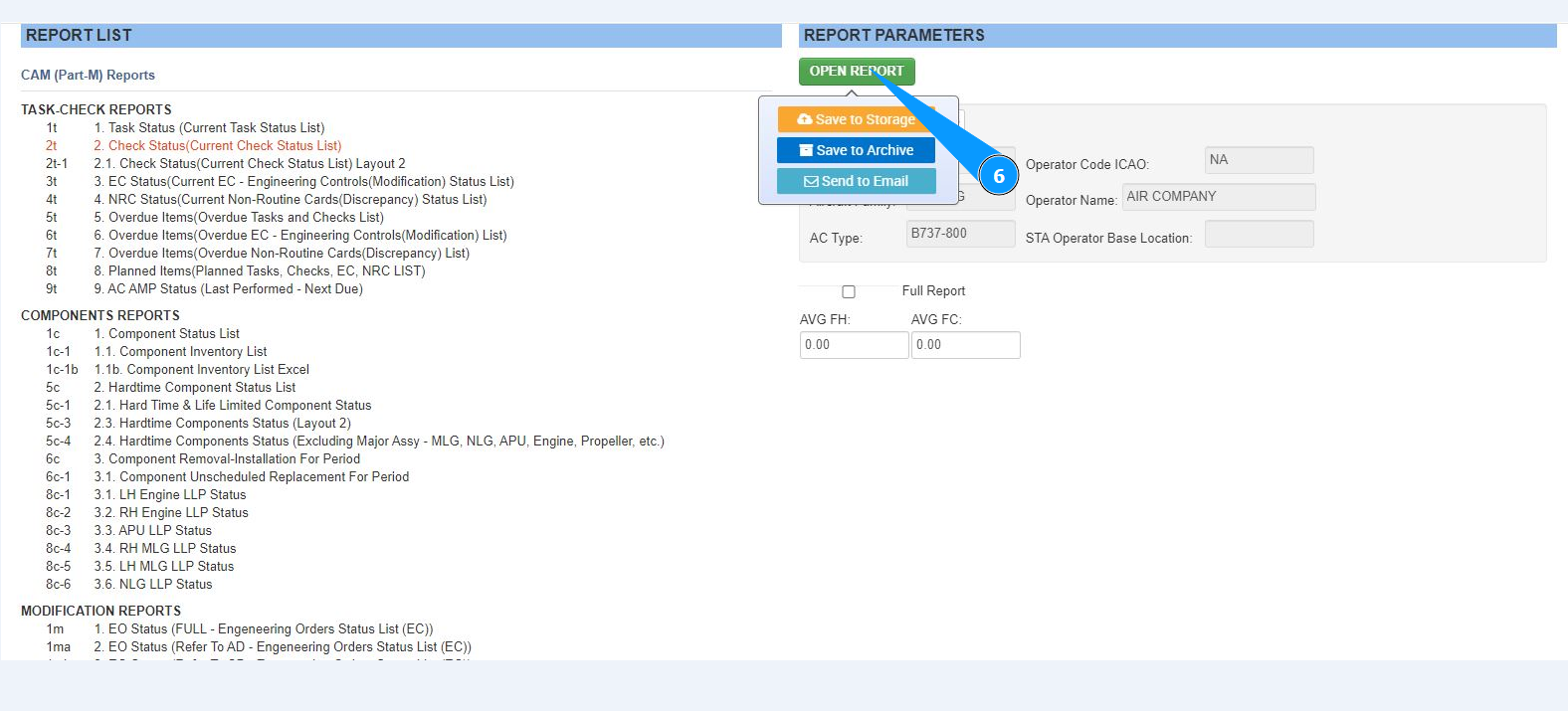
7. Select from the list what you want to do with the report: save to archive, save to storage, send by email and click on the corresponding line.